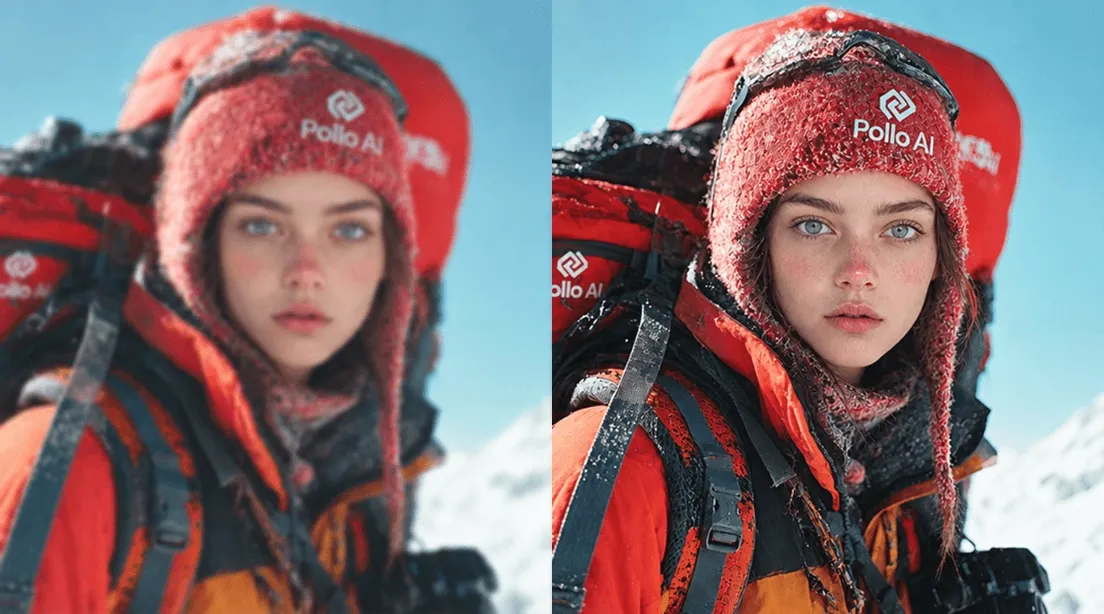
맞춤형 얼굴 컷아웃을 빠르게 만들기

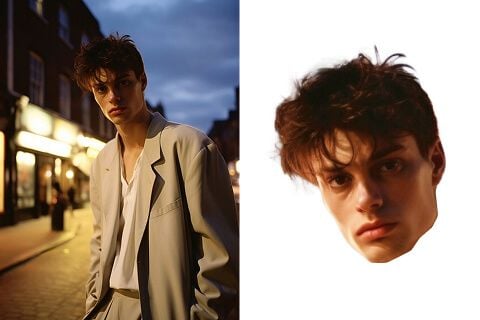
폴로 AI의 얼굴 컷아웃 도구는 사진 속 얼굴을 자동으로 인식하고 배경에서 분리해 큰 머리 컷아웃 스타일의 이미지를 만들어 줍니다. 파티, 스포츠 응원, 결혼식, 소셜 미디어 밈, 브랜드 이벤트에 사용할 재미있는 컷아웃 이미지를 간단히 제작할 수 있습니다.
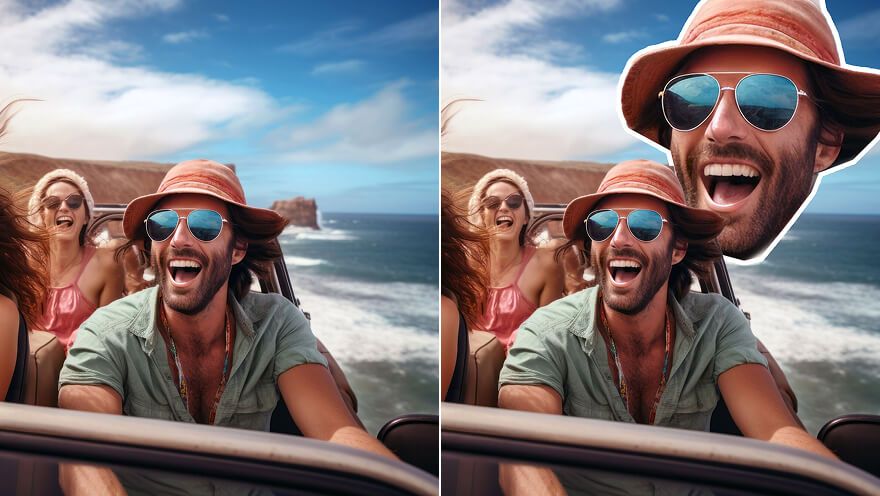
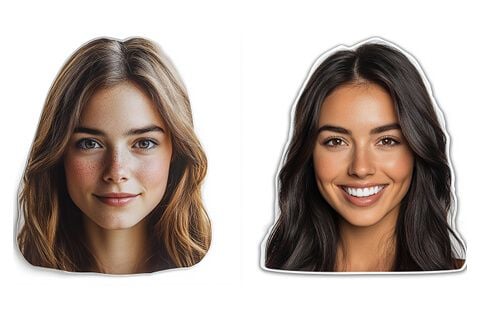
맞춤형 얼굴 컷아웃을 빠르게 만들기

SNS 콘텐츠에 어울리는 큰 머리 컷아웃

밈, 프로필 사진, 릴스 썸네일, 바이럴 게시물에 사용할 얼굴 컷아웃을 만들어 보세요. 재미있는 큰 머리 스타일로 사진을 바꾸면 SNS에서 더 눈에 띄는 콘텐츠를 만들 수 있습니다.

SNS 콘텐츠에 어울리는 큰 머리 컷아웃

이벤트와 축하 행사에 어울리는 얼굴 컷아웃

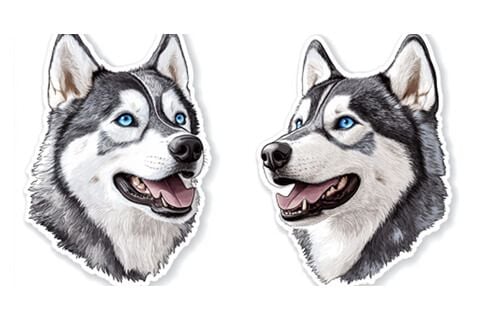
파티, 결혼식, 스포츠 경기, 생일, 졸업식에서 사용할 큰 머리 컷아웃을 만들어 보세요. 응원 피켓이나 포토존 소품처럼 행사 분위기를 더 재미있게 만들 수 있습니다.

이벤트와 축하 행사에 어울리는 얼굴 컷아웃

마케팅과 프로모션용 컷아웃 이미지

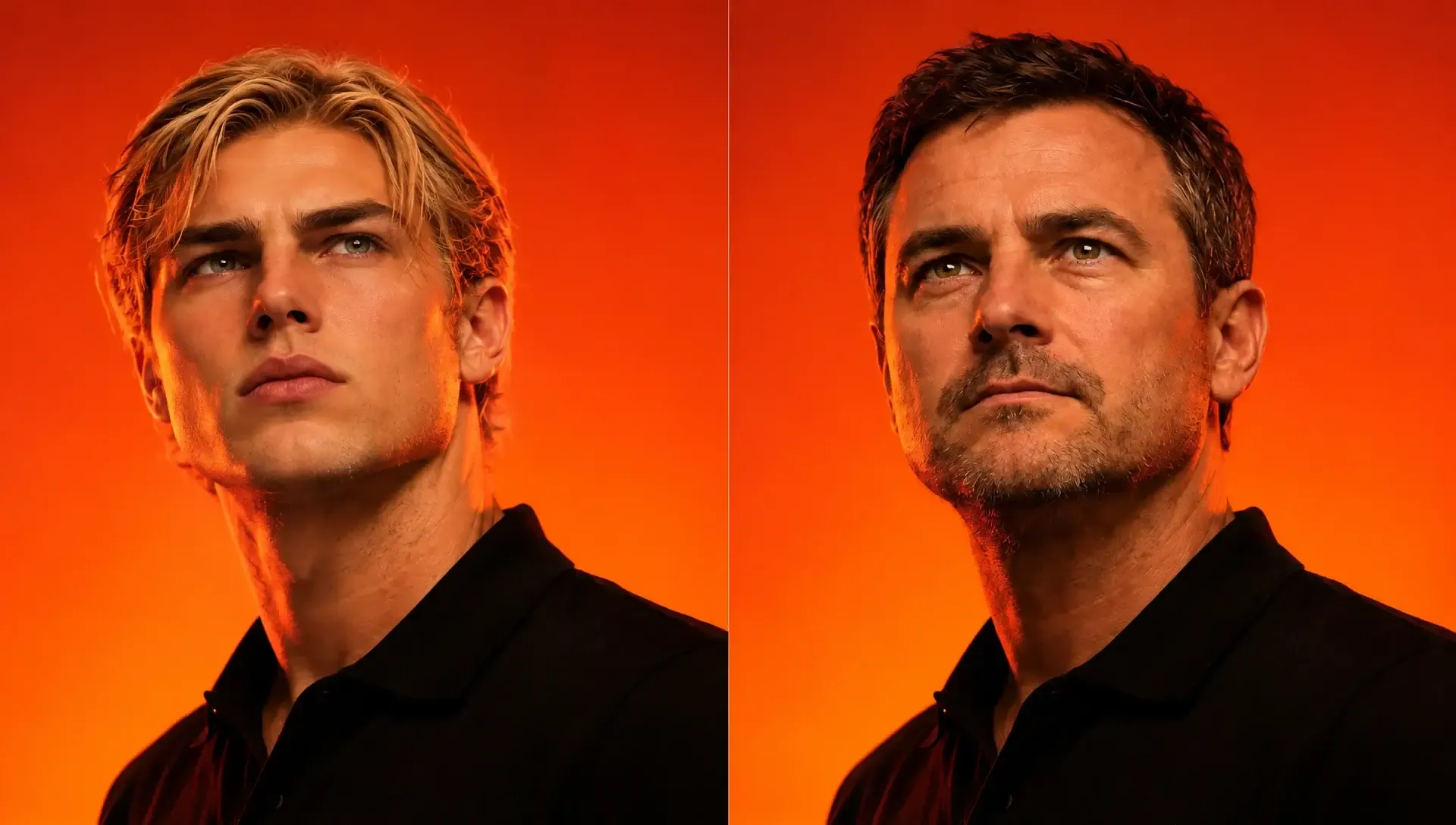
브랜드 캠페인, 제품 출시, 매장 디스플레이, 인플루언서 프로모션에 사용할 얼굴 컷아웃 이미지를 제작하세요. 시선을 끄는 인물 컷아웃으로 홍보 소재에 재미와 개성을 더할 수 있습니다.

마케팅과 프로모션용 컷아웃 이미지

선명하고 활용하기 쉬운 컷아웃 결과

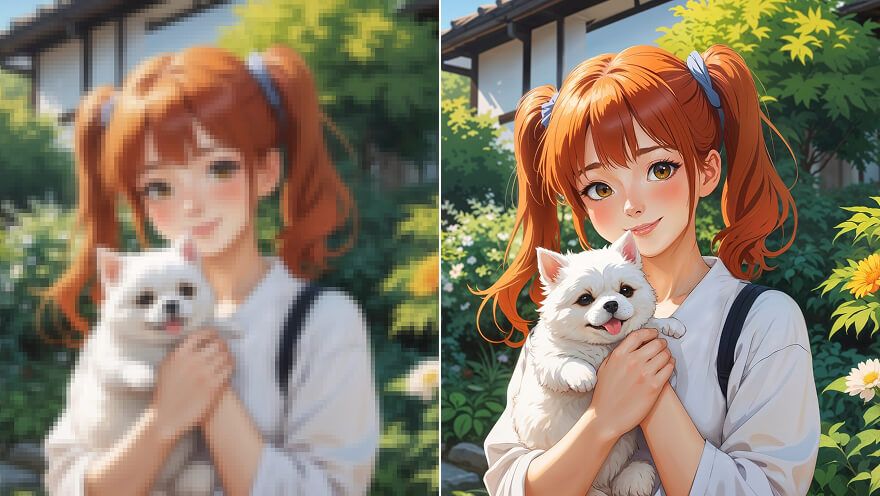
AI가 얼굴 영역을 깔끔하게 분리해 디지털 공유나 인쇄용으로 활용하기 좋은 컷아웃 이미지를 만듭니다. 더 선명한 결과를 원한다면 얼굴이 잘 보이는 고해상도 사진을 사용하세요.

선명하고 활용하기 쉬운 컷아웃 결과

폴로 AI로 얼굴 컷아웃을 만드는 방법

1

단계 1

얼굴 컷아웃으로 만들 사진을 업로드하세요.

2

단계 2

AI가 사진 속 얼굴을 인식하고 배경에서 분리합니다.

3

단계 3

완성된 얼굴 컷아웃을 다운로드해 공유하거나 인쇄하세요.

Sony
Mercedes-Benz
Coca-Cola
Microsoft
Nike
P&G
Lancôme
Zoom
Pollo AI 제작자들이 텍스트를 영상으로 변환하는 도구를 사용하고 있습니다.

10M+사용자

Pollo AI로 영감을 얻고 AI 영상을 만드는 사용자들

전 세계 1,000만 명 이상의 크리에이터와 마케터가 신뢰하는 AI 플랫폼

수많은 사용자가 Trustpilot에서 Pollo AI의 가치를 입증하고 있어요. 높은 평가를 받은 이유를 지금 확인해 보세요.
Solihull customer
Oct 16, 2025

Top notch platform and service

A couple of weeks ago I registered for a Pollo account and took out the entry level £12 a month plan (though paying monthly). I began playing with the tech and was pretty quickly addicted as it provides a ready to use outlet for my creativity. I have always struggled with finding an outlet as my artistic skills are…ok…but not amazing. I have taught myself to draw and can do pretty well, but I can never put to paper what is in my mind. I found with the various models Pollo offers I could create artistic efforts by explaining what was in my head and I could create a some amazing stuff. I have a particular interest in history so began creating images and 10 second movies around history topics. I also created a 10 second image of an ‘O-Neil Cylinder’ – from Rendezvous with Rama. I got so into the tech that I upgraded to the pro plan for £480 annually. We had a bit if a problem initially because I was billed for the second sub on top of the first sub rather than ‘upgrading’ (i.e. paying the difference). However the customer service got back to me within a few days and was able to offer either a full refund for the £140 or instead to have the equivalent in credits. I chose the credits. I panicked a wee bit because I don’t know if it was a genuine offer as there are so many websites out there offering AI tools it’s difficult to know which are genuine. However I have been using Pollo for 3 weeks and have found it to be an easy to use tool, well design, and particularly well designed for organizing work into specific projects. I also had a bit of ‘hand-holding’ from their customer rep Maxwell who was able to calm me down and assure me that everything was fine and indeed the credits appeared in my account promptly and I’ve been playing them for 3 weeks. All in all I think that Pollo is an excellent entry point to the world of AI creations and exploring the strengths and weaknesses of the various tools. One thing I will say – there are some critics of Pollo that seem to think it is expensive and I don’t see that at all. I have used one other site – briefly – and won’t go back precisely because they were about 3 times the expense of Pollo. I spent all of £20 on that site and won’t go back – whereas I’ve spent £620 on pollo and have enjoyed every minute. M
Phil maverick photoPhil maverick
Jan 15, 2026

what i type in prompt is exactly what i…

what i type in prompt is exactly what i get. The only thing i would like to see is a one time payment without the monthly installments. I would probably use this fairly often but i won't do monthly. You are losing a lot of money from potential customers like myself. Open a choice for a one time payment and a lot of us would start using a lot more but monthly??? no thanks. your choice
autumnnova nova photoautumnnova nova
Jul 1, 2025

I loved thisss and they have no tricky…

I loved thisss and they have no tricky stuff here.
Norma Ponce photoNorma Ponce
Mar 21, 2026

AI Chicken is excellent

AI Chicken is excellent, easy to use, and delivers unbeatable results.
Sarah Stokes photoSarah Stokes
Mar 20, 2026

Fabulous so glad I used it amazing

Fabulous so glad I used it amazing
Sudipta Saha photoSudipta Saha
Mar 20, 2026

Perfect image editor

Perfect image editor
Luiz Guyz photoLuiz Guyz
Mar 19, 2026

Excelent app the videos os Very good

Excelent app the videos os Very good
MrWookiee photoMrWookiee
Mar 18, 2026

Pollo.ai for the win

Hands down, the best site. It does what it's supposed to do. It's easy to navigate, and the results are awesome.
Gamal Amer photoGamal Amer
Mar 17, 2026

The most responsive

The most responsive , safe and trust app I had ever used , always trying to serve by why exactly what you asked for without changing anything you didn't ask for . Thank you so much anyway ) wish you always success , but please try to let more free trials as there's a lot of people already haven't any payment on credit cards
marcel desille bousquet photomarcel desille bousquet
Mar 17, 2026

Reallu god app for making images for…

Reallu god app for making images for school wor
Wilson Sotomonte photoWilson Sotomonte
Mar 17, 2026

it was Awesome to use the AI

it was Awesome to use the AI
Katarpint photoKatarpint
Mar 15, 2026

Good tool innovate and fairly accurate

Good tool innovate and fairly accurate
1천만 명 이상의 크리에이터가 Pollo AI를 사용하고 있습니다.더 보기

자주 묻는 질문

얼굴 컷아웃 도구란 무엇인가요?

폴로 AI의 얼굴 컷아웃 도구는 사진 속 얼굴을 자동으로 인식해 배경에서 분리하고, 큰 머리 컷아웃처럼 재미있는 이미지로 만들 수 있는 AI 도구입니다. 이벤트 소품, SNS 콘텐츠, 마케팅 이미지에 활용할 수 있습니다.

SNS 콘텐츠에도 사용할 수 있나요?

네. 얼굴 컷아웃은 밈, 프로필 이미지, 썸네일, 숏폼 콘텐츠에 활용하기 좋습니다. Instagram, TikTok, YouTube Shorts 같은 채널에서 더 눈에 띄는 이미지를 만들 수 있습니다.

얼굴 컷아웃을 인쇄하려면 어떻게 하나요?

결과 이미지를 다운로드한 뒤 원하는 크기로 출력하세요. 행사 소품으로 쓰려면 두꺼운 종이나 보드에 인쇄하고 얼굴 윤곽을 따라 잘라 내면 더 튼튼하게 사용할 수 있습니다.

어떤 이미지 형식을 지원하나요?

JPG, PNG처럼 일반적으로 사용하는 이미지 형식을 지원합니다. 얼굴이 선명하고 조명이 좋은 사진을 업로드하면 더 깔끔한 컷아웃 결과를 얻을 수 있습니다.

얼굴 컷아웃을 원하는 스타일로 조정할 수 있나요?

네. 텍스트 프롬프트로 원하는 분위기나 용도를 설명해 컷아웃 결과를 조정할 수 있습니다. 이벤트용, SNS용, 인쇄용처럼 목적에 맞게 활용해 보세요.

얼굴 컷아웃 도구를 무료로 사용할 수 있나요?

네. 폴로 AI에서 무료로 시작해 얼굴 컷아웃 기능을 체험할 수 있습니다. 무료 사용량 이후 더 많은 이미지를 만들려면 계정 플랜을 확인해 주세요.

더 좋은 얼굴 컷아웃 결과를 얻으려면 어떻게 해야 하나요?

얼굴이 정면에 가깝고 선명하게 보이는 고해상도 사진을 사용하세요. 흐리거나 어두운 사진, 얼굴이 가려진 사진은 컷아웃 품질에 영향을 줄 수 있습니다.

한 번에 여러 얼굴을 컷아웃할 수 있나요?

현재는 이미지 처리 방식에 따라 결과가 달라질 수 있습니다. 여러 사람이 있는 사진을 사용할 때는 원하는 얼굴이 선명하게 보이는 이미지를 선택하는 것이 좋습니다.

마케팅 소재로도 사용할 수 있나요?

네. 얼굴 컷아웃 이미지는 이벤트 홍보, 브랜드 캠페인, 인플루언서 콘텐츠, 매장 디스플레이에 재미있는 포인트를 더하는 데 사용할 수 있습니다.

완성된 얼굴 컷아웃은 어떻게 다운로드하나요?

생성이 완료되면 결과 이미지를 확인하고 다운로드하세요. 필요에 따라 SNS에 공유하거나 인쇄용 파일로 활용할 수 있습니다.

지금 얼굴 컷아웃을 만들어 보세요

사진 한 장으로 SNS, 이벤트, 파티, 마케팅에 활용할 큰 머리 컷아웃 이미지를 빠르게 만들어 보세요.