



AI Twitch 面板生成器
无需套用固定模板、进行复杂设计或掌握高级剪辑技能,即可为您的频道生成独具特色的 Twitch 面板。
Seedance 2.5 Flash
优惠40%。接近Seedance 2.5的品质。速度提升2倍。
Seedream 5.5
100轮持续编辑,现享八折优惠。
Kling 4.0
最多可设置 10 个关键帧。性能出色。
打造风格统一的 Twitch 面板,塑造更鲜明的频道标识
让您的 Twitch 频道瞬间脱颖而出。使用我们的 AI Twitch 面板生成器,将您的灵感或视觉元素转化为设计协调的 Twitch 面板。非常适合游戏、艺术、VTuber 或社区互动类直播。用独具特色的频道标识拉近与受众的距离,建立持久的辨识度,并收割更多忠实粉丝。
塑造更鲜明的频道标识
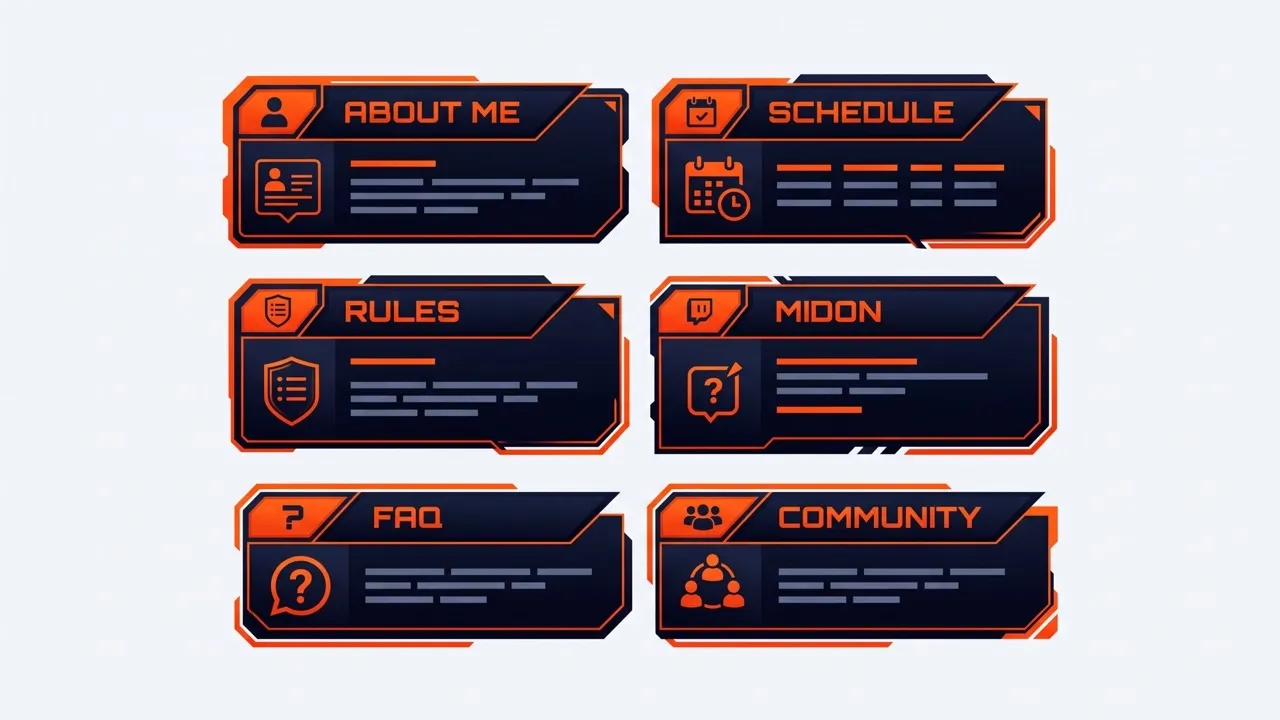
创建独特的 Twitch 面板,让你的频道更易识别并独具你的风格。
统一和谐的频道风格
请在每个 Twitch 面板中保持颜色、字体排印、图标和视觉细节一致。
更清晰的频道导航
为“关于我”、“规则”、“日程”和“社媒”版块提供清晰的视觉效果,方便观众快速查找。
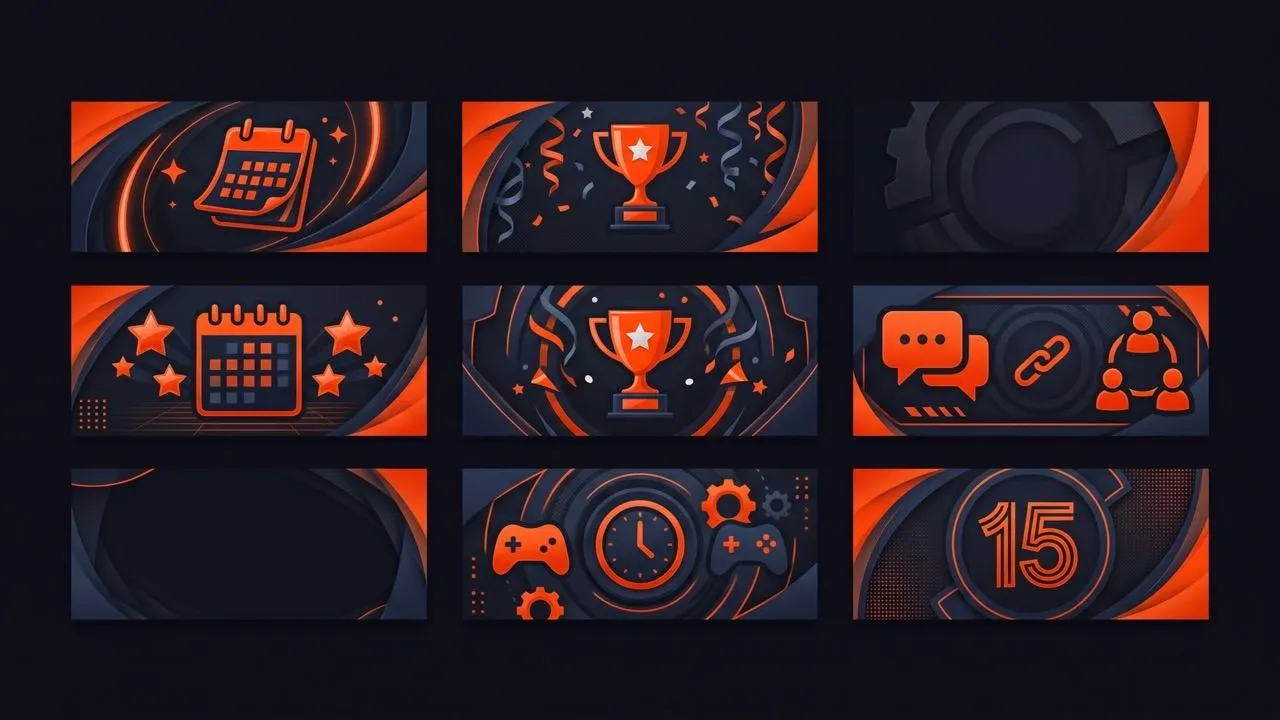
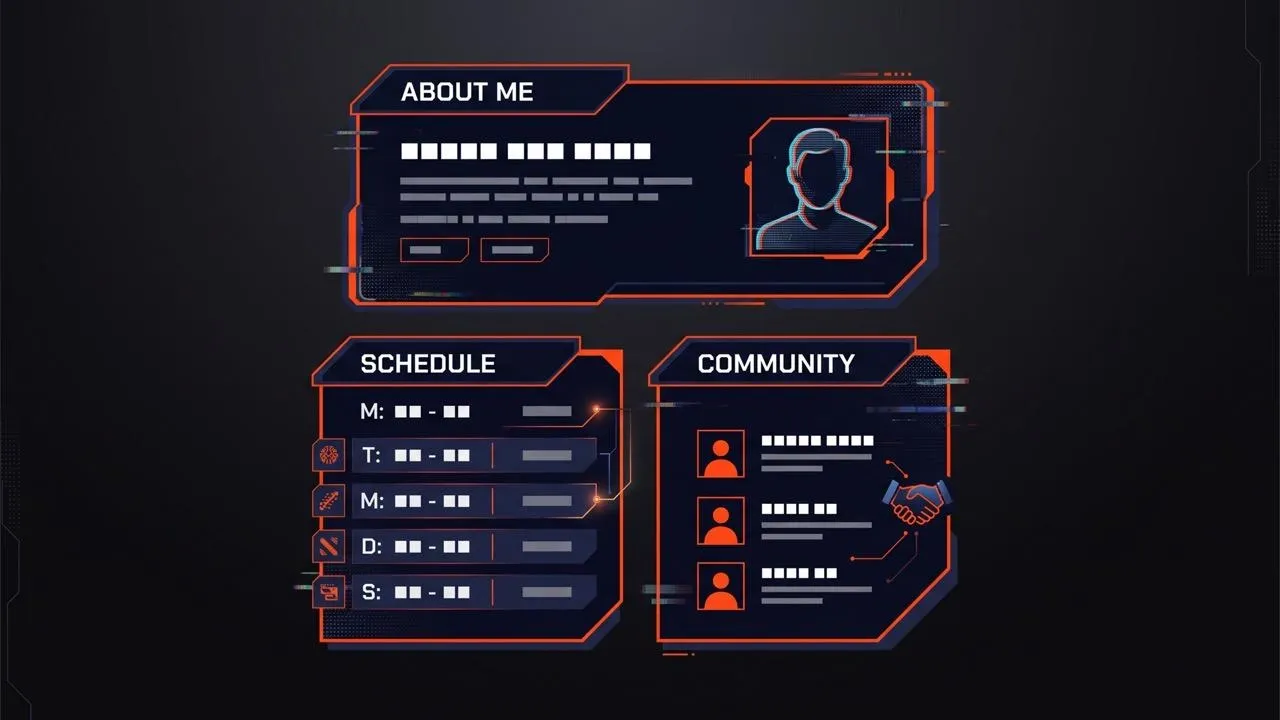
为各种直播需求创建吸睛的 Twitch 面板


VTuber 和艺术主播
拓展你的视觉世界
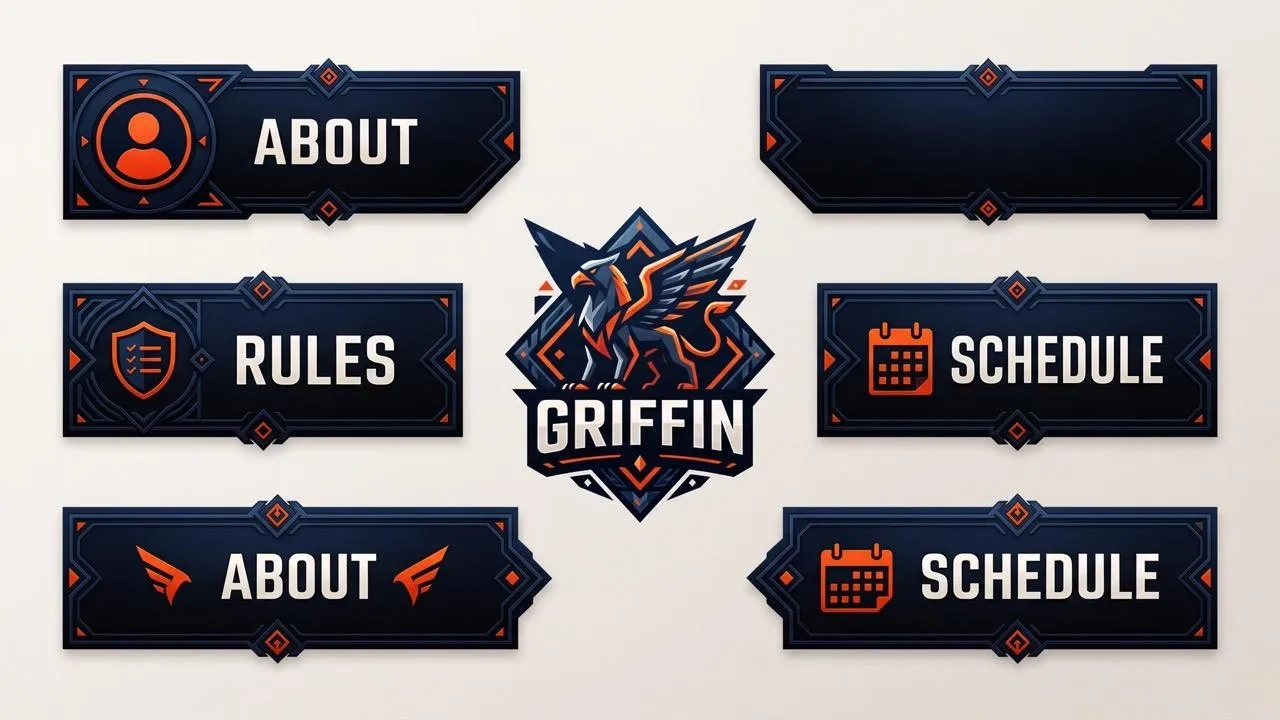
把你的数字人、插画或 Q 版艺术做成有辨识度的 Twitch 面板,用于“关于我”、委托、日程或社媒链接。在整个个人资料中强化你的角色识别度,让粉丝更容易记住你的频道。

社区型主播
强化社区互动体验
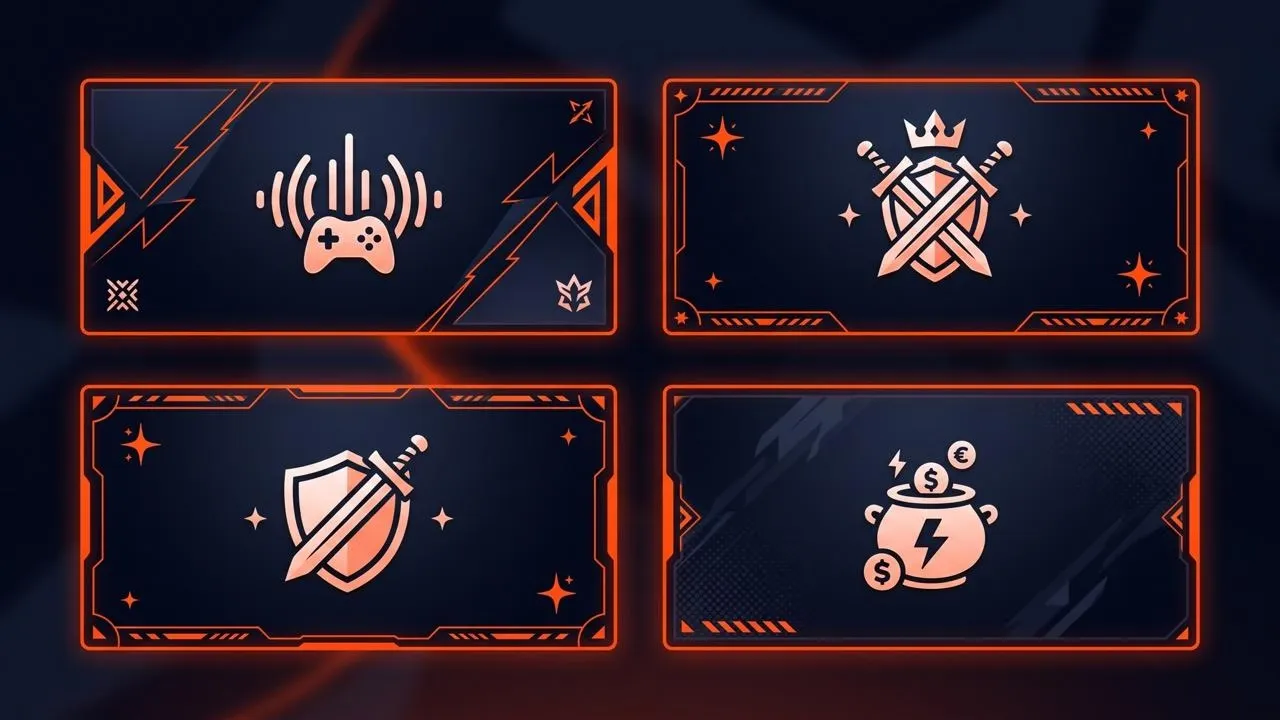
为规则、常见问题、日程安排和支持版块设计 Twitch 面板,并使用富有表现力的表情符号作为视觉提示。让关键信息更容易找到,这样老观众和新用户都能理解你社区的期望,并知道在哪里参与互动。

如何在 Pollo AI 上创建 Twitch 面板
第 1 步
输入您的面板文字、提示词或参考图片。
第 2 步
描述你想要的颜色、氛围、图标、字体排印和风格。
第 3 步
生成你的 Twitch 面板,并在整个频道中使用。
一体化AI图像创建套件
探索Pollo AI上的全套AI图像工具,这些工具旨在简化您的整个创意工作流程。
从文本生成精美艺术作品
瞬间将文字转化为逼真的图像。需要任何摄影,即可实现电影级画质和完美无瑕的排版效果。
用AI重新构想你的图像
在重现照片的同时,保持完美的结构保真度。应用电影风格和4K 超高清技术,制作可用于生产的素材。
从简报到可用于制作的视觉素材
借助AI Agent,将文字简报转化为精美、可用于制作的视觉效果,该 智能体可为您处理创意工作流程。

全球领先品牌信赖之选









10M+用户
使用 Pollo AI 进行创作与激发灵感


深受全球超过1000万创作者和营销人员的喜爱
成千上万的满意用户在 Trustpilot 上分享了他们使用Pollo AI 的体验,并给予我们“优秀”的评价。看看他们喜欢我们平台的哪些方面。
- Liz CassidyDec 15, 2025Easy to use, great results for short videosI’ve been using Pollo AI mainly for short videos and quick image-to-video tests. The interface is straightforward and it works well even with simple prompts, which is a big plus compared to tools that need long, complicated instructions. The results can be really impressive, and it’s honestly been fun to experiment with. I’d love a bit more consistency on faces when there’s movement, but overall it’s been a solid experience for what I needed.
- Richard QuickOct 15, 2025Awesome websiteAwesome website. loads of options and a great way to learn how to work with 'AI' my reasoning for 5 stars is based upon price, versatility and ease of use. Also I would like to add, Pollo AI runs a lot of promos on different AI products as well. I rate their customer service at 5 stars, when I purchased my first subscription my computer crashed the following weekend and I lost all my data and info passwords you name it I lost it, contacted pollo by email they responded quickly and found my info/username and account, and I was able to restore my account.
- armourdudeNov 19, 2025I have been using Pollo AI for short…I have been using Pollo AI for short videos. It is easy to use and works well with simple prompts. Other generators seem to need long drawn out complicated explanations to get even close to what I want.
- DuduJan 14, 2026I'm just amazed by the level of quality…I'm just amazed by the level of quality output that Pollo AI can produce from a simple image. The motion, the realism, It's too good!!

- Ray WarnesDec 30, 2025A fabulous journeyI find Pollo easy to use, it gives me great results and I'd recommend it to anyone. It has been a wonderful experience for me.
- lawless clanNov 22, 2025i tried 220 online img to vid in 2…i tried 220 online img to vid in 2 months, and this is the best online video.I will subscribe for a year; there are many reasons. But freedom is the most important.


- Istvan LajosDec 10, 2025ThanksThanks, This is the Best A.I. site in the net! I can try it with free coin, and if I like it I subscribe.And alwas have free limited oportunities.You are the Best.
- Santiago SaenzNov 20, 2025AmazingI use it for multiple angles and they always have revolving deals that help so much its a great tool

- Gen ZeeDec 14, 2025Great and accurat to propmtGreat and accurat to propmt, wonderfull experience till now as compared to other ai sites.thank ypu.
- 萱兒Dec 23, 2025It replaced Pixverse V4.5 FusionSince Pixverse axed the best ever Fusion V4.5, i was upset. And now I found Pollo AI perform better. TQ


- Norma PonceMar 21, 2026AI Chicken is excellentAI Chicken is excellent, easy to use, and delivers unbeatable results.
- Sarah StokesMar 20, 2026Fabulous so glad I used it amazingFabulous so glad I used it amazing


- Sudipta SahaMar 20, 2026Perfect image editorPerfect image editor
- Luiz GuyzMar 19, 2026Excelent app the videos os Very goodExcelent app the videos os Very good


- Swishadoptme SwishadoptmeMar 18, 2026Very cool experienceVery cool experience

关于 Pollo AI 免费 Twitch 面板生成器的常见问题
什么是 AI Twitch 面板生成器?
AI Twitch 面板生成器可将文本提示词、图片或视觉参考转换为 Twitch 频道信息版块的图形。为“关于我”、时间表、规则、赞助、社交链接、常见问题和其他个人资料详情创建 Twitch 面板。无需手动设计每个版块,也能打造协调统一的频道风格。
最好的 AI Twitch 面板生成器是什么?
Pollo AI 是最好的 AI Twitch 面板生成器,因为它结合了轻松创建、灵活的风格控制、精致的结果和创作自由。你可以为 Twitch 制作不同视觉方向的面板,而无需每次都手动重建每个设计。它对新手和有经验的主播都很适用。
AI Twitch 面板生成器如何工作?
描述你需要的 Twitch 面板,包括用途、文案、颜色、氛围、图标和整体风格。你还可以添加图片或参考资料作为视觉指引。然后,AI 图像生成器会将你的指示转换为可供你优化和下载的面板设计。
Pollo AI 的 Twitch 面板生成器可以免费使用吗?
是的。您可以利用 Pollo AI 提供的免费额度制作 Twitch 面板。这能让您尝试不同的面板灵感,在决定是否升级前直观感受生成效果与频道的契合度。
Twitch 面板应该使用什么尺寸?
你的 Twitch 面板尺寸应保持在宽 320 像素、高 600 像素以内,且文件大小低于 1 MB。在规划 Twitch 面板尺寸时,请确保重要文本、图标和视觉细节足够清晰,以便在你的频道中仍然清楚可读。
我如何在 Pollo AI 上编辑 Twitch 面板?
您可以修改文案、色彩、图标、氛围或整体视觉方向,然后生成更新版本。需要时可对特定视觉细节应用精准照片编辑,帮助每个面板更贴合你的频道标识和版块用途。
生成面板后,如何将其添加到 Twitch?
从 Pollo AI 下载制作完成的面板图片,然后打开您的 Twitch 频道并启用“编辑面板”功能。添加新的图片面板,输入相关标题、描述或链接,最后保存修改即可发布到您的个人资料页面。

打造出彩 Twitch 面板,强化频道辨识度
将您的灵感转化为独具特色的 Twitch 面板,强化频道标识,让受众对您印象深刻。