Step 1
Enter your panel text, prompt, or visual reference.
AI Video
Transform text and images into cinematic videos with lifelike avatars and studio-quality SFX.

AI Image
Turn ideas and images into stunning visuals, or perfect any photo with a complete suite of AI tools.

Agent
Create production-ready videos with SFX, consistent characters, and polished scenes. No Editing.

Marketing Studio
Built for marketers and sellers to create winning ads, UGC videos and product visuals faster.

Generate distinctive Twitch panels for your channel without templates, complex design work, or advanced editing skills.
Kling 4.0
Up to 10 keyframes. Unlimited for 10 days with Ultra.
Make your Twitch channel stand out instantly. Use our AI Twitch panel maker to turn your ideas or visuals into coordinated Twitch panel designs. Ideal for your gaming, art, VTuber, or community-focused streams. Turn your distinctive channel identity into stronger viewer connection, lasting recognition, and a more loyal audience.
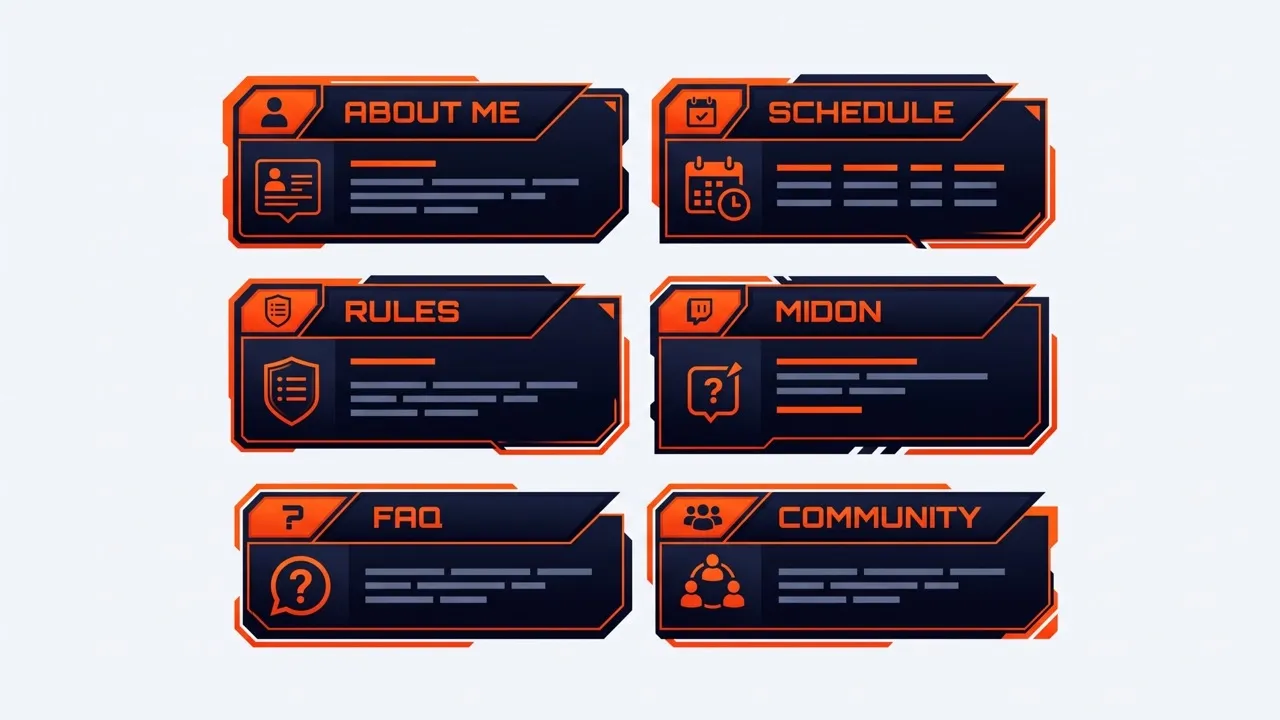
Create distinctive Twitch panels that make your channel recognizable and uniquely yours.
Keep colors, typography, icons, and visual details consistent across every Twitch panel.
Give About, Rules, Schedule, and social sections clear visuals your viewers can find faster.
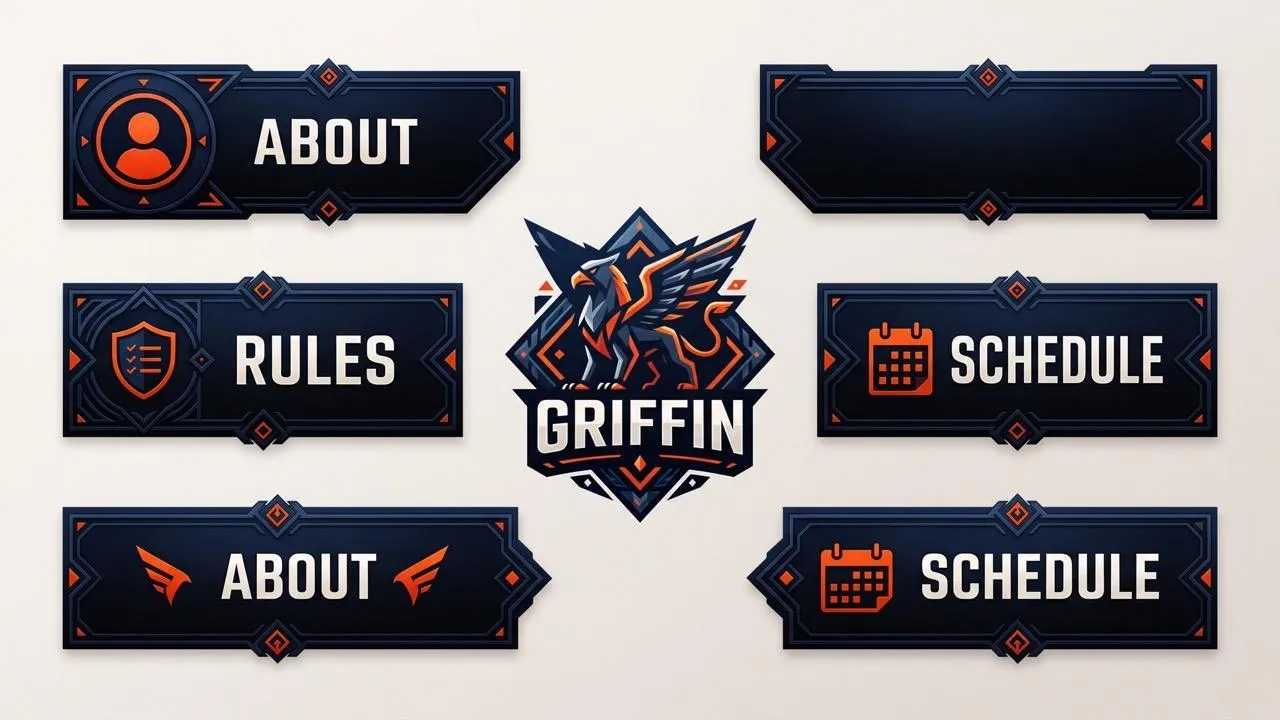
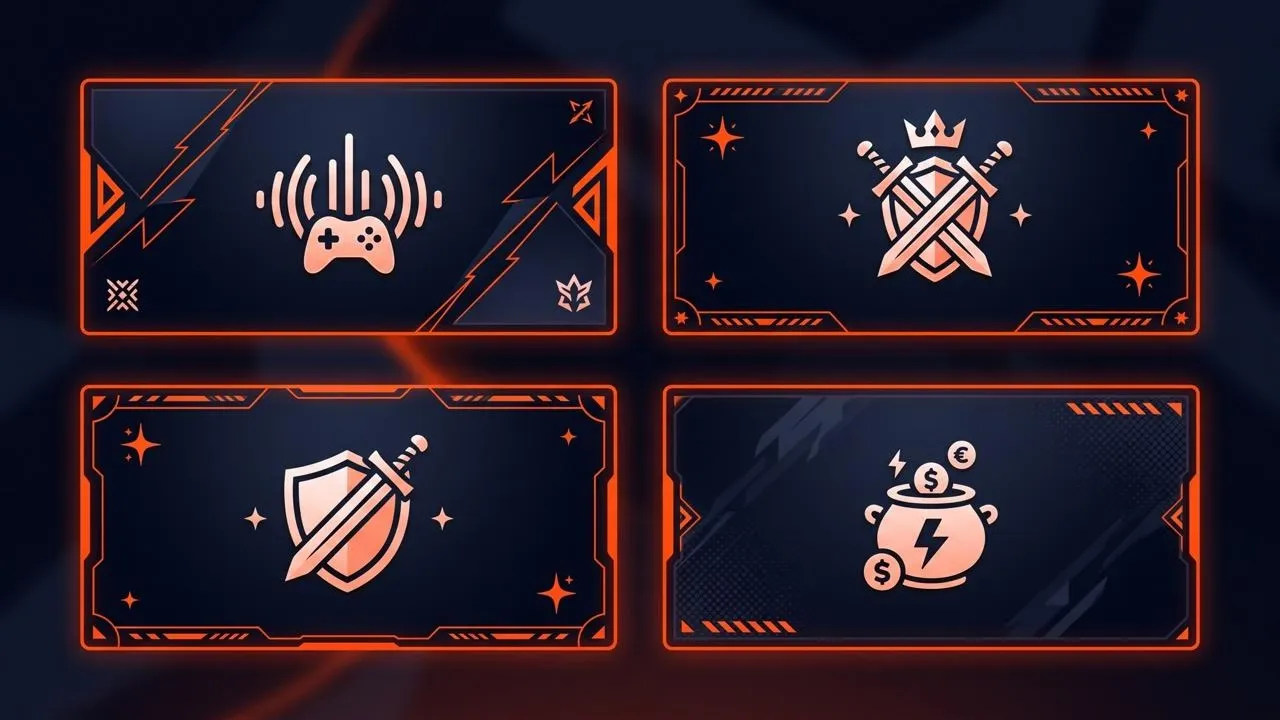
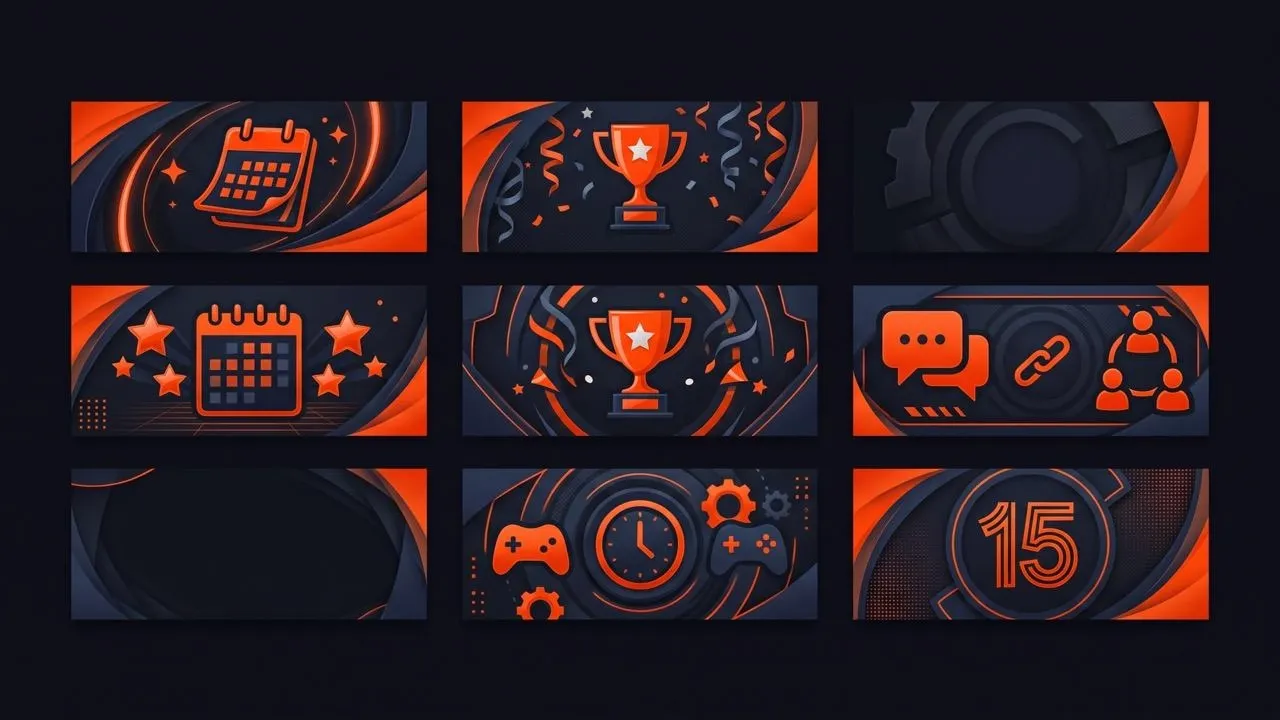
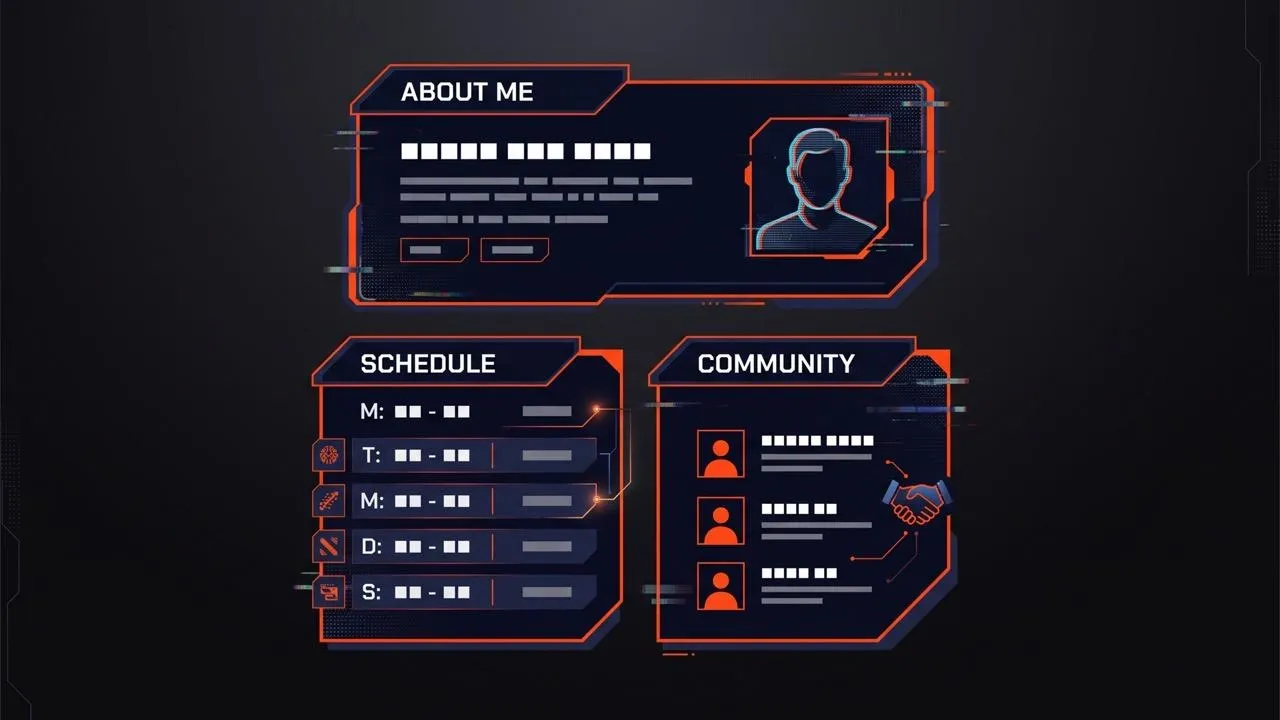
Create matching Twitch panels, including an About Me Twitch panel, around your profile picture and visual direction. Give your channel a coordinated look that helps new visitors recognize your style and quickly understand what you stream.
Turn game genres, character-inspired moods, or pixel art into custom panels for Twitch. Give each Twitch panel visuals that reflect your games, so your viewers know what kind of content to expect before they start watching.

Bring your avatar, illustrations, or chibi art into distinctive Twitch panels for About Me, commissions, schedules, or social links. Reinforce your character identity across your profile and make your channel easier for fans to remember.
Design Twitch panels for rules, FAQs, schedules, and support sections with expressive emojis as visual cues. Make key information easier to find, so regulars and newcomers understand your community expectations and know where to engage.
Enter your panel text, prompt, or visual reference.
Describe the colors, mood, icons, typography, and style you want.
Generate your Twitch panels and use them across your channel.
Explore the full range of AI image tools on Pollo AI, built to streamline your entire creative workflow.
Create photorealistic images from text instantly. Achieve cinematic quality and flawless typography with zero photography required.
Create custom pixel art, outfit designs, chibi avatars, and other niche visuals for your audience.
Maintain perfect structural fidelity while recreating photos. Apply cinematic styles and 4K upscaling for production-ready assets.
Clean up images, remove backgrounds, remove objects, and enhance fine details with precise AI editing tools.
Create ready-to-use image assets for business cards, YouTube banners, menus, and other campaign needs with diverse image apps.
Turn a text brief into polished, production-ready visuals with an AI agent that handles the creative workflow for you.









Using Pollo AI to Create and Inspire
An AI Twitch panel maker turns text prompts, images, or visual references into graphics for Twitch channel information sections. Create Twitch panels for About Me, schedules, rules, donations, social links, FAQs, and other profile details. Build a coordinated channel look without designing every section manually.
Pollo AI is the best AI Twitch panel maker because it combines easy creation, flexible style control, polished results, and creative freedom. Create panels for Twitch in different visual directions without rebuilding every design manually. It works well for both new and experienced streamers.
Describe the Twitch panel you need, including its purpose, wording, colors, mood, icons, and overall style. You can also add an image or reference for visual guidance. The AI image generator then turns your instructions into panel designs you can refine and download.
Yes. You can create free Twitch panels with Pollo AI using available free credits. This lets you try different panel ideas and see how well the results fit your channel before deciding whether to upgrade.
Your Twitch panel size should stay within 320 pixels wide and 600 pixels high, with the file under 1 MB. When planning Twitch panel dimensions, keep important text, icons, and visual details clear enough to remain readable on your channel.
Revise the wording, colors, icons, mood, or overall visual direction, then generate an updated version. Apply precise photo edits to specific visual details when needed, helping each panel better match your channel identity and section purpose.
Download your finished panel image from Pollo AI, then open your Twitch channel and enable panel editing. Add a new image panel, enter any relevant title, description, or link, and save your changes to publish it on your profile.

Turn your ideas into distinctive Twitch panels that strengthen your channel identity and help viewers remember you.