Upload Your Image
Add the image you want to enlarge and improve.
AI Video
Transform text and images into cinematic videos with lifelike avatars and studio-quality SFX.

AI Image
Turn ideas and images into stunning visuals, or perfect any photo with a complete suite of AI tools.

Agent
Create production-ready videos with SFX, consistent characters, and polished scenes. No Editing.

Marketing Studio
Built for marketers and sellers to create winning ads, UGC videos and product visuals faster.

Kling 4.0
Up to 10 keyframes. Unlimited for 10 days with Ultra.
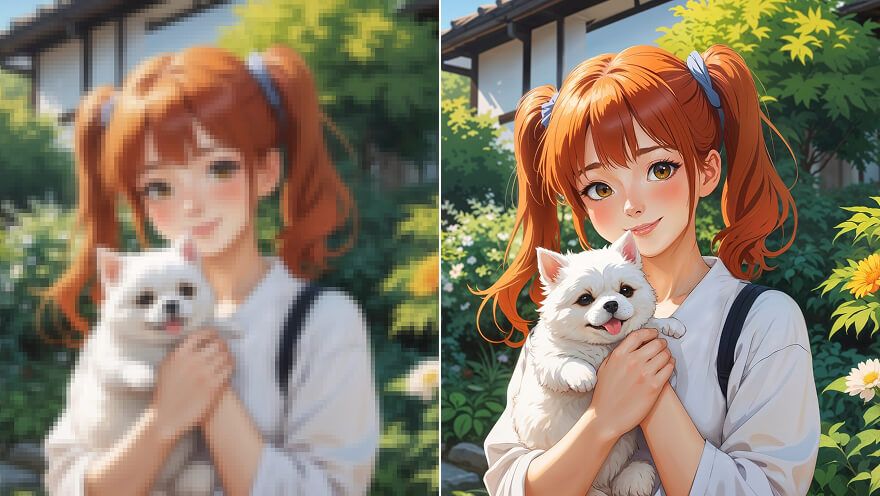
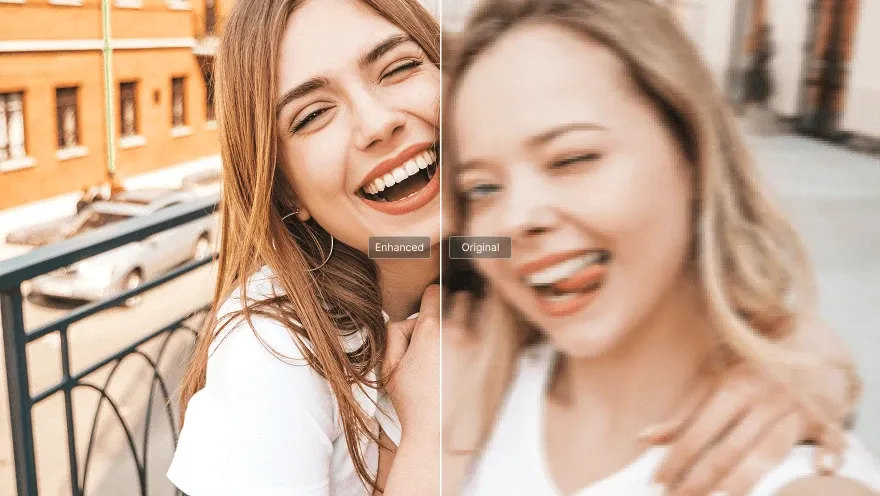
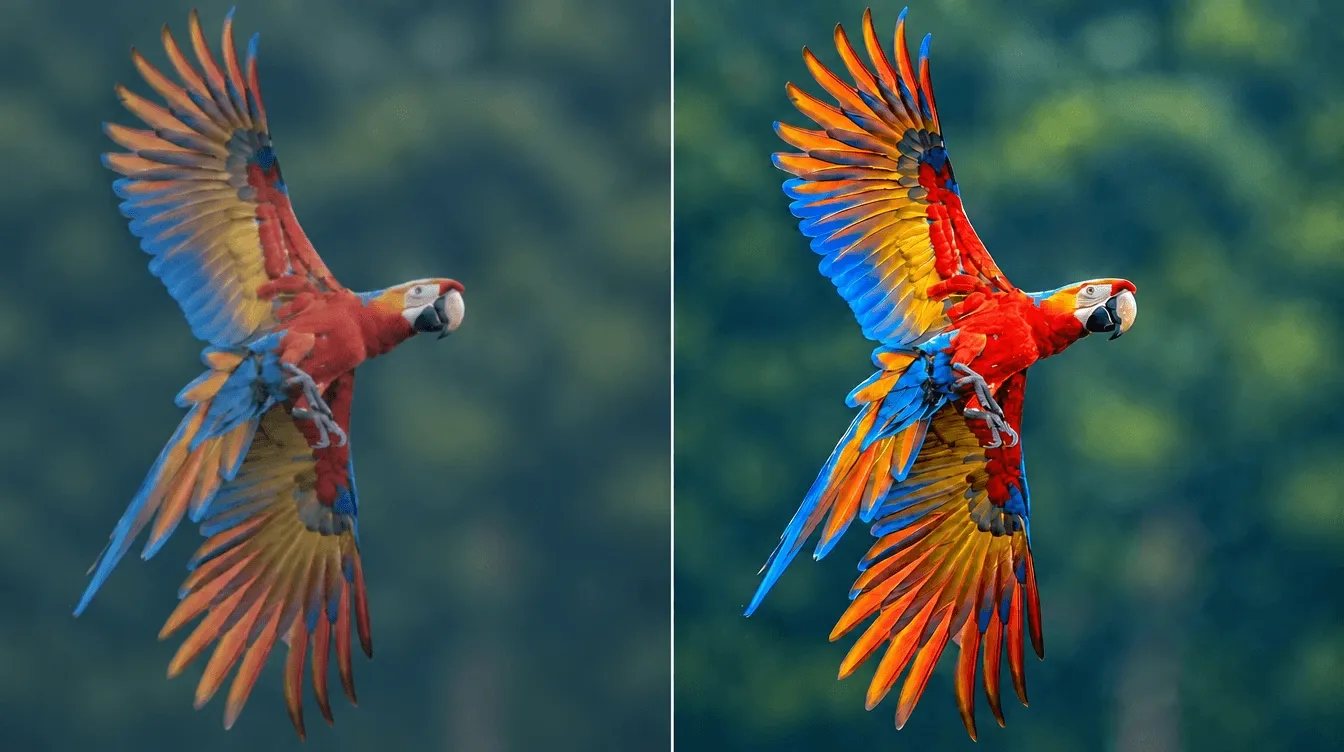
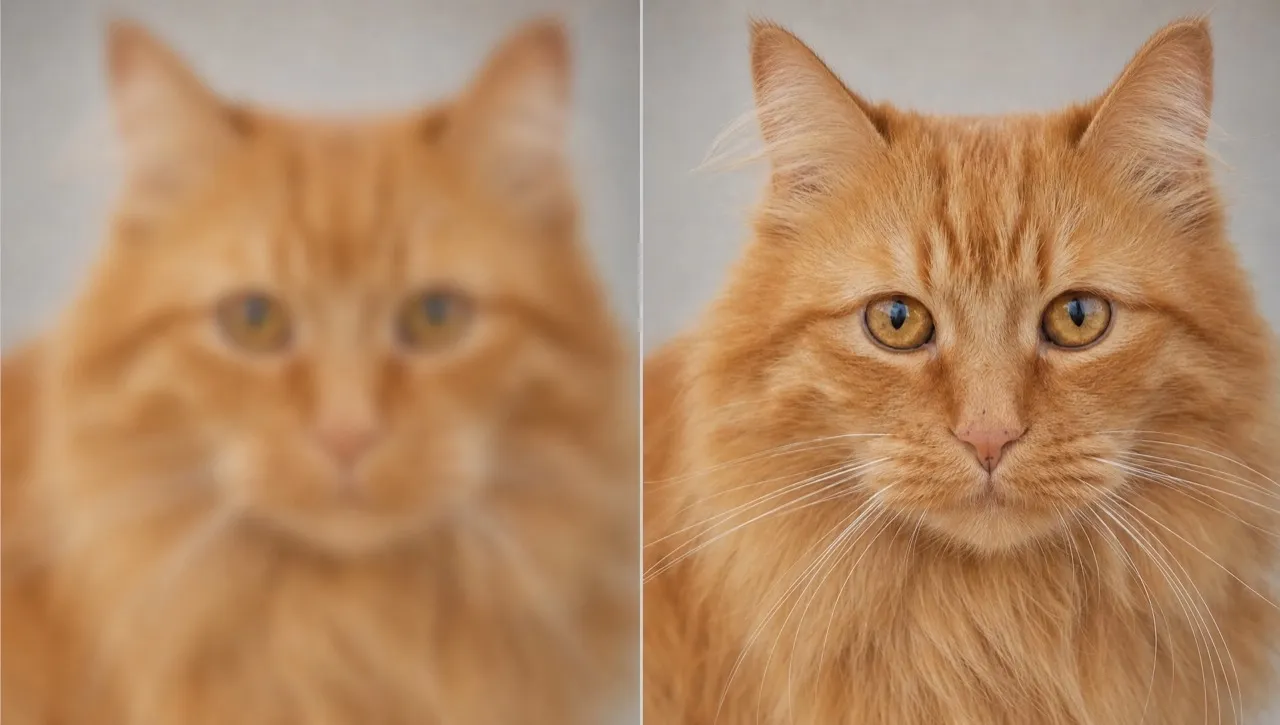
Turn pixelated images into high-resolution visuals ready for more. Simply upload your photo to our AI image upscaler and boost its resolution up to 16× in seconds. Perfect for portraits, artwork, product photos, social graphics and more. Help every visual attract more attention and create a stronger impact wherever it appears.
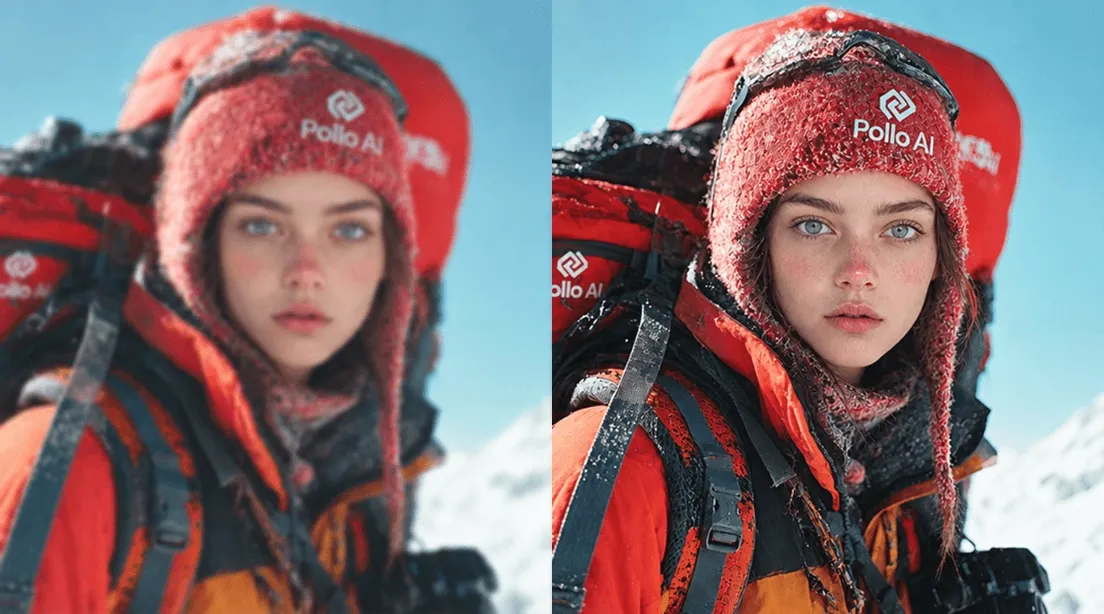
Upscale low-resolution images for larger displays, printing, sharing, and more creative uses.
Restore sharper details and reduce pixelation without spending time on manual retouching.
Keep subjects, framing, colors, and visual identity consistent as images scale larger.
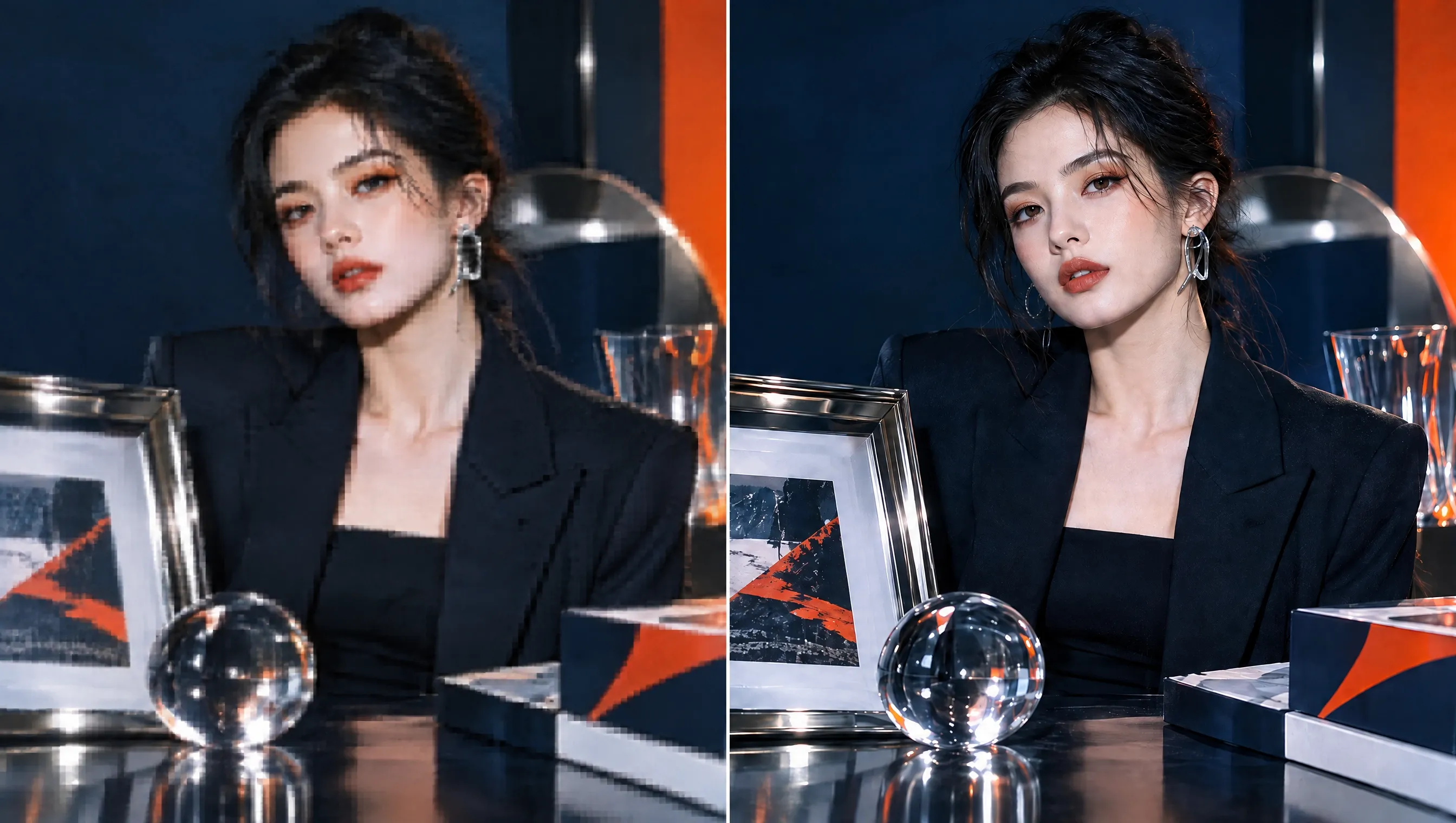
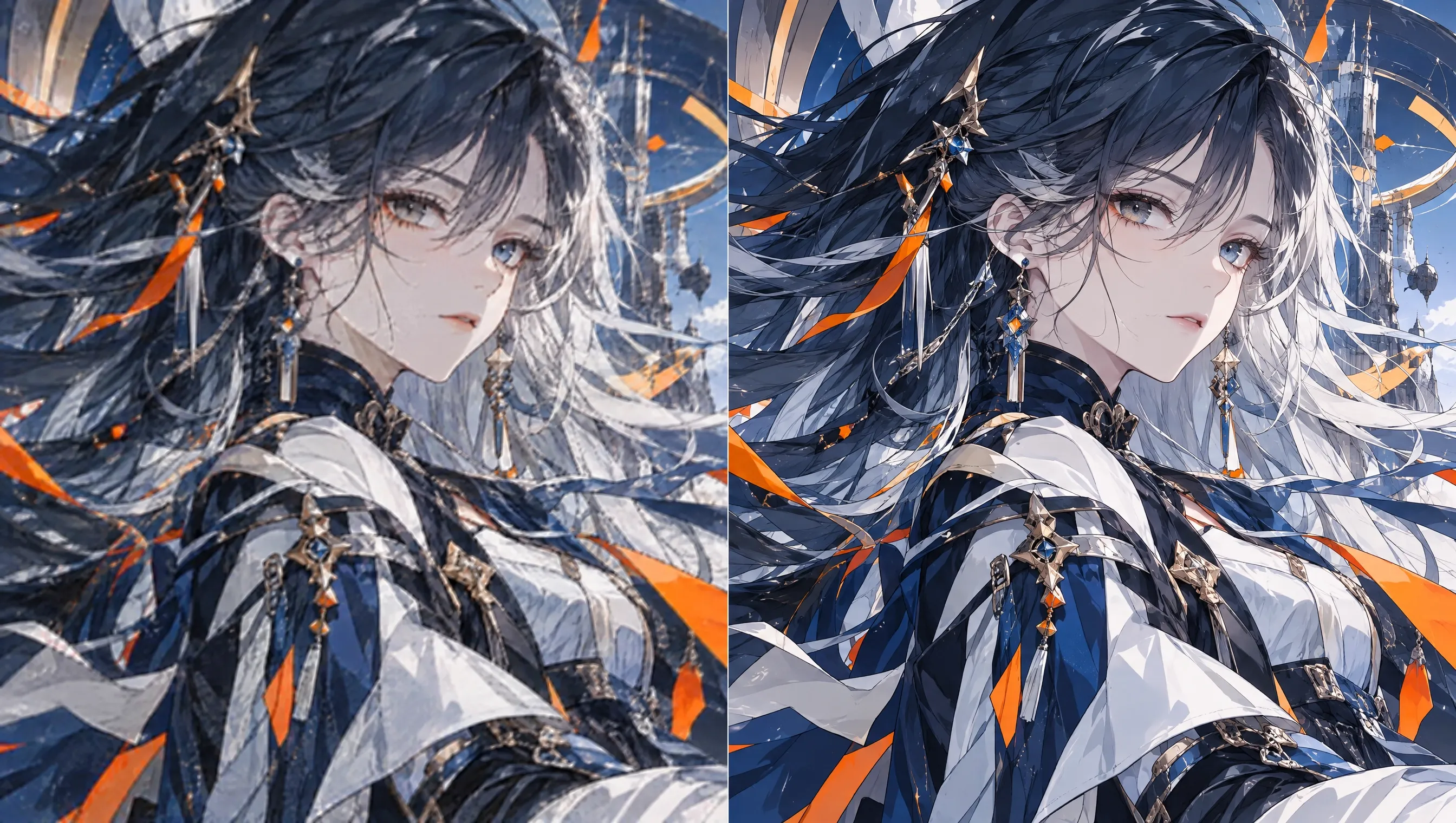
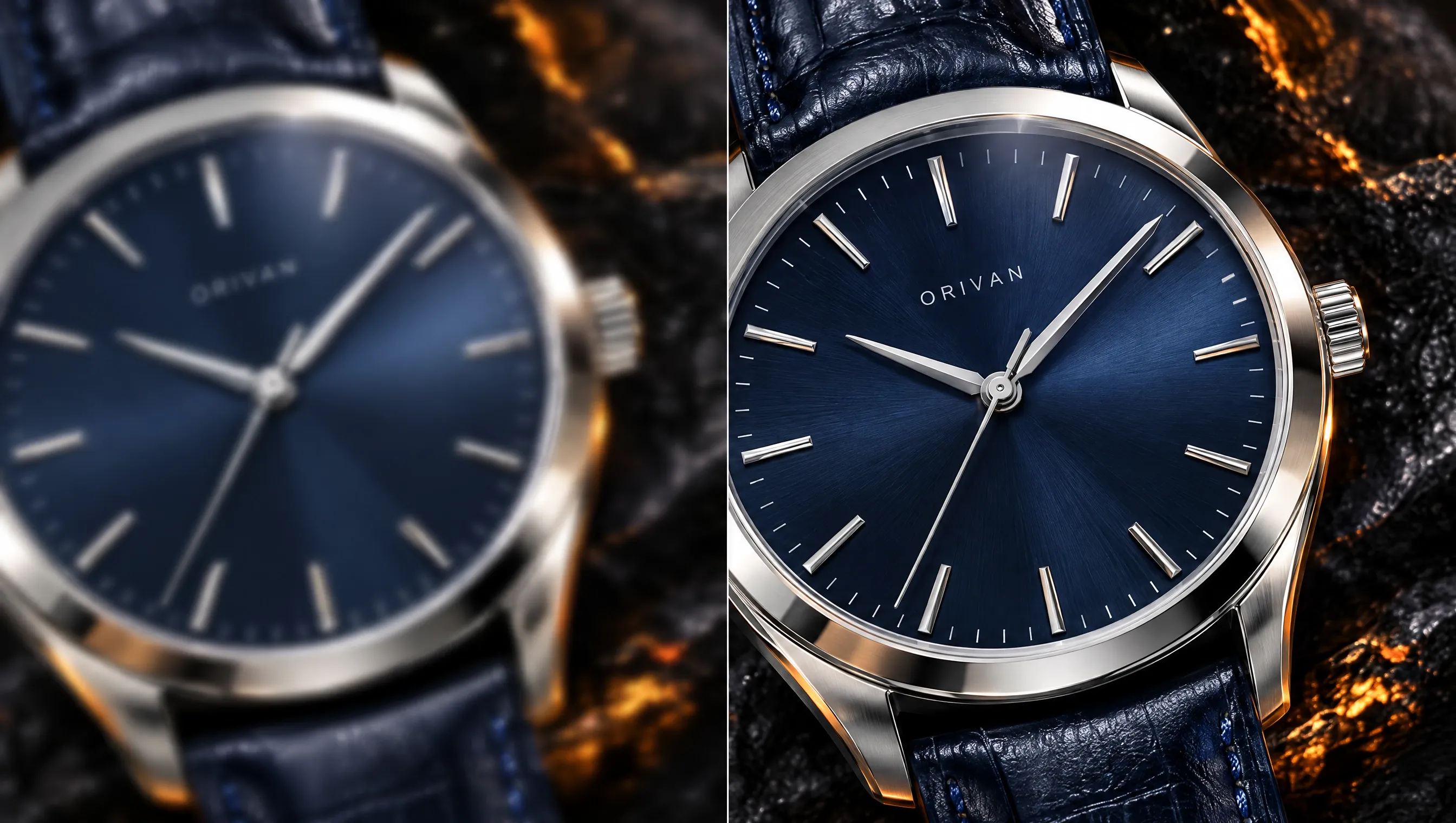
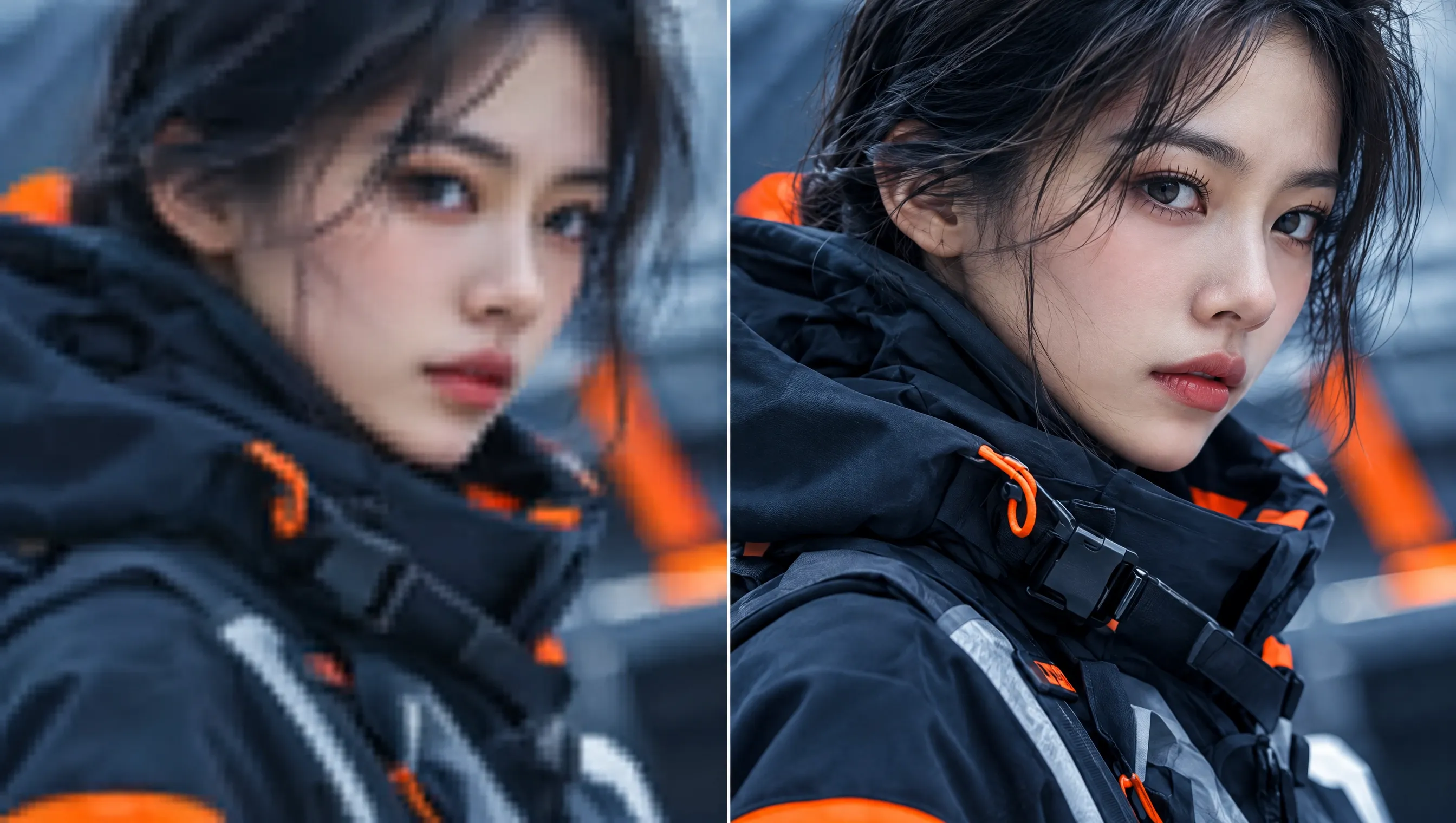
Use our AI image upscaler to enlarge thumbnails, blog graphics, artwork, and YouTube banners that feel too small. Upscale images for different layouts and formats, helping your visuals stay sharp, adaptable, and attention-grabbing wherever you publish them.
Enlarge product photos with our AI image upscaler for store pages, zoom views, and campaign placements. Reveal more product detail at larger sizes, helping shoppers inspect items more easily and feel more confident about what they see.
Give older family portraits, scanned pictures, and personal collections more usable detail through AI upscaling. Prepare small images for modern screens, digital archives, or printing, helping treasured memories stay clear enough to revisit and share for years.
Prepare campaign posters and promotional graphics for larger placements with our image upscaler. Adapt one approved visual across more digital and print sizes, reducing repetitive redesign work while keeping your campaign identity consistent and recognizable.
Add the image you want to enlarge and improve.
Select an upscale level up to 16× based on the resolution you need.
Save your upscaled image for sharing, designing, viewing, or printing.
Go from a rough concept to a finished asset in minutes. Generate, edit, enhance, and adapt images with tools built for real creative workflows.
Generate studio-grade visuals from text prompts in seconds, from realistic scenes to clean graphics and in-image text.
Accelerate visual production with hundreds of apps. Instantly design platform-ready Instagram posts, book mockups, and 3D characters.
Recreate, restyle, and upscale photos while preserving the structure and details that matter.
Refine your AI artwork effortlessly. Remove watermarks, seamlessly expand borders, and fix minor details for flawless final compositions in seconds.
Evolve your static scenes into dynamic narratives. Add lifelike motion, camera pans, and fluid transitions to your images with flawless rendering.
Scale your visual output effortlessly. Automate complex design tasks and generate high-volume, consistent assets ready for immediate deployment.









Using Pollo AI to Create and Inspire
 Free Life “TODOTERRENO” Rabbit
 Lakis Krystal
 Norma Ponce
 Sarah Stokes
 Sudipta Saha
 Luiz Guyz
 Swishadoptme Swishadoptme
 MrWookiee
 Gamal Amer
 marcel desille bousquet
 Wilson Sotomonte
 Sasa Dobricic
 Katarpint
An AI image upscaler increases the resolution of an existing image so it can appear larger and clearer. Unlike simple pixel stretching, AI upscaling analyzes visual information to reconstruct details and reduce the soft or pixelated appearance that often comes with traditional enlargement.
Pollo AI is the best AI image upscaler because it combines an easy workflow, high-resolution output, and flexibility across different image types. Simply upload your picture and let the image upscaler enlarge it automatically, without complicated photo-editing software or manual reconstruction.
Upload the image you want to improve and choose your preferred upscale level. Our AI upscaler increases its resolution while refining visible details and clarity. You can then download the upscaled image for creative projects, social content, larger displays, or printing.
Yes. Pollo AI offers a free image upscaler experience that lets you try the tool before moving to a paid plan. Upload your image, select your upscale level, and see how our AI image upscaler can improve it for your own visual projects.
Pollo AI lets you upscale images by up to 16×, giving smaller source files more resolution for larger displays and creative uses. The final upscaling result can vary depending on the original image's resolution, clarity, compression, and available visual detail.
Our image upscaler supports popular formats, including JPG and PNG. Upload a supported image, choose how much you want to upscale it, then download the higher-resolution result to share, design, display, or print.
Very fast. You can usually get an enlarged and improved version of your image in mere seconds, though the exact processing time will vary depending on factors like traffic levels and the speed of your internet connection.
Yes. Our AI image upscaler is accessible and usable on a range of devices, from desktop computers to mobile phones and tablets. So you can easily enlarge and improve photos directly from your phone.
100%. Our free image upscaler uses industry-leading encryption technology to secure all user data and files. Every image you upload will be protected, making it safe and unseeable for any hackers or other prying eyes, and we don’t share your files or data with anyone.
It certainly can. It works on most images and can turn older, smaller, and low-quality photos into bigger, clearer versions. Beyond that, if you want to explore a different look from the original photo, use our image to image AI to create a new visual style after upscaling the final result.
Pollo AI accepts images up to 10MB and 4096 × 4096 pixels. Staying within these limits helps ensure smooth uploading and processing before you choose your preferred upscale level.
No. Pollo AI lets you download your upscaled images without a watermark, keeping the final visuals clean and ready to use. If your original image already contains one, you can remove the watermark first before upscaling it for sharing, designing, or creative reuse.
AI upscaling keeps the original subject, composition, and overall appearance while increasing resolution and reconstructing finer visual details. Some newly generated detail may vary depending on the source image, especially when the original is extremely small, blurry, compressed, or missing information.
Image upscaling focuses on increasing an image's resolution and dimensions while preserving or reconstructing visible detail at larger sizes. Image enhancement is broader and can improve sharpness, color, brightness, contrast, noise, and other visual qualities without necessarily increasing the image's dimensions.

Upscale low-resolution photos into sharper visuals that stand out and stay useful across more formats.