Creators and YouTubers
Sharper Vlogs and Shorts
Refine vlogs, shorts, interviews, and tutorial clips so they feel cleaner, more polished, and more professional before you publish.
AI Video
Transform text and images into cinematic videos with lifelike avatars and studio-quality SFX.

AI Image
Turn ideas and images into stunning visuals, or perfect any photo with a complete suite of AI tools.

Agent
Create production-ready videos with SFX, consistent characters, and polished scenes. No Editing.

Marketing Studio
Built for marketers and sellers to create winning ads, UGC videos and product visuals faster.

Kling 4.0
Up to 10 keyframes. Impressive performance.
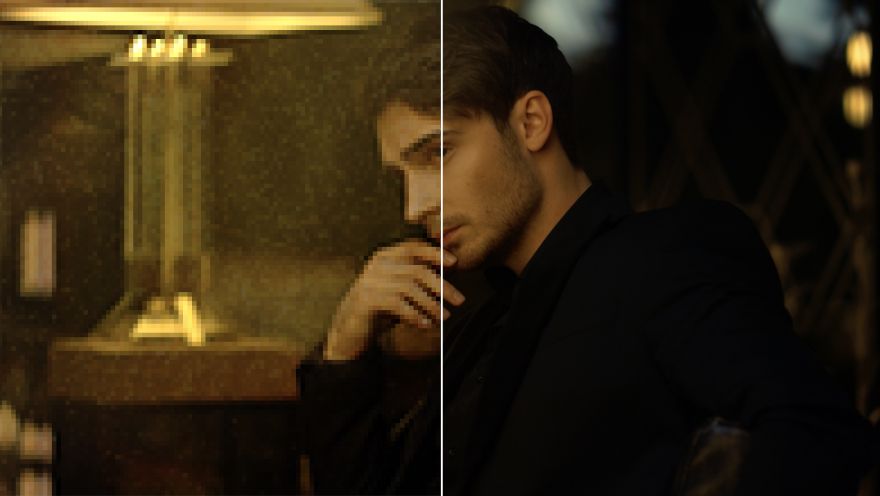
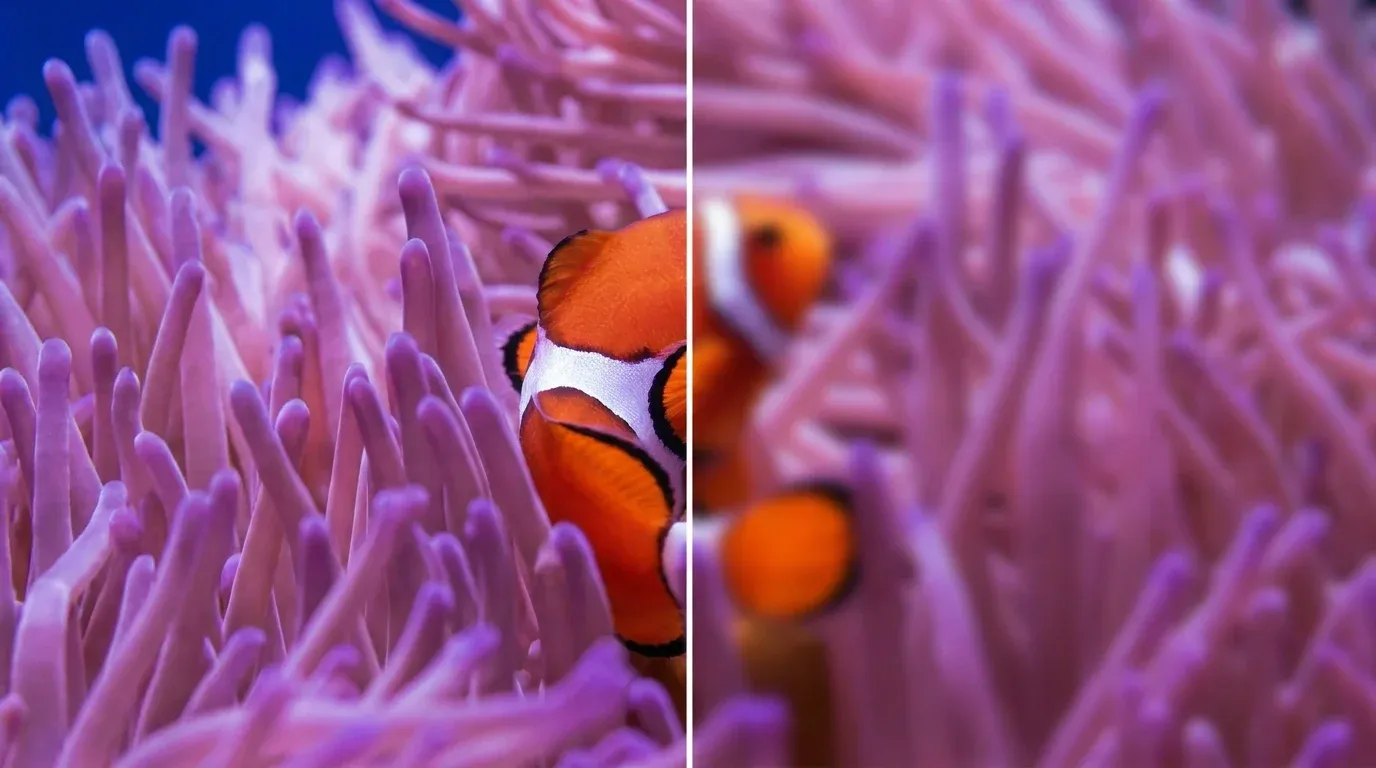
Enhance low-quality footage that looks too soft, noisy, flat, or color-shifted. The video enhancer restores detail, color, and contrast across vlogs, campaign clips, and family videos. You get a cleaner source to publish, edit, or preserve without repeated frame-by-frame correction.

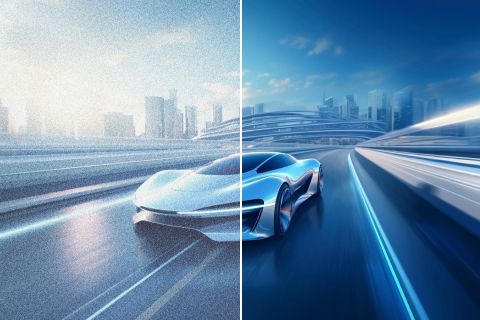

Refine vlogs, shorts, interviews, and tutorial clips so they feel cleaner, more polished, and more professional before you publish.

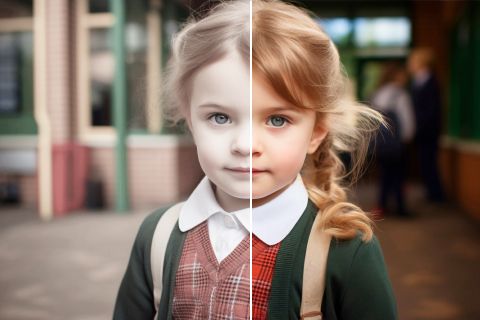
Improve UGC video ads and promo footage so every frame looks clearer, more credible, and more conversion-ready.
Make demos, explainers, and screen-based lessons easier to follow so small details stay readable, especially when paired with text to speech for quick narration.

Remaster video memories before outdated text blocks family sharing, archiving, or localization for new audiences. Clear it with a video subtitle remover.
Upload the video clip whose detail, noise, color, or contrast needs improvement.
Let the enhancer analyze the footage and improve detail, noise, color, and contrast.
Download or share the enhanced clip online.
Go from basic scripts to high-converting content. Seamlessly transition between automated AI agents, presenter-led avatars, sound design, and tailored video apps.
Bring your still images to life with cinematic motion and depth. Create captivating short video stories from your photos for a new level of visual storytelling.
Streamline your editing process effortlessly. Instantly swap faces, adjust colors, remove objects, and add effects with one click.
The ultimate multi-modal video generator. Combine text, images, or audio to produce complete, production-ready video content in minutes.
Elevate your visuals with studio-quality audio. Generate natural-sounding speech and custom sound effects to perfectly match your video's mood.
Deploy purpose-built video apps for instant results. Generate video slideshows, music videos, and social shorts in just seconds.
Go from a simple idea to a finished video instantly. Describe your vision, and let the Pollo Agent automate the full production process for flawless results.









Using Pollo AI to Create and Inspire
An AI video enhancer employs advanced algorithms to improve the quality of low-resolution videos making them clearer, sharper, and more detailed. It works by enhancing aspects like brightness, saturation, contrast, and more to produce high-definition output.
Pollo AI's AI video enhancer is the best AI video enhancer for improving video quality because it combines detail recovery and noise reduction. It also improves color in the same workflow.
Yes. A free AI video enhancer can test improvements, while a 4K video enhancer online free option depends on current plan limits.
You can use Pollo AI's video enhancer to rework any low-quality videos without any technical expertise. Simply head to our AI video enhancer tool, upload the video, and within minutes, it will automatically reconstruct the footage at a higher definition with even greater clarity and detail.
Common source formats include MP4, MOV, and MKV. You can produce clearer HD footage, with output up to 4K when the workflow and current plan support it.
A free video quality enhancer improves detail, noise, color, or contrast, while a video upscaler focuses on increasing output resolution. Available settings depend on the source footage and current plan. Handle restyling later in video to video AI.

Improve the clip's visible quality and prepare it for publishing, editing, or preservation.