Small Businesses
Make Your Page Look Active
Refresh your Facebook cover for store hours, services, announcements, and local promos. Pair the new header with sharper page visuals using the image enhancer when older assets need a cleaner look.
AI Video
Transform text and images into cinematic videos with lifelike avatars and studio-quality SFX.

AI Image
Turn ideas and images into stunning visuals, or perfect any photo with a complete suite of AI tools.

Agent
Create production-ready videos with SFX, consistent characters, and polished scenes. No Editing.

Marketing Studio
Built for marketers and sellers to create winning ads, UGC videos and product visuals faster.

Create polished Facebook cover photos for profiles, pages, events, stores, and campaigns in a wide social header layout. No manual editing needed.
Still struggling with designing a Facebook cover photo? With Pollo AI Facebook cover photo maker, you can generate multiple cover photos for Facebook pages, profiles, groups, stores, launches, or seasonal campaigns. Describe the look, brand mood, and key message, then get polished images for your Facebook cover without manual resizing.
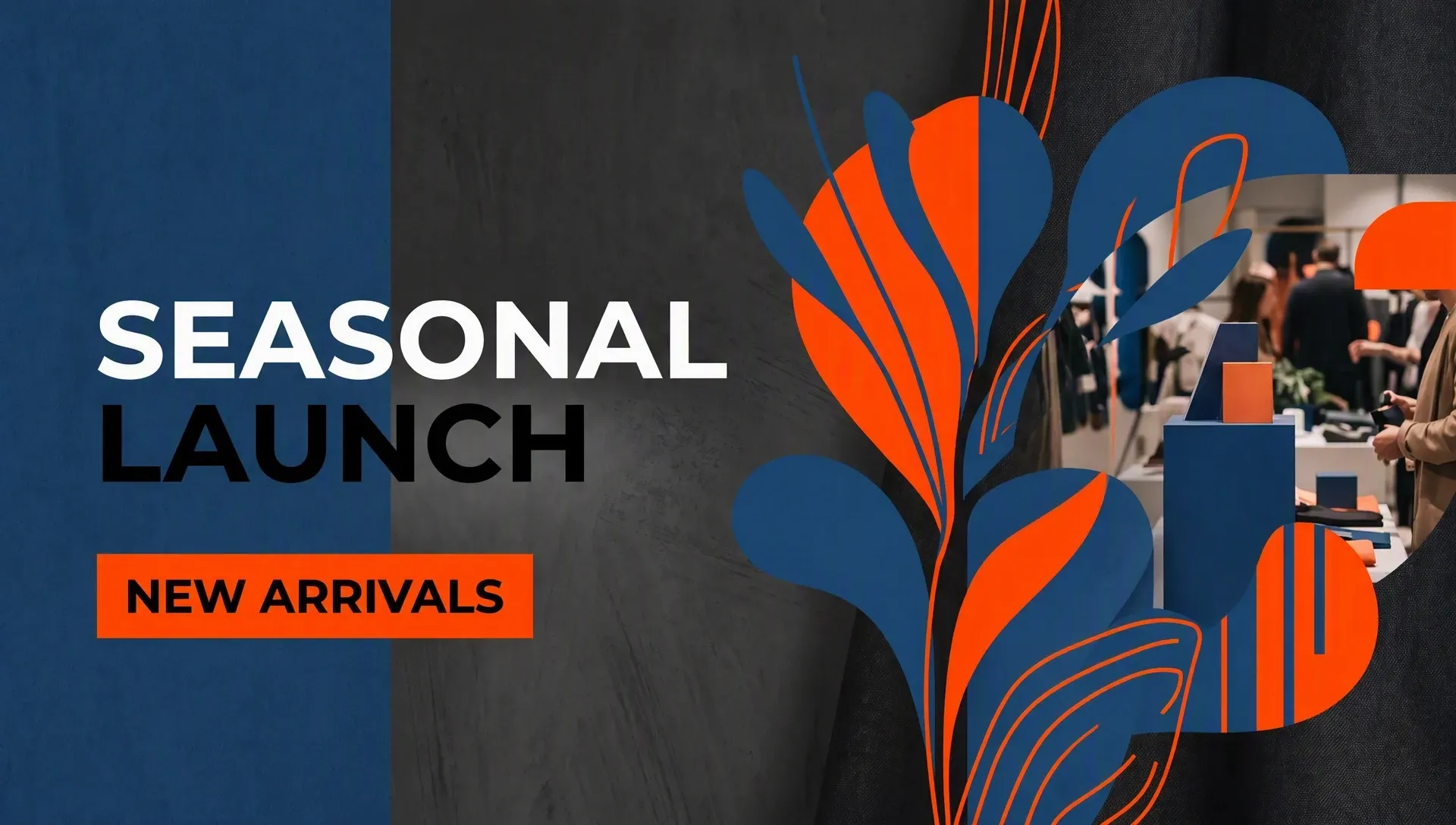
Make polished Facebook covers from simple prompts without resizing or layout experience.
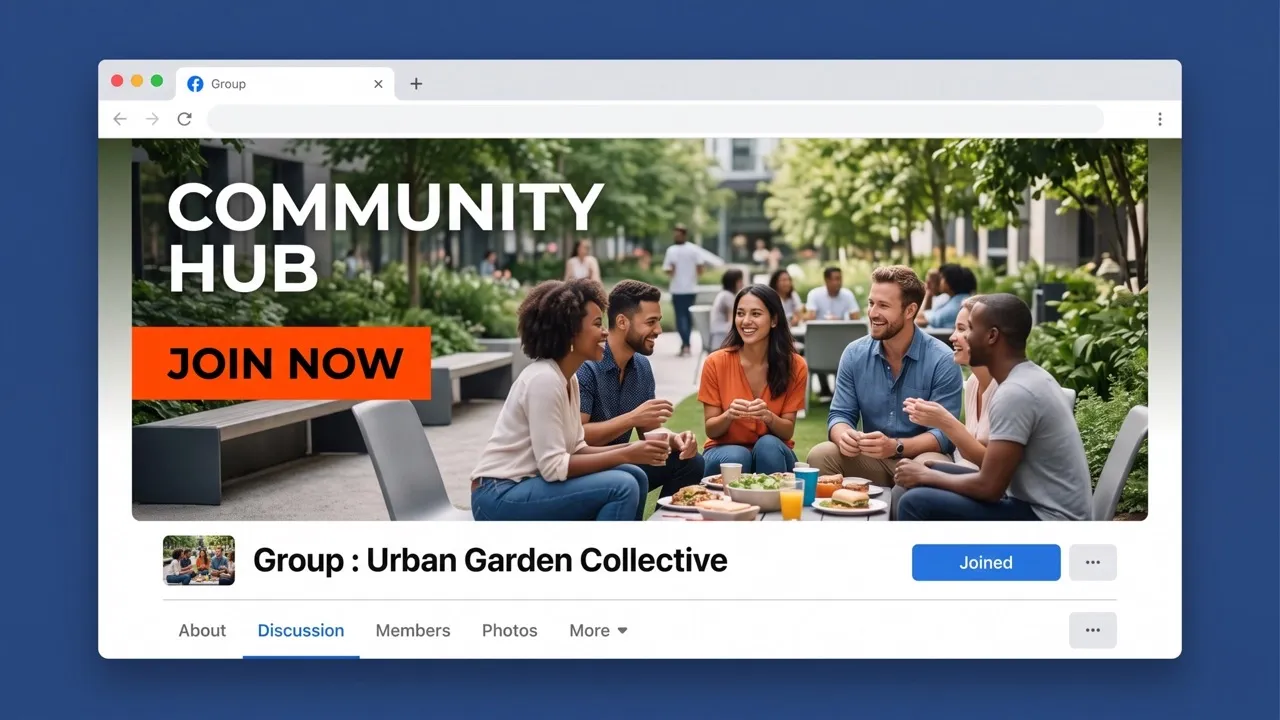
Generate wide Facebook cover photos that fit profiles, pages, groups, and events cleanly.
Get polished, social-ready cover photos with clean composition, color, and visual balance.
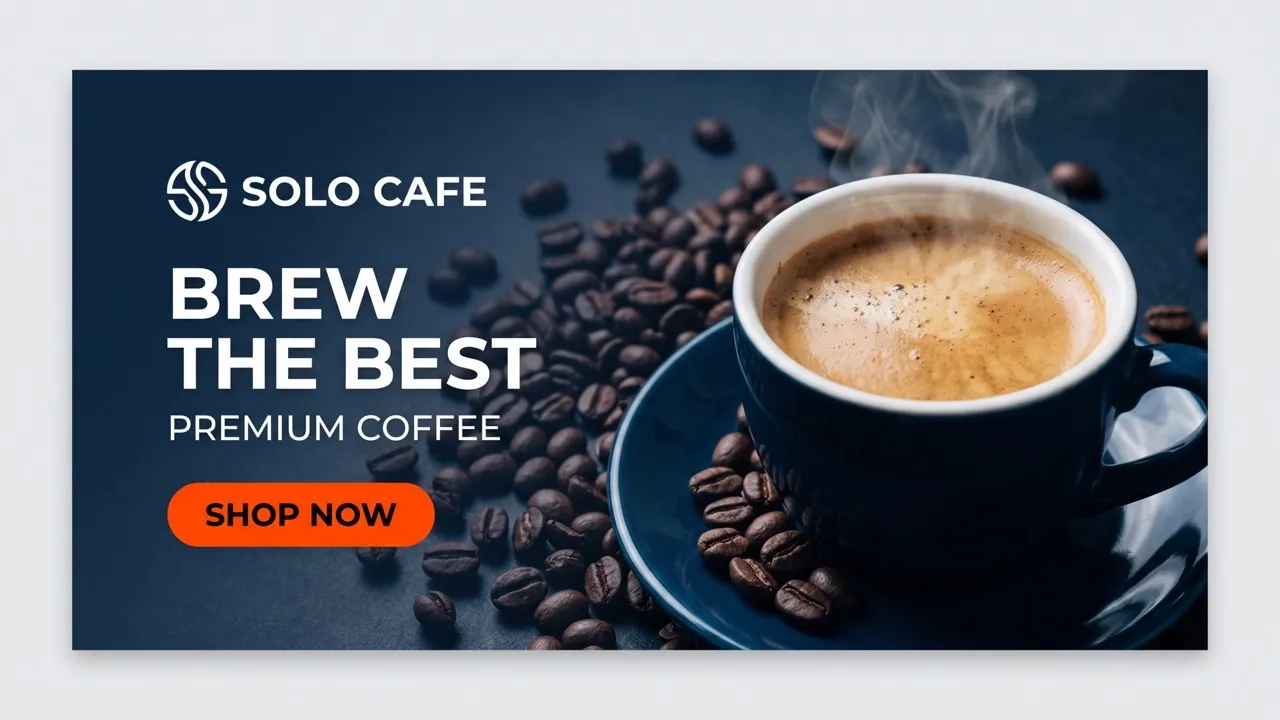
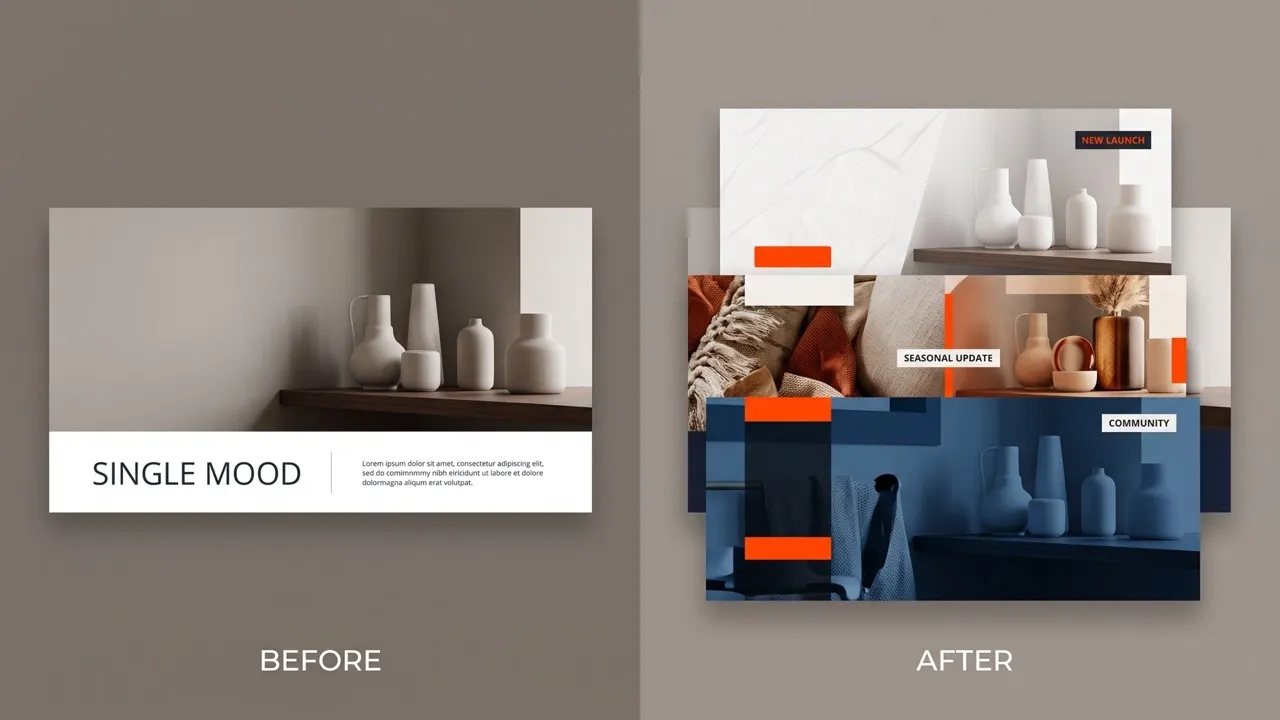
Refresh your Facebook cover for store hours, services, announcements, and local promos. Pair the new header with sharper page visuals using the image enhancer when older assets need a cleaner look.
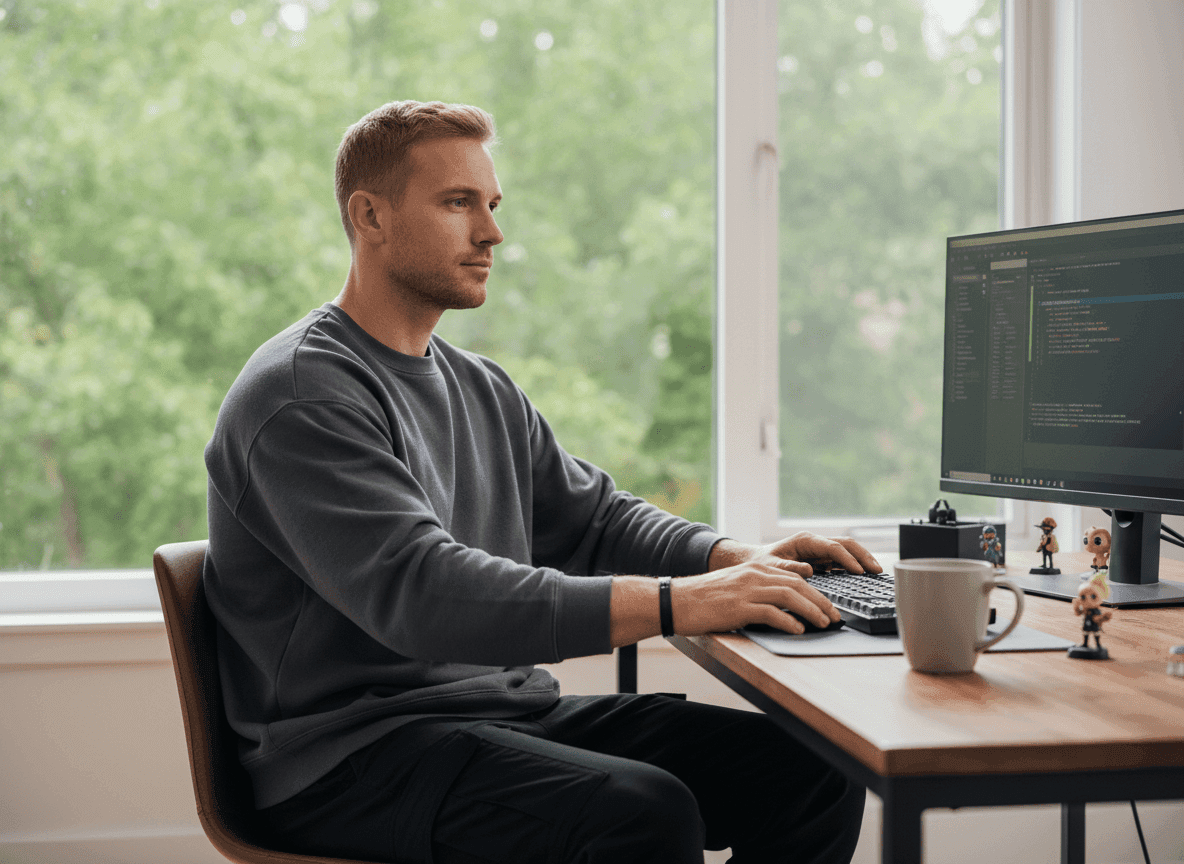
Turn headshots, mood boards, channel themes, or quotes into Facebook cover photos that match your audience. Use background remover to clean profile imagery before building a consistent header style.
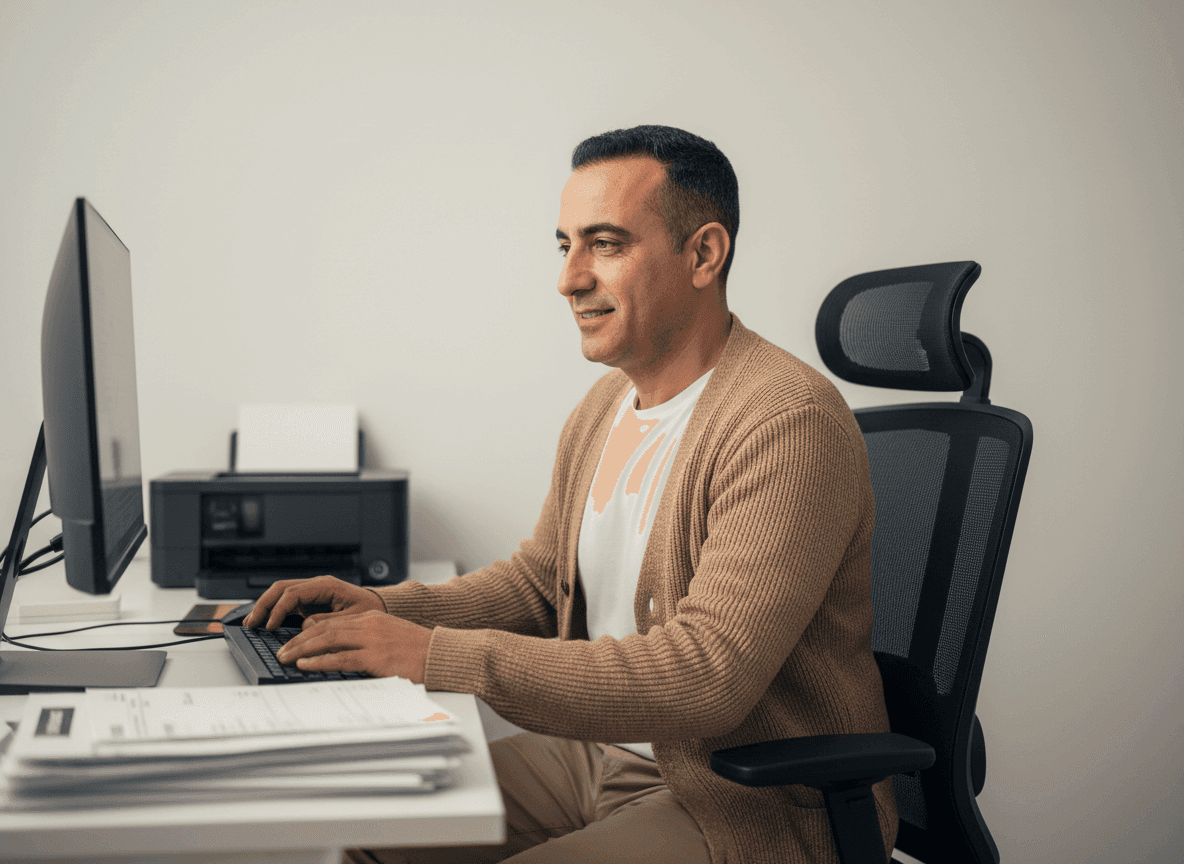
Show sales, product drops, or seasonal collections in one wide cover photo for Facebook. Match the header with stronger product photos so your page feels more campaign-ready.
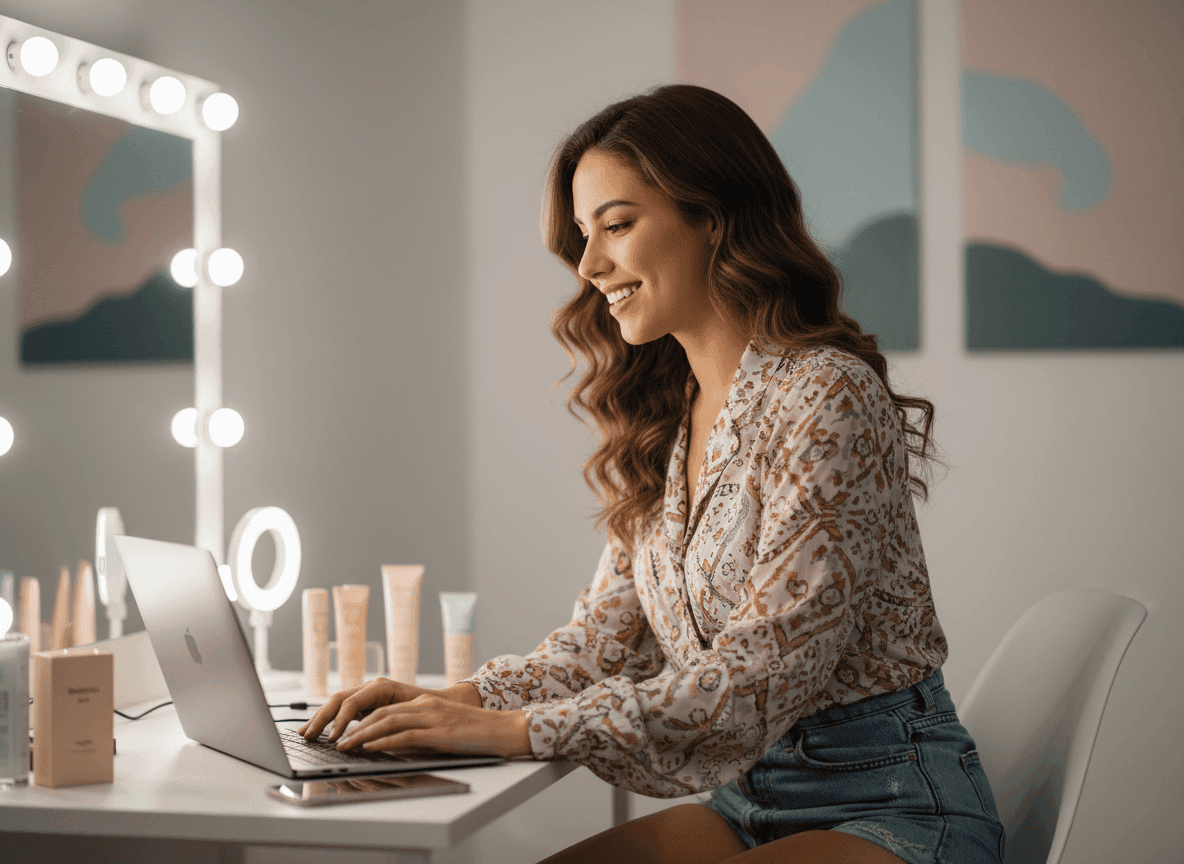
Create multiple Facebook cover designs for clients without starting every layout from scratch. Use image variations to test styles, colors, and campaign moods before final approval.
Enter a prompt or upload an image, then describe your page style and message.
Let the AI generate Facebook cover photo options for you.
Download your favorite cover photo for Facebook and upload it to your page.
Go from a single idea to a polished asset. Combine generation, editing, and specialized apps to create any visual you need, without switching platforms.
Go from simple text prompts to studio-quality art in seconds. Generate hyper-realistic visuals and pristine typography for any professional project.
Create images conversationally, from first idea to final render. Use simple, natural language to generate, refine, and perfect your visuals in a step-by-step chat.
Evolve your visuals with absolute precision. Transform image styles and enhance cinematic lighting while preserving the exact layout of your original.
Elevate your workflow with a complete AI photo editing suite. Instantly retouch details, reimagine scenes, and transform raw assets into flawless masterpieces.
Unlock hundreds of specialized image generators. Instantly generate detailed DnD maps, vibrant chibi characters, and custom gaming logos for your brand.
Streamline your daily workflow with dedicated visual utilities. Instantly change backgrounds, erase distractions, and sharpen images in a single click.









Using Pollo AI to Create and Inspire
A Facebook cover photo maker helps you create cover photos for Facebook profiles, pages, groups, and events. Pollo AI lets you generate polished designs from prompts or existing images with no design skills needed.
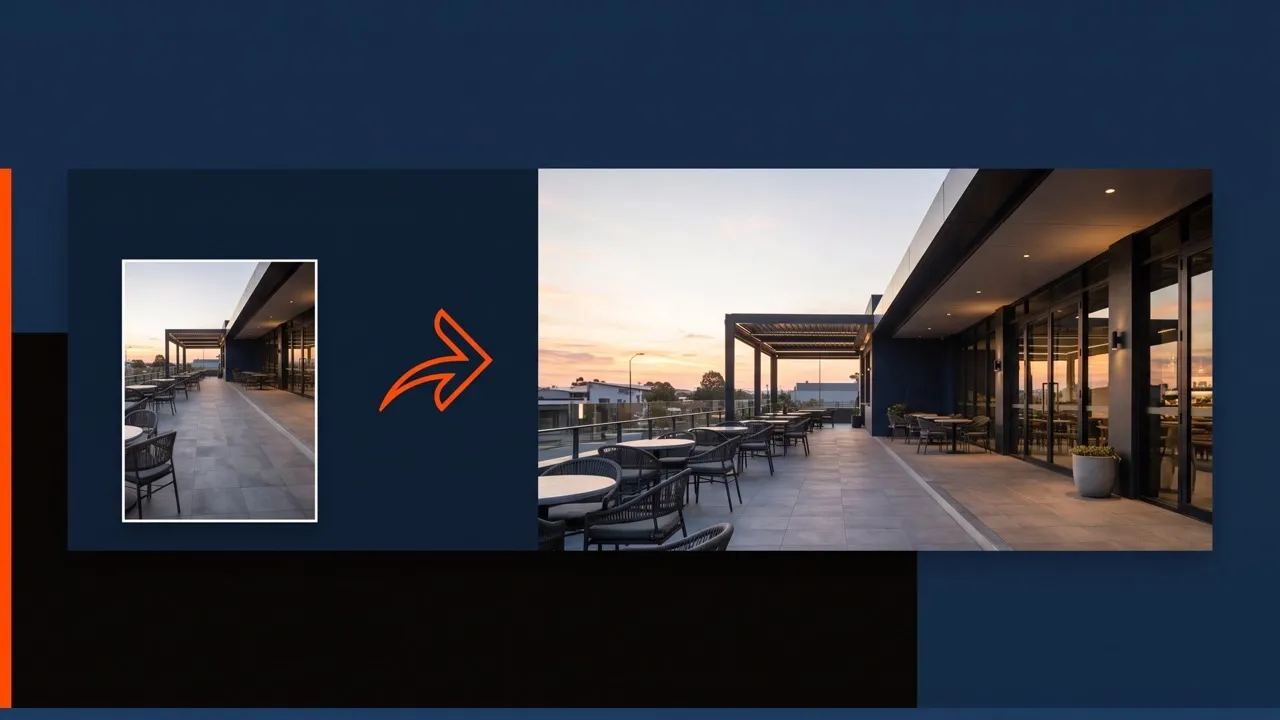
You can use our Facebook cover photo maker to upload your image, reframe it, and create a wide cover layout that fits Facebook. For more image editing, use AI photo editor to retouch, adjust, or refine your image.
Pollo AI is the best Facebook cover photo maker for users who want fast, polished, social-ready cover photos from prompts or existing images.
Use a wide header layout and keep important text near the center, since Facebook may crop cover photos differently across devices.
Yes. You can create cover-sized visuals with Facebook cover photo maker, then use AI image generator to make extra themed graphics, or fresh image ideas for your Facebook cover.

Turn your ideas, brand moments, and campaign updates into polished Facebook cover photos in minutes!