

















Text to Speech
Turn Scripts Into Voiceovers People Won't Skip
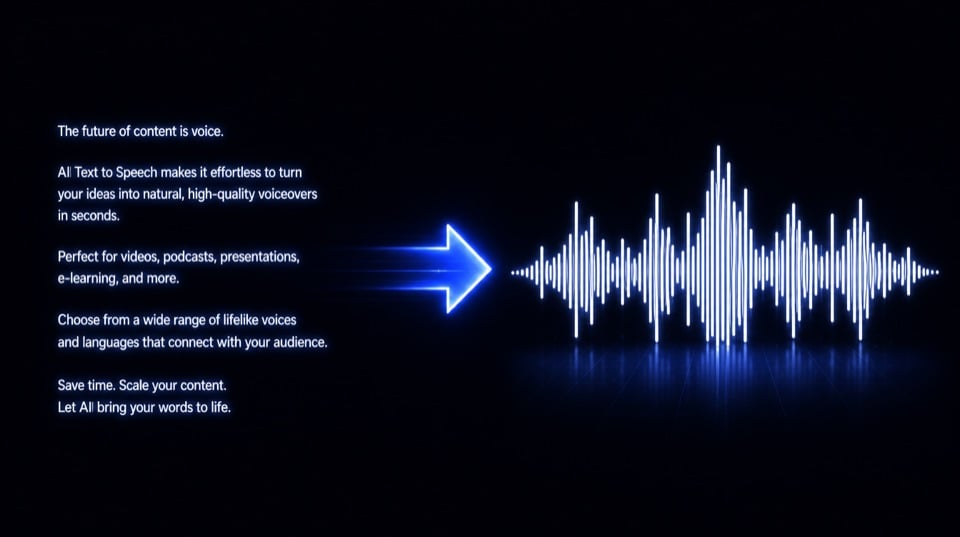
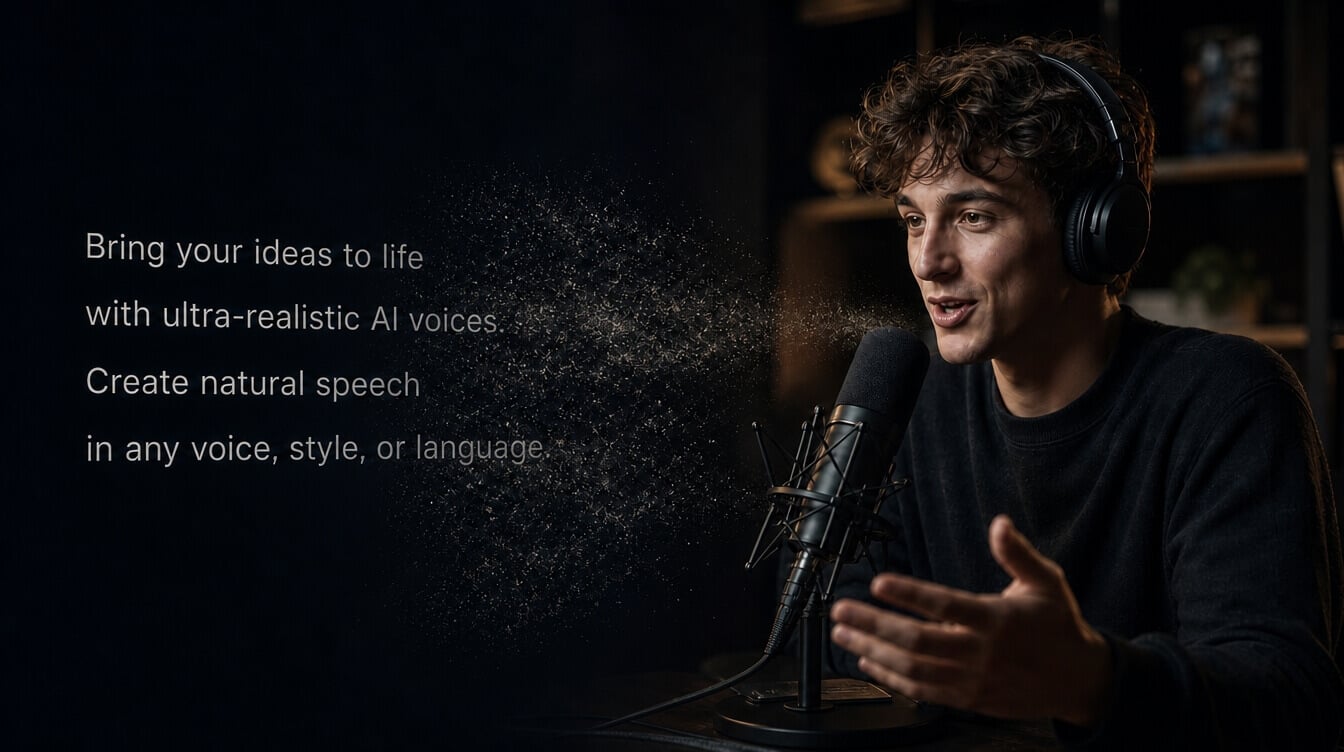
Why spend hours behind a mic? Use our text to speech tool to create ultra-realistic voiceovers with rich emotion and natural rhythm for podcasts, courses, and localized campaigns. No recording. No voice actors. Lower costs.

Fast & Free Text to Speech
Turn text into usable voiceover audio in minutes, helping your teams produce more content without studio sessions or retakes.
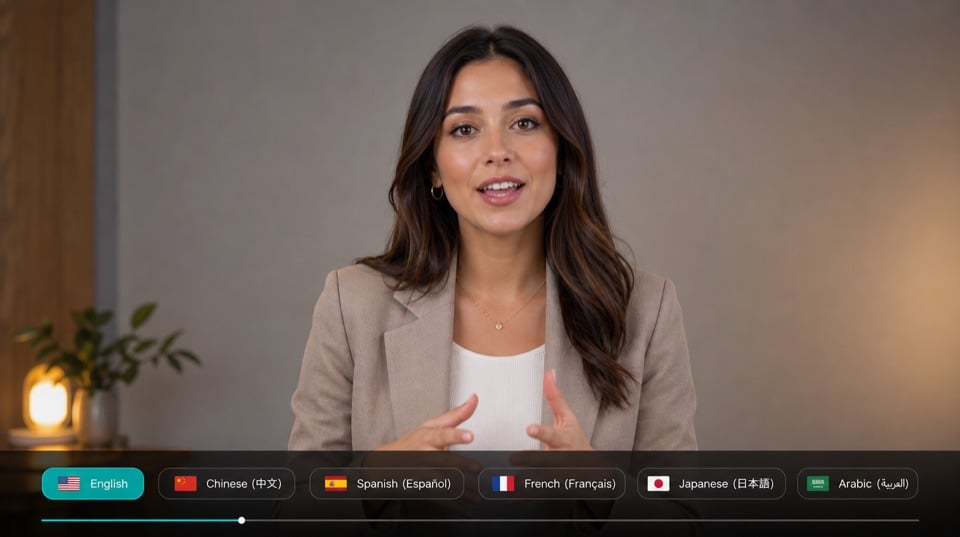
Multilingual Voice Creation
Generate voiceovers in different languages, making it easier to localize videos, courses, product explainers, and global campaigns.
Emotion-Aware AI Voices
Create text to speech voiceovers that read emotional cues and context for podcasts, stories, explainers, and product narration.

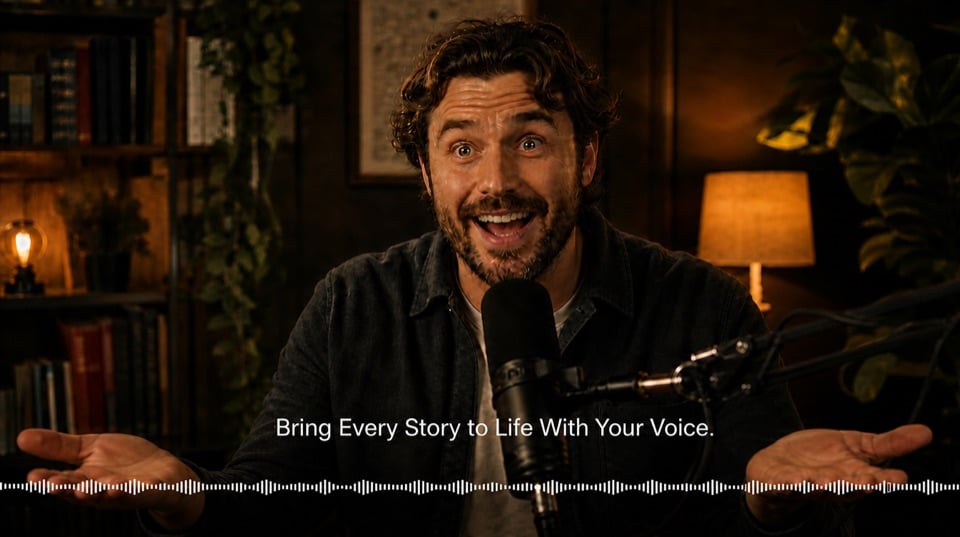
Keep Listeners From Dropping Out
A flat reading can lose people fast. Our text to speech tool reads emotion and context, then adjusts tone, pauses, rhythm, and emphasis for podcasts, audiobooks, and course narration.

Speak To Viewers In Their Language
One message can travel much further. Create AI voiceovers with a wide range of language options for global tutorials, training videos, and localized campaigns.

Choose Voices That Fit The Moment
Different listeners respond to different voices. Pick from varied accents, genders, ages, and voice types for ads, character narration, customer guides, and educational content.

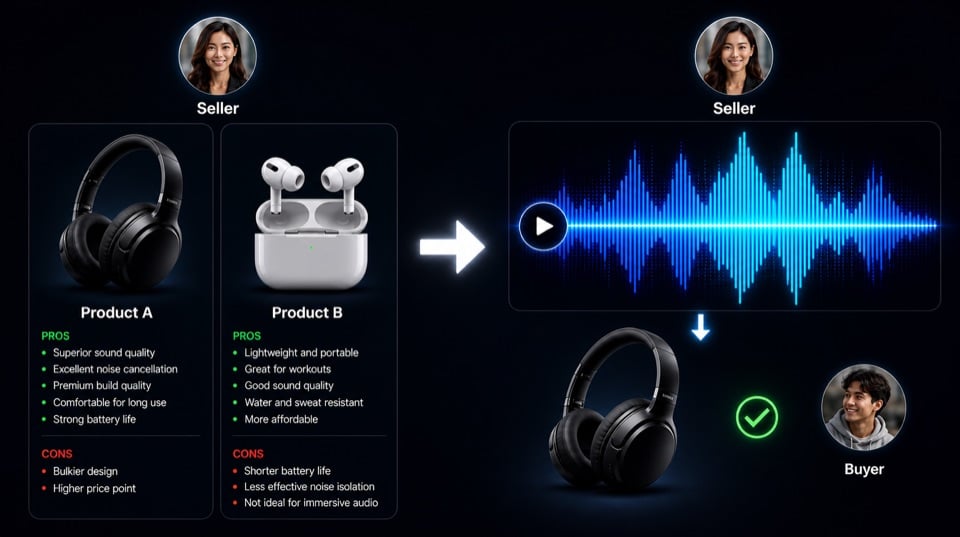
Turn Chat Answers Into Conversions
Buyers should not have to decode long replies. Our text to speech tool gives bots and sales agents clear spoken answers, helping users understand faster and move closer to purchase.
Create More Text To Speech Content With Less Work

Turn film dialogue, streaming videos, short dramas, documentaries, or translated scripts into ready-to-use AI dubbing without long studio sessions or repeated retakes.

Convert chapters, guides, manuals, or long-form written content into natural audiobook-style narration with less studio work and fewer voiceover retakes.

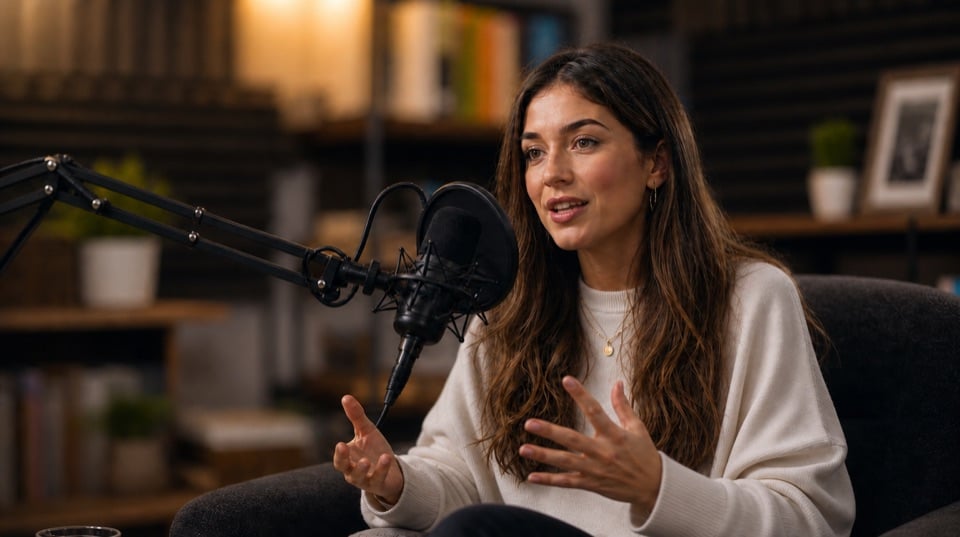
Turn outlines, scripts, interviews, or commentary drafts into polished podcast narration that helps creators publish more audio content with less production effort.

Create voiceovers for lessons, training modules, study guides, and onboarding materials so learners can follow content more easily.
How to Transform Text to Speech Free with Pollo AI?
Step 1: Add Your Text
Paste your script, article, subtitle, or narration draft.
Step 2: Choose A Voice
Select the language, voice style, tone, and pace.
Step 3: Generate Your Audio
Create a ready-to-use AI voiceover and export it instantly.
Try Our Advanced AI Audio Tools
Chosen by 10M+ Creators and Marketers Worldwide
Thousands of satisfied users have shared their Pollo AI experiences on Trustpilot, rating us as "Excellent." See what they love about our platform.


