Step 1
Upload a clear product photo with the item visible.
AI Video
Transform text and images into cinematic videos with lifelike avatars and studio-quality SFX.

AI Image
Turn ideas and images into stunning visuals, or perfect any photo with a complete suite of AI tools.

Agent
Create production-ready videos with SFX, consistent characters, and polished scenes. No Editing.

Marketing Studio
Built for marketers and sellers to create winning ads, UGC videos and product visuals faster.

Flat product shots show the item, not the desire. Pollo AI helps sellers, brands, and marketers turn dull catalog photos into realistic staged scenes for storefronts, marketplaces, social ads, and launch campaigns, making every product feel easier to understand and more tempting to buy.
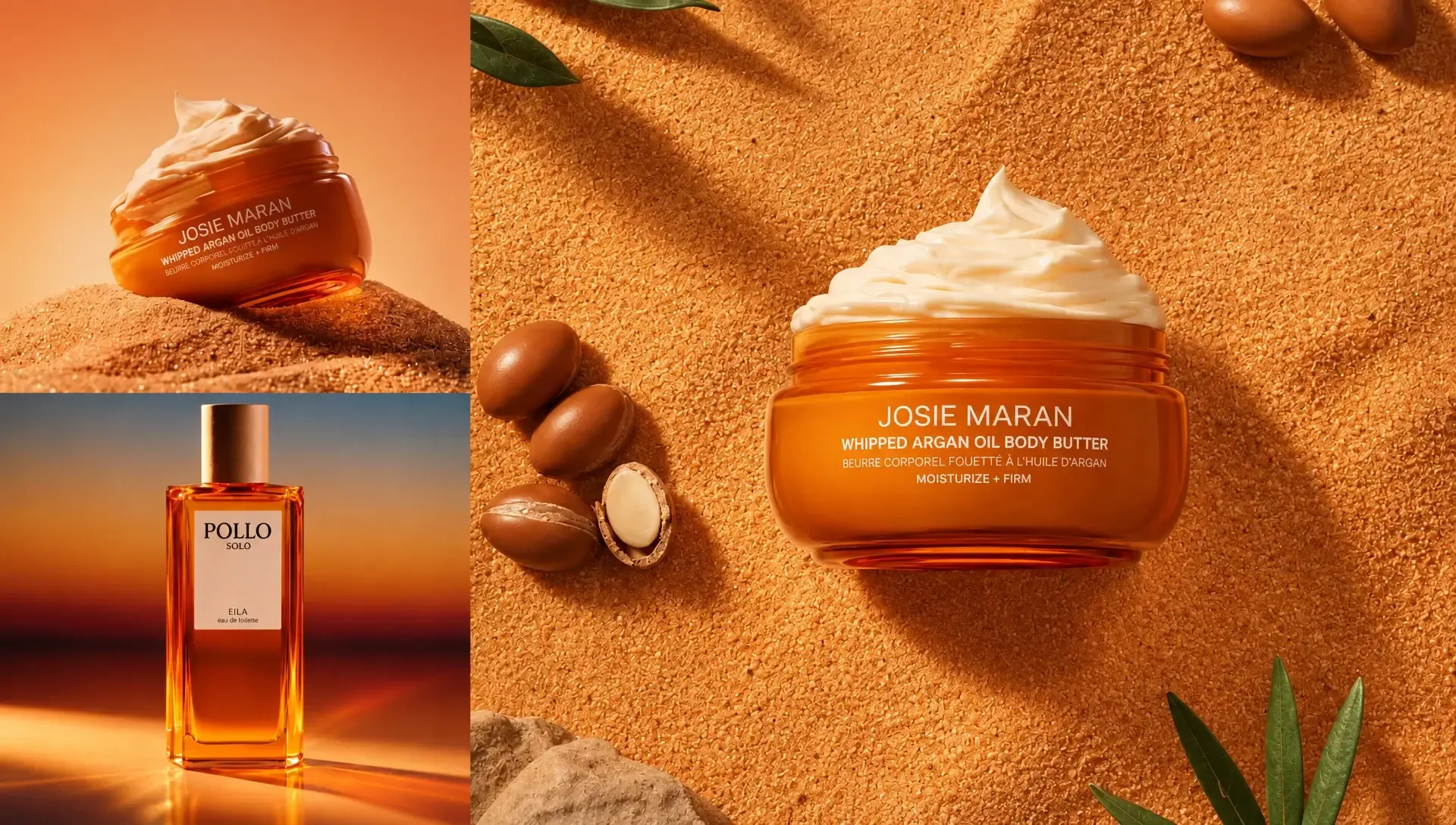
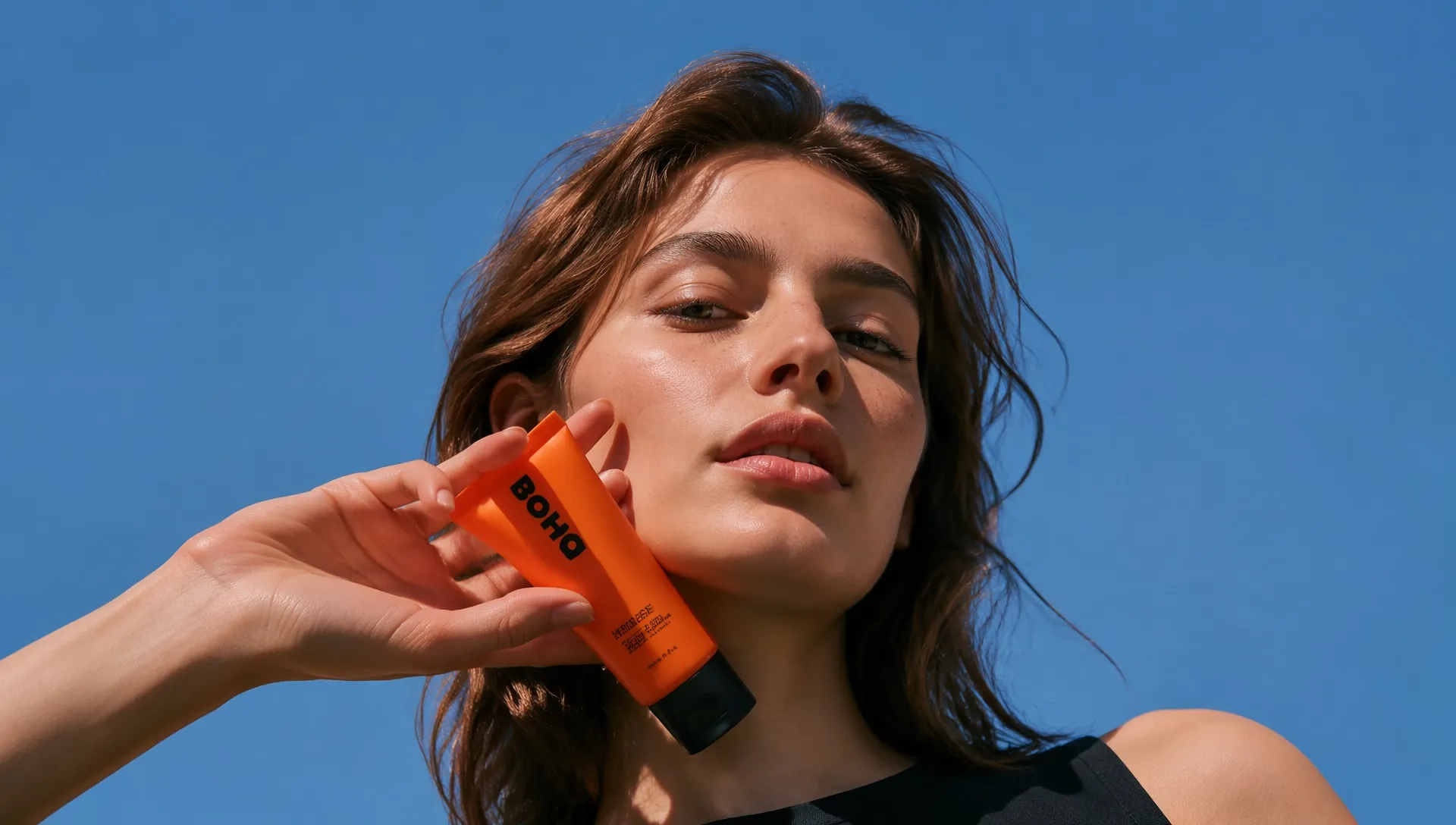
Place your item in real-life scenes so shoppers can picture wearing, holding, using, gifting, or displaying it before they buy.
Generate matched backgrounds, lighting, materials, composition, and mood for polished product scenes without manual edits.
Create listing, launch, seasonal, social, and ad visuals without booking studios, models, sets, or props.
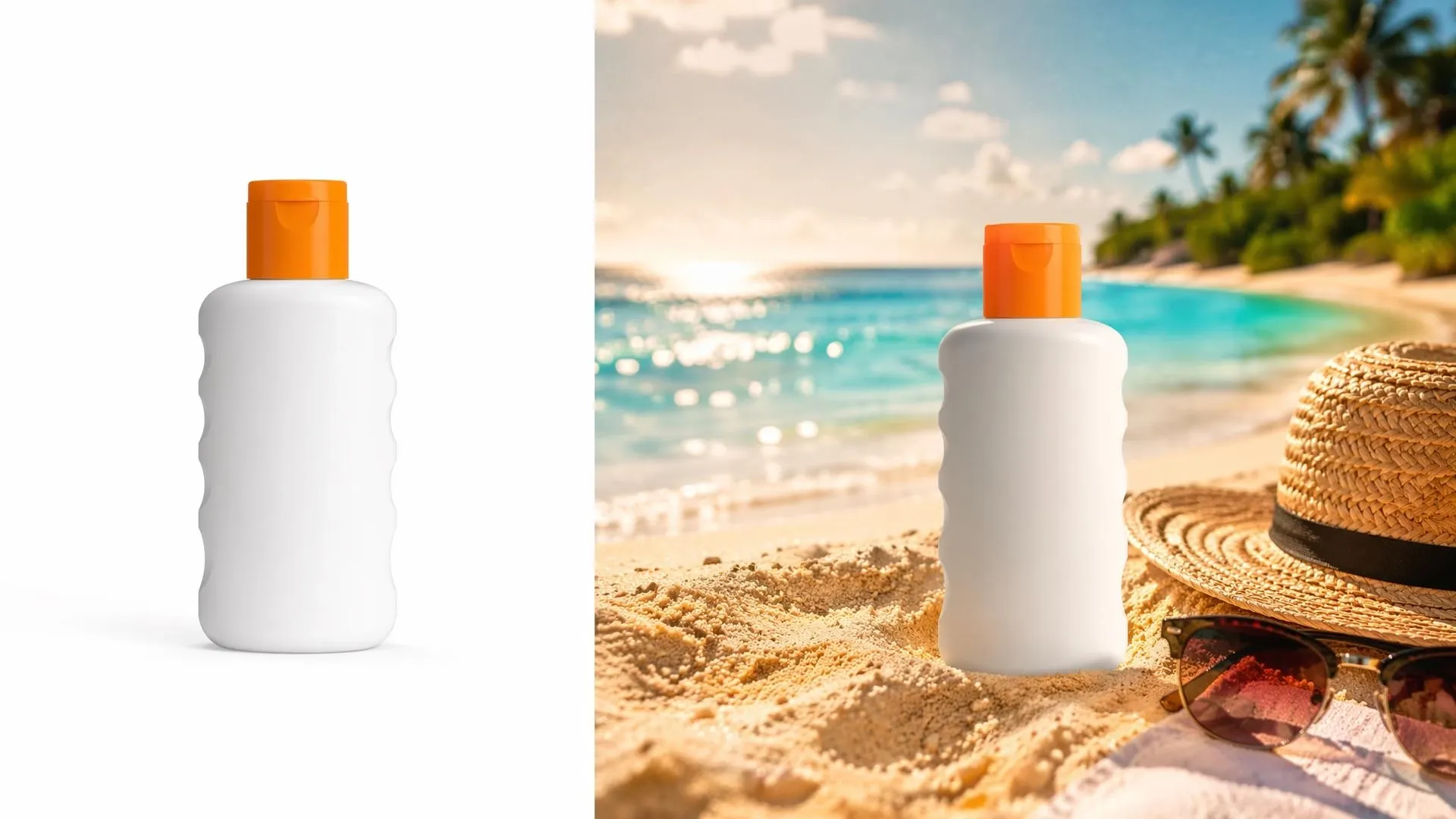
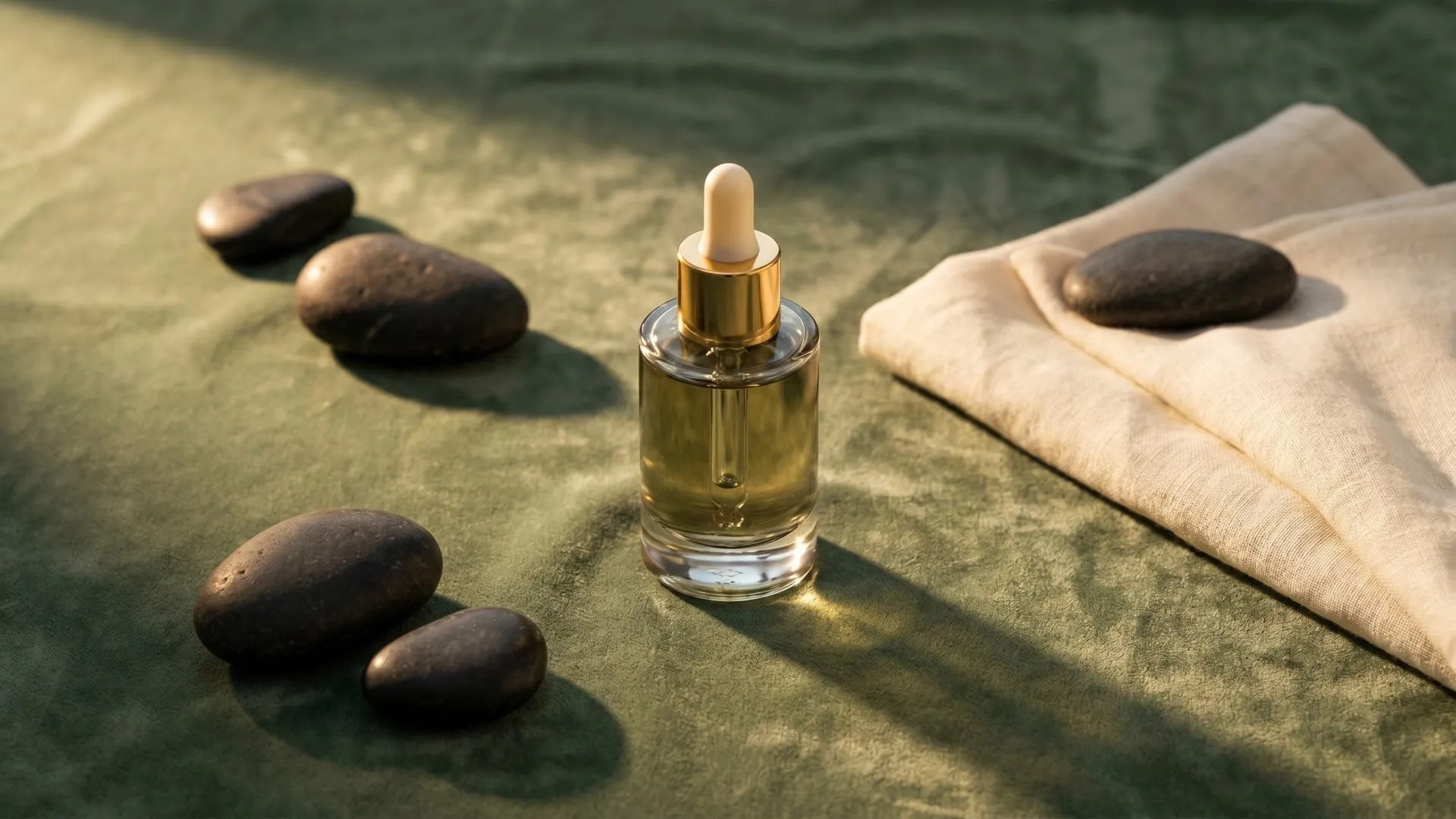
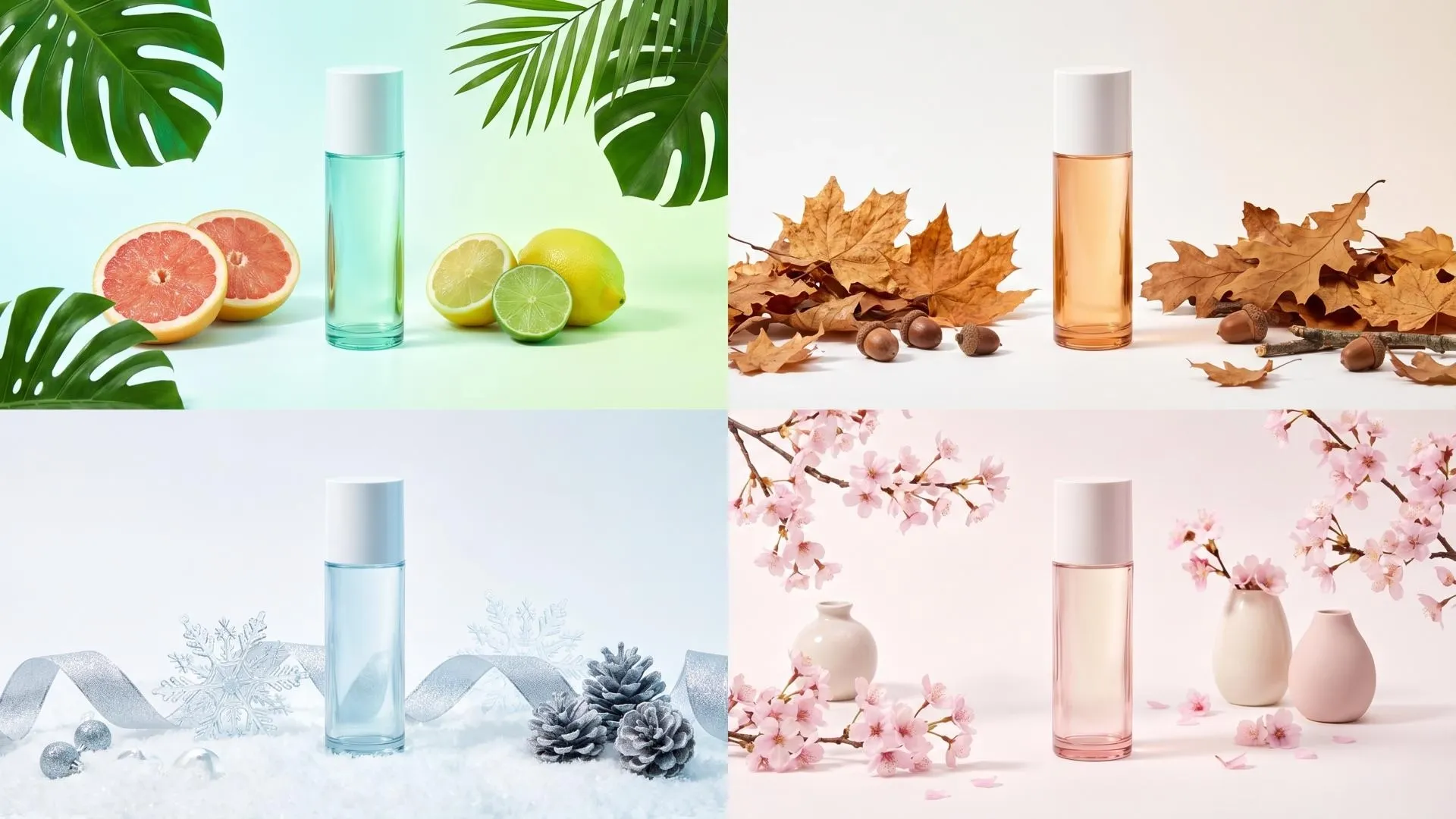
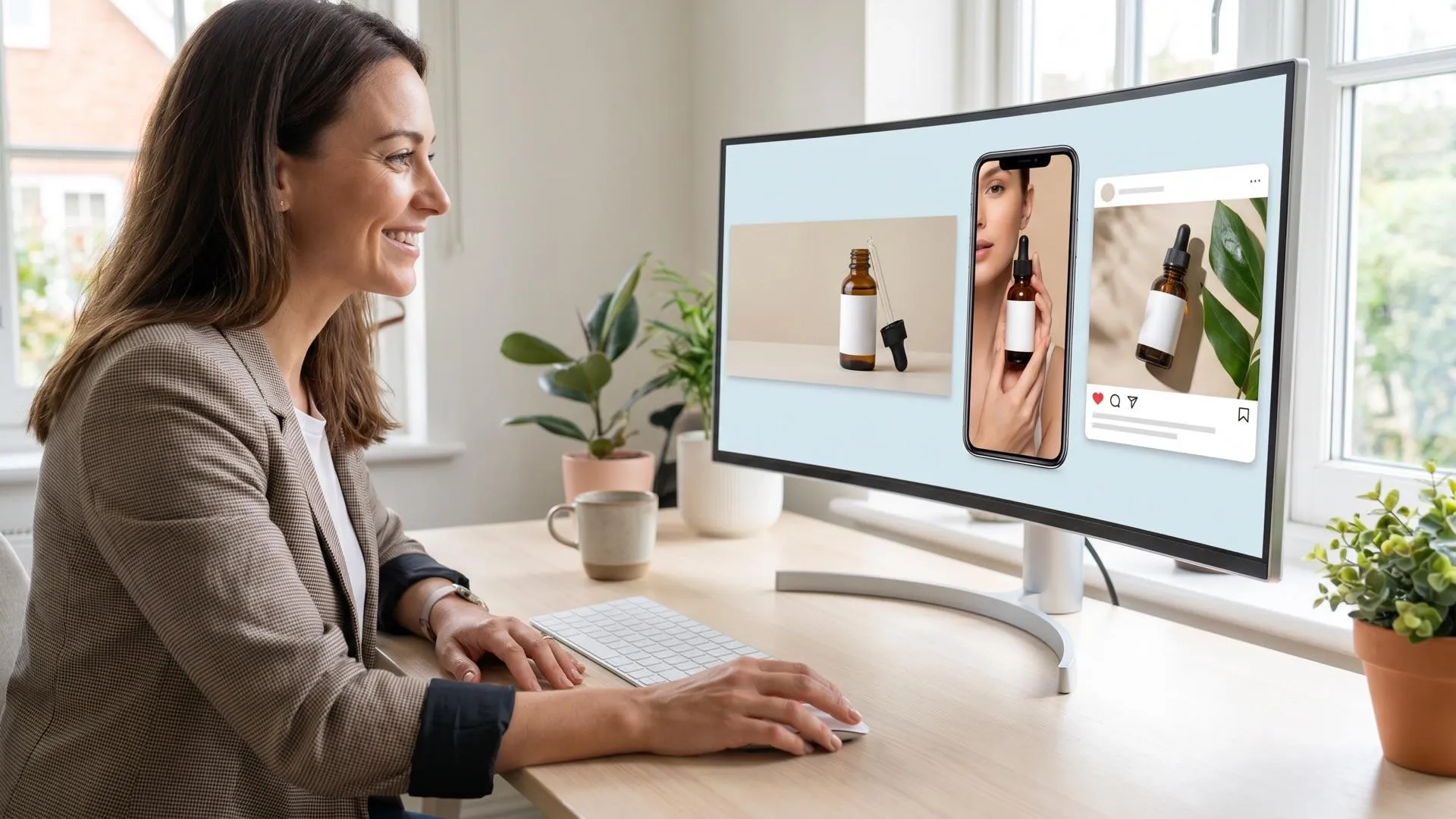

Show products in realistic rooms, hands, outfits, desks, shelves, or outdoor scenes so shoppers understand the item faster on product pages.

Create fresh product staging images that make a new item feel styled, usable, and ready to share across visual-first social campaigns.
Place products into Christmas, summer, back-to-school, Black Friday, or holiday scenes by changing the background, setting, and mood, so visuals feel timely without a new shoot.

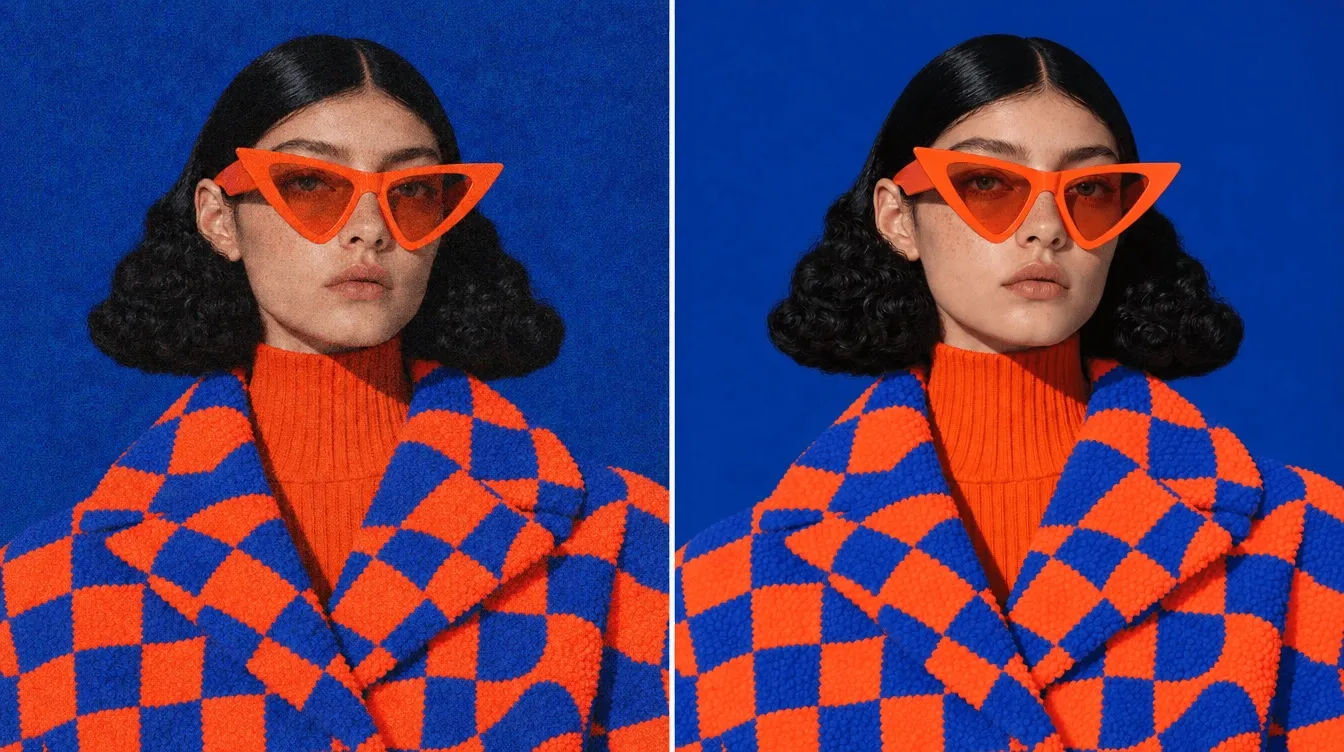
Give older or plain catalog photos a stronger lifestyle look, helping collections feel consistent, polished, and more persuasive across sales channels.
Upload a clear product photo with the item visible.
Describe the lifestyle scene, mood, setting, or campaign goal.
Generate, review, and download your staged product image.
Explore the full range of AI image tools on Pollo AI, built to streamline your entire creative workflow.
Create photorealistic images from text instantly. Achieve cinematic quality and flawless typography with zero photography required.
Create custom pixel art, outfit designs, chibi avatars, and other niche visuals for your audience.
Maintain perfect structural fidelity while recreating photos. Apply cinematic styles and 4K upscaling for production-ready assets.
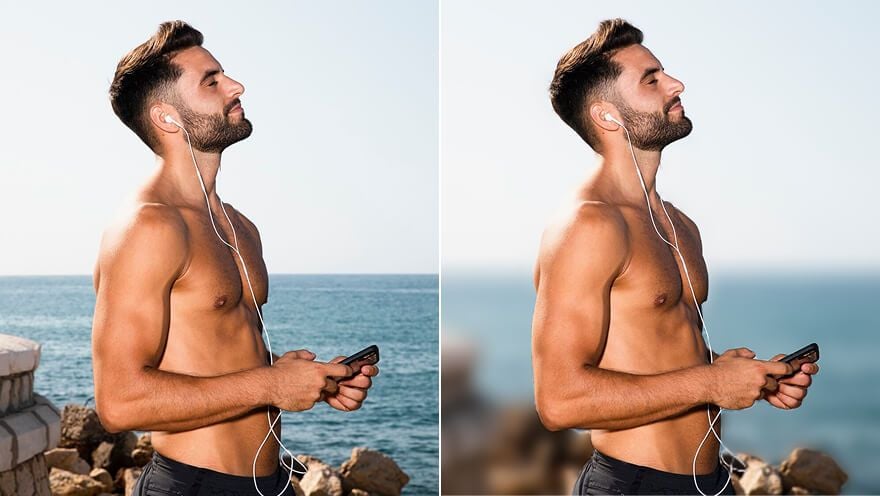
Clean up images, remove backgrounds, remove objects, and enhance fine details with precise AI editing tools.
Create ready-to-use image assets for business cards, YouTube banners, menus, and other campaign needs with diverse image apps.
Turn a text brief into polished, production-ready visuals with an AI agent that handles the creative workflow for you.









Using Pollo AI to Create and Inspire
 Liz Cassidy
 Richard Quick
 armourdude
 Dudu
Dudu Ray Warnes
 lawless clan
 Istvan LajosSantiago Saenz
 Gen Zee
 萱兒
萱兒 Norma Ponce
 Sarah Stokes
 Sudipta Saha
 Luiz Guyz
 Swishadoptme Swishadoptme
AI product staging is an image tool that places your product photo into realistic lifestyle scenes, helping shoppers see how the item looks, feels, and fits in everyday use.
An AI product staging tool helps e-commerce sales by turning plain product images into contextual visuals that build desire, reduce hesitation, and make purchase decisions easier.
AI product staging works well for accessories, shoes, bags, jewelry, beauty products, packaged goods, home decor, electronics, kitchen items, pet products, and many other physical goods.
No. AI product staging lets you create lifestyle product images from your existing product photos and scene direction, without arranging a traditional photoshoot.
Yes. You can describe the background, mood, props, season, use case, or visual style you want so the generated image better matches your product and campaign goal.
Yes. You can try AI product staging for free on Pollo AI. Higher-volume use, more credits, advanced features, or fuller access may require upgrading to a higher plan.

Create polished product staging images with our AI product staging tool that make your items look styled and ready for shoppers to buy.