

Make Cleaner Photos That Hold Attention Longer With Our Magic Eraser
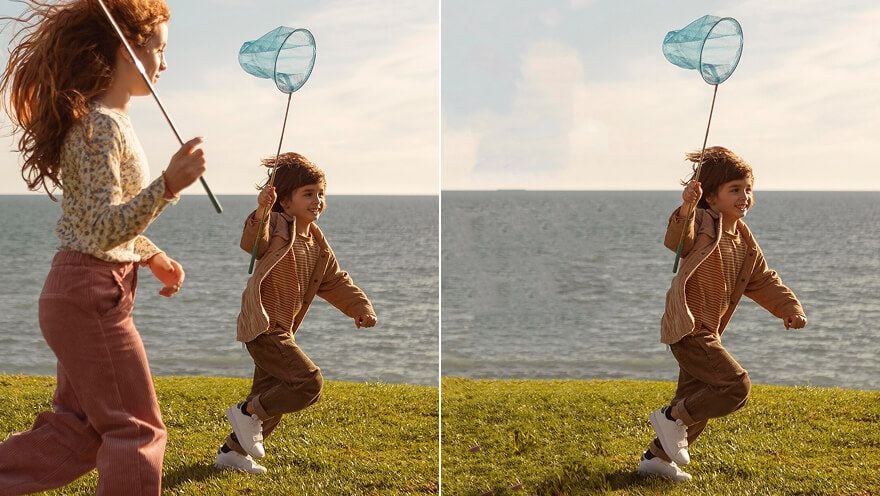
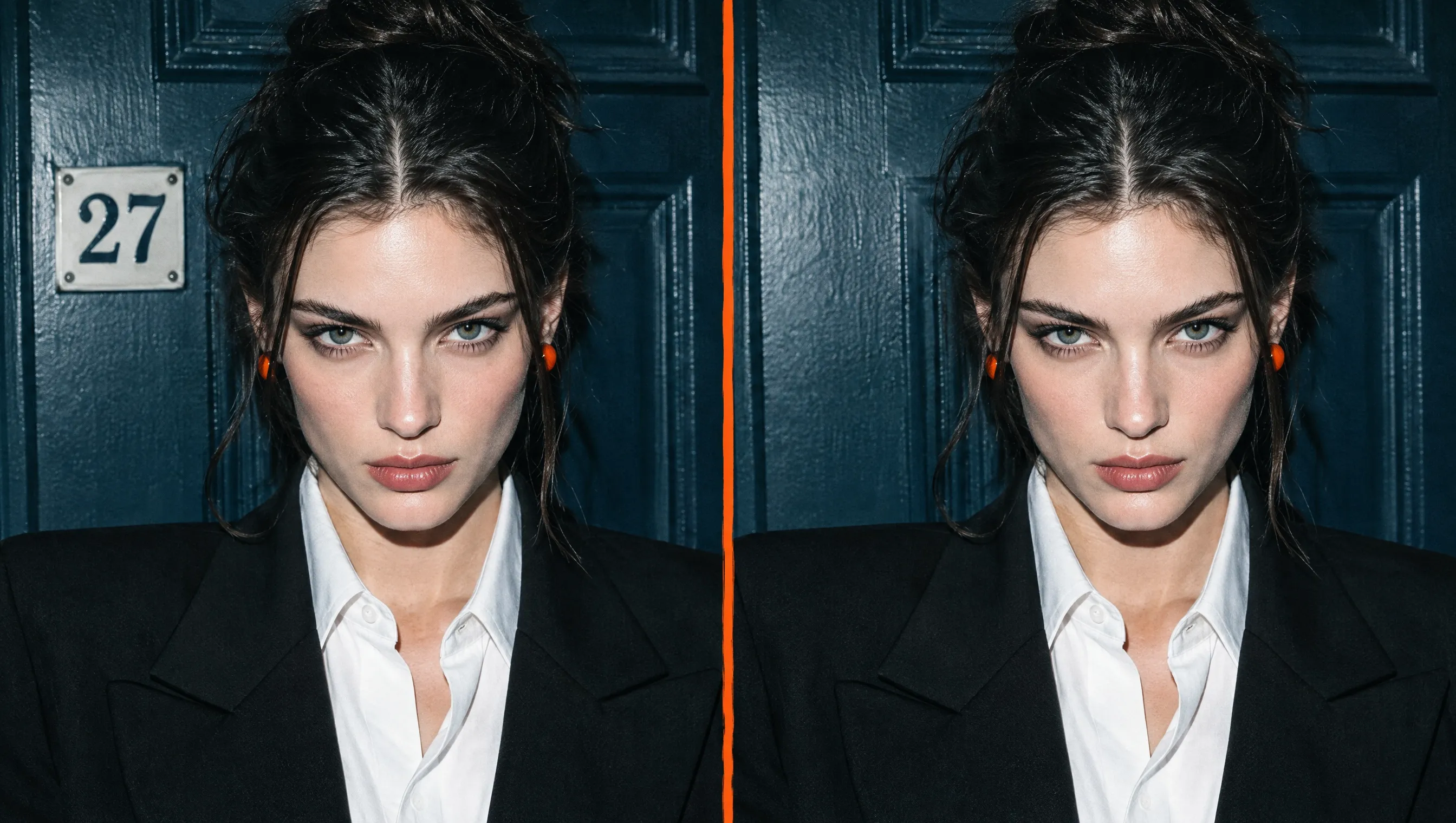
Make your subject stand out by removing distractions instantly! Upload your image, mark distractions with our AI magic eraser, and watch it naturally rebuild the scene. Ideal for your travel photos, portraits, product images, social posts, and other creative projects. Make every photo communicate more clearly, hold attention longer, and leave a stronger impression.

Keep What Matters Intact
Remove only distractions while preserving the subjects and details that define your photo.
Keep Every Edit Convincing
Restore erased areas naturally so your final image still feels authentic and complete.
Guide Attention Where It Matters
Clear competing details so viewers notice the subject, emotion, or idea you want to emphasize.

Save Moments You Cannot Recreate
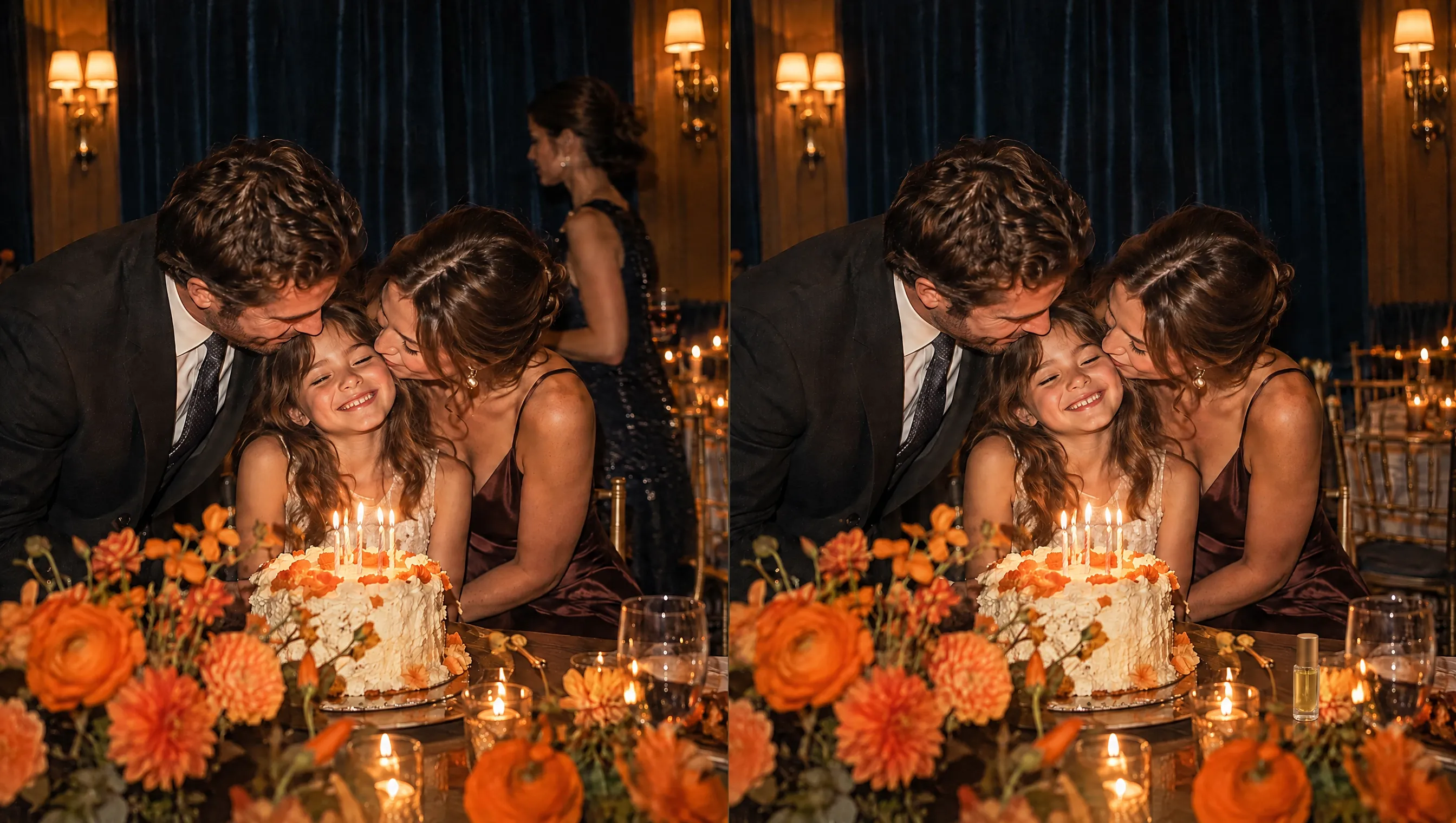
Keep family portraits, event photos, and travel shots focused on the people you meant to capture. Use our magic eraser to remove people from photos without disturbing the surrounding scene. Preserve meaningful memories you can confidently share and revisit.

Give Existing Photos New Purpose
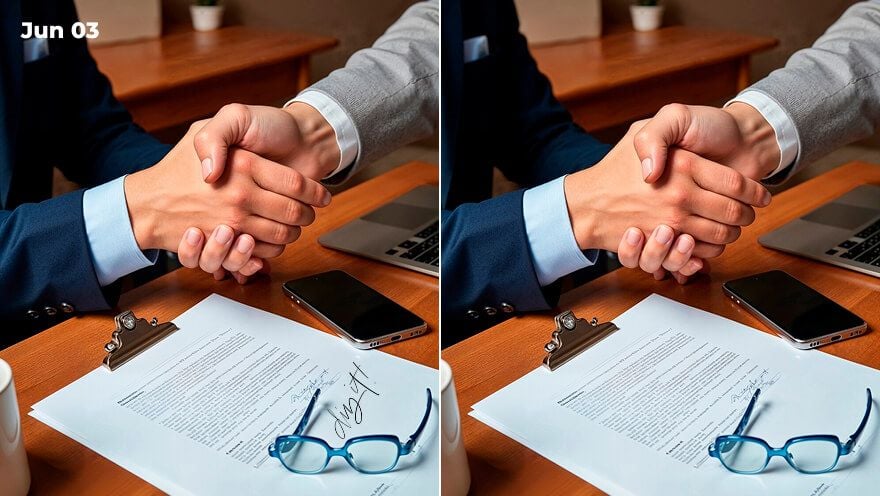
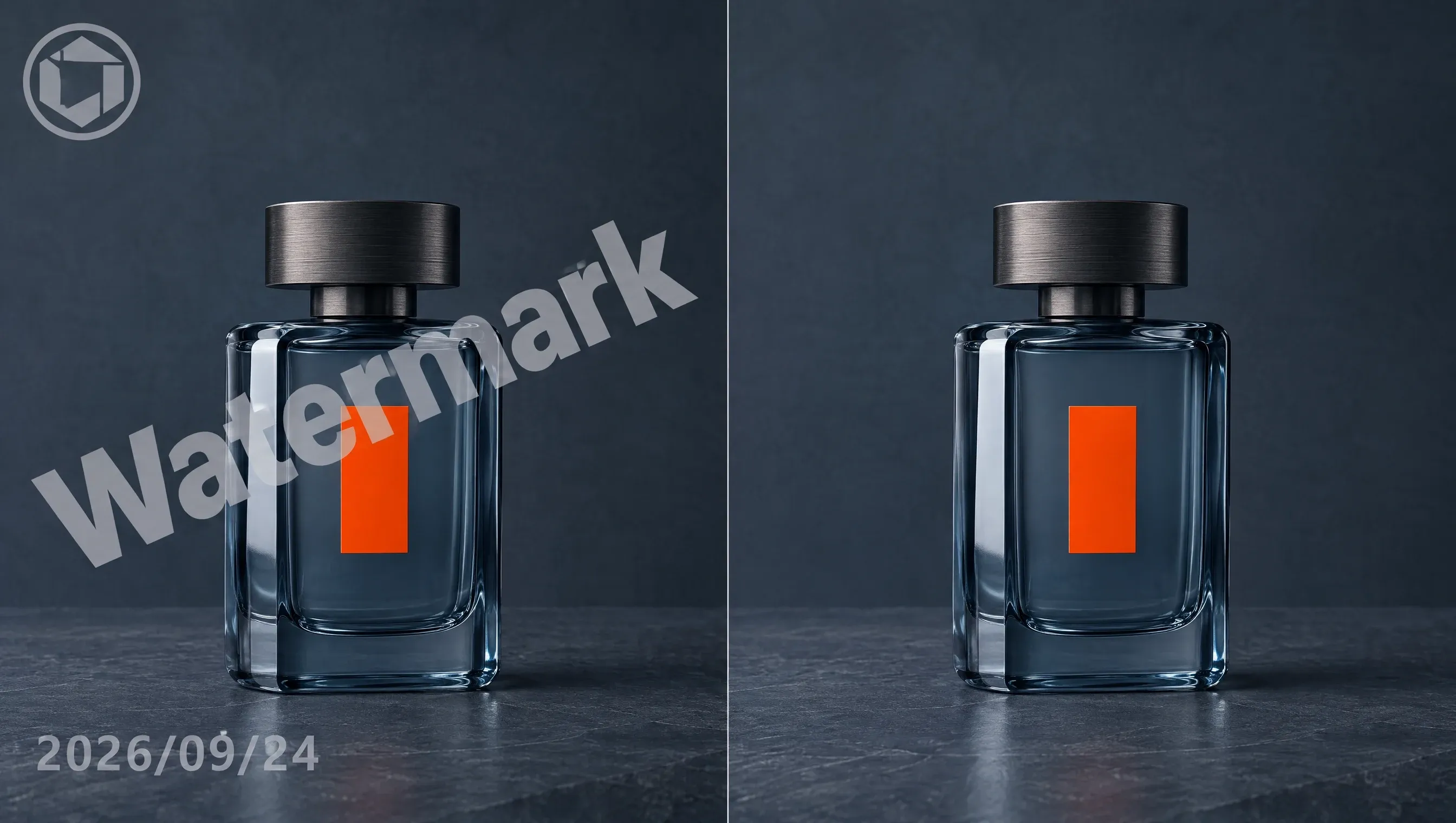
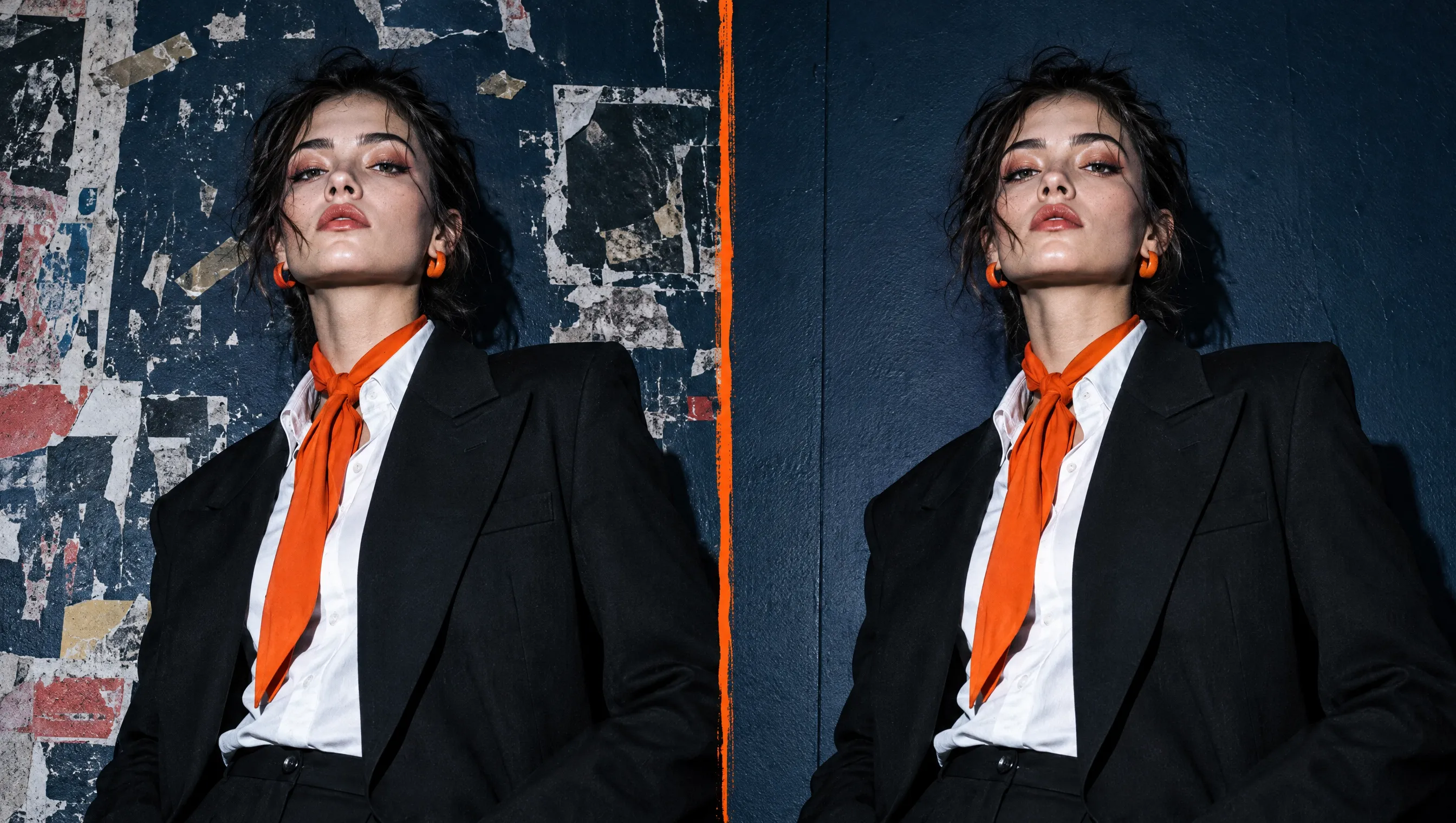
Clear outdated text, signage, and clutter with our photo eraser. Adapt your cleaned photos for new layouts, Instagram posts, or personal projects. Publish fresh content consistently while cutting reshoots and production costs.

Share More Without Oversharing
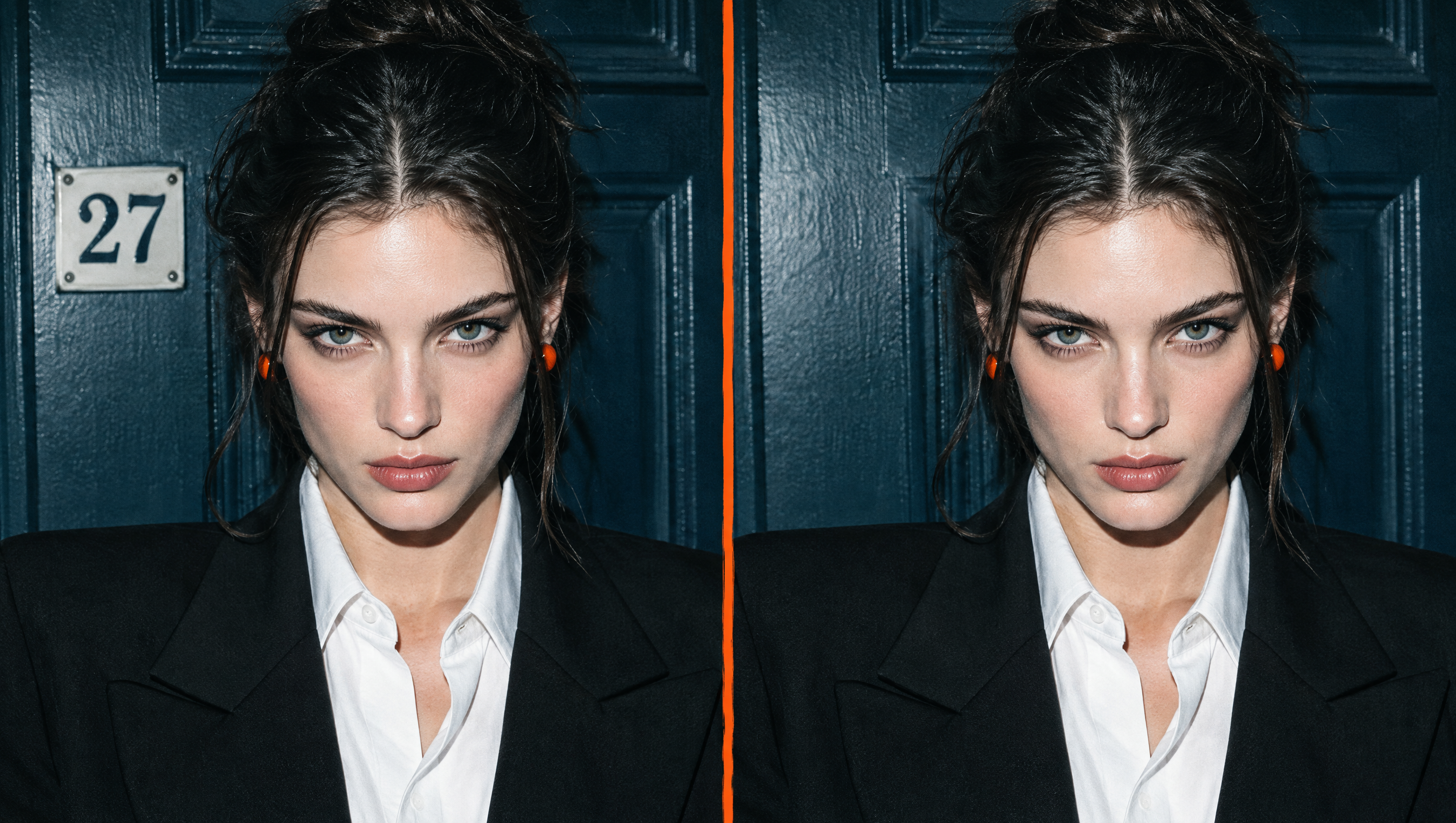
Protect your privacy before publishing profile photos or other social images. Use our image eraser to remove someone from a photo, along with addresses, license plates, or screen content. Share confidently without exposing details you intended to keep private.

Present People and Products at Their Best
Remove blemishes, dust, and scratches from portraits and product images with our AI eraser. Clean up pictures so portraits look polished and products appear well maintained. Help your portraits attract attention and product visuals build buyer confidence, supporting more sales.
Clean Up Pictures for Every Creative Project

Make Every Dish More Appetizing
Use our photo eraser to remove things from pictures, clearing crumbs, utensils, or clutter from food photos. Place cleaner food photos in restaurant menus, posts, or promotions that make each item easier to notice and more appetizing.


Share Moments Without Distractions
Use our AI magic eraser to remove someone from a photo, clear background clutter, or fix small flaws. Prepare portraits, travel shots, and everyday moments for Facebook posts, keeping them personal, balanced, and ready to hold attention.

Build Buyer Trust Faster
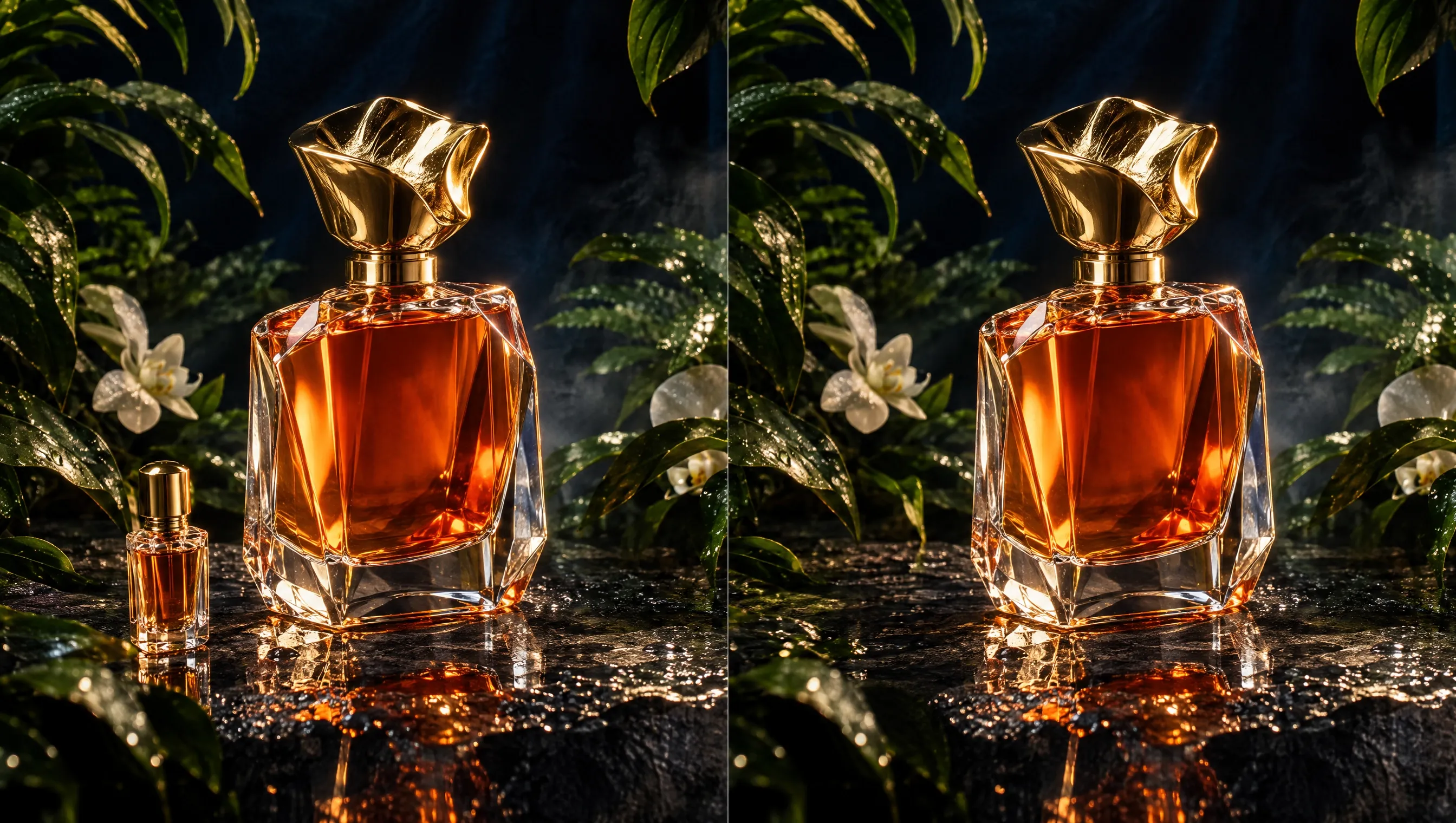
Use our free magic eraser to remove objects from images, clearing distracting props, labels, or surface marks from product shots. Prepare cleaner visuals for flat lay images, helping shoppers compare details faster, trust what they see, and feel more confident buying.

Make Your Cause Easier to Notice
Use our magic eraser to remove objects from photos of volunteer events, fundraisers, or neighborhood projects. Turn cleaner images into campaign posters, updates, and outreach materials that explain your cause clearly. Reach more people and encourage participation.
How to Use Magic Eraser on Pollo AI
Step 1
Upload the photo you want to clean.
Step 2
Brush over anything you want our AI magic eraser to remove.
Step 3
Preview and download your cleaned photo.
Try Other AI Image Tools on Pollo AI
Chosen by 10M+ Creators and Marketers Worldwide
Thousands of satisfied users have shared their Pollo AI experiences on Trustpilot, rating us as "Excellent." See what they love about our platform.
FAQs About Our Free AI Magic Eraser
What is AI magic eraser?
AI magic eraser is designed to remove selected people, objects, text, marks, or imperfections. After you brush over a target area, it reconstructs the missing space from nearby visual information, creating a cleaner image without manual cloning, masking, or layer work.
What is the best AI magic eraser?
Pollo AI is the best AI magic eraser because it combines a simple workflow with targeted area control, natural-looking fills, and creative flexibility. It clears obvious distractions and small flaws, helping beginners and experienced creators polish images without navigating complicated editing software.
How does an AI magic eraser work?
Once you select an area of an image to erase, our AI eraser's advanced algorithms analyze the surrounding pixels. It then intelligently fills in the deleted section, ensuring the final image looks clean and natural.
Is our AI magic eraser free?
Yes. You can access Pollo AI’s free magic eraser through its free trial plan, which includes limited credits for clearing unwanted elements from your images. If you need more photo edits, you can upgrade to a paid plan for additional credits.
What image formats can I upload?
Pollo AI accepts common image formats such as JPG and PNG for its image eraser. For better results, use the clearest version of your image available.
What should I do if the erased area looks unnatural?
Refine your brush selection and run the edit again. Cover the complete object and any connected shadow, but avoid painting far beyond its edges. For complex shapes or long objects, work in smaller sections so our AI eraser receives clearer context from the surrounding image.
Can I remove multiple objects from one photo?
Yes. You can remove objects from photos by marking each unwanted element. For cleaner results, remove one object at a time, especially when items overlap or sit on different backgrounds. Preview each edit before moving to the next area so mistakes are easier to correct.

Make Every Photo Easier to Share and Reuse With Our Magic Eraser!
Erase unwanted details instantly and create polished photos that direct attention exactly where you want it.