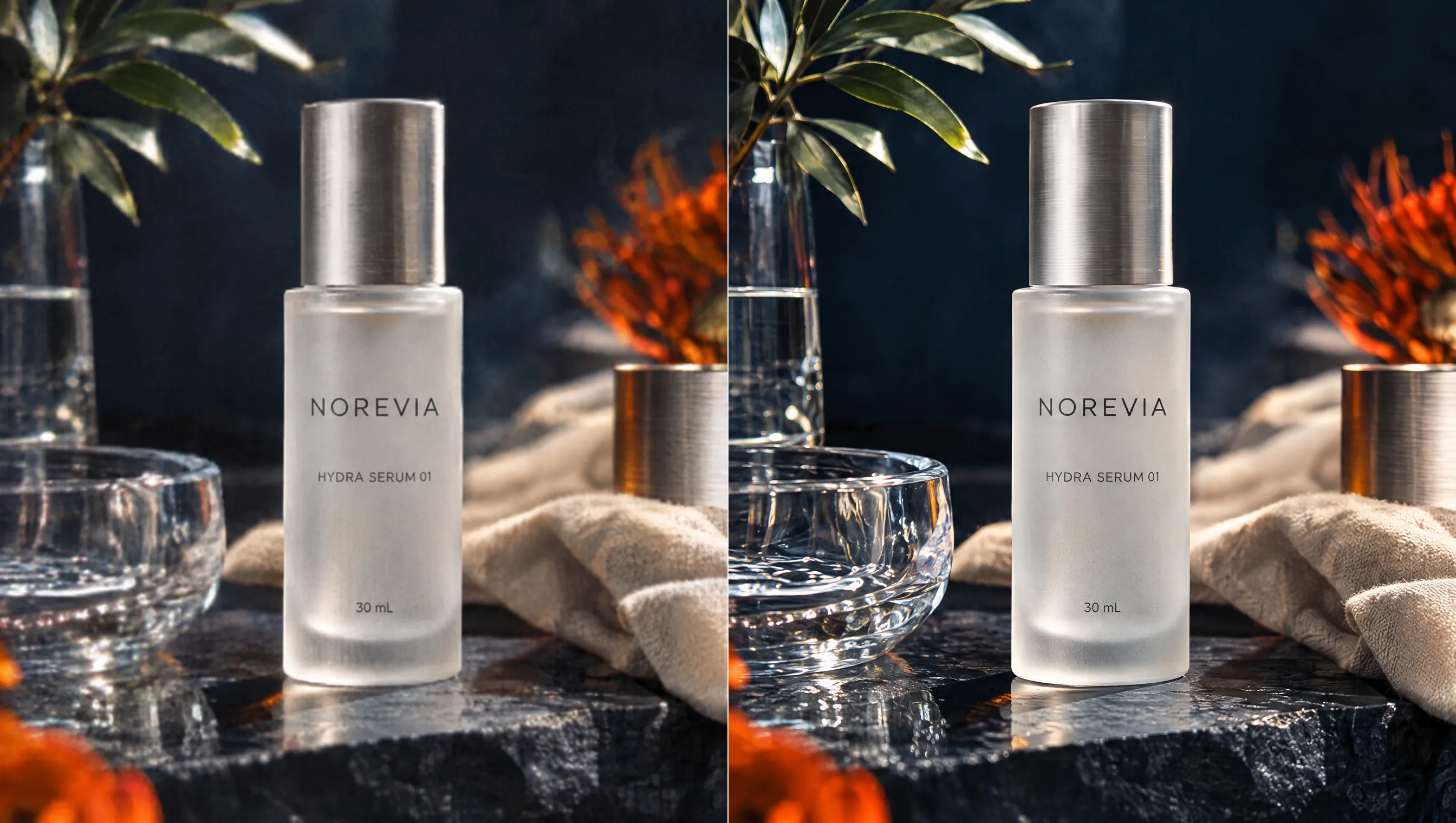
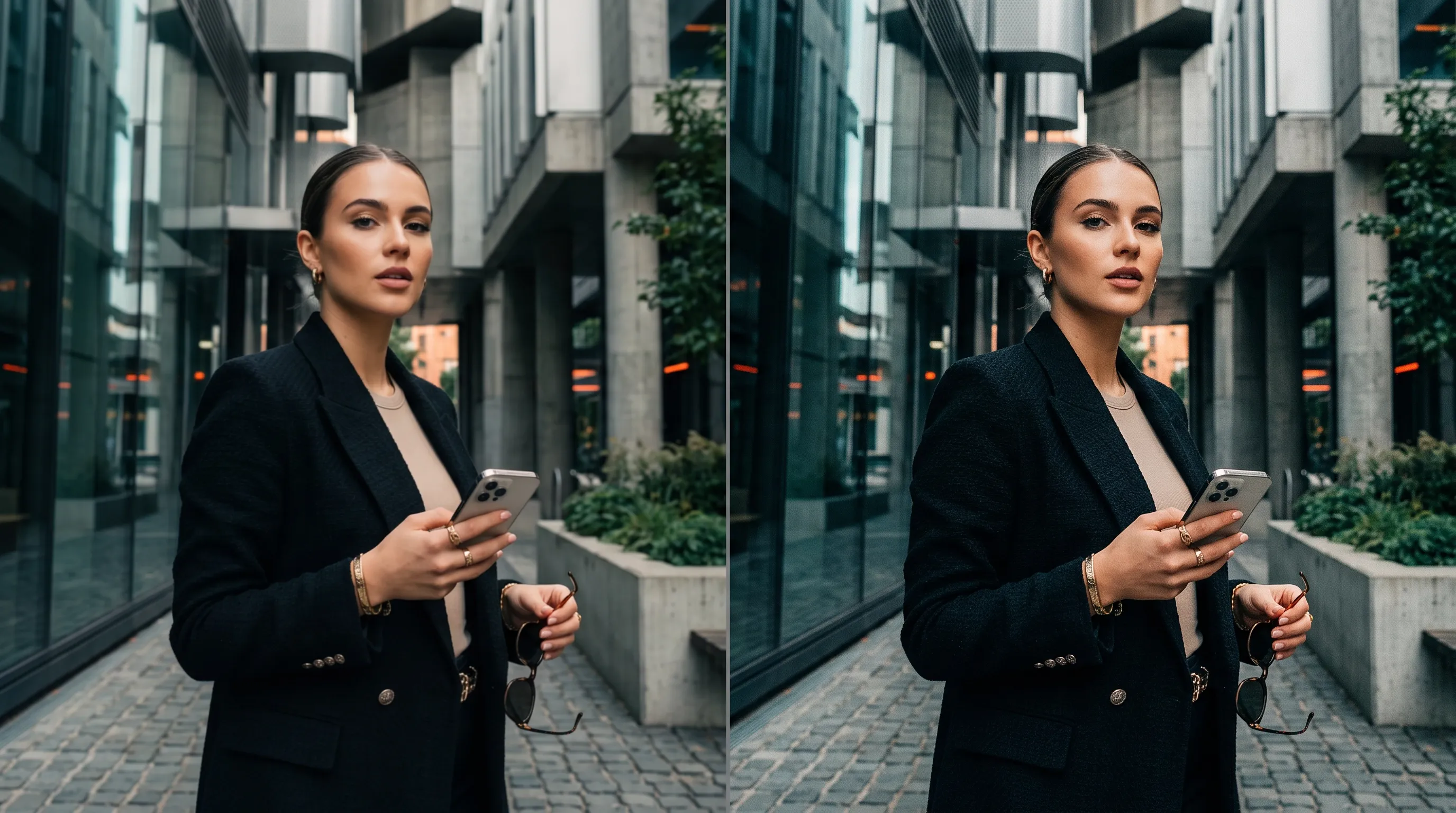
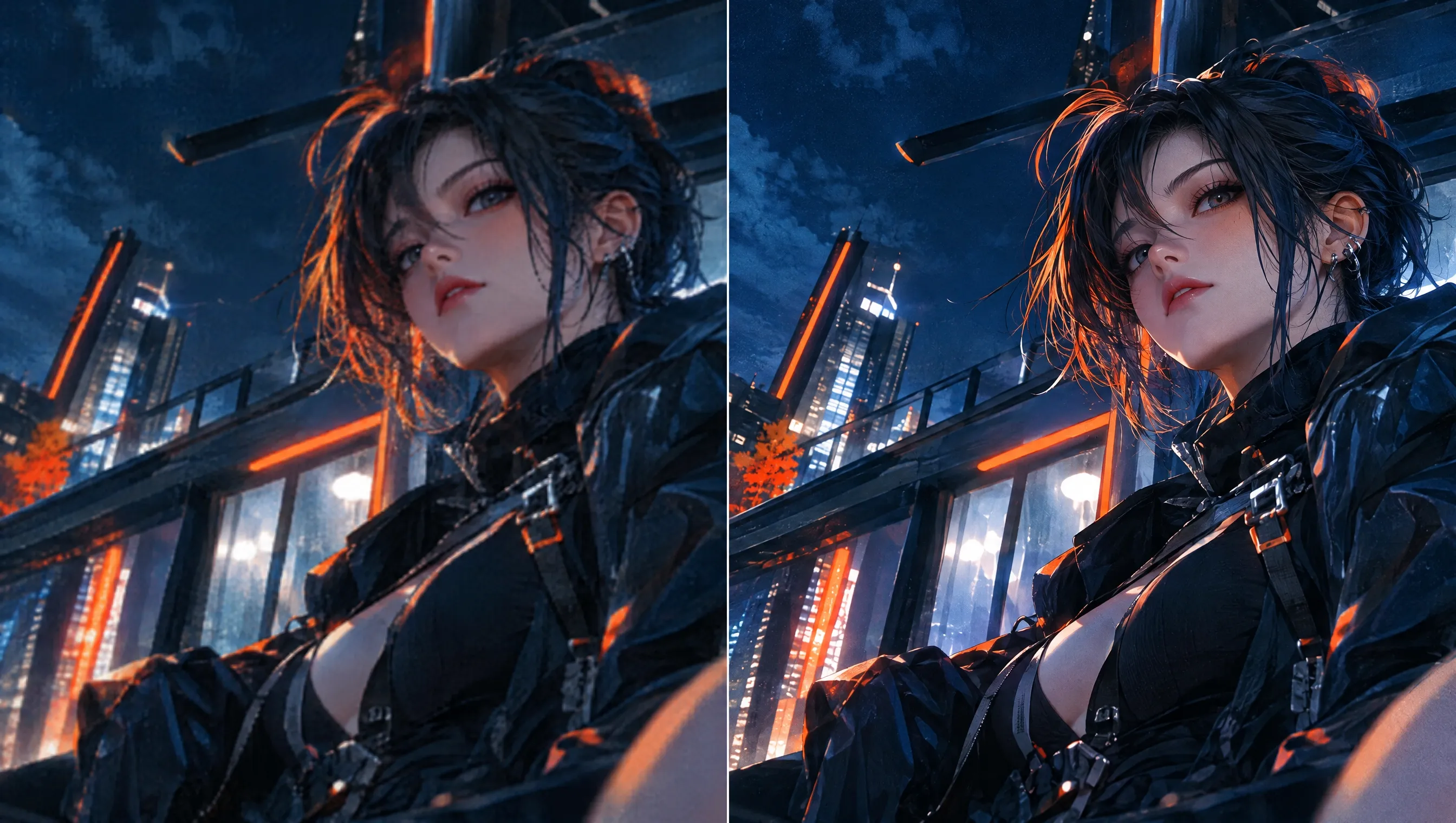
Upscale Your Videos for Greater Visual Impact on Any Screen

Revive your low-resolution footage with sharper detail and a cleaner finish. Try our AI video upscaler to boost resolution to 1080p or 4K in a few clicks. Ideal for family memories, travel footage, gameplay, product showcases, event recordings, and more. Keep viewers engaged longer and make your videos more polished and watchable.

  • Make Videos More Watchable

    Upscale your footage to 1080p or 4K for a cleaner, more engaging viewing experience.

  • Keep Important Details Clear

    Reduce blur and noise so viewers can follow faces, text, and action more easily.

  • Spend Less Time Editing

    Let AI improve video quality without complex settings or frame-by-frame editing.

Keep Valuable Footage Useful Longer

Keep Valuable Footage Useful Longer

Use our video upscaler to revive low-resolution clips for archiving, story videos, and personal projects. Upscale videos to preserve important moments and keep existing footage ready for future viewing, editing, sharing, or creative reuse later.

Reuse More Footage Without Reshooting

Reuse More Footage Without Reshooting

Bring lower-quality clips into higher-resolution product videos, campaign edits, and demos with our AI video upscaler. Reuse workable scenes instead of reshooting them, helping you shorten production time, reduce filming costs, and keep projects moving.

Reduce Noise and Blur

Reduce Noise and Blur

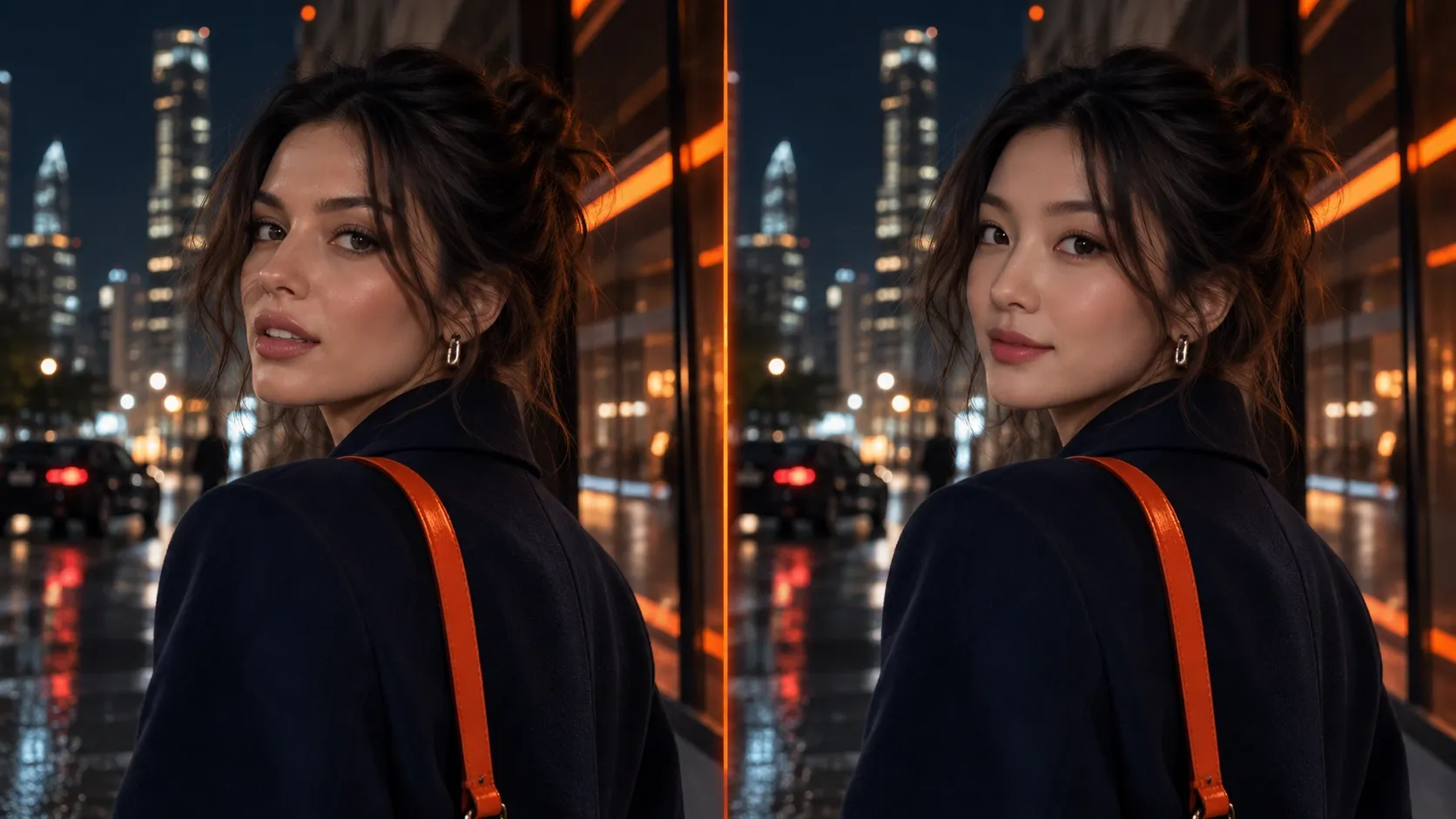
Use AI video upscaling to restore finer textures, sharper edges, and clearer scene details instead of simply stretching pixels. Make your explainer videos easier to follow, helping viewers understand key information faster and stay focused on what matters.

Keep Your Original Style Intact

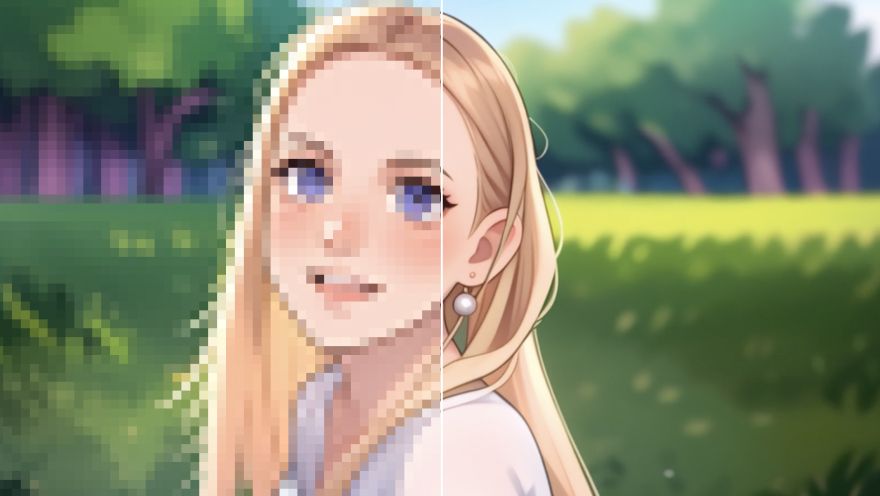
Keep Your Original Style Intact

Refine anime videos, animated clips, and gameplay footage with our free video upscaler while keeping your original style recognizable. Keep lines crisp, colors clear, and distinctive details intact, so your work looks consistent and polished on larger screens.

See What You Can Do with Our Video Upscaler

Content Creators
Real Estate Agents
Musicians and Artists
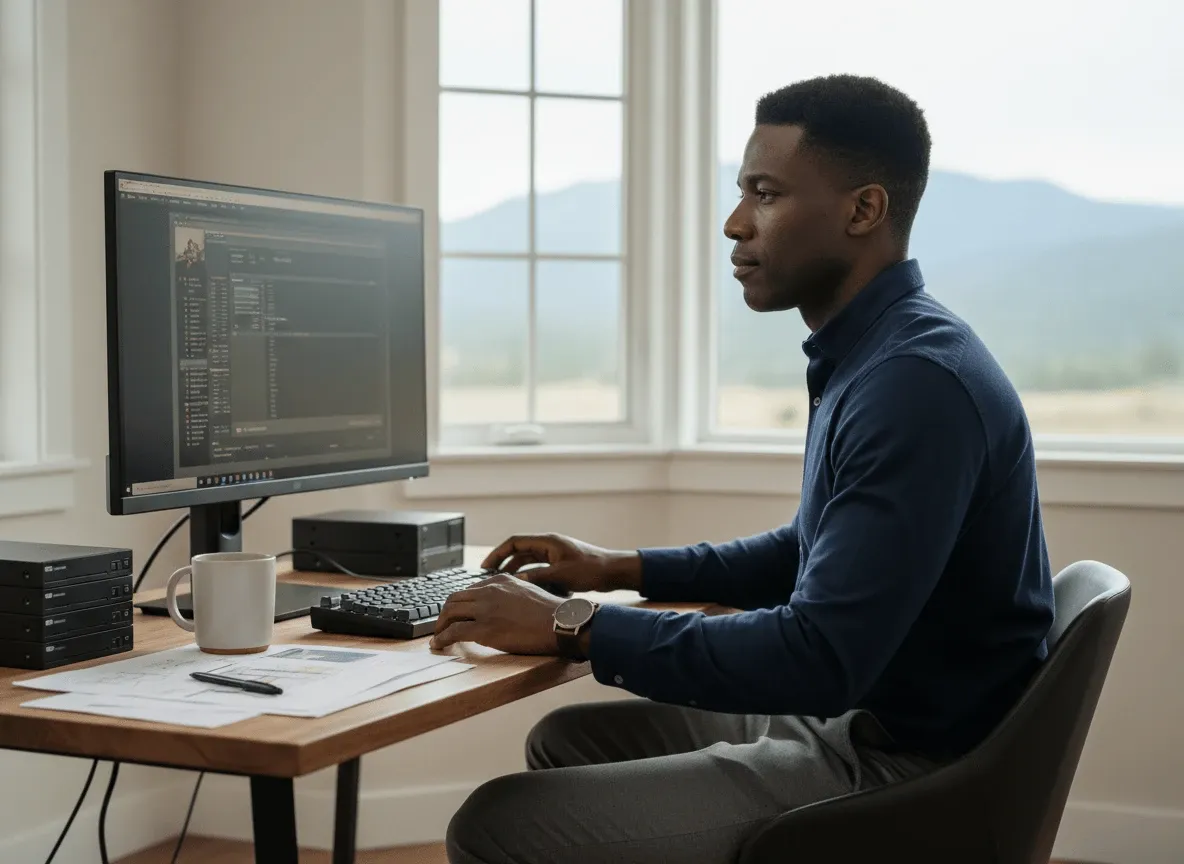
Educators and Trainers
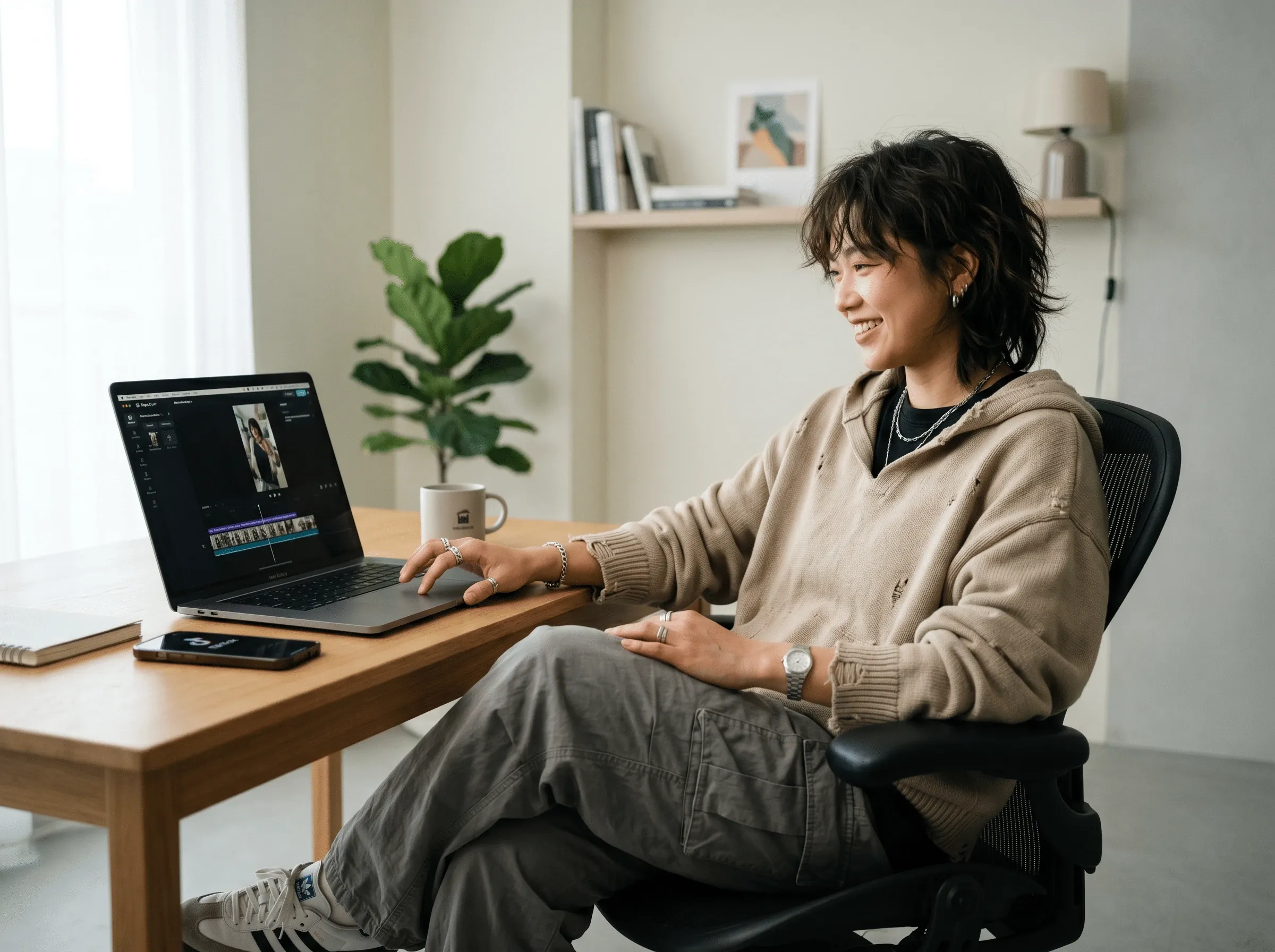
Make Every Upload Worth Watching

Make Every Upload Worth Watching

Run vlogs, TikTok videos, tutorials, and other uploads through our video upscaler before publishing. Upscale videos so details stay crisp across screens, helping your content feel more polished and hold attention from the first frame.

Help Buyers See Every Detail

Help Buyers See Every Detail

Refine real estate videos, walkthroughs, and listing clips with our AI video upscaler before publishing. Improve room textures, finishes, and property details, helping buyers assess spaces faster and giving each listing a more professional presentation.

Give Every Release More Visual Impact

Give Every Release More Visual Impact

Polish music videos, performance clips, and visualizers with our video upscaler before releasing them across streaming and social platforms. Upscale videos to keep lighting, motion, and stage details crisp, giving every release a stronger visual presence.

Make Every Explanation Easier to Follow

Make Every Explanation Easier to Follow

Apply video upscaling to training videos, lessons, demonstrations, and screen recordings so key information stays easy to follow. Make interfaces, presentation elements, and instructional steps more legible, helping viewers understand your guidance faster and retain more.

How to Upscale Videos with Pollo AI?

Step 1

Upload the video you would like to enhance and upscale.

Step 2

Select the available scale and mode that best fit your footage.

Step 3

Create your upscaled video, review the result, then download it.

Explore Pollo Al's Other Cutting-Edge Al Video Tools

Anime Video Enhancer
Video Enhancer
AI Video Translator
Face Swap Video
Sony
Mercedes-Benz
Coca-Cola
Microsoft
Nike
P&G
Lancôme
Zoom
Liz Cassidy photoRichard Quick photoarmourdude photo5000+ reviewsTrustscore 4.4

Used by 10M+ Creators and Marketers

Thousands of satisfied users have shared their Pollo AI experiences on Trustpilot, rating us as "Excellent." See what they love about our platform.

Liz Cassidy photoLiz Cassidy
Trustpilot reviewsDec 15, 2025
Easy to use, great results for short videos
I’ve been using Pollo AI mainly for short videos and quick image-to-video tests. The interface is straightforward and it works well even with simple prompts, which is a big plus compared to tools that need long, complicated instructions. The results can be really impressive, and it’s honestly been fun to experiment with. I’d love a bit more consistency on faces when there’s movement, but overall it’s been a solid experience for what I needed.
Richard Quick photoRichard Quick
Trustpilot reviewsOct 15, 2025
Awesome website
Awesome website. loads of options and a great way to learn how to work with 'AI' my reasoning for 5 stars is based upon price, versatility and ease of use. Also I would like to add, Pollo AI runs a lot of promos on different AI products as well. I rate their customer service at 5 stars, when I purchased my first subscription my computer crashed the following weekend and I lost all my data and info passwords you name it I lost it, contacted pollo by email they responded quickly and found my info/username and account, and I was able to restore my account.
armourdude photoarmourdude
Trustpilot reviewsNov 19, 2025
I have been using Pollo AI for short…
I have been using Pollo AI for short videos. It is easy to use and works well with simple prompts. Other generators seem to need long drawn out complicated explanations to get even close to what I want.
Dudu photoDudu
Trustpilot reviewsJan 14, 2026
I'm just amazed by the level of quality…
I'm just amazed by the level of quality output that Pollo AI can produce from a simple image. The motion, the realism, It's too good!!
Gen Zee photoGen Zee
Trustpilot reviewsDec 14, 2025
Great and accurat to propmt
Great and accurat to propmt, wonderfull experience till now as compared to other ai sites.thank ypu.
萱兒 photo萱兒
Trustpilot reviewsDec 23, 2025
It replaced Pixverse V4.5 Fusion
Since Pixverse axed the best ever Fusion V4.5, i was upset. And now I found Pollo AI perform better. TQ

FAQs About Our AI Video Upscaler

What is AI video upscaler?

AI video upscaler increases video resolution while improving clarity and visible detail. Instead of only enlarging frames, AI video upscaling analyzes your footage and enhances visual information so low-resolution videos look cleaner when viewed or exported at higher resolutions.

What is the best AI video upscaler?

Pollo AI is the best AI video upscaler because it combines a simple online workflow with flexible upscaling controls and clearer 1080p or 4K output. You can improve resolution, reduce blur or noise, and refine your footage without advanced editing skills.

How does Pollo AI's video upscaler work?

To upscale a video, upload your footage, select the available scale and mode, then start the process. During video upscaling, Pollo AI analyzes your footage frame by frame to improve resolution and clarity while preserving important visual details.

Can I upscale a video to 4K?

Yes. You can upscale your video to 4K with Pollo AI, as well as other supported higher resolutions such as 1080p. Results depend on your source footage, so clearer input usually provides more useful visual information for restoring detail at higher resolutions.

Is Pollo AI's video upscaler free?

Yes. Pollo AI offers a free video upscaler so you can try the workflow before deciding whether you need more usage. Upload your footage, select the available settings, and create an upscaled result online. Free availability and usage limits may vary by plan.

What video formats can I upload?

Our video upscaler currently supports common formats including MP4, MPG, FLV, AVI, and MOV. Upload a supported file, select your settings, and process it online. Available format support may expand as Pollo AI updates the tool.

Will upscaling change the original look of my video?

No. AI video upscaling is designed to improve resolution and clarity while keeping your video's subjects, colors, composition, and overall visual style recognizable. Results can vary by source quality, but the goal is to enhance detail without making your footage look unnecessarily altered.

Upscale Videos and Bring More Impact to Every Frame!

Upscale videos online with less manual editing and get clearer results ready to share, save, or refine.

Home/AI Video Tools/Video Upscaler