Video Reframe

The Ultimate AI Video Reframe Tool for Social Media

AI video resizer streamlines the way you repurpose content for social media. It reframes footage to any aspect ratio, handling every scenario from converting YouTube tutorials into vertical TikToks to adapting landscape ads for Instagram Stories.
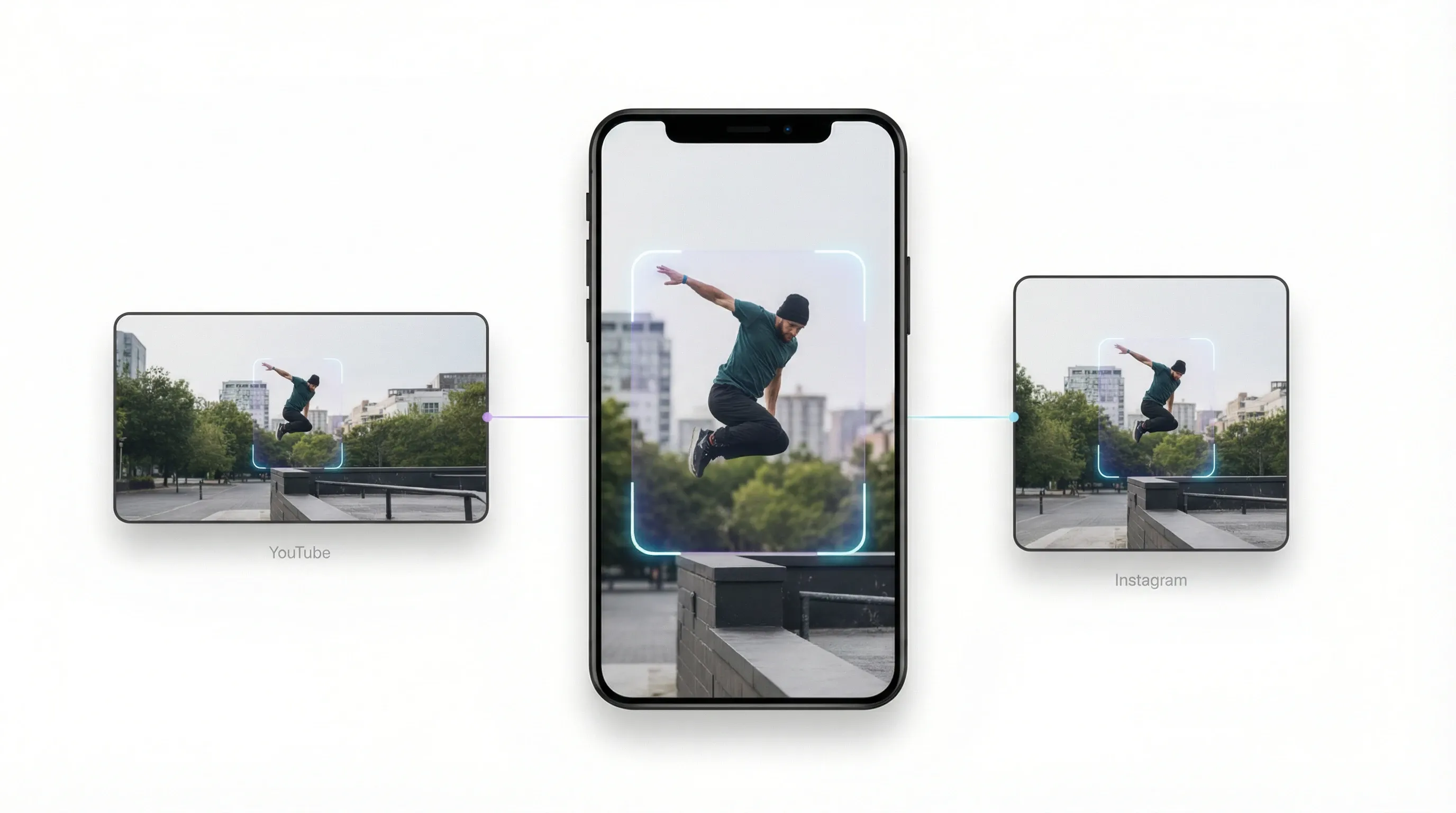
Intelligent Auto-Reframe for Dynamic Action

Intelligent Auto-Reframe for Dynamic Action

Stop struggling with manual cropping. Whether you need to resize video for Instagram Reels or convert YouTube clips to TikTok's vertical format, our video resizer tracks movement perfectly so you never lose the subject.

Rapid Social Media Preset Distribution

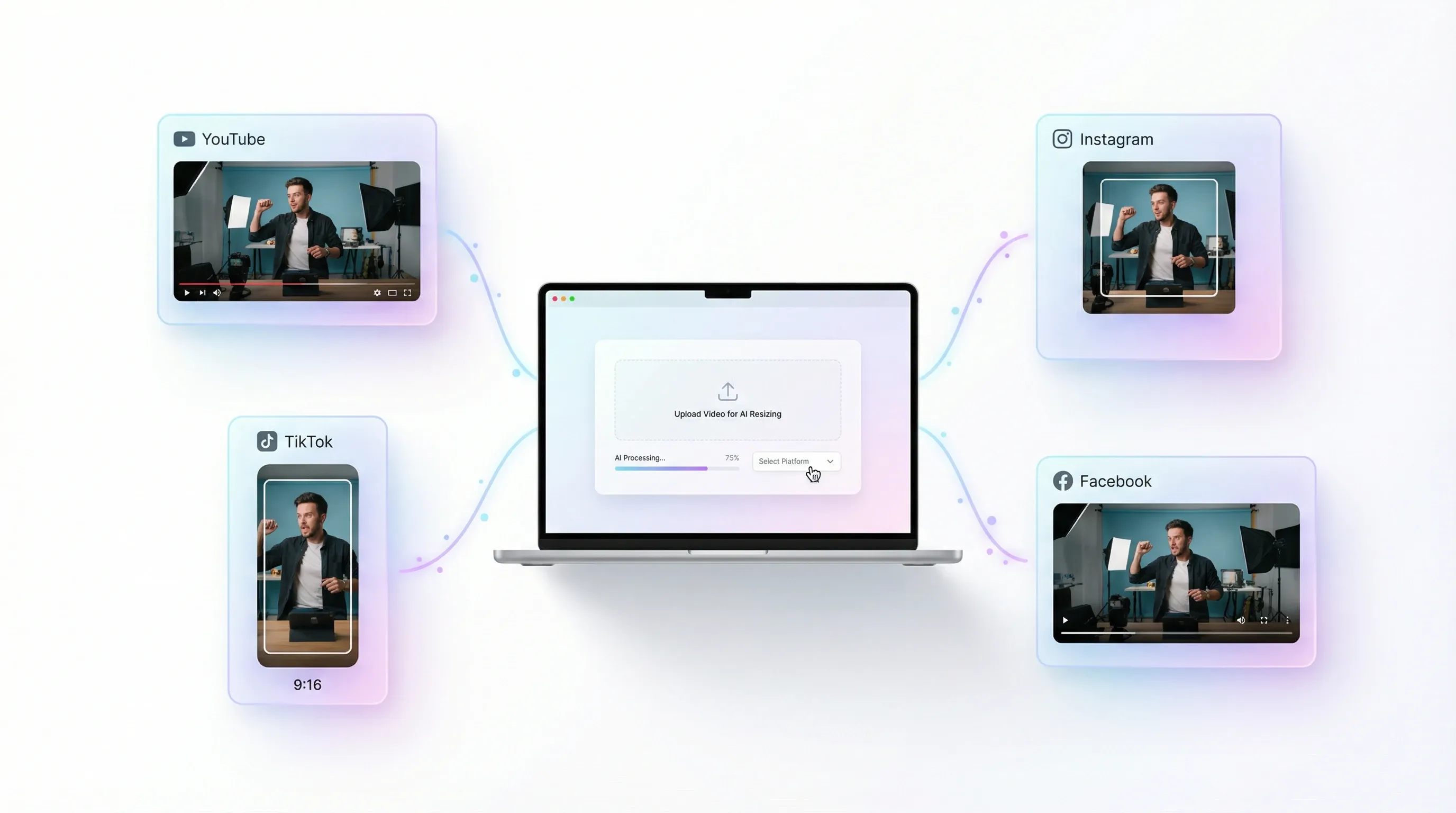
Rapid Social Media Preset Distribution

Stop memorizing aspect ratios for different platforms. AI video resizer provides instant presets for YouTube, Instagram, TikTok, and Facebook. Simply upload your video and select your target platform; our AI handles the rest.

Smart Background Filling for Aesthetic Clips

Smart Background Filling for Aesthetic Clips

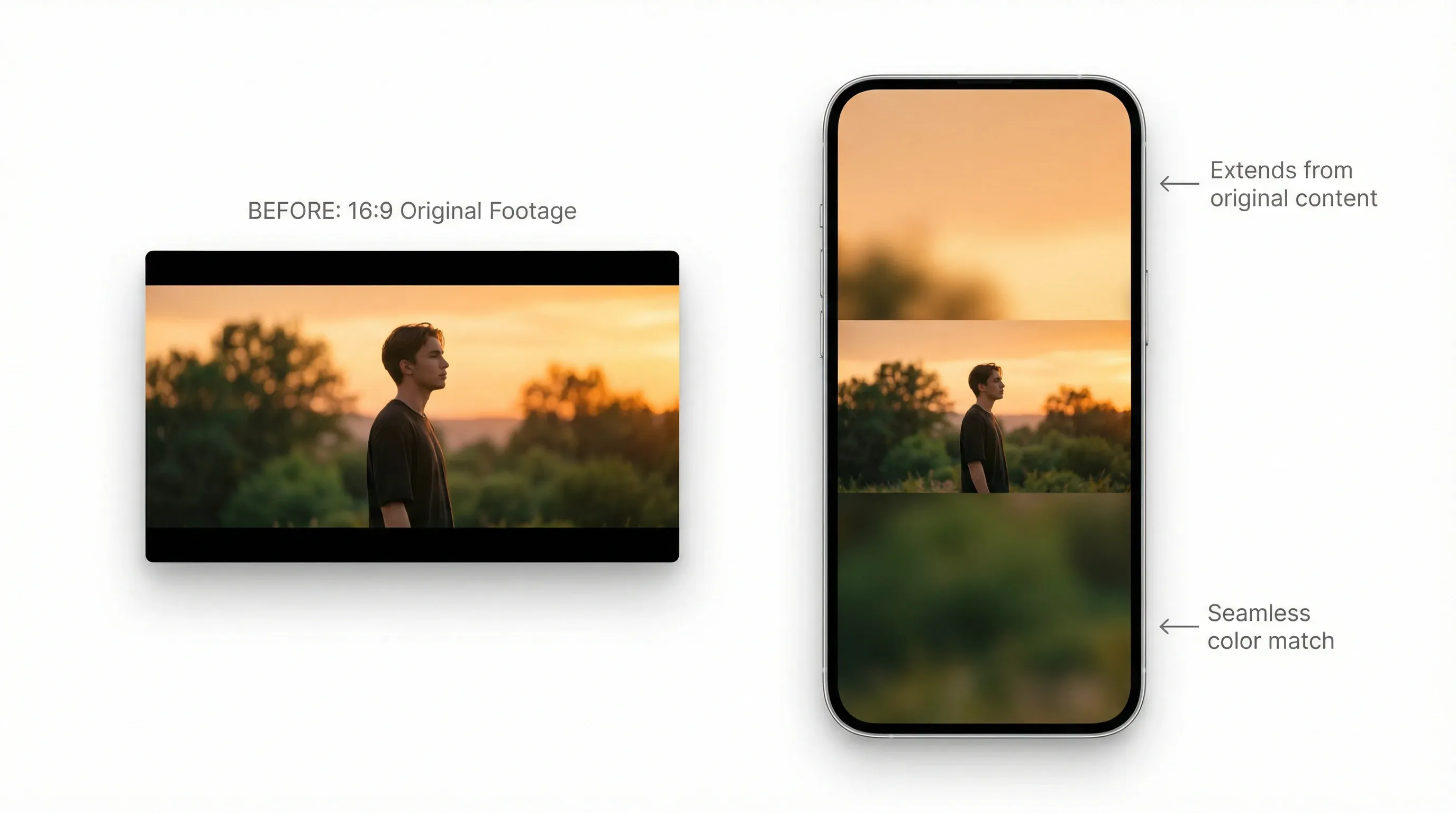
When changing dimensions, our AI video resizer intelligently fills gaps with content-aware padding or aesthetic blurs. Transform 16:9 cinematic shots into 9:16 vertical masterpieces without awkward cropping.

Get Social-Ready Faster

Get Social-Ready Faster

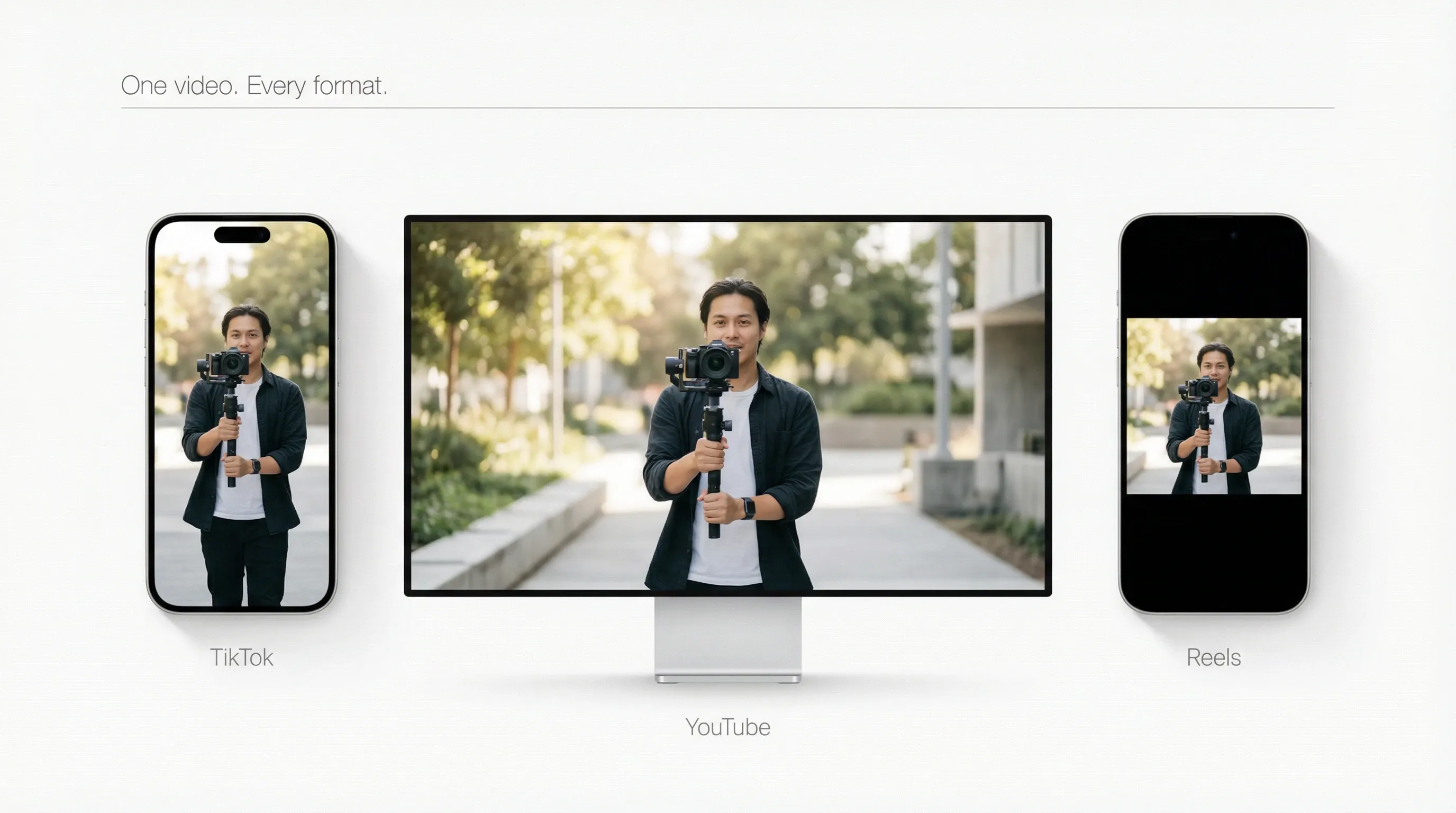
Create once, publish everywhere. Our AI video resizer optimizes your video for TikTok, YouTube, and Reels instantly. Perfect size, perfect format—watch your reach grow across every channel.

AI Video Reframe for Every Platform

Content Creators & Influencers
E-commerce & Digital Marketers
Business & Educators
Multiply Your Reach Across Every Feed

Never let a landscape masterpiece go to waste. Effortlessly convert long-form YouTube videos into high-energy TikToks and Instagram Reels.

Scale Ad Campaigns with Instant Adaptability

Stop wasting hours on manual cropping for different ad placements. Transform a single cinematic product showcase into a suite of optimized assets for Facebook Stories, Pinterest, and YouTube Shorts.

Repurpose Webinars into Bite-Sized Insights

Turn lengthy presentations and recorded meetings into shareable, punchy highlights. Use smart background filling to maintain a clean, aesthetic look even when changing dimensions.

How to Use AI Video Reframe Tool?

Step 1

Upload videos and select your target aspect ratio from the presets.

Step 2

AI automatically adapts the footage and fills the frame for a seamless fit.

Step 3

Download your video and it’s ready to be published directly to your chosen platforms.

Discover Other AI Creative Tools on Pollo AI

Motion Graphics Video
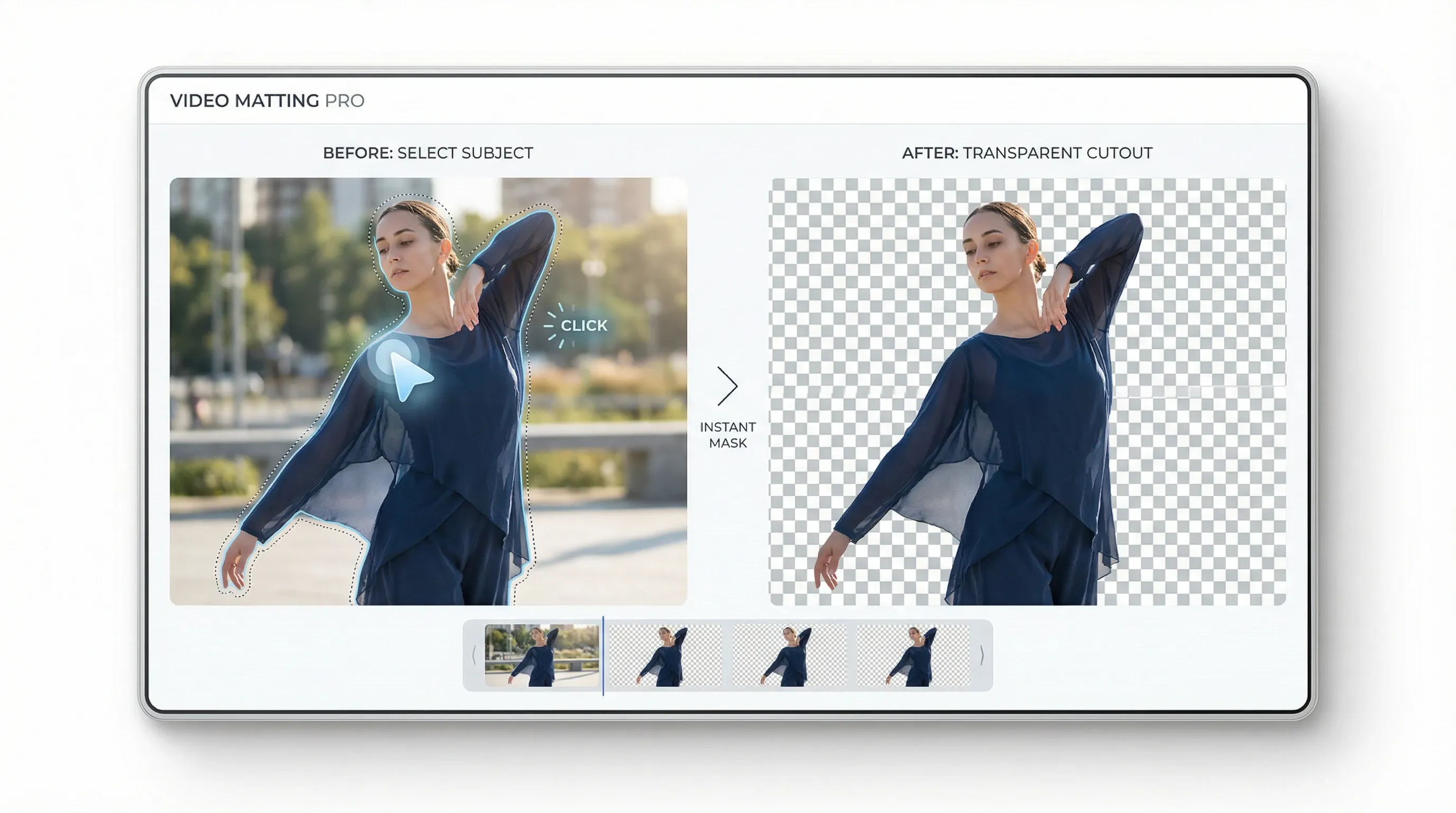
Video Matting
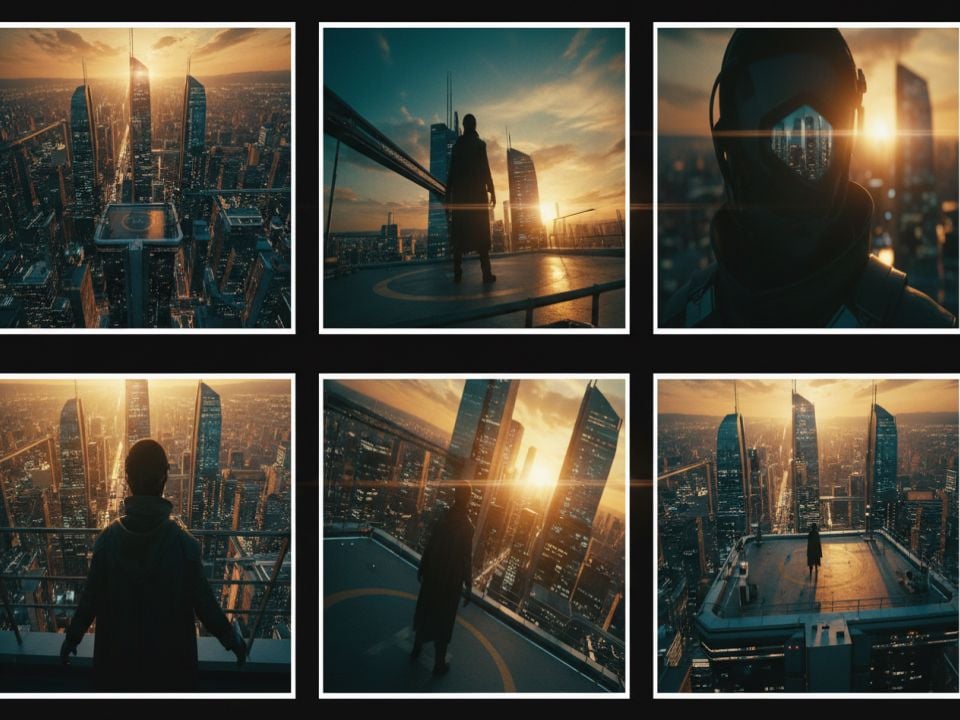
Image Shots
Video Transitions
Liz Cassidy photoRichard Quick photoarmourdude photo3600+ reviewsTrustscore 4.4

Loved by 10M+ Creators and Marketers Globally

Thousands of satisfied users have shared their Pollo AI experiences on Trustpilot, rating us as "Excellent." See what they love about our platform.

Liz Cassidy photoLiz Cassidy
Trustpilot reviewsDec 15, 2025
Easy to use, great results for short videos
I’ve been using Pollo AI mainly for short videos and quick image-to-video tests. The interface is straightforward and it works well even with simple prompts, which is a big plus compared to tools that need long, complicated instructions. The results can be really impressive, and it’s honestly been fun to experiment with. I’d love a bit more consistency on faces when there’s movement, but overall it’s been a solid experience for what I needed.
Richard Quick photoRichard Quick
Trustpilot reviewsOct 15, 2025
Awesome website
Awesome website. loads of options and a great way to learn how to work with 'AI' my reasoning for 5 stars is based upon price, versatility and ease of use. Also I would like to add, Pollo AI runs a lot of promos on different AI products as well. I rate their customer service at 5 stars, when I purchased my first subscription my computer crashed the following weekend and I lost all my data and info passwords you name it I lost it, contacted pollo by email they responded quickly and found my info/username and account, and I was able to restore my account.
armourdude photoarmourdude
Trustpilot reviewsNov 19, 2025
I have been using Pollo AI for short

I have been using Pollo AI for short videos. It is easy to use and works well with simple prompts. Other generators seem to need long drawn out complicated explanations to get even close to what I want.
Dudu photoDudu
Trustpilot reviewsJan 14, 2026
I'm just amazed by the level of quality

I'm just amazed by the level of quality output that Pollo AI can produce from a simple image. The motion, the realism, It's too good!!
Ray Warnes photoRay Warnes
Trustpilot reviewsDec 30, 2025
A fabulous journey
I find Pollo easy to use, it gives me great results and I'd recommend it to anyone. It has been a wonderful experience for me.
lawless clan photolawless clan
Trustpilot reviewsNov 22, 2025
i tried 220 online img to vid in 2

i tried 220 online img to vid in 2 months, and this is the best online video.I will subscribe for a year; there are many reasons. But freedom is the most important.

FAQs about AI Video Reframe Tool

What is an AI video reframe tool?

AI video reframe tool transcends simple dimension adjustments, which intelligently detect key video subjects like faces or motion to dynamically adjust cropping and framing for every scene, seamlessly outputting multiple optimized aspect ratios for vertical, square, or widescreen formats.

Can I resize video with AI video resizer for free?

Yes! Simply sign up for an account on Pollo AI, and you will receive free credits to test it online. For unlimited creation and additional features, explore our flexible paid plans.

Who will benefit from auto video resizing?

Whether you are a content creator reframing YouTube videos for Shorts or a social media manager seeking fast multi-platform publishing, it eliminates manual work by automatically adapting everything from lectures to ad campaigns into perfectly formatted, mobile-ready clips.

Why is AI video resizer better than traditional editors?

It eliminates the manual burden of timeline scrubbing, re-rendering, and aspect ratio guesswork by automating the entire resizing process. By ensuring no loss of subject focus without the need for specialized editing skills, this tool transforms your workflow into a high-speed, scalable system that is 10x faster and more effective than traditional methods.

Is 1920 x 1080 the same as 16:9?

Yes, videos with a 1920 x 1080 resolution have a 16:9 aspect ratio. This is the most common aspect ratio in televisions and video players. 16:9 is a preset size in our online video resizer.


Elevate Your Video Reach Across All Platforms with AI Video Resizer Now!

Elevate Your Video Reach Across All Platforms with AI Video Resizer Now!