Step 1
Upload your product photo into the Pollo AI dashboard.
AI Video
Transform text and images into cinematic videos with lifelike avatars and studio-quality SFX.

AI Image
Turn ideas and images into stunning visuals, or perfect any photo with a complete suite of AI tools.

Agent
Create production-ready videos with SFX, consistent characters, and polished scenes. No Editing.

Marketing Studio
Built for marketers and sellers to create winning ads, UGC videos and product visuals faster.



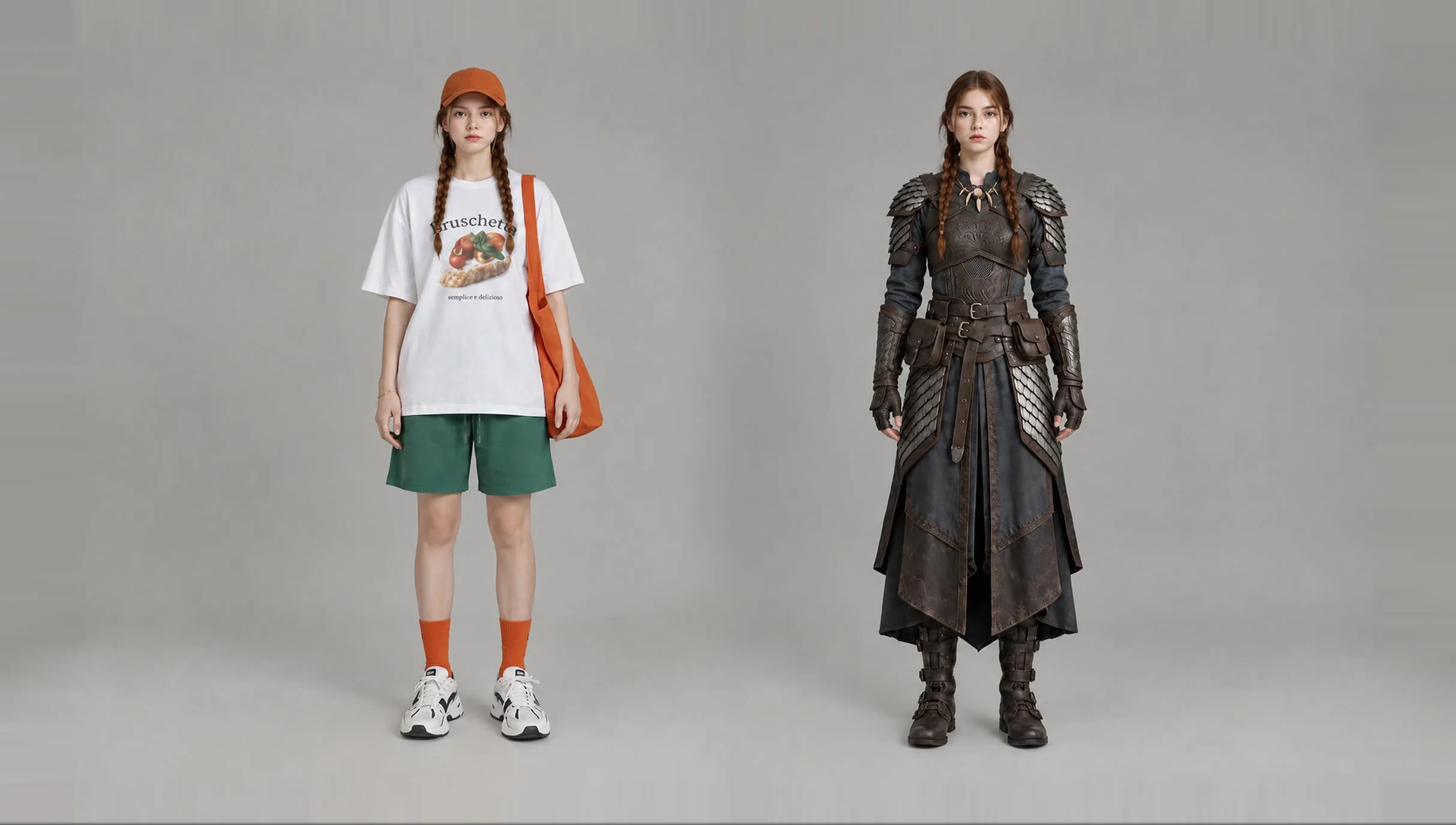
Upload any photo to recolor objects or adjust tones instantly. Swap hues on clothes or backgrounds with zero manual effort.
Kling 4.0
Up to 10 keyframes. Unlimited for 10 days with Ultra.
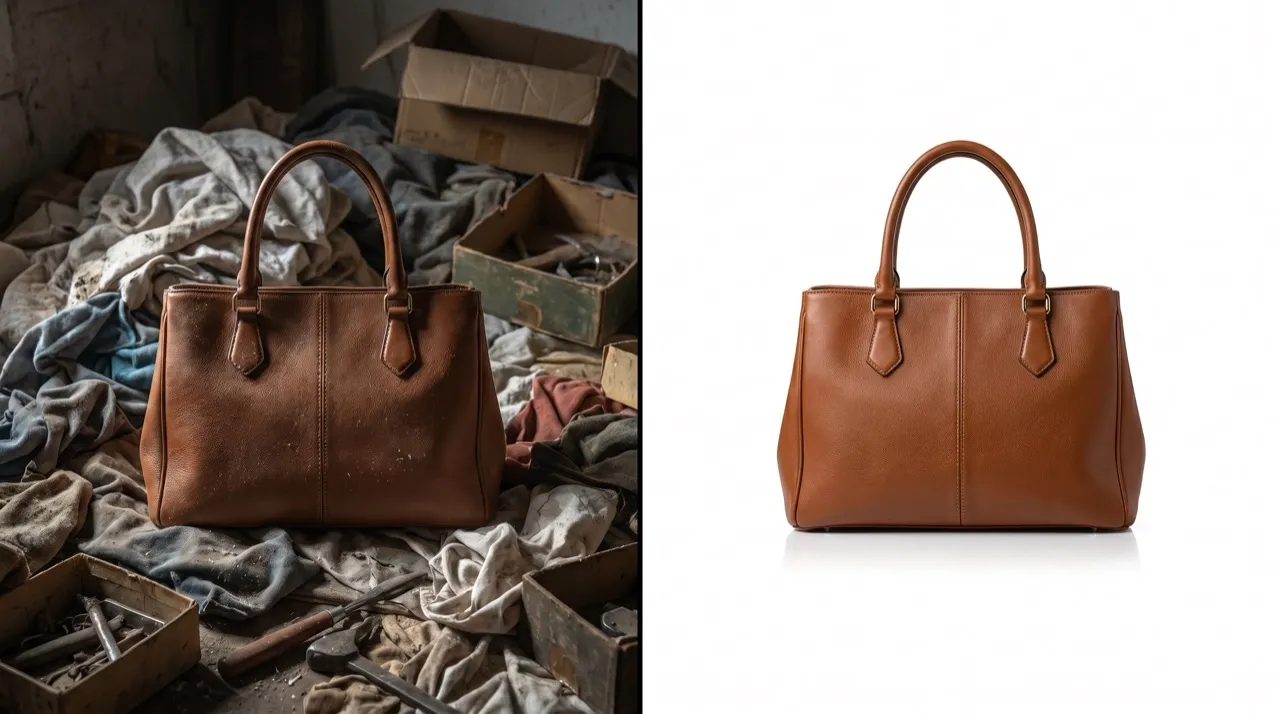
Don't let a messy background distract your customers. Whether you need white for Amazon or a brand shade for social media, our AI background color changer achieves a polished look. Build a professional store and show items clearly to help shoppers decide and buy more.
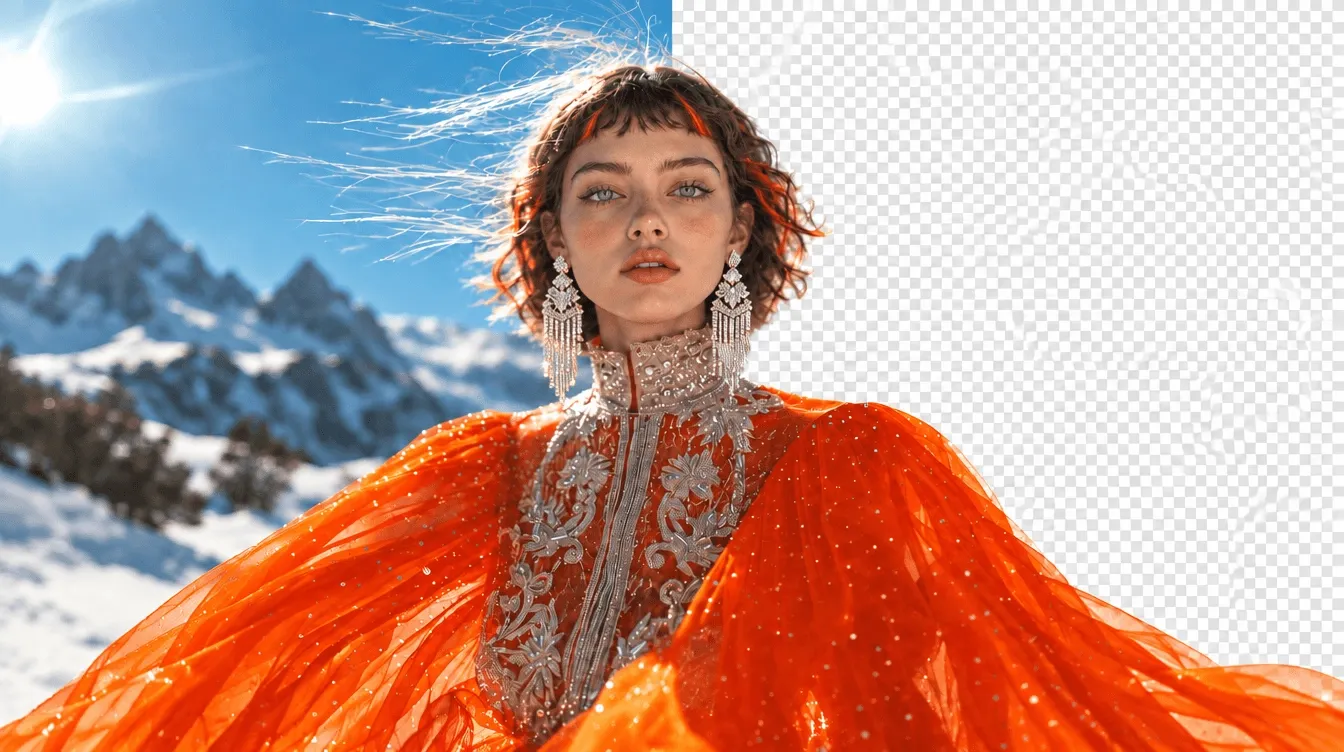
Our agent perfectly separates hair when you change background color for a clean look.
Enter specific colors to change bg color and match your exact brand identity rules.
Maintain realistic shadows while you change background color of image files for 3D depth.
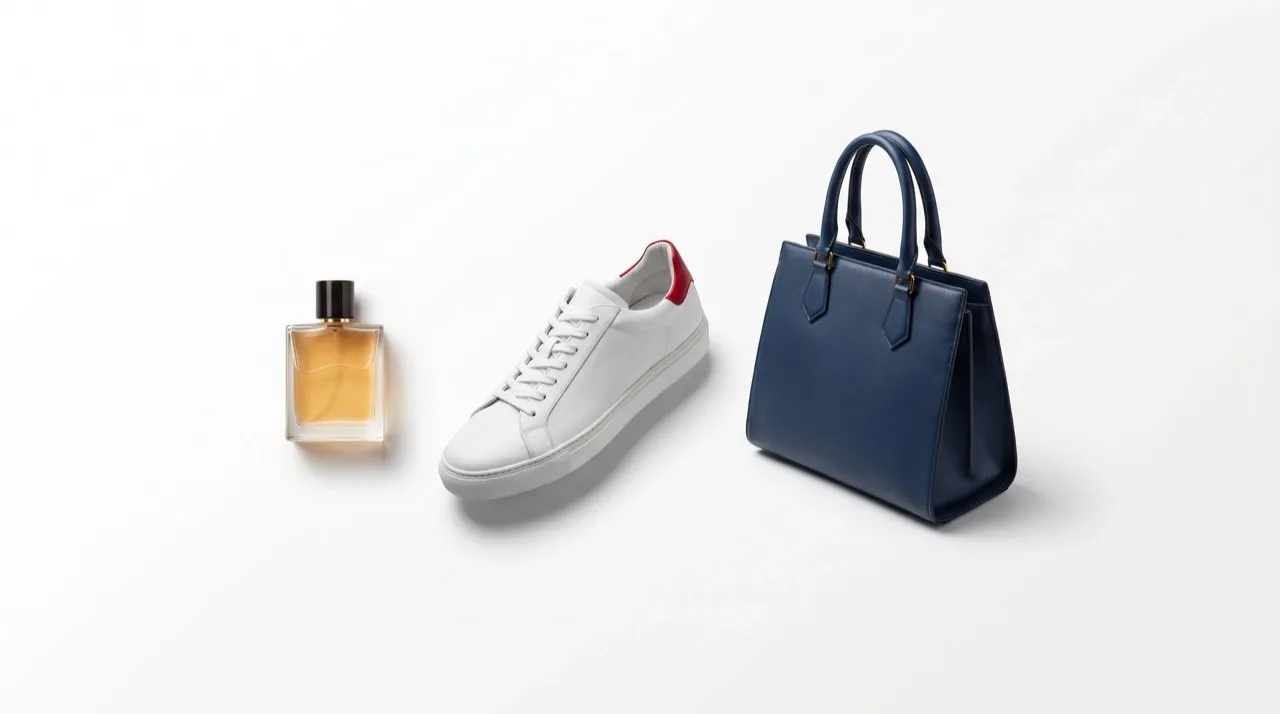
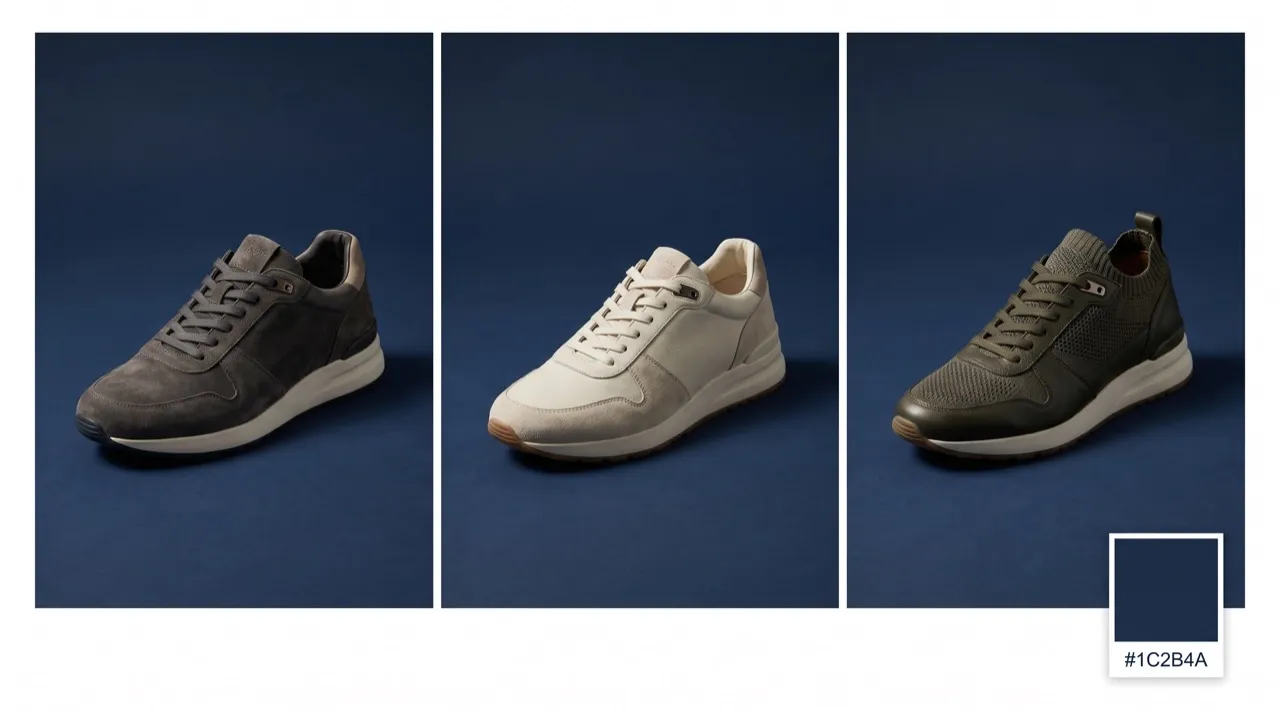

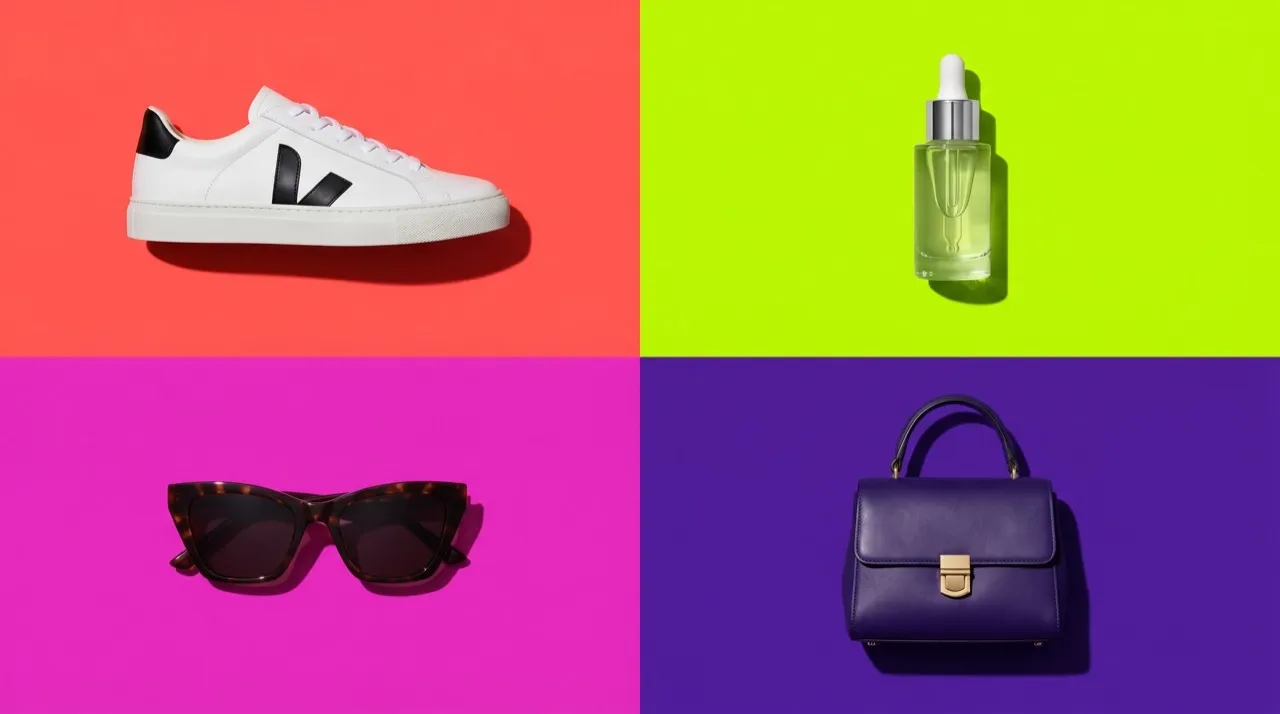
Meet Amazon standards instantly. Change background color of images to white or black for a unified catalog, or use a white background tool when product photos need a clean marketplace-ready look.
Match your product photos to your holiday campaign colors. Change background color of images to create a cohesive narrative and keep your audience engaged.

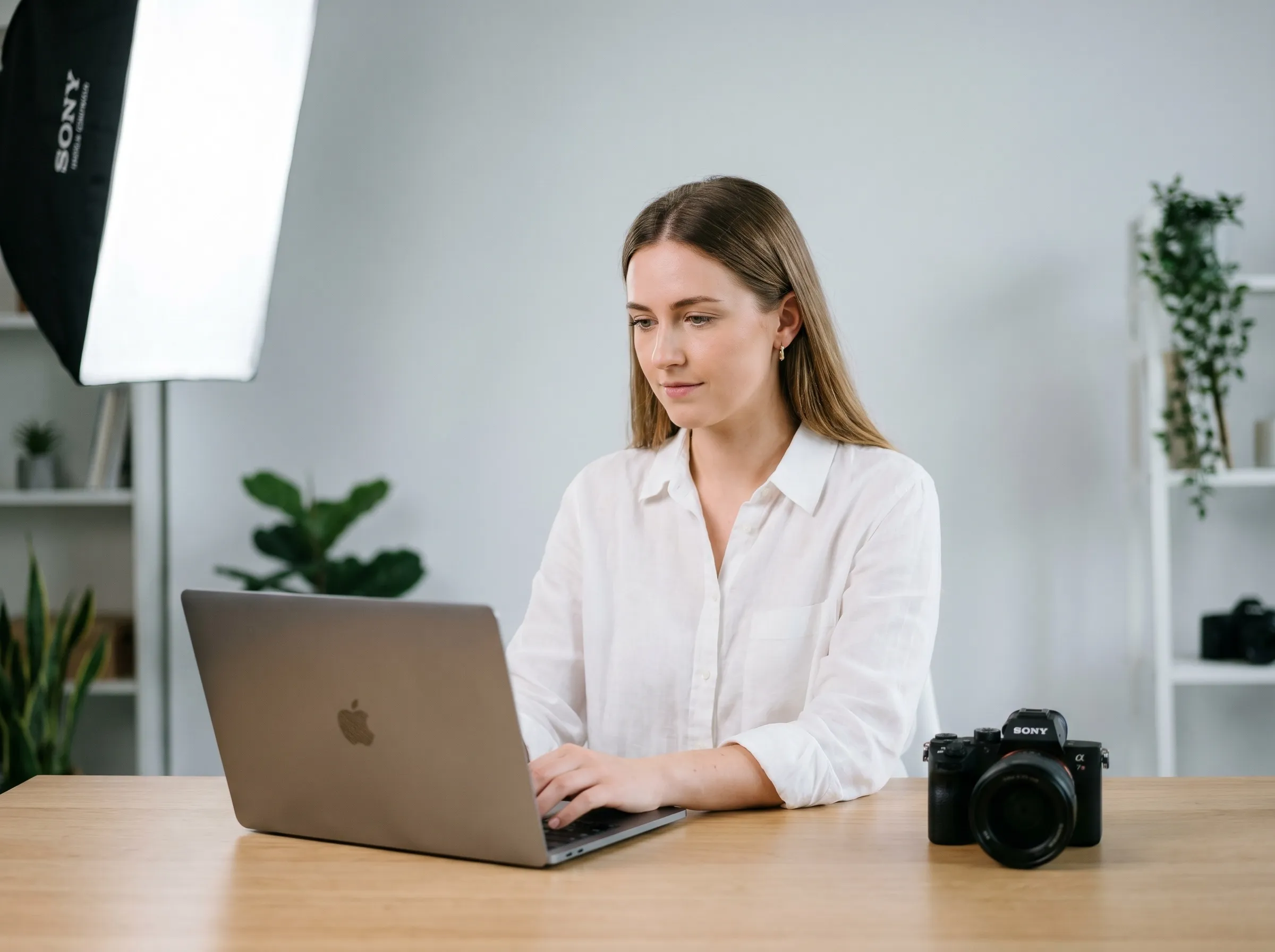
Fix headshots where the backdrop isn't right. Change background color of images to match your studio standard, or use a background remover when clients need a cleaner portrait cutout.
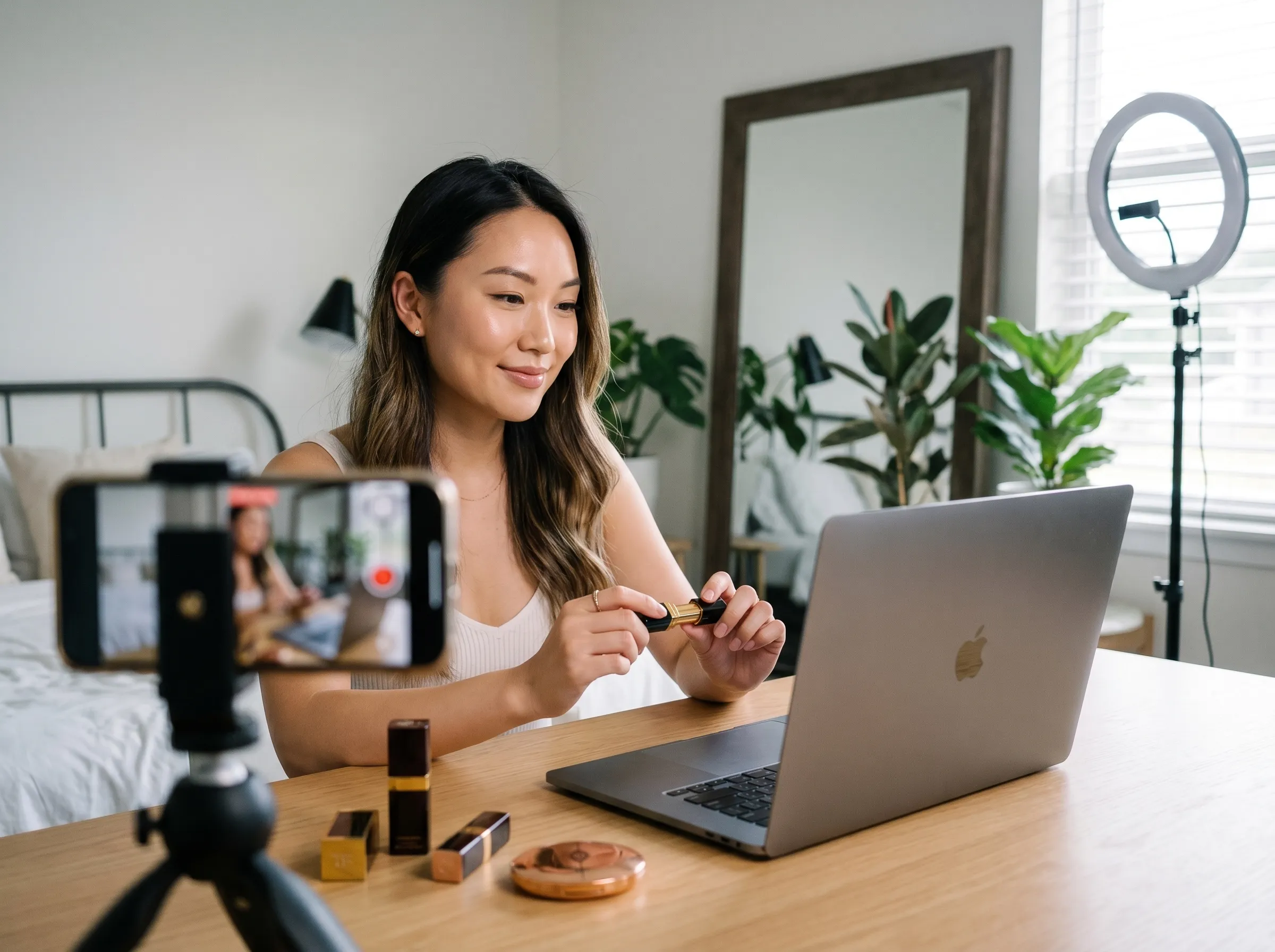
Create a consistent aesthetic for YouTube and Instagram. Change background color of images across your content library to look intentional and recognizable to fans.
Upload your product photo into the Pollo AI dashboard.
Enter your custom color.
Click 'Create' and download your clean background color changer result.
Go from a rough concept to a finished asset in minutes. Generate, edit, enhance, and adapt images with tools built for real creative workflows.
Generate studio-grade visuals from text prompts in seconds, from realistic scenes to clean graphics and in-image text.
Accelerate visual production with hundreds of apps. Instantly design platform-ready Instagram posts, book mockups, and 3D characters.
Recreate, restyle, and upscale photos while preserving the structure and details that matter.
Refine your AI artwork effortlessly. Remove watermarks, seamlessly expand borders, and fix minor details for flawless final compositions in seconds.
Evolve your static scenes into dynamic narratives. Add lifelike motion, camera pans, and fluid transitions to your images with flawless rendering.
Scale your visual output effortlessly. Automate complex design tasks and generate high-volume, consistent assets ready for immediate deployment.









Using Pollo AI to Create and Inspire
 Liz Cassidy
 Richard Quick
 armourdude
 Dudu
Dudu Ray Warnes
 lawless clan
 Istvan LajosSantiago Saenz
 Gen Zee
 萱兒
萱兒 Norma Ponce
 Sarah Stokes
 Sudipta Saha
 Luiz Guyz
 Swishadoptme Swishadoptme
The change background color of image tool is a smart AI image generator that removes the original background and replaces it with any solid color you want.
Yes. With Pollo AI—all first—time users receive free credits. Use our photo background changer to clean up your images at no cost.
To change the background of a photo to white, upload your image to our dashboard and type the 'White' color on dashboard. Pollo AI will change background color instantly.
Absolutely. You can enter any hex code into the photo background changer to match your brand or aesthetic requirements perfectly.
Yes. Our background color changer is advanced enough to handle transparency and shadows, maintaining a realistic look for all items.
Yes. Our change background color of image tool is built for efficiency—helping you maintain consistency across large product catalogs with our high-speed processing.

Upload your product photo and get any clean background for any color instantly.