Founders
Turn Lessons Into Authority Posts
Turn founder notes, customer stories, and product opinions into sharper posts that build credibility. When a text update performs well, you can later turn LinkedIn posts into videos for richer reach.
AI Video
Transform text and images into cinematic videos with lifelike avatars and studio-quality SFX.

AI Image
Turn ideas and images into stunning visuals, or perfect any photo with a complete suite of AI tools.

Agent
Create production-ready videos with SFX, consistent characters, and polished scenes. No Editing.

Marketing Studio
Built for marketers and sellers to create winning ads, UGC videos and product visuals faster.

Turn prompts, notes, or photos into polished LinkedIn posts with strong hooks, clear structure, and optional social-ready visuals. No editing needed.
Stuck before posting your update? Pollo AI helps you turn prompts, brand messages, or article takeaways into polished LinkedIn post images with clean layouts, readable text space, and professional composition. Create thought leadership visuals, company update graphics, hiring announcement images, launch cards, and founder content in minutes.
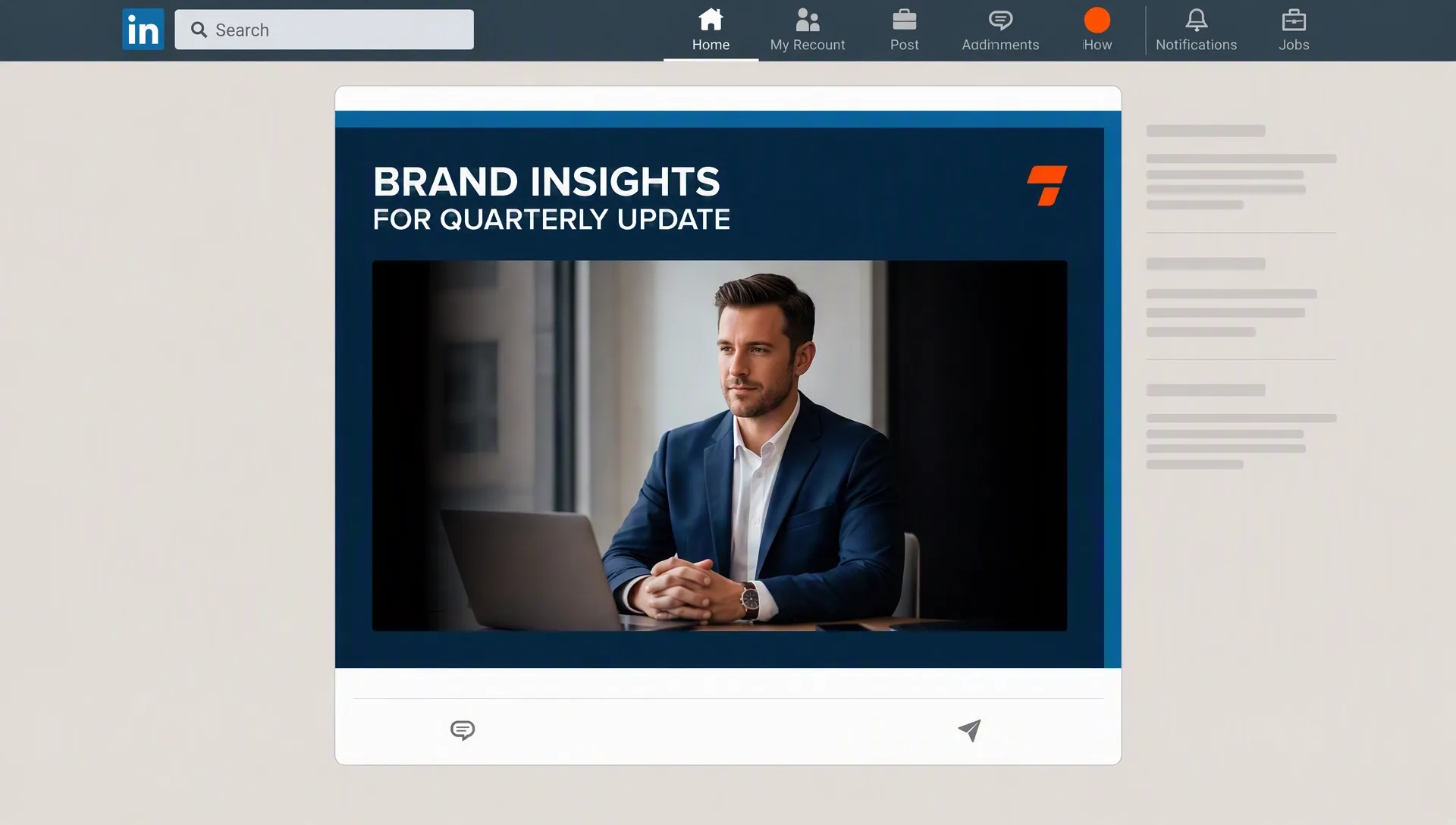
Turn rough notes into clear LinkedIn post ideas for your audience and niche.
Create confident posts that sound credible, useful, and natural for LinkedIn readers.
Plan polished layouts around LinkedIn post size and image needs instantly.
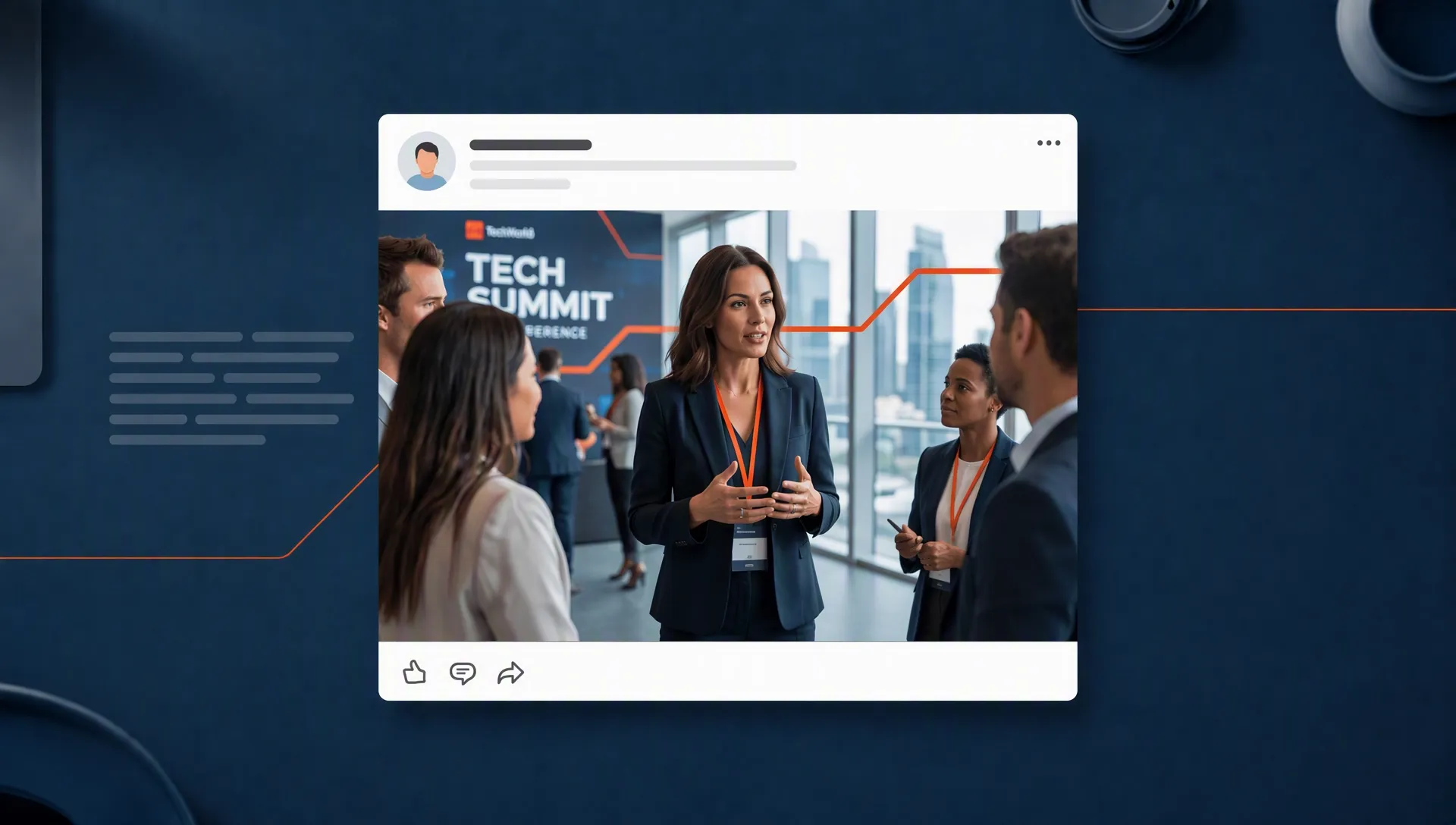

Turn founder notes, customer stories, and product opinions into sharper posts that build credibility. When a text update performs well, you can later turn LinkedIn posts into videos for richer reach.

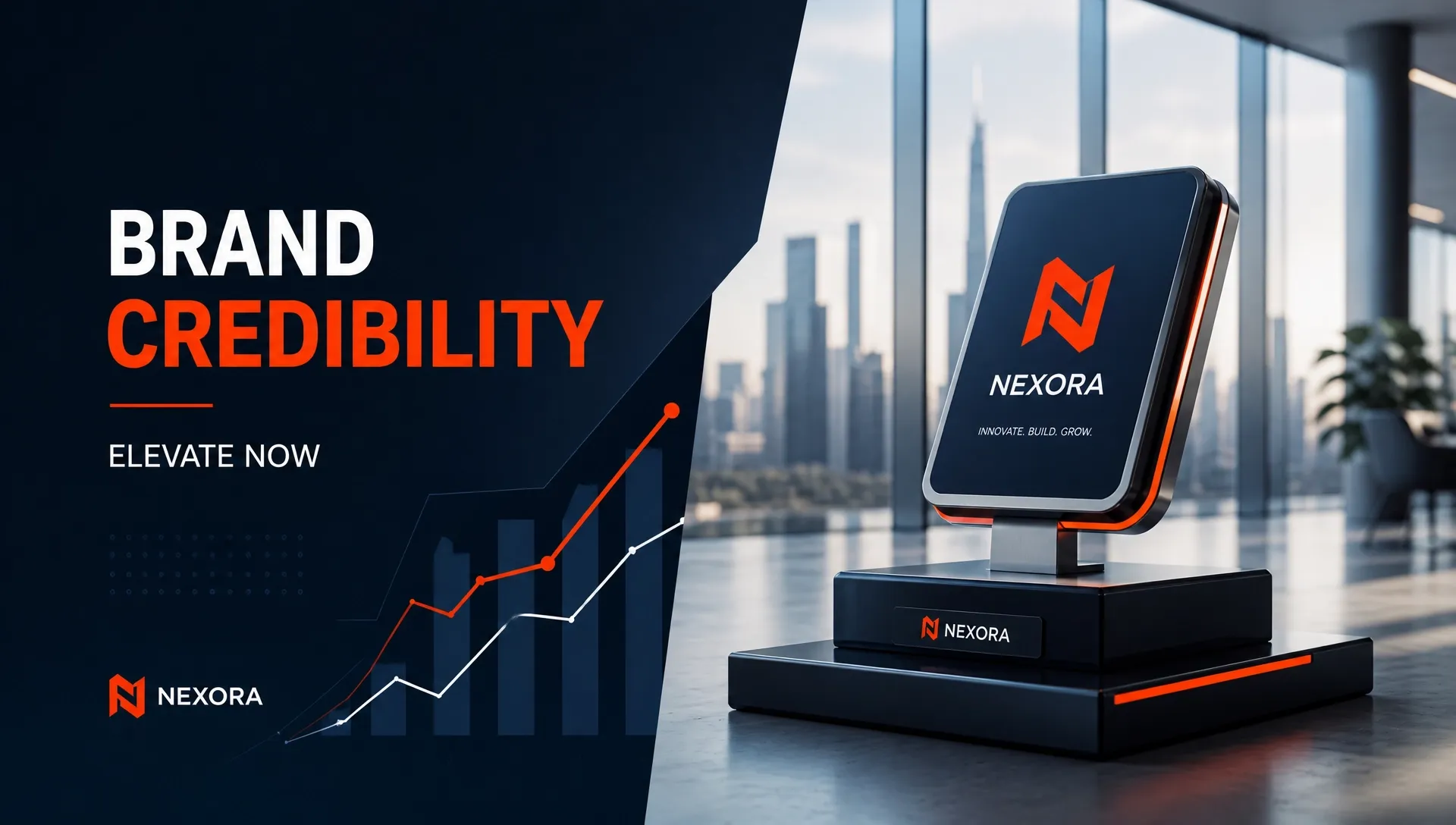
Create campaign announcements, launch recaps, and thought leadership posts without waiting on a full content calendar. Pair key messages with AI images to make every LinkedIn post more visual and campaign-ready.

Write hiring posts, culture updates, and team stories that feel professional without sounding generic. Create supporting AI portraits or team-style visuals to make recruitment posts feel warmer and more credible.

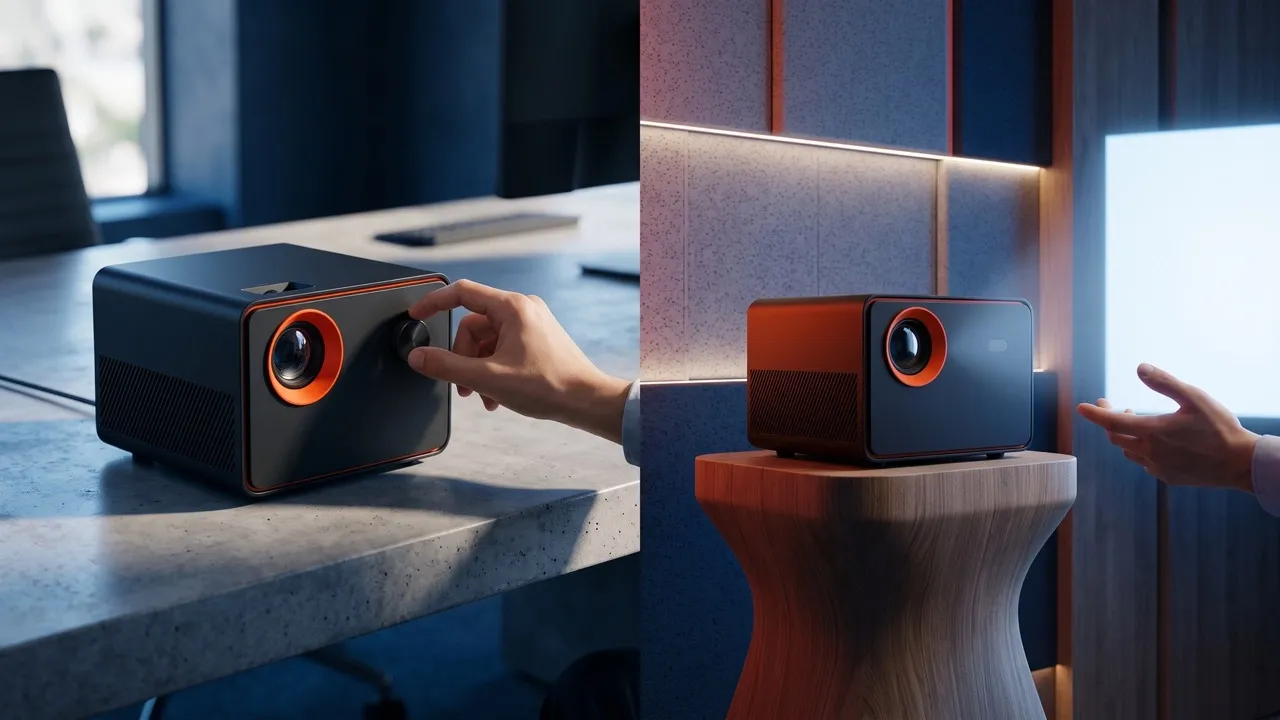
Turn release notes, feature benefits, and customer wins into LinkedIn posts people can understand fast. For major launches, pair the message with product videos to show more value.
Enter your LinkedIn post image idea, like a brand message or article takeaway.
Let Pollo AI generate a polished LinkedIn post image from your prompt.
Download the finished image and share it in your LinkedIn post.
Go from initial idea to ready-to-publish designs. Instantly access AI image generators, precise photo editing, and professional image tools.
Turn creative briefs into breathtaking visuals instantly. Generate photorealistic marketing assets, flawless typography, and bespoke art without a camera.
Generate stunning visuals through natural conversation. Simply chat to brainstorm concepts, refine intricate details, and create perfect artwork instantly.
Reimagine your existing photos with advanced style transfer. Protect core subject identity while upgrading lighting, textures, and native 4K details.
Access an all-in-one AI image editing suite for limitless creativity. Retouch details, reimagine entire scenes, and polish visuals into flawless masterpieces.
Bring your static images to life with cinematic motion. Seamlessly transition from AI photos to fluid, high-framerate video sequences in just seconds.
Simplify your design process with versatile utilities. From magic erasers to transparent backgrounds, access everything needed to refine raw assets quickly.









Using Pollo AI to Create and Inspire
A LinkedIn post generator helps you create polished LinkedIn post images from prompts, ideas, brand messages, or campaign topics. It is built for professional visuals, not just written updates.
Enter your LinkedIn post image idea or upload some reference images. Pollo AI will generate polished, social-ready images you can use in your LinkedIn post.
Pollo AI is the best LinkedIn post generator for users who want fast, polished LinkedIn visuals, multiple design options, and image outputs made for professional feeds.
Yes. You can generate multiple LinkedIn post image variations in minutes, then compare layouts, colors, and styles before choosing the strongest visual.
Yes. After creating your LinkedIn post image, you can use our AI photo editor to adjust details, refine the style, remove distractions, or polish the final visual before sharing.
Yes. After creating your post, you can expand high-performing ideas into AI videos for campaigns, explainers, recaps, and social repurposing.

Stop staring at a blank editor. Turn ideas into polished LinkedIn posts with clean layouts and professional visuals faster with Pollo AI now!