



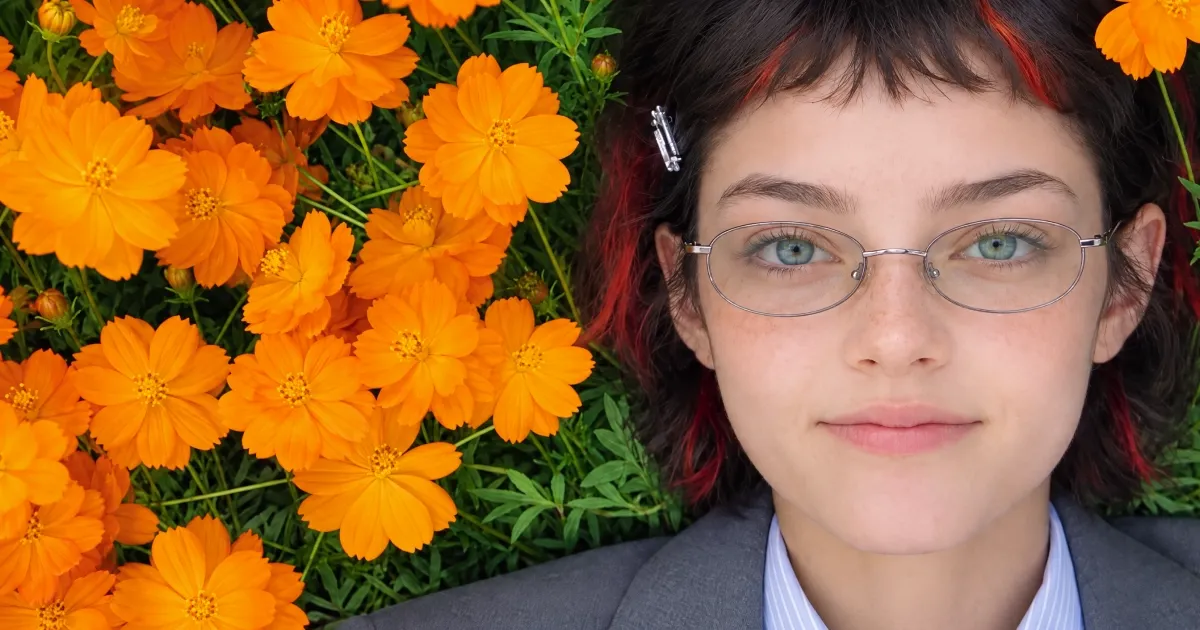
Seedream 5.5 AI Image Generator
Seedream 5.5 offers precise image editing, realistic output, multilingual typography, native transparency, and layered design workflows. Try Seedream 5.5 on Pollo AI for free!
Kling 4.0
Up to 10 keyframes. Impressive performance.
Discover What Seedream 5.5 Can Create
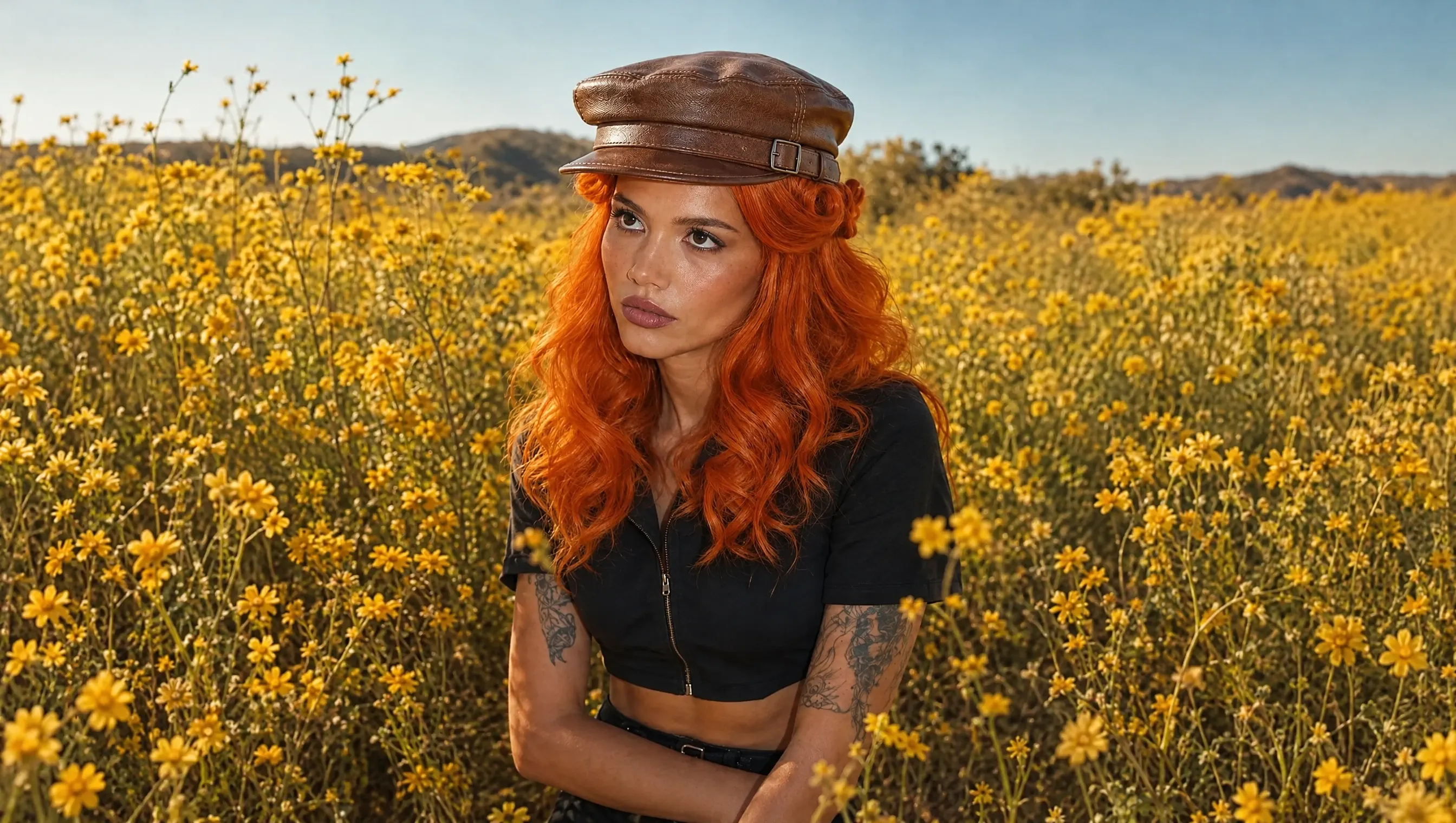


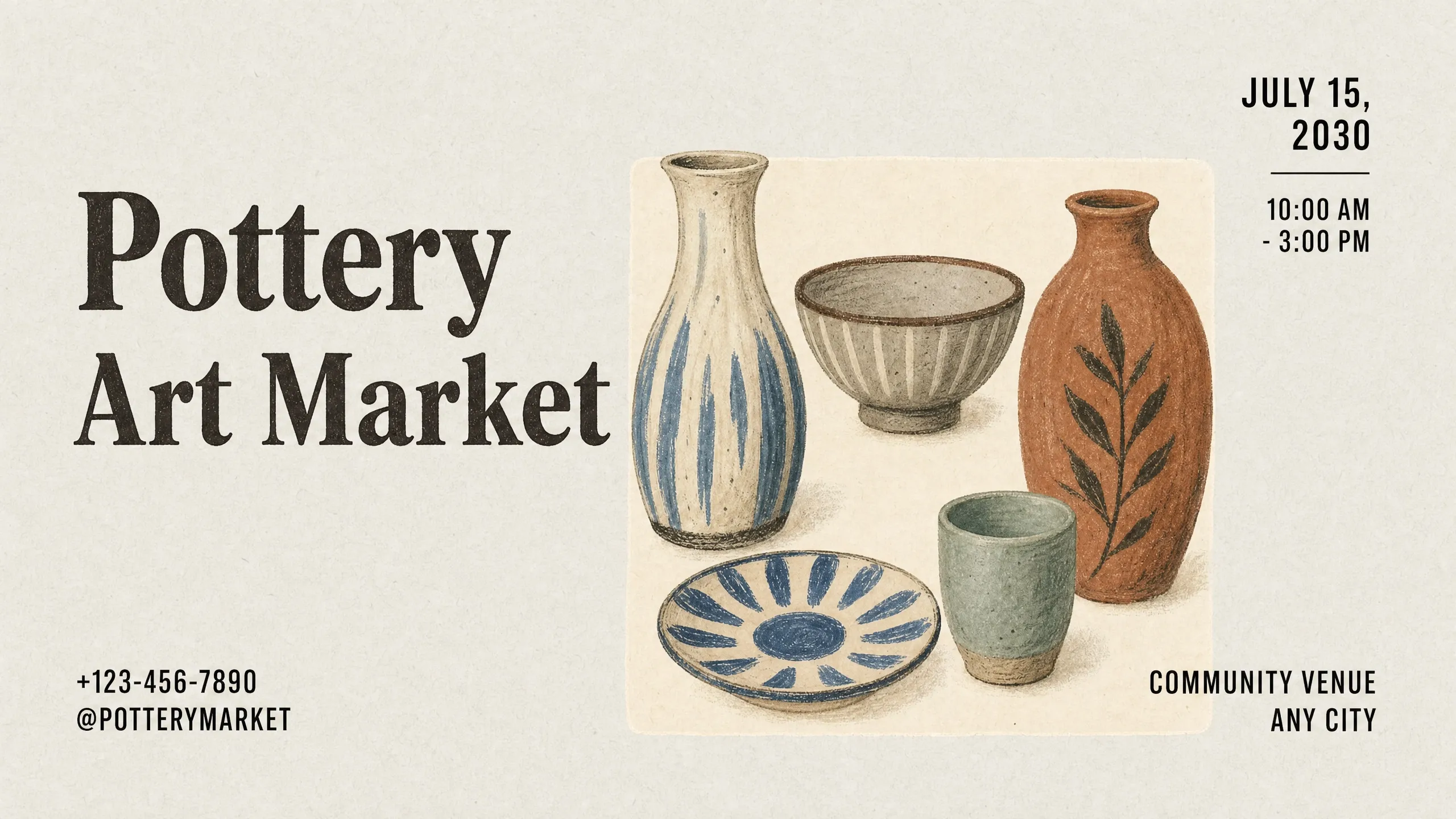
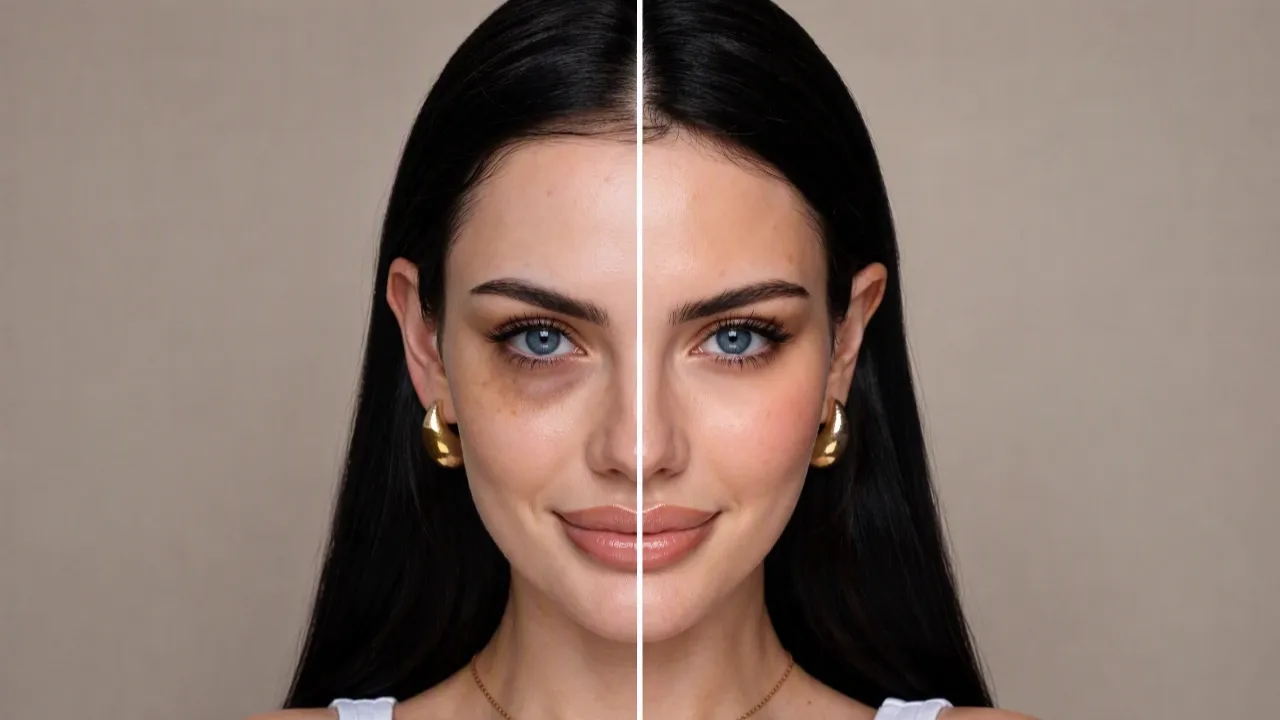
Key Features of Seedream 5.5


How to Use Seedream 5.5 on Pollo AI

Select Seedream 5.5
Open Pollo AI's image generator and choose Seedream 5.5 from the model menu.
Set Your Creative Direction
Enter your prompt, upload reference images if needed, and adjust your preferred settings.
Create and Download
Start generating, review your results, and save your favorite image.
Explore Other Seedream AI Models
TRUSTED BY LEADING BRANDS WORLDWIDE









10M+Users
Using Pollo AI to Create and Inspire
Discover More AI Image Generators
Explore Seedream 5.5 Guides and Insights
FAQs About Seedream 5.5
What is Seedream 5.5?
Seedream 5.5 is an AI image generation and editing model developed by ByteDance. It supports image editing, realistic portraits, multilingual text rendering, transparent backgrounds, and layered image workflows. You can use text prompts and reference images to guide your creative results.
What improvements does Seedream 5.5 offer over Seedream 5.0?
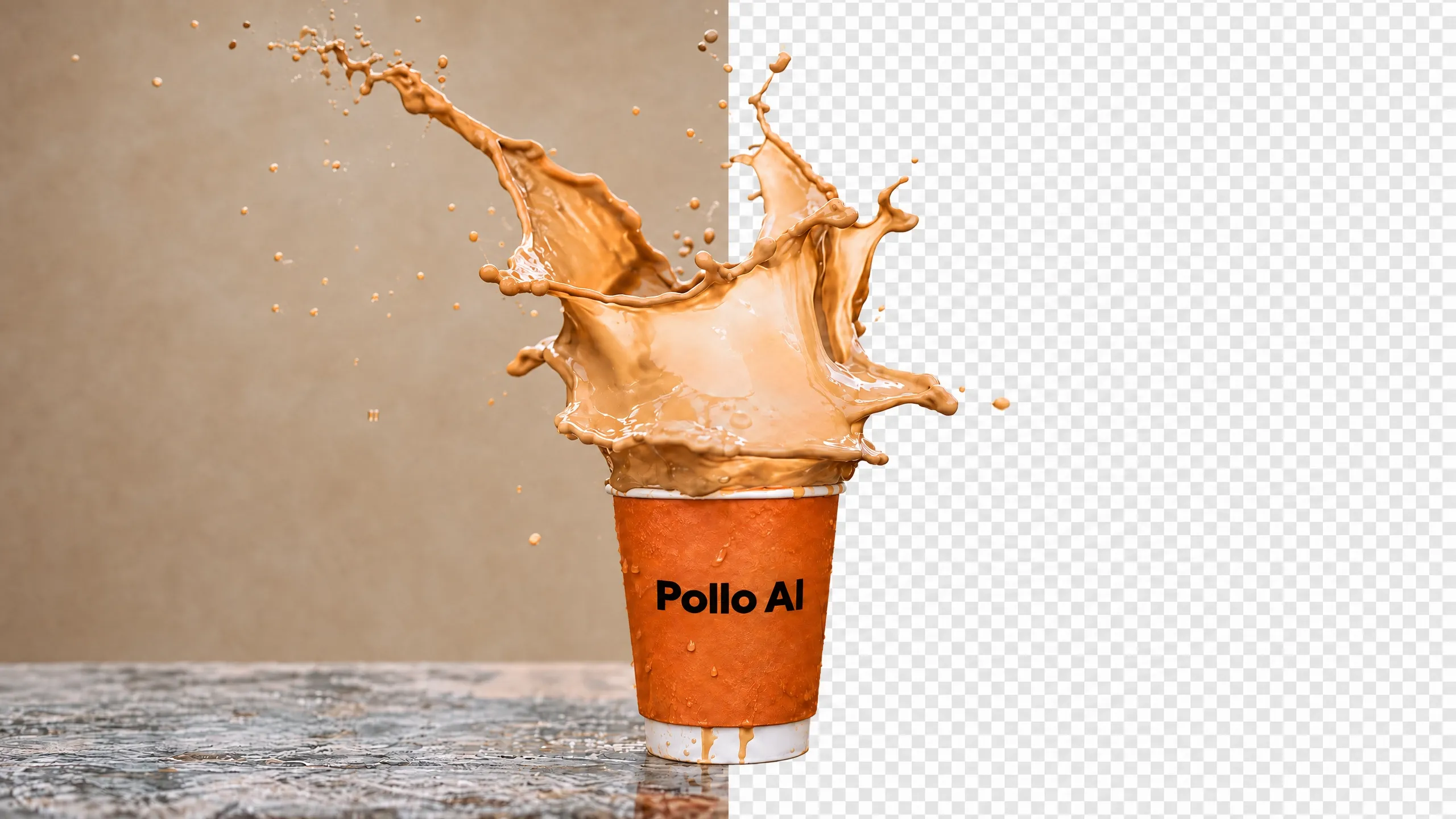
Compared with Seedream 5.0, Seedream 5.5 focuses on stronger consistency across multiple editing rounds and native RGBA image generation. It also improves small-text rendering, multilingual typography, and realistic lighting. These upgrades help you refine designs, create reusable assets, and reduce manual adjustments.
What types of images can Seedream 5.5 generate?
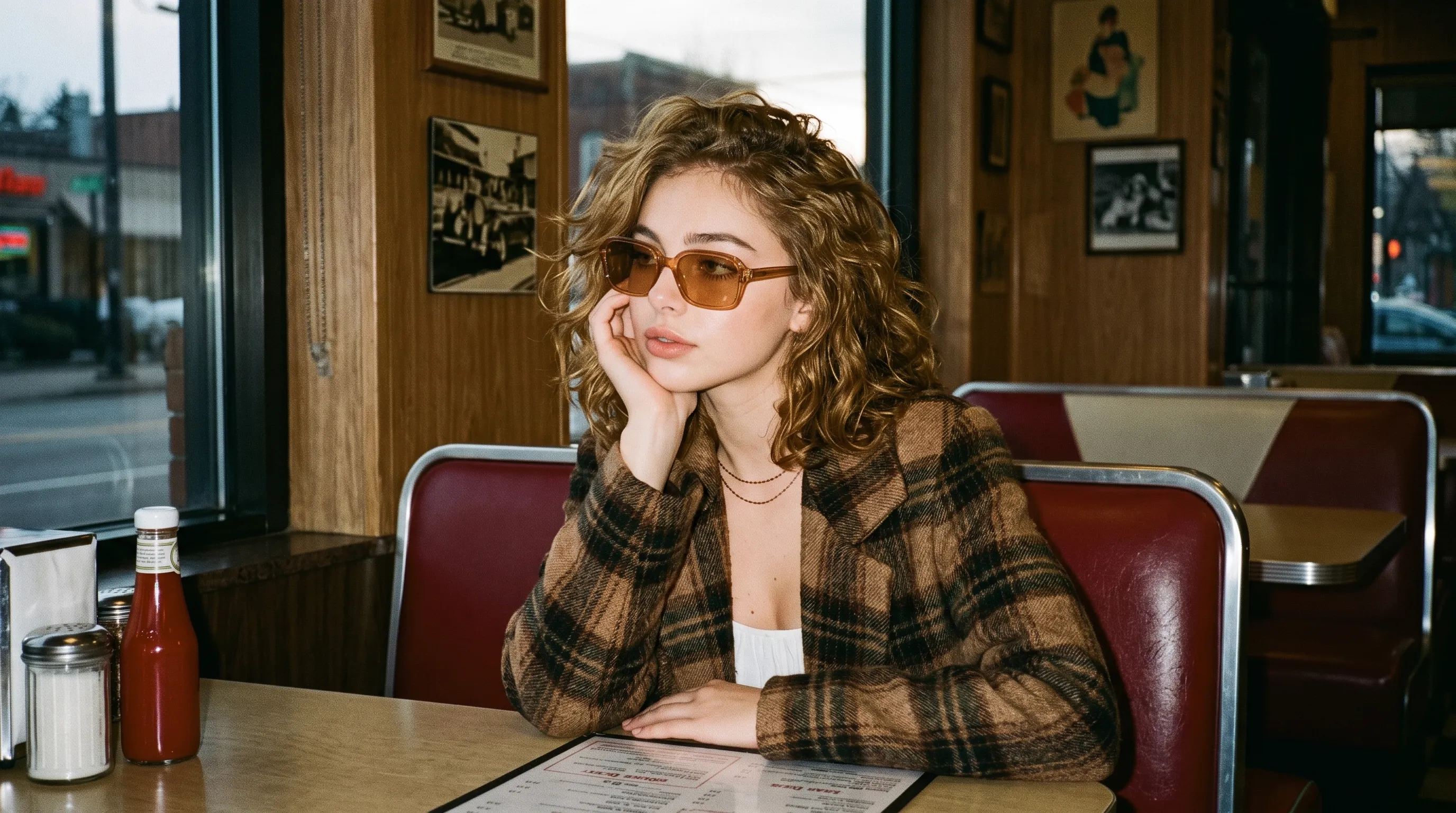
You can create realistic portraits, product photos, posters, infographics, illustrations, and transparent design assets. Seedream 5.5 also supports reference-guided compositions, making it suitable for creative projects, marketing materials, and visual storytelling.
Does Seedream 5.5 support multi-round image editing?
Yes. Seedream 5.5 lets you refine the same image through multiple rounds of editing. You can adjust facial expressions, fine-tune scene lighting, or revise poster headlines in stages. Each new instruction builds on previous edits while preserving visual consistency and surrounding details.
How accurate is Seedream 5.5 at rendering text in images?
Seedream 5.5 improves the rendering of small text, dense copy, and multilingual lettering. You can create book covers, restaurant menus, and social graphics with readable typography. Text can also take on metallic, embroidered, or handwritten styles to match your design. Still, check important wording and numbers before publishing.
Why should I use Seedream 5.5 on Pollo AI?
Pollo AI lets you use Seedream 5.5 alongside other image models and editing tools in one workspace. You can have more creative flexibility and compare results with GPT Image 2.5, Nano Banana 2 and other models to find the right creative direction. Then refine your images with image upscaling and background changes without switching platforms.
Can I use Seedream 5.5 for free on Pollo AI?
Yes. You can try Seedream 5.5 for free on Pollo AI using your available trial credits. Simply create an account, select Seedream 5.5, and enter a prompt to generate your image. Free usage depends on your credit balance and model settings, while paid plans support additional image generation.

Try Seedream 5.5 on Pollo AI for Free!
Create more distinctive visuals with greater creative control using Seedream 5.5 on Pollo AI.
Used by 10M+ Creators and Marketers