GPT Image 1.5 focuses on accurate edits and consistent results, preserving specified details, lighting, framing, and subject appearance through revisions. Try GPT Image 1.5 on Pollo AI for free!
Text to Image
Image to Image
POLLO AI INFLUENCER
Create your own influencer. Then jump into any trend with Recast.
Kling 4.0
Up to 10 keyframes. Unlimited for 10 days with Ultra.
Pollo Recast
Recreate viral videos. Remix new versions.
Pollo Recast Challenge
One upload in. Your viral video out. Unlimited rewards await.
Pollo Agent x DeepSeek V4.1 FLASH
Faster completion at a much lower cost.
Pollo Agent x Gemini 4 Argon
Smarter reasoning. All through Pollo Agent.
WIN iPHONE DUO
Capture a city in one minute. Join the challenge now.
Pollo MCP
End-to-end content creation. Up to 4 Videos/ 20 Images for FREE.
Key Features of GPT Image 1.5
Accurate Prompt Interpretation: Understands and executes your creative vision with exceptional fidelity
Targeted Modification System: Applies changes only where you specify, leaving other areas untouched
Visual Continuity Preservation: Keeps lighting, style, and composition stable throughout edits
Progressive Refinement Support: Enables multiple editing passes without quality degradation
Fine Detail Rendering: Captures subtle nuances and intricate elements in every generation
Accurate Prompt Interpretation
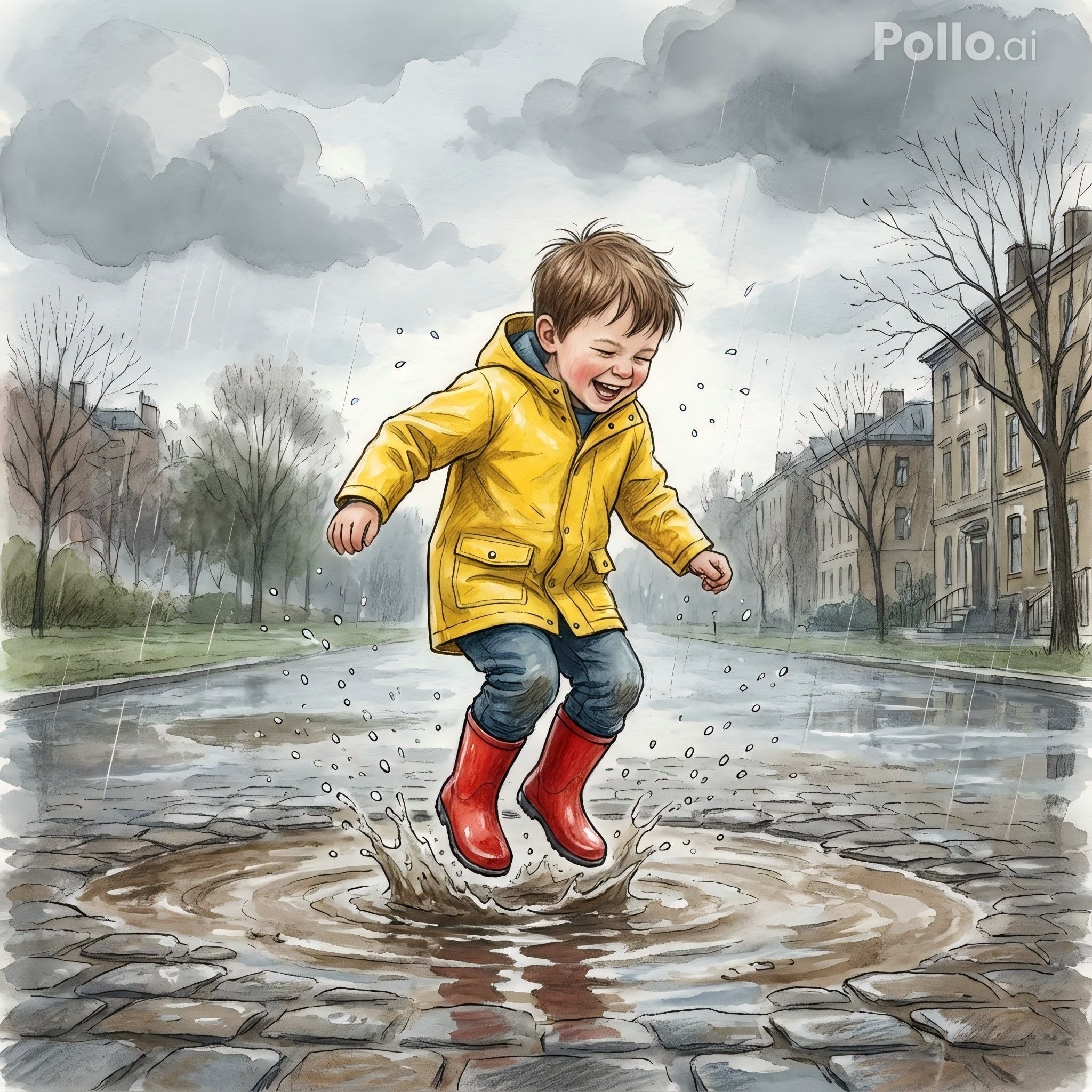
GPT Image 1.5 excels at understanding and executing complex creative visions with exceptional fidelity, strictly adhering to detailed instructions like specific camera angles, lighting setups, hex color codes, and structured compositions.
Prompt
Generated Image
A young boy in a yellow raincoat joyfully jumps into a puddle, water splashing around him. He is laughing, eyes closed, while gray clouds fill the sky. The scene feels playful and lively. Semi-realistic illustration style
Targeted Modification System
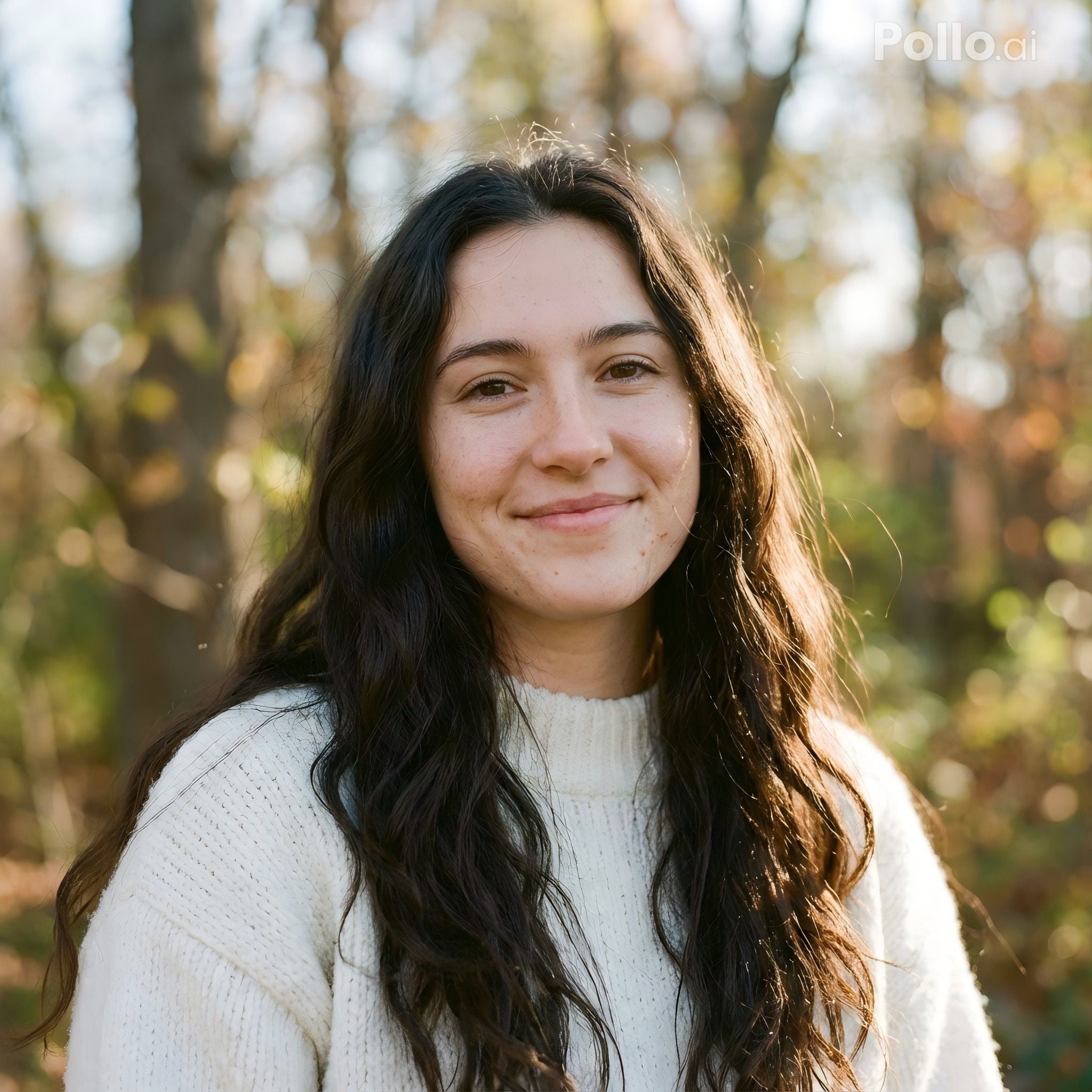
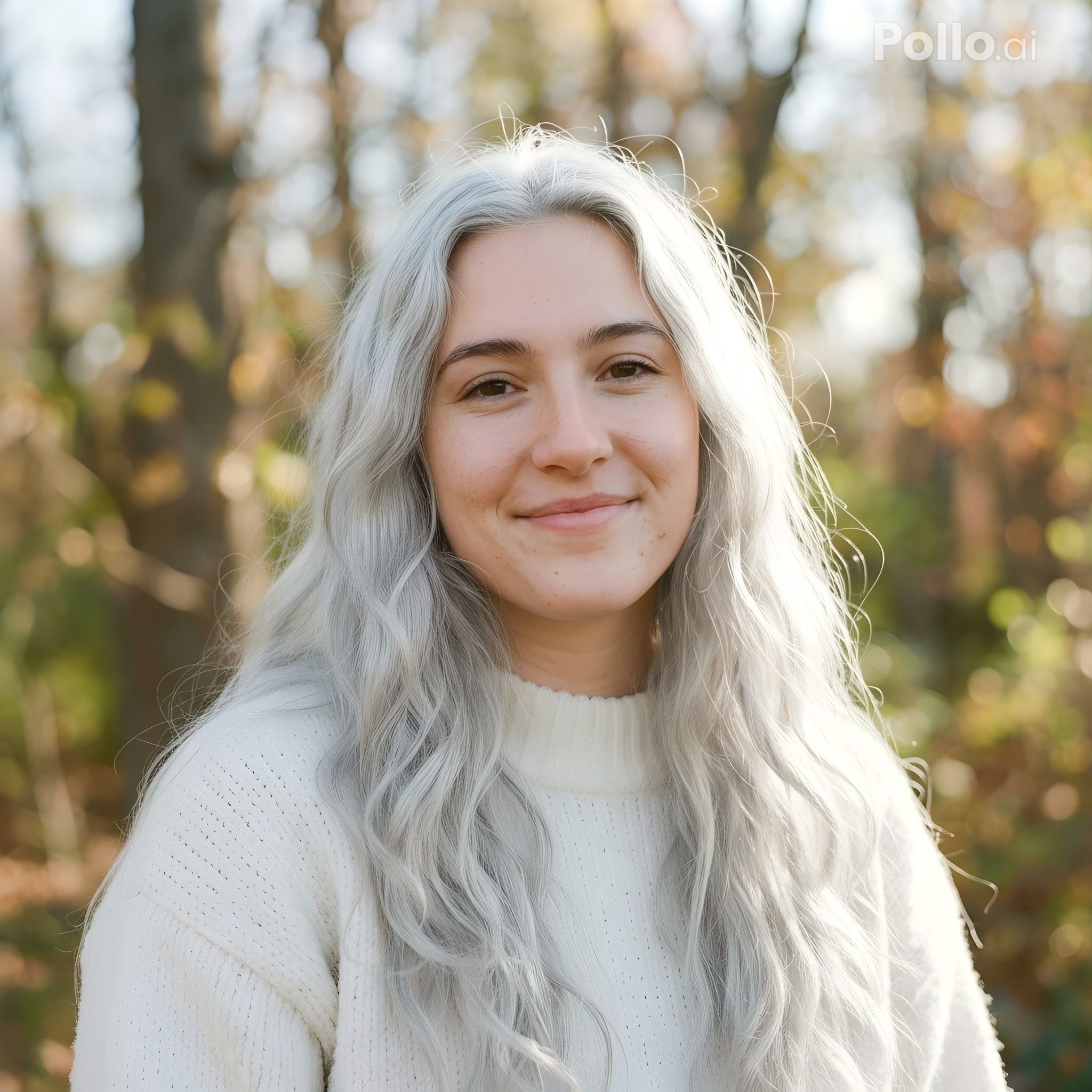
Need to swap the sky from blue to stormy? Change a character's outfit? Add a logo to a product shot? GPT Image 1.5 surgically edits only the areas you indicate — preserving everything else pixel-perfectly. This eliminates the frustration of unwanted alterations bleeding into your carefully crafted composition.
Prompt
Generated Image
Generated Image
Modify only the hair color of the woman in the image, changing her black hair to bright silver-white. Keep her face, expression, clothing, lighting, background, and composition completely unchanged. Realistic consistency.
Visual Continuity Preservation
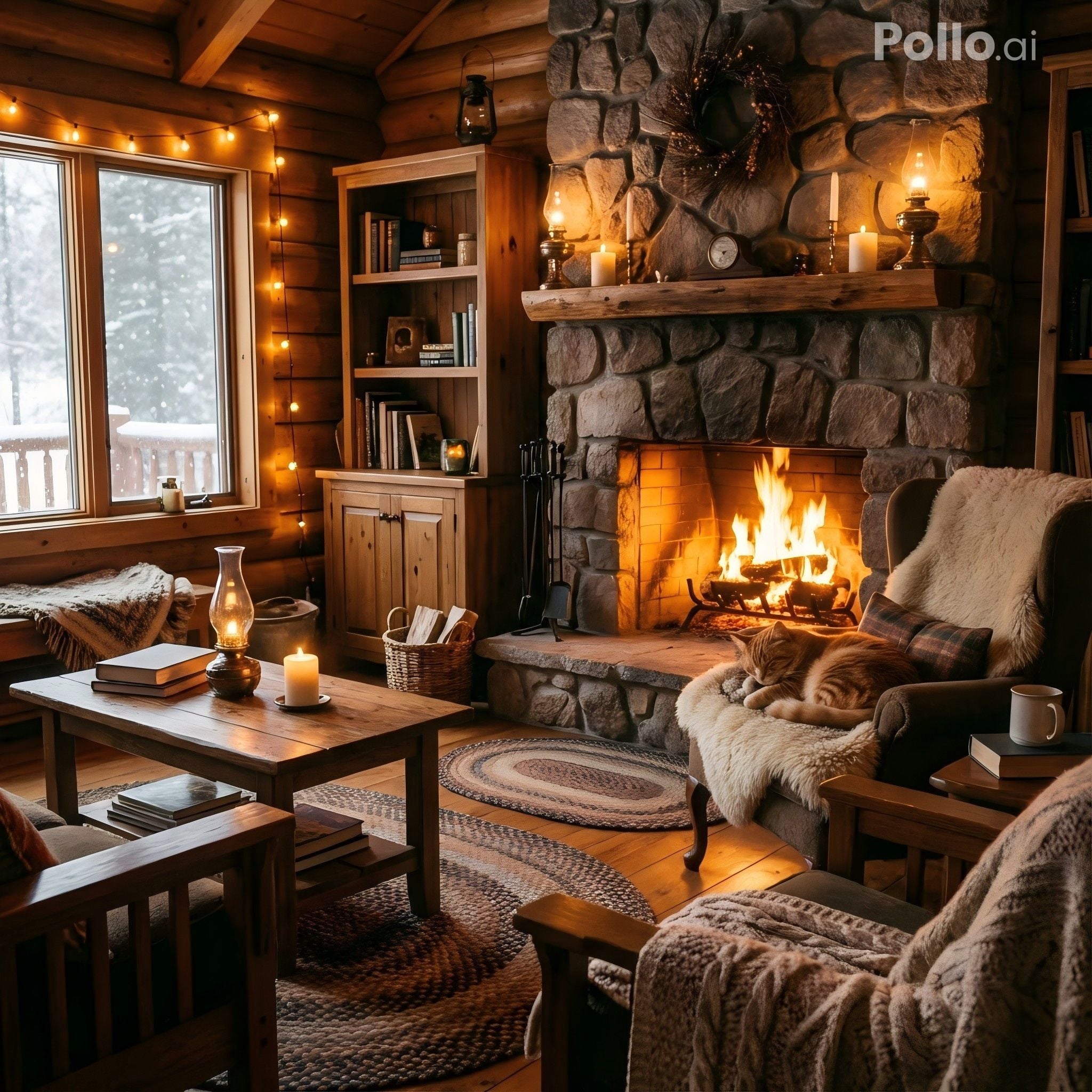
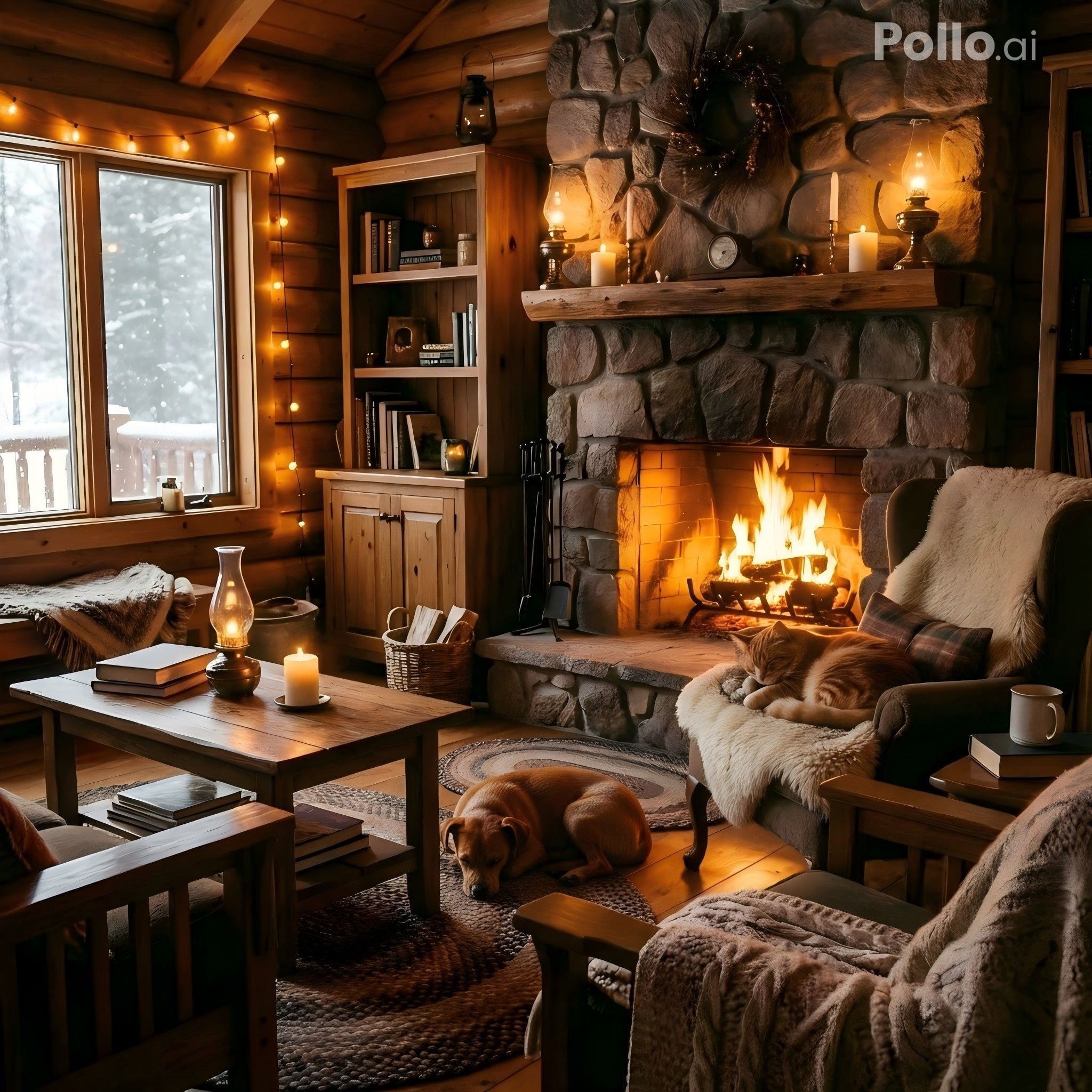
One of the biggest challenges in AI image editing is maintaining consistency. GPT Image 1.5 locks in your scene's lighting direction, color palette, artistic style, and spatial arrangement — ensuring that each edit feels like a natural continuation, not a jarring reset. Your creative vision stays coherent from first draft to final output.
Prompt
Generated Image
Generated Image
Add a small brown dog lying near the fireplace. Keep the cabin, furniture, lighting, cat, composition, and overall style exactly the same. The new element should blend naturally with the scene.
Progressive Refinement Support
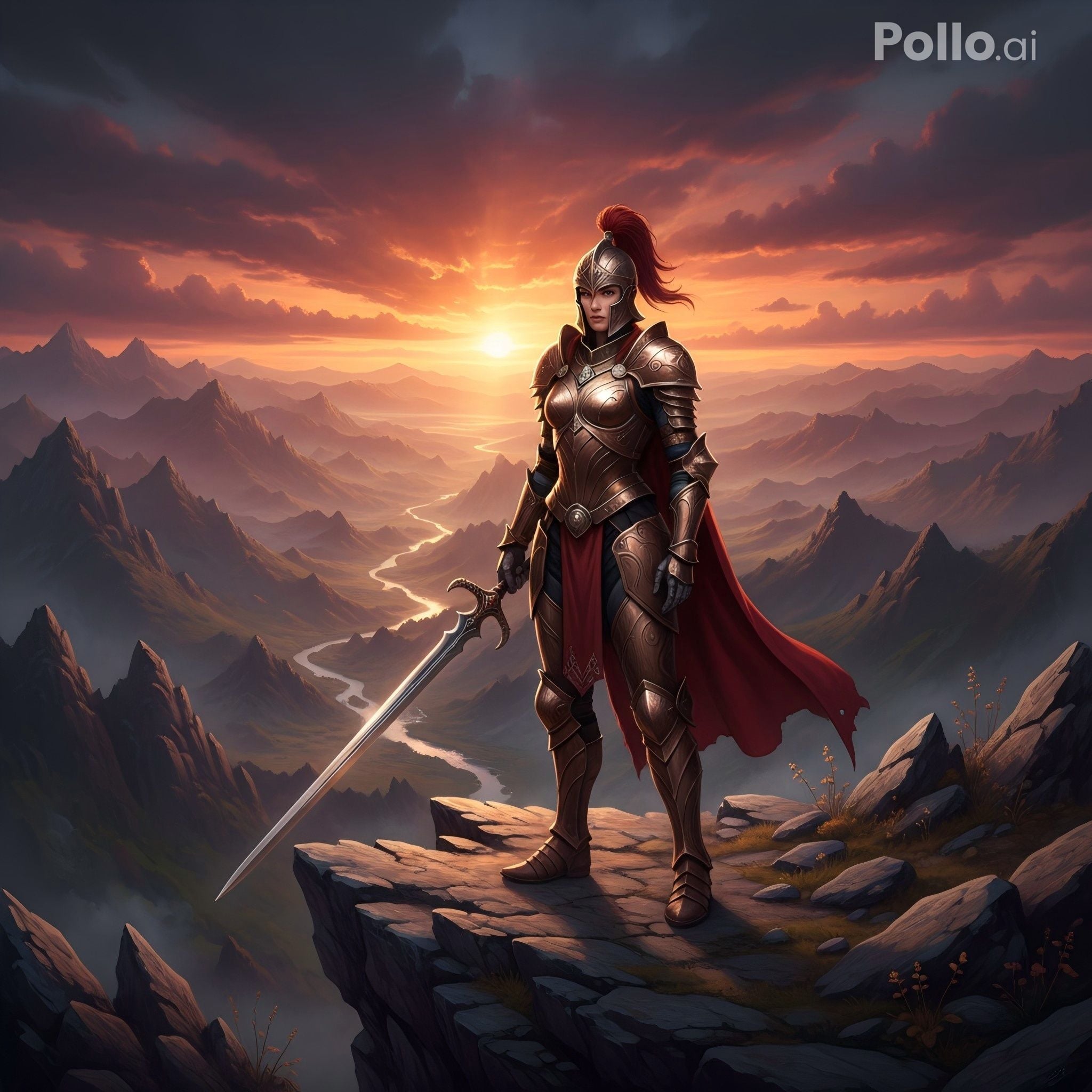
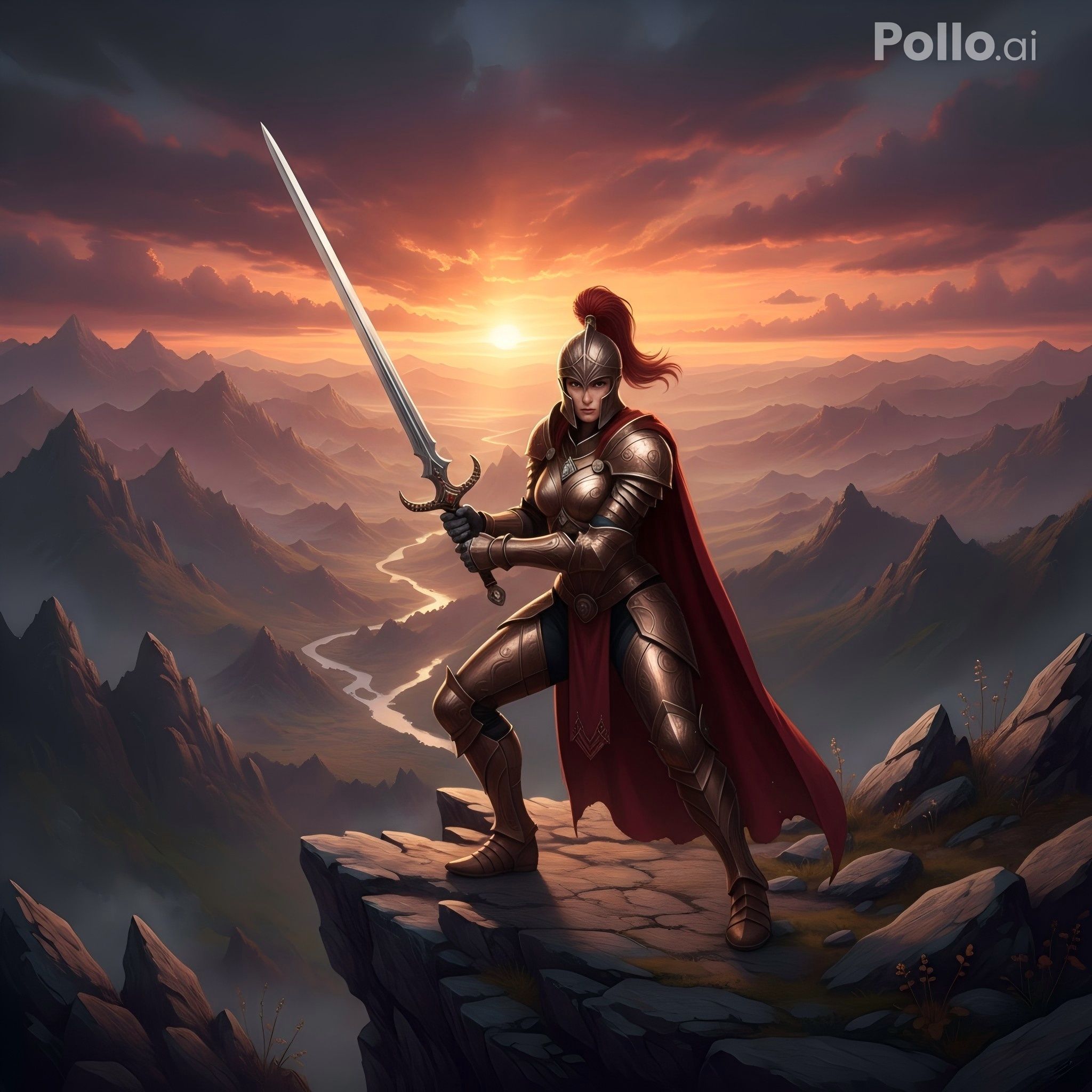
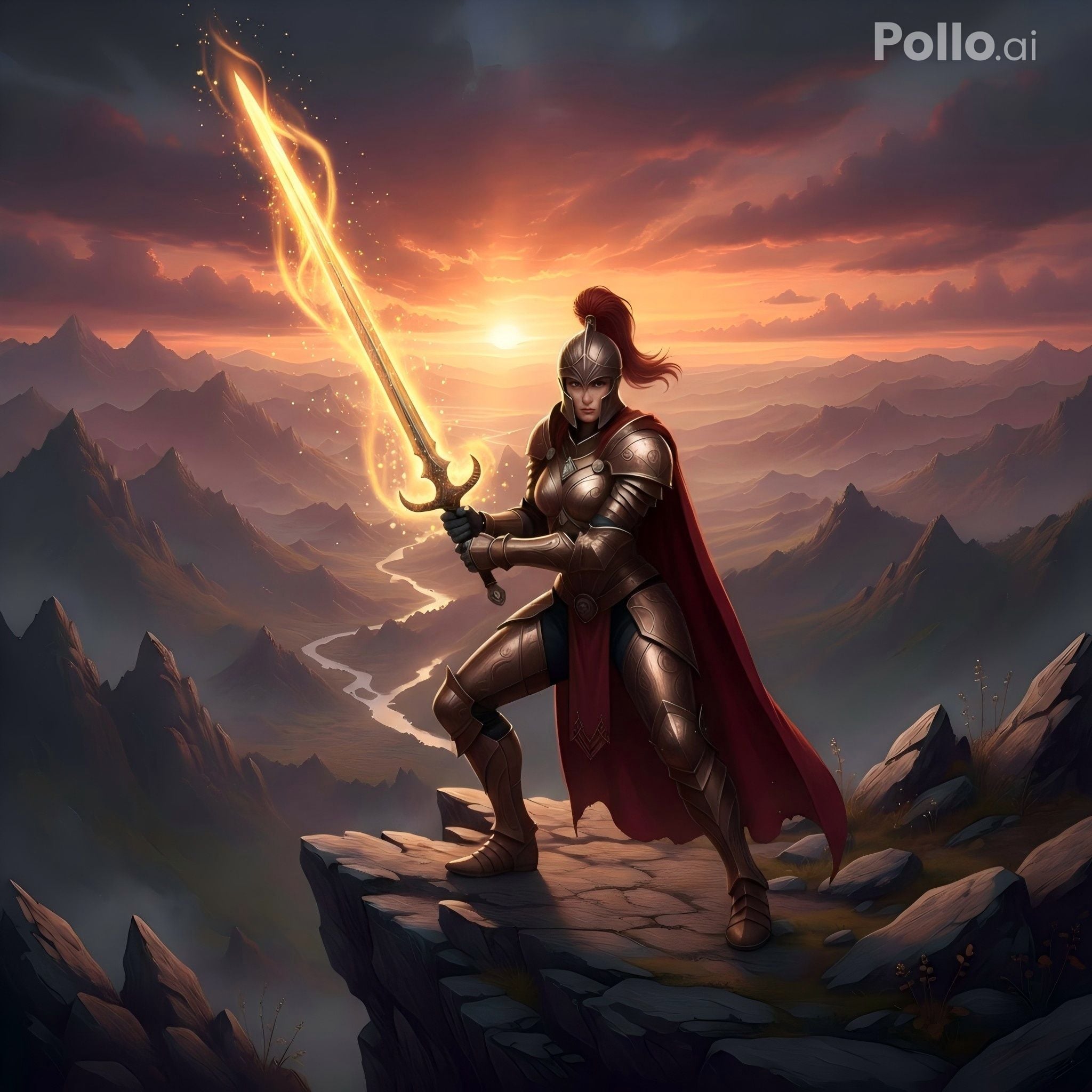
Edit, refine, edit again — without watching your image turn into a blurry, artifact-ridden mess. GPT Image 1.5 is built for iterative workflows, allowing you to make successive passes while preserving sharpness, detail, and overall image integrity. Perfect for professionals who demand precision through multiple revision cycles.
Prompt
Output
Modify the female warrior’s pose to a battle-ready stance, keeping armor, sword, cliff, sunset lighting, and overall style unchanged. Preserve all details and realism.
Add a glowing magical aura around her sword, keep her pose, armor, cliff, lighting, and style exactly the same. Ensure aura integrates naturally without degrading image quality.
Fine Detail Rendering
From the delicate texture of fabric weaves to the micro-reflections in a character's eyes, GPT Image 1.5 renders the small things that make images feel alive. Intricate patterns, fine typography, complex textures, and subtle gradients are handled with remarkable clarity.
Prompt
Generated Image
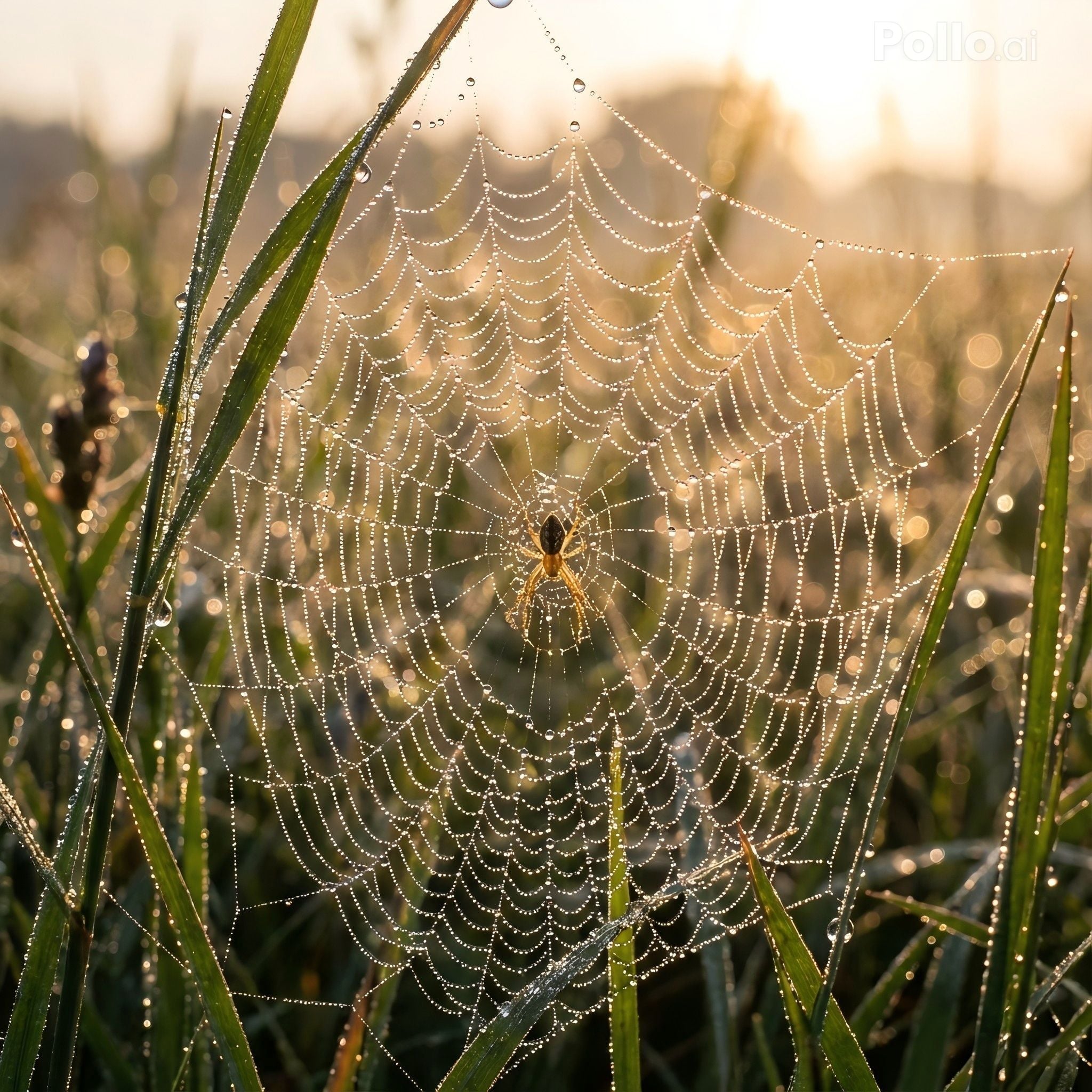
A dew-covered spider web in the early morning, each droplet reflecting soft sunlight. The intricate web threads and surrounding grass blades are captured in ultra-high detail. Macro photography, realistic lighting.
I’ve been using Pollo AI mainly for short videos and quick image-to-video tests. The interface is straightforward and it works well even with simple prompts, which is a big plus compared to tools that need long, complicated instructions. The results can be really impressive, and it’s honestly been fun to experiment with. I’d love a bit more consistency on faces when there’s movement, but overall it’s been a solid experience for what I needed.
Awesome website. loads of options and a great way to learn how to work with 'AI' my reasoning for 5 stars is based upon price, versatility and ease of use. Also I would like to add, Pollo AI runs a lot of promos on different AI products as well. I rate their customer service at 5 stars, when I purchased my first subscription my computer crashed the following weekend and I lost all my data and info passwords you name it I lost it, contacted pollo by email they responded quickly and found my info/username and account, and I was able to restore my account.
I have been using Pollo AI for short videos. It is easy to use and works well with simple prompts. Other generators seem to need long drawn out complicated explanations to get even close to what I want.
i tried 220 online img to vid in 2 months, and this is the best online video.I will subscribe for a year; there are many reasons. But freedom is the most important.
It offers 4x faster speeds, precise control over details and text, photorealistic quality, and reliable preservation of unchanged elements for pro-level results.
Can I access the GPT Image 1.5 Image Model for free?
Yes. Pollo AI offers a free trial with limited credits for new users—sign up to begin, then subscribe for unlimited access.
What types of images can I generate with the GPT Image 1.5 model?
Photorealistic scenes, infographics, UI designs, product mockups, illustrations, and more—use references for style matching.
Do I need any technical experience to edit images with GPT Image 1.5?
No. Natural language prompts handle inpainting, style swaps, object changes, or lighting adjustments while preserving the rest.
Is GPT Image 1.5 better for generating new images or editing existing ones?
GPT Image 1.5 excels at both. For generations, its ability to understand detail has allowed you to create highly specific scenes from the start. For editing, its consistency and precision make it an incredibly powerful tool for making targeted changes without disrupting the rest of the image.
Start Using GPT Image 1.5 for Free on Pollo AI Now!









 Liz Cassidy


