Online Stores
Help Shoppers Picture the Fit Faster
Turn product photos, colorways, and styling notes into short videos that help shoppers picture the fit more clearly, while an AI virtual try-on can support more interactive try-on experiences.
AI Video
Transform text and images into cinematic videos with lifelike avatars and studio-quality SFX.

AI Image
Turn ideas and images into stunning visuals, or perfect any photo with a complete suite of AI tools.

Agent
Create production-ready videos with SFX, consistent characters, and polished scenes. No Editing.

Marketing Studio
Built for marketers and sellers to create winning ads, UGC videos and product visuals faster.

Upload product photos, model shots, or product details to create apparel videos for stores, ads, reels, and launches. No editing needed.
Static apparel photos rarely show styling potential. With our AI apparel product video maker, you can easily turn product images into polished apparel video ads that are ready to publish. Perfect for ecommerce pages, paid social ads, launch teasers, seasonal promotions, and fashion content.
Animate apparel product photography into polished clips instantly without manual editing.
Highlight styling details without arranging a fashion shoot or model booking.
Turn one apparel photo into multiple video angles for launches and seasonal campaigns.
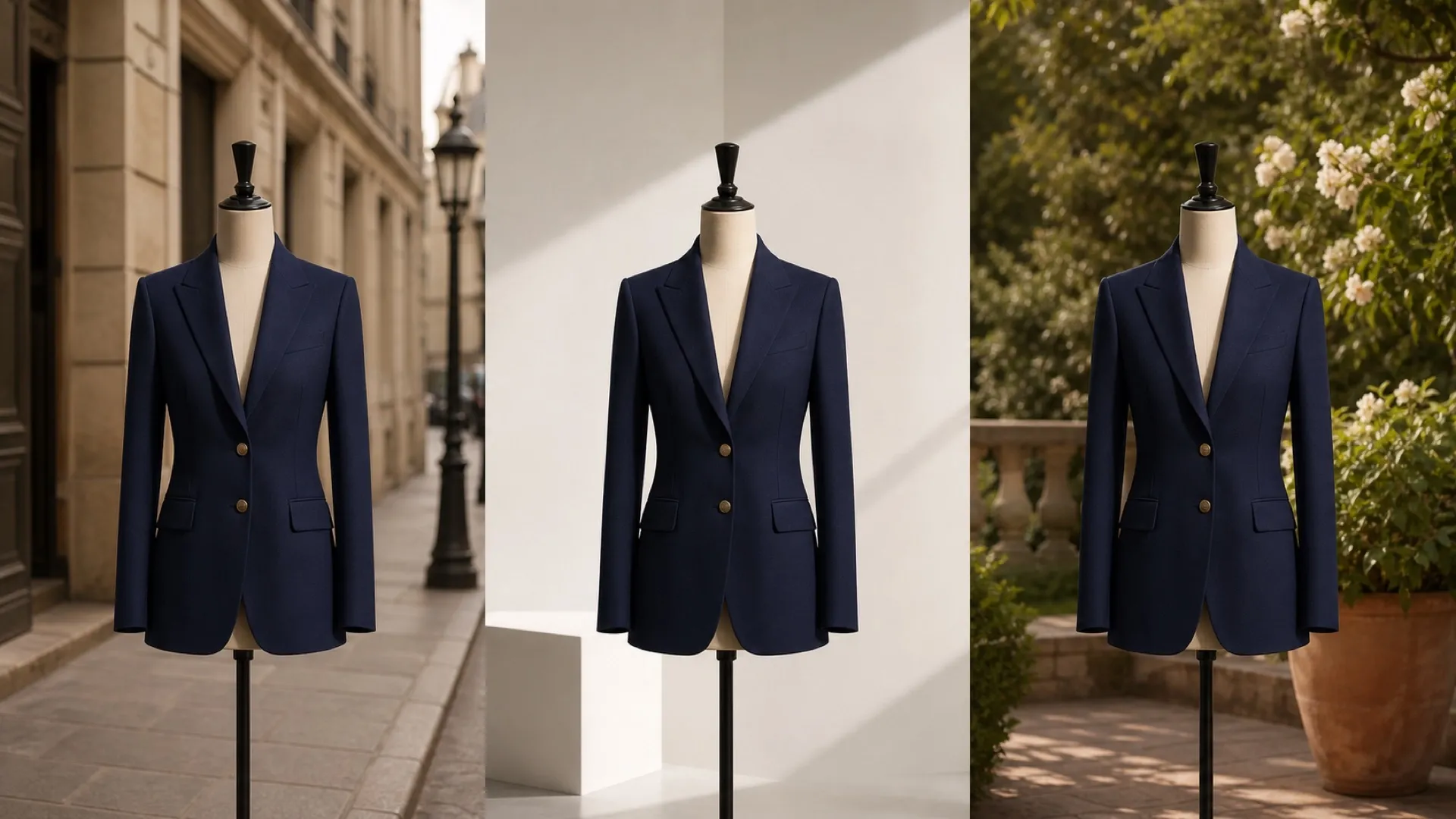
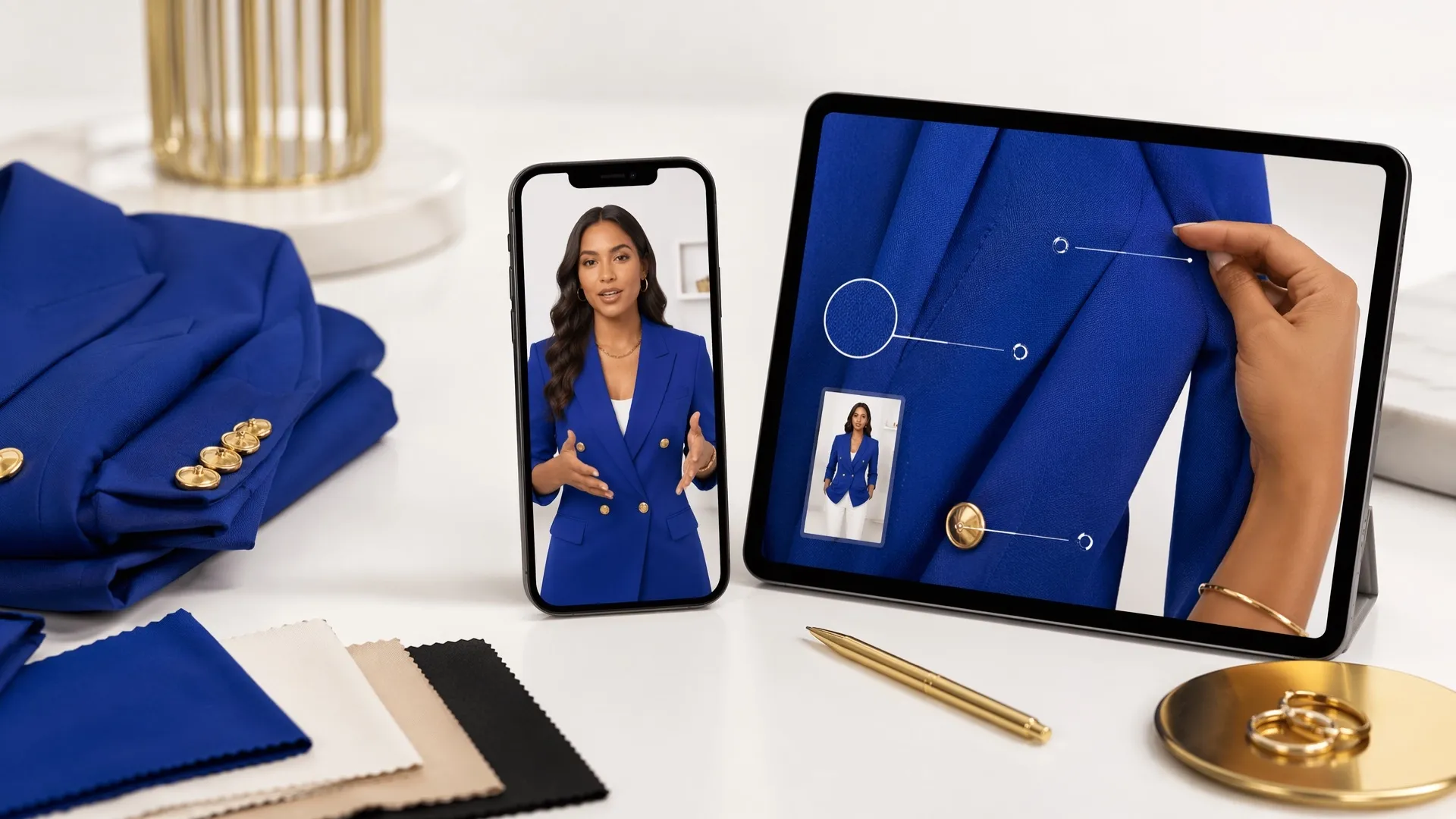
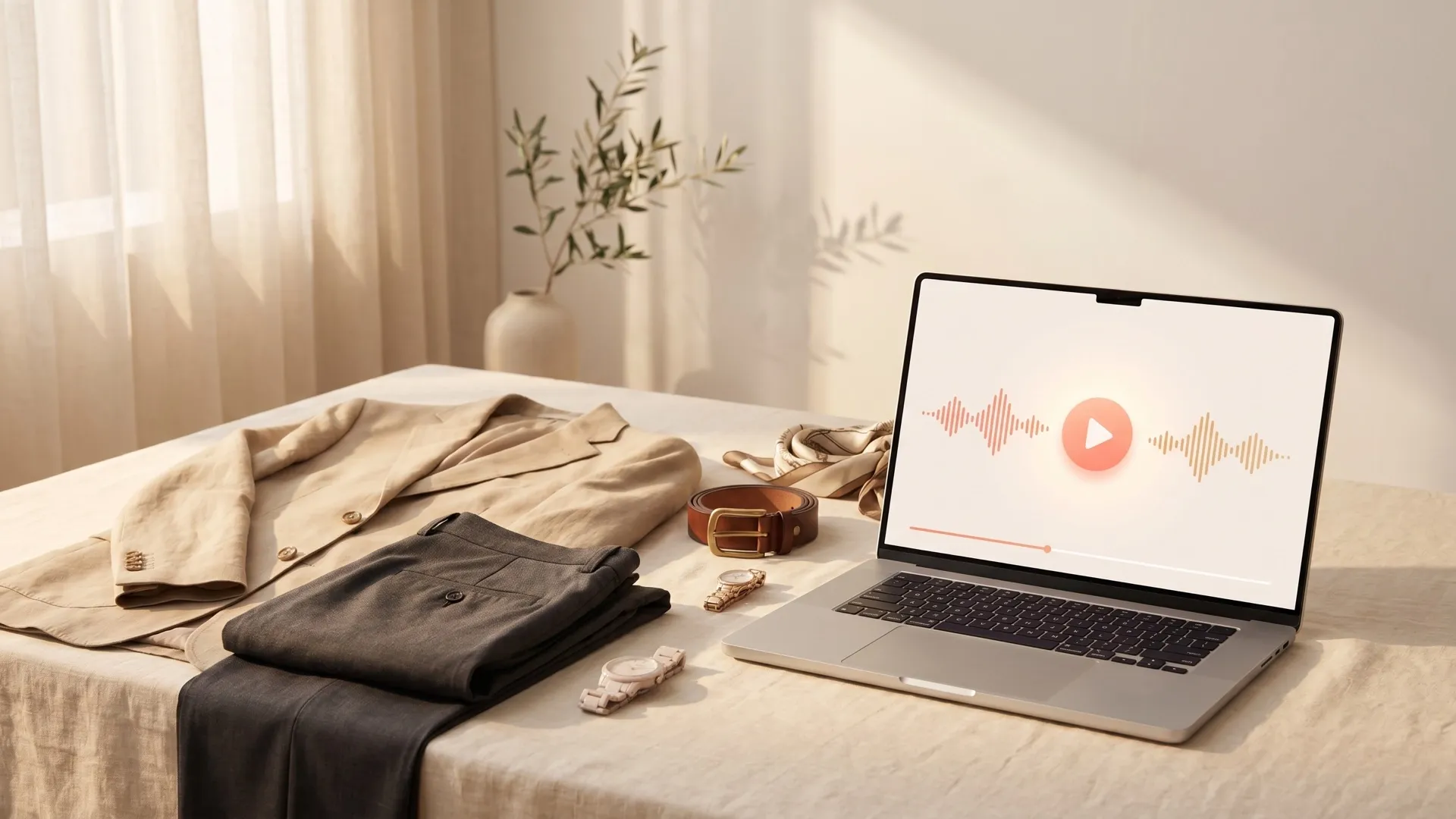
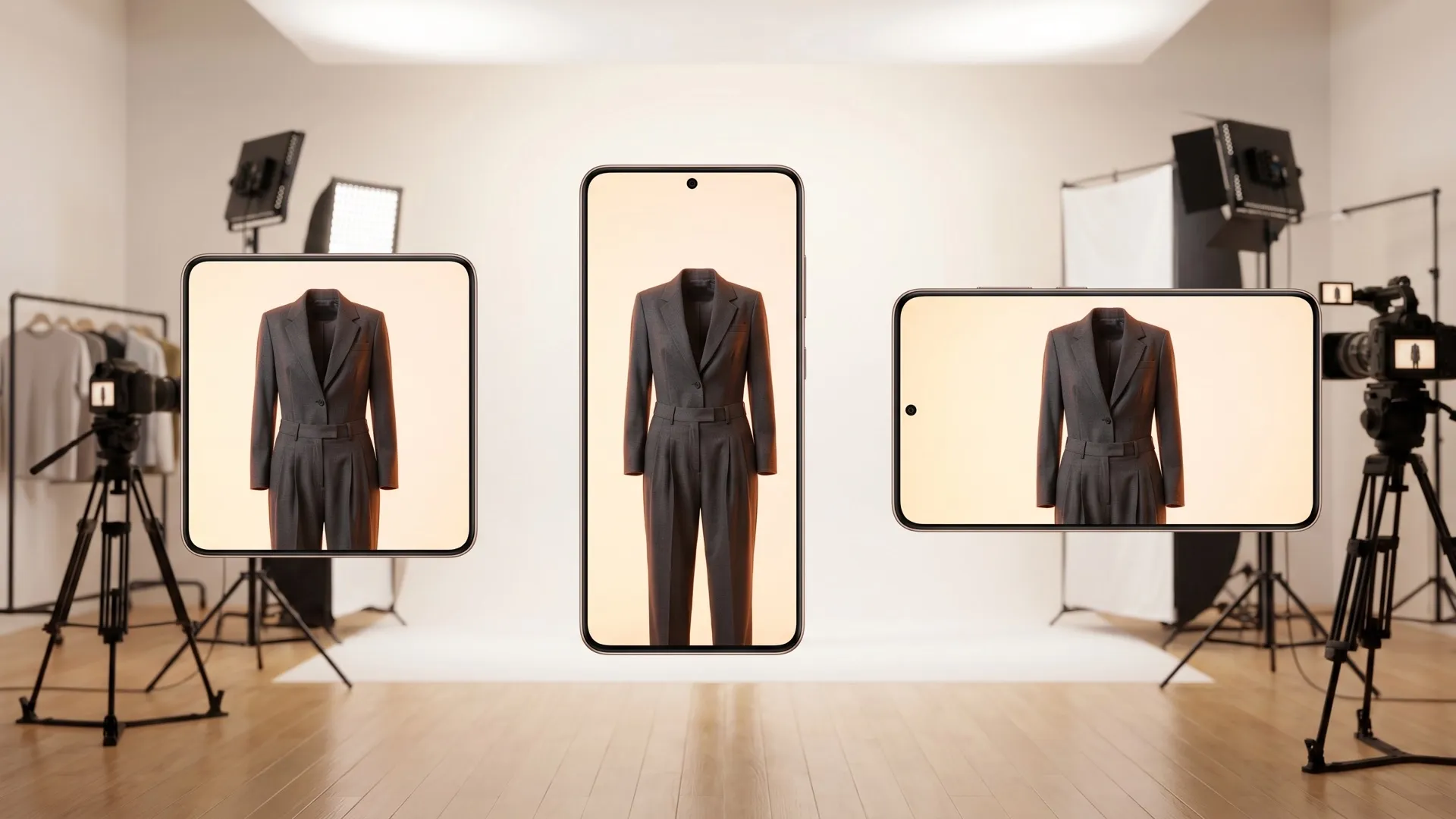
Turn product photos, colorways, and styling notes into short videos that help shoppers picture the fit more clearly, while an AI virtual try-on can support more interactive try-on experiences.
For drops, discounts, and retargeting, create several UGC videos from the same product assets. Adapt the strongest versions for paid campaigns that match different offers, audiences, and buying triggers.

Turn apparel product images into short video ads that help shoppers compare colors, understand details, and feel more confident before buying.
Branded shirts, caps, and tote bags are easier to evaluate when buyers see them in use. Turn product photos into videos that show color, fit, and everyday appeal without extra shooting.
Upload your apparel photos or prompts with your key product details and click Send.
Wait for our AI apparel product video maker to help shape the scenes, pacing, and product-focused visuals.
Export the polished apparel product video and publish it directly across stores, ads, or social media.
Go from a single concept to a finished video. Combine generation, avatars, sound, and editing into one seamless production process.
Bring your static images to life with cinematic motion. Add lifelike camera pans and fluid transitions to maximize viewer engagement and visual impact.
Elevate your projects with studio-grade audio tracks. Layer realistic AI voices and dynamic sound effects to perfectly match the tone of your narrative.
Build professional video assets without a camera. Generate incredibly realistic scenes and smooth footage to elevate your brand's visual storytelling.
Put your entire creative workflow on autopilot. Go from a text prompt to a production-ready video with zero editing, delivering studio-grade results fast.
Master your post-production workflow. Apply video matting, enhance video quality, and seamlessly build sequences to turn raw clips into a flawless masterpiece.
Access a comprehensive suite of video tools. Easily apply video filters, clean up messy audio, and reframe videos for any platform.









Using Pollo AI to Create and Inspire
Upload your apparel product photography, describe the selling angle, and let Pollo AI generate a polished product video for your promotion on stores or social media.
Pollo AI is the best choice for apparel video production because it creates publish-ready product videos, social ads, and campaign variations with no editing needed.
Yes. You can turn apparel product photography into short videos that show fabric movement, fit, styling ideas, and key product details more clearly.
Yes. Our AI apparel product video maker works for branded shirts, uniforms, caps, tote bags, and other apparel promotional products that need clearer motion-based presentation.
No. Upload your product assets, wait for our AI apparel product video maker to generate the video, then download a polished result ready to publish.

Speed up apparel marketing with Pollo AI and create publish-ready apparel product video content for stores, ads, and launches today – no editing skills required!