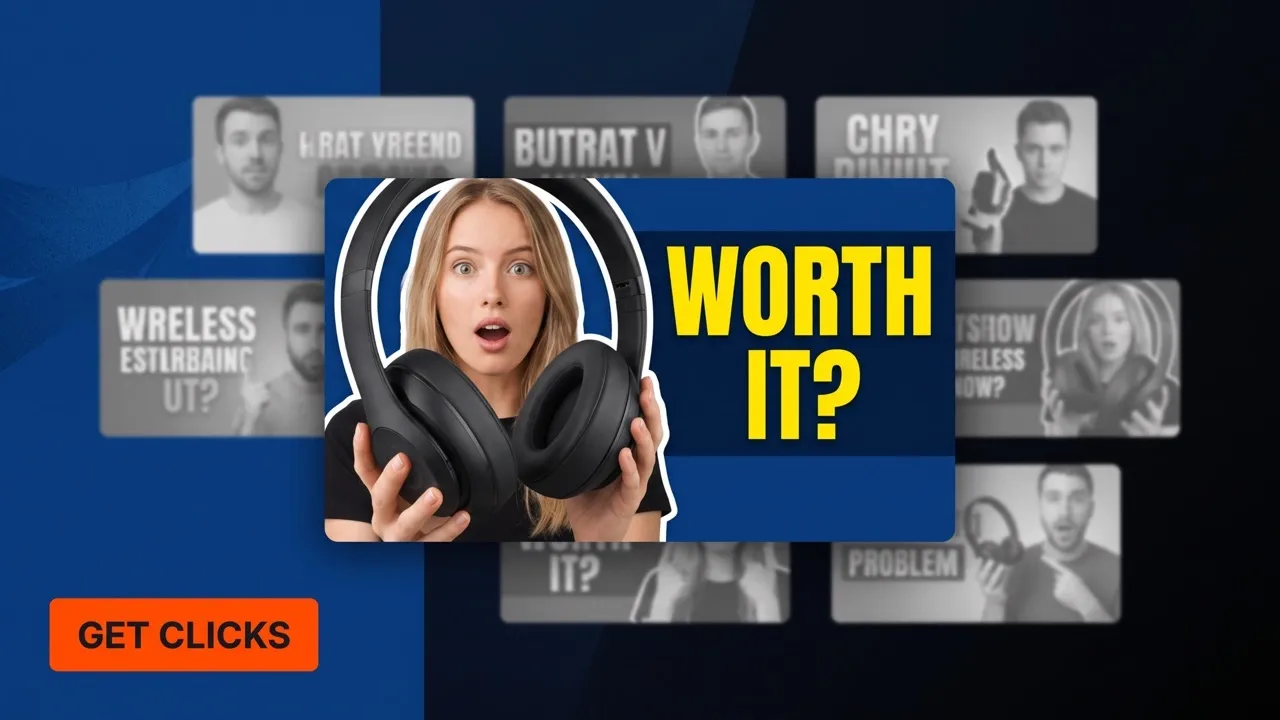
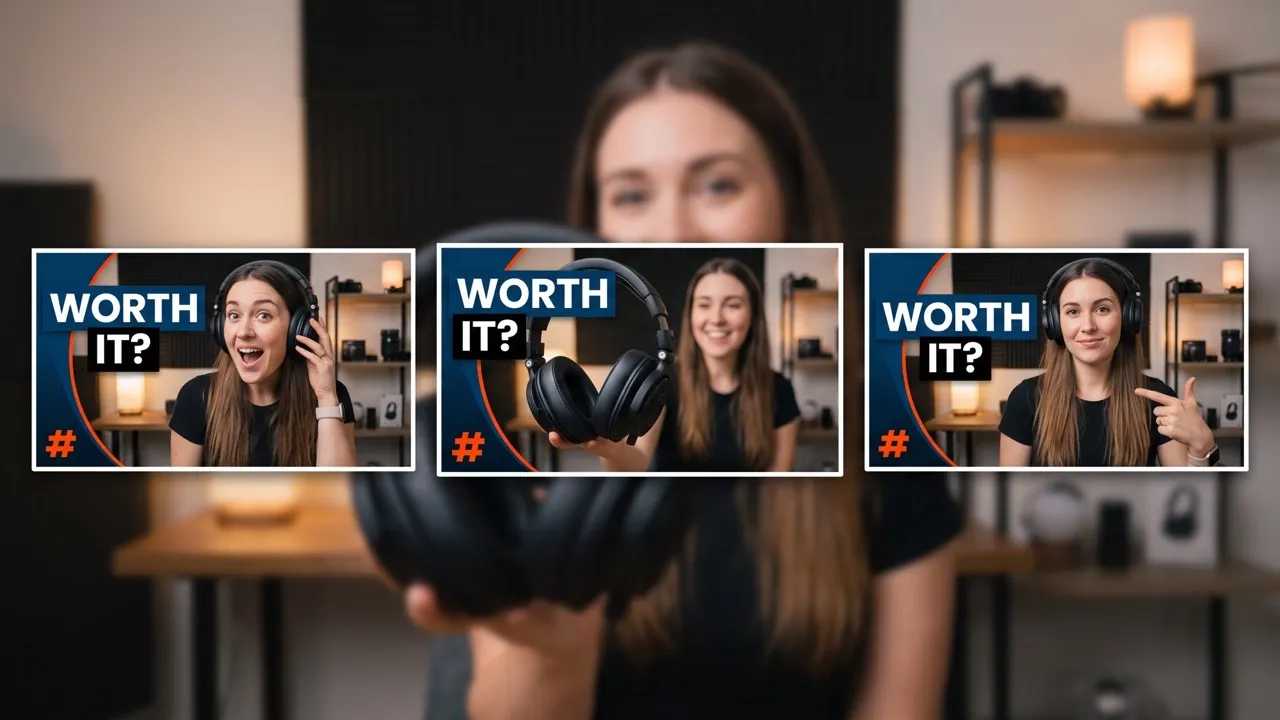

YouTube Thumbnail Maker
Upload your subject now and create click-worthy YouTube thumbnails built to earn more attention!
Turn More YouTube Impressions Into Clicks
Launching a tutorial, product review, or creator reaction video into crowded feeds? Pollo AI’s YouTube thumbnail maker generates high-resolution thumbnails with clear subjects, readable hooks, and stronger contrast, helping viewers understand why your video is worth opening.

Make Every Upload Look Click-Worthy
Turn uploaded reference images into polished YouTube thumbnail visuals that make the video hook clear before viewers read the title.
Stand Out Before Viewers Scroll Past
Build stronger subject focus, bolder title treatment, and sharper contrast so your YouTube thumbnail earns attention in crowded recommendation feeds.
Find the Strongest YouTube Thumbnail Faster
Generate multiple variations from the same source image, then choose the YouTube thumbnail version that best supports your video’s click promise.

Make Subjects Instantly Recognizable
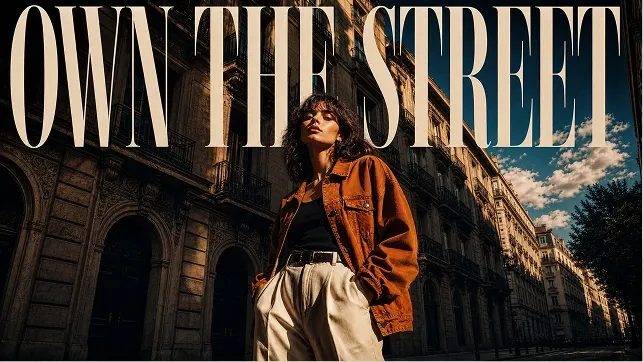
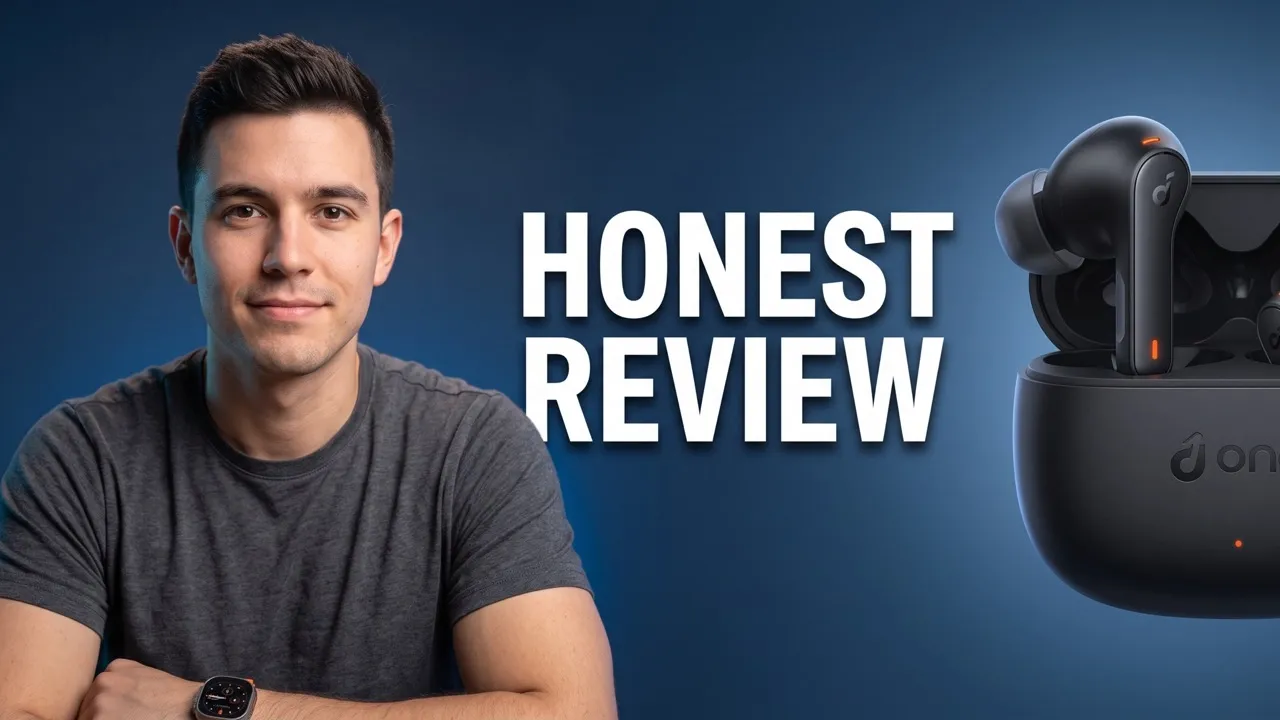
Upload a portrait or product image to generate a YouTube thumbnail scene with natural subject placement and clear focus, ideal for creator-led reviews where trust depends on seeing the person or item immediately.

Turn Small Preview Cards Into Clear Video Hooks
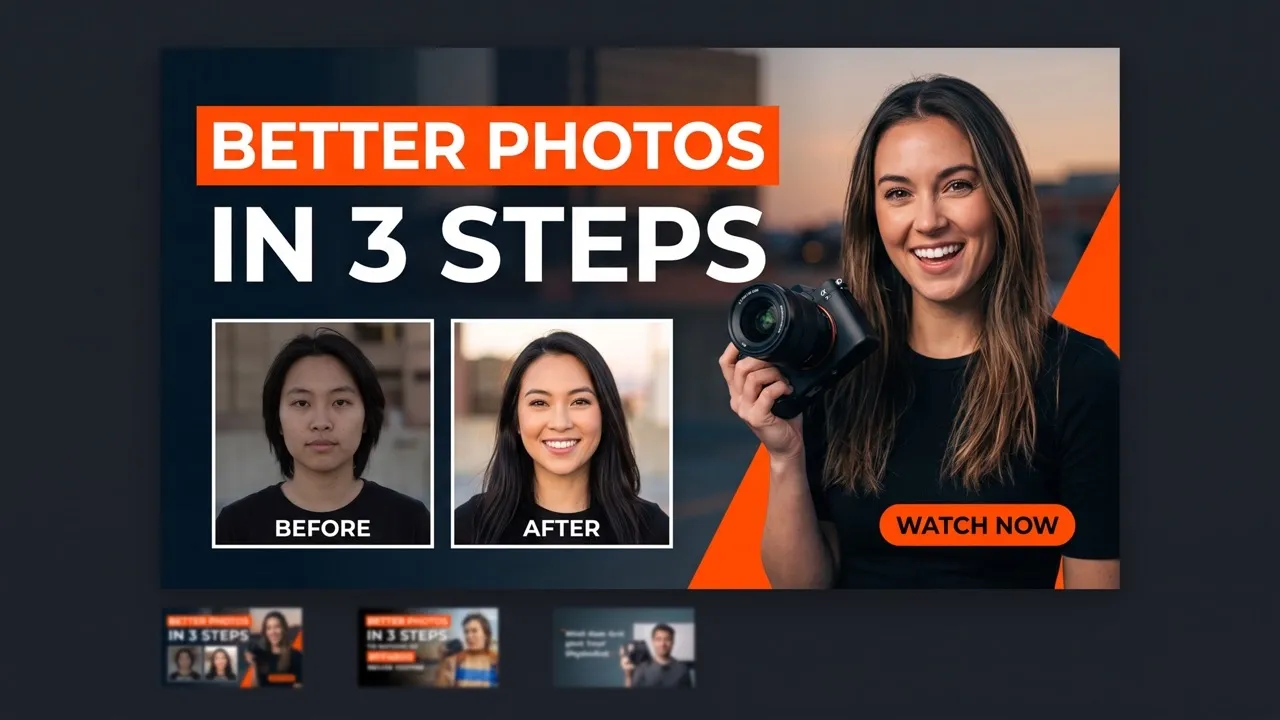
Create bold on-image titles with readable hierarchy, color contrast, and spacing, helping thumbnails of a tutorial explain the takeaway quickly when viewers compare similar instructional videos in search results.

Build a Channel Look Viewers Remember
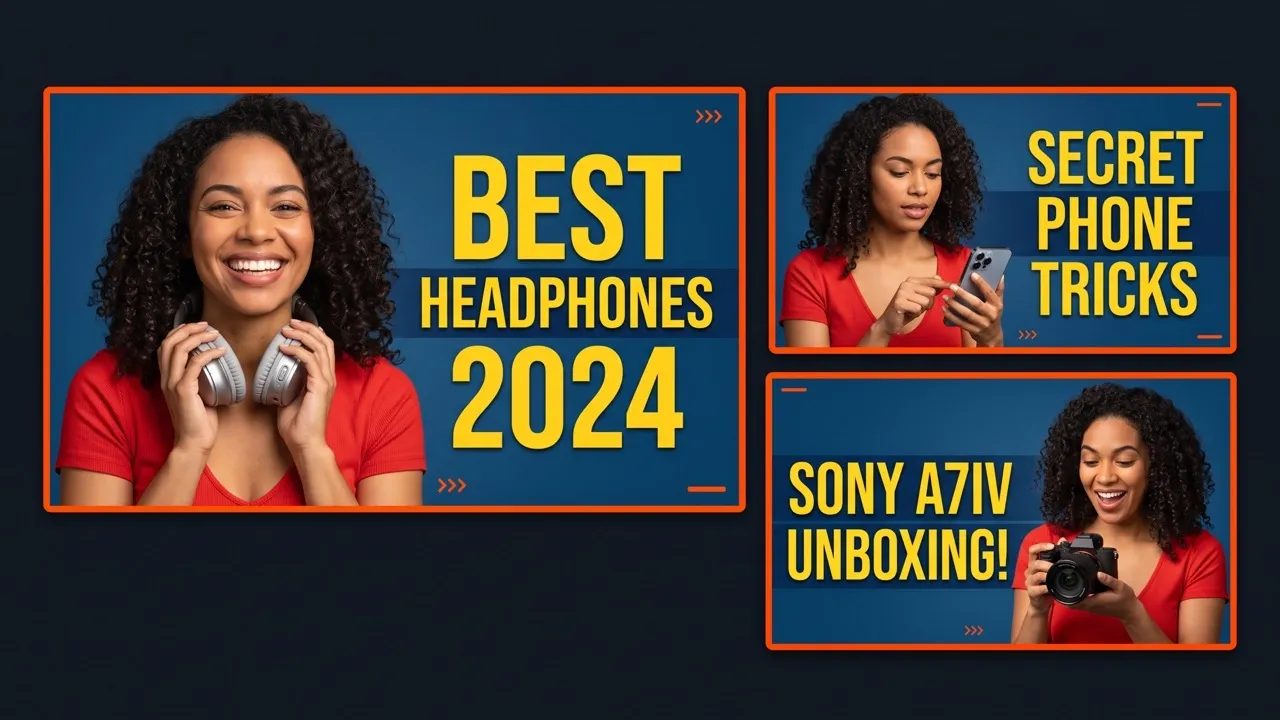
Refine background, mood, expression, and composition with written instructions, then choose the output ratio of YouTube thumbnail separately, giving recurring series thumbnails a consistent style that makes each new upload easier to recognize.

Find the Strongest Version Before Publishing
Generate multiple variations of AI photos from the same YouTube thumbnails uploaded source, with distinct framing, color balance, and style direction, helping sponsorship videos choose the clearest visual before traffic matters.
Create YouTube Thumbnails That Drive More Clicks

Your face needs to communicate the hook before viewers read the title
Upload a portrait to our free YouTube thumbnail generator and create a sharper thumbnail with clearer expression, stronger contrast, and a layout built for faster recognition.


Flat product shots can make even useful reviews look easy to skip
Add a product reference to our AI YouTube thumbnail generator and create a YouTube thumbnail that frames the item with clearer context, headline focus, and stronger visual priority.

Low CTR often comes from unclear presentation, not weak content
Rework subject placement, title hierarchy, and background style with our AI YouTube thumbnail generator to make existing uploads feel more competitive in recommendations.

Random thumbnail styles make your channel harder to remember
Use our free YouTube thumbnail generator to create variations with consistent colors, framing, and layout logic so every upload supports a stronger visual identity.
How to Make a YouTube Thumbnail with Pollo AI
Step 1
Upload your portrait, product shot, brand asset, or reference image.
Step 2
Use prompts to adjust text, composition, and style, then choose output size.
Step 3
Generate variations, compare YouTube thumbnails, and download your final design.
Discover Other AI Image Generators on Pollo AI
Used by 10M+ Creators and Marketers
Thousands of satisfied users have shared their Pollo AI experiences on Trustpilot, rating us as "Excellent." See what they love about our platform.
AI YouTube Thumbnail Maker FAQs
What is a YouTube thumbnail maker?
A YouTube thumbnail maker helps creators turn uploaded portraits, product shots, or reference images into more clickable YouTube thumbnail visuals. With Pollo AI, you can improve subject focus, text readability, and visual contrast with AI, so viewers understand your video’s value faster.
How to make a thumbnail for YouTube with Pollo AI?
Upload a portrait, product, or reference image to our free YouTube thumbnail generator, use prompts to adjust text, composition, background, and style, choose your output size, then generate variations and download the thumbnail you prefer.
What makes a YouTube thumbnail more clickable?
A clickable YouTube thumbnail usually has a clear subject, readable text, strong contrast, and a visual promise that matches the video. Pollo AI helps you refine these elements so the YouTube thumbnail communicates faster in search and recommendation feeds.
Can I use my own face or product photo?
Yes. You can upload a creator portrait, product shot, brand asset, or reference image, then use Pollo AI’s free YouTube thumbnail maker to build a more polished thumbnail scene around that subject.
Can this thumbnail maker for YouTube help with low CTR videos?
Yes. If a video gets impressions but few clicks, our AI YouTube thumbnail generator can help you test stronger subject placement, clearer text hierarchy, and more focused background styling without redesigning everything manually.
Is this thumbnail maker for YouTube useful for channel branding?
Yes. You can keep recurring uploads more consistent by refining background style, layout logic, text treatment, and visual tone, helping viewers recognize your channel faster.
Can I use this YouTube thumbnail maker for free?
Yes. You can start using this YouTube thumbnail maker by Pollo AI for free. Higher-volume use, more credits, advanced features, or fuller access may require upgrading.
What is the best YouTube thumbnail generator?
Pollo AI is the best YouTube thumbnail generator for YouTube creators because it creates click-ready thumbnails with clear subjects, readable text, and strong contrast. Beyond generating beautiful YouTube thumbnails, you can also edit them with an AI photo editor and other creative image tools in the same workflow on Pollo AI.
Create Your YouTube Thumbnails Now!
Upload your image, strengthen the visual appeal, and publish a YouTube thumbnail built for more clicks.