

Thumbnail Maker
Create bold thumbnails free from photos and prompts, ready to win attention before viewers scroll past.
Create Clear Thumbnails That Win More Attention
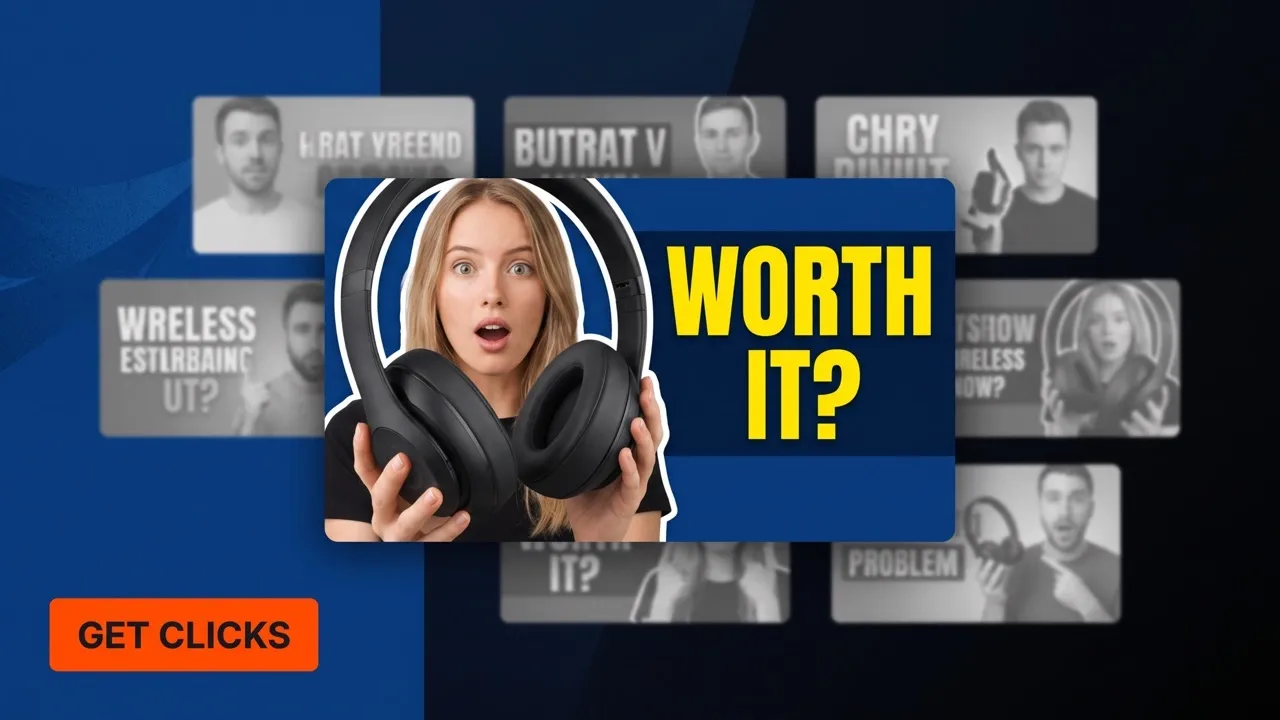
Are valuable stories still losing the click? Pollo AI's thumbnail maker combines photos and prompts, sharpens key subjects, designs readable headlines, and returns multiple high-resolution variations that clarify why to watch, join, learn, or explore a product across every content platform.

Earn Attention Before Your Content Opens
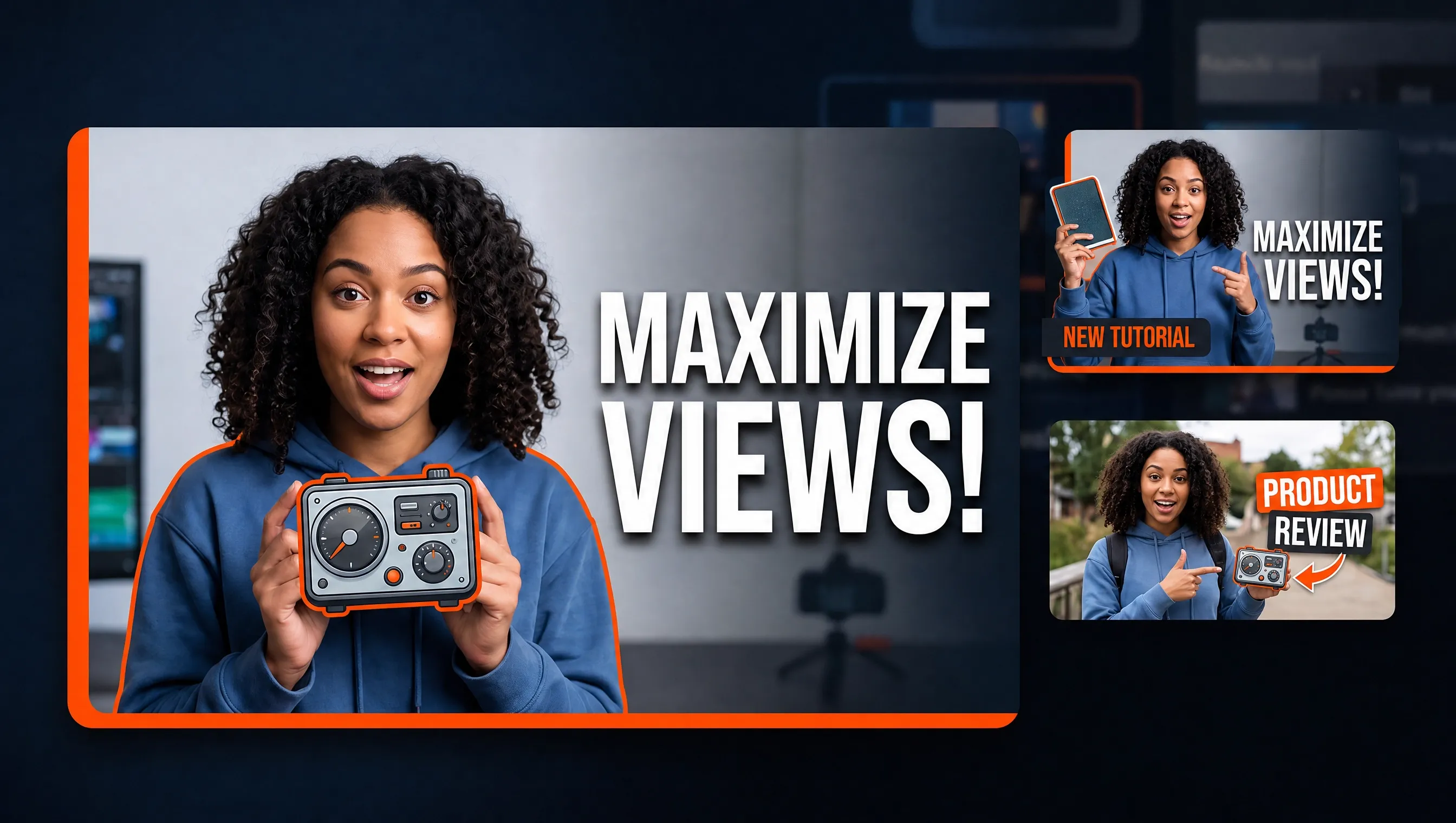
Turn a person, product, episode still, or key visual into a clear thumbnail that helps the right audience understand your content and feel ready to open it.
Keep the Main Subject Clear at Feed Size
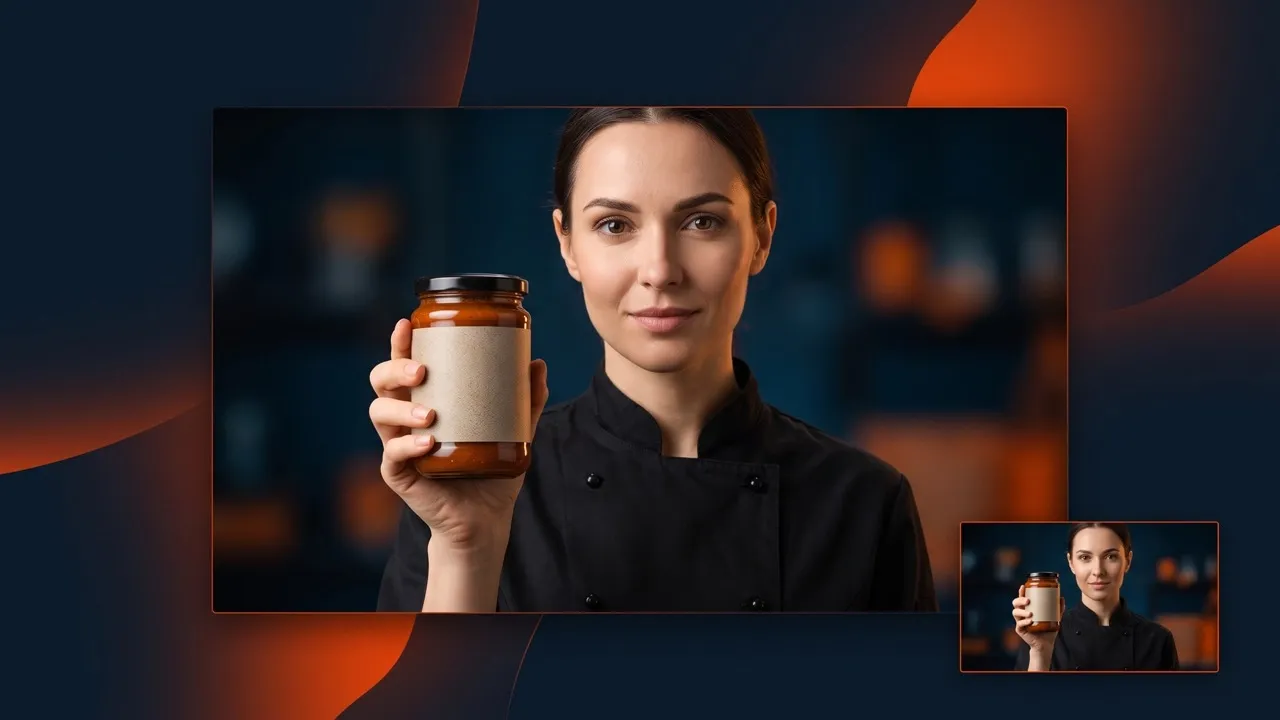
Our free thumbnail maker refines composition and focal placement, keeping faces and products easy to recognize even when your thumbnail appears small in a crowded feed.
Compare Stronger Creative Before You Publish
Try our AI thumbnail generator free to compare multiple high-resolution variations, choose the clearest attention-driving direction, and publish with more confidence.

Turn Raw Assets Into a Thumbnail That Earns Clicks
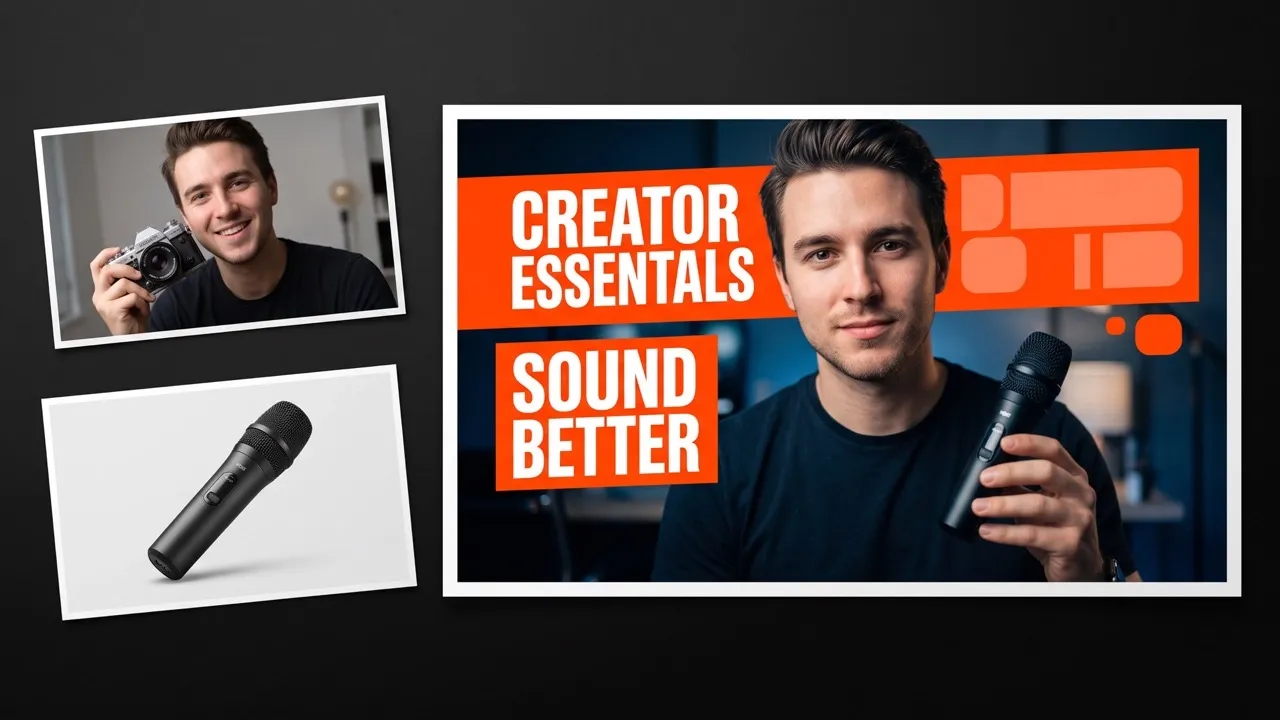
Upload a portrait, a product shot, or video still, then describe the topic, headline, and visual direction. Our AI thumbnail maker fuses both inputs into a coherent, click-ready design for new content or campaign refreshes.

Keep Every Key Subject Readable at a Glance
Guide our thumbnail generator with your key subject and focal point. It blurs backgrounds, refines composition, scale, and placement, keeping faces or products readable on small screens so crowded feeds lead viewers toward your content.

Make Your Content Promise Clear Before the Click
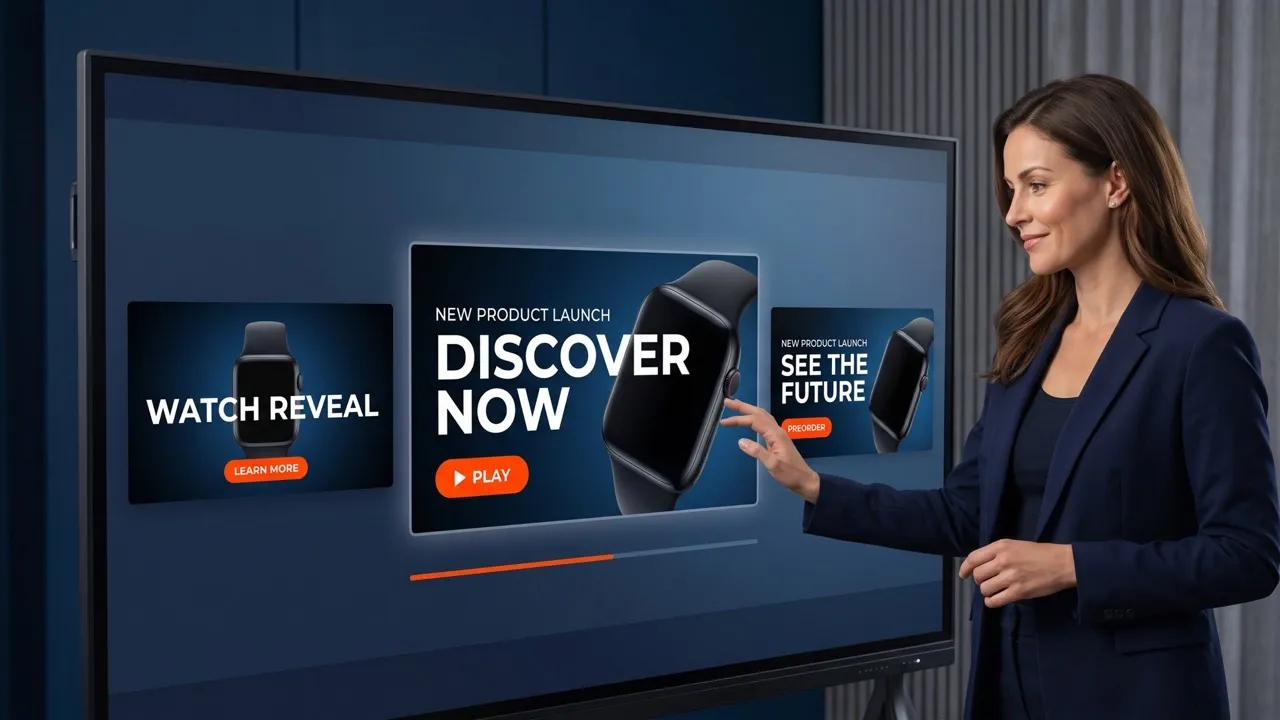
Describe the message people must notice, and our AI thumbnail maker creates bold title treatments and optimizes font, size, and hierarchy for YouTube thumbnails, keeping video topics, event themes, or product benefits easy to scan.

Find the Design Most Likely to Win Attention
Generate multiple high-resolution thumbnails in one pass, compare distinct compositions in each AI image, and choose the strongest. Our free thumbnail maker delivers polished results that help you publish with confidence without rebuilding each visual from scratch.
Create Thumbnails for Every Content Entry Point

Give each YouTube video a clear reason to watch
Use our AI thumbnail maker for YouTube thumbnails to combine episode stills, a clear promise, and bold type into focused covers that help viewers understand each upload's value before pressing play.


Keep every post recognizable in a fast-moving feed
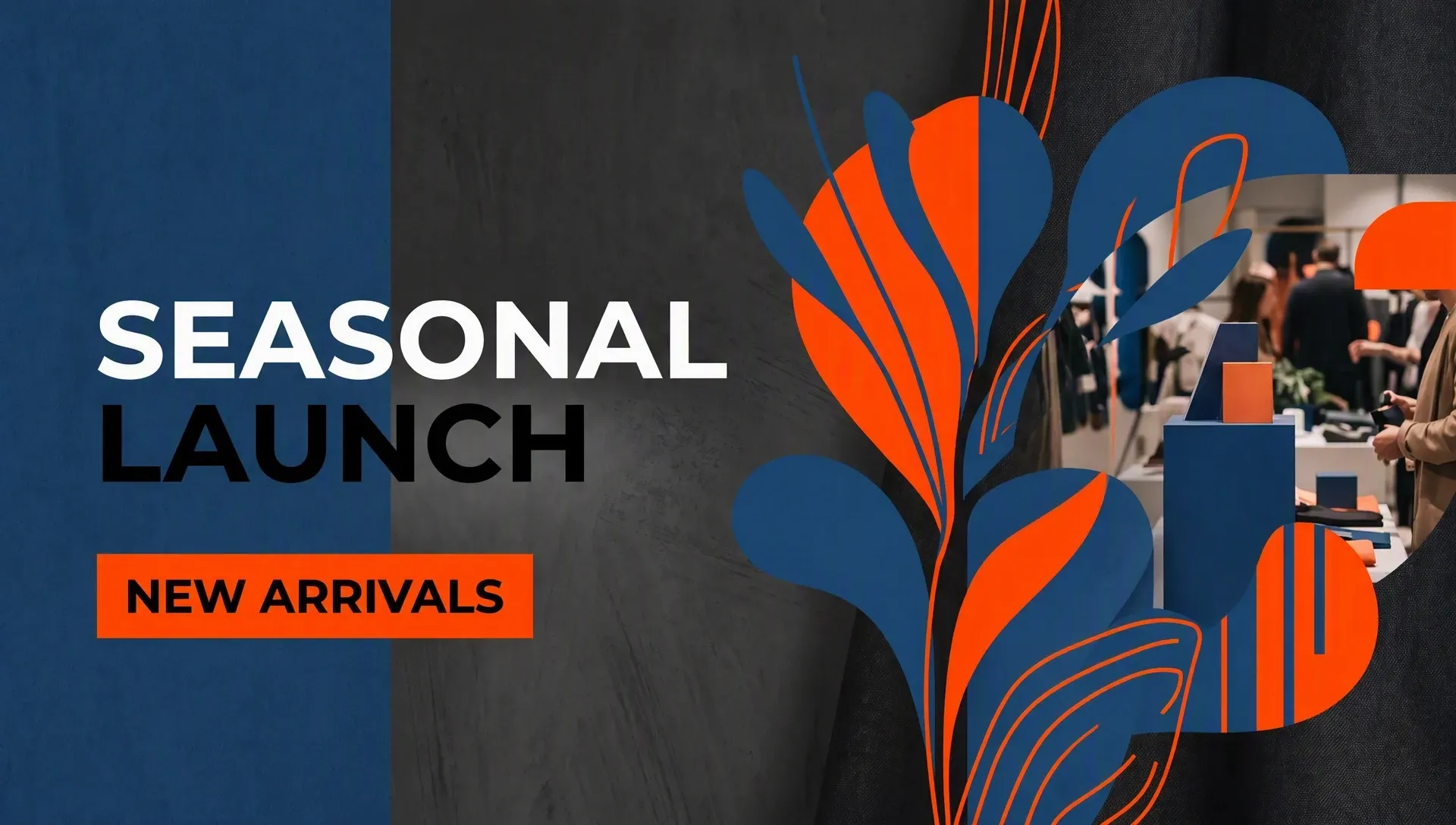
Use our AI thumbnail maker to turn campaign images and short messages into coordinated covers that keep social series recognizable while giving each post a distinct reason to open.

Make the guest, topic, and event value clear
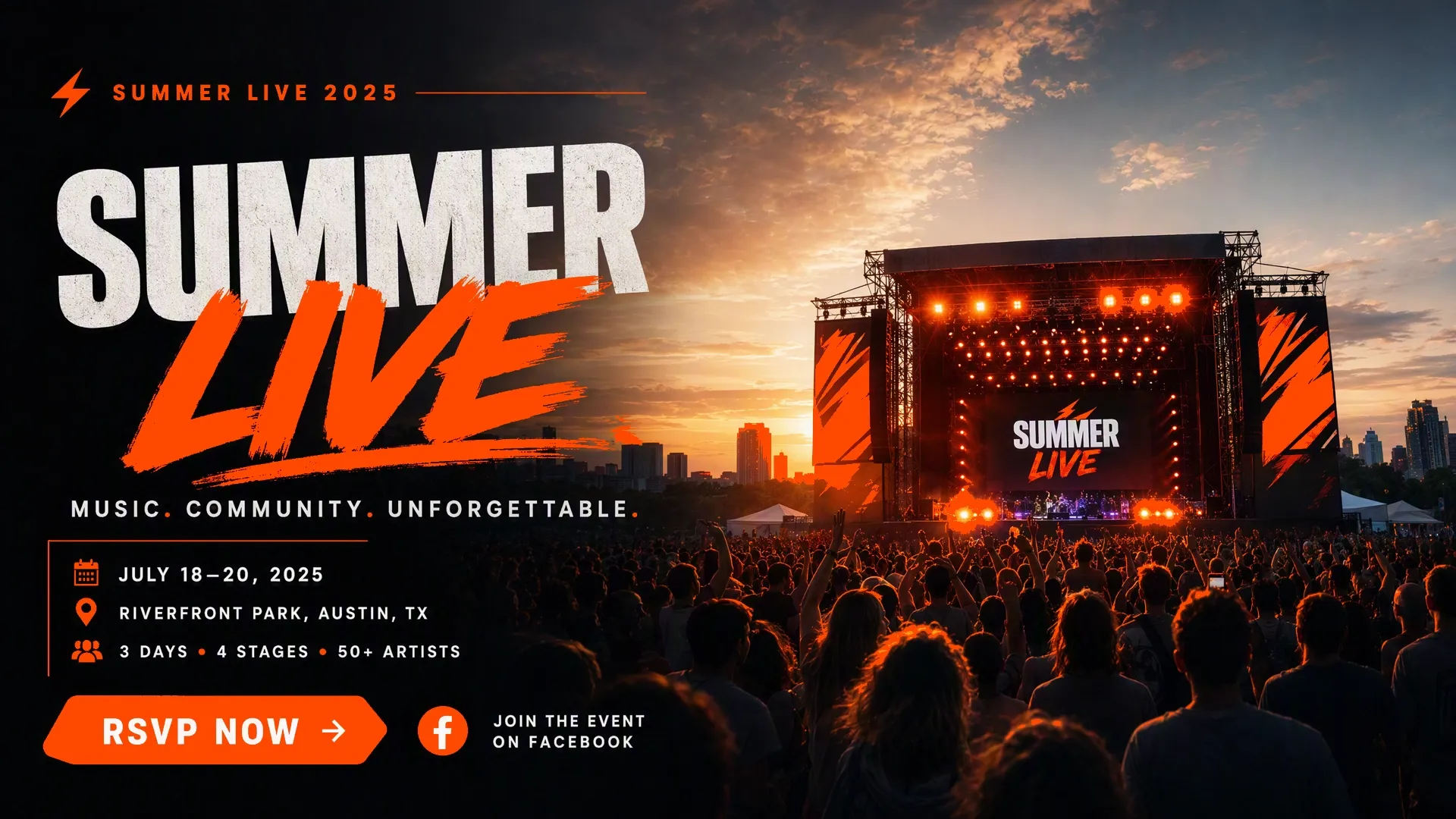
Combine a speaker image with the conversation theme or event promise; our thumbnail generator creates a focused thumbnail that helps audiences understand why the episode or session deserves their time.

Show what readers, learners, or shoppers will gain
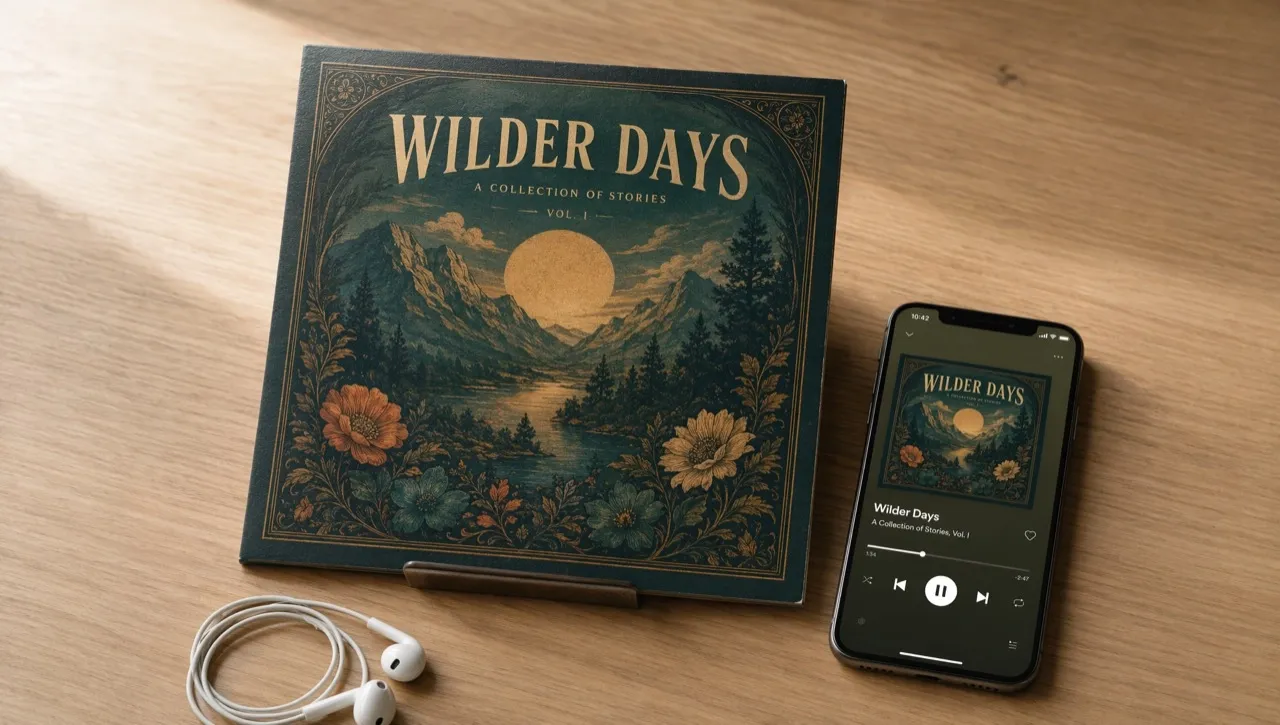
Our free thumbnail maker pairs a relevant visual with one concise benefit, giving articles, course libraries, and product previews a clear entry point that helps audiences choose what to explore.
How To Create a Thumbnail with Pollo AI
Step 1
Upload a portrait, product image, or video still to anchor your design.
Step 2
Describe the topic, headline, focal point, and visual style of the thumbnail.
Step 3
Generate multiple high-resolution variations, and download your favorite.
Explore More AI Image Tools on Pollo AI
Used by 10M+ Creators and Marketers
Thousands of satisfied users have shared their Pollo AI experiences on Trustpilot, rating us as "Excellent." See what they love about our platform.
Thumbnail Maker FAQs
What is an AI thumbnail maker?
An AI thumbnail maker turns an uploaded image plus written direction into a complete thumbnail. It builds the composition, focal emphasis, and title treatment together, giving your content a clear visual promise before anyone presses play.
How to make a thumbnail with Pollo AI?
Upload the person, product, or still you want to feature, then describe the topic, headline, and visual style. Choose how many outputs you want to create and generate multiple thumbnails, compare them, and download the strongest design.
Will this thumbnail maker keep my subject clear and recognizable?
Yes. This thumbnail maker prioritizes the uploaded face or product, then adjusts the background, scale, composition, and placement around it. This keeps the core subject easy to recognize when the finished thumbnail appears small.
Who is this AI thumbnail maker for?
Pollo AI thumbnail maker is built for video creators, social media managers, podcasters, livestream hosts, educators, bloggers, and product marketers who need clear, polished entry images that help earn clicks and help audiences understand their content before opening it.
Do I need editing skills to use this thumbnail maker?
No. All you need to do is upload your visual and describe the topic, headline, focal point, and preferred style in plain language. Pollo AI handles image editing like composition, subject placement, background treatment, and text hierarchy, so you only need to compare and choose the one you are most satisfied with.
Can I use this AI thumbnail generator free on Pollo AI?
Yes. You can start creating thumbnails for free on Pollo AI. Higher-volume creation, more credits, advanced features, or fuller access may require upgrading to a higher plan.
Create Thumbnails That Earn More Clicks
Turn your assets into high-resolution images that help every upload make a stronger first impression.