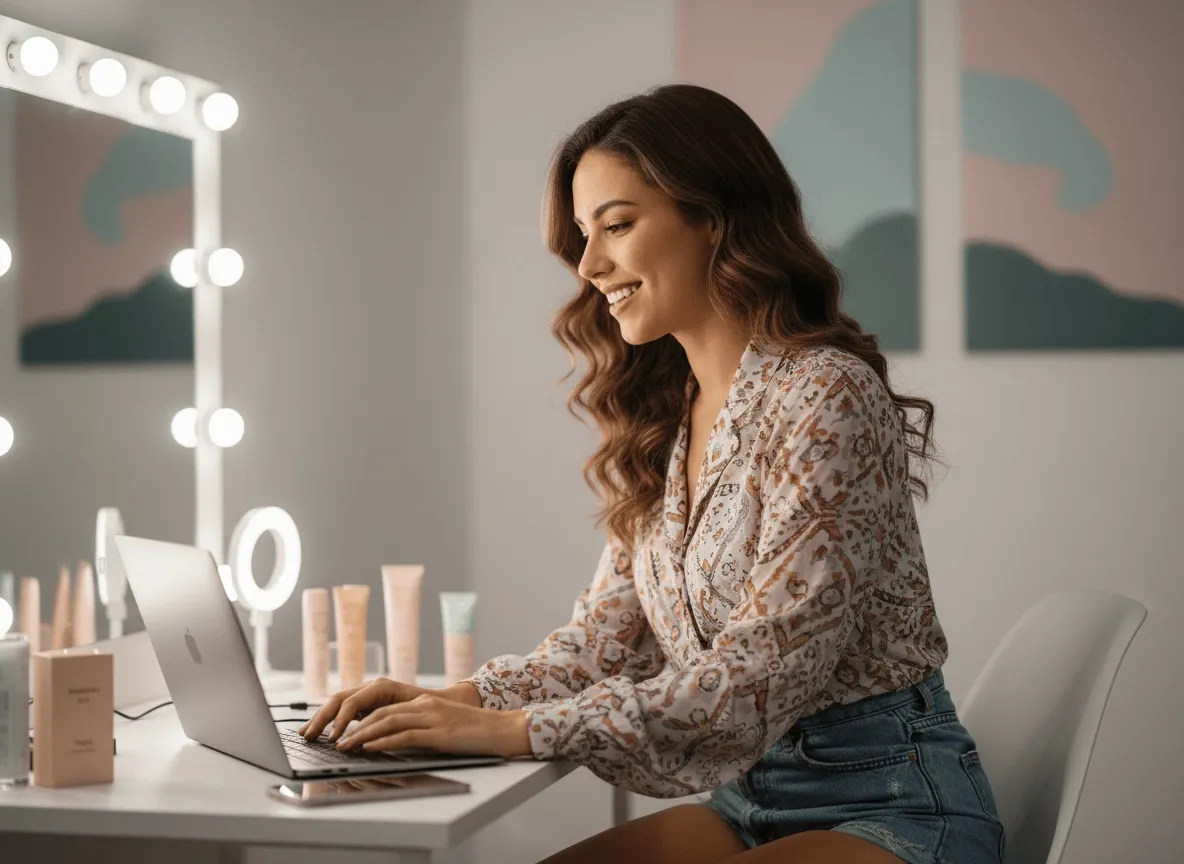
Marketers & Sellers
Turn Product Messages Into Talking Videos
Create more persuasive product videos and UGC video ads by giving your spokesperson, avatar, or character realistic speech and a stronger on-screen presence.
AI Video
Transform text and images into cinematic videos with lifelike avatars and studio-quality SFX.

AI Image
Turn ideas and images into stunning visuals, or perfect any photo with a complete suite of AI tools.

Agent
Create production-ready videos with SFX, consistent characters, and polished scenes. No Editing.

Marketing Studio
Built for marketers and sellers to create winning ads, UGC videos and product visuals faster.

Kling 4.0
Up to 10 keyframes. Impressive performance.
Forget about the time-consuming rehearsals for product demos with real actors! With our lip syncer, you can instantly create accurate, lifelike lip sync animations with perfectly aligned and timed mouth movements. All you need to do is input a text or upload a pre-recorded audio.
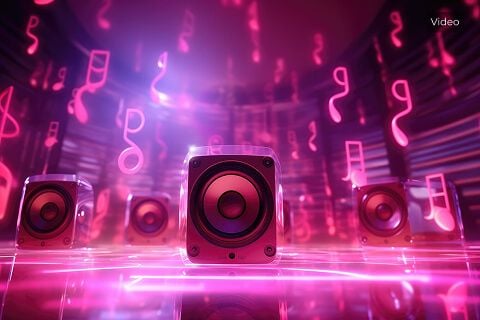
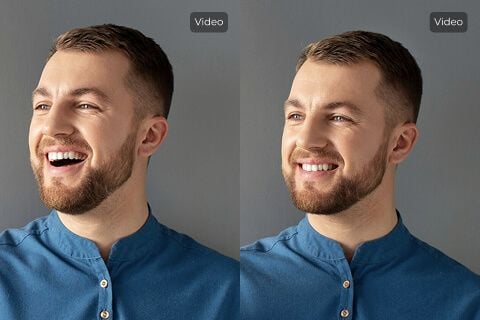
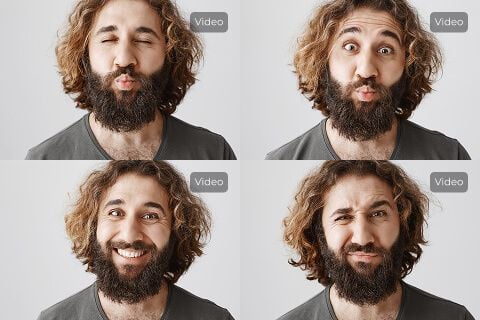
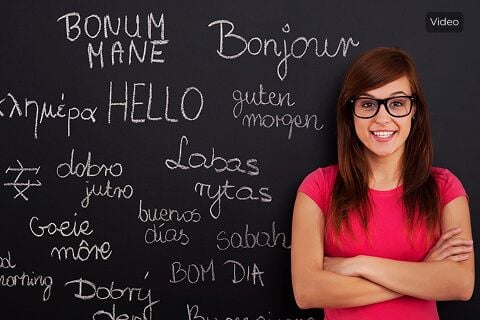
Create more persuasive product videos and UGC video ads by giving your spokesperson, avatar, or character realistic speech and a stronger on-screen presence.

Sync narration with speakers or AI characters to create clearer explainer videos, training content, and lessons that are easier to understand and more engaging to watch.

Turn skits, reaction clips, and character videos into more dynamic content with believable speech, then package them into polished channel assets like YouTube intro video content.

Pair with AI voice generator to create multilingual dialogue, then lip sync each version for smoother localized communication.
Input text-to-speech or audio file and a clear-front face video for the lip sync.
Be patient while our AI lip sync tool processes your video in minutes.
Feel free to download the lip sync video and save it or share it online.
Go from basic scripts to high-converting content. Seamlessly transition between automated AI agents, presenter-led avatars, sound design, and tailored video apps.
Bring your still images to life with cinematic motion and depth. Create captivating short video stories from your photos for a new level of visual storytelling.
Streamline your editing process effortlessly. Instantly swap faces, adjust colors, remove objects, and add effects with one click.
The ultimate multi-modal video generator. Combine text, images, or audio to produce complete, production-ready video content in minutes.
Elevate your visuals with studio-quality audio. Generate natural-sounding speech and custom sound effects to perfectly match your video's mood.
Deploy purpose-built video apps for instant results. Generate video slideshows, music videos, and social shorts in just seconds.
Go from a simple idea to a finished video instantly. Describe your vision, and let the Pollo Agent automate the full production process for flawless results.









Using Pollo AI to Create and Inspire
AI lip sync is the process of synchronising speech with a character’s lip movements in a video. You can typically create dialogue via text-to-speech inputs or by uploading an audio file that contains what you want the character to say.
Our AI lip sync tool lets you create incredibly realistic lip movements that ensure the audio rhythm and tone are reflected on the character’s face accurately. On top of that, the final audio of the lip sync video is always high-quality, so any custom-written dialogue will come across very clearly.
Yes. You can use our tool to create a realistic lip sync video without having to pay any costs or even share any credit information via free trial. For this reason, even if your budget is limited, you can freely test our tool and use it to produce unique lip sync videos that will astound viewers.
Not long at all. You can typically expect our lip sync video AI to complete the lip syncing process within minutes. However, keep in mind the amount of time our tool takes can sometimes vary from video to video.
Yes. Our AI lip sync tool is designed to be simplistic and intuitive. So, it can be accessed by anyone including first-timers without much hassle. Moreover, our tool can be used on any device, be it mobile, tablet, or desktop. This lets you create a believable lip sync video, even if you're on the move.
Absolutely. You can use the text-to-speech option to write out the dialogue or record and upload the audio that you want in the video. There are also multiple AI voice avatars and different emotional responses to choose from. This makes it easy for you to create personalized AI lip sync videos.
You can upload MP3, AAC, WAV, FLAC, M4A, and OGG files. With this many options, you won’t have to worry about having to convert files beforehand. However, keep in mind you can only upload up to a maximum file size of 20MB. Moreover, the audio length can’t be longer than 30 seconds max.
You can upload videos in MP4 or MOV formats. However, our AI lip sync tool only accepts a maximum file size of 100MB. Furthermore, the original video’s resolution needs to be at least 720p. This will ensure the final lip sync video output the tool generates will also be in high-quality.
Anyone looking to generate a lip sync animation with lifelike speech can benefit from our tool. This includes content creators, filmmakers, artists, and even hobbyists. So, whether it is for personal or professional purposes, our lip syncing tool can prove valuable to any video creator.
Definitely. Our lip syncing tool employs enterprise-grade encryption measures that protect your audio files from any unauthorized third-parties. We also won’t store any of your audio files in our database, either. Plus, our privacy policy guarantees any user data will remain confidential!
Currently, our lip sync AI only supports converting videos into lip sync videos. You can try our image to video AI.

Try our lip syncing tool for free and create high-quality lip sync videos with natural-looking speech synchronization today!