Step 1
Upload your photo into the Pollo AI dashboard.
AI Video
Transform text and images into cinematic videos with lifelike avatars and studio-quality SFX.

AI Image
Turn ideas and images into stunning visuals, or perfect any photo with a complete suite of AI tools.

Agent
Create production-ready videos with SFX, consistent characters, and polished scenes. No Editing.

Marketing Studio
Built for marketers and sellers to create winning ads, UGC videos and product visuals faster.

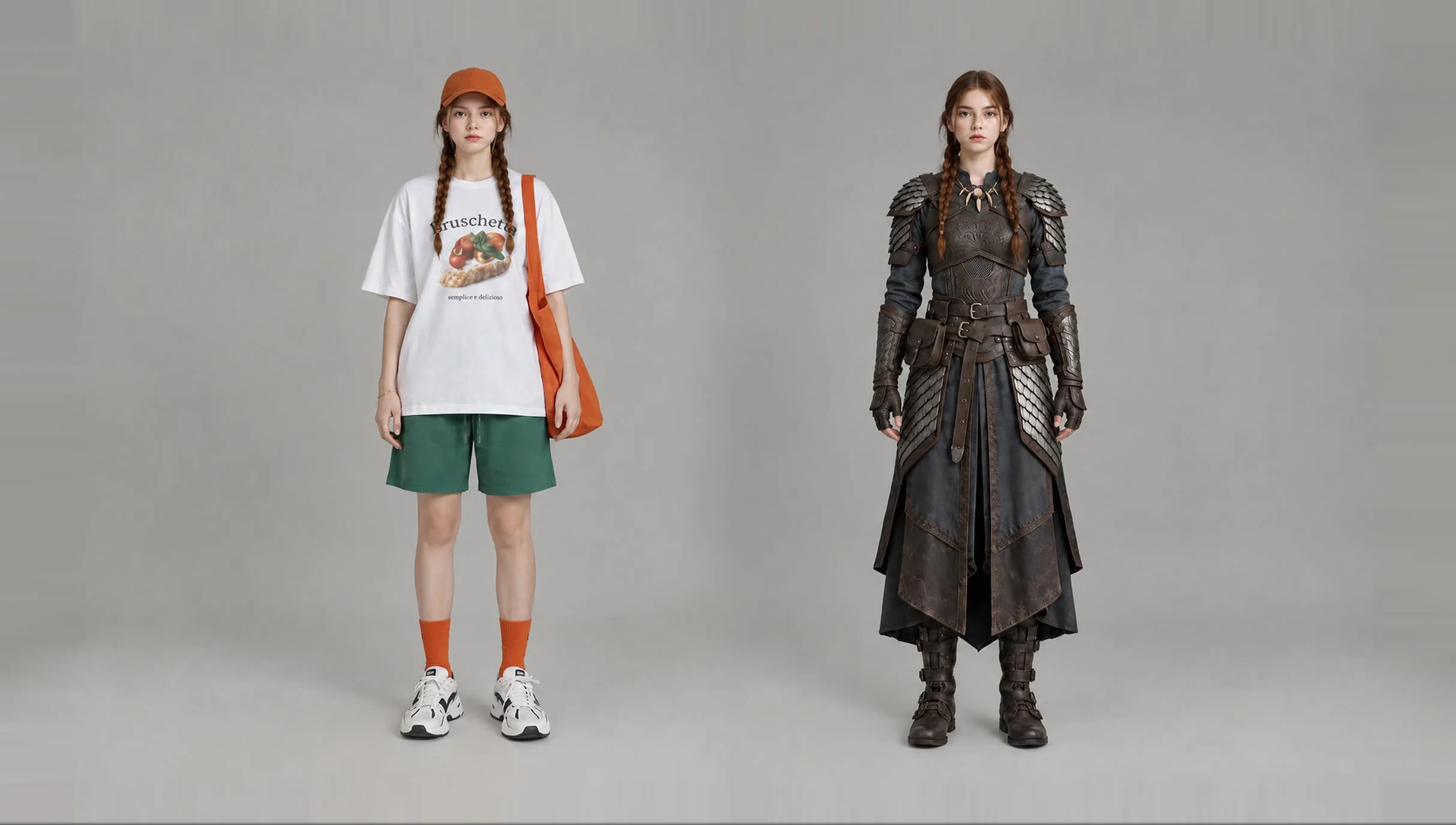
Upload any photo to recolor objects or adjust tones instantly. Swap hues on clothes or backgrounds with zero manual effort.
Kling 4.0
Up to 10 keyframes. Unlimited for 10 days with Ultra.
Stop re-shooting for every shade. Our free image color changer transforms colors in seconds. Update logos, clothing, or background moods with realistic lighting. Turn one photo into a festive campaign or a full collection to scale your brand fast and easily.
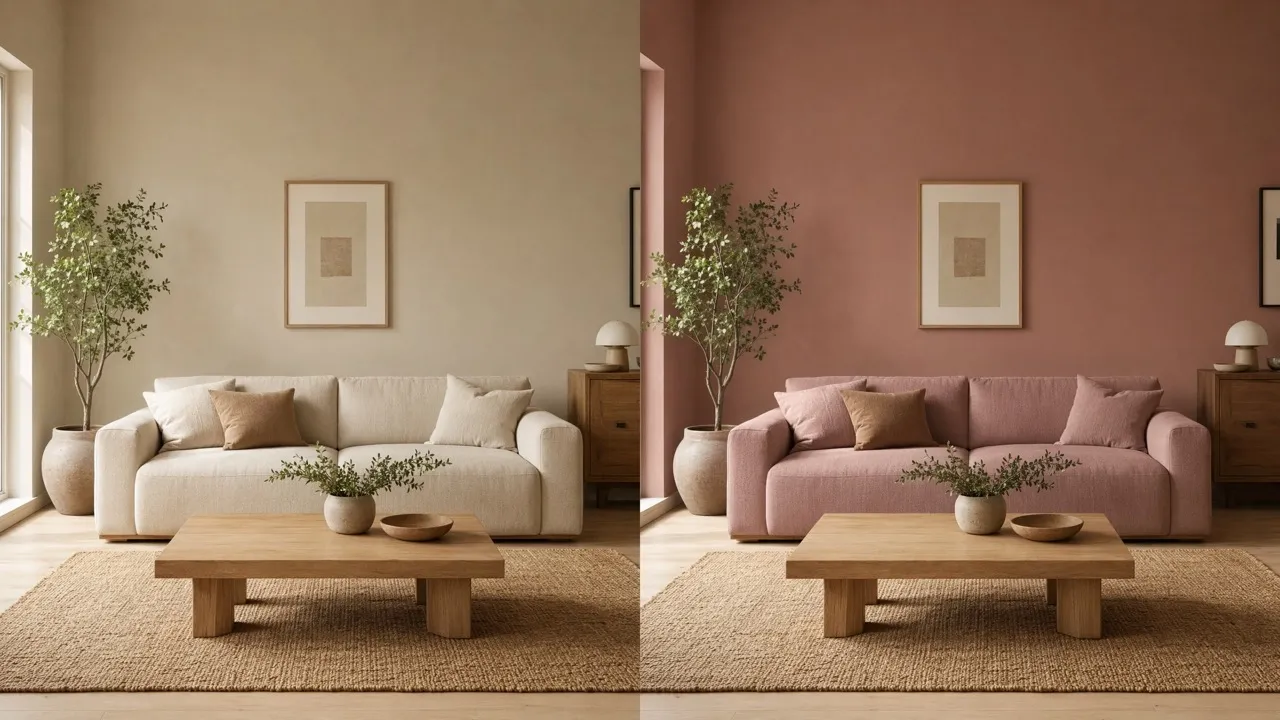
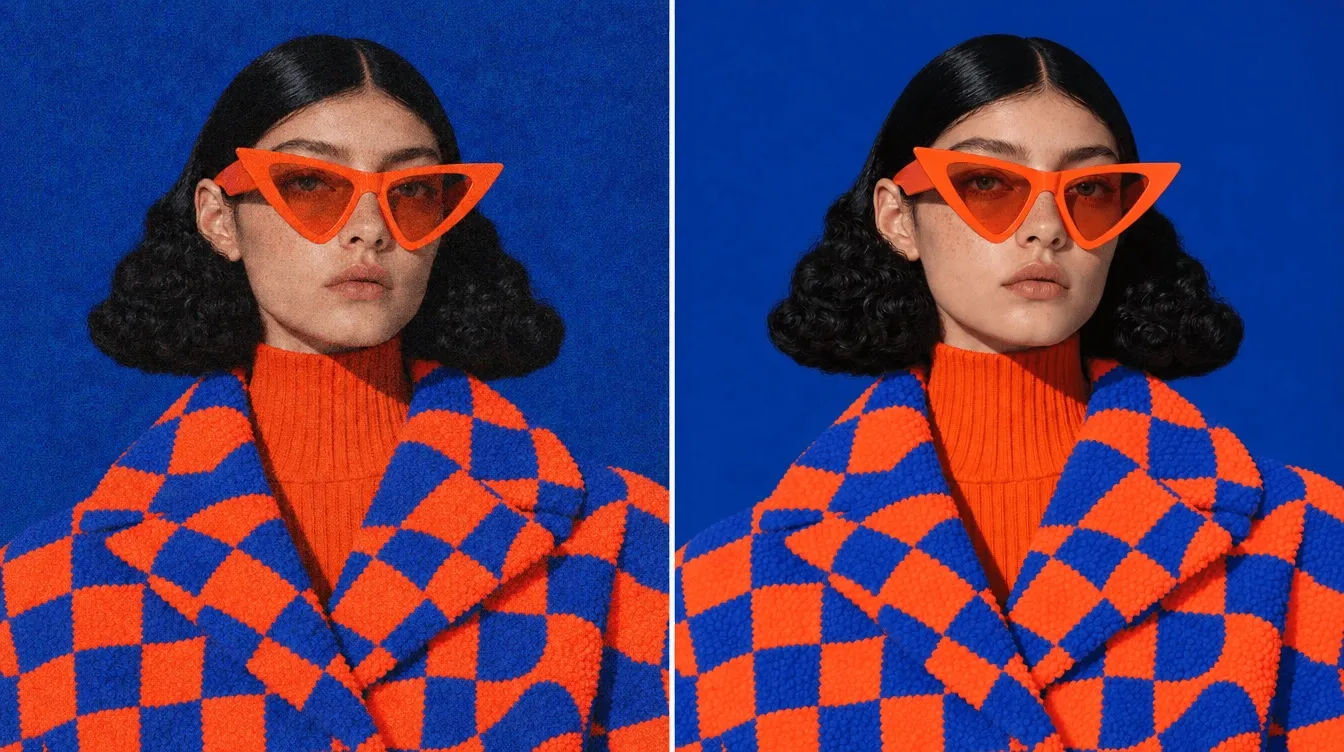
The image color changer keeps original shadows for a realistic 3D look and feel.
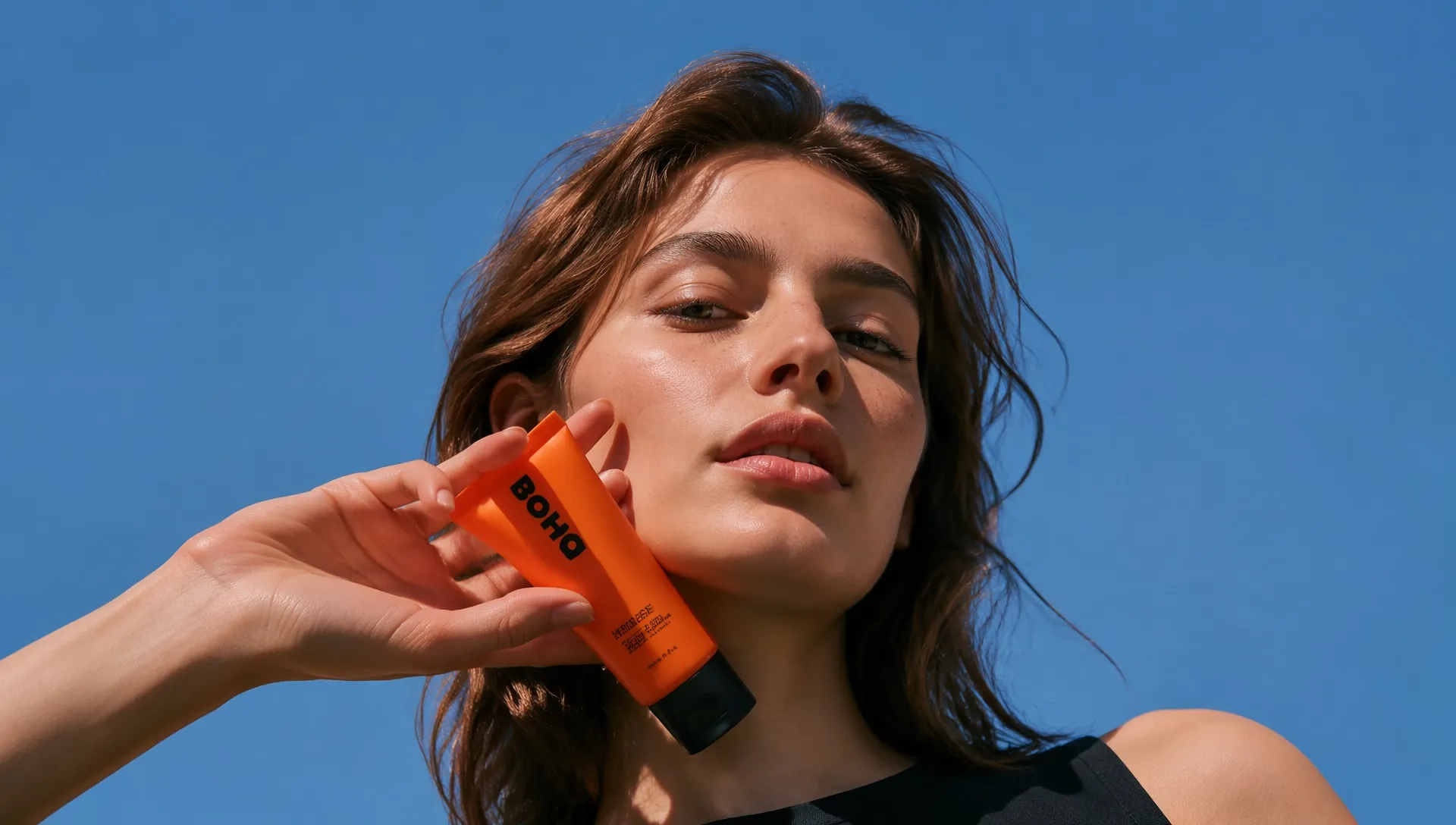
Change product shades, logo colors, and packaging hues with precision.
Get pro results ready for printing or high-resolution digital stores.
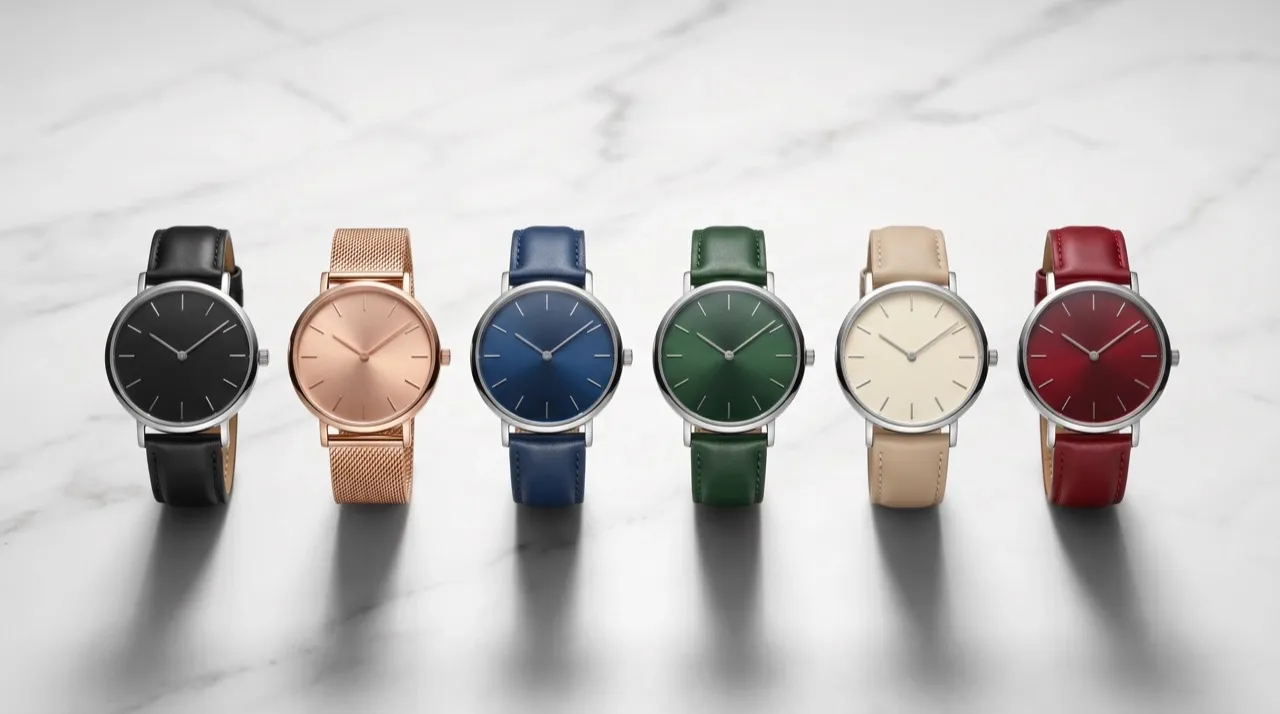
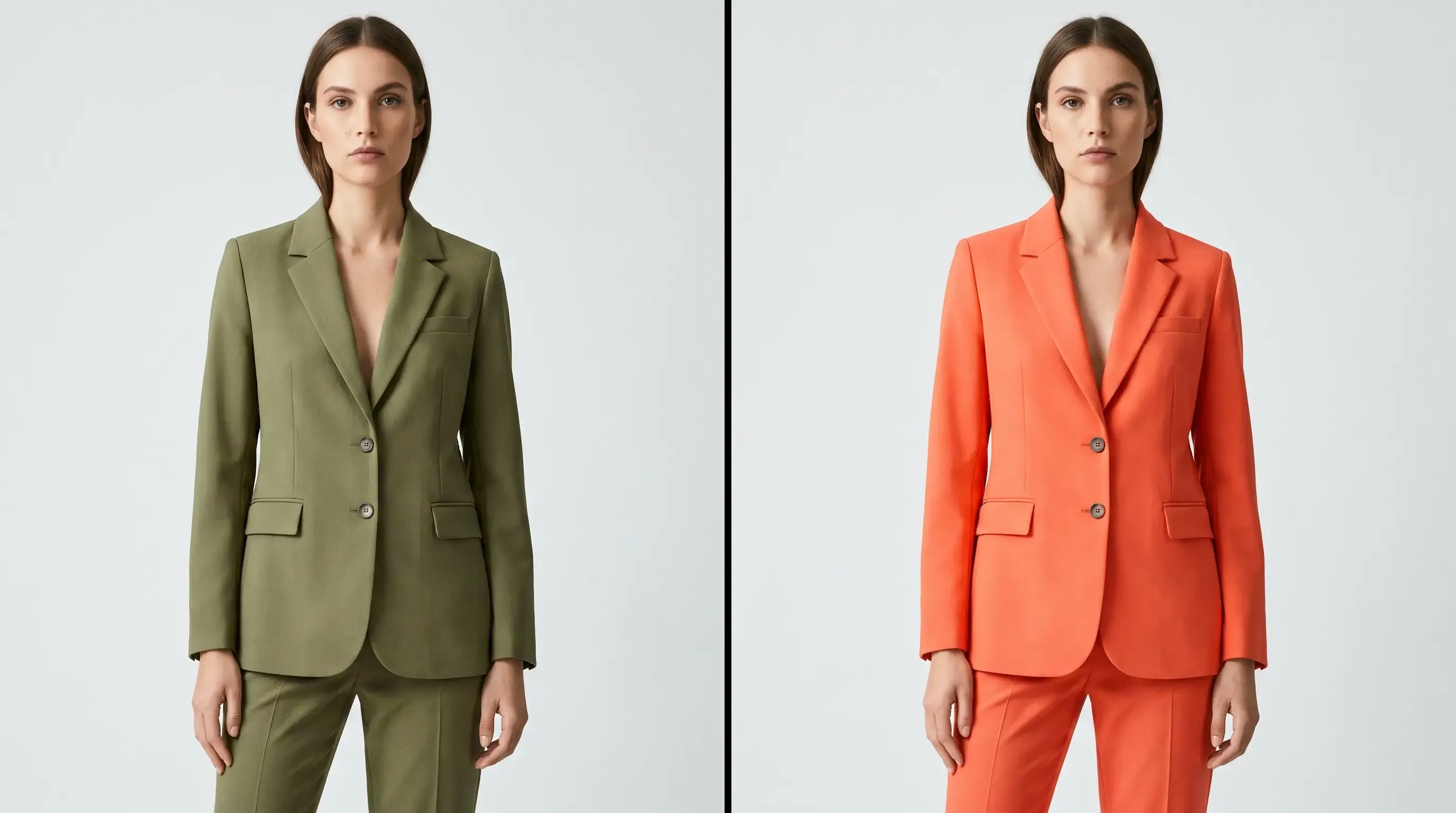
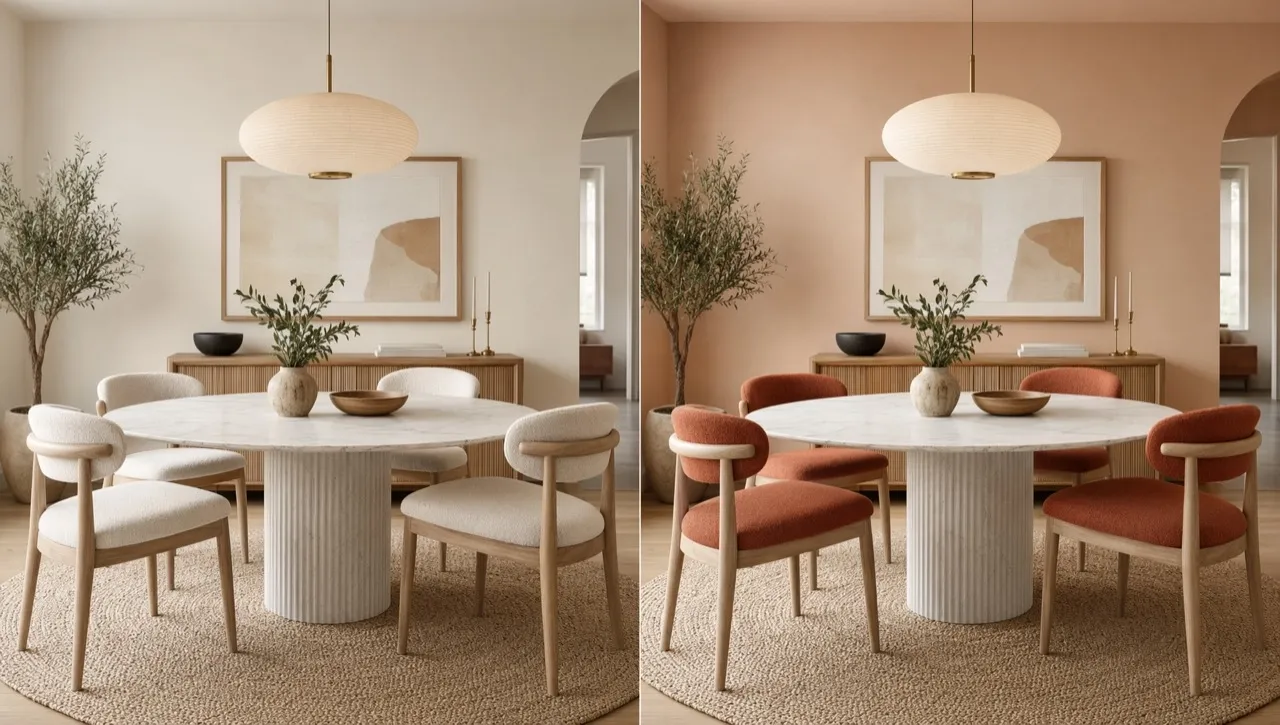
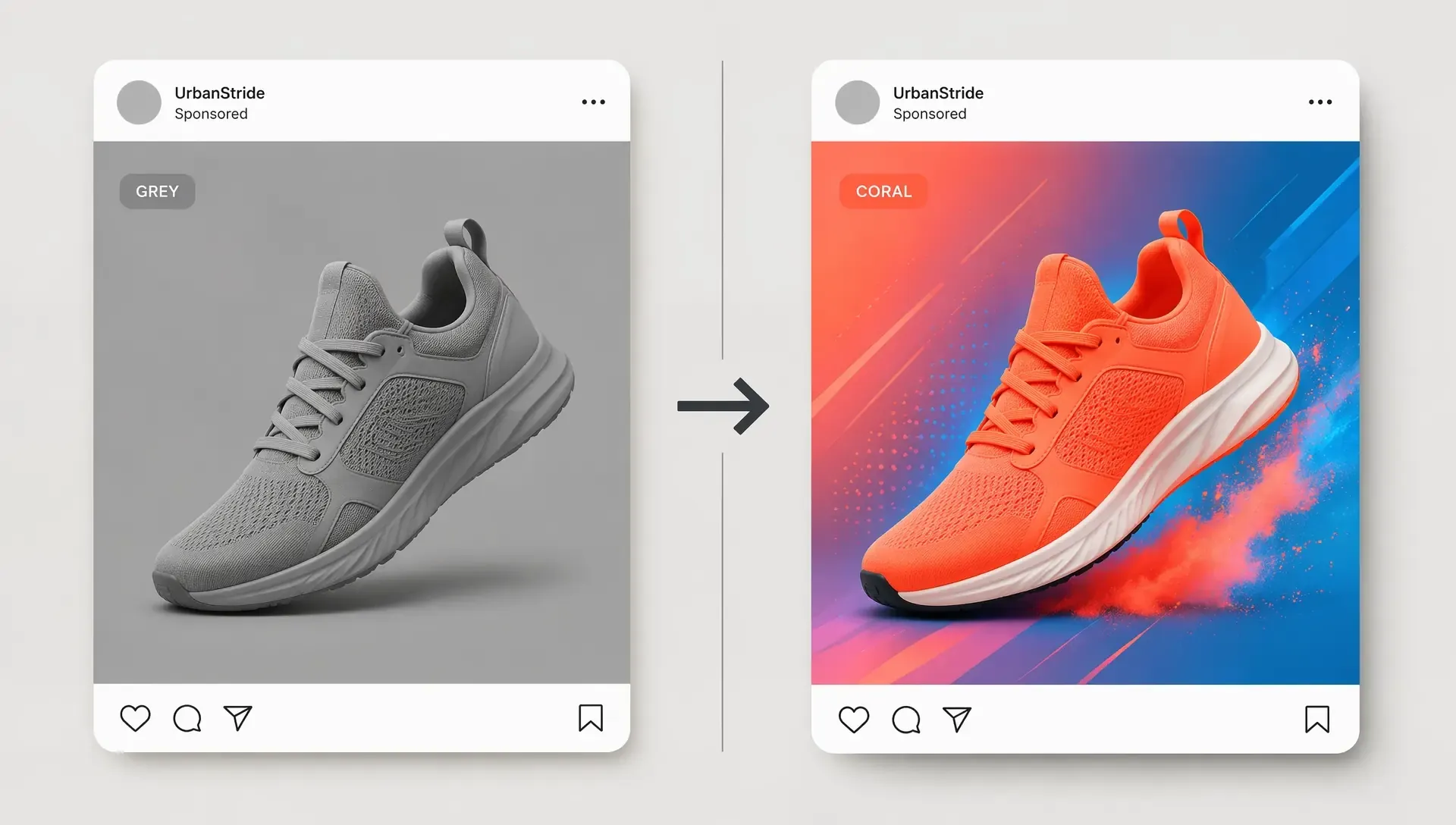

Create five product colors from one photo. Our image color changer generates red or blue versions for Shopify, helping you prepare more flexible AI product photos without professional studio rentals or photographers.

Test new palettes across all your assets. Use the image color changer to update social posts and AI banners for holidays. Share options with stakeholders to make confident design decisions faster.

Deliver client mockups in minutes. Our image color changer creates logo variations without manual work in complex software. Close more projects by showing diverse options quickly.

Look professional on a tight budget. Change color of image files to keep your seasonal campaigns fresh, from social graphics to product posters, without hiring a design agency.
Upload your photo into the Pollo AI dashboard.
Use text prompts to tell our photo color changer what color you want.
Click 'Create' and download your perfect image.
Explore the full range of AI image tools on Pollo AI, built to streamline your entire creative workflow.
Create photorealistic images from text instantly. Achieve cinematic quality and flawless typography with zero photography required.
Create custom pixel art, outfit designs, chibi avatars, and other niche visuals for your audience.
Maintain perfect structural fidelity while recreating photos. Apply cinematic styles and 4K upscaling for production-ready assets.
Clean up images, remove backgrounds, remove objects, and enhance fine details with precise AI editing tools.
Create ready-to-use image assets for business cards, YouTube banners, menus, and other campaign needs with diverse image apps.
Turn a text brief into polished, production-ready visuals with an AI agent that handles the creative workflow for you.









Using Pollo AI to Create and Inspire
 Liz Cassidy
 Richard Quick
 armourdude
 Dudu
Dudu Ray Warnes
 lawless clan
 Istvan LajosSantiago Saenz
 Gen Zee
 萱兒
萱兒 Norma Ponce
 Sarah Stokes
 Sudipta Saha
 Luiz Guyz
 Swishadoptme Swishadoptme
The image color changer in Pollo AI’s AI image generator lets you adjust the hue of specific objects or change the overall mood of a photo. Simply upload an image and describe the color or element you want to change.
Yes. When you sign up for Pollo AI, you receive free credits to use our image color changer. This lets you test the tool at no cost.
Absolutely. You can use our change colors of image tool to swap the color of shirts or dresses to see how different outfits look on you.
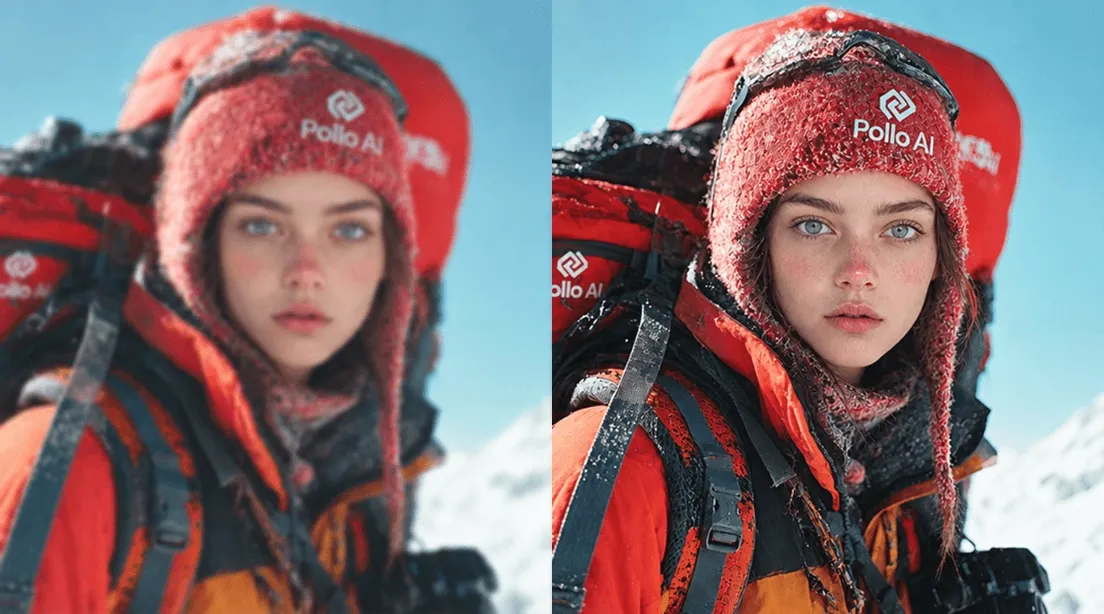
Yes. Our AI image color changer processes images in high definition so your final result is always crisp and ready for professional use.
You can try as many as you like. Our AI photo color changer supports the full spectrum—allowing you to experiment with any shade imaginable.
Yes. It is perfect for testing logo versions. Use our AI image color changer to see how branding looks on different backgrounds easily.

Upload any photo—from products to logos—and let our agent swap the colors for you instantly.