Step 1
Upload product photos or other references.
AI Video
Transform text and images into cinematic videos with lifelike avatars and studio-quality SFX.

AI Image
Turn ideas and images into stunning visuals, or perfect any photo with a complete suite of AI tools.

Agent
Create production-ready videos with SFX, consistent characters, and polished scenes. No Editing.

Marketing Studio
Built for marketers and sellers to create winning ads, UGC videos and product visuals faster.

Turn product photos, color variants, and style notes into SHEIN product videos that show fit, fabric movement, and outfit appeal.
SHEIN shoppers do not just need to see the product. They need to picture the look. Pollo AI's SHEIN product video maker turns apparel photos, colorways, product notes, and outfit ideas into short clips that show fit, fabric, color, and styling context.
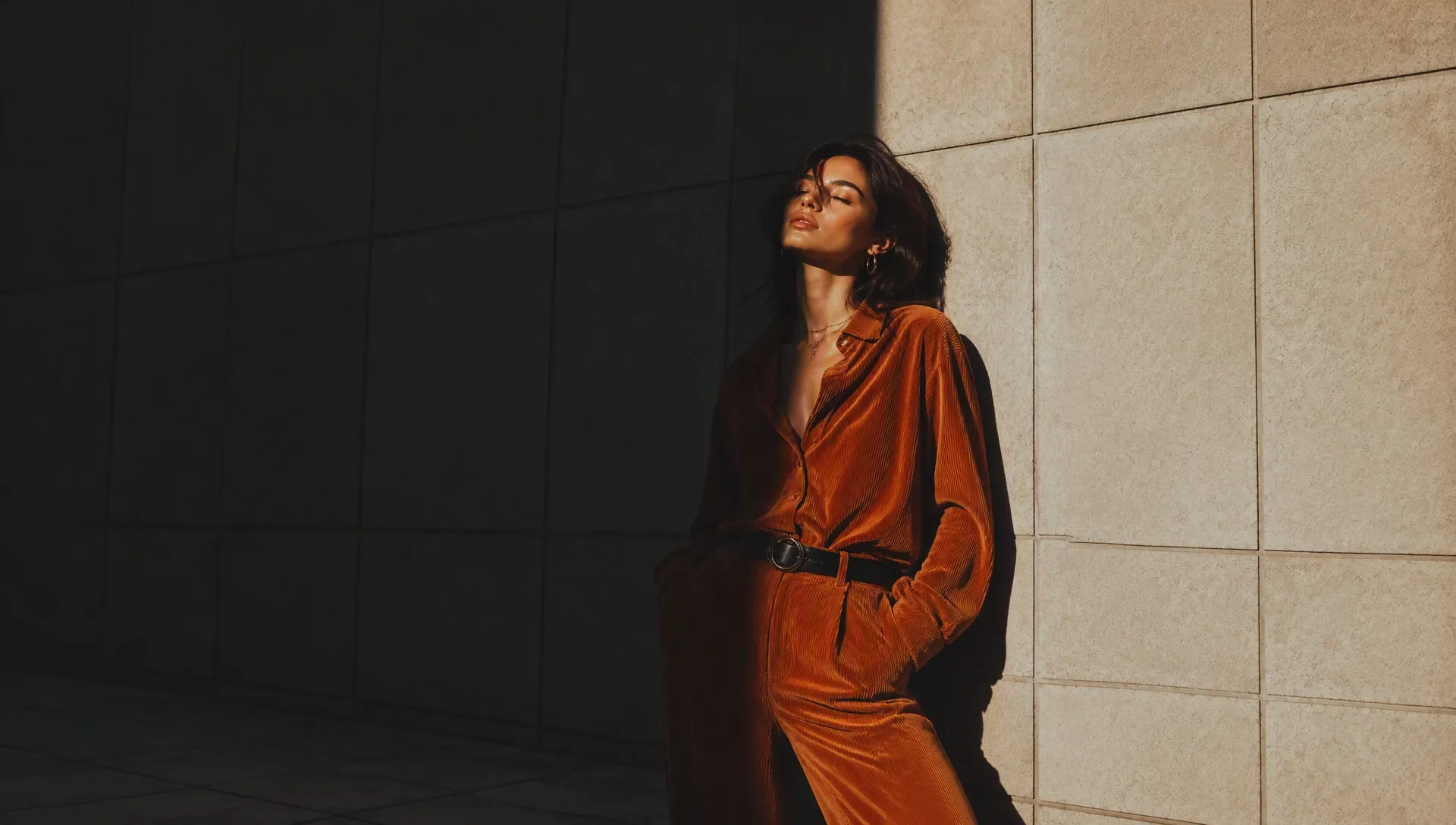
Turn still clothing photos into videos that help shoppers understand drape, stretch, and texture.
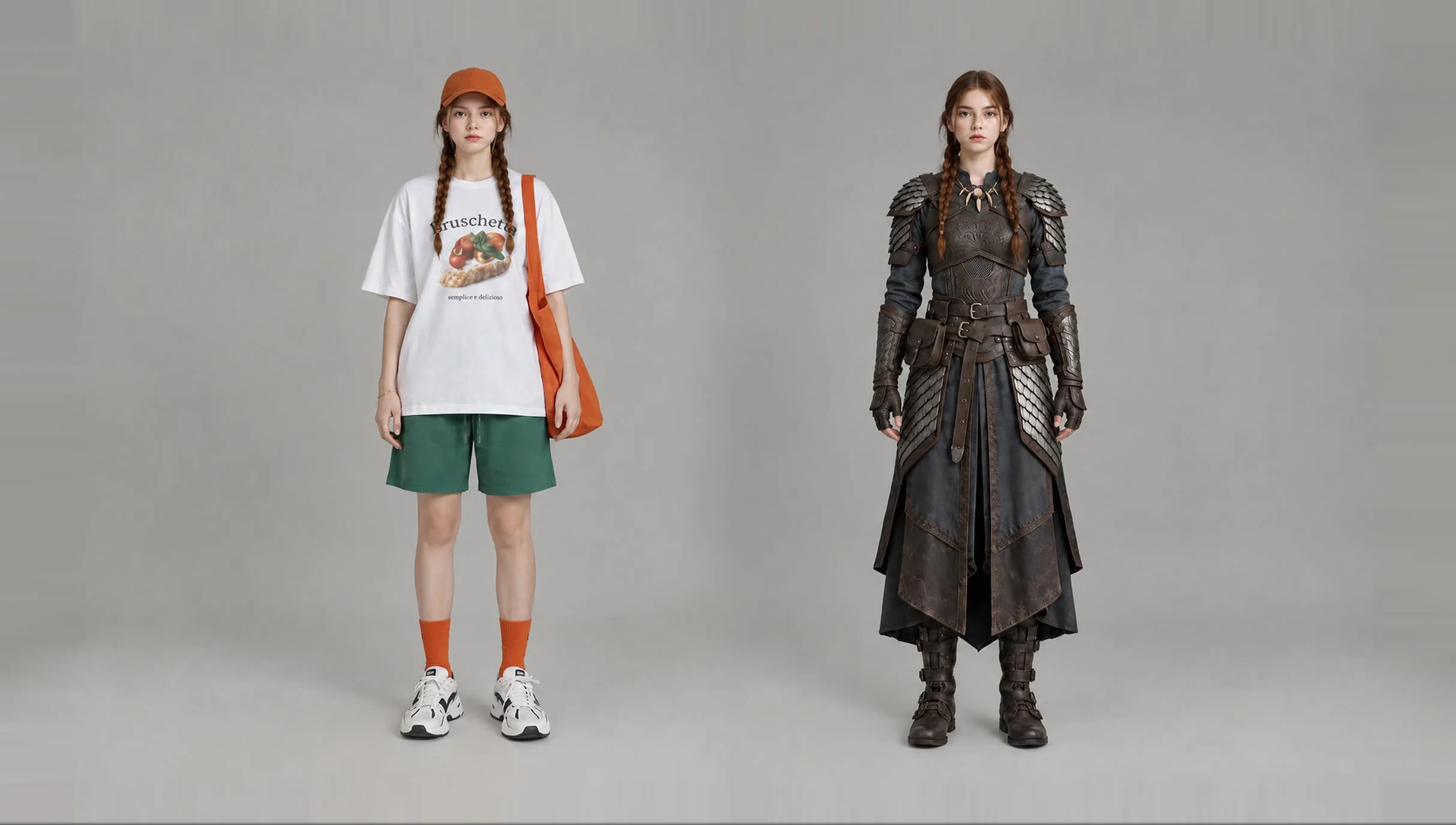
Turn color variants, styling notes, and product photos into fashion product clips that show more ways to wear and style each item.
Make short product videos for new arrivals, seasonal styles, and quick SKU refreshes without planning a new shoot.
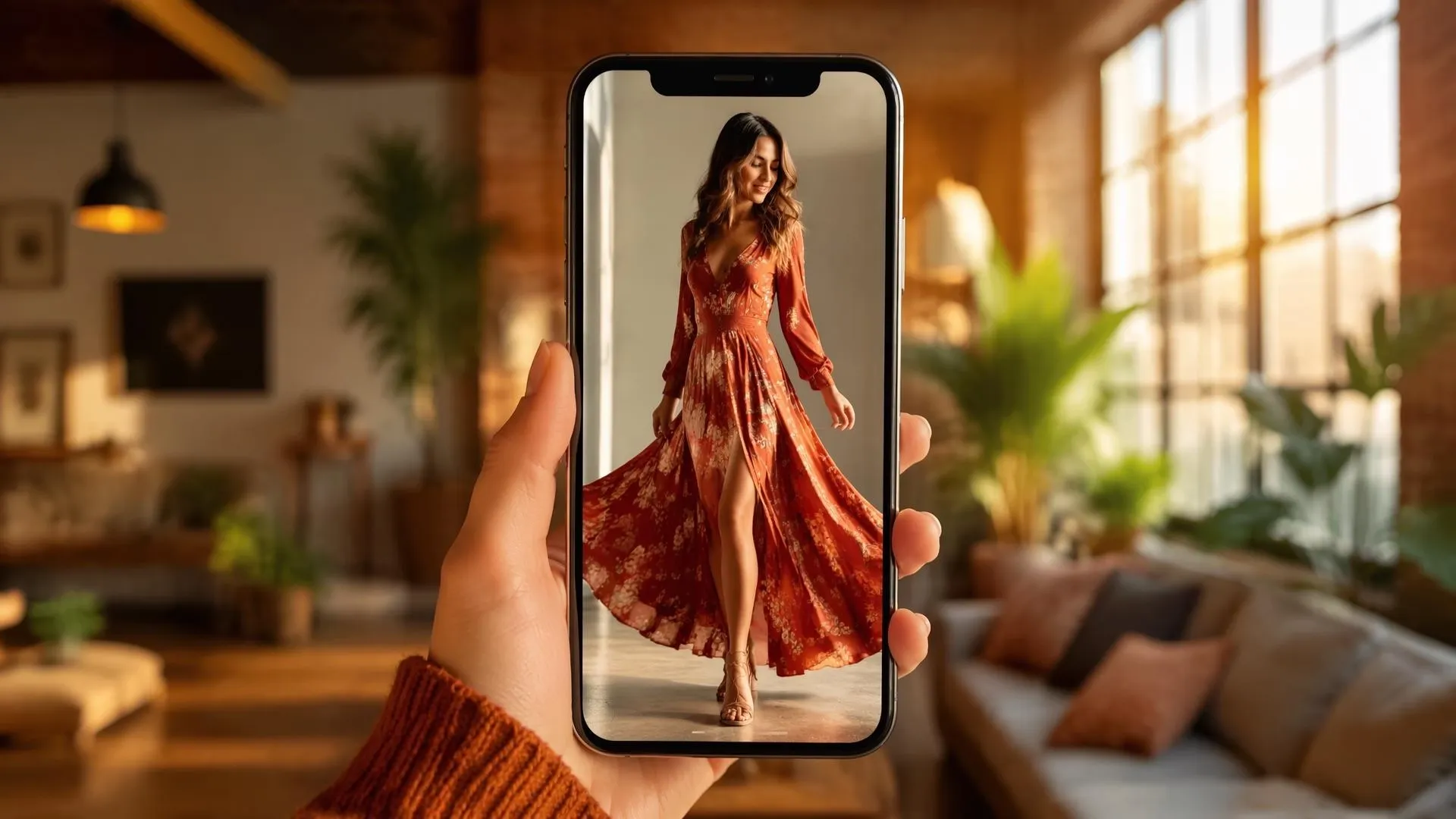
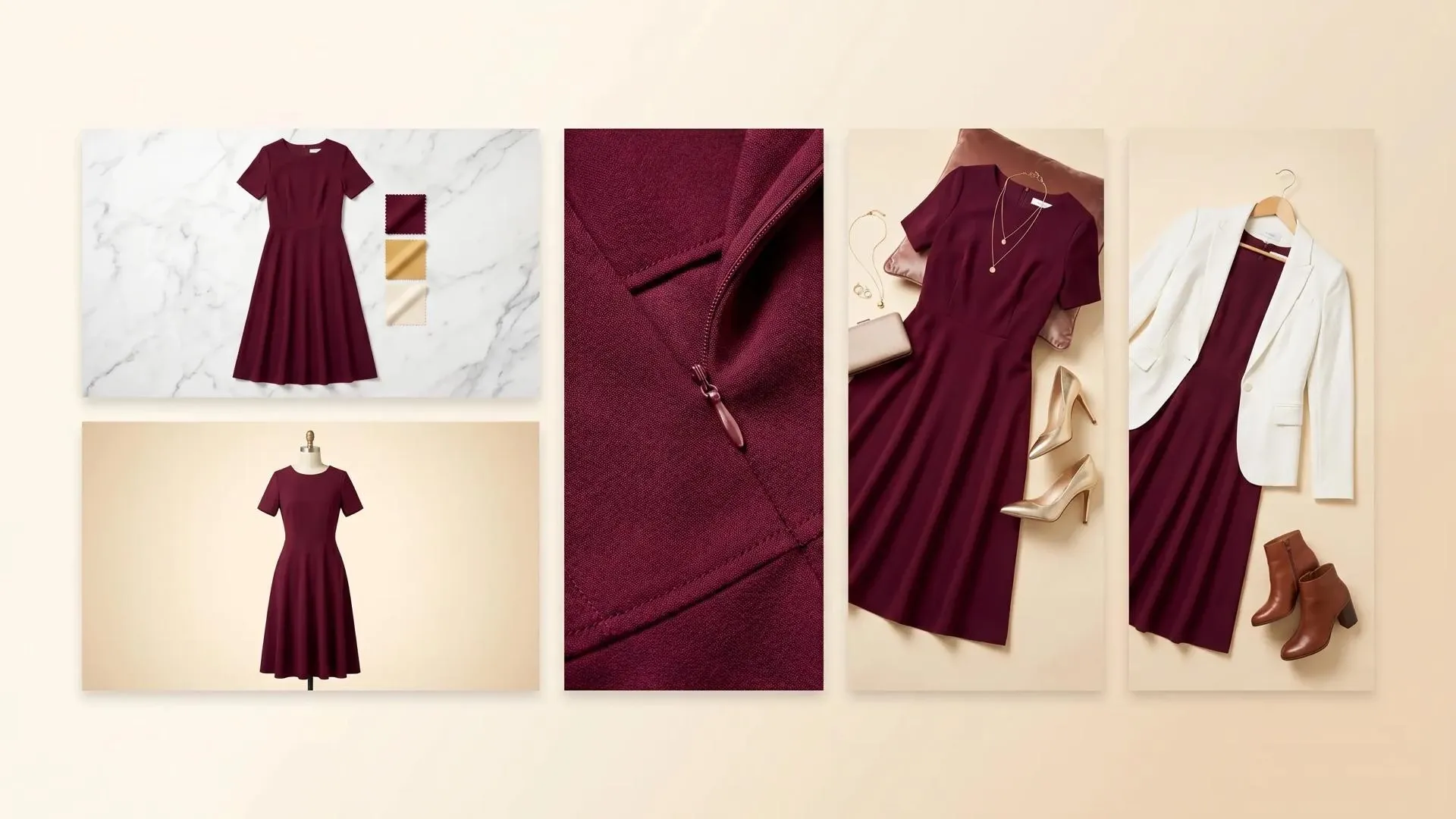

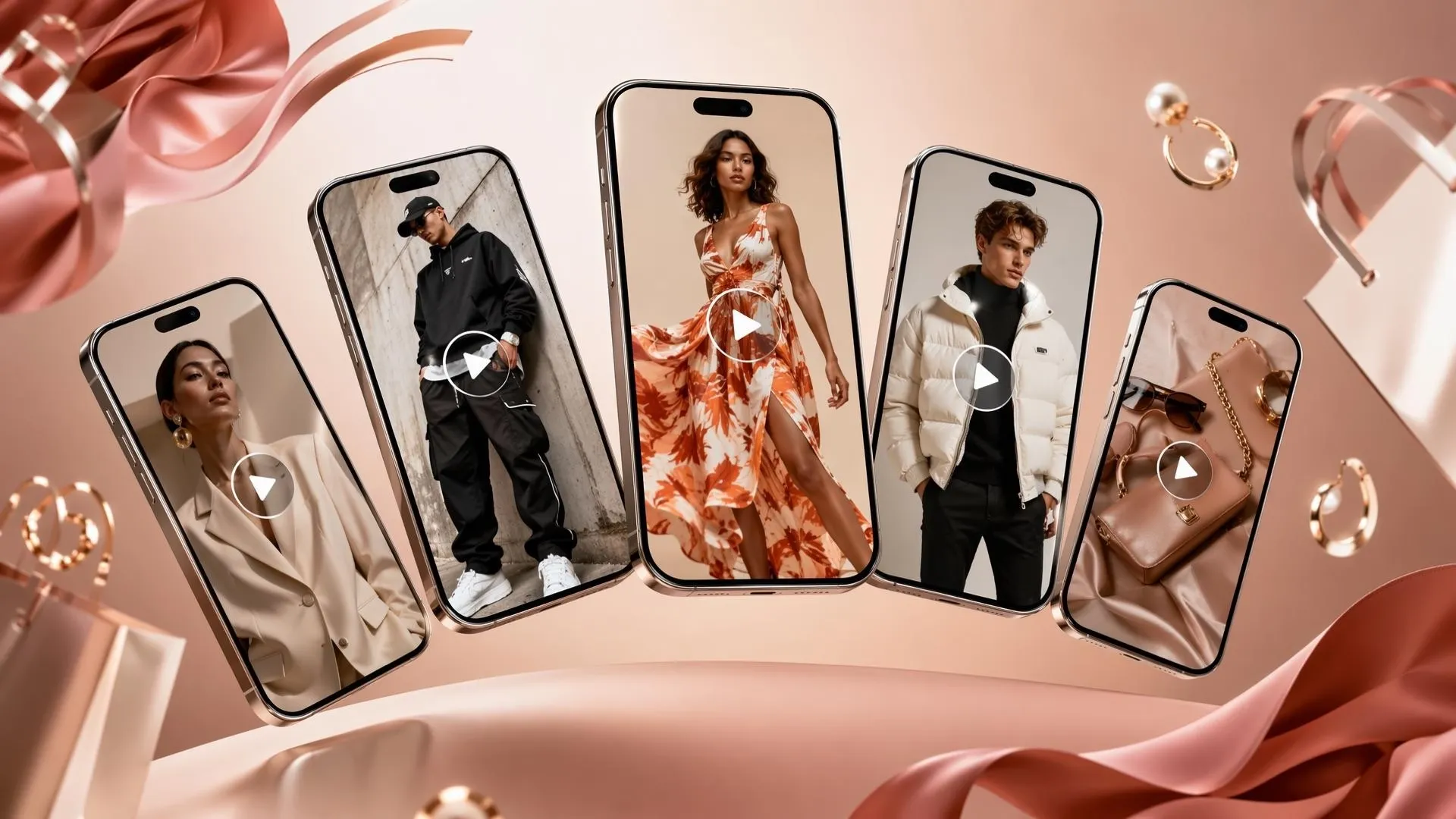
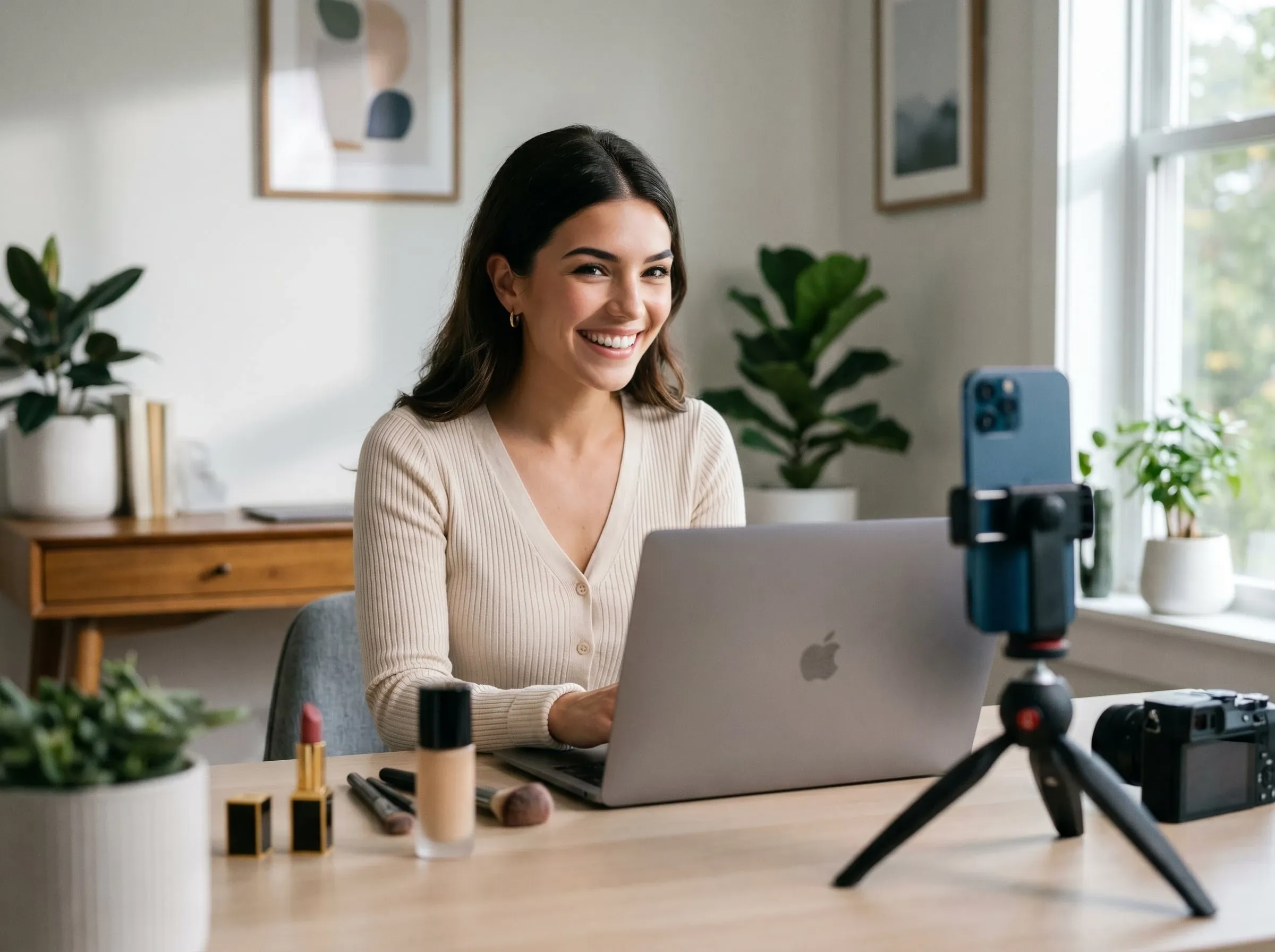
Show fabric texture, length, color, and outfit context so shoppers understand the piece before they compare similar styles.

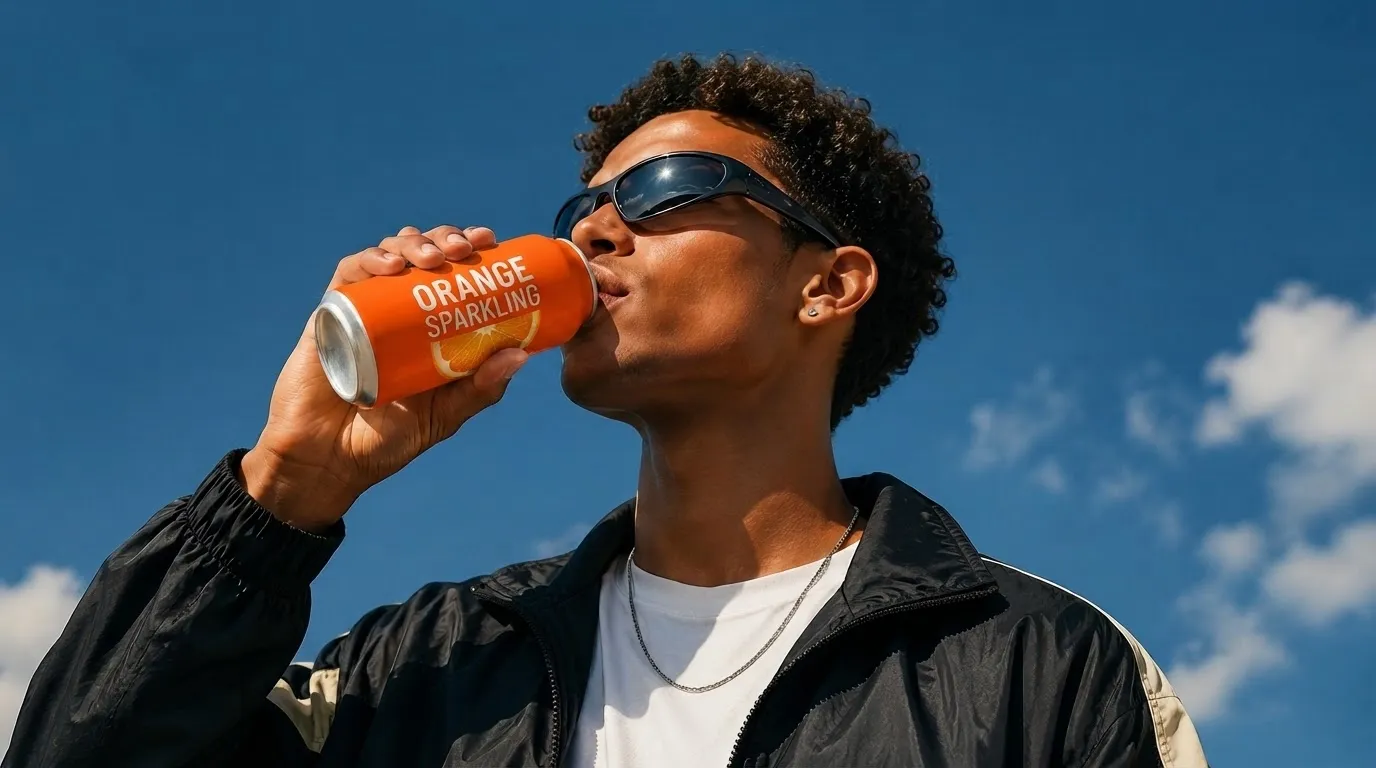
Create AI promo videos for your fresh drops, seasonal themes, flash offers, and outfit edits that need fast launch creative.
Turn colorways, sleeve details, fabric notes, and styling angles into short listing clips, or use AI clothes changer to explore more outfit variations before making videos.
Build short fashion clips from product photos with image to video, showing drape, movement, and styling context for listings, drops, and selective social reuse.
Upload product photos or other references.
Add simple notes about fit, fabric, movement, or outfit pairing.
Build the fashion clip then download it for listings, drops, ads, or social posts.
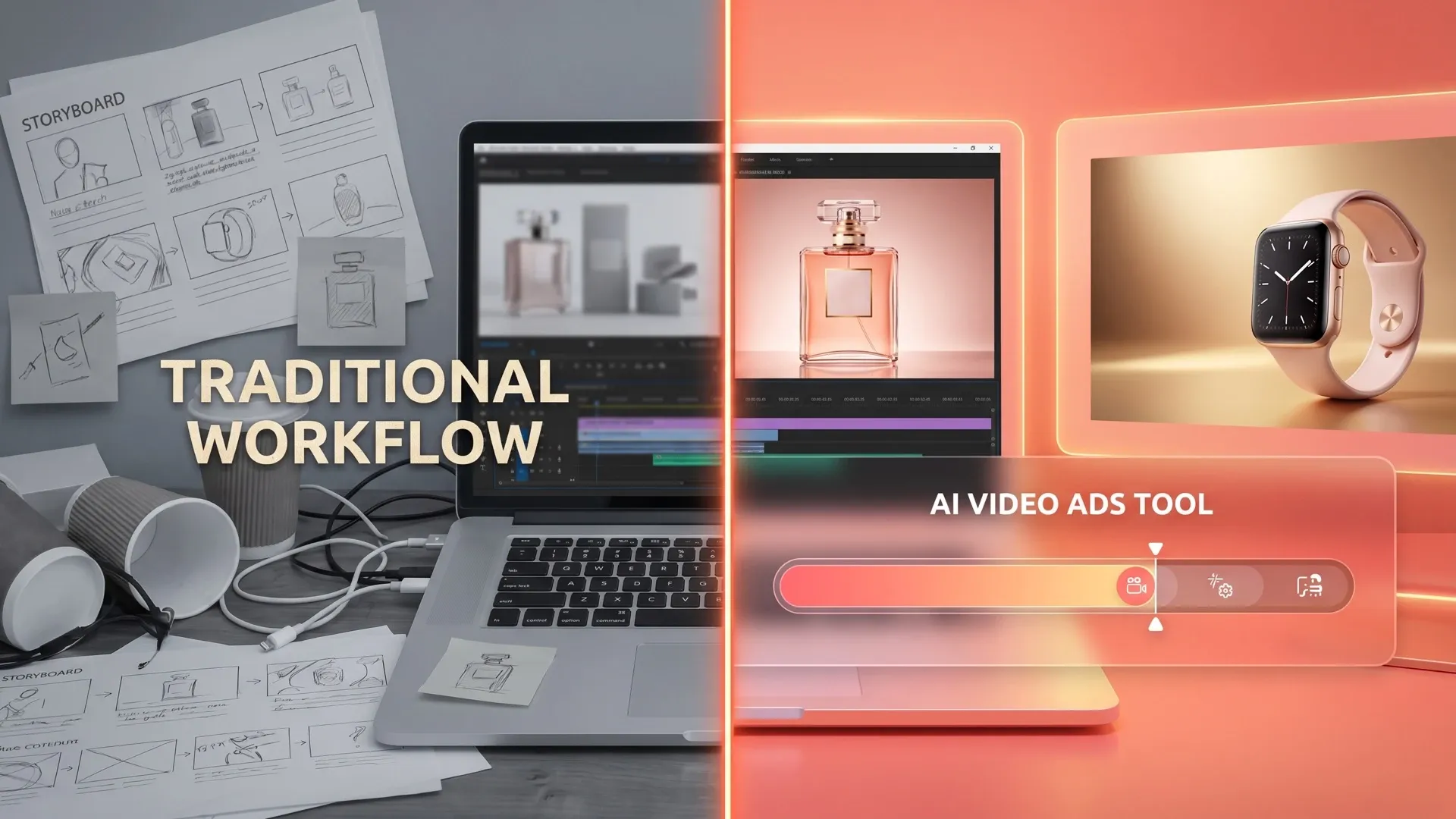
Go from a single concept to a finished video. Combine generation, avatars, sound, and editing into one seamless production process.
Bring your static images to life with cinematic motion. Add lifelike camera pans and fluid transitions to maximize viewer engagement and visual impact.
Elevate your projects with studio-grade audio tracks. Layer realistic AI voices and dynamic sound effects to perfectly match the tone of your narrative.
Build professional video assets without a camera. Generate incredibly realistic scenes and smooth footage to elevate your brand's visual storytelling.
Put your entire creative workflow on autopilot. Go from a text prompt to a production-ready video with zero editing, delivering studio-grade results fast.
Master your post-production workflow. Apply video matting, enhance video quality, and seamlessly build sequences to turn raw clips into a flawless masterpiece.
Access a comprehensive suite of video tools. Easily apply video filters, clean up messy audio, and reframe videos for any platform.









Using Pollo AI to Create and Inspire
An AI SHEIN product video maker is a tool that turns your fashion photos, color variants, prompts, and style notes into product videos for listings and campaigns.
Pollo AI's AI SHEIN product video maker is the best AI SHEIN product video maker because it focuses on fit, fabric movement, styling context, and fast fashion-ready output.
Yes. You can test product photos, style prompts, color variants, and short fashion video ideas for free before creating the final SHEIN product video.
You can make SHEIN product videos feel less static by showing movement, fabric behavior, outfit pairing, and close-up details through product demos.
Yes. You can use video to video to give an existing fashion clip a new look, pacing, or social-ready variation.
Yes. An AI caption generator can add size notes, color names, styling cues, and offer text so shoppers understand the clip quickly.

Create SHEIN product videos that help shoppers see fit, fabric, color, and outfit context faster.