



Select Videos and Cut Them in Seconds
Video matting allows you to mask any object in your video and cut it out in seconds. Our video matting tool creates a mask based on your clicks, isolating the foreground object and making the background transparent across all frames.
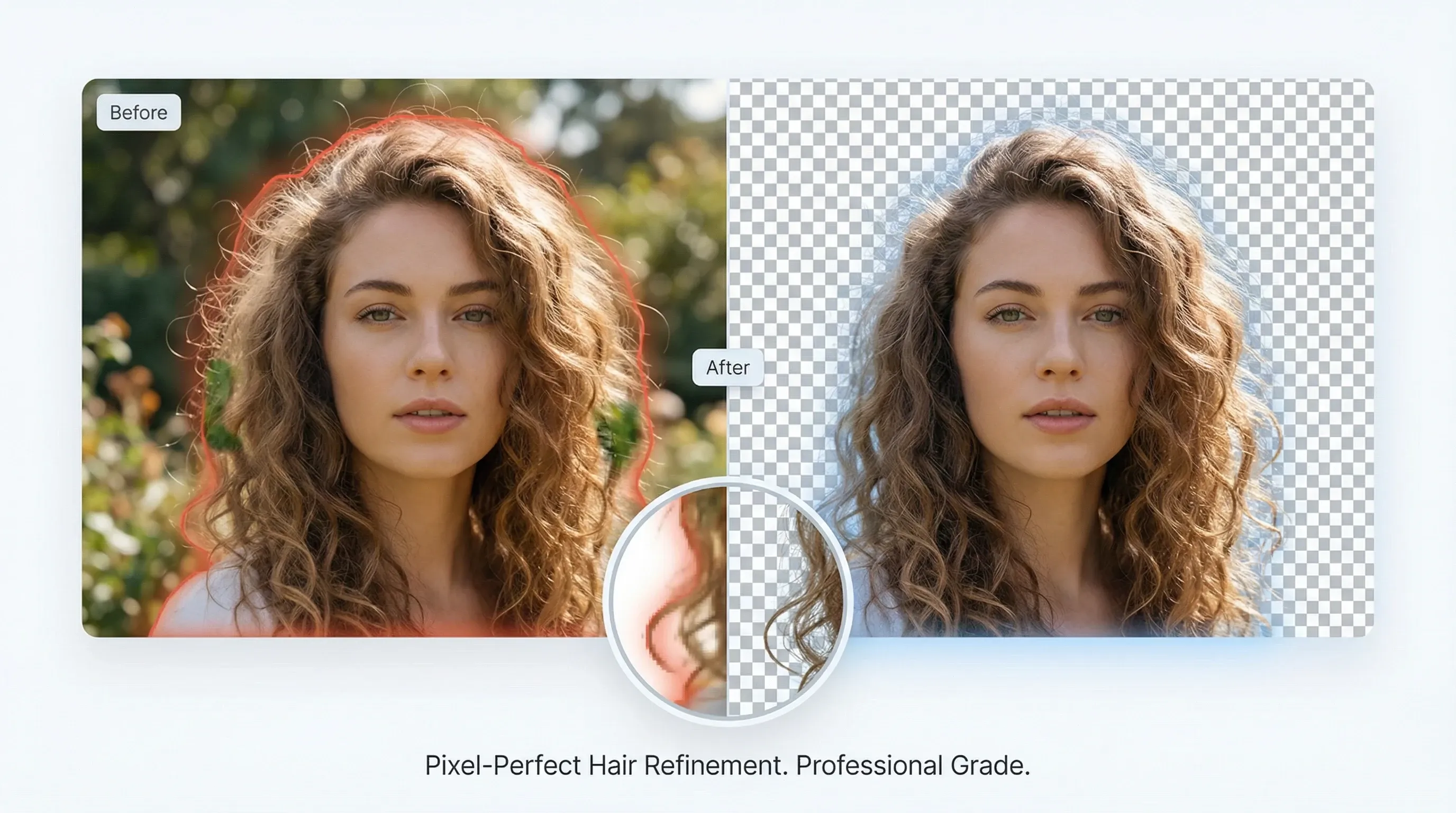
Professional-Grade Edge Video Refinement
Leverage advanced edge refinement algorithms for professional-grade alpha mattes with the matting solution. Accurately capturing edges and details like hair are well-suited for matting tasks. No more blurred edges or incomplete masks.
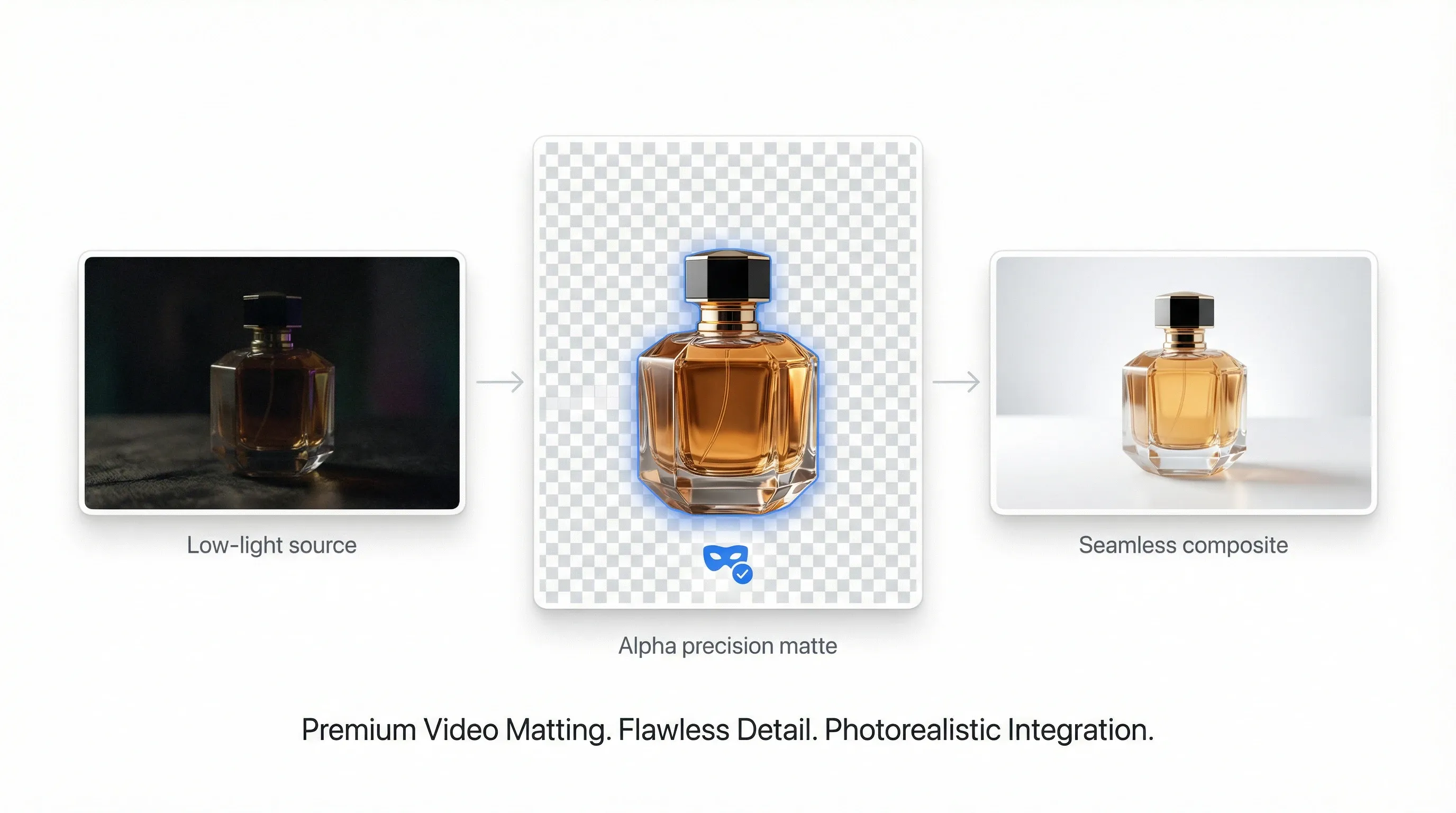
High-Precision Alpha Matting Video
Video matting ensures excellent detail preservation and makes background integration seamless. Improve matting accuracy even in low-light scenes, reduce noise, and preserve details.
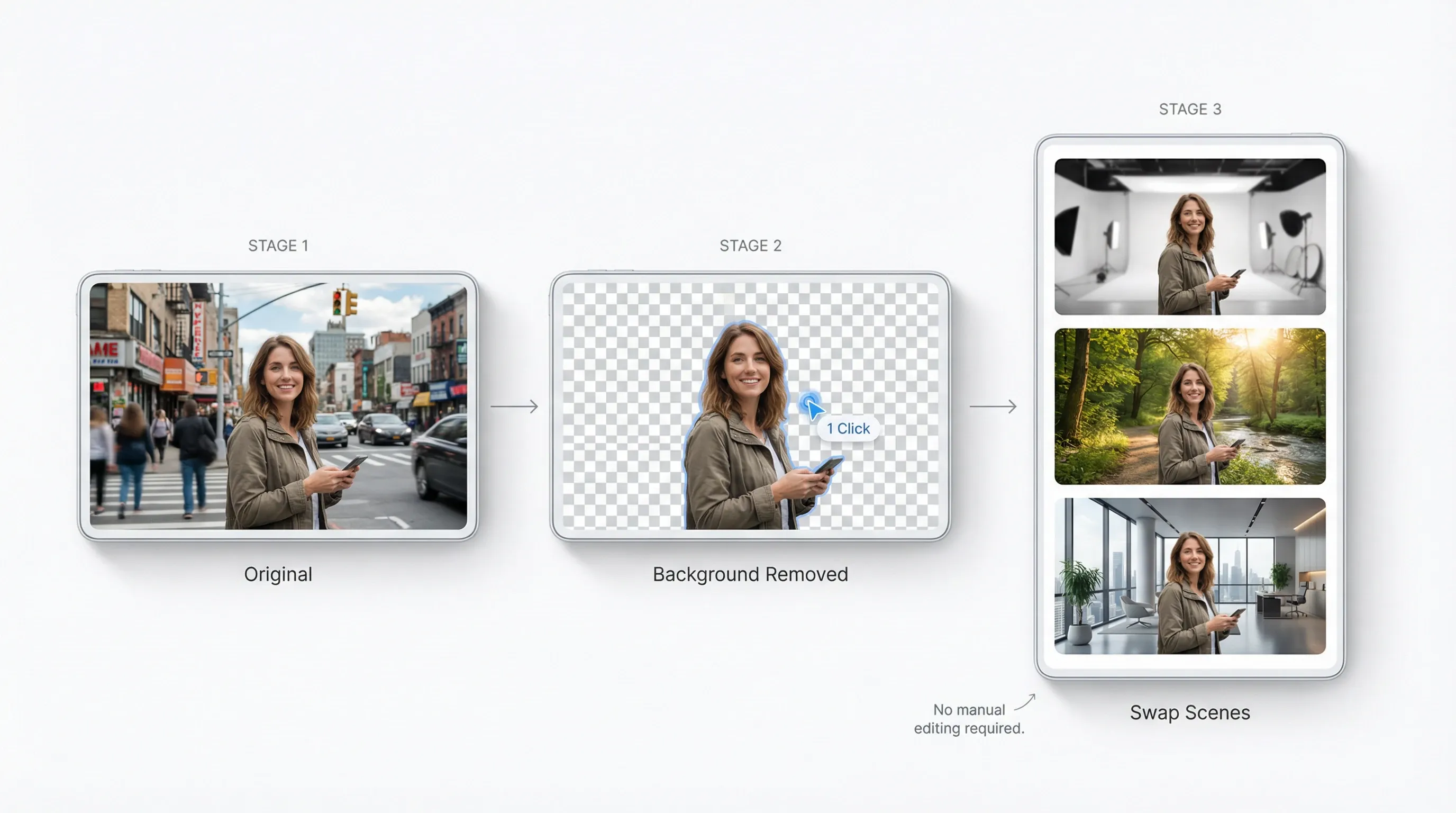
Remove Backgrounds Without Manual Editing
Our AI video matting tool removes backgrounds in one click. The process works for video; remove background and swap in different scenes to create multiple variations.
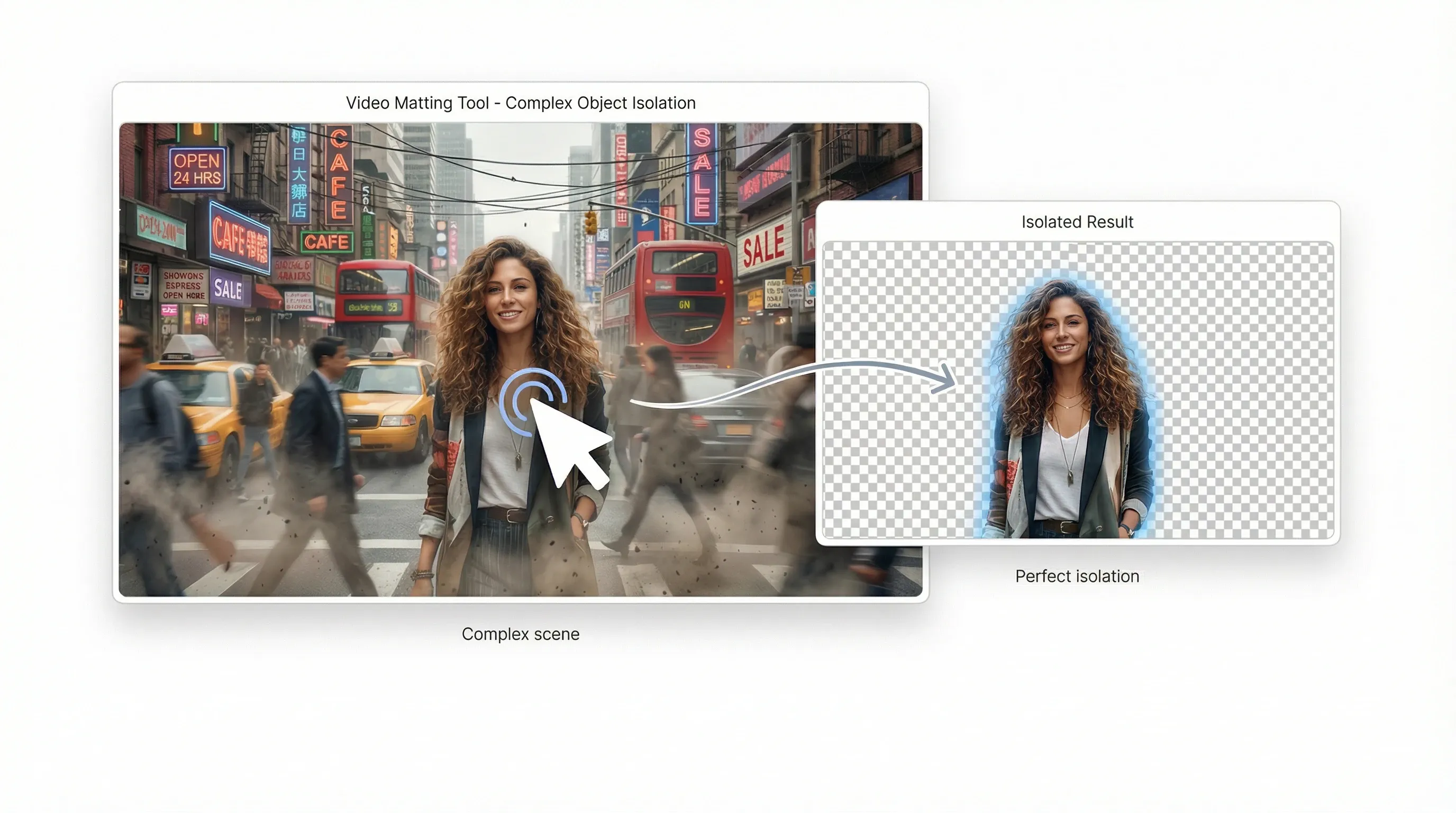
Eliminate Editing Bottlenecks
Beyond traditional editing. Video matting automates complex object isolation, delivering studio-quality visuals on the fly. What used to take hours of manual work now happens in a single tap.
AI Video Matting for Every Creative Vision

Achieve Studio-Quality Compositing Without the Green Screen
Isolate complex subjects—including fine details like hair and fur—to create professional alpha mattes in seconds.

Create Versatile Product Showcases Across Multiple Scenes
Extract products, vehicles, or merchandise from original footage with just a single click.

Level Up Your Aesthetic with Dynamic Background Swaps
Stand out in the feed by isolating yourself from cluttered environments to create 'floating' effects or immersive digital backdrops.
How to Use Video Matting?
Step 1
Upload videos and click on any object or area you wish to isolate.
Step 2
AI automatically identifies frames to remove background and other unwanted elements.
Step 3
Download the foreground and alpha channel videos to freely composite with new backgrounds.
Discover Other AI Creative Tools on Pollo AI













 5000+ reviewsTrustscore 4.4
Loved by 10M+ Creators and Marketers Globally
Thousands of satisfied users have shared their Pollo AI experiences on Trustpilot, rating us as "Excellent." See what they love about our platform.
Liz Cassidy Dec 15, 2025Richard QuickOct 15, 2025armourdudeNov 19, 2025
 DuduJan 14, 2026
 Ray WarnesDec 30, 2025
 lawless clanNov 22, 2025
FAQs about Video Matting
What is video matting?
Video matting is designed to deliver precise extraction of any visual element, advanced alpha matting for detailed hair, fur, and transparent objects. No editing skills are needed to create professional content.
Can I cut out people with video matting for free?
Yes, our video cutout tool offers a free credit that allows you to test all key features, including background removal and transparency. A full version is available for purchase with more export options and unlimited access.
Do I need video editing experience to use the AI video background remover?
Video matting is easy to use and welcomes all skill levels. You can confidently remove video backgrounds, edit videos, and so much more without prior design experience.
Why choose our video Matting?
Video matting detects any target—humans, pets, vehicles, or complex products—with studio-quality precision. No green screen or manual editing required.
Does it work well with people in videos?
Yes, our AI is specifically optimized for people's videos. Upload your portrait, talking head, or vlog video in one click, and let our AI video background remover do the rest. It automatically detects people and removes the background.
