Step 1
Upload a reference image or input a prompt to describe the slideshow video.
AI Video
Transform text and images into cinematic videos with lifelike avatars and studio-quality SFX.

AI Image
Turn ideas and images into stunning visuals, or perfect any photo with a complete suite of AI tools.

Agent
Create production-ready videos with SFX, consistent characters, and polished scenes. No Editing.

Marketing Studio
Built for marketers and sellers to create winning ads, UGC videos and product visuals faster.

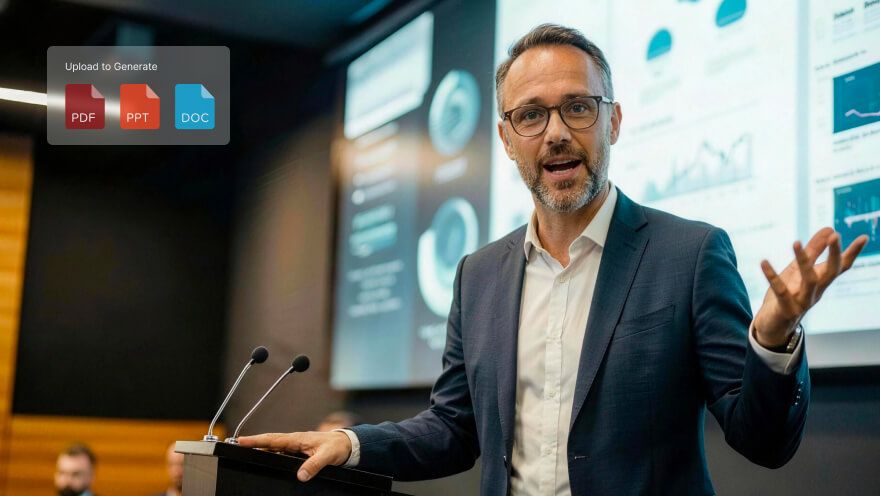
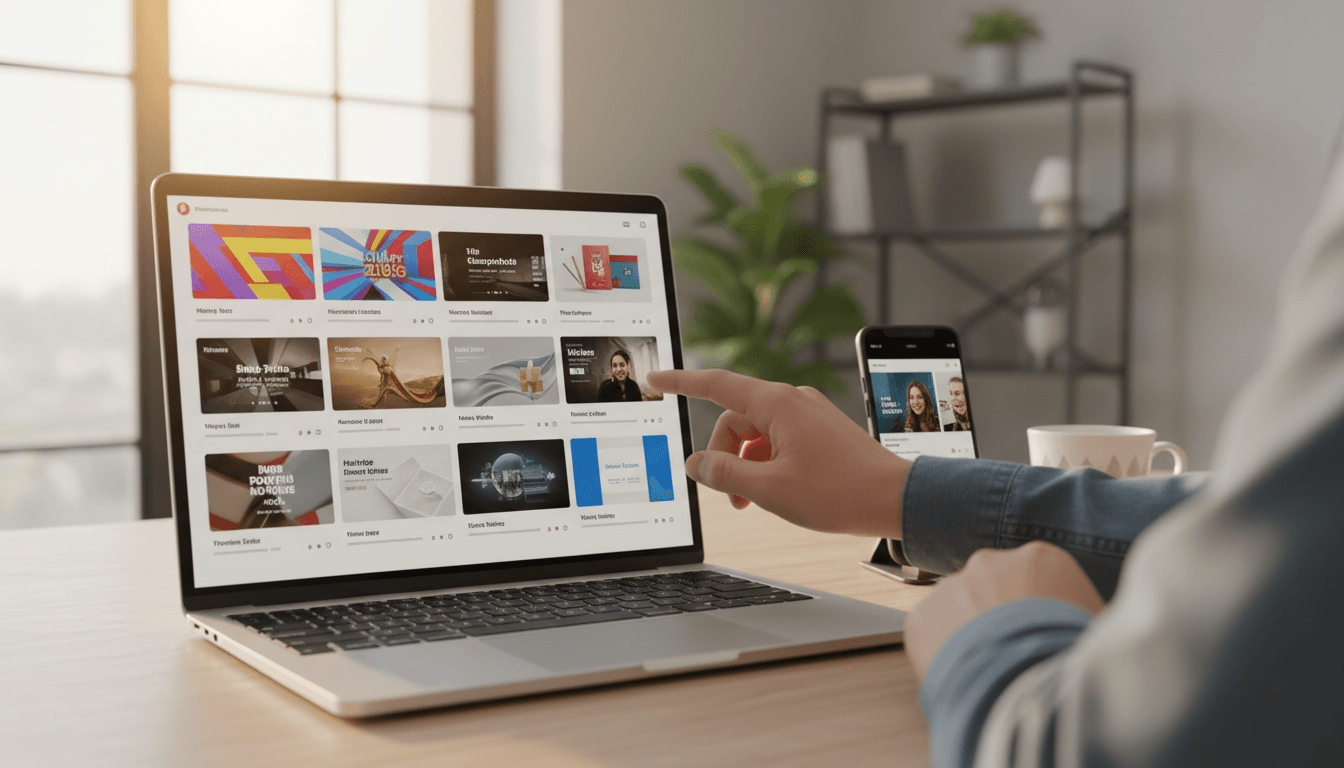
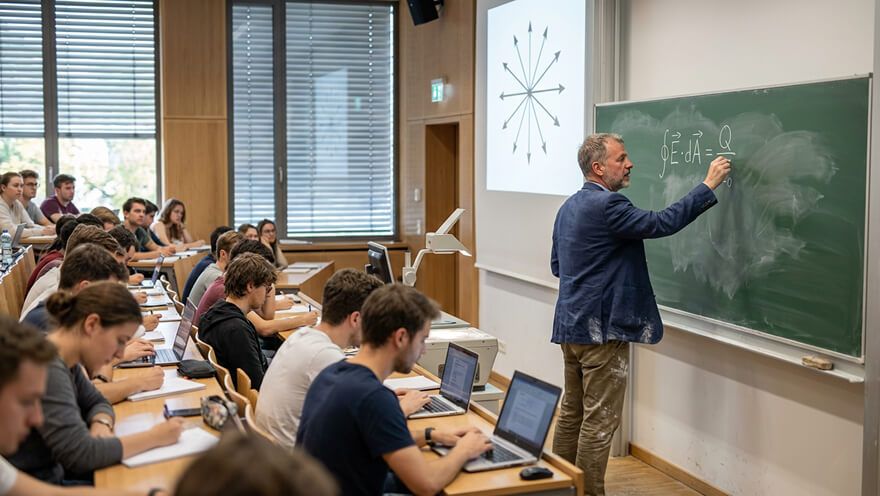
Use our slideshow video maker to effortlessly create immersive presentations that audiences resonate with.
Enhance your presentations with our AI slideshow video maker! Perfect for meetings, social posts, showcases, recaps, and more, you can craft custom slideshow videos with dynamic animations, smooth transitions, and synchronized background music for truly impactful storytelling!
Create full slideshow videos from text prompts in just minutes.
Upload a reference image to animate any subject with realistic motion.
Optimized slideshow videos perfect for Instagram, TikTok, and beyond.

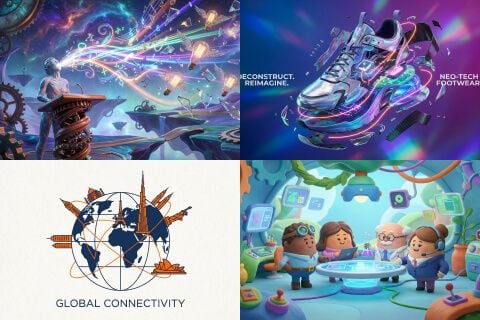
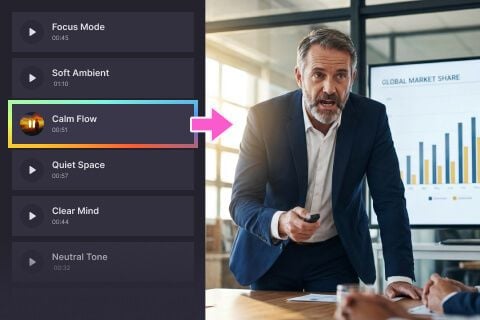

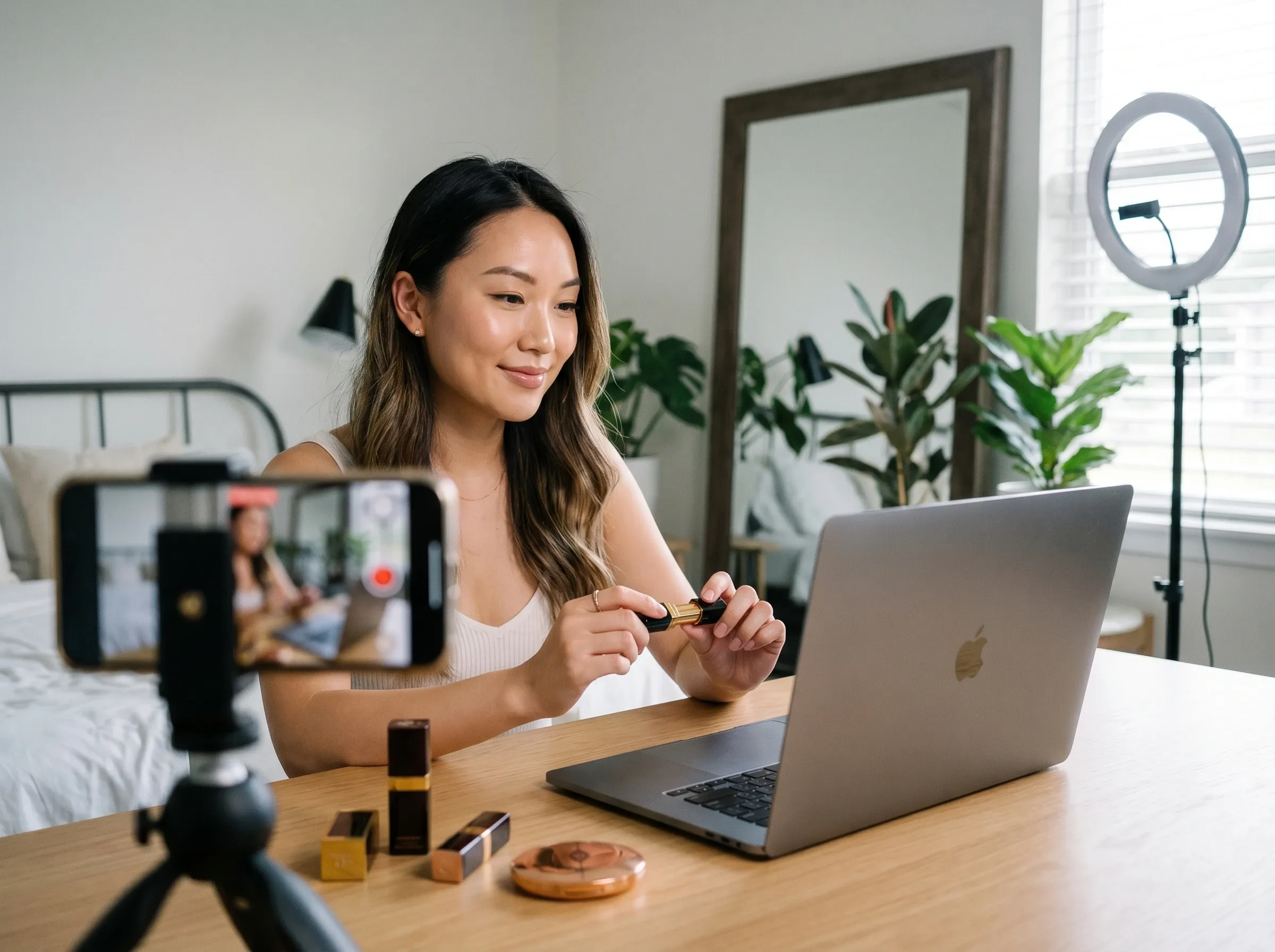
Transform your ideas into slideshow videos optimized for TikTok and YouTube Shorts engagement.

Generate compelling slideshow presentations with dynamic animations.

Produce branded slideshow videos across visual styles to boost campaign performance.

Turn content into avatar-led slideshow videos with lip-sync narration for more learning.
Upload a reference image or input a prompt to describe the slideshow video.
Select your desired video settings before proceeding to generate it.
Click ‘Create’, and our slideshow maker will prepare your video for download.
Go from a single concept to a finished video. Combine generation, avatars, sound, and editing into one seamless production process.
Bring your static images to life with cinematic motion. Add lifelike camera pans and fluid transitions to maximize viewer engagement and visual impact.
Turn simple text prompts into compelling visual narratives. Generate highly accurate, continuous motion sequences that seamlessly bring your scripts to life.
Build professional video assets without a camera. Generate incredibly realistic scenes and smooth footage to elevate your brand's visual storytelling.
Put your entire creative workflow on autopilot. Go from a text prompt to a production-ready video with zero editing, delivering studio-grade results fast.
Cast professional digital actors without a studio shoot. Sync your scripts to hyper-realistic avatars with flawless lip-sync and human gestures.
Access a comprehensive suite of video tools. Easily apply video filters, clean up messy audio, and reframe videos for any platform.









Using Pollo AI to Create and Inspire
 Musa
Musa Victor Sheffield
 addvis media
 Norma Ponce
 Sarah Stokes
 Sudipta Saha
 Luiz Guyz
 Swishadoptme Swishadoptme
 MrWookiee
 Gamal Amer
 marcel desille bousquet
 Wilson Sotomonte
 Sasa Dobricic
 Katarpint
A slideshow video maker is an AI tool that can generate full slideshow videos from text prompts in minutes. Since it requires no manual editing, all it takes is a few clicks to produce all kinds of unique and dynamic presentations that will effectively resonate with audiences.
Our slideshow video maker is built to craft engaging visual narratives for maximum impact. Based on your prompts, it intuitively renders quality footage that complements the message behind your presentation, with freedom to further customize it using avatars, music and more.
Yes. Once you sign up for a Pollo AI account, you will get limited credits via the free trial plan to use our AI slideshow maker at no cost until they run out. If you want to keep creating slideshow videos, you will need to subscribe to a paid plan.
Not at all. Our AI slideshow maker produces the entire visual narrative on its own, so it even suits beginners with no video production experience. If you want to refine any created slideshow video, you can simply make changes to your text prompt and repeat the generation process.
Anyone looking to create professional-quality slideshow videos quickly and effortlessly can use our tool at any time. This includes content creators, advertisers, marketers, corporate workers, business owners, and even casual users, just to name a few.
For captivating slideshow videos, you should focus on unique visuals and character performances. Using our free slideshow maker, feel free to try out different animations to keep things dynamic or use character reference images to present your message more relatably.