Step 1
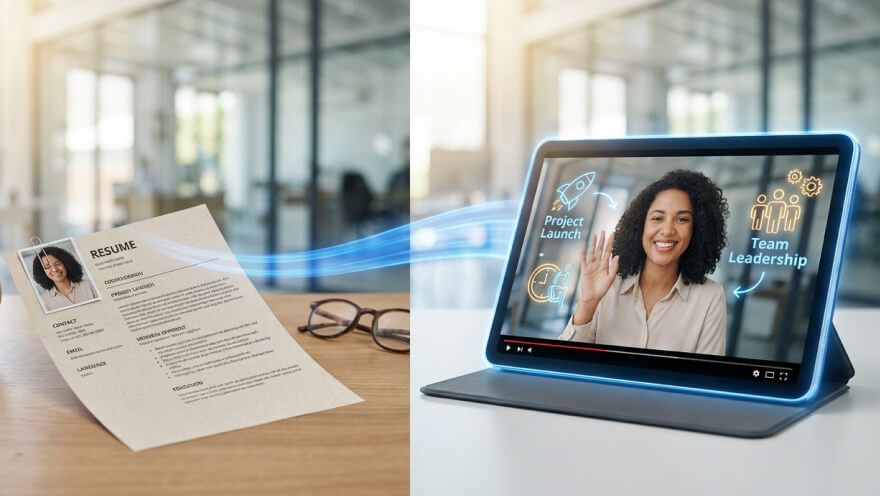
Input your script or upload your PPT file to Pollo AI.
AI Video
Transform text and images into cinematic videos with lifelike avatars and studio-quality SFX.

AI Image
Turn ideas and images into stunning visuals, or perfect any photo with a complete suite of AI tools.

Agent
Create production-ready videos with SFX, consistent characters, and polished scenes. No Editing.

Marketing Studio
Built for marketers and sellers to create winning ads, UGC videos and product visuals faster.

Transform slides into viral videos and scale your brand effortlessly today!
Stop sending dull attachments that no one reads. Our PPT video maker lets you turn any presentation into a cinematic narrative that people actually want to watch. It’s the fastest way to create video from PowerPoint and grab your audience's attention instantly.
Transform boring static presentation slides into professional cinematic narrative videos in seconds.
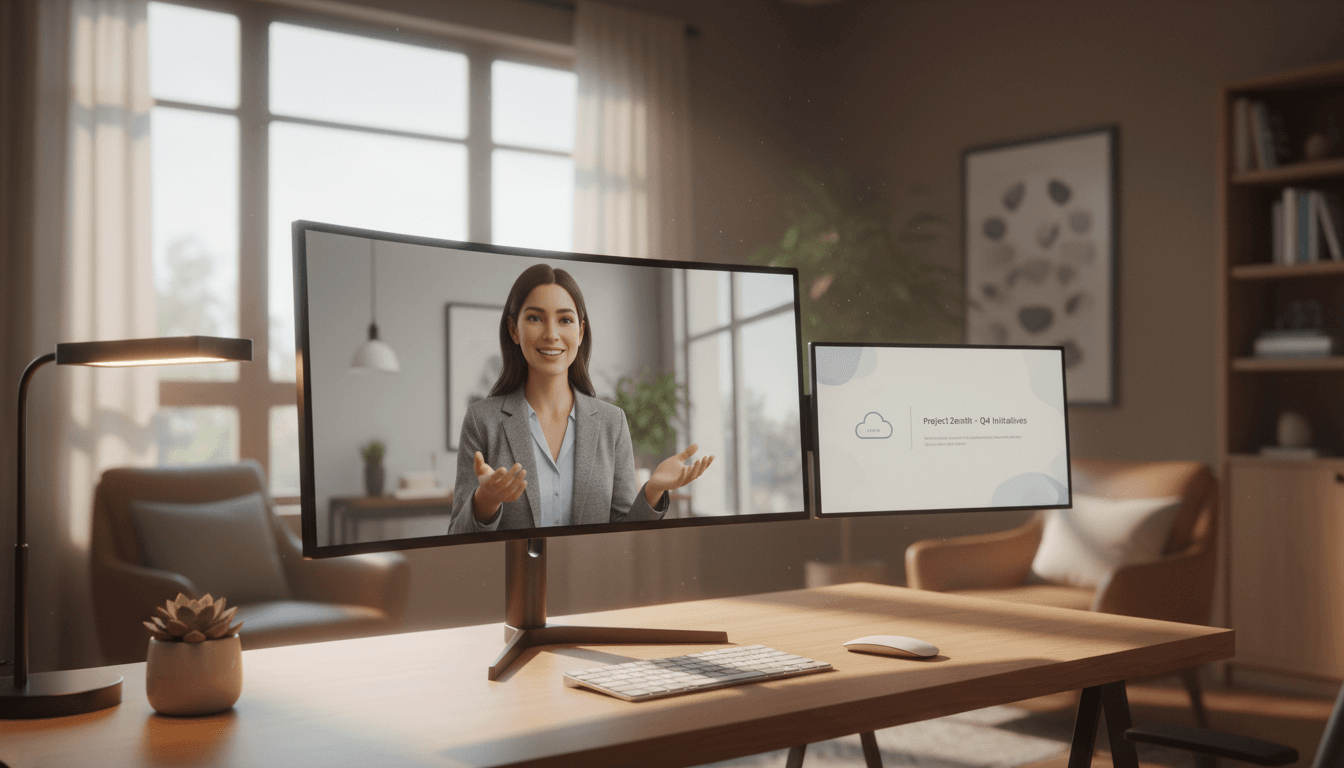
Add lifelike AI avatars to present your slides without needing a camera.
Export your presentations as vertical TikToks or horizontal YouTube videos with one click.
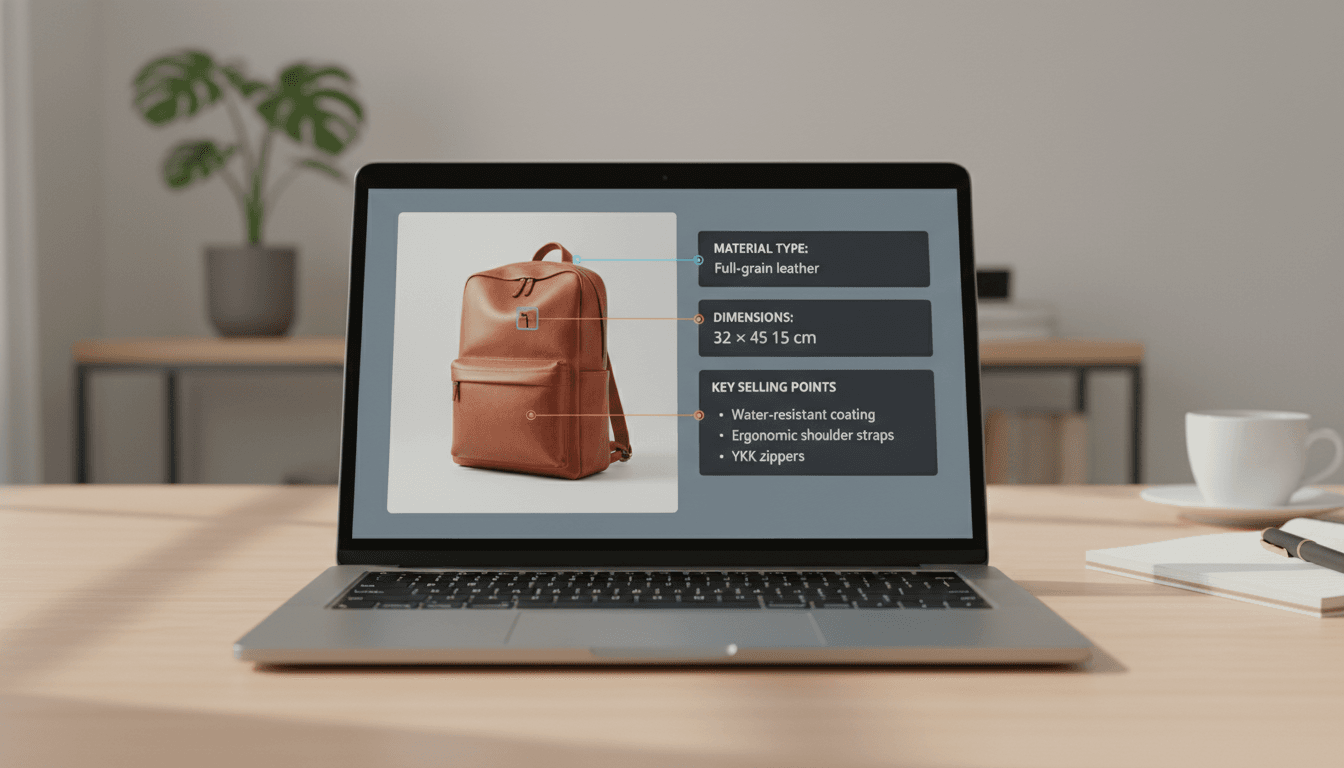


Clone viral ad strategies and launch high-converting video campaigns across Amazon and Shopify.

Upload product images and reference ads, then deploy optimized A+ content across your entire catalog.

Generate multiple video ad angles from one product to identify winning creative strategies quickly.

Replicate viral ad styles and customize them for your products to maximize TikTok Shop performance.
Input your script or upload your PPT file to Pollo AI.
Configure the customization options.
Click ‘Create’ and download your PPT video instantly.
Go from a single concept to a finished video. Combine generation, avatars, sound, and editing into one seamless production process.
Bring your static images to life with cinematic motion. Add lifelike camera pans and fluid transitions to maximize viewer engagement and visual impact.
Elevate your projects with studio-grade audio tracks. Layer realistic AI voices and dynamic sound effects to perfectly match the tone of your narrative.
Build professional video assets without a camera. Generate incredibly realistic scenes and smooth footage to elevate your brand's visual storytelling.
Put your entire creative workflow on autopilot. Go from a text prompt to a production-ready video with zero editing, delivering studio-grade results fast.
Master your post-production workflow. Apply video matting, enhance video quality, and seamlessly build sequences to turn raw clips into a flawless masterpiece.
Access a comprehensive suite of video tools. Easily apply video filters, clean up messy audio, and reframe videos for any platform.









Using Pollo AI to Create and Inspire
 Jovan Krstić
 selo los
 Nadia Nasser
 batuhan
 Bayu Raditya
 Error Payment _Required
 Nishan Saliya
 Shab Tech
 Drakkenstria
 Terrance
 Brad Nash
 J Beast
 Samuel Hammond
 lori doyle
 honey bansal
Pollo AI PPT video maker takes your static presentation slides and automatically transforms them into a sequenced, professional video with motion, backgrounds, and even AI avatars.
Simply sign up for Pollo AI to get trial credits. This lets you convert presentation to video free of charge, so you can experience the magic before deciding to upgrade for unlimited access and pro features.
Yes! You have full creative control even after the first draft is ready. You can easily tweak the text, swap visuals, and adjust styles to fit your vision. Our PPT video maker also lets you experiment with different languages and AI voices or add your own branding.
Absolutely. Many businesses use our PPT to video converter to turn product decks into social media ads. It’s a cost-effective way to produce high-quality marketing content that drives conversions and builds brand awareness.
Yes. Your privacy is our priority. Any files you upload to our free PowerPoint to video converter online are encrypted and used only to generate your video, ensuring your business data stays protected.