Step 1
Upload the video with hardcoded subtitles, captions, or visible text.
AI Video
Transform text and images into cinematic videos with lifelike avatars and studio-quality SFX.

AI Image
Turn ideas and images into stunning visuals, or perfect any photo with a complete suite of AI tools.

Agent
Create production-ready videos with SFX, consistent characters, and polished scenes. No Editing.

Marketing Studio
Built for marketers and sellers to create winning ads, UGC videos and product visuals faster.

Kling 4.0
Up to 10 keyframes. Unlimited for 10 days with Ultra.
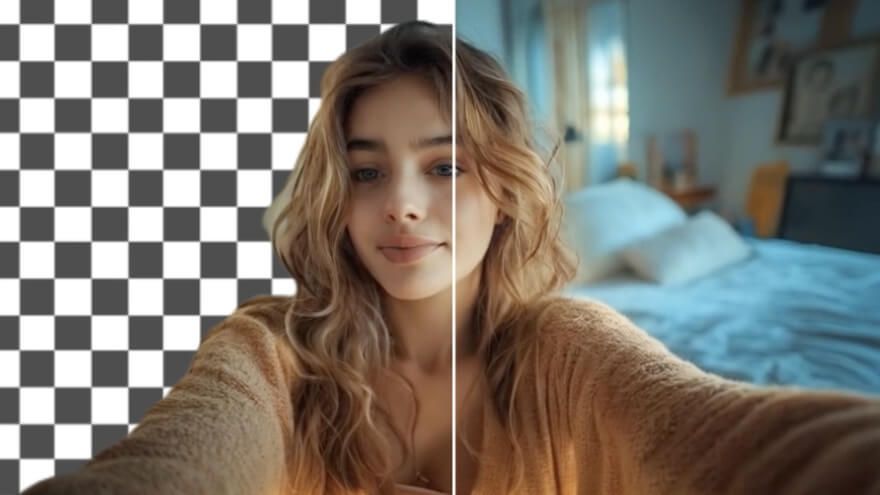
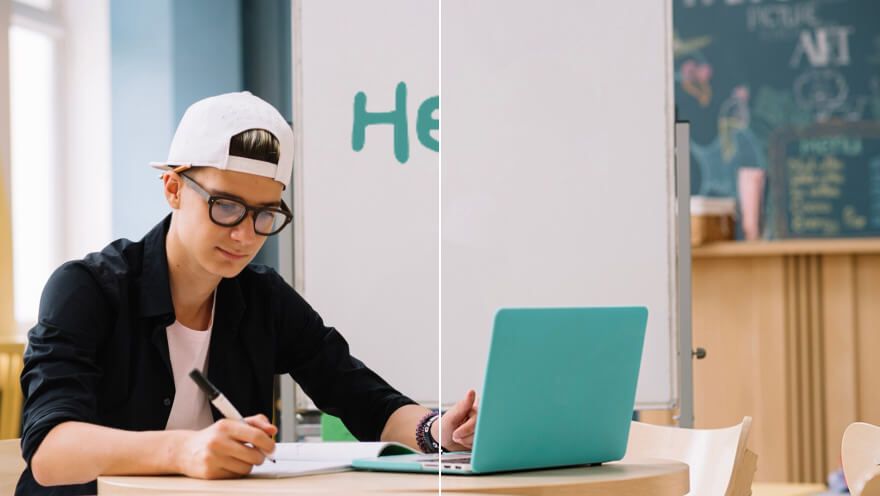
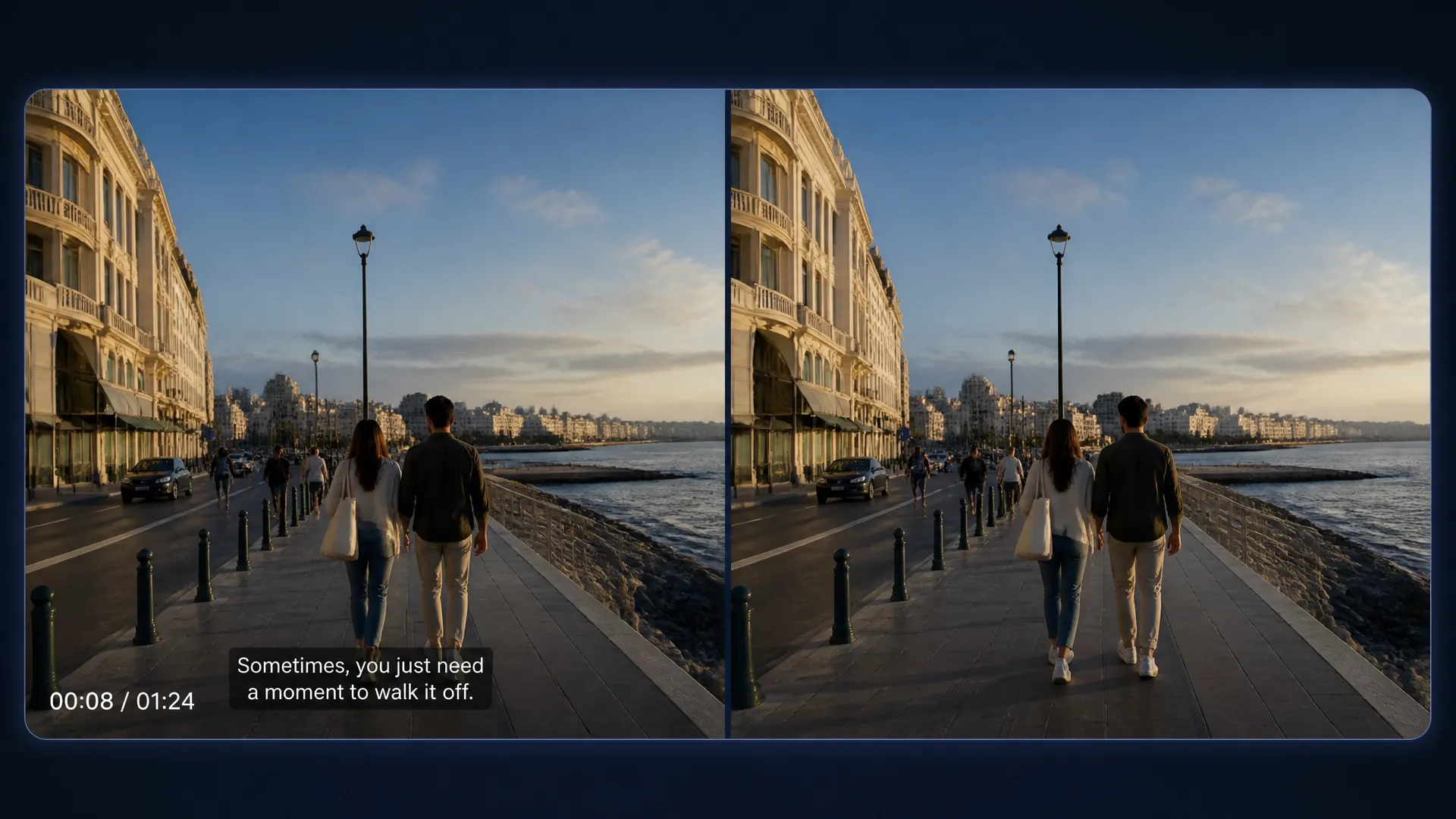
Bring old footage back into circulation when burned-in subtitles and captions block a new audience or message. The online video subtitle remover detects visible text and rebuilds the covered scene. You get a clean source for localization, campaign refreshes, lessons, and social edits without cropping important frame content.
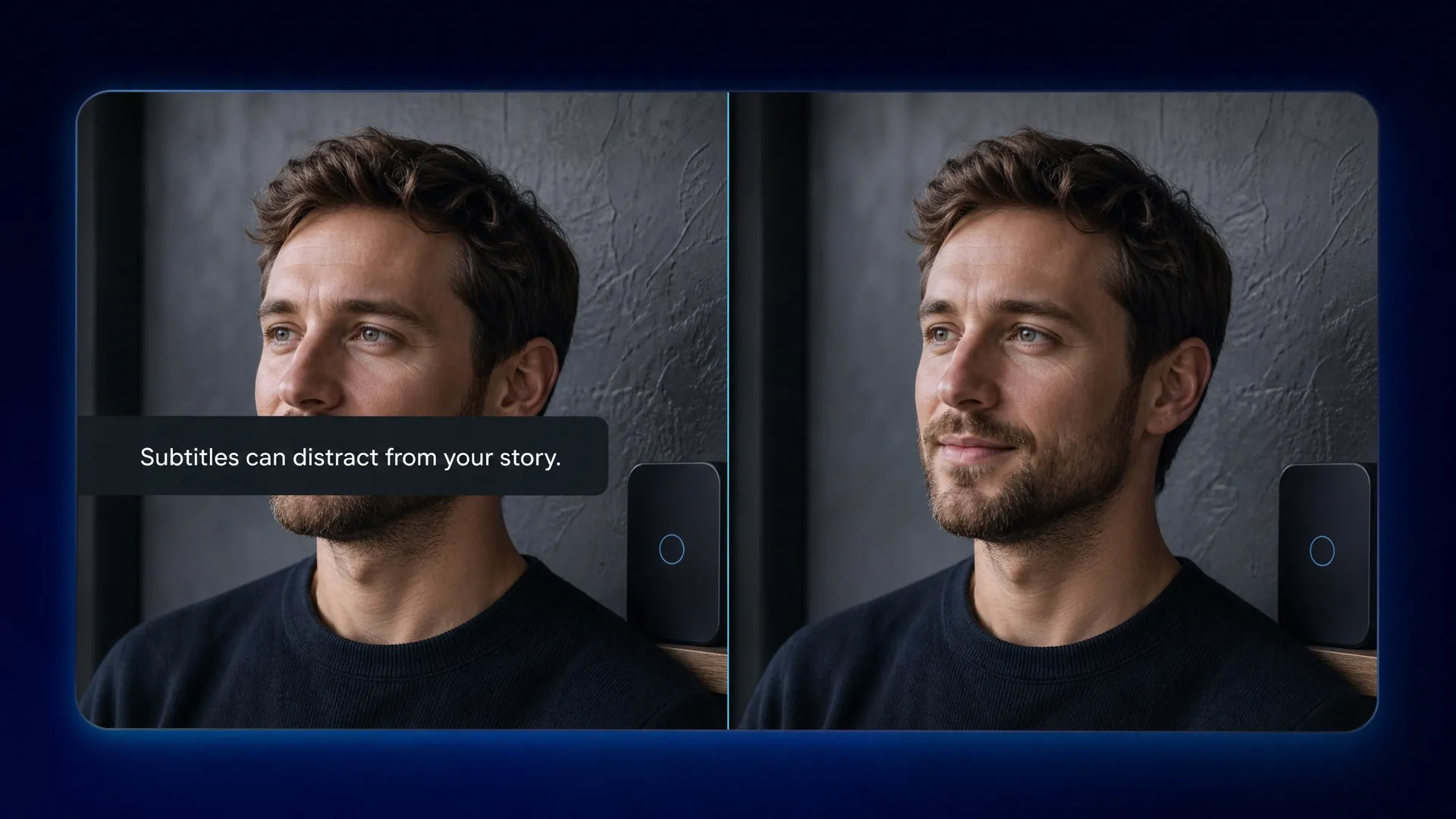
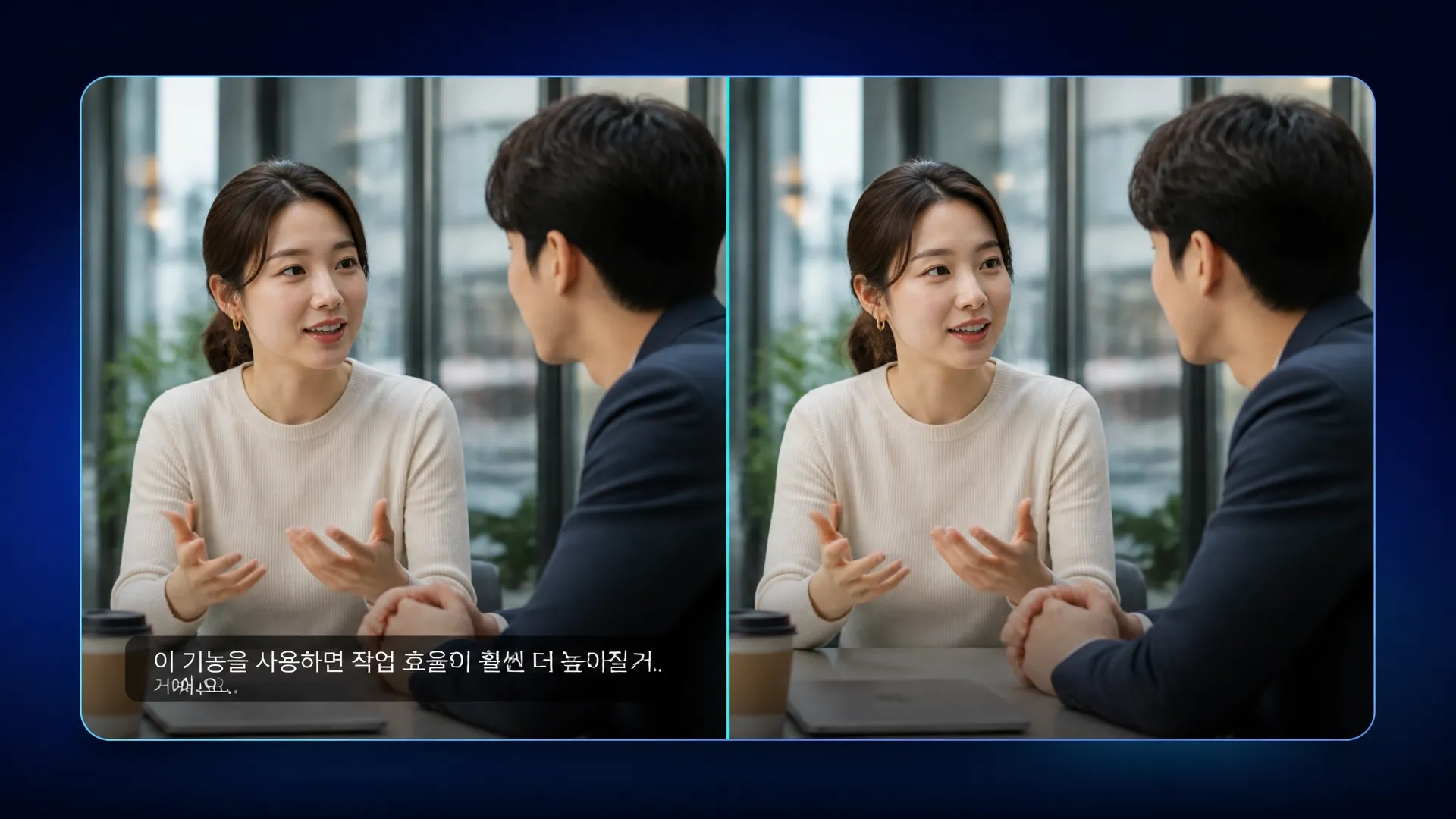
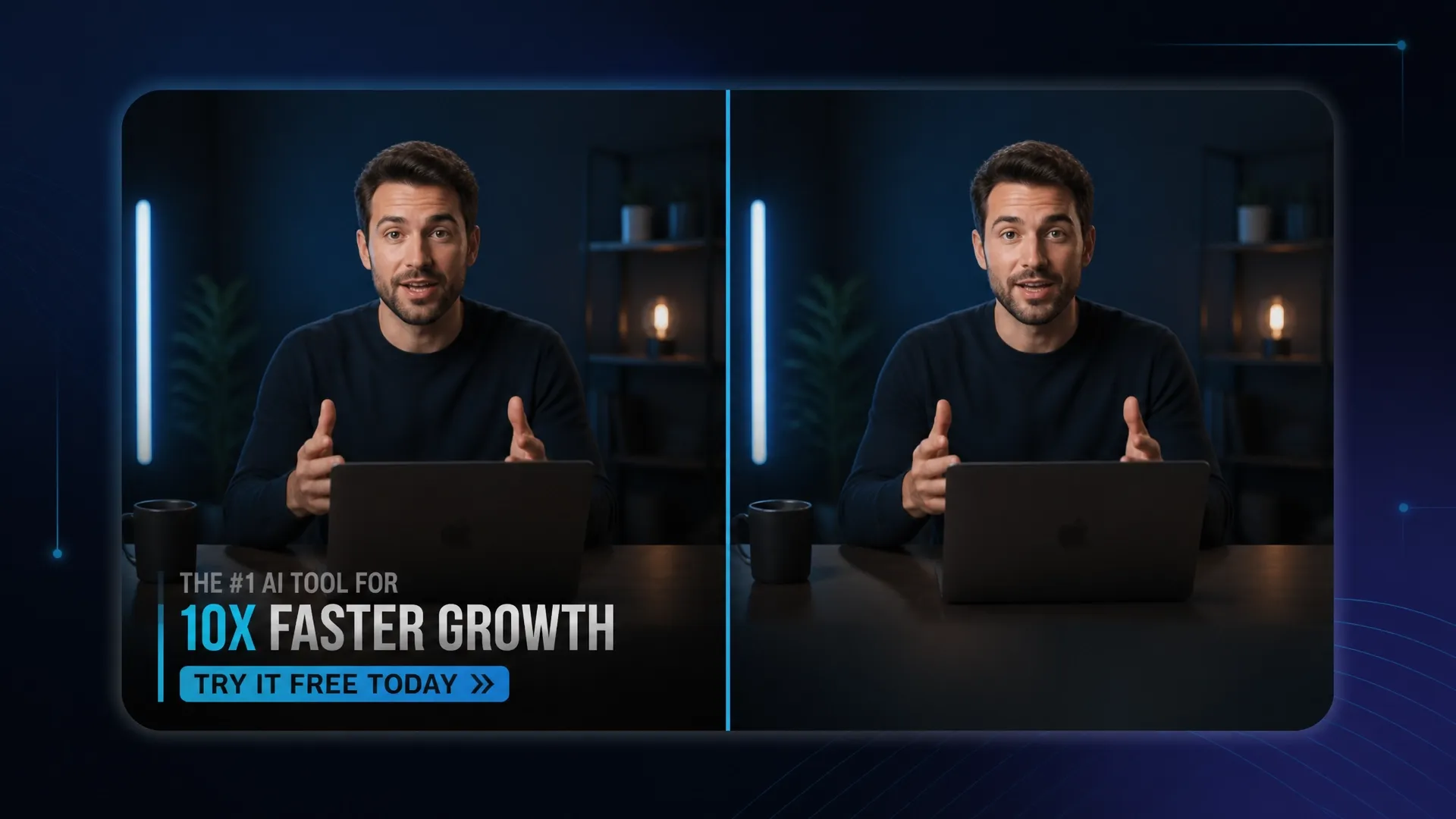

Clear an outdated offer from evergreen footage before rebuilding the campaign around current messages, offers, or hooks.

Clear captions that no longer fit a vertical crop, then reuse the clean scene as B-roll for a new short-form post.

Clear the old language layer before adding narration, subtitles, captions, and examples for another audience. Rebuild the subtitle-free lesson as an explainer video.

Recover clean product footage before updating prices, packaging, claims, or branding for a seasonal launch. Reassemble it as a current product video.
Upload the video with hardcoded subtitles, captions, or visible text.
Let AI identify the caption region, confirm it, then remove the unwanted text.
Preview the clean video.
Go from basic scripts to high-converting content. Seamlessly transition between automated AI agents, presenter-led avatars, sound design, and tailored video apps.
Bring your still images to life with cinematic motion and depth. Create captivating short video stories from your photos for a new level of visual storytelling.
Streamline your editing process effortlessly. Instantly swap faces, adjust colors, remove objects, and add effects with one click.
The ultimate multi-modal video generator. Combine text, images, or audio to produce complete, production-ready video content in minutes.
Elevate your visuals with studio-quality audio. Generate natural-sounding speech and custom sound effects to perfectly match your video's mood.
Deploy purpose-built video apps for instant results. Generate video slideshows, music videos, and social shorts in just seconds.
Go from a simple idea to a finished video instantly. Describe your vision, and let the Pollo Agent automate the full production process for flawless results.









Using Pollo AI to Create and Inspire
 Istvan Lajos
 Santiago Saenz
 Gen Zee
 萱兒
萱兒 Dragan Koprivica
 Jeff Butwin
 Loki The emperor
 witt lowry
 Pasties McCool
 Alex Khan
 Norma Ponce
 Sarah Stokes
 Sudipta Saha
 Luiz Guyz
 Swishadoptme Swishadoptme
A video subtitle remover can remove hardcoded subtitles from video by detecting the caption area and rebuilding the covered background for reuse. Soft subtitle tracks and platform captions are separate layers that should be disabled or deleted at the source.
Pollo AI's video subtitle remover for hardcoded captions is the best video subtitle remover for hardcoded captions because it combines automatic detection and background reconstruction. You can preview the cleanup before saving.
Yes. This video subtitle remover online can remove subtitles from video free online with the access available on your current plan.
Upload the clip, let AI detect the caption area, and preview the reconstructed background before saving. An AI video caption remover can remove captions from videos without cropping the frame.
Yes. It detects visible subtitle regions rather than relying on one language, so you can clean clips for localization. Review complex scripts, moving subjects, and detailed backgrounds before saving.
Review the cleaned clip around faces, moving subjects, timestamps, detailed backgrounds, and cuts. Reconstruction artifacts are easier to spot during motion than in a still frame. For higher-resolution delivery, finish with a video upscaler.

Remove old captions, recover the scene, and prepare a clean clip for its next audience.