





GPT Image 2.5 AI Image Generator
GPT Image 2.5 generates lifelike images faster, preserves familiar faces more faithfully, and keeps details more consistent across edits. Try GPT Image 2.5 on Pollo AI for free!
Discover What GPT Image 2.5 Can Create

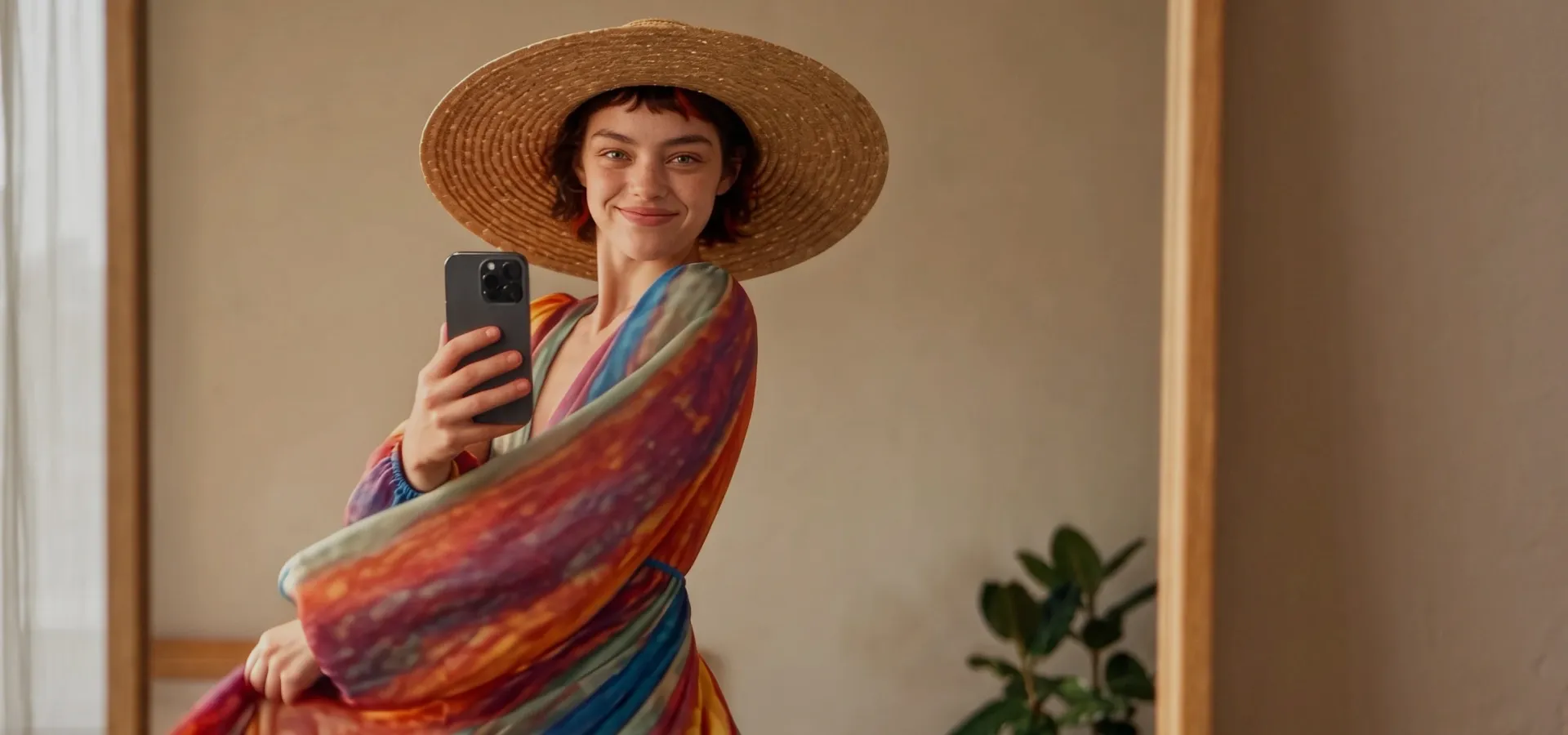
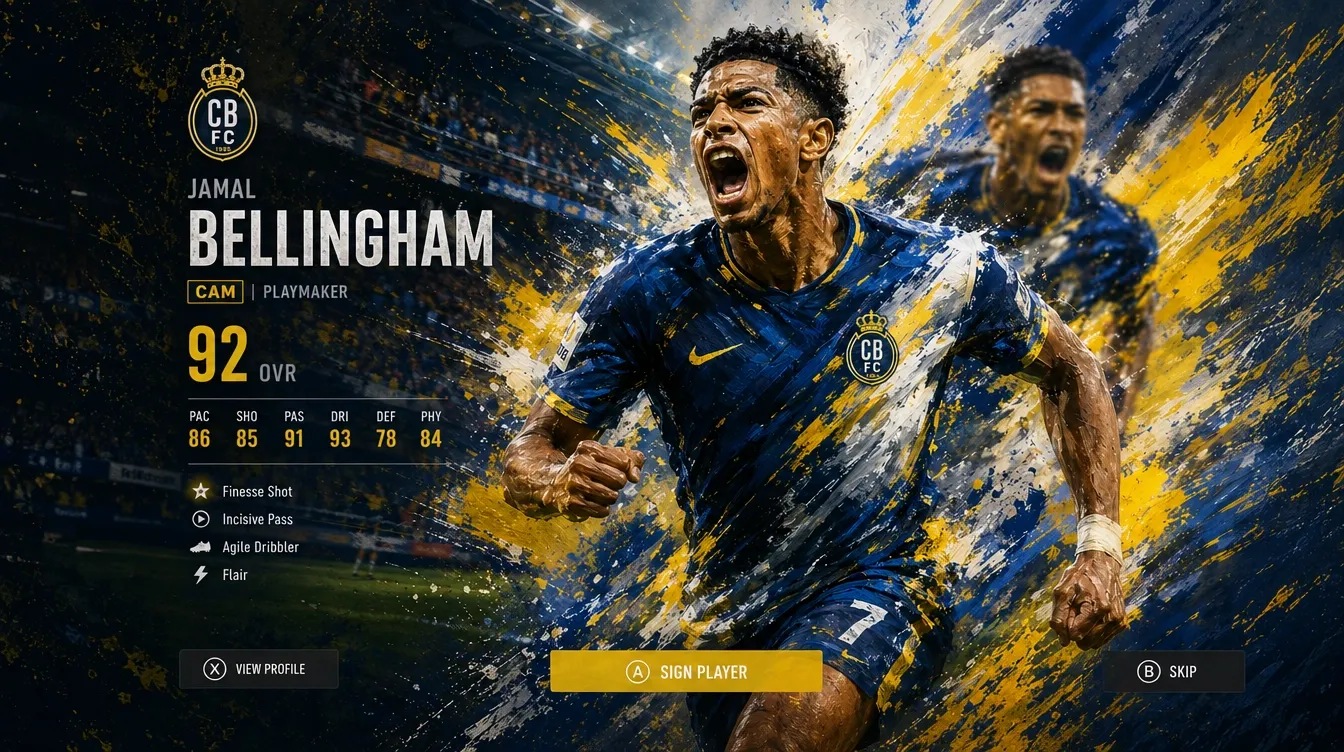
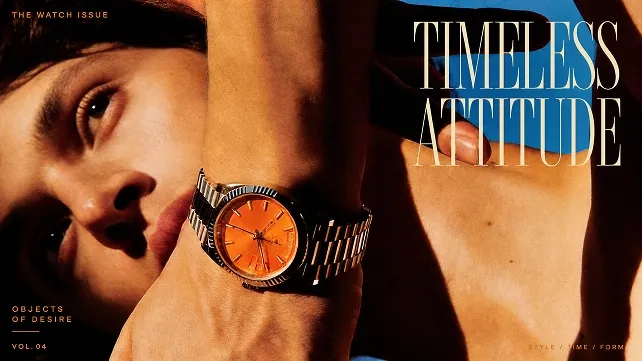
More Lifelike Images
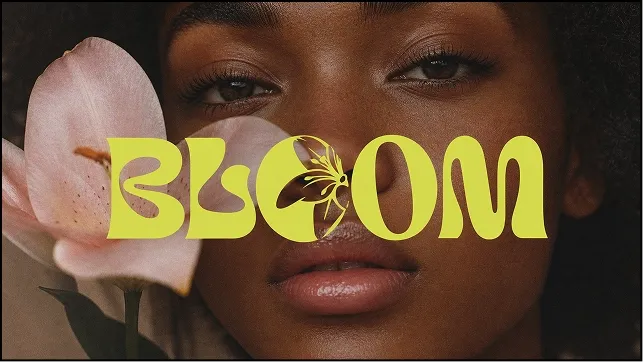
Create images that feel more natural, with lifelike lighting and richer textures. Your reference subjects stay more recognizable as you explore new settings, compositions, and styles. You can reimagine people and pets while retaining more of their distinctive features.

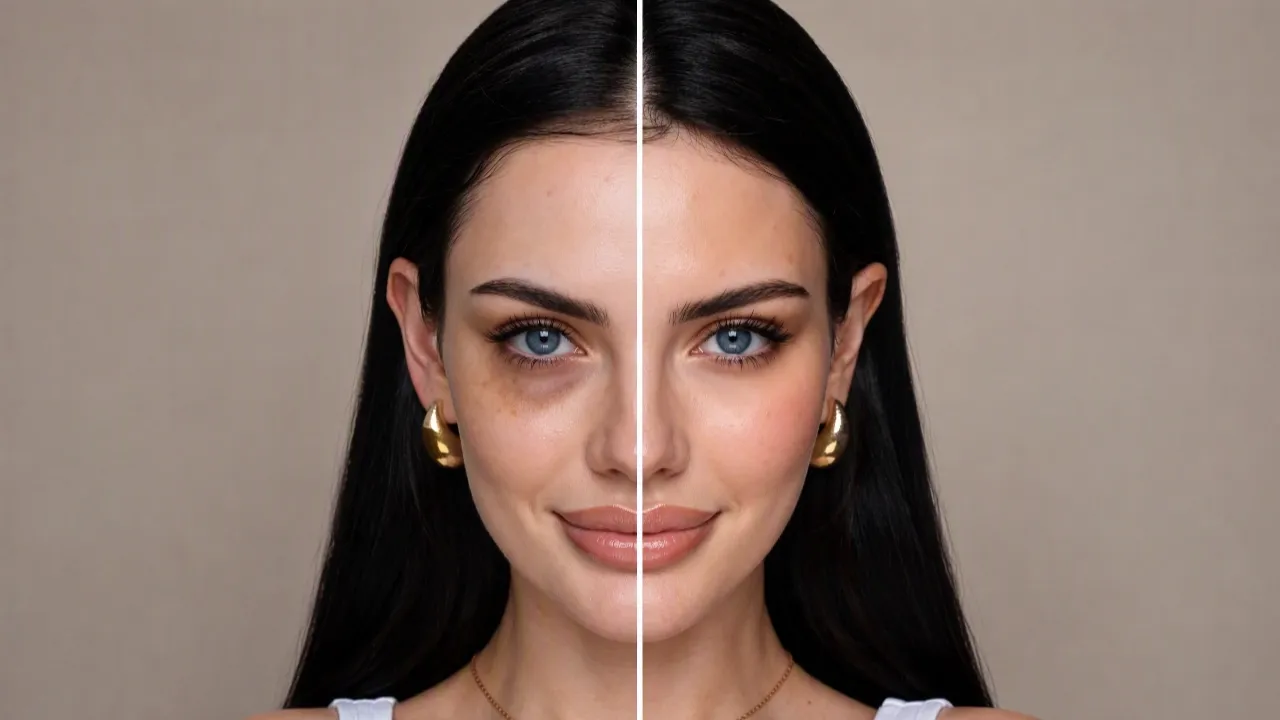
Comment-Based Image Editing
In ChatGPT, you can add comments directly to the image areas you want to change. Describe your adjustment, and targeted edits help preserve the surrounding details. Focus on the changes you want while keeping your favourite details intact.

Consistent Image Refinement
Build on your image one change at a time, with better consistency across photo edits. Your earlier adjustments are more likely to stay intact as you refine details. You can keep developing your idea without repeatedly rebuilding the parts you like.

Faster Image Generation
Create your images in up to 50% less time than Image 2.0. Developers can also use GPT Image 2.5 API to bring these generation capabilities into your own apps and creative workflows. Spend less time waiting and keep your ideas moving across every project.
How to Use GPT Image 2.5 on Pollo AI
Choose the Model
Open the Pollo AI image generator and select GPT Image 2.5.
Describe Your Image
Describe your subject, composition, and style, adding a reference image if needed.
Generate and Download
Click “Create”, review the result, then download your image for your project.
Explore OpenAI's Other Image Models
Loved by 10M+ Creators and Marketers Globally
Thousands of satisfied users have shared their Pollo AI experiences on Trustpilot, rating us as "Excellent." See what they love about our platform.
Discover More AI Image Generators
FAQs
What is GPT Image 2.5?
GPT Image 2.5 is OpenAI’s model for generating and editing images. You can turn prompts or reference photos into new visuals, then refine them through additional instructions. It combines more natural image quality with better subject preservation and more consistent results across successive edits.
How does GPT Image 2.5 improve on Image 2.0?
It can generate images in up to 50% less time than Images 2.0, alongside improvements to lighting and textures. You also get more reliable editing across successive requests. The speed figure represents a maximum claimed improvement, so individual generation times can vary.
What can I create with GPT Image 2.5?
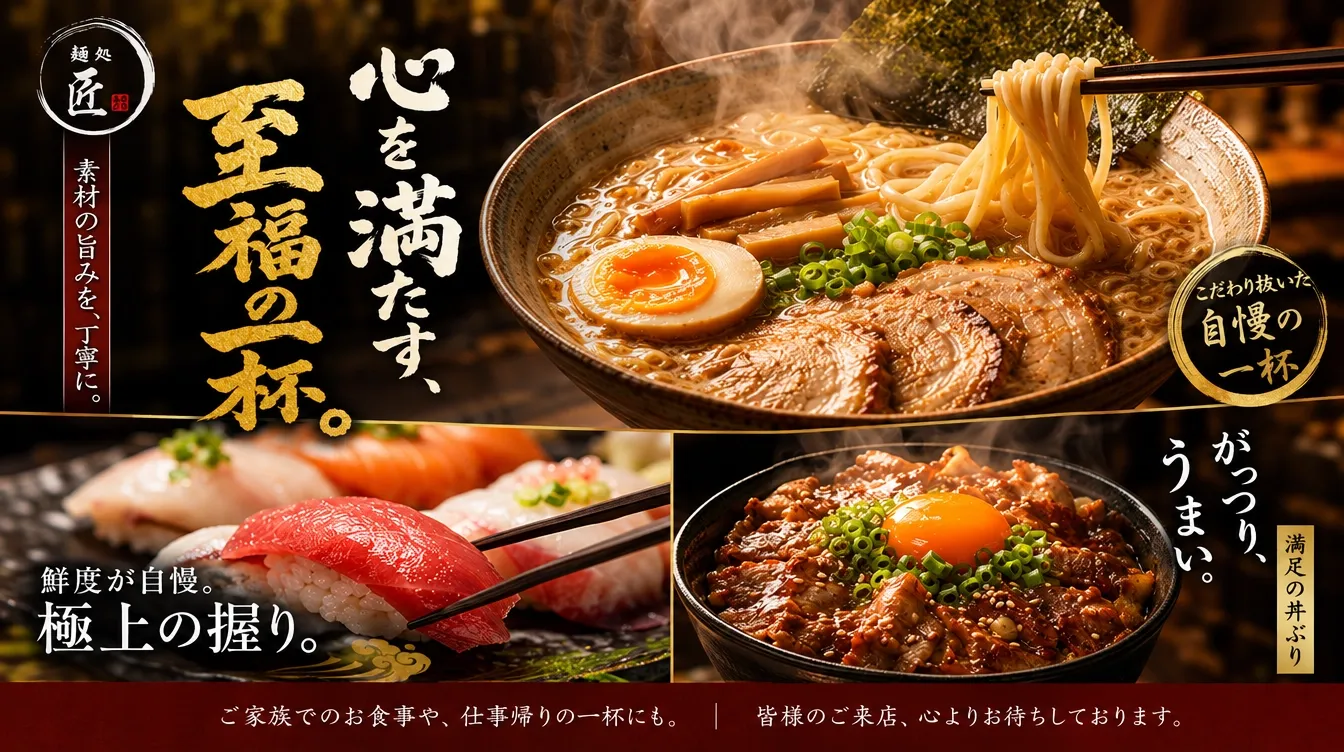
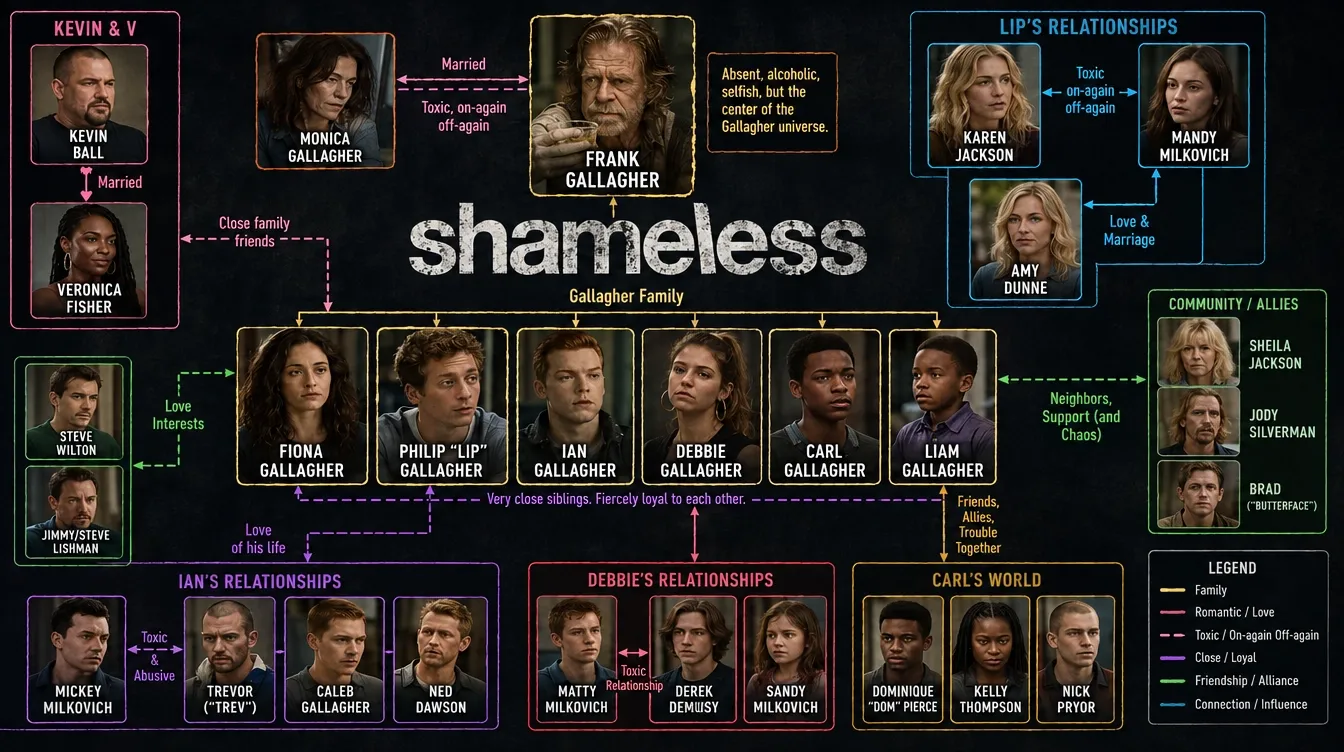
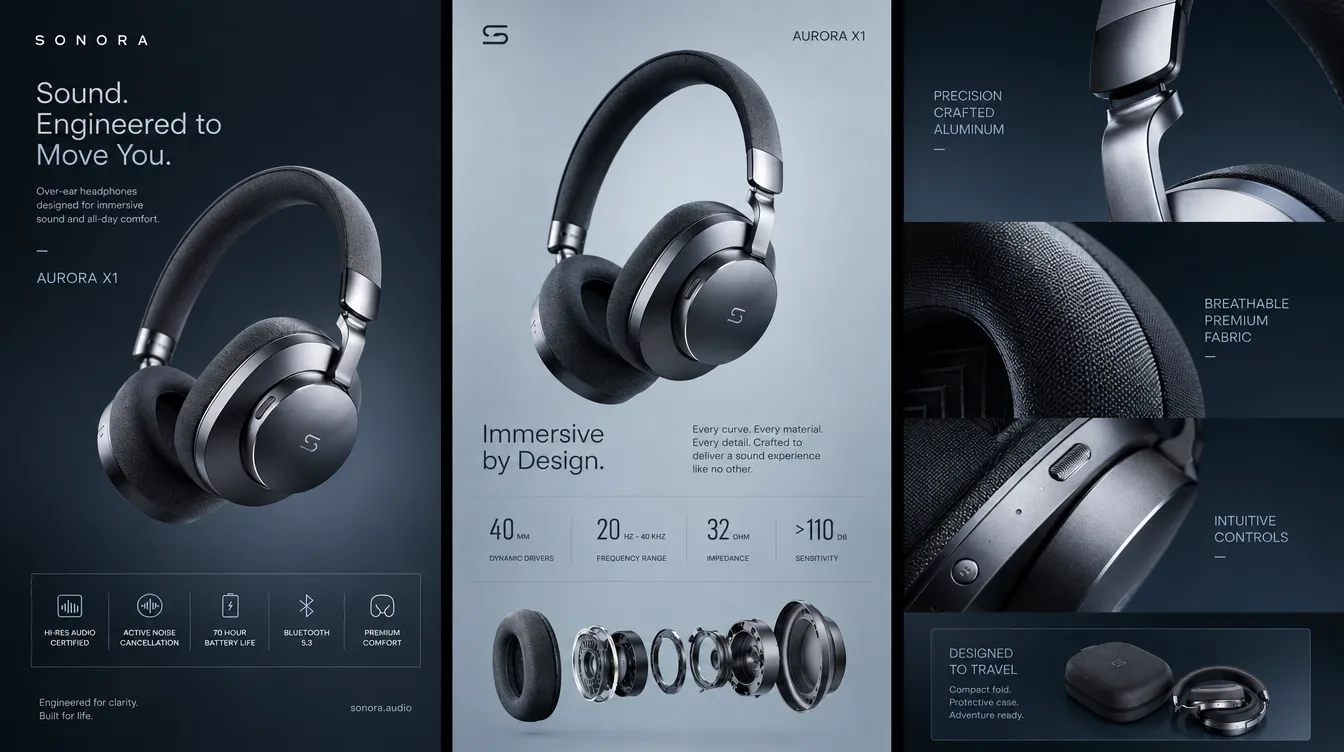
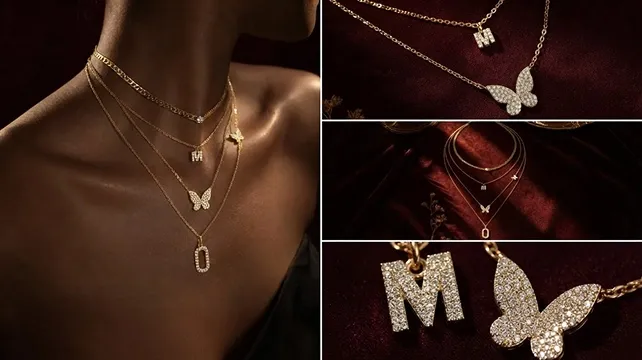
Use it for logos, pet portraits, tattoo ideas, and merchandise visuals. You can also create product images for your business. Try different visual directions before choosing a final design, whether you’re planning a campaign or developing a personal project.
Can GPT Image 2.5 work with reference photos?
Yes. You can use a reference photo to create new versions of familiar people or pets. The model better preserves their distinctive features as you change the setting, composition, or style. Review your results to check the details you want to keep.
Can GPT Image 2.5 make precise image edits?
Yes. You can request targeted changes while the model works to preserve surrounding details. In ChatGPT, image comments help you specify where edits should happen. That gives you more control over individual adjustments.
Does Pollo AI offer a GPT Image 2.5 API?
Pollo AI lets you access supported OpenAI models with one Pollo API key. You don’t need a separate OpenAI API key. You can currently generate images with our GPT Image 2 API. Support for GPT Image 2.5 will be added later.

Try GPT Image 2.5 on Pollo AI for Free!
Create lifelike images faster and refine them your way with GPT Image 2.5 on Pollo AI.


