



What Is GPT Image 2.5? A Hands-On Look at OpenAI’s New Image Model
I tested GPT Image 2.5 across editing, consistency, text rendering, and speed. Here is what it does well, where it struggles, and who should use it.
Quick Verdict: Is GPT Image 2.5 Any Good?
GPT Image 2.5 is strongest at controlled image creation and editing. It preserves reference subjects, handles targeted changes, and follows text-heavy layouts with less back-and-forth.
The main tradeoff appears when you access it directly through the API. Developers may need organization verification and must plan around token-based costs before building it into a workflow.
Overall, GPT Image 2.5 suits marketers, designers, and creators who value precise iteration. A no-code platform removes much of the setup, while teams needing local deployment or fixed per-image pricing may prefer another model.
What Is GPT Image 2.5?
GPT Image 2.5 is an image generation and editing model developed by OpenAI. Released on September 8, 2026, it accepts text prompts and visual references, including photos and rough sketches.
It can keep a subject recognizable across different settings and apply targeted changes to objects, clothing, or backgrounds. The model also supports text rendering and detailed layout instructions, allowing users to specify wording, placement, lighting, and visual style. Follow-up prompts can guide additional adjustments to the same image.
What Does GPT Image 2.5 Do Best?
GPT Image 2.5 combines realistic image creation with control over individual edits and ongoing revisions. Here are the four features I focused on during my testing for everyday creative work.
Natural Image Quality and Reference Fidelity
GPT Image 2.5 emphasizes natural lighting, richer textures, and recognizable reference subjects. It can adapt a photo to a new setting, composition, or style while retaining distinctive features of the people or pets in it.
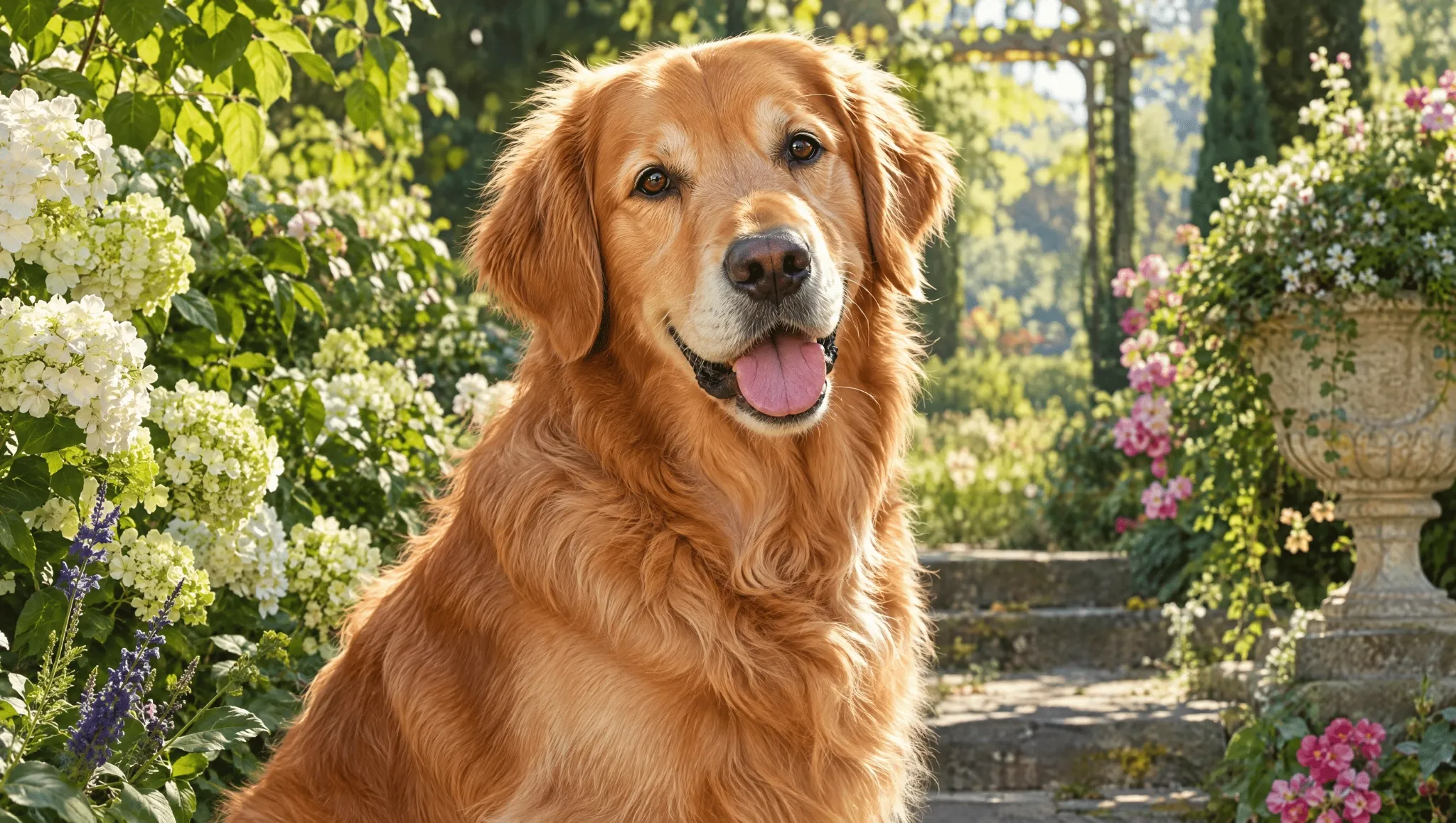
I found this combination especially useful for personalized portraits. In one test, I used a pet photo as a reference and placed it in an elegant garden while preserving its recognizable appearance, natural fur texture, and expression.
Targeted Image Editing
GPT Image 2.5 can modify specific details while working to preserve the surrounding image. In ChatGPT, comments placed directly on an image help identify where an adjustment should happen.
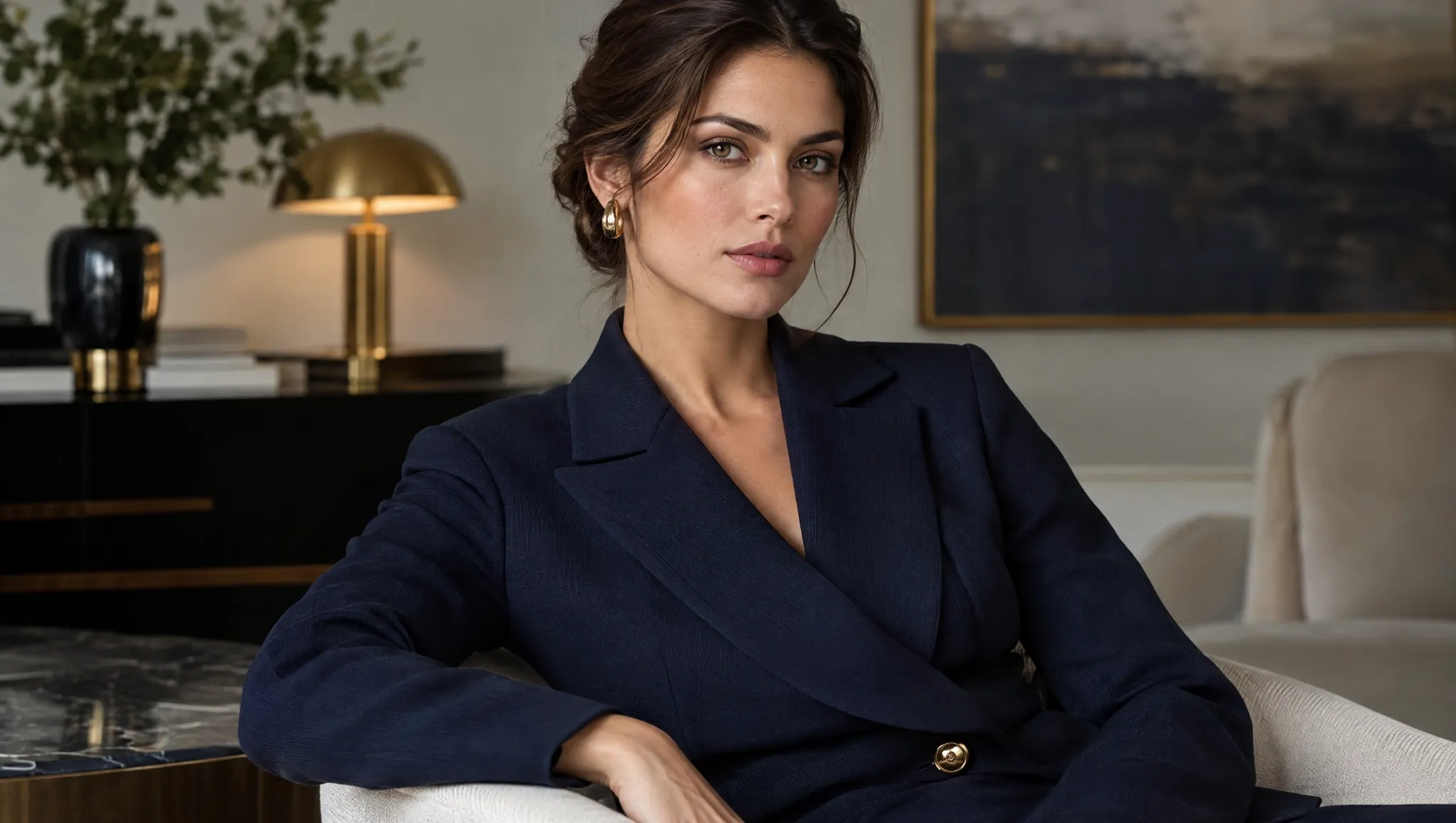
I tested this on a composition that was already close to what I wanted. I asked GPT Image 2.5 to “change the jacket to navy; keep the face, pose, and background,” giving it a clearly defined edit while leaving the rest of the image intact.
Make Better Images With GPT Image 2.5
Use GPT Image 2.5 to turn detailed ideas into polished visuals while spending less time correcting unwanted changes.
Try GPT Image 2.5 Free
Consistent Multi-Turn Refinement
GPT Image 2.5 is designed to retain earlier adjustments across successive edits. This feature focuses on continuity through a sequence of changes, rather than the accuracy of one isolated edit.
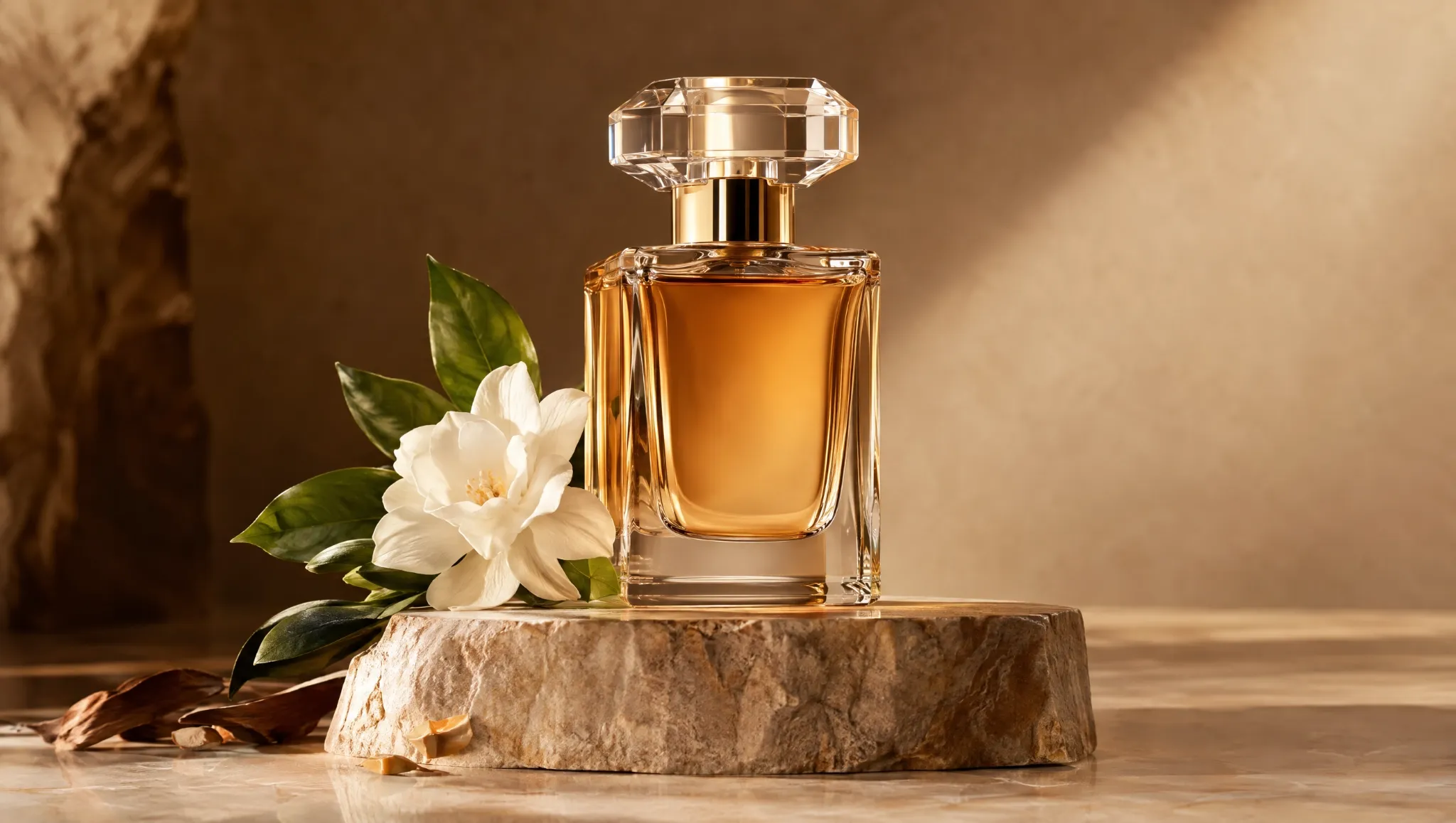
For a product image, I first changed the background, then adjusted the lighting, and finally refined a small prop. I found that separating those edits made each revision easier to evaluate.
Faster Image Generation
GPT Image 2.5 can generate images in up to 50% less time than Images 2.0. Generation time still varies from one request to another.
In my testing, the speed improvement mattered most when I explored several directions for one project. Shorter waits made it easier to compare compositions and color palettes before deciding which concept deserved further refinement.
If you want to have a closer look at this AI model, read our detailed GPT Image 2.5 review.
Where Does GPT Image 2.5 Fall Short?
GPT Image 2.5's main drawback is not its image quality, but the setup required for direct access. Using it through API can feel technical if you simply want to generate and refine images without building your own workflow.
You need to configure API access and may need organization verification before integrating the model. That makes direct access better suited to developers than casual creators. For prompt testing, reference uploads, and revisions, I found no-code access much more convenient than setting up the API myself.
Is GPT Image 2.5 Right for You?
GPT Image 2.5 is right for you if controlled iteration matters more than a perfect one-click result. Based on my testing, here is how the use cases break down.
Makes sense if you... | Skip it if you... |
| Need recognizable product, portrait, or characters from a reference image | Need flawless photorealistic texture with zero cleanup on every first attempt |
| Create posters, ads, social graphics, or product shots that require targeted revisions | Need pixel-perfect typography or a long chain of completely lossless edits |
| Want fast, high-volume exploration with Flare or higher-control hero images with Sunburst | Need an open, offline model or a fixed per-image API price before generation |
What Is My Personal Take on GPT Image 2.5?
I like how GPT Image 2.5 gives me more control over what changes and what stays consistent, but I dislike the technical setup required for direct API access. Its biggest improvement is not just better-looking images. It is how much easier it feels to refine references, make targeted edits, and build on earlier decisions.
I found GPT Image 2.5 most useful for projects that needed several rounds of controlled refinement, especially product visuals, portraits, and campaign assets. For everyday creative work, though, I found no-code access more convenient than dealing with API configuration and verification myself.
Where Can You Use GPT Image 2.5? Try It on Pollo AI
Pollo AI gives you a simpler and more affordable way to use GPT Image 2.5 without setting up the API yourself. Pollo AI currently offers 10-Day Unlimited access on the Ultra plan, giving you more room to explore prompts, references, and revisions.
Another reason to use GPT Image 2.5 on Pollo AI is flexibility. Pollo AI brings GPT Image 2.5 together with other leading image models, including Nano Banana 2 and GPT Image 2, so you can compare different creative approaches without switching platforms.
You also get a broader image workflow with built-in tools like AI image enlarger for clarifying your images. You can also use AI photo editor with simple prompts to adjust any elements you like in your visuals.
Moreover, Pollo Agent adds another way to create by turning broader creative requests into generated images without requiring you to manage every step manually. This makes it easier to move from an initial idea to a usable visual while keeping more of the creation process in one place.
My Final Verdict: Is GPT Image 2.5 Worth Trying?
Yes, GPT Image 2.5 is worth trying if you care about precise edits, reference consistency, readable layouts, or faster iteration. It is especially useful when you want to refine an image across multiple steps without constantly rebuilding the result.
For creators who value control and flexibility, GPT Image 2.5 is a strong option for both exploration and polished final visuals. Try GPT Image 2.5 on Pollo AI and start creating without the API setup.