AI Image Enlarger
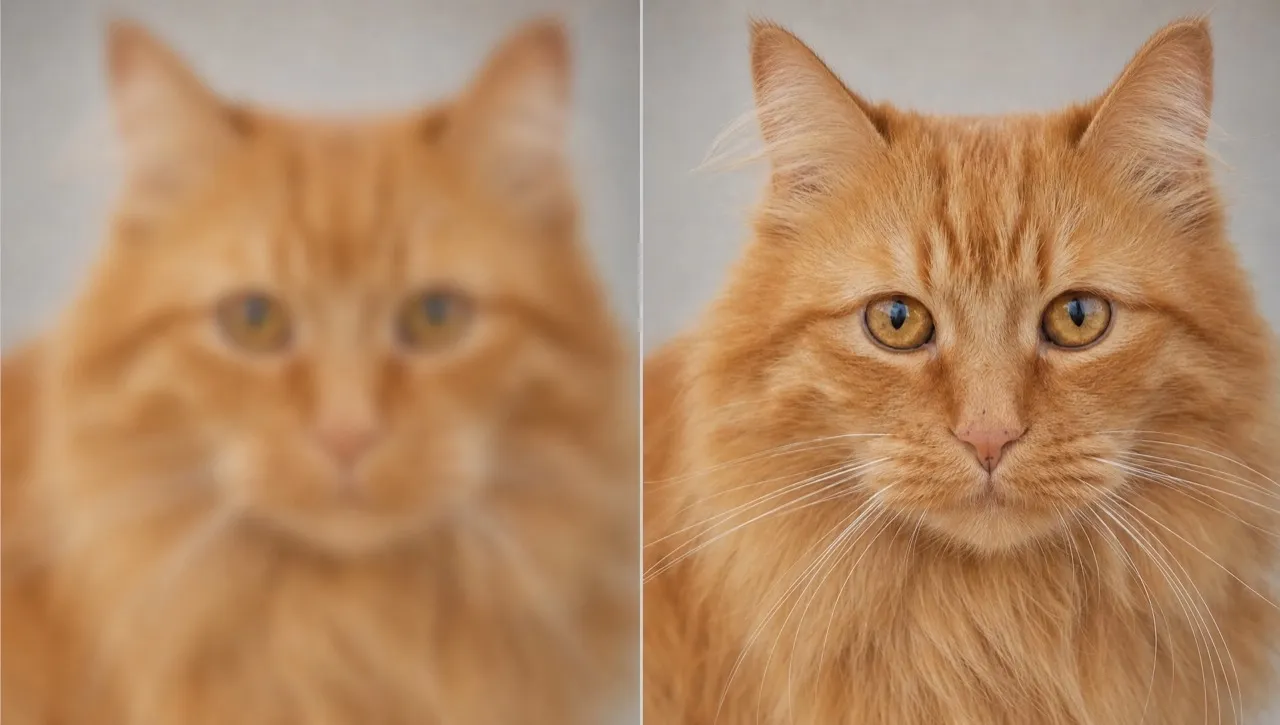
Increase your image size quickly while preserving clarity, textures, and key visual details. No complex editing needed!
Make Your Image Bigger and Clearer in Just a Few Seconds
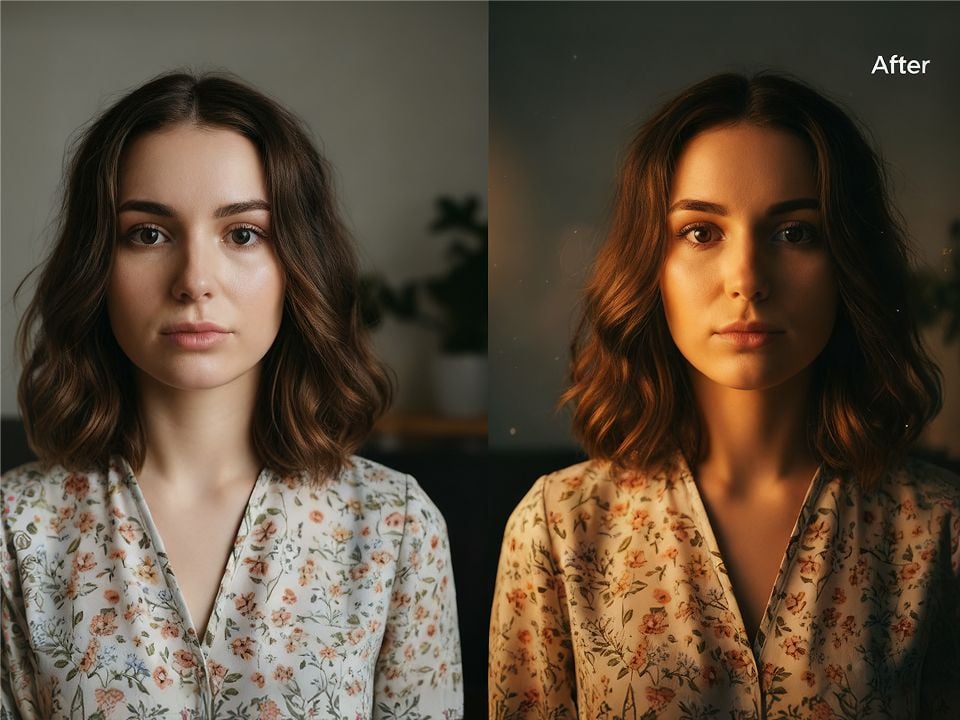
Bring more clarity and creative possibilities to your small images. Use Pollo AI's image enlarger to enlarge your pictures with key details preserved. Ideal for personal projects, social content, moodboards, creative references, and more. You can prepare larger visuals faster, explore more formats, and reuse your images with less effort.

Sharper Enlarged Photos
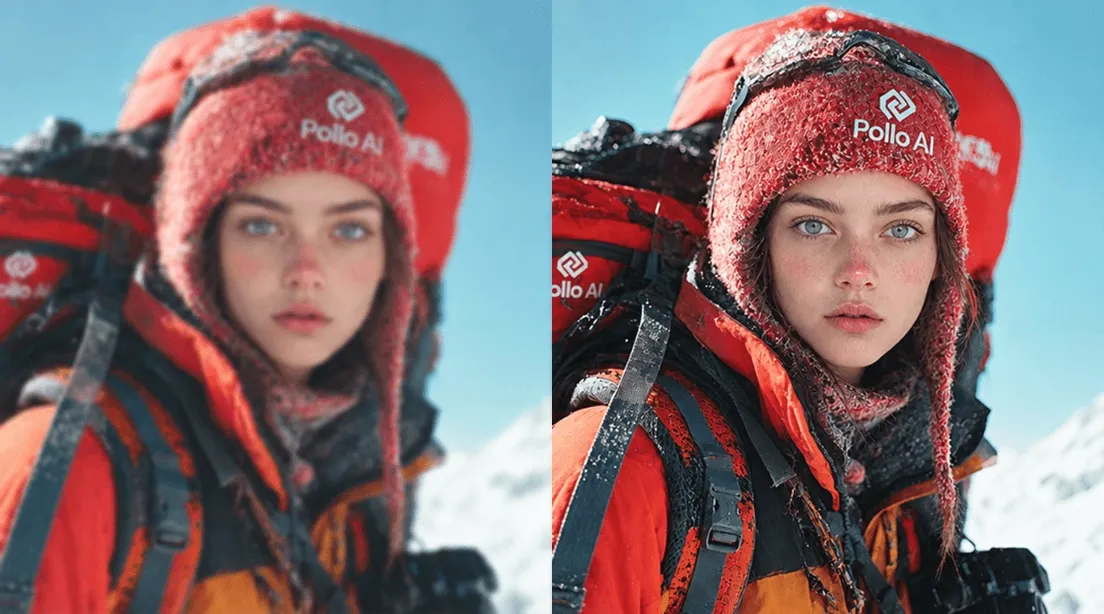
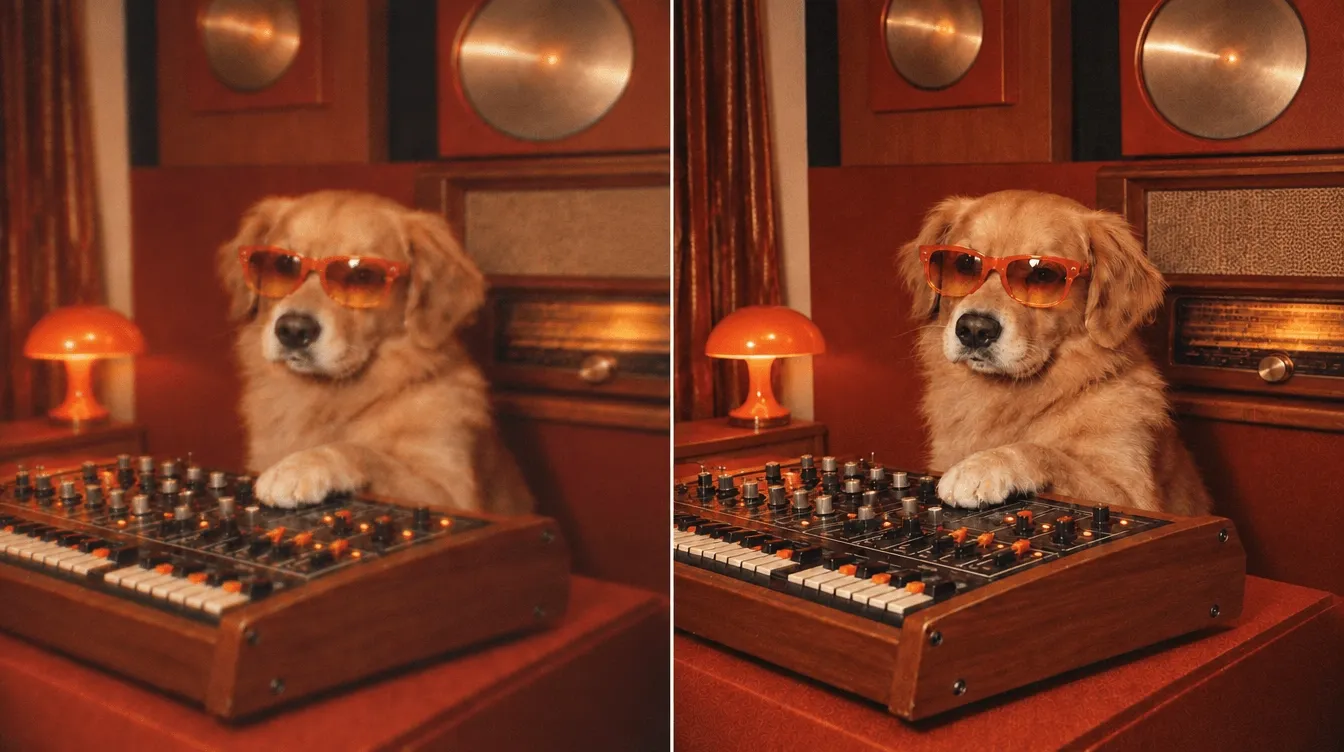
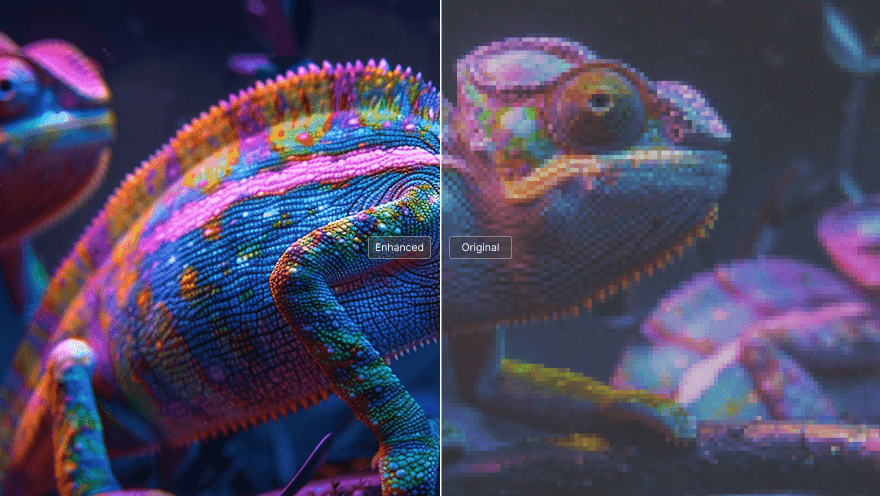
Enlarge pictures with clearer key details, creating more usable visuals for any creative projects.
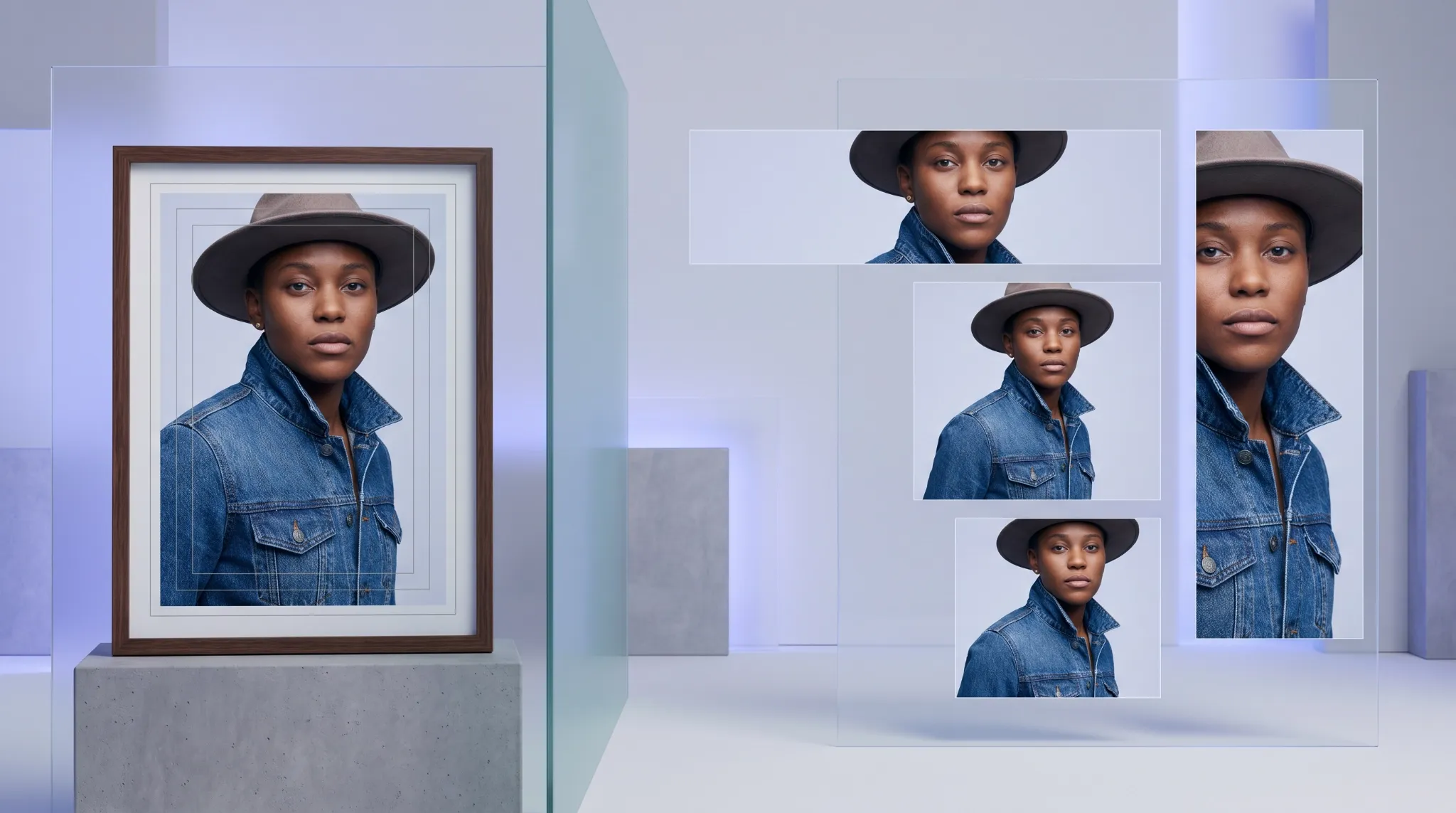
Flexible Creative Resizing
Prepare visuals for your different uses like posts, prints, moodboards, and design layouts.
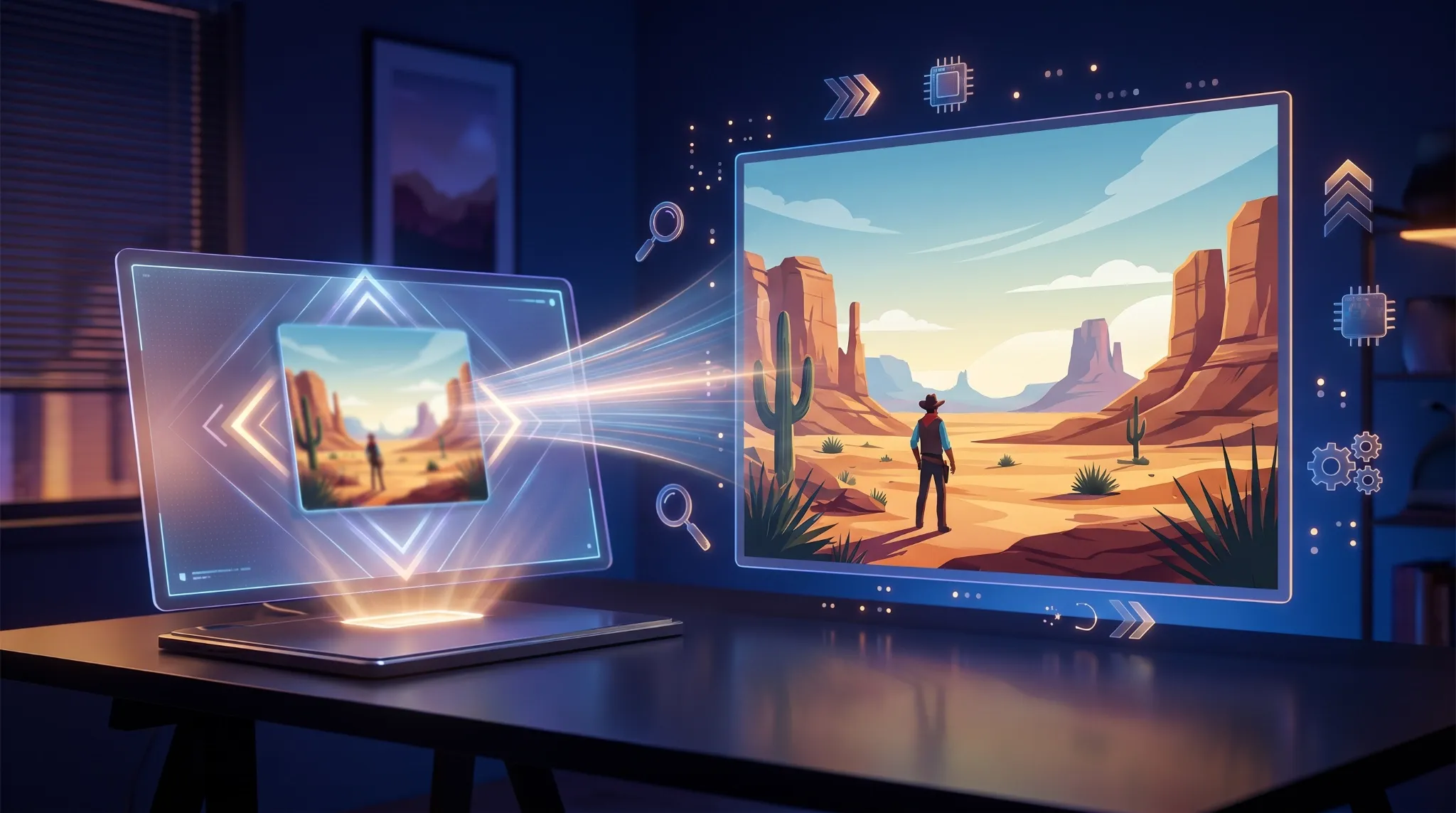
Quick Online Enlargement
Upload your image and Pollo AI will increase the image size automatically in just a few clicks.

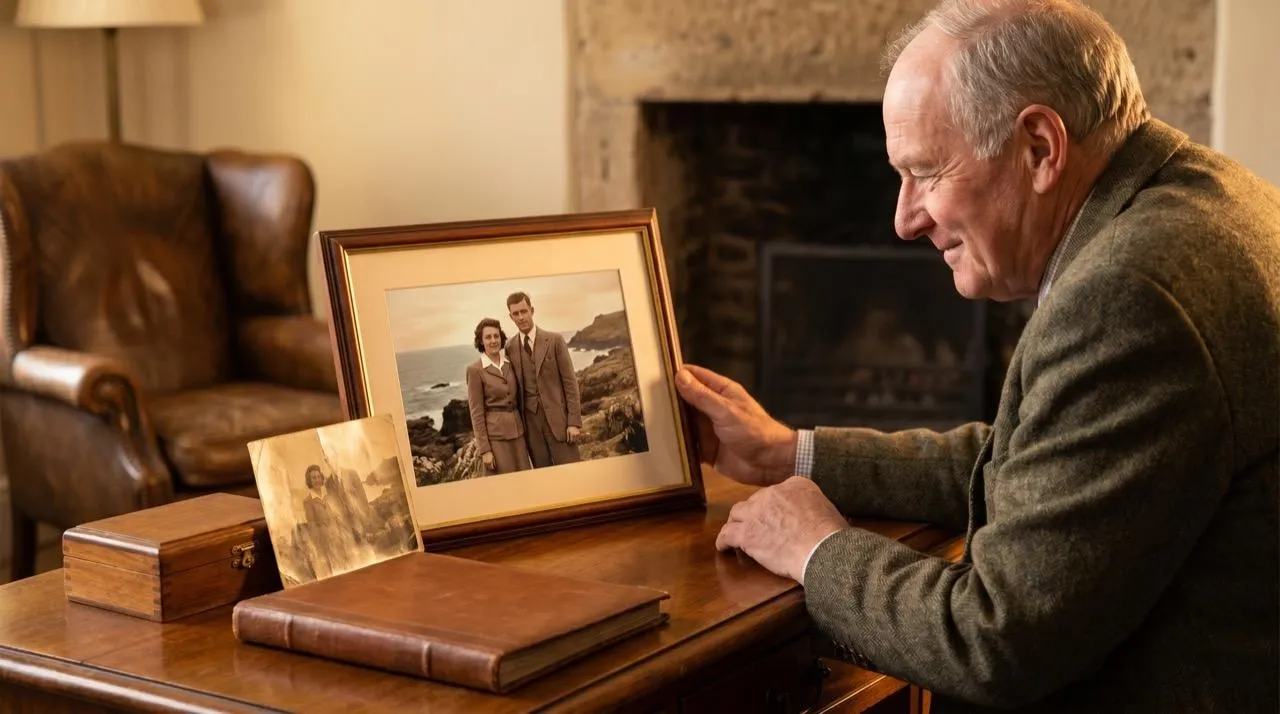
Revive Low-Resolution Photos
Bring old photos and small snapshots back to life with clearer details. Use our AI photo enlarger to increase your image size for memories, portraits, travel shots, and personal projects, helping you preserve and reuse favorite visuals.

Improve Visual Flexibility
Get more creative freedom with images ready for new ideas. Make your image larger with Pollo AI to create more flexible source files. You can increase image size while keeping visuals ready for edits, compositions, and design ideas.

Expand Creative Possibilities
Unlock more creative possibilities with bigger, more versatile visuals. You can enlarge picture assets like AI artwork, illustrations, icons, and digital graphics for posters, wallpapers, thumbnails, or moodboards, giving your creations more room to grow.

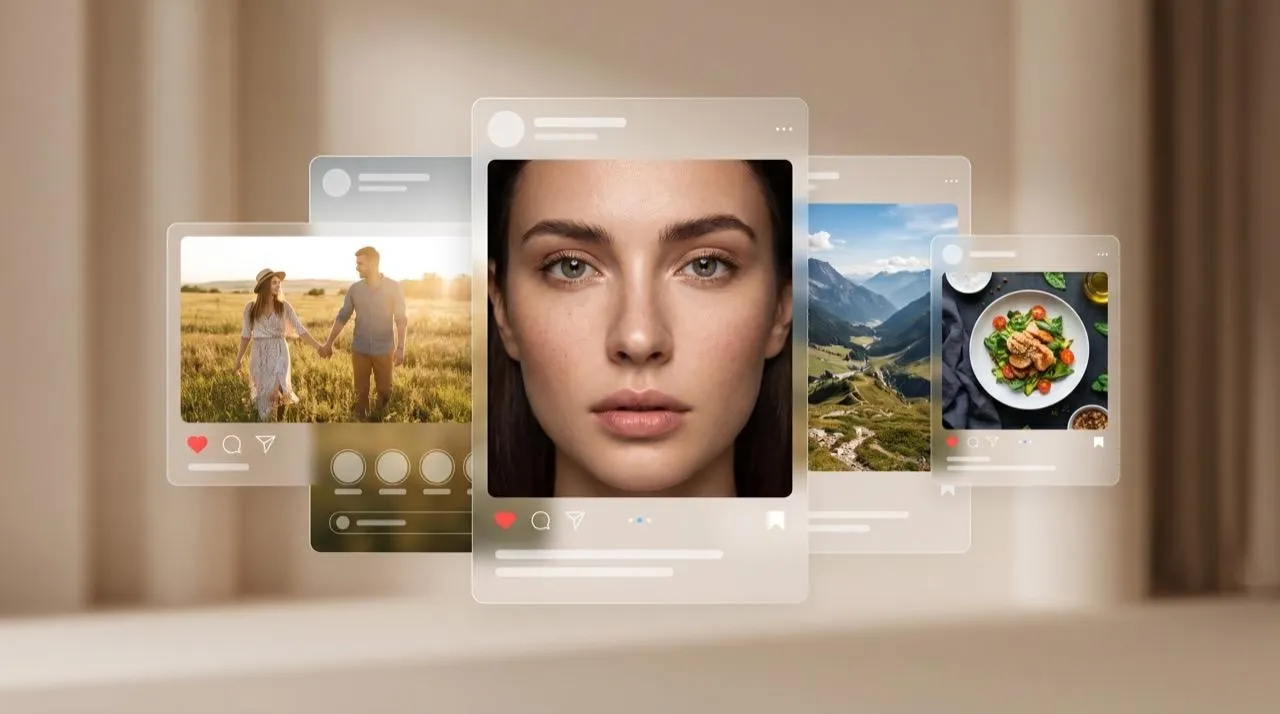
Prepare Images for Sharing
Bring more impact to your content with larger, polished images. Enlarge photos, including your portraits, lifestyle photos, and social visuals, before sharing to create stronger profiles, posts, and albums that stand out in crowded feeds and grab more attention.
Enlarge Images for Everyday Creativity Now

Use our AI image enlarger to turn small selfies, travel shots, and AI faces into larger visuals for profiles, stories, or social posts. You can have cleaner images, create a stronger visual identity, and attract more attention in crowded feeds.
Make sketches, illustrations, and AI artwork larger for movie posters, prints, or personal collections instantly with our AI photo enlarger. Bigger image versions make creative details easier to explore, giving your artwork more flexibility for display and future projects.

Enlarge picture assets like story references, scene visuals, and character images for your storyboards, novels, or creative writing projects. Clearer images help you visualize ideas more effectively, develop characters with more detail, and make your stories easier to imagine.

Enlarge photo collections, travel shots, and portrait images for portfolios, prints, or personal archives. Larger, clearer visuals help photographers preserve their work, showcase more details, and prepare images for different creative presentations.
How to Use AI Image Enlarger on Pollo AI for Free
Step 1
Upload the image you want.
Step 2
Click "Create" to enlarge your picture.
Step 3
Preview and download the result.
Explore More AI Image Tools to Polish Your Visuals on Pollo AI
Trusted by 10M+ Creators and Marketers Worldwide
Thousands of satisfied users have shared their Pollo AI experiences on Trustpilot, rating us as "Excellent." See what they love about our platform.
FAQs About Our AI Image Enlarger
What is AI image enlarger?
AI image enlarger makes an existing image larger while improving its visible clarity. Instead of simply stretching the photo, it uses AI to help refine details, edges, and overall sharpness. This AI photo enlarger is useful for personal photos, social images, artwork, design drafts, and creative projects.
What is the best AI image enlarger?
Pollo AI is the best AI image enlarger because it makes image enlargement simple, fast, and useful for many creative needs. You can upload a small photo, AI portrait, artwork, or saved image and make it larger and clearer. It also works well with Pollo AI's broader image tools, so you can refine, enhance, or edit your result in one place.
How does this AI photo enlarger work?
You upload an image, and the AI analyzes its visual details before helping you enlarge pictures while maintaining quality. The goal is to make the image bigger and more usable while reducing the soft or pixelated look that often happens with manual resizing. You can then download or keep editing the result.
Is Pollo AI’s image enlarger free to use?
Yes. Pollo AI lets you enlarge images online for free. It gives you a simple way to test image enlargement without advanced editing steps. You can also update to a paid plan to make more images larger.
Can I customize the style with your AI photo enlarger?
The AI photo enlarger mainly focuses on enlarging and improving your uploaded image, not completely changing its style. If you want more creative changes after enlarging, you can continue editing the result with tools like an AI photo editor, image enhancer, background remover, or image extender.
Do I need editing or design skills when using this AI image enlarger?
No. You only need to upload your image to make it bigger. Our AI photo enlarger is designed for users, creators, students, hobbyists, and social media users who want to enlarge photos without learning complex editing software or adjusting technical settings manually.
Try Free AI Image Enlarger to Increase Your Image Size Now!
Make your image bigger instantly and turn small visuals into clearer creative assets.