Content Creators and Vloggers
Make Your Everyday Footage Stand Out
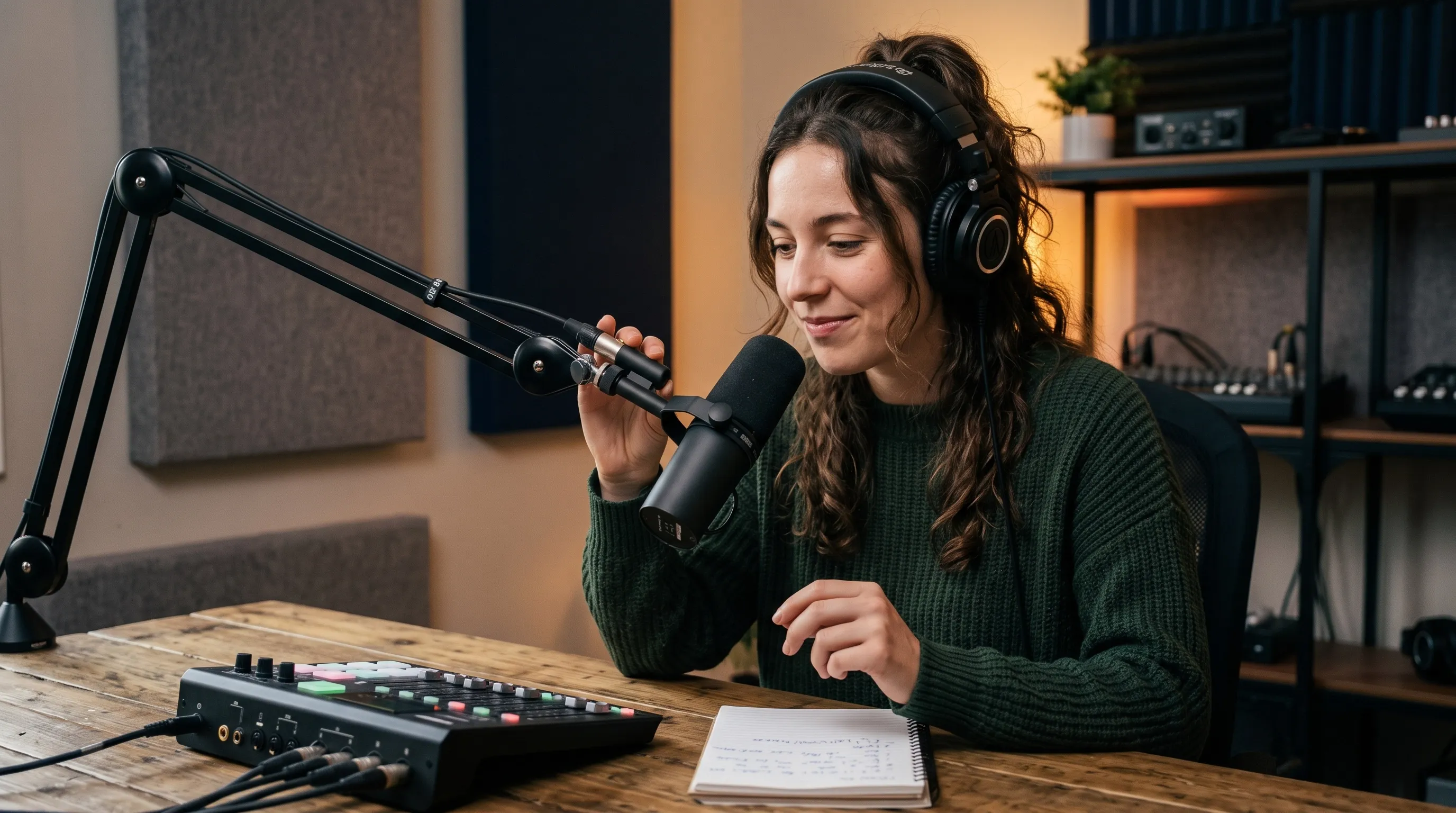
Use our AI video relight to balance the lighting in your reviews, daily vlogs, and behind-the-scenes clips. Keep viewers focused on your subject and increase engagement.
AI Video
Transform text and images into cinematic videos with lifelike avatars and studio-quality SFX.

AI Image
Turn ideas and images into stunning visuals, or perfect any photo with a complete suite of AI tools.

Agent
Create production-ready videos with SFX, consistent characters, and polished scenes. No Editing.

Marketing Studio
Built for marketers and sellers to create winning ads, UGC videos and product visuals faster.

Kling 4.0
Up to 10 keyframes. Impressive performance.
Turn your flat footage into cinematic scenes! Upload a clip, choose your wanted lighting settings, and let our AI video relight tool create professionally lit visuals. Perfect for product showcases, interviews, music performances and more. Make your shoot go further with visuals that hold attention and strengthen your message.
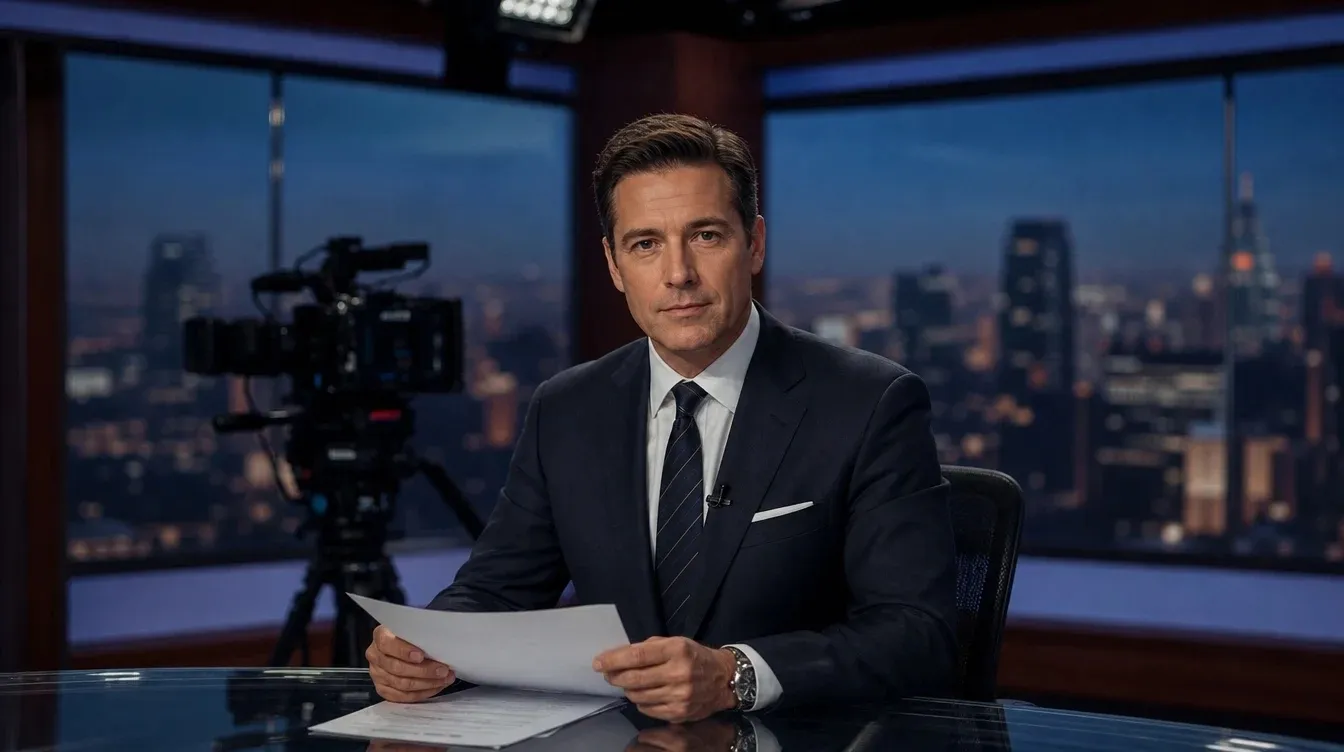
Give flat product demos and interviews a stronger visual finish without another shoot.
Match your best take to a different emotion or story without recreating the performance.
Test distinct looks for product launches, seasonal ads, and story scenes from one clip.
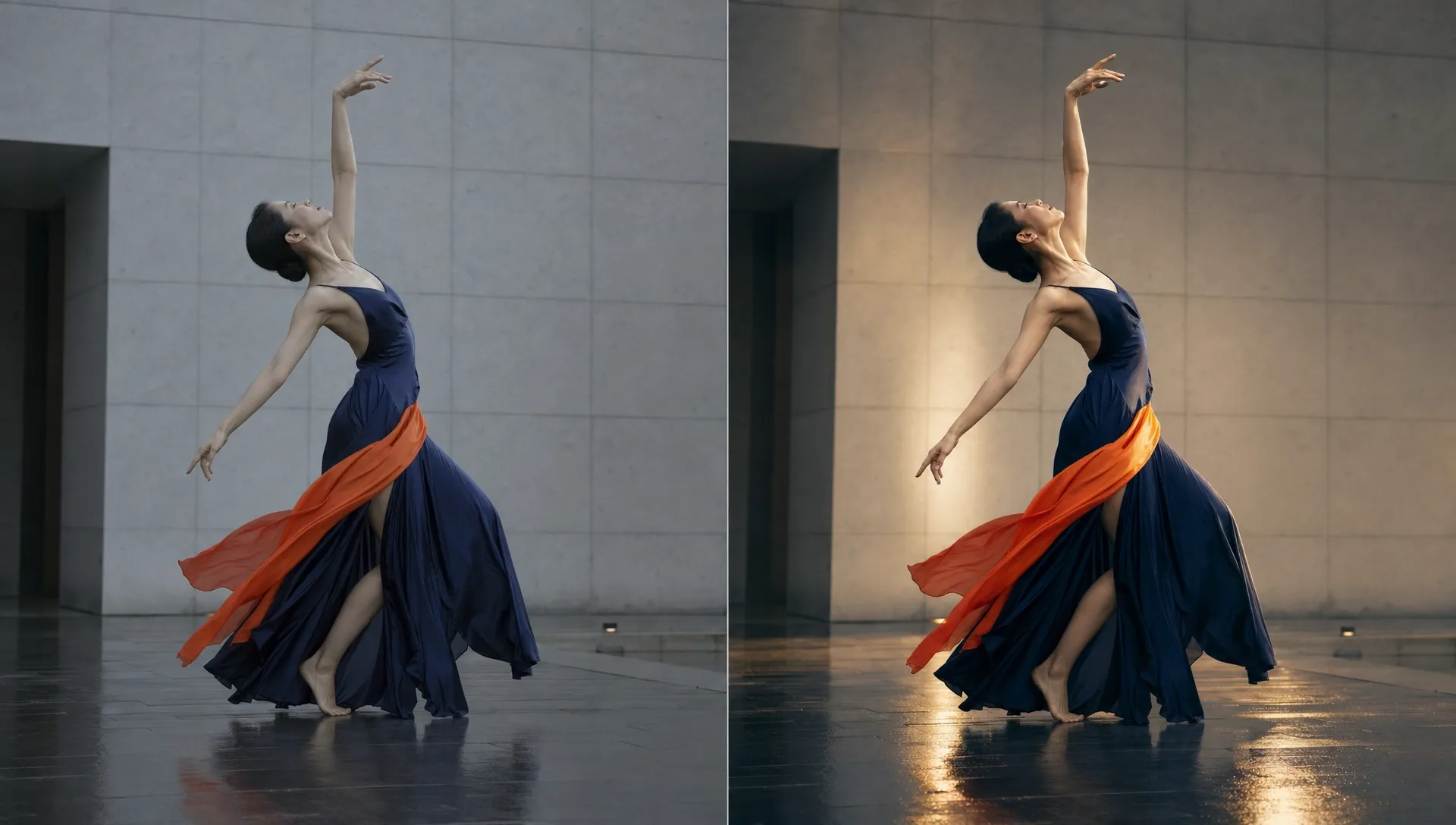
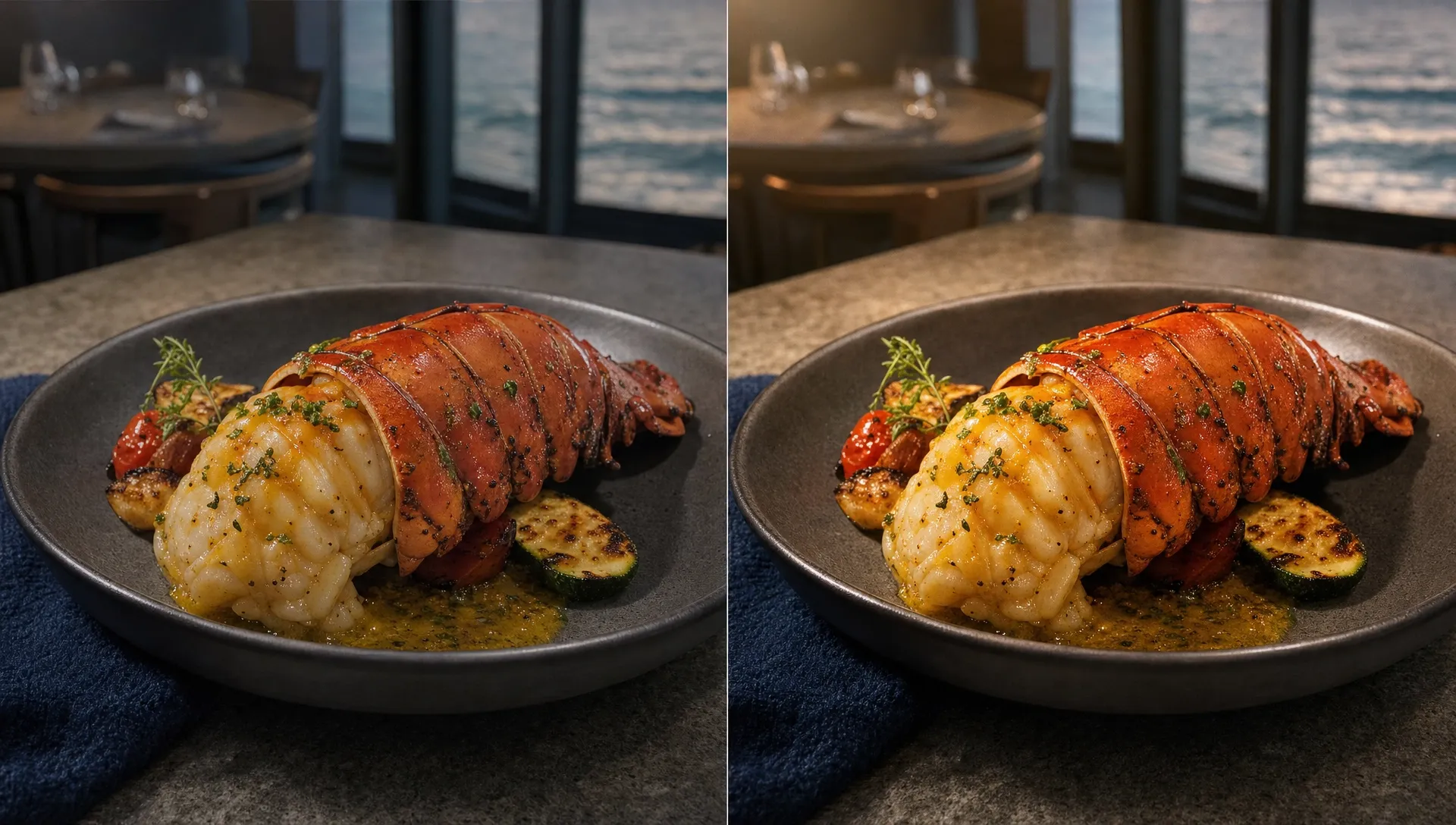
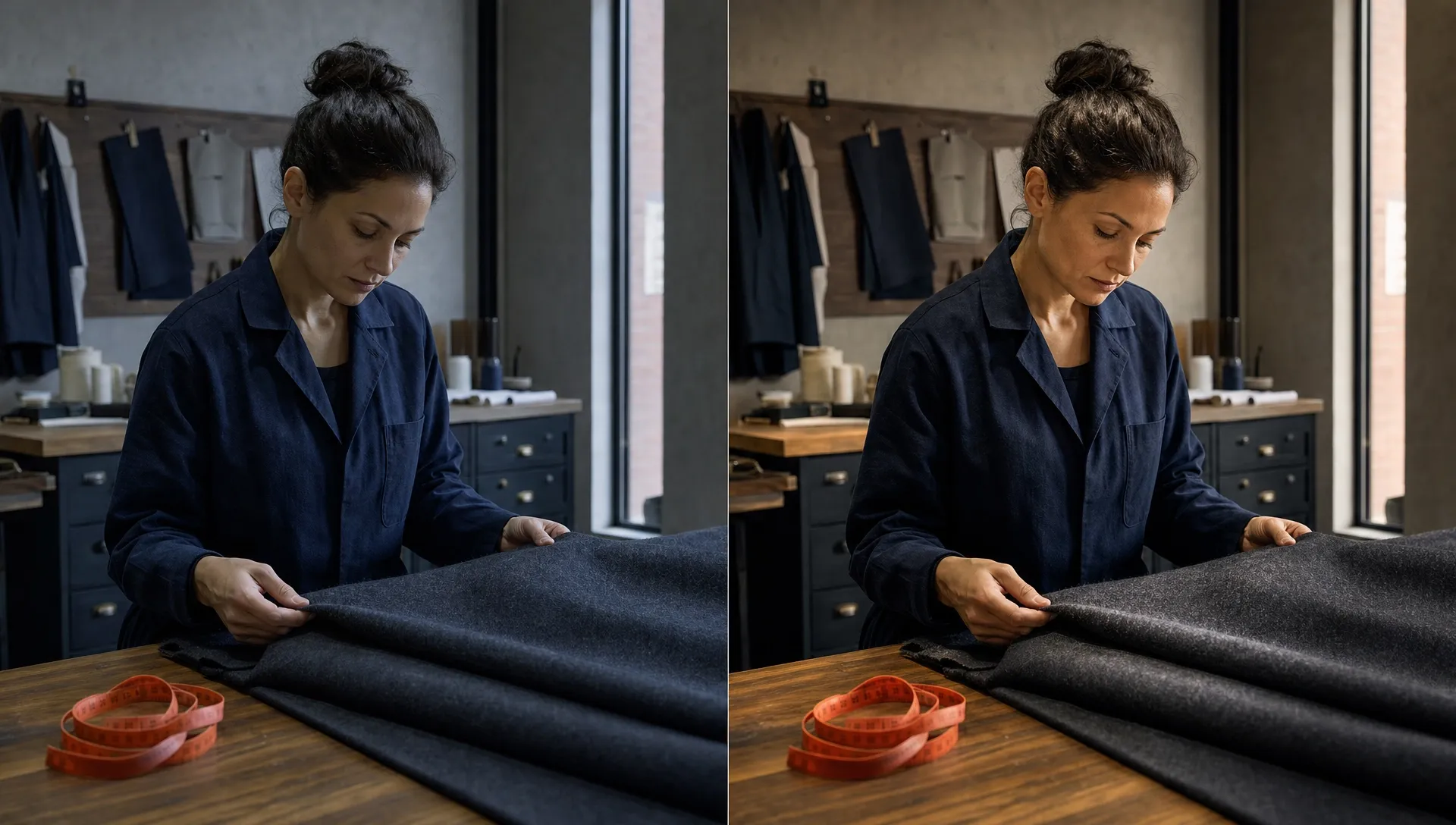
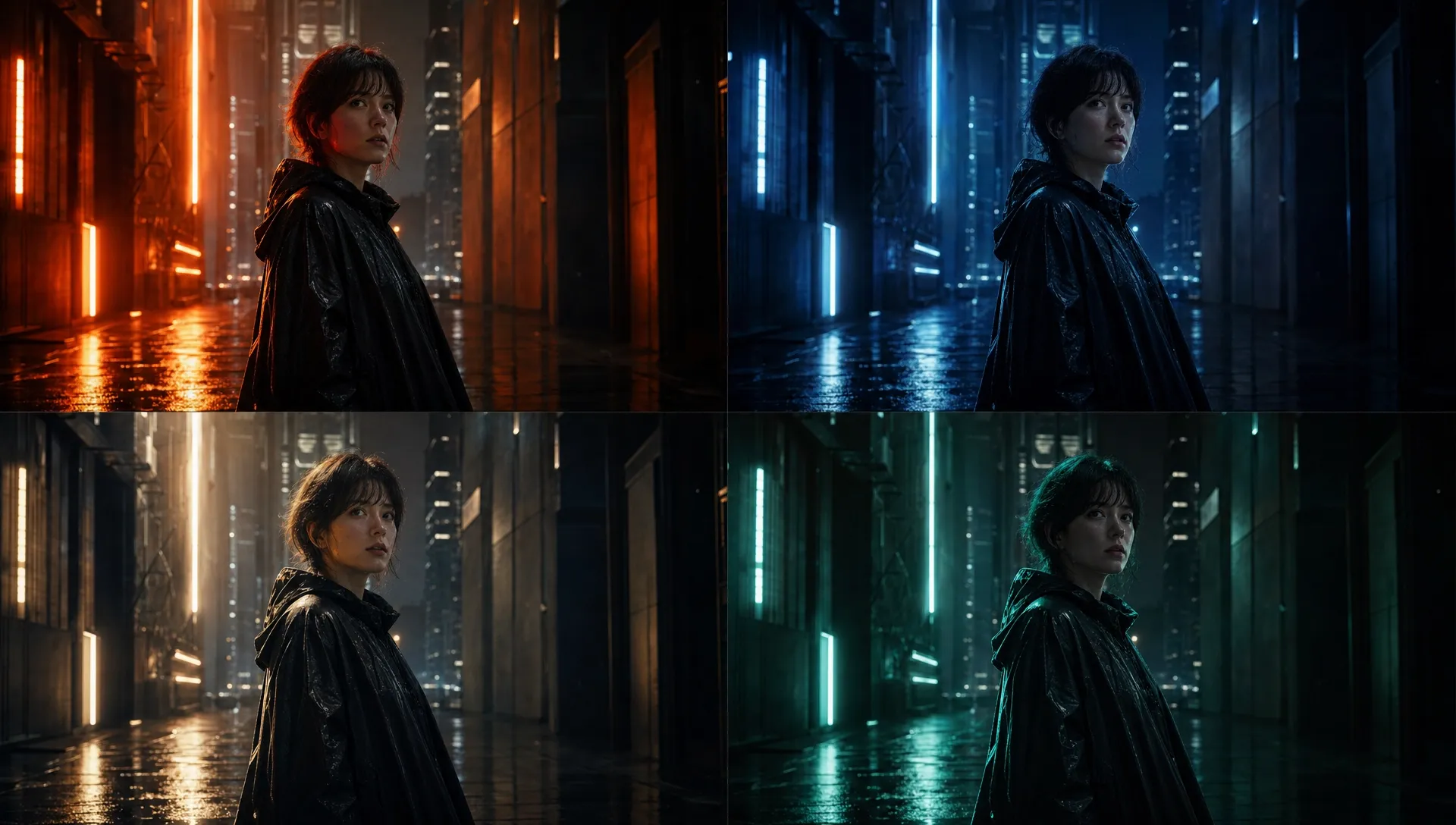
Use our AI video relight to balance the lighting in your reviews, daily vlogs, and behind-the-scenes clips. Keep viewers focused on your subject and increase engagement.

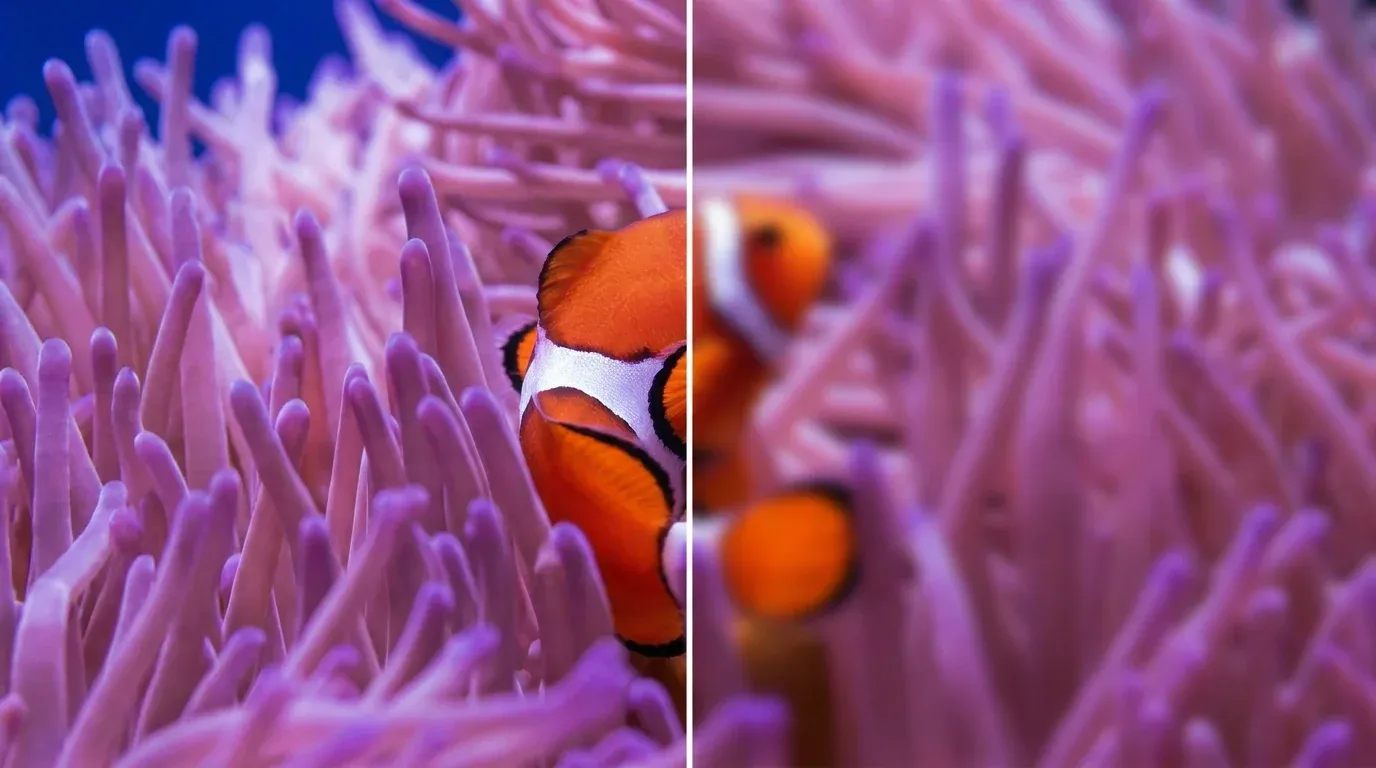
Reveal fine details in jewelry product videos, cosmetics demos, and gadget close-ups instantly. Give shoppers a clearer sense of quality and reasons to buy your goods.
Relight your videos and give guest rooms, lounges, and dining areas a warmer look in your hotel videos. Let travelers picture their stay and feel ready to book.

Brighten shadowy interiors in real estate videos with our AI video relight tool. Make room features easier to see and encourage prospective buyers to schedule a viewing.
Upload your footage to our AI video relight tool.
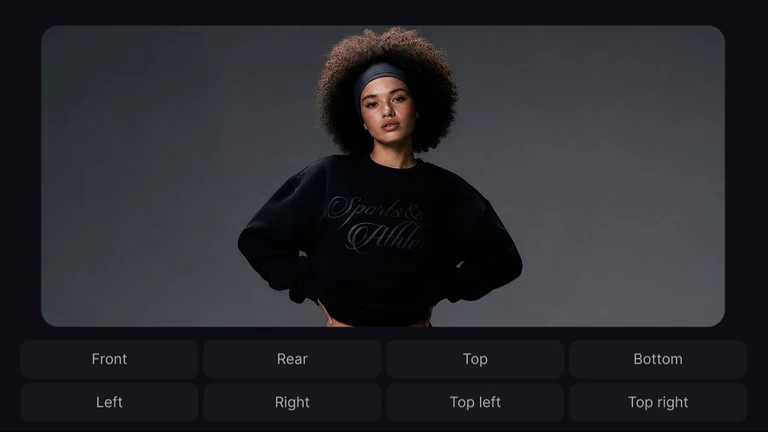
Choose where to adjust the light and configure your settings.
Click 'Generate' to get your relit video, ready to download.
Explore the full range of AI video tools on Pollo AI, built to streamline your entire creative workflow.
Maintain familiar identities across scenes and strengthen audience connection throughout your story.
Move from prompt to polished video quickly and respond faster to creative opportunities.
Transform photos into engaging videos that strengthen storytelling and viewer engagement.
Use simple prompts to remove subtitles, upscale videos and more without editing expertise.
Explore viral videos, product videos, and music videos to reach more people and inspire action.
Pollo Agent turns your direction into publish-ready images, videos, and scripts with purpose-built skills.









Using Pollo AI to Create and Inspire
AI video relighting changes how lighting appears in existing footage. It can brighten presenters in UGC video ads, soften shadows, enhance contrast, or change the atmosphere while preserving the original scene. With Pollo AI, you can generate a complete relit video without editing individual frames.
Pollo AI is the best AI video relight tool because it helps you improve existing footage without expensive reshoots or frame-by-frame editing. Adjust your lighting settings to highlight important details, create a stronger atmosphere, and produce videos that hold your audience's attention.
No. You can simply upload your footage, choose your lighting settings, and then relight videos. You won't need timelines, keyframes, or complicated color correction tools.
An existing video is all you need to get started with our AI vide relight tool, whether it's a recorded lesson or a virtual try-on video. Upload your footage, choose where to adjust the lighting, and configure the available settings. Pollo AI then generates a new version based on your original clip.
Yes. Once AI video relighting is complete, upload your video to Pollo AI's video editor. You can remove unwanted objects, change backgrounds, or add visual effects to refine your video without reshooting.
Pollo AI offers ways to try AI video relight tool for free, depending on available credits and tools. You can check the generation options before starting. Free usage limits and access to specific capabilities may vary by plan.
Pollo AI makes AI video relighting easier with targeted lighting adjustments, customizable settings, and automatic video processing. You can brighten subjects, refine shadows, and enhance scene atmosphere without complex editing or reshooting. This helps you create more professional-looking videos, improve visual appeal, and reduce production time and costs.

Highlight what matters, set the mood, and turns your existing footage into a with-sharing video.