Chat Bg Image
Add Text to Video
Add text to video in seconds and make every message clear, branded, and ready to publish!

Add Text to Video

Change
Add Text to Video

Make Every Message Land with Auto Headlines

Need your key message understood in seconds? Pollo AI helps creators, brands, and educators add text to video from a prompt, turning uploads into polished, readable overlays and an auto headline that surfaces the core idea for product demos, tutorials, and promos. Viewers grasp the point faster, stay engaged longer, and act with confidence.

  • Clarify the Message Before Viewers Scroll

    Add words to video when viewers need them most, making offers, lessons, and next steps easier to understand and more likely to earn action.

  • Strengthen Brand Recognition in Every Frame

    Put text on video with intentional type, color, contrast, and motion, so every message feels polished, recognizable, and trustworthy.

  • Expand Reach Across Languages and Channels

    Add text to video across languages, screen sizes, and channels, keeping important information visible on TikTok, Instagram, YouTube, and landing pages.

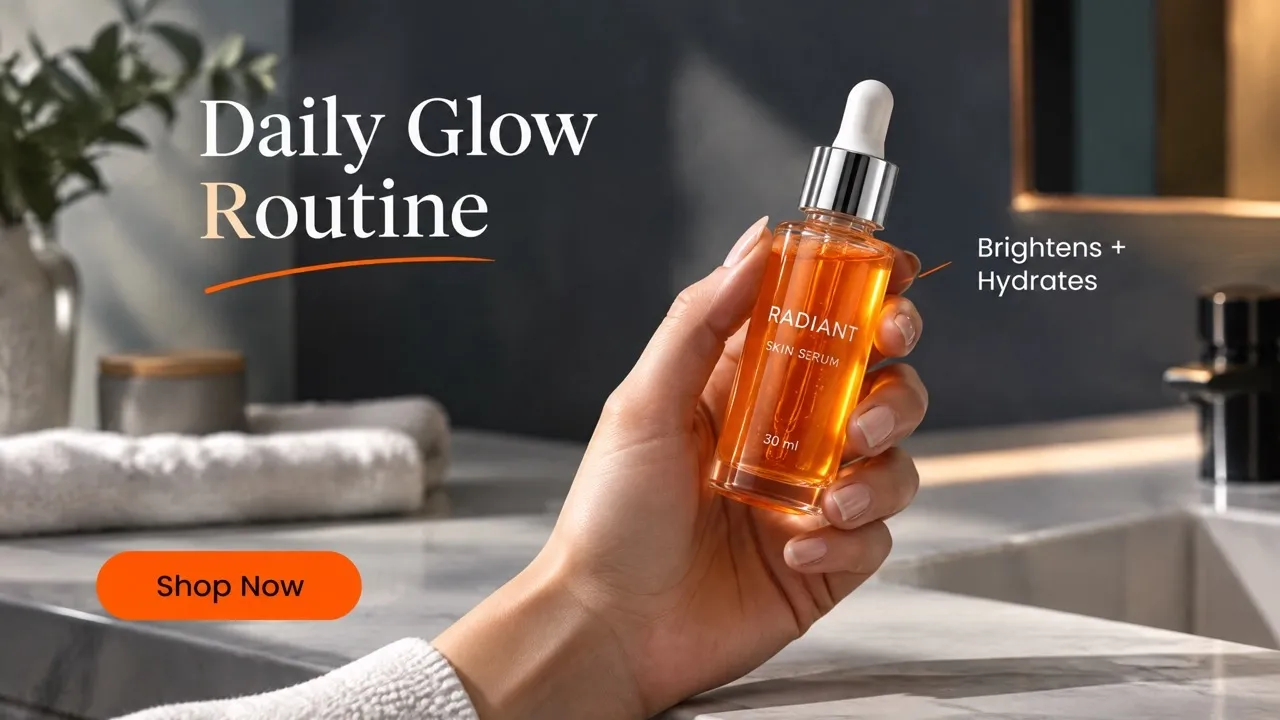
Add Text and Auto Headline Without Manual Editing

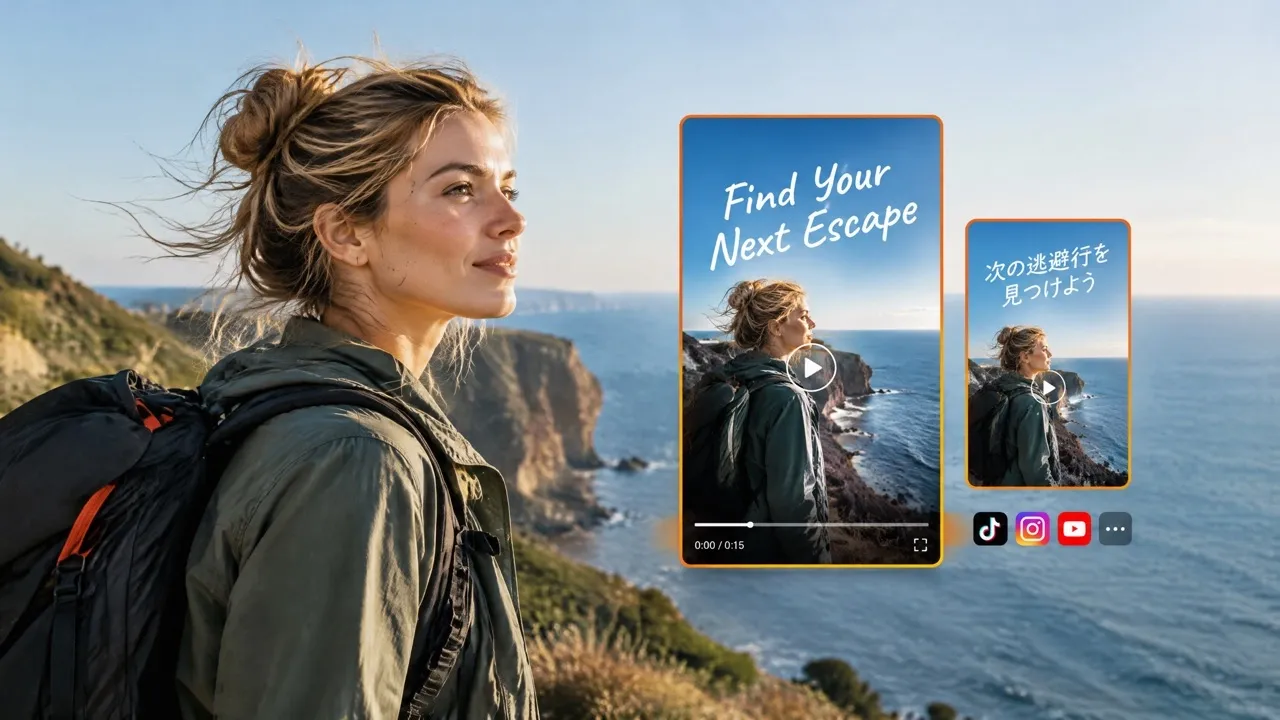
Upload your clip or generate an AI video, then describe the wording, position, timing, and visual treatment. Our add text to video AI can shape the key message into a clear headline and text and place each overlay where the scene needs it, so you can work without a complex editing timeline.

Add Text and Auto Headline Without Manual Editing

Give Every Scene the Context Viewers Need

Add a text to a video with headlines, product benefits, prices, or CTAs, placing each detail where viewers naturally look so ads, tutorials, and social updates become easier to understand at a glance.

Give Every Scene the Context Viewers Need

Make Text and Auto Headlines Match the Mood and Brand

Customize type, color, size, position, animation, and background to add text on video that matches the scene and brand, giving launch videos a sharper feel, story videos a warmer tone, and special offers stronger visual impact.

Make Text and Auto Headlines Match the Mood and Brand

Keep Every Audience Oriented Across Channels

Create multilingual overlays and add text to a video in layouts for TikTok, Instagram, YouTube, and more, keeping every message clear across languages and screen sizes.

Keep Every Audience Oriented Across Channels

Add Text to Video for More Engaging Content

Help viewers understand the point.
Social Posts

Help viewers understand the point.

An Instagram video or TikTok video becomes easier to follow with clear hooks, benefits, and CTAs that keep the message visible before viewers scroll away.

Make the value visible.
Product Ads

Make the value visible.

Short product ads become easier to compare when features, prices, proof points, and offers appear alongside the action, helping shoppers understand value faster and click with more confidence.

Turn complex explanations into steps.
Tutorial Videos

Turn complex explanations into steps.

Tutorial videos benefit from adding text to videos when step labels, tool names, speaker cues, and key definitions need to stay visible and memorable.

Give every shared moment the context.
Personal Updates

Give every shared moment the context.

Text overlays in personal updates can identify people, places, dates, and memorable lines, helping friends, communities, and attendees connect with the moment faster.

How to Add Text to Video with Pollo AI

Step 1

Upload your video and describe the message, placement, timing, and visual direction.

Step 2

Specify the language and your preferred video aspect ratio.

Step 3

Generate the video, then review the finished text overlays.

TRUSTED BY LEADING BRANDS WORLDWIDE

Sony
Mercedes-Benz
Coca-Cola
Microsoft
Nike
P&G
Lancôme
Zoom
Pollo AI creators using text to video tools

10M+Users

Using Pollo AI to Create and Inspire

Loved by 10M+ Creators and Marketers Globally

Thousands of satisfied users have shared their Pollo AI experiences on Trustpilot, rating us as "Excellent." See what they love about our platform.
  • Liz Cassidy
    Dec 15, 2025
    Easy to use, great results for short videos
    I’ve been using Pollo AI mainly for short videos and quick image-to-video tests. The interface is straightforward and it works well even with simple prompts, which is a big plus compared to tools that need long, complicated instructions. The results can be really impressive, and it’s honestly been fun to experiment with. I’d love a bit more consistency on faces when there’s movement, but overall it’s been a solid experience for what I needed.
  • Richard Quick
    Oct 15, 2025
    Awesome website
    Awesome website. loads of options and a great way to learn how to work with 'AI' my reasoning for 5 stars is based upon price, versatility and ease of use. Also I would like to add, Pollo AI runs a lot of promos on different AI products as well. I rate their customer service at 5 stars, when I purchased my first subscription my computer crashed the following weekend and I lost all my data and info passwords you name it I lost it, contacted pollo by email they responded quickly and found my info/username and account, and I was able to restore my account.
  • armourdude
    Nov 19, 2025
    I have been using Pollo AI for short…
    I have been using Pollo AI for short videos. It is easy to use and works well with simple prompts. Other generators seem to need long drawn out complicated explanations to get even close to what I want.
  • Dudu
    Jan 14, 2026
    I'm just amazed by the level of quality…
    I'm just amazed by the level of quality output that Pollo AI can produce from a simple image. The motion, the realism, It's too good!!
  • Ray Warnes
    Dec 30, 2025
    A fabulous journey
    I find Pollo easy to use, it gives me great results and I'd recommend it to anyone. It has been a wonderful experience for me.
  • lawless clan
    Nov 22, 2025
    i tried 220 online img to vid in 2…
    i tried 220 online img to vid in 2 months, and this is the best online video.I will subscribe for a year; there are many reasons. But freedom is the most important.
  • Istvan Lajos
    Dec 10, 2025
    Thanks
    Thanks, This is the Best A.I. site in the net! I can try it with free coin, and if I like it I subscribe.And alwas have free limited oportunities.You are the Best.
  • Santiago Saenz
    Nov 20, 2025
    Amazing
    I use it for multiple angles and they always have revolving deals that help so much its a great tool
  • Gen Zee
    Dec 14, 2025
    Great and accurat to propmt
    Great and accurat to propmt, wonderfull experience till now as compared to other ai sites.thank ypu.
  • 萱兒
    Dec 23, 2025
    It replaced Pixverse V4.5 Fusion
    Since Pixverse axed the best ever Fusion V4.5, i was upset. And now I found Pollo AI perform better. TQ
  • Norma Ponce
    Mar 21, 2026
    AI Chicken is excellent
    AI Chicken is excellent, easy to use, and delivers unbeatable results.
  • Sarah Stokes
    Mar 20, 2026
    Fabulous so glad I used it amazing
    Fabulous so glad I used it amazing
  • Sudipta Saha
    Mar 20, 2026
    Perfect image editor
    Perfect image editor
  • Luiz Guyz
    Mar 19, 2026
    Excelent app the videos os Very good
    Excelent app the videos os Very good
  • Swishadoptme Swishadoptme
    Mar 18, 2026
    Very cool experience
    Very cool experience

Add Text to Video AI FAQs

What is an AI add text to video tool?

An AI add text to video tool turns a prompt and uploaded clip into a finished video with timed, styled text overlays, so viewers understand the message without manual editing.

How to add text to a video with Pollo AI?

To add a text to a video, upload your footage, describe the wording and placement, then let Pollo AI edits the video with your preferred style.

Can I put text on video for social media and ads?

Yes. Put text on video for TikTok, Instagram, YouTube, paid ads, and landing pages, with safe margins and readable contrast that keep the CTA visible on mobile.

Who is this add text on video tool for?

Pollo AI’s add text on video tool is for creators, marketers, educators, sellers, and small businesses that want to add clear, branded text to social posts, product ads, tutorials, announcements, and other videos without complex editing.

Can I add text on video without editing experience?

Yes. Describe the message, timing, and look when you add text on video. Pollo AI handles layout, pacing, and placement, so you can publish without a timeline.

Can I use this add text to video tool for free on Pollo AI?

Yes, you can start adding text to video on Pollo AI for free. Higher volume use, more credits, advanced features, or fuller access may require upgrading to a higher plan.

Turn Attention Into Action With Clear, Branded Text

Add the right words at the right moment to explain your value, hold attention, and drive the next step.