



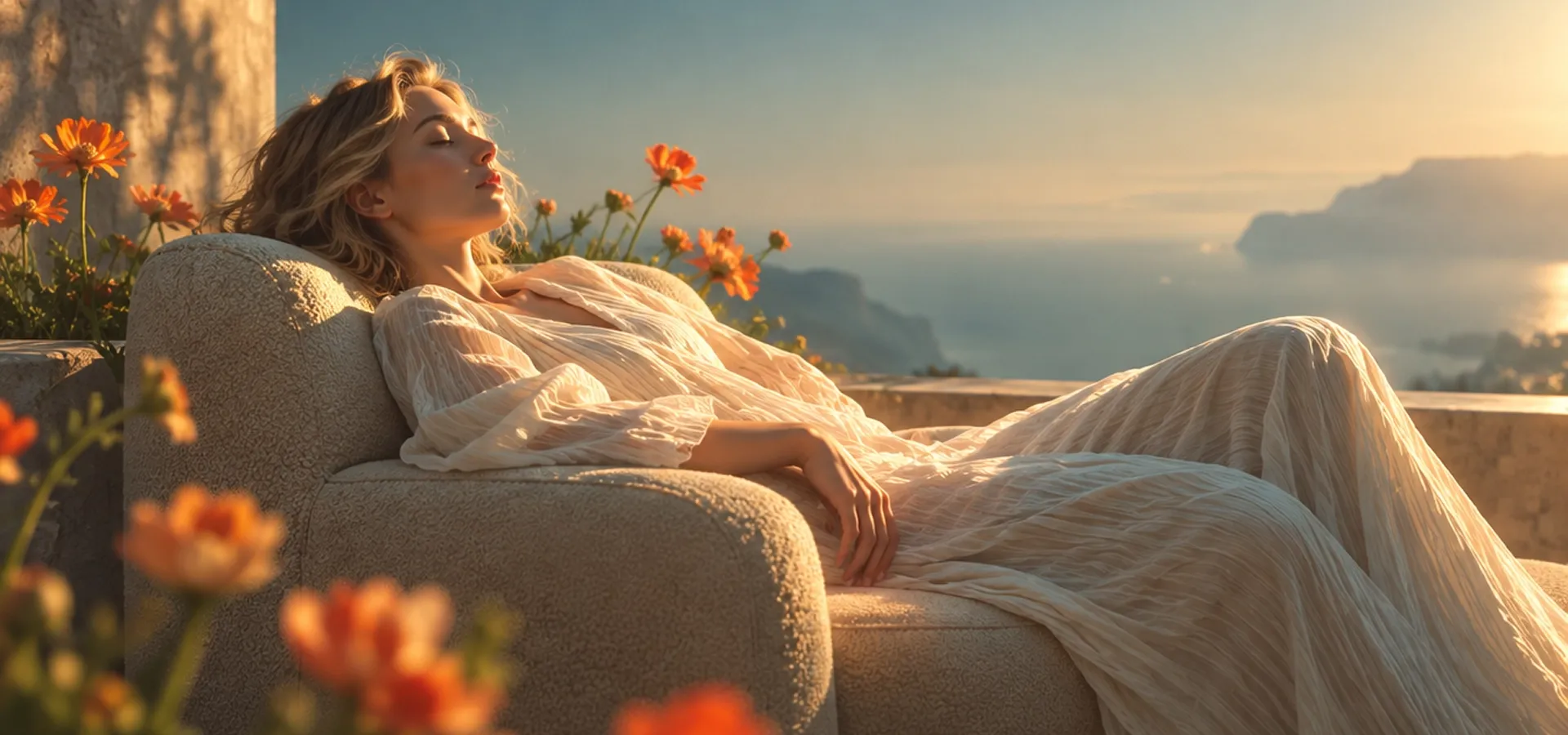
GPT Image 2.6 AI Image Generator
Bring your ideas to life with faster image generation and more consistent editing, using Flare for speed and Sunburst for finer detail. Try GPT Image 2.6 on Pollo AI!
Kling 4.0
Up to 10 keyframes. Impressive performance.
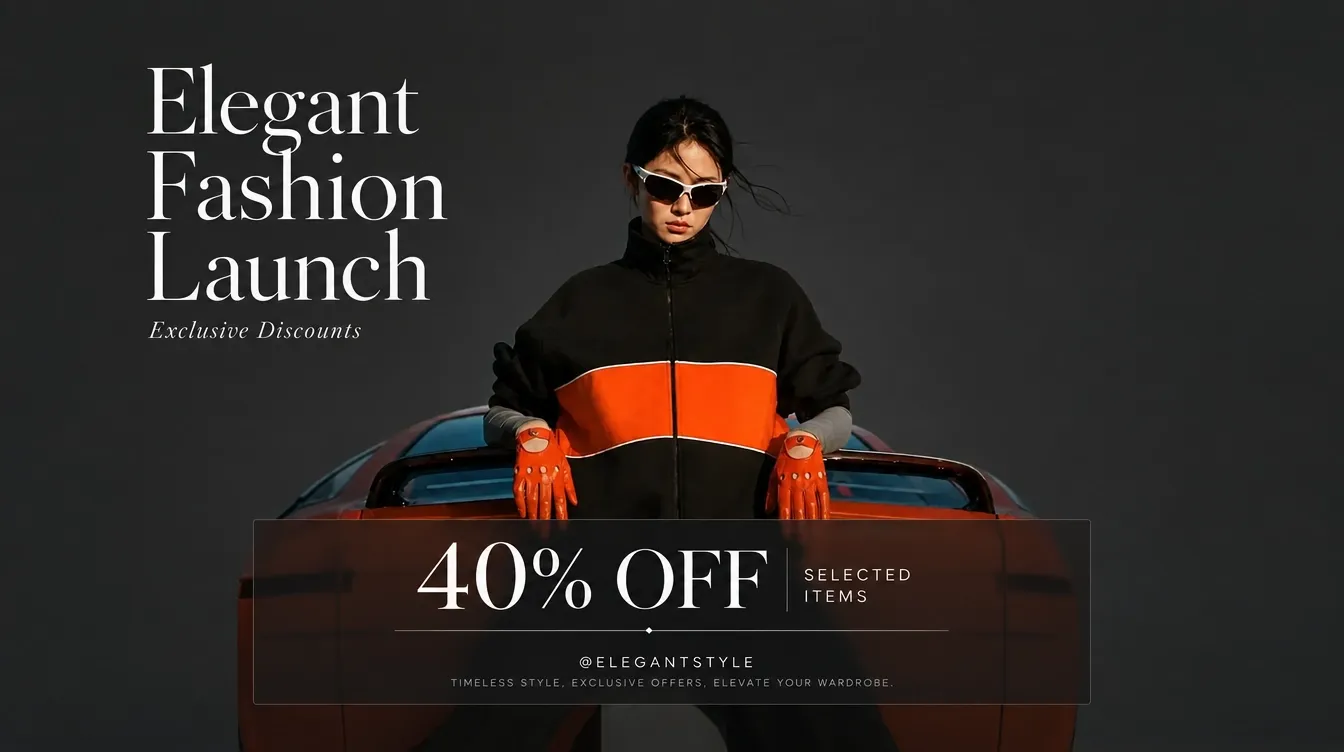
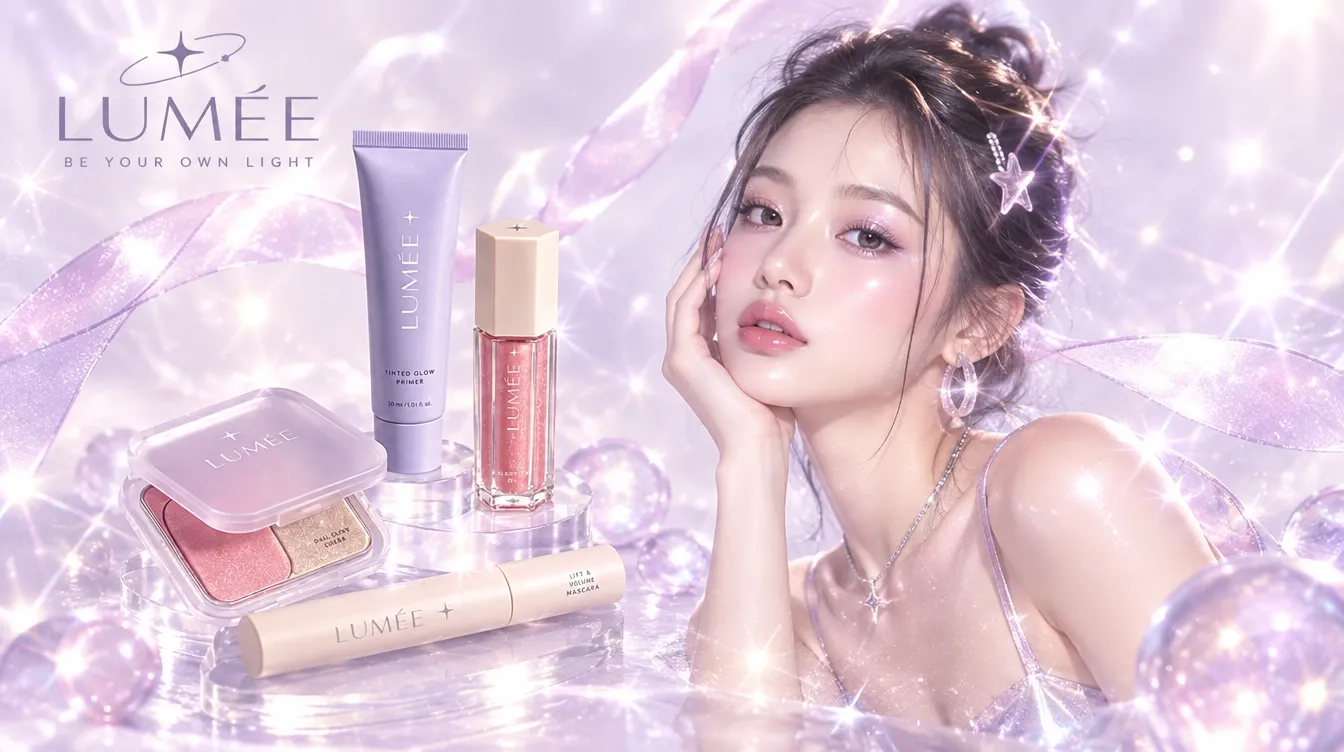
See What You Can Create with GPT Image 2.6
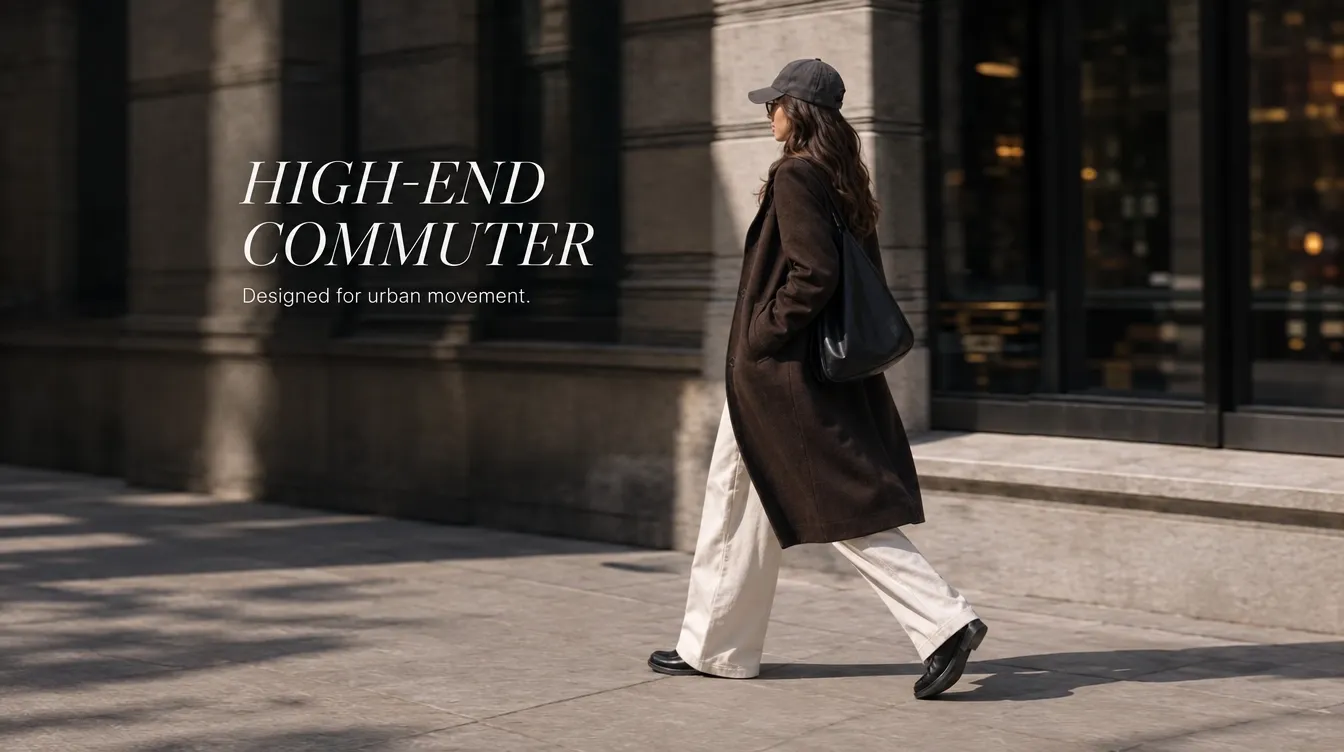
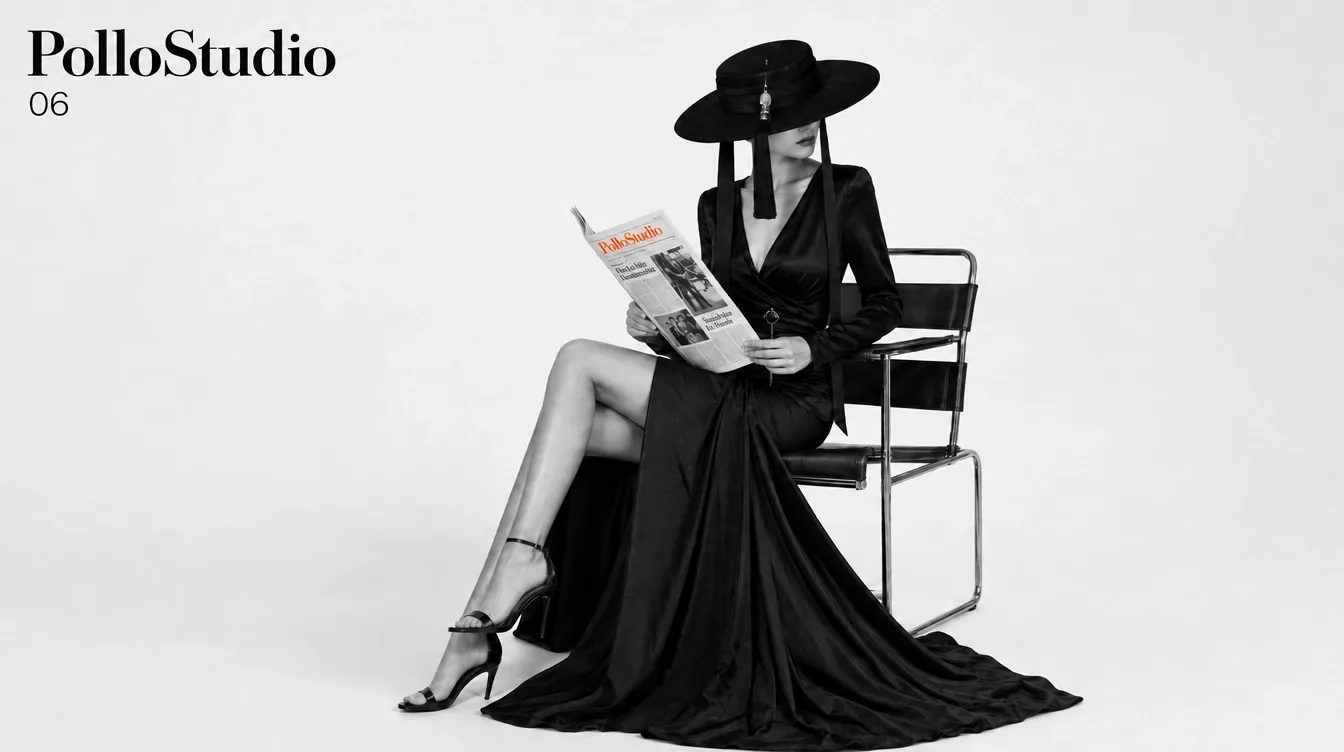
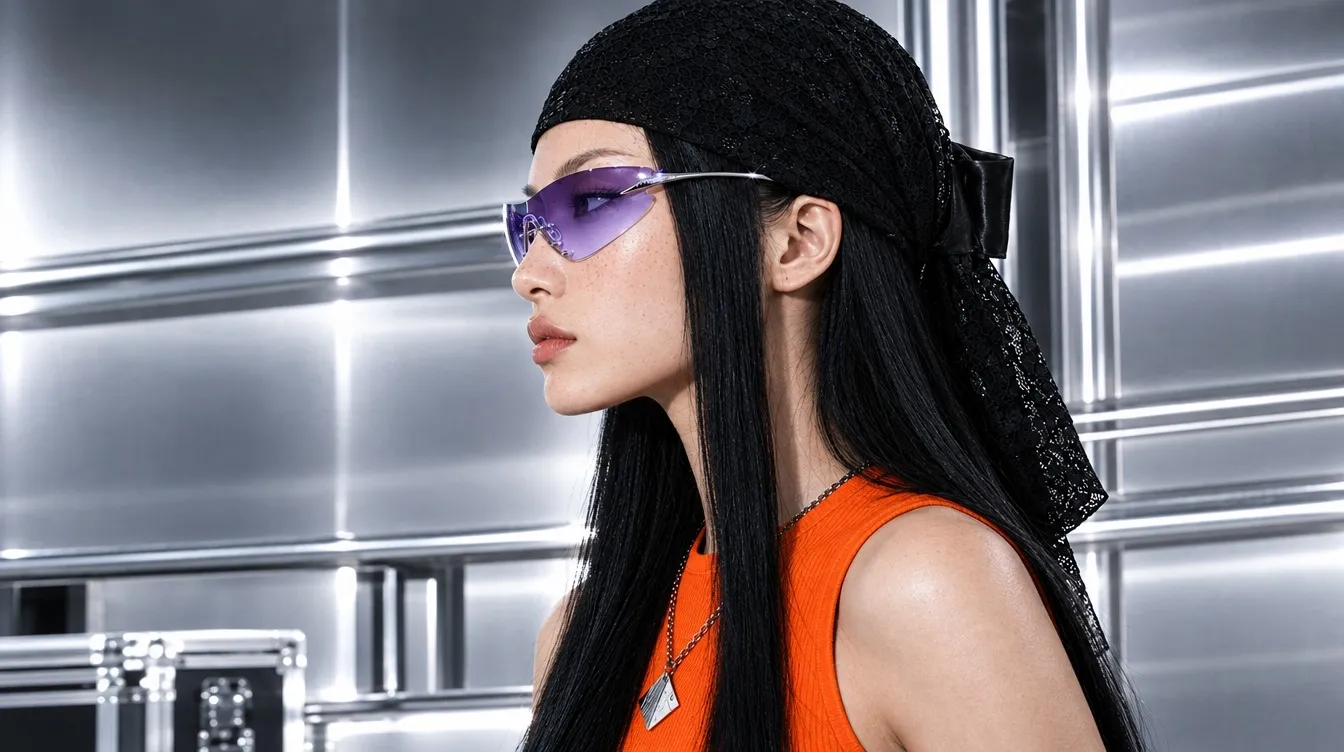

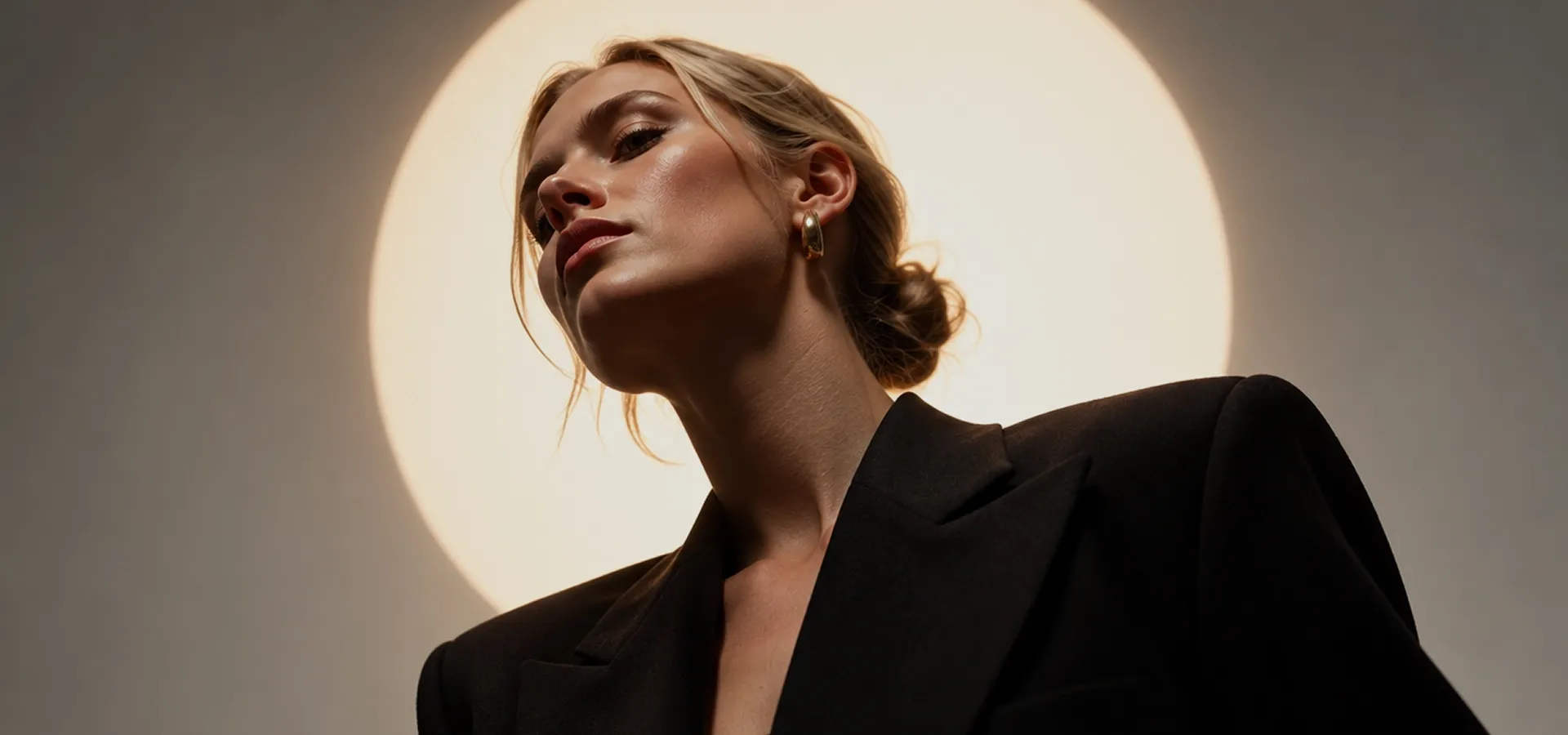
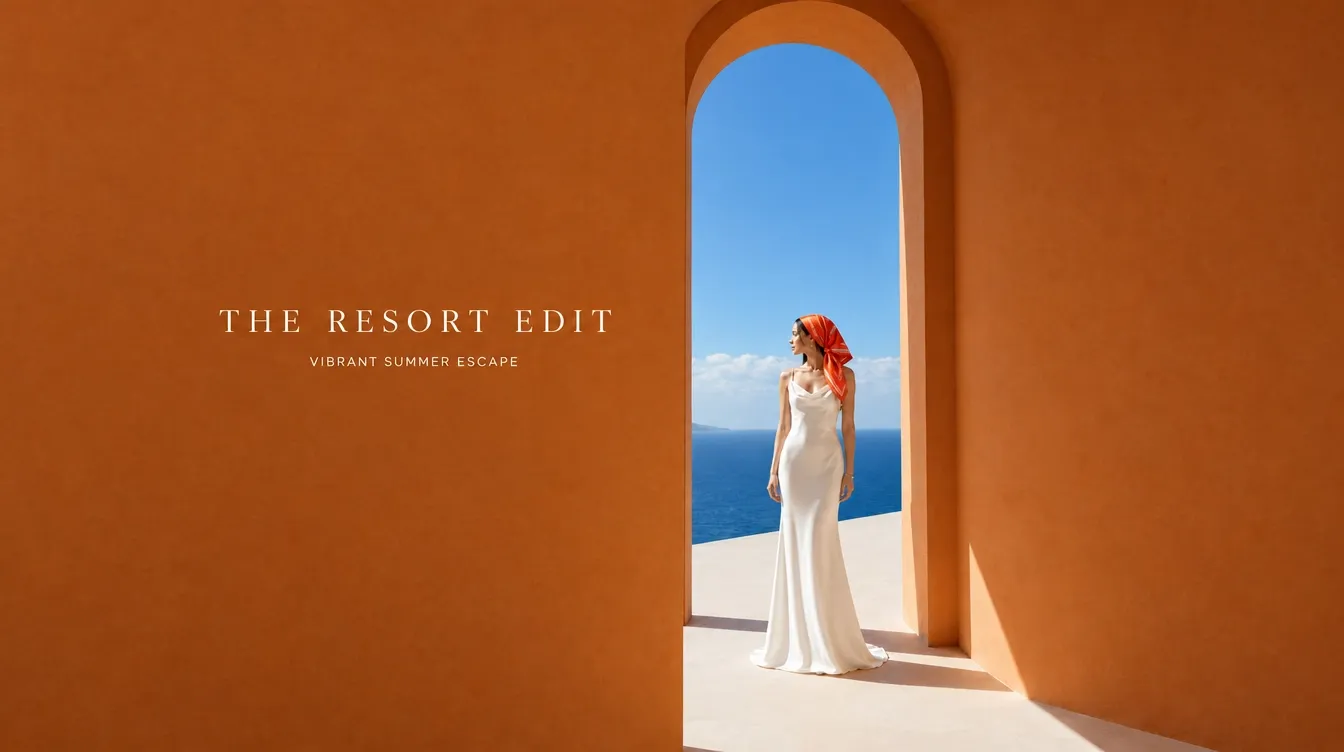
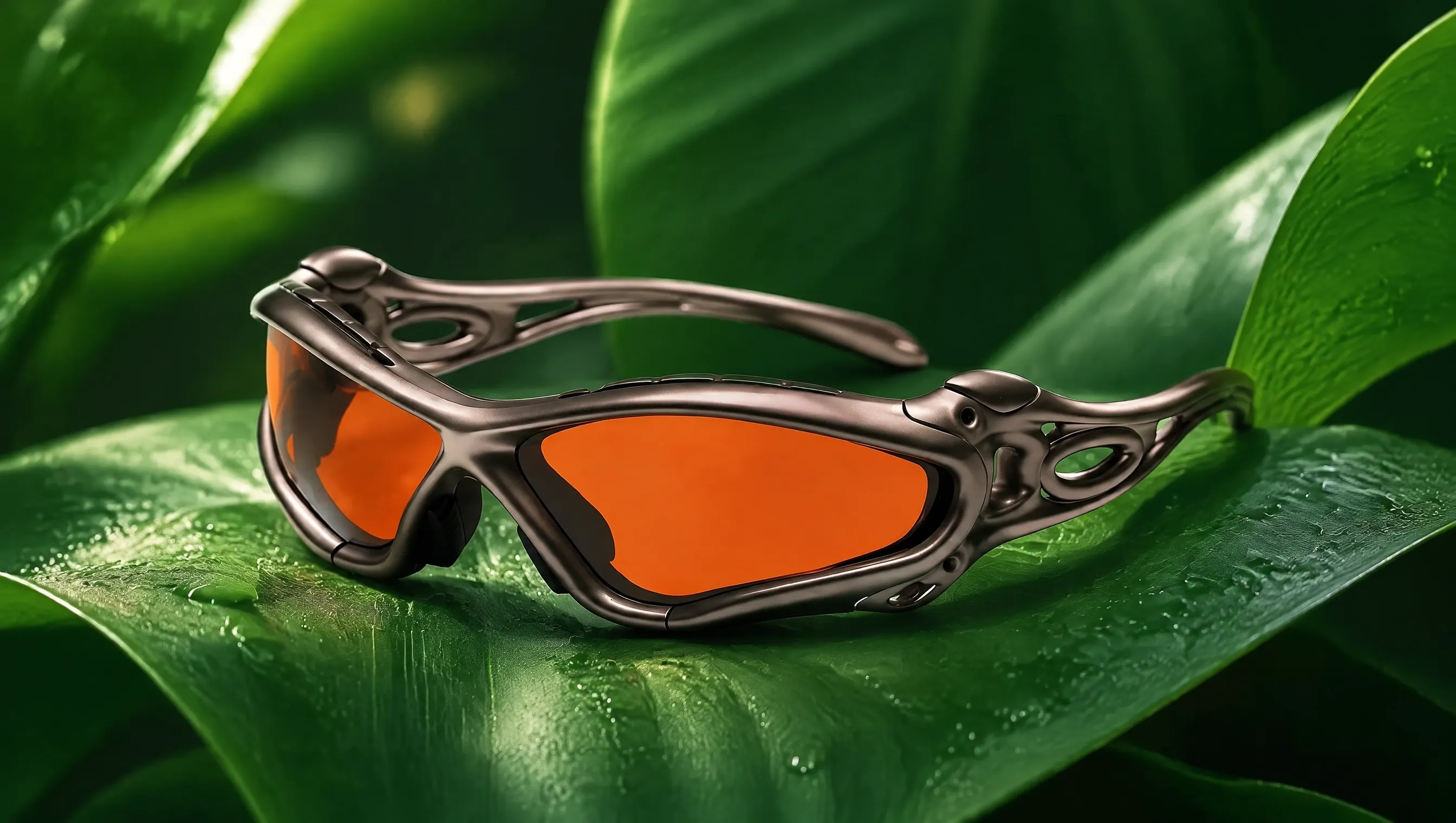
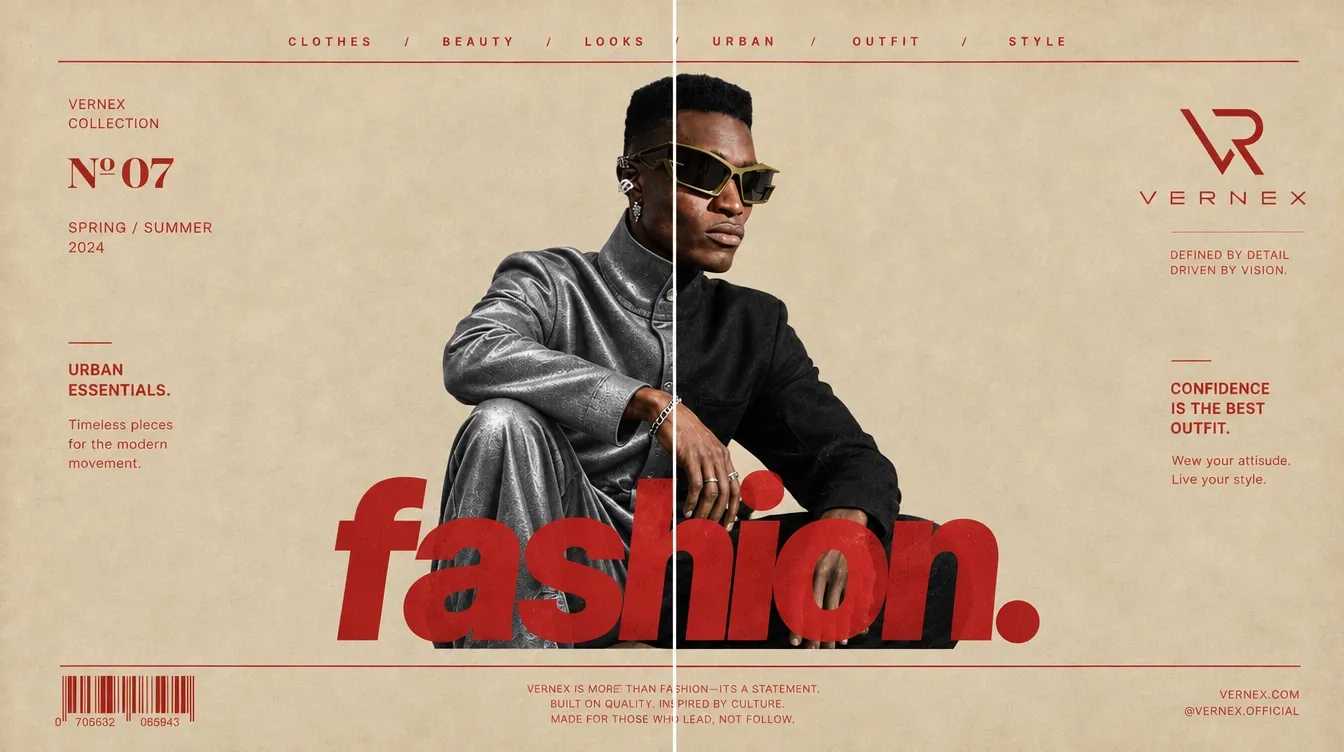
How to Use GPT Image 2.6 on Pollo AI

Select GPT Image 2.6
Open Pollo AI's image generator and select GPT Image 2.6.
Describe Your Image
Enter a prompt or upload an image and describe the edits you want.
Create and Save
Click Create, review your image, and download the result.
Explore OpenAI's Other Image Models
TRUSTED BY LEADING BRANDS WORLDWIDE









10M+Users
Using Pollo AI to Create and Inspire
Discover More AI Image Generators
FAQs About GPT Image 2.6
What is GPT Image 2.6?
GPT Image 2.6 is OpenAI’s image generation and editing model. It offers two modes: Flare for faster creation and Sunburst for more detailed work. You can use GPT Image 2.6 to create images or edit an existing image.
What is the difference between GPT Image 2.6 Flare and Sunburst?
Flare is designed for fast creation and exploring different visual ideas. Sunburst focuses on finer detail and precise image editing, making it well-suited to polished portraits, product visuals, and detailed artwork.
What improvements does GPT Image 2.6 offer over GPT Image 2.5?
GPT Image 2.6 generates images 50% faster than GPT Image 2.5. It also improves visual detail, poster and product layouts, and consistency across edits. A new complexity setting gives you more control over how the model plans scenes with multiple subjects or detailed requirements.
What can I create with GPT Image 2.6?
You can create realistic portraits, product photos, posters, illustrations, concept art, and social media graphics like IG posts and YouTube banners with GPT Image 2.6. Start with a text prompt or edit an existing image to explore new backgrounds, colors, and styles while keeping key details recognizable.
What is the difference between complexity and quality?
Complexity controls how much GPT Image 2.6 plans before creating an image. Higher levels help with detailed layouts, multiple subjects, and specific instructions. Quality controls the visual detail, such as fine textures and small text. You can adjust the two settings independently.
Can I use GPT Image 2.6 for free on Pollo AI?
Yes. Sign up for Pollo AI to get free credits, and earn more through daily check-ins. Use these credits to try GPT Image 2.6, or upgrade to a paid plan to create more images.
Why use GPT Image 2.6 on Pollo AI?
Pollo AI brings image generation and editing tools together in one place. Explore different models for the same idea, then use tools such as image upscaling and background removal to prepare your favorite result for your next post or creative project.

Try GPT Image 2.6 on Pollo AI for Free!
Create striking images faster and refine them to match your vision on Pollo AI.
Chosen by 10M+ Creators and Marketers Worldwide