







AI Photo Editor
Make your photos look the way you want. Remove objects, change backgrounds, adjust lighting, and retouch portraits using GPT Image 2.5, Nano Banana 2.1, and more.
See what you can fix with our free AI photo editor
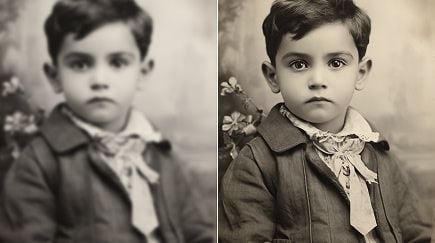
A distracting object or dull lighting? Give your photo the changes it needs with Pollo AI. Describe what to remove, replace, or improve, then create a cleaner image for your store, social feed, or personal collection. Spend less time learning editing tools and more time choosing the result you love.


AI photo editing for the changes that matter
Make photo editing feel effortless
Skip the layers, brushes, and unfamiliar settings. Tell our free AI photo editor what you want changed in everyday language, from a softer background to brighter lighting. Add AI photo editing to your workflow without learning complex software.

Remove distractions and keep the focus
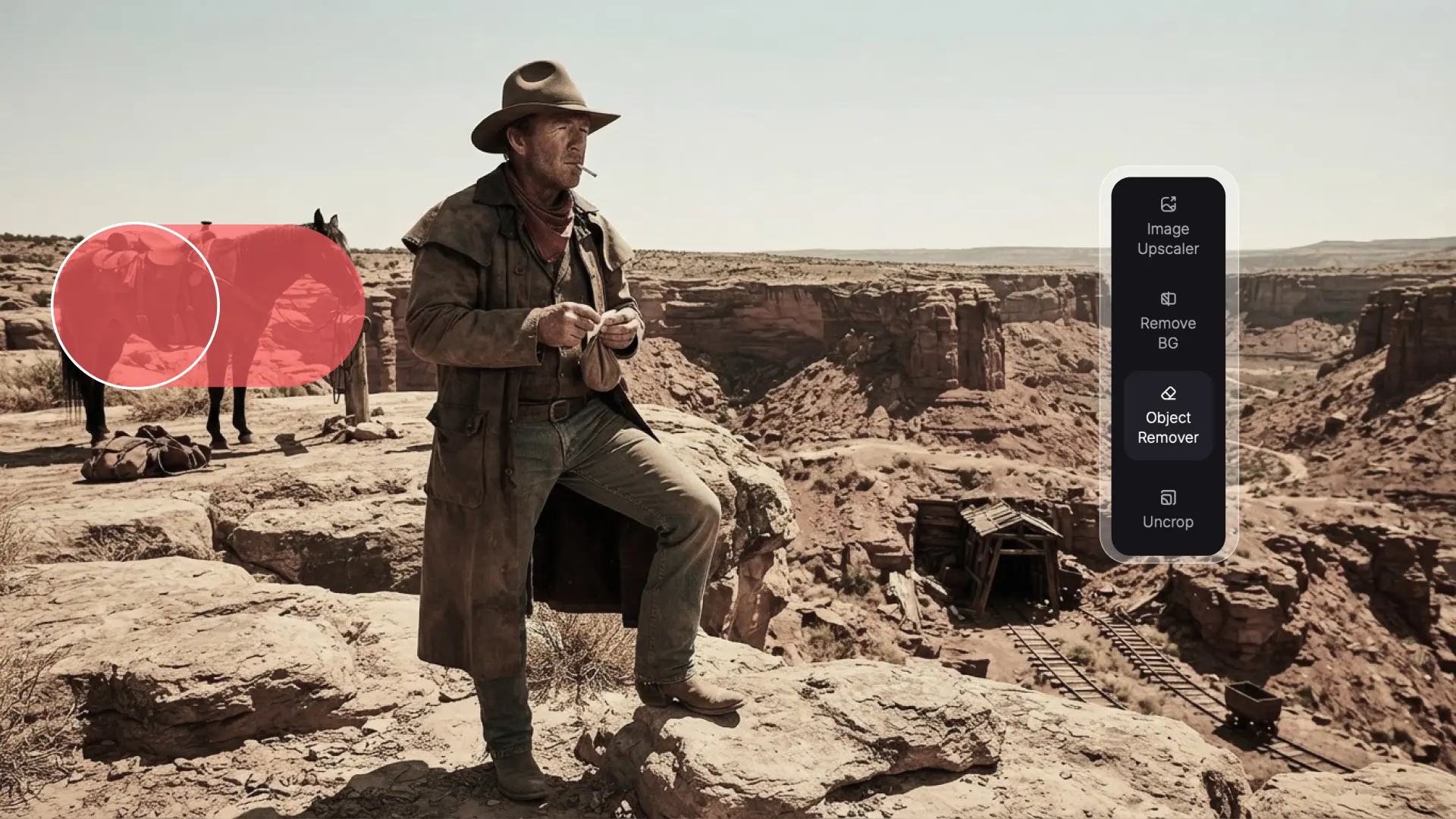
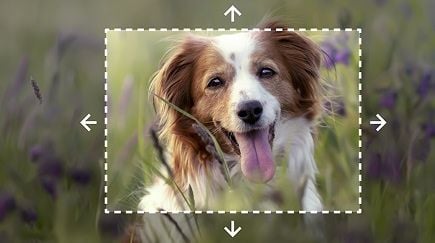
An unwanted object can pull attention away from your subject. Remove objects such as stray props or background clutter, and let our AI image editor rebuild the surrounding area so your product, portrait, or travel scene takes center stage.

Give your photos a background that fits
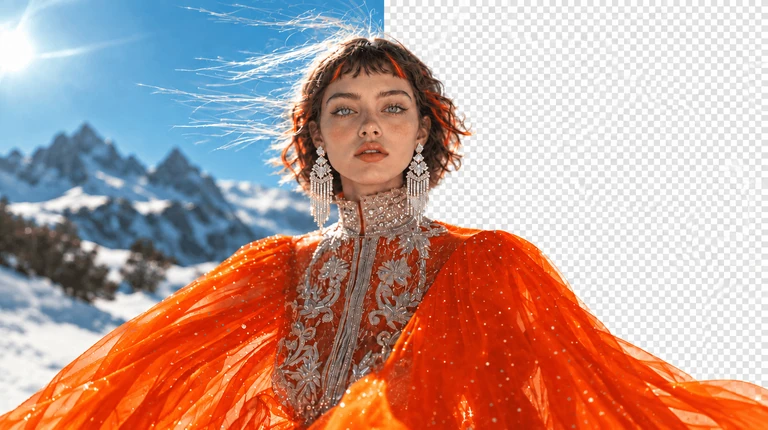
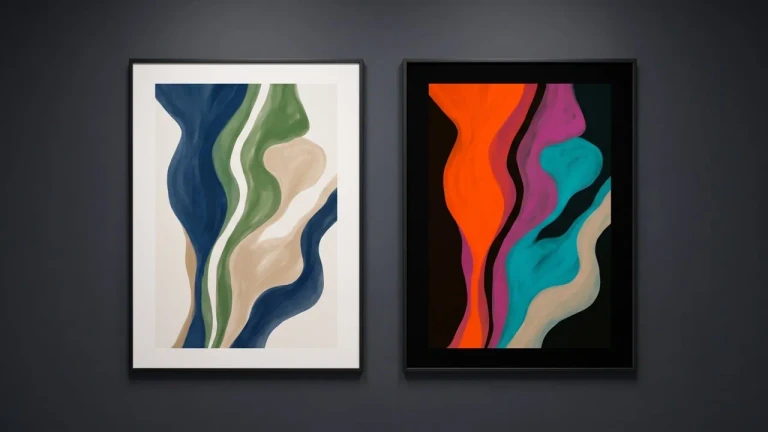
Change the background to a clean white backdrop or a scene that suits your image. Describe the background you need, and our AI image editor gives product shots, profile photos, and promotional images a fresh setting without reshooting.

Bring out better lighting and color
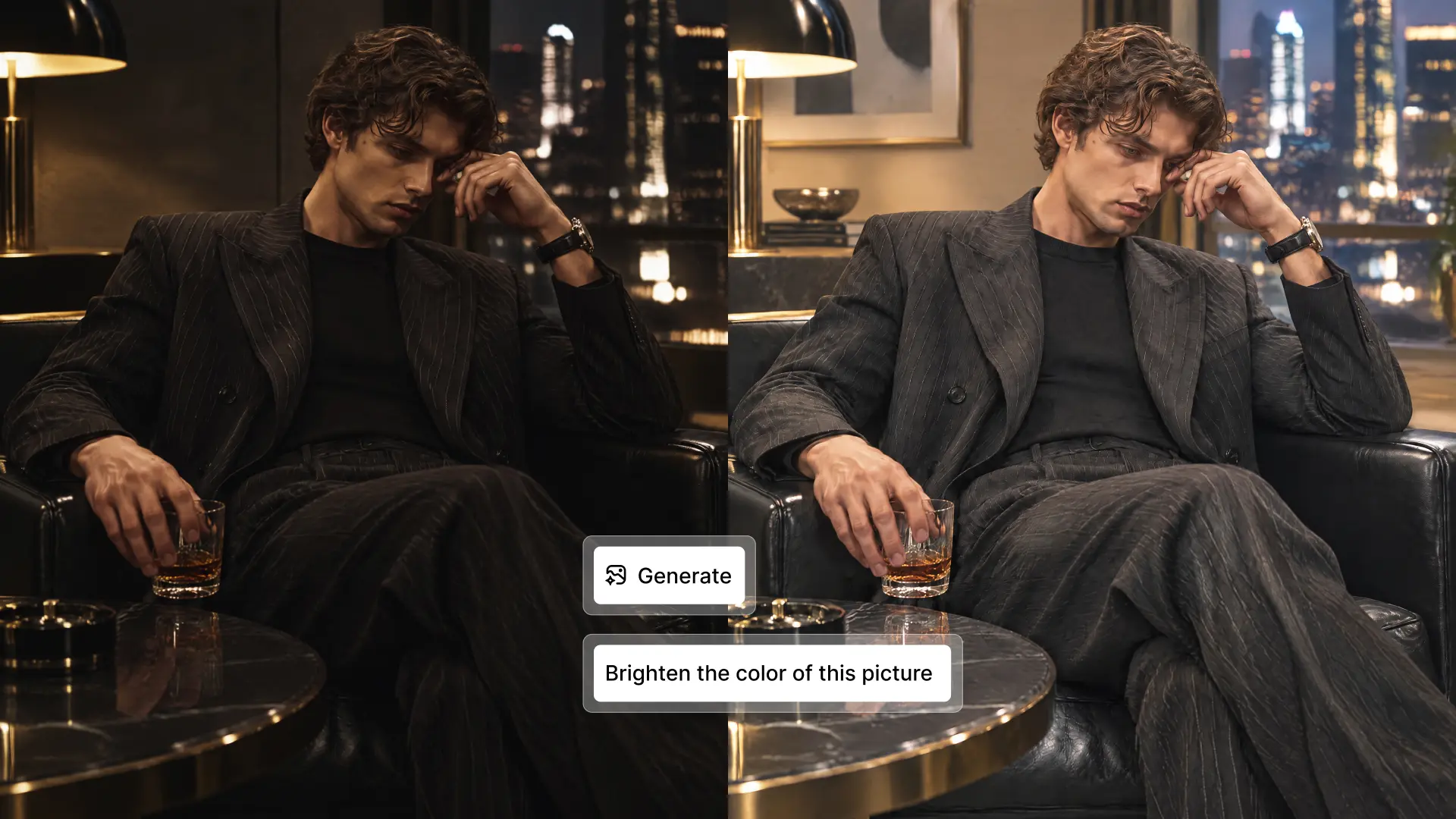
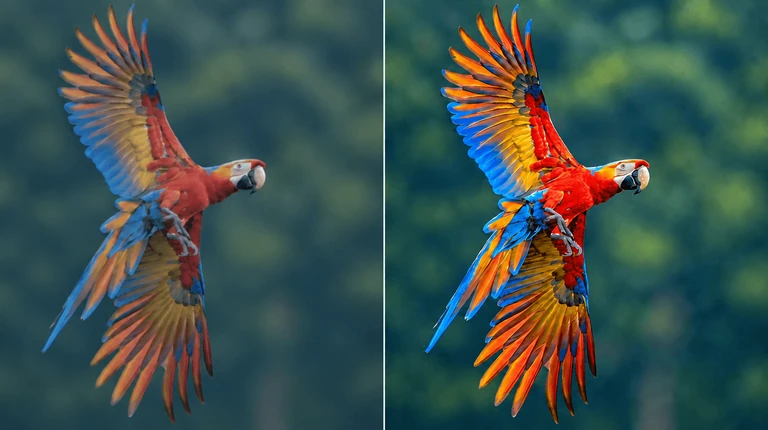
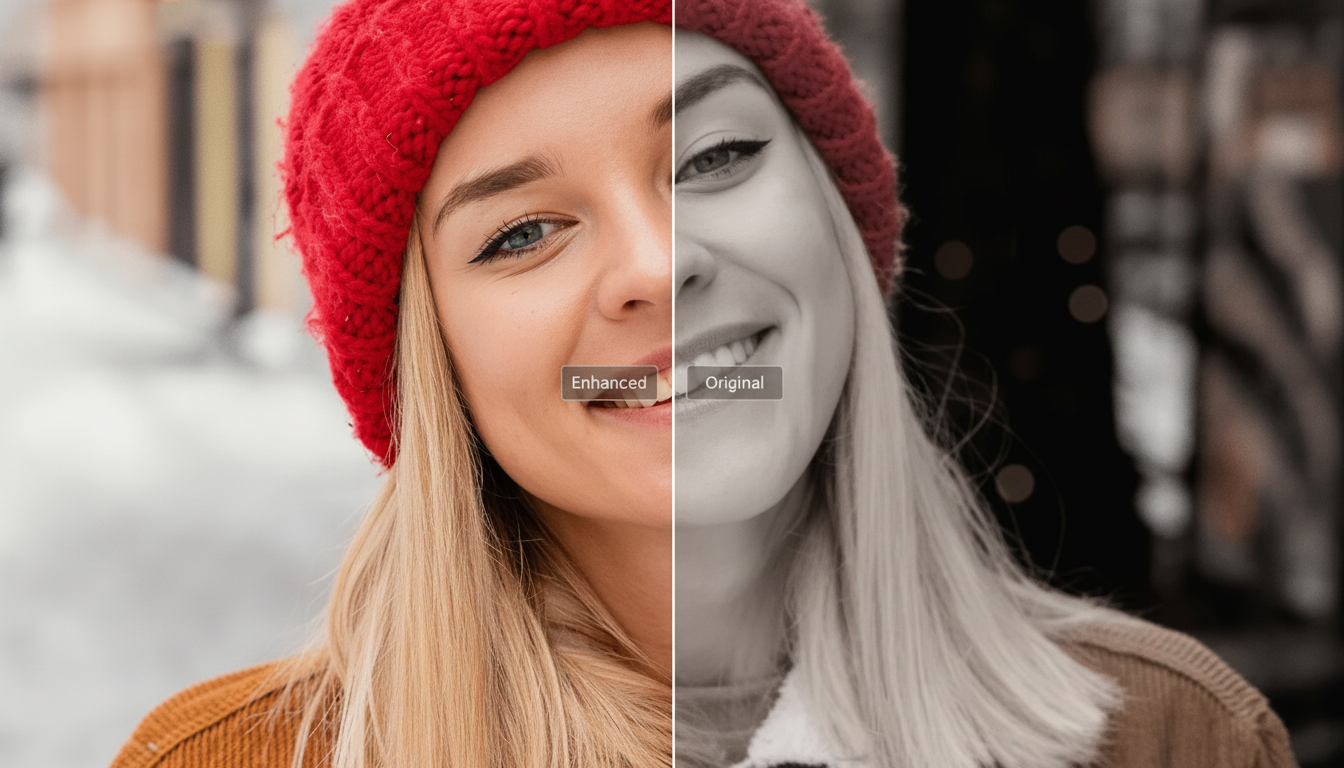
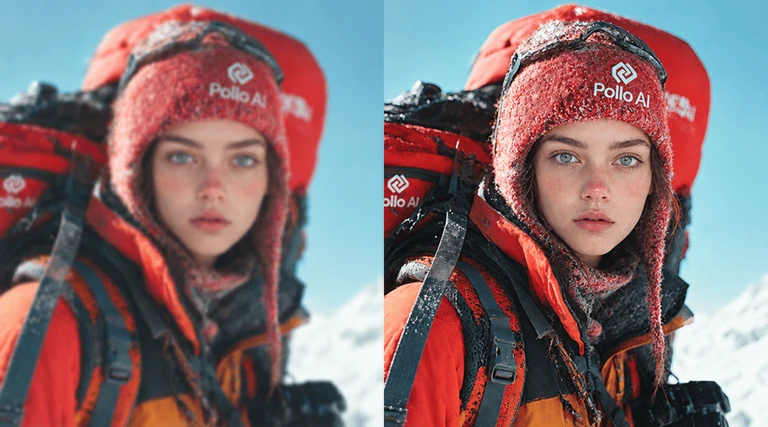
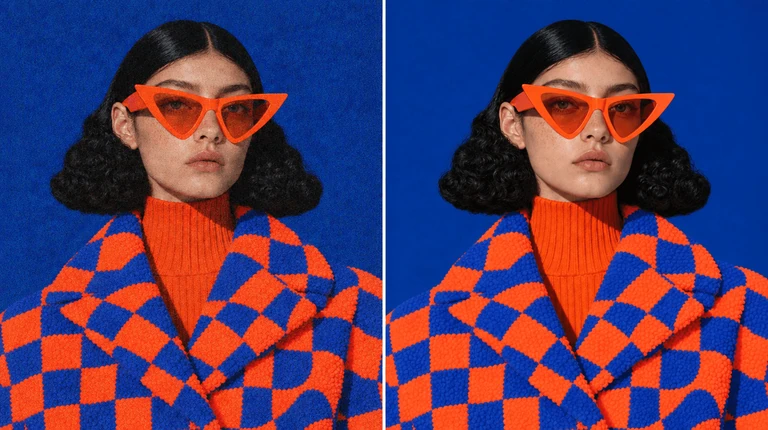
Make a dim photo brighter or soften lighting that feels too harsh. Relight your image and guide our free AI photo editor to adjust warmth and color balance, helping faces, materials, and important details look clearer.

Retouch images for a natural finish
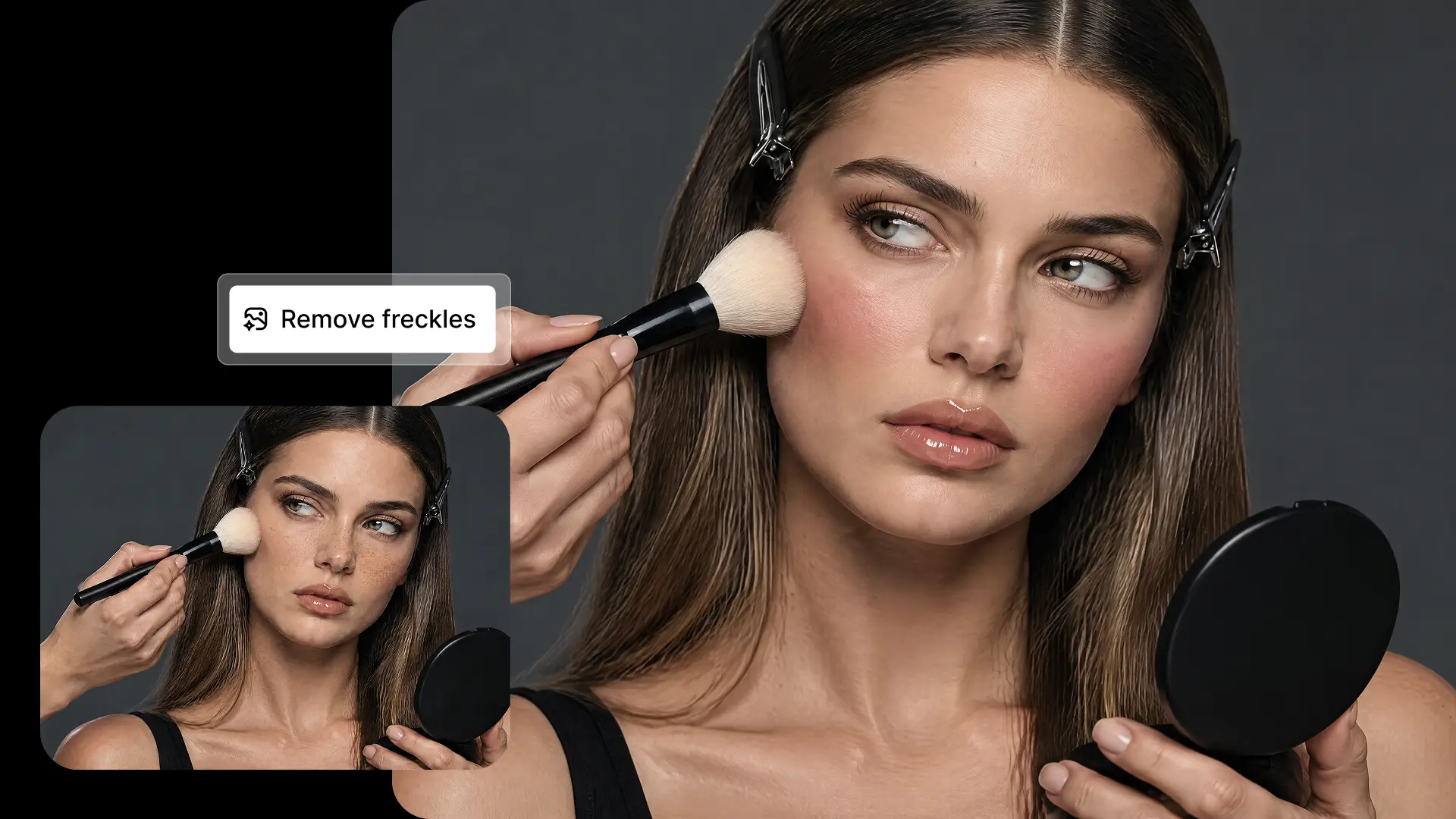
Retouch portraits by describing the details you want refined, such as temporary blemishes or uneven lighting. Guide the edit toward a natural finish that suits your profile photo, team page, or personal album without heavy-looking effects.

Erase watermarks without cropping
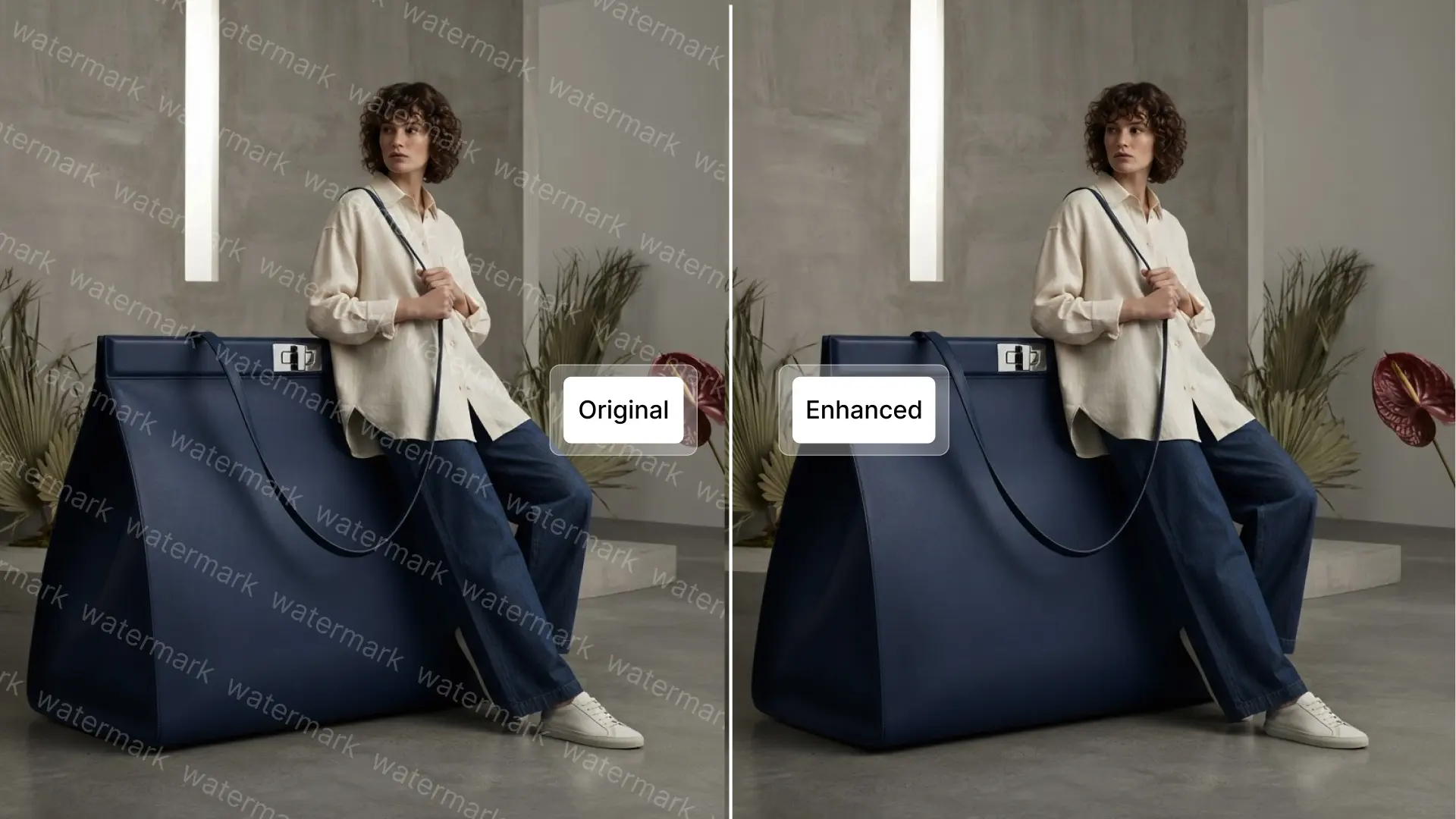
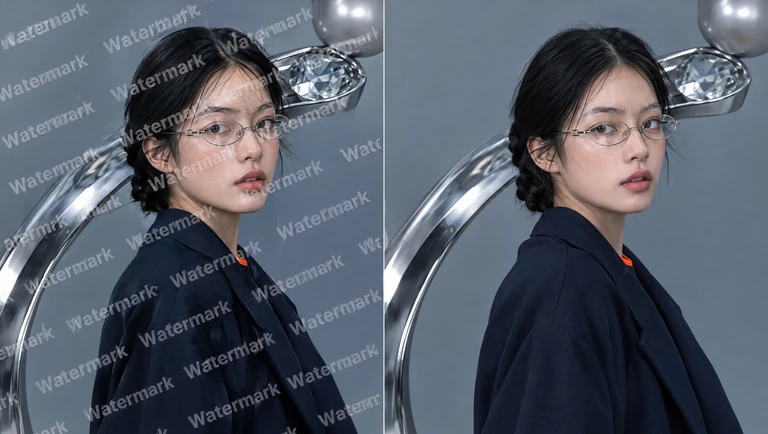
Keep the composition you love without unwanted overlays. Remove watermarks such as text or logos from your photos, so you can reuse your favorite shots in portfolios, presentations, or creative projects without cropping away parts of the image.

Everything you need for your AI edited images
Take a polished photo into a new design, or choose a focused tool for an extra adjustment. Explore image apps and editing tools for the work that comes next.
Explore image models for your next edit
Different photos call for different approaches. Explore image models available on Pollo AI, compare their AI photo editing abilities, and find a starting point that suits the change you want to make.
Free AI photo editor for every creative workflow

Prepare product photos for your store
Clean up distracting props, simplify backgrounds, and improve lighting with our AI picture editor. Make items easier to examine before using the edited images in listings or building dedicated product photos for your next collection.

Make everyday photos worth sharing
Refresh a favorite photo with a cleaner backdrop, brighter lighting, or a more balanced color palette. Give your feed a deliberate look and prepare images for your next Instagram post without organizing another shoot.

Refresh campaign images without reshooting
Use our free AI photo editor to update the setting or lighting of campaign photos for a new promotion. Prepare a stronger image for social media content, then compare visual directions before committing to your campaign.

Keep the moments and fix the distractions
Rescue a favorite portrait or travel photo by removing clutter, softening harsh light, or refining small details. Give your memories a cleaner finish before adding them to a personal postcard or sharing them with family.
How to edit photos with Pollo AI image editor

Upload and describe
Upload your photo and describe the changes you want, including any details to keep.

Let AI apply your edits
Click Create and let our free AI photo editor process your instructions and generate an edited image.

Review and download
Check the result, download your preferred image, and use it wherever you need it.
Go beyond AI photo editing
Keep developing your idea with Pollo AI. Generate a new visual, explore a different direction, or bring a finished photo into a video or a larger creative project.

Bring a brief and your visual references to a guided creative workflow for product imagery, social content, and other project assets.
Create a new image when your project needs a fresh starting point. Describe the subject, setting, and look you have in mind.
Use an existing image as a reference to explore new styles and visual interpretations for concepts, illustrations, and creative experiments.
Add motion to a finished photo for a social clip or product reveal. Describe how you want the scene to move.
Create images through conversation. Describe your idea, then refine the details and style to bring your vision into focus.
Create a distinctive logo for your brand or project. Explore colors, symbols, and styles to find a look that fits.
Create eye-catching visuals for your next social post. Turn a topic, product, or campaign idea into shareable content.
Create a cohesive image set for your product listing. Showcase key features and details to help shoppers explore your product.

10M+Users
Using Pollo AI to Create and Inspire
Loved by 10M+ Creators and Marketers Globally
Plans & Pricing
The top choice for over 1 million creative teams, marketers, and designers
FAQs about AI photo editor
What is an AI photo editor, and how does it work?
An AI photo editor uses artificial intelligence to modify images based on text descriptions. Instead of manually adjusting sliders and layers, you type what you want to change—like "remove the background" or "add warm lighting"—and the AI applies the edit instantly.
Is Pollo AI photo editor online free?
Yes. You can start editing photos with our free AI image editor. We offer free daily credits so you can test background removal, style transfers, and image enhancements before committing to any paid plan.
What is the best AI photo editor?
Pollo AI is the best AI photo editor if you prefer describing edits in everyday language. Simply describe what you want to change, and the AI interprets your request and applies the accurate transformation to your images at once, saving hours of manual work.
What types of edits can I make with this free AI image editor?
You can erase unwanted objects, remove backgrounds, enhance image resolution, adjust lighting and colors, apply artistic styles, add text overlays, and generate new visual elements—all using simple text prompts. Start using our AI image editor free!
How is AI photo editor different from Photoshop or traditional software?
Traditional software requires technical skills and manual adjustments. When you edit photos with a free AI photo editor, you work with concepts and descriptions rather than pixels and layers, making professional results accessible even if you have zero design experience.
Do I need design or editing skills to use the AI photo editor?
No. Pollo AI's free AI photo editor is designed for everyone — from beginners to professionals. If you can type what you want to change, the AI does the rest.
What image formats does the AI photo editor support?
Pollo AI image editor supports all major image formats. You can upload your photos, apply AI-powered edits, and download the final results in high resolution — ready to use across any platform.
How is photo editing different from image to image AI?
Photo editing focuses on changes to an existing picture. Image to image AI also uses a source image, often to explore new styles or visual versions. The workflows can overlap.
Can I edit product photos for e-commerce?
Yes. You can simplify backgrounds, remove distracting props, and improve lighting with our AI image editor. Check product colors, shapes, and labels against the original before using the edited photo in a listing.
Explore more ways to work with AI-generated images
Helpful resources for your next photo project

Make Every Photo Shine with Pollo AI Photo Editor
Bring out your best photos with our AI photo editor. Upload an image and start editing today.