



Best Image to Image AI Free: 10 Tools I Tested and Ranked
I tested 20 image to image AI tools to see how well they fit real source-image transformation workflows, not just polished demo galleries.
I looked at product photos, portraits, sketches, interiors, and social ad references, then compared each tool on reference control, style flexibility, background changes, cleanup needs, and practical creative use. These are the 10 tools that made my final shortlist.
TL;DR
The best image to image AI I tested is Pollo AI because it gave me the strongest mix of reference control, style flexibility, prompt following, and practical output quality across the 20 tools I tried.
I tried 20 tools, but only kept the 10 that felt useful enough to rank. Adobe Firefly is strong for Adobe-centered teams, Leonardo AI is useful for concept art, and Krea is fast for visual exploration.
10 Best Image to Image AI Tools At a Glance
| Rank | Tool | Best For | My Quick Take |
| 1 | Pollo AI | Best Image to Image AI overall | Most consistent across real transformation tasks |
| 2 | Adobe Firefly | Adobe creative workflows | Strong editing controls for design teams |
| 3 | Leonardo AI | Concept art and character variations | Great for stylized creative exploration |
| 4 | Krea | Fast visual iteration | Excellent for rapid style and quality passes |
| 5 | Recraft | Design-ready images and brand visuals | Strong visual taste and composition |
| 6 | Getimg.ai | Reference-led image edits | Practical for direct image transformations |
| 7 | OpenArt | Character and multi-model workflows | Flexible, but can feel busy |
| 8 | Fotor | Simple marketing visuals | Easy for quick polished assets |
| 9 | Picsart | Object replacement and casual edits | Best for fast selected-area changes |
| 10 | ImagineArt | Social and ad concept experiments | Useful for broad creative workflows |
#1 Pollo AI — Best Image to Image AI Overall
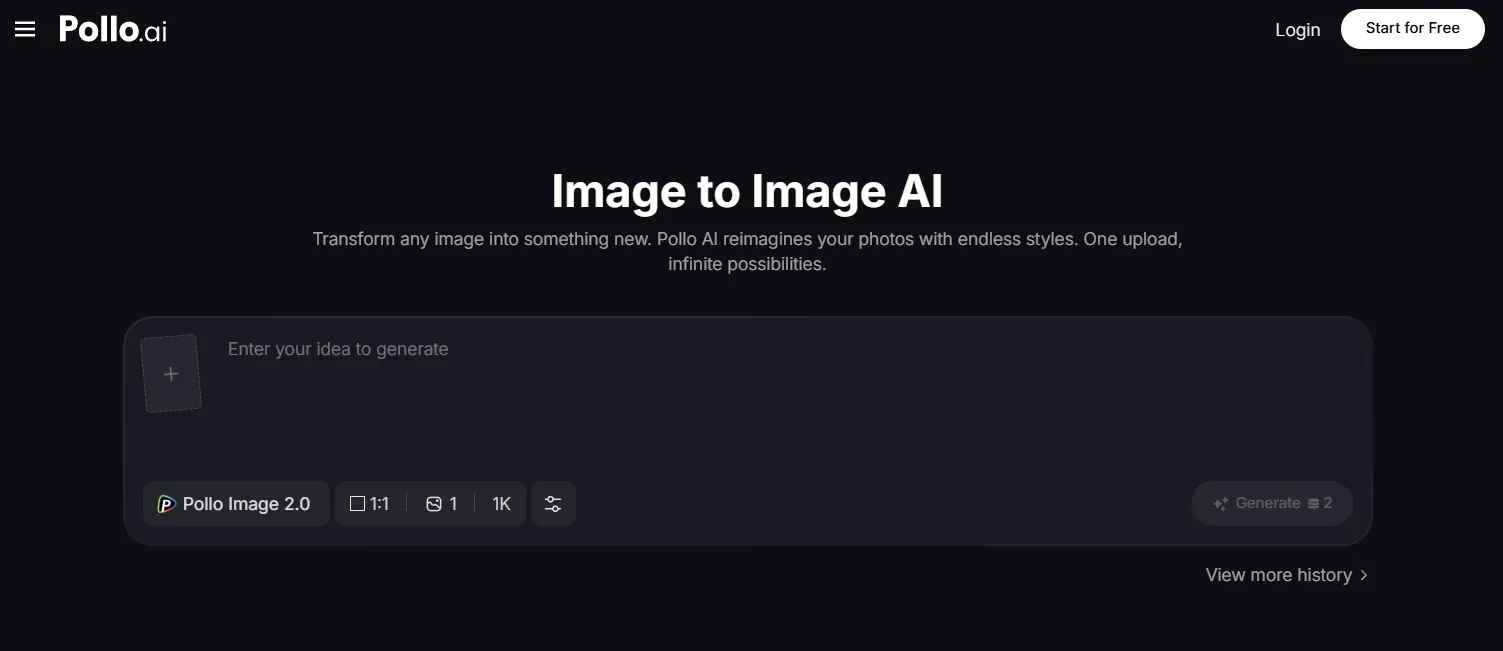
Pollo AI was the most useful image to image AI tool in my review because it works well for both creative transformation and practical source-image preservation.
The biggest advantage of its image to image AI is workflow control. You can keep the main subject recognizable while changing the scene, style, lighting, and visual mood.
You can also choose models that better fit different image needs. GPT Image 2 is useful for structured commercial scenes, while Nano Banana 2 is a strong fit for visual-reference-heavy ideas.
Create Better Images with Pollo AI
Try the most useful Image to Image AI to generate cleaner and commercial-ready images — strict style control, with every top model.
Try Pollo AI Image to Image AI Free
The broader workflow was another advantage. After choosing the strongest variation, Pollo AI photo editor fit naturally into the process for refining backgrounds, improving product shots, and cleaning up campaign drafts.
For product visuals, Pollo AI is especially useful when the original item needs to stay recognizable while the background, lighting, props, and campaign mood change. That makes it a good fit for product moodboards, e-commerce concepts, social campaign drafts, and polished commercial visuals.
It also works well when a team needs more than one usable direction from the same source image. Instead of treating one variation as the final answer, creators can compare different scenes, styles, and visual treatments before choosing the version that best fits a product page, ad concept, or client presentation.
Pros:
- Strong balance of reference-image preservation and creative transformation
- Useful style range for products, portraits, characters, and e-commerce visuals
- Access to multiple image models and related editing tools in one workflow
- Practical outputs that often need less cleanup before review
Cons:
- Works best when the prompt clearly separates subject, style, background, and lighting
- Best results came from generating a few variations before choosing a final commercial image
Pollo AI is my top pick because it felt the most reliable across different image to image tasks. It gave me the strongest mix of creative control and source-image stability.
#2 Adobe Firefly — Best Image to Image AI for Adobe Creative Workflows
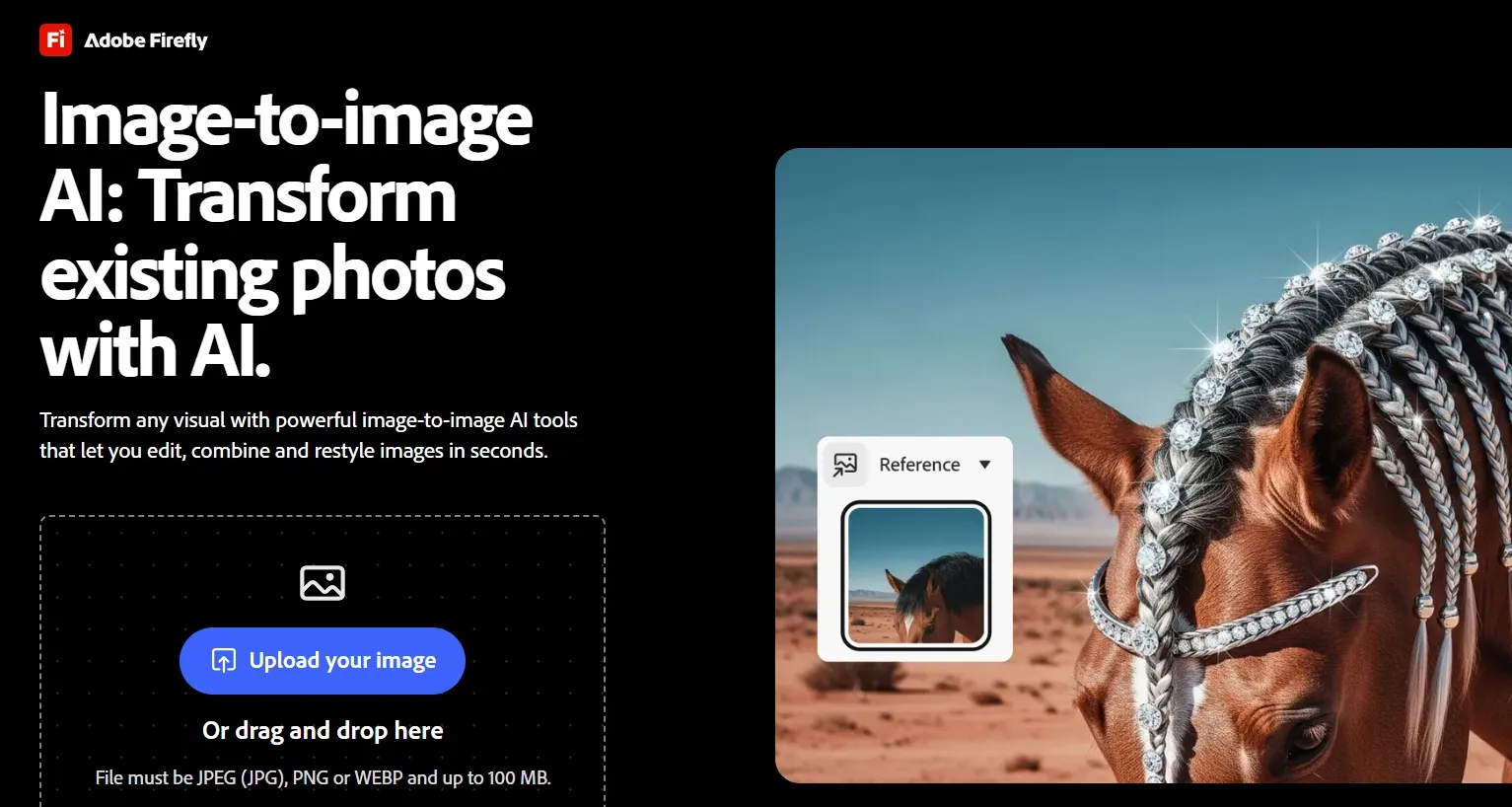
Adobe Firefly is good for designers who already work inside the Adobe ecosystem. It fits well when image transformation is one step before layout, retouching, or campaign production.
Firefly is strongest when a design team needs controlled edits that can move into a broader Adobe workflow. Generative Fill, similar-style variations, color styling, and Creative Cloud continuity make it useful for campaign images, face refinement, and layout-ready assets.
The limitation is that Firefly can feel less direct as a standalone image to image tool. It makes sense for teams already using Adobe apps, but users who want faster model switching, broader style exploration, or a more self-contained image workflow may find Pollo AI more flexible.
Pros:
- Strong fit for designers already using Adobe tools
- Good for polished commercial-looking edits
- Helpful when image editing is part of a larger creative workflow
Cons:
- Feels less direct if you only need a quick image to image result
- Some outputs look a little too processed without extra adjustment
Adobe Firefly is a strong choice for creative teams that care about workflow continuity. It ranked below Pollo AI because it felt less flexible as a standalone image to image tool.
Interested in Adobe Firefly’s Image to Image AI tool? Read Adobe Firefly review article here.
#3 Leonardo AI — Best Image to Image AI for Concept Art and Character Variations
Leonardo AI is best for concept artists, game designers, and creators who want to push a source image into a richer art direction. It is especially useful when the source is a sketch or rough character idea.
I like Leonardo AI when the reference image is a creative starting point rather than a fixed asset. Its image guidance, character tools, and stylized generation options make it useful for fantasy art, game characters, costume ideas, and early visual development.
The tradeoff is consistency. It can develop mood, detail, armor, fabric, lighting, and worldbuilding very well, but small design elements change between variations. That makes it better for exploration than for strict product or identity preservation.
Pros:
- Strong for fantasy, game, and character concept visuals
- Good at turning rough references into polished art directions
- Useful style range for creators who like iterative exploration
Cons:
- Details can shift when you need exact continuity
- Less ideal for product photos that must preserve precise shape or labels
Leonardo AI is one of the best choices when the source image is a creative starting point, not a fixed asset. This test also matched the kind of fantasy art directions where character mood, costume detail, and environment style matter before final detail control.
Want to learn more about Leonardo AI’s features? Read this Leonardo AI review.
#4 Krea — Best Image to Image AI for Fast Visual Iteration
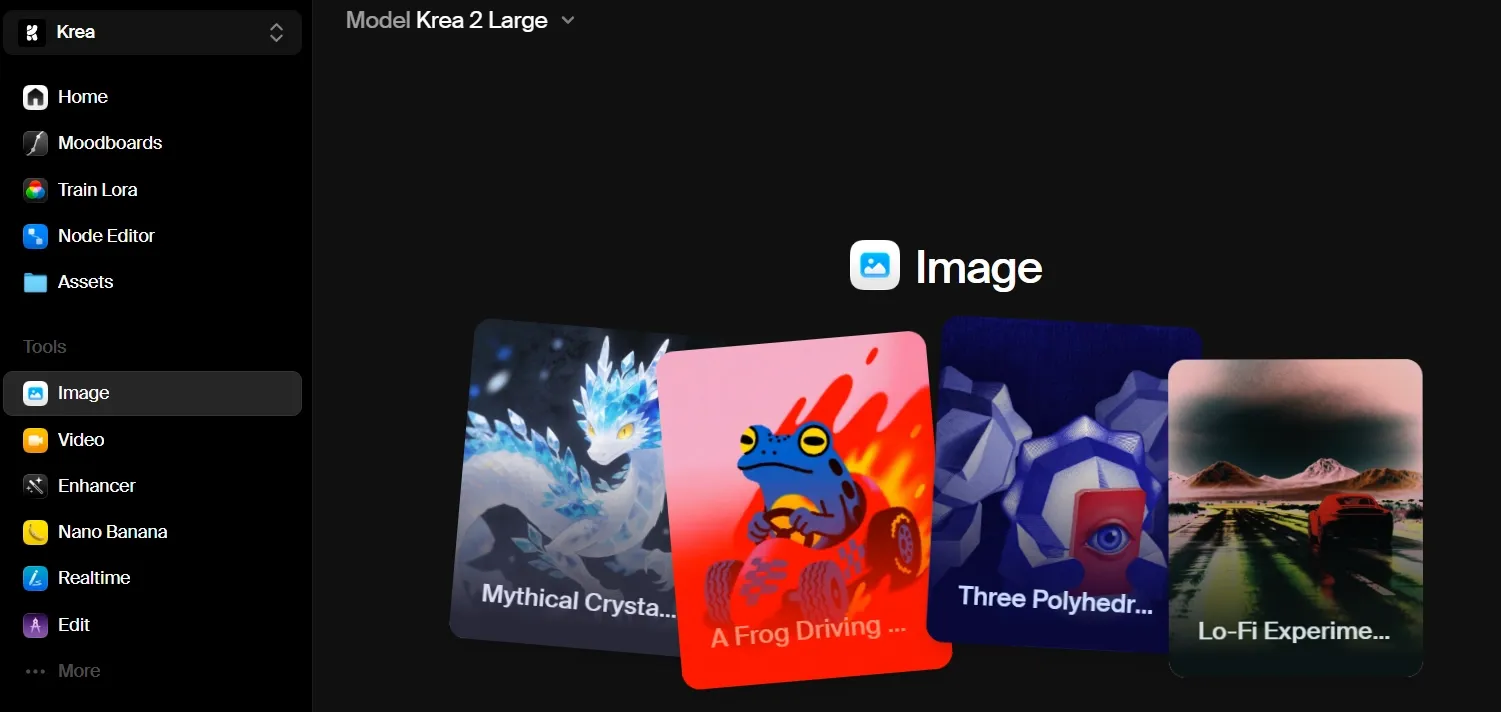
Krea is a useful tool for creators who want to move quickly through visual directions. Its strength is speed, model access, enhancement, and rapid experimentation.
Krea works well when the creative direction is still open, and you need to compare several looks quickly. It is useful for restyling interiors, improving draft visuals, testing lighting moods, and moving from rough references toward more refined image directions.
For final presentation checks, an image enhancement pass can help judge sharpness, texture, and surface detail. The main limitation is that smaller objects or exact layout details can shift, so Krea is better for early exploration than locked commercial assets.
Pros:
- Very good for fast style exploration
- Strong enhancement and upscaling direction
- Useful when testing many visual moods from one source image
Cons:
- Small details may change during transformation
- Not always the most controlled option for exact product or identity preservation
Krea is excellent when speed matters and the visual direction is still open. It worked best early in the creative process before tightening the chosen image later.
#5 Recraft — Best Image to Image AI for Design-Ready Brand Visuals
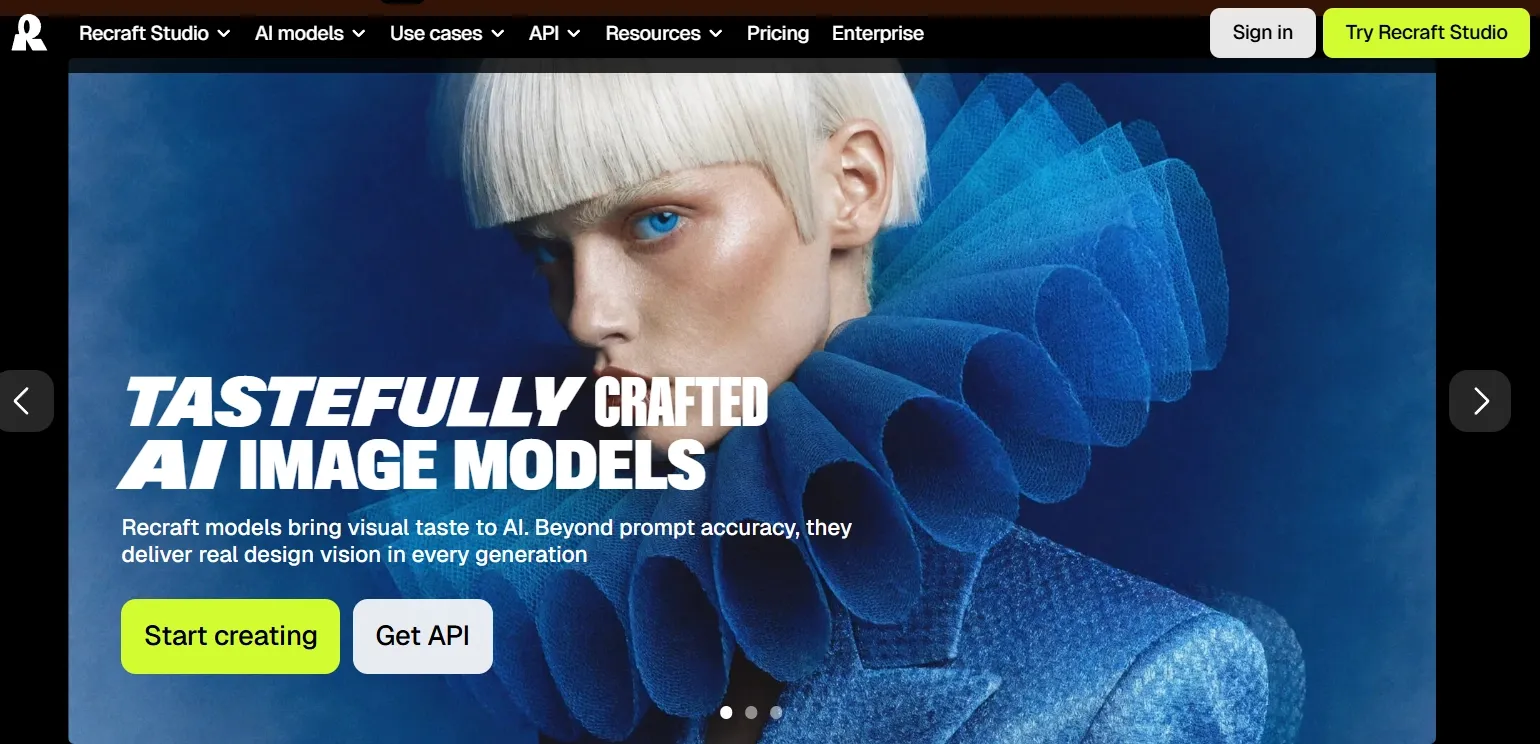
Recraft is strong for designers who care about composition, graphic taste, and brand-ready assets. It has a more design-led feel than many image tools.
Recraft fits image workflows that need poster-like composition, clean visual hierarchy, mockup thinking, and brand-ready direction. It is especially useful when the goal is to turn a product or design reference into a more structured campaign concept with strong layout discipline.
That strength overlaps naturally with movie poster-style campaigns, especially around headline space, product placement, color harmony, and studio-style lighting. It is less ideal when tiny product details must stay exact, but it is useful for direction-setting brand visuals.
Pros:
- Strong composition and design sensibility
- Good for posters, ads, product visuals, and brand concepts
- Better than many tools at making images feel intentionally arranged
Cons:
- Fine product details can still shift
- Better for design concepts than strict photo retouching
Recraft is a strong pick for image to image work that needs design taste. It is less of a general-purpose transformer than Pollo AI, but very useful for brand visuals.
#6 Getimg.ai — Best Image to Image AI for Reference-Led Edits
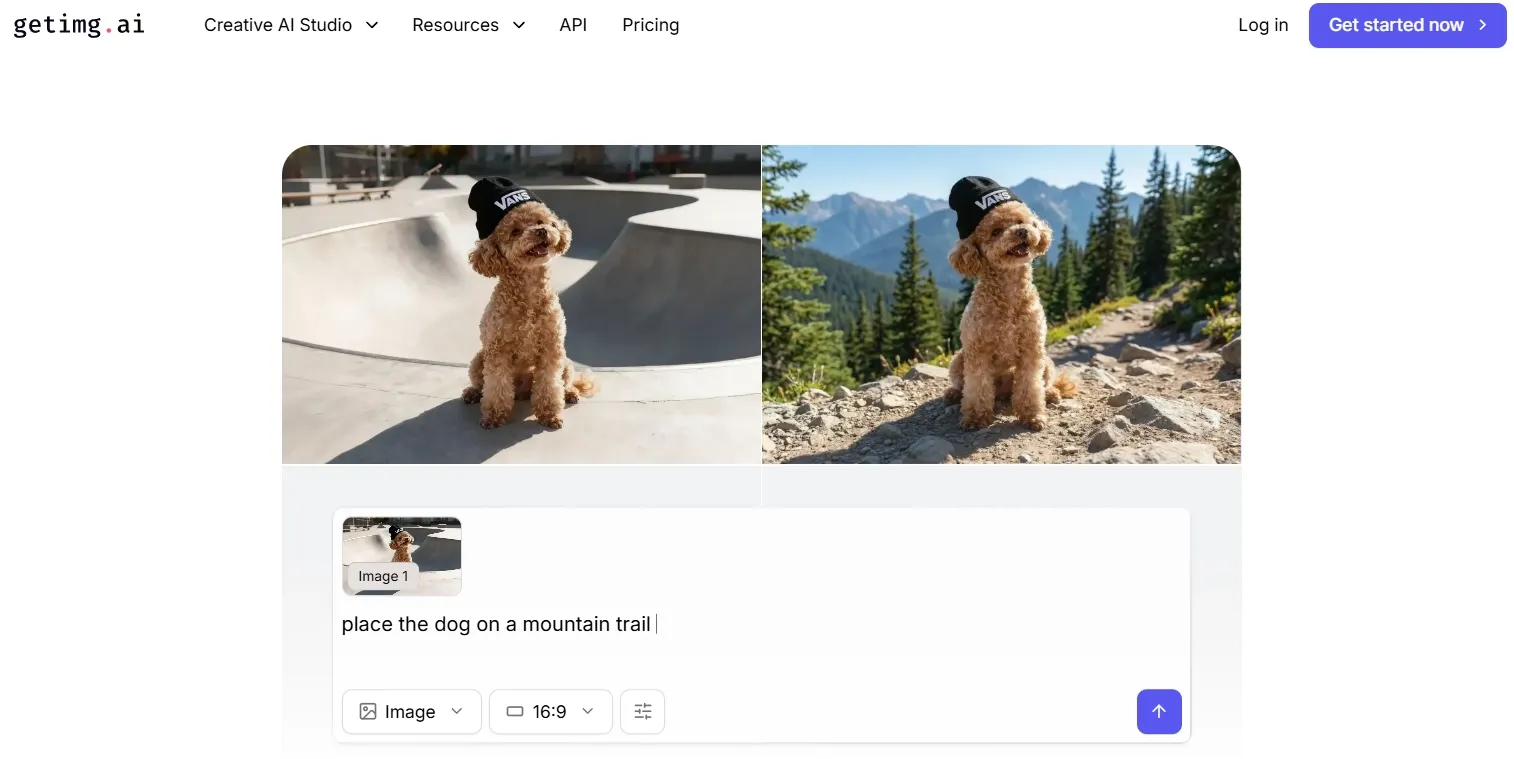
Getimg.ai is useful for users who want a direct platform for reference-led image generation, editing, and transformation. It is easy to understand when the goal is to start from an existing image and make a clear visual change.
Product-background workflows also make small-area inpainting useful for checking edge control and localized corrections. This makes Getimg.ai a practical option for background swaps, product scene variations, outpainting, and simple style shifts.
The tradeoff is that the output still needs careful review when the source image includes reflective surfaces, transparent objects, fine edges, or small product details. For quick e-commerce experiments, it can be useful, but it is not always the most dependable choice for final commercial assets.
Pros:
- Clear fit for reference-based image edits
- Good for background swaps and product scene variations
- Practical interface for users who want to move fast
Cons:
- Edge quality can vary around reflective or transparent objects
- Some outputs need small cleanup before final use
Getimg.ai is useful for practical edits and quick asset variations. It ranked in the middle because Pollo AI felt more consistent across different source-image types.
Read this Getimg.ai review article to check out Getimg.ai’s image to image creation workflow.
#7 OpenArt — Best Image to Image AI for Character and Multi-Model Workflows
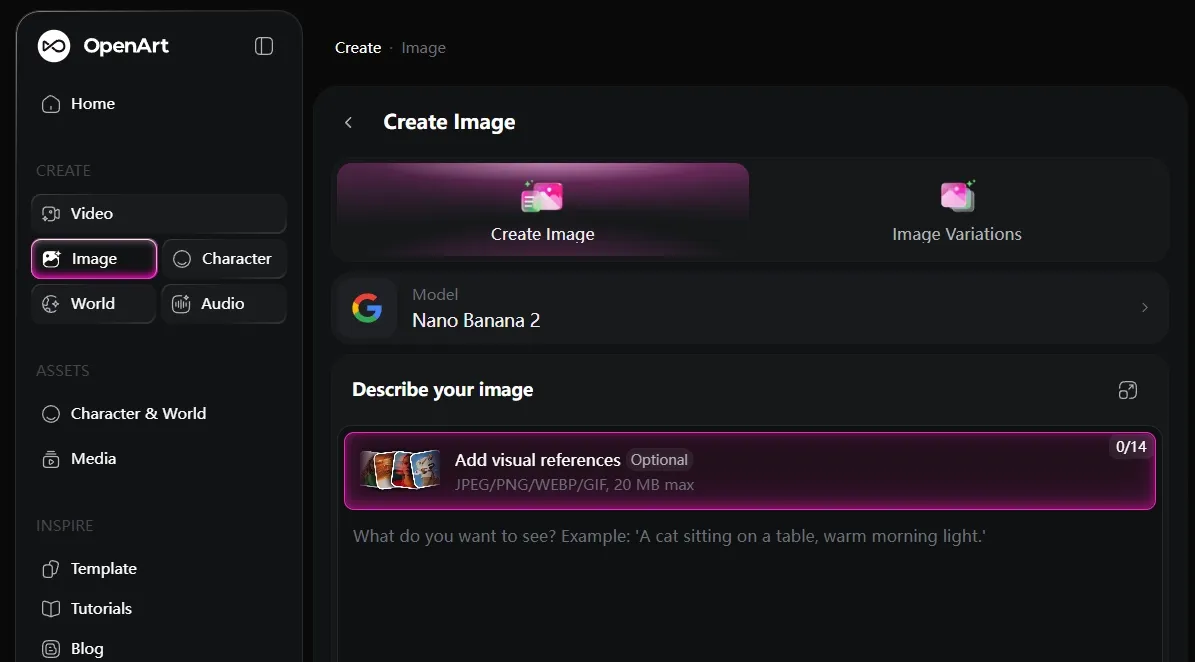
OpenArt is practical for creators who want image generation, editing, character consistency, and model variety in one place. It is not the simplest tool on the list.
The extra flexibility can be useful if you are building recurring characters, story visuals, or multi-scene creative projects. Its model variety and character workflow make it a good fit for identity, pose, and scene consistency across more than one image.
The tradeoff is complexity. OpenArt gives creators many routes for generation, editing, and character reuse, but that can feel like extra setup when the job is only a simple image transformation.
Pros:
- Useful for character consistency and story workflows
- Broad model and editing flexibility
- Good fit for creators producing recurring visual assets
Cons:
- Feels more complex than quick image to image tools
- Simple edits may take more setup than expected
OpenArt is a flexible choice for creators who need more than one-off image transformation. It fit recurring characters better than the fastest simple edit.
#8 Fotor — Best Image to Image AI for Simple Marketing Visuals
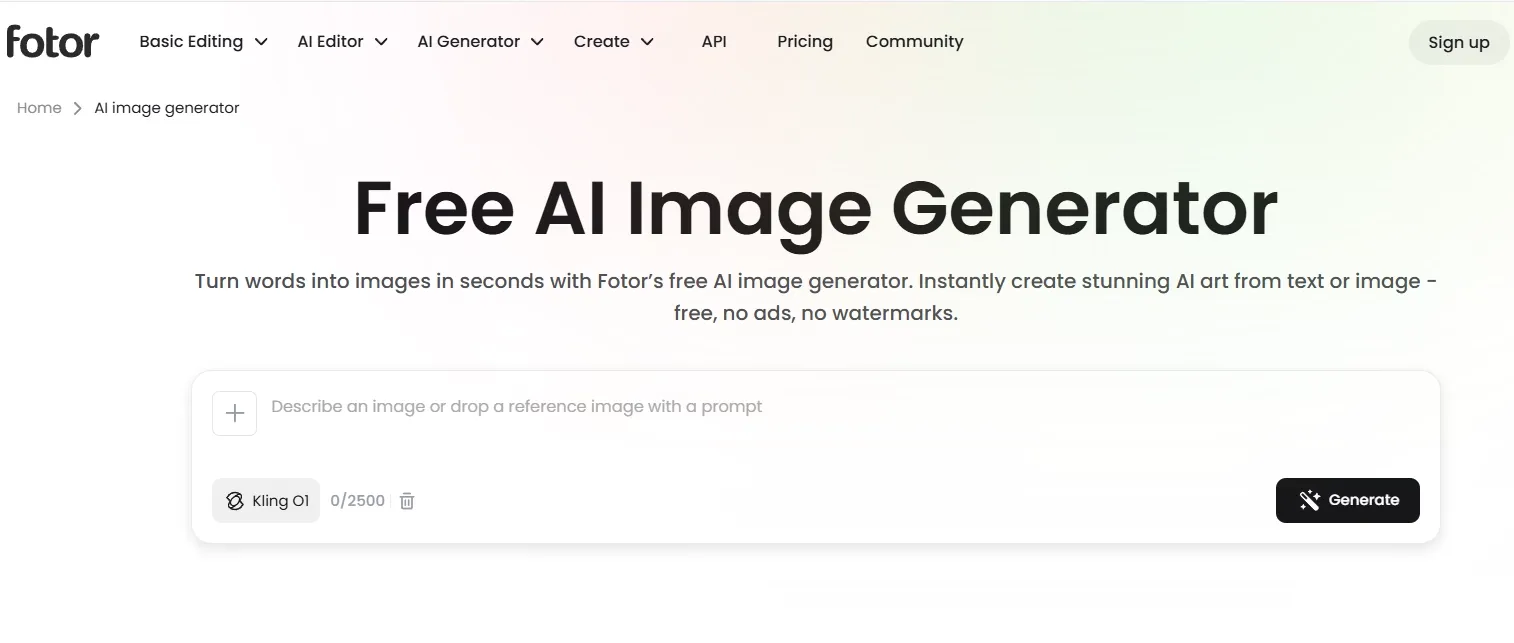
Fotor is suitable for users who want a friendly way to turn a reference image into a more polished marketing asset. It is easy to understand and useful for quick social posts.
I found Fotor works best when the task is simple, and the source image does not require strict preservation. It is useful for social graphics, blog visuals, casual product lifestyle ideas, and quick campaign variations where mood and accessibility matter more than exact product accuracy.
For structured campaign visuals, stronger product control still matters. Fotor can help create a pleasant marketing direction, but packaging, labels, or small branded details may not stay stable enough for a final e-commerce product shot.
Pros:
- Easy to use for quick marketing visuals
- Good for casual social and blog graphics
- Helpful if you do not want a technical creative tool
Cons:
- Product details may change too much for final ads
- Less ideal for complex reference preservation
Fotor is a good lightweight option for simple image to image marketing experiments. It is not my first pick for strict product accuracy, but it is friendly and fast.
Read Foto’s review article to check out features of Foto image to image AI.
#9 Picsart — Best Image to Image AI for Object Replacement and Casual Edits
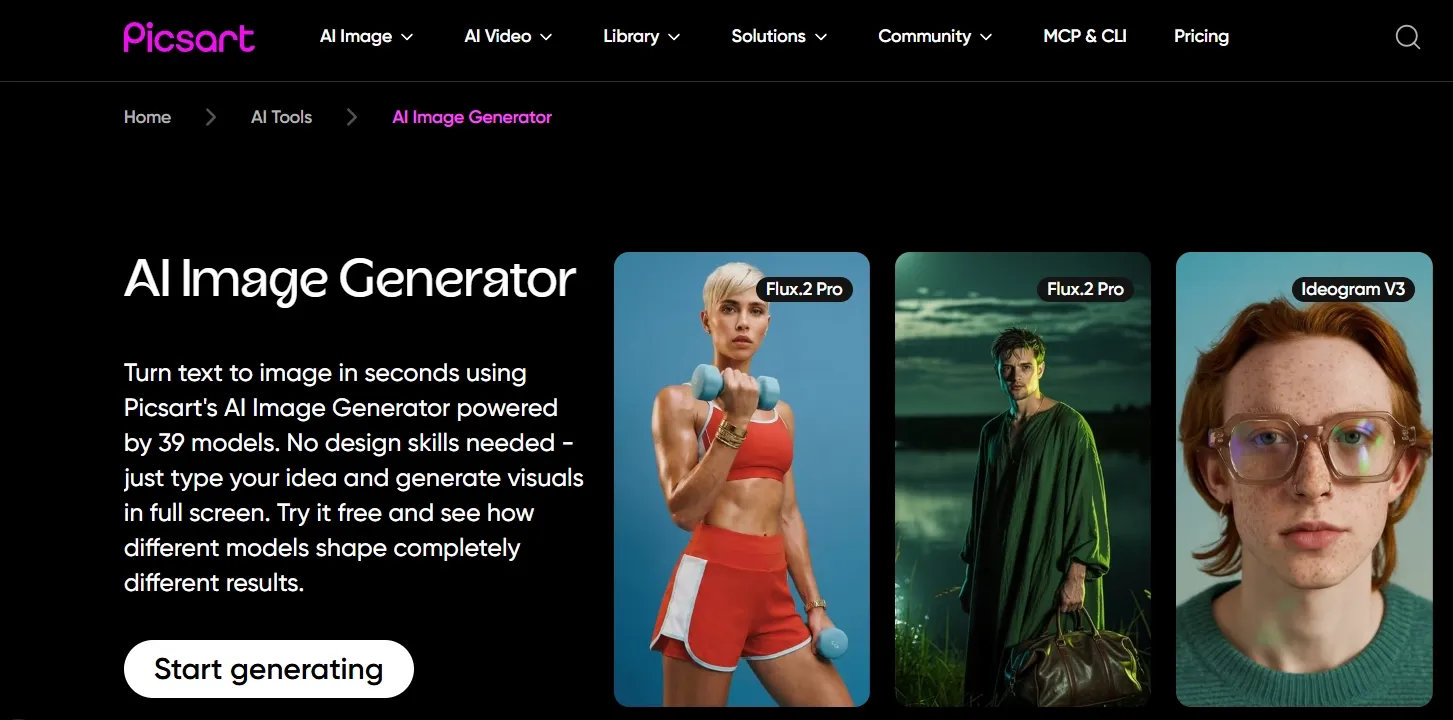
Picsart is good for fast image edits, selected-area changes, and casual creative transformations. It feels more like an approachable AI editing suite than a deep image to image generator.
That makes it useful when you know exactly which part of an image you want to replace, remove, or improve. It is a good fit for object removal, quick cleanup, background changes, social edits, and casual before-and-after improvements.
It is less convincing when the whole image needs to be transformed with strict subject control. Picsart works better as a fast editing and replacement tool than as the main choice for complex commercial restyling.
Pros:
- Good for object replacement and quick selected edits
- Friendly for casual creators and mobile-style workflows
- Useful when you want a simple before-and-after improvement
Cons:
- Less powerful for full image restyling
- Not the best choice for complex commercial transformations
Picsart is useful when the task is really an object swap, cleanup, or quick creative tweak. It is not my main pick for broad image transformation.
#10 ImagineArt — Best Image to Image AI for Social and Ad Concept Experiments
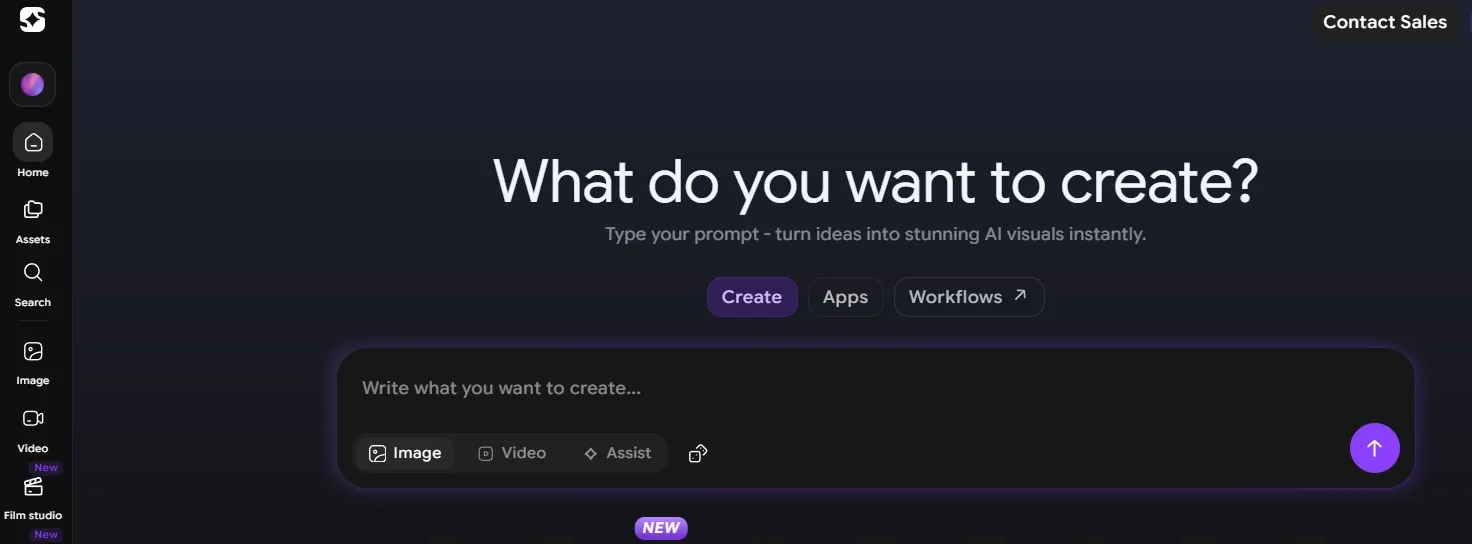
ImagineArt works well for creators who want to experiment with images, ads, and social content inside a broader creative suite. Its multi-model setup, creative apps, and built-in image tools make it useful when the goal is to explore several visual directions from one starting image.
It is especially helpful at the brainstorming stage, where community inspiration and ready-made creative paths can speed up early campaign thinking. For social posts, ad concepts, and creator content, that makes the workflow feel approachable and idea-driven.
I would not treat it as the strongest option for careful image to image control. Source-image consistency can vary once the visual direction becomes more polished or product-specific, so it works better for ideation than for final commercial transformation.
Pros:
- Good for quick social and ad concept exploration
- Broad creative suite with many directions to try
- Useful when you need ideas before committing to a final style
Cons:
- Reference preservation can vary across styles
- The number of tools can feel distracting for simple image transformation
ImagineArt is a good brainstorming tool for creators working on social and ad visuals. It ranked lower because the outputs felt less dependable when the source image needed to stay precise.
Ranking Standards for the Best Image to Image AI Tools
A strong image to image AI tool should preserve the source image while still giving users enough control over style, scene, lighting, and layout.
I ranked the tools by six practical standards:
- Reference preservation: Did the main subject still resemble the uploaded image?
- Transformation control: Could the tool handle requested changes to background, lighting, style, and layout?
- Edge and mask quality: Did product edges, hair, glass, and small details hold up?
- Style control: Did the tool change the mood without destroying the original structure?
- Output usefulness: Could the image work for a campaign draft, product concept, social post, or client review?
- Workflow friction: How much extra cleanup, editing, or regeneration would the result need?
Pollo AI ranked first because it performed well across the full set of standards. It is strong enough for creative style changes, but still practical for product scenes, polished commercial drafts, character visuals, and source-image-based editing workflows.
How to Choose the Right Image to Image AI Tool
Choose Pollo AI if:
You want an free image to image AI tool that can preserve the source image while still giving you strong control over the final look. Pollo AI is the best fit if you care about:
- Keeping the main subject recognizable from the uploaded image
- Changing the scene, lighting, background, or style without losing the original structure
- Using models like Seedream 5.0 Lite and Nano Banana 2 for different reference-image needs
- Creating product visuals, portraits, characters, ads, and social images from source images
- Comparing several visual directions from the same uploaded image
- Refining image to image results with background changes, enhancement, or inpainting
Choose Adobe Firefly if:
Adobe Firefly makes the most sense if you already use Adobe tools and want image to image edits that can move into a larger design, layout, or retouching workflow.
Choose Leonardo AI if:
Leonardo AI is a good choice when your source images are sketches, characters, fantasy ideas, or early concept art that need richer style development.
Choose Krea if:
Krea is useful when you need fast visual exploration and want to compare several style or lighting directions before choosing one to refine.
Choose Recraft if:
Recraft fits image to image work that needs stronger design taste, poster-like composition, product graphics, or brand-ready visual direction.
Choose Getimg.ai if:
Getimg.ai is worth considering when you mostly need direct reference-led edits, product background changes, or quick e-commerce scene variations.
Choose OpenArt if:
OpenArt works better for creators building recurring characters or multi-scene visual assets, especially when model variety and editing flexibility matter more than simplicity.
Choose Fotor, Picsart, or ImagineArt if:
Fotor, Picsart, and ImagineArt are better for lighter tasks such as simple social visuals, casual object edits, quick ad concepts, or easy creative experiments where strict reference accuracy is less important.
My Personal Take
After testing these tools, image to image AI felt like a control problem, not just a creativity problem.
Almost every tool can make a source image look more dramatic. Fewer tools can keep the important parts intact while making the final result more useful.
That is why Pollo AI came out on top for me. It gave me the best mix of reference stability, style range, model flexibility, and workflow practicality.
I also like that you can start with the free image to image AI tool and move into related image tools when you need cleanup, enhancement, or more variations.
Best Image to Image AI FAQs
What is the best Image to Image AI?
The best Image to Image AI tool I tested is Pollo AI. It offers the most consistent balance of source-image preservation, transformation control, style flexibility, and usable output quality.
What should I test before choosing an Image to Image AI tool?
Use your real source images, not only demo galleries or preset examples. Check whether the tool preserves the subject, handles edges cleanly, follows the requested visual direction, and produces an image you can actually use.
Is Image to Image AI the same as AI photo editing?
Not exactly. Image to Image AI usually transforms a whole source image into a new variation using prompts, references, or styles. AI photo editing can include more targeted tasks like removing an object, expanding a background, improving sharpness, or replacing one selected area.
Which Image to Image AI tool is best for product visuals?
Pollo AI was my favorite for product visuals because it kept the source product more recognizable while still improving the scene. Recraft is also strong for design-led product concepts, while Getimg.ai and Fotor can work for faster product background experiments.
Why do image to image AI tools sometimes change the original subject too much?
Many tools treat the uploaded image as inspiration rather than a strict visual anchor. You usually get better results by clearly stating what must stay unchanged before describing the new style or scene.
Can I use Image to Image AI for ads and social media visuals?
Yes, but review the output carefully before publishing. Image to Image AI is useful for ad concepts, product moodboards, creator posts, thumbnails, and campaign drafts.