



10 Best Getimg AI Alternatives for Image Generation (Tested & Ranked)
I like Getimg AI for its model access and canvas-style workspace. It is flexible and useful for generating images. But when I began pushing it for more rigorous work, its uneven edit results and constant prompt troubleshooting just couldn't keep up with my evolving creative demands.
After comparing it with other AI tools, I found a few alternatives that offer tighter control over prompts, multi-model flexibility, and more reliable visual output for professional projects.
TL;DR
My top pick is Pollo AI. It gives me the strongest all-around image workflow: high-quality AI image generation, prompt-based photo editing, multiple image models, and practical visual workflows for creators and marketers like me.
Why I Looked for Getimg AI Alternatives
Getimg AI is still a capable image tool. I like its model access, canvas-style editing, and useful image to image options. But when I used it for more practical creative work, I started hitting the same limits: repeated prompt cleanup, pricing sensitivity, and uneven results on more specific edits.
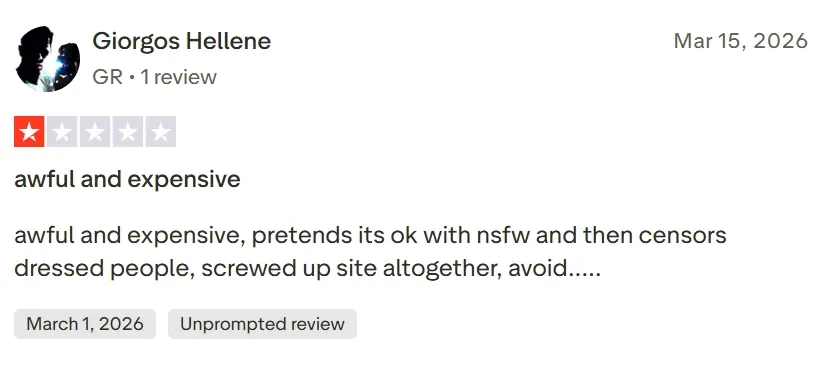
I also checked outside user feedback. On Trustpilot, one negative reviewer called it “awful and expensive.” I would not judge any tool from one review, but that matched the kind of friction I felt when a quick image task became several paid retries.
That is why I wanted alternatives that felt smoother for production use. I also reread this Getimg AI review to keep the comparison fair and focused on image generation, not unrelated features.
Getimg AI Alternatives at a Glance
| Rank | Tool | Best For | My Quick Take |
| 1 | Pollo AI | Best Getimg AI alternative overall | Best mix of generation, editing, model choice, and commercial image workflows |
| 2 | Adobe Firefly | Brand-safe image editing | Strong for polished generative edits inside Adobe-style workflows |
| 3 | Leonardo AI | Game assets and concept art | Great for stylized characters, props, and art-direction control |
| 4 | Magnific | Stock assets and mockups | Useful when AI generation and design resources need to work together |
| 5 | SeaArt AI | Model-driven art control | Good for LoRA, ControlNet-style workflows, and community styles |
| 6 | Civitai | Community AI models | Best for experimenting with shared models and niche visual styles |
| 7 | Canva | Social and marketing layouts | Strong when the final image needs a finished design layout |
| 8 | Pixlr | Fast browser editing | Handy for quick fills, expands, and lightweight image edits |
| 9 | Picsart AI | Social visuals | Good for quick creator-style edits and post-ready graphics |
| 10 | Fotor AI | Casual portraits and avatars | Easy for simple image generation, portraits, and light retouching |
1. Pollo AI - My Top Getimg AI Alternative for Image Creation
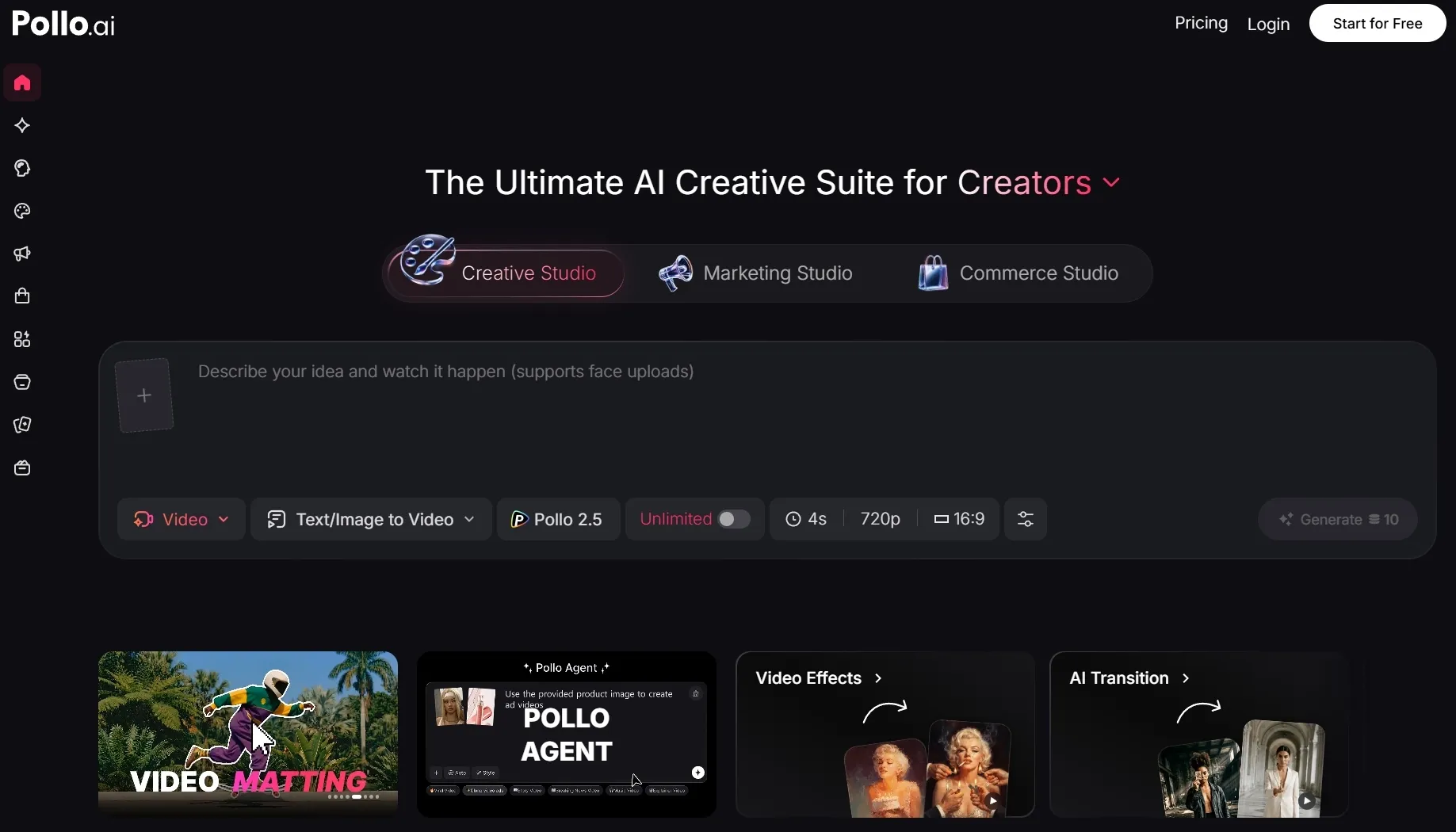
Pollo AI became my top choice because it feels like a full image workflow, not just another prompt box. I could start with text to image, refine with image to image, and then clean up details without jumping between separate tools.
For my production work, the image to image AI workflow is especially useful. It helps when I already have a sketch, product shot, character reference, or rough visual direction and want AI to develop it further.
The biggest advantage of Pollo AI is flexibility. Inside Pollo AI’s Creative Studio, I can use different image models depending on the job. For polished detail, stylized range, prompt control, or faster drafts, that matters more than having one default model.
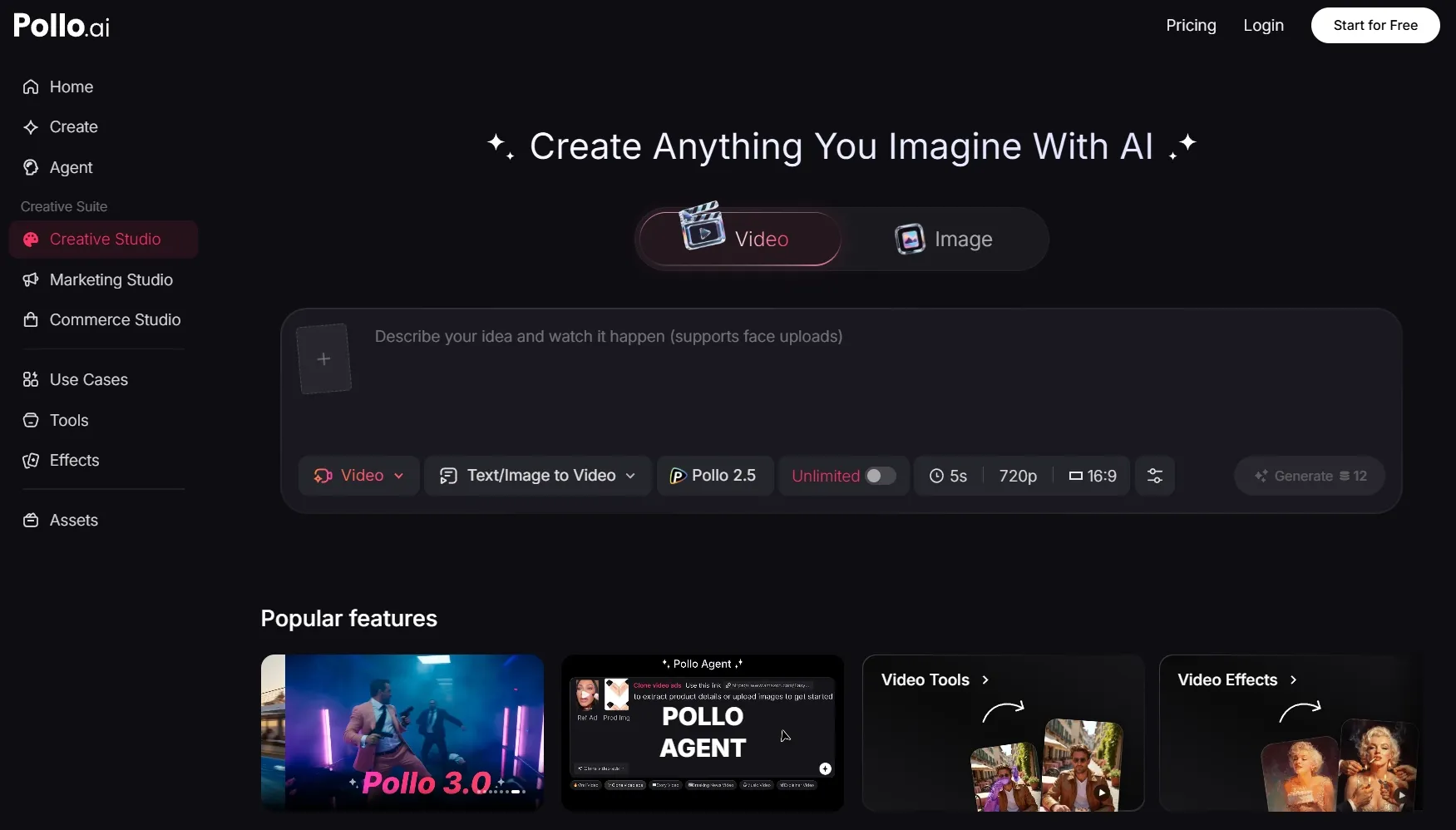
I also liked that Pollo AI handles both generation and refinement. If a product image needs a cleaner background, or a portrait needs style adjustment, I can use the AI photo editor instead of exporting the image elsewhere.
Pollo AI also fits commercial use better than most Getimg AI alternatives I tested. Its specialized image generators are useful for posters, anime, portraits, logos, product visuals, and other repeatable content tasks.
For sellers and brands, the Commerce Studio is important too. It makes Pollo AI more useful when image generation needs to become product visuals, e-commerce scenes, or campaign-ready assets rather than one-off experiments.
Key Features:
- Text to image generation for polished visual concepts
- Image to image workflows for references, sketches, and variations
- AI photo editor for changing styles, removing elements, and refining images
- Multiple image models, including GPT Image 2, Nano Banana 2, and Seedream 5.0 Lite.
- Creative Studio for multi-model image, video, avatar, and audio creation
- Commerce-friendly visual workflows for product and brand assets
Pros:
- Strong all-in-one image workflow
- Better fit for commercial and social content
- Useful model variety without switching platforms
- Good editing depth after generation
- Specialized generators save time on repeatable visual tasks
Cons:
- The range of options may take a little time to learn
- Best results still depend on choosing the right model and workflow
My take: Pollo AI is the Getimg AI alternative I would choose first if I needed usable images. It is especially strong for creators and brands who need polished visuals across more than one style or campaign.
I would choose this if you want one place for image generation, image editing, model switching, and commercial-ready creative work.
2. Adobe Firefly - A Getimg AI Alternative for Brand-Safe Editing
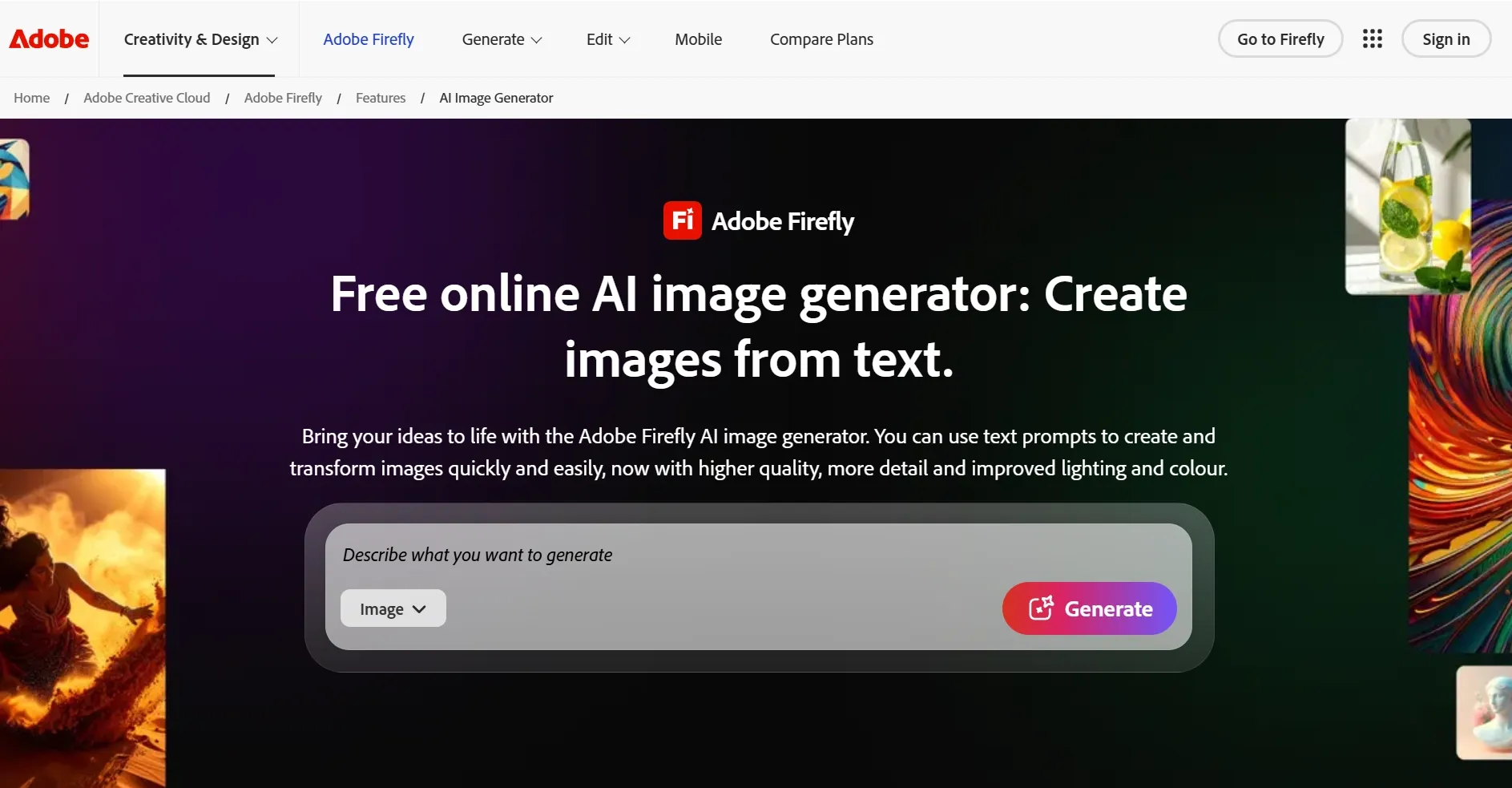
Adobe Firefly is the Getimg AI alternative I would use for controlled design cleanup. It is especially useful for generative fill, object removal, background extension, and design-friendly image edits.
Its strength is polish. If your team already works in Adobe tools, Firefly feels natural and less experimental than many AI art generators.
Pros:
- Strong generative fill and image editing
- Good fit for brand and design teams
- Clean workflow for Adobe users
- Reliable for practical image refinement
Cons:
- Less flexible as a multi-model playground
- Best value comes inside the Adobe ecosystem
My take: I would choose Adobe Firefly for brand-safe editing and design production. For broader image generation, model variety, and specialized image workflows, I would still choose Pollo AI.
Read the Adobe Firefly review for more details.
3. Leonardo AI - A Getimg AI Alternative for Game Assets
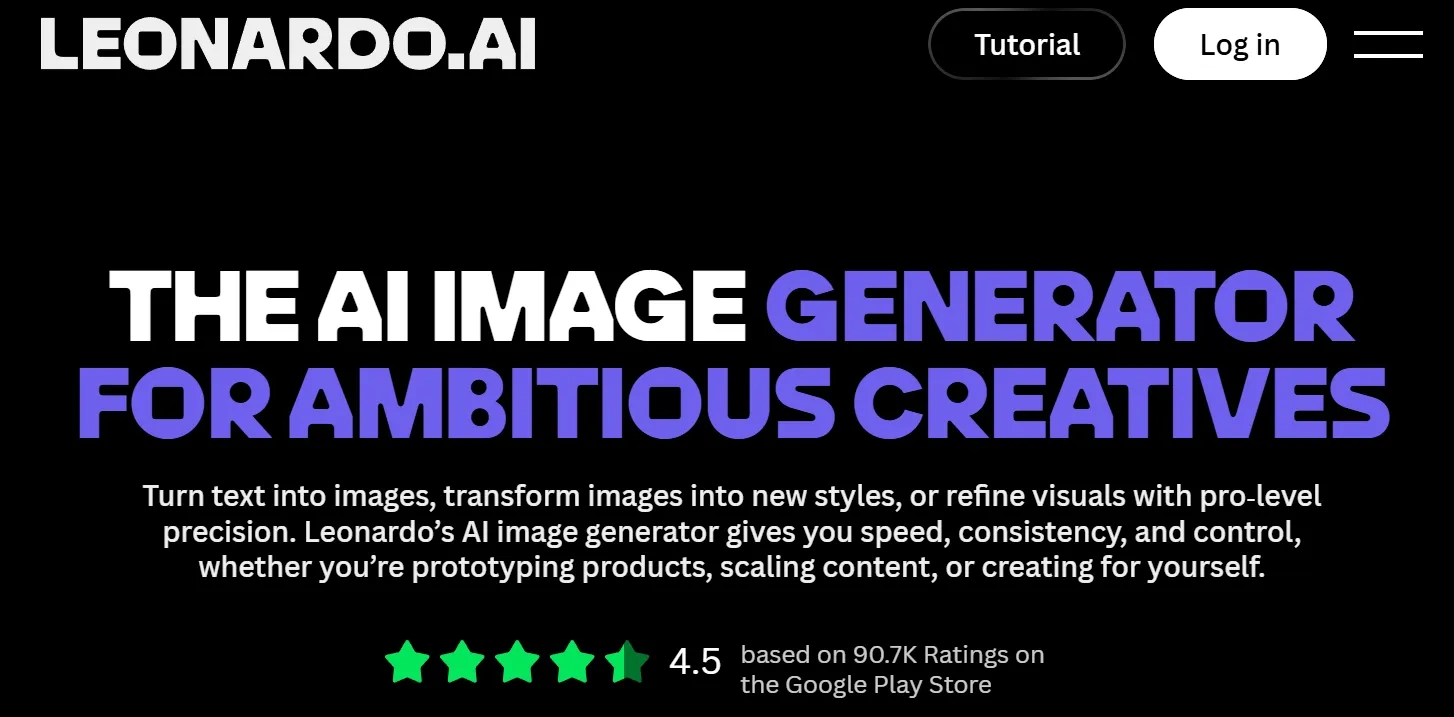
Leonardo AI stood out when I tested stylized images, character concepts, and fantasy-style assets. It is one of the best Getimg AI alternatives for art direction, especially if you care about repeatable visual worlds.
I would use it for game props, cartoon characters, environment concepts, and mood boards where style consistency matters.
Pros:
- Strong for concept art and characters
- Good style and reference controls
- Useful for game and fantasy visuals
- Better than many tools for creative iteration
Cons:
- Some outputs still need cleanup
- Less focused on finished marketing image workflows
My take: Leonardo AI is great for artists and game creators. Pollo AI is stronger if you need concept generation plus practical editing and broader commercial image production.
Open Leonardo AI review if you want the details.
4. Magnific - A Getimg AI Alternative for Stock Assets and Mockups
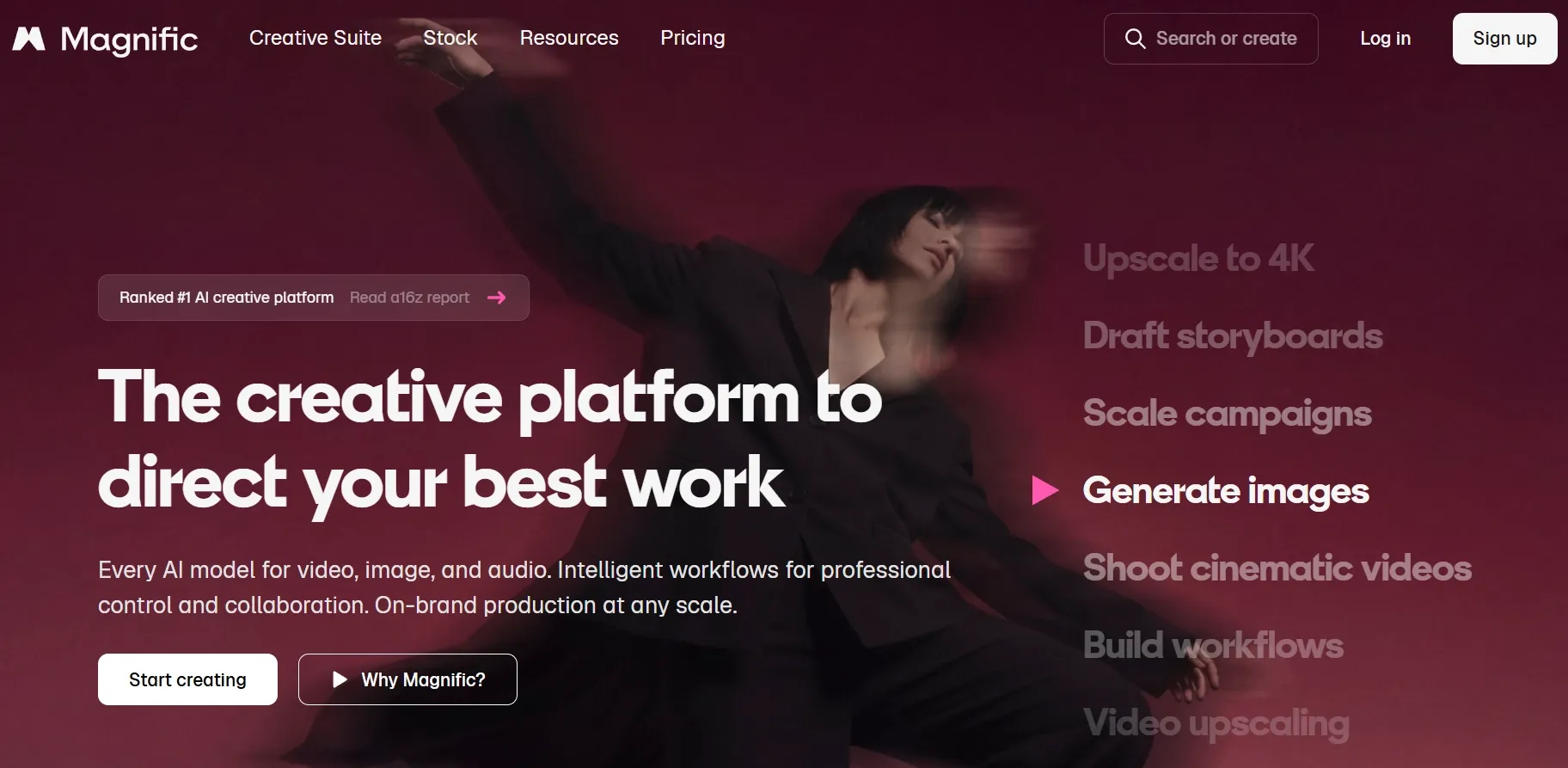
Magnific is useful when image generation is only part of the job. I liked it most for stock-style assets, templates, mockups, and quick design production.
It makes sense for marketers who need AI images, but also need the surrounding design materials to finish a campaign quickly.
Pros:
- Strong stock and template ecosystem
- Useful for mockups and marketing drafts
- Good for fast visual production
- Easy to pair AI assets with design resources
Cons:
- Less focused on deep model control
- Outputs can feel asset-library driven
My take: Magnific is a good Getimg AI alternative for design teams that need speed. For original AI images and prompt-based refinement, Pollo AI image tools feel more focused.
5. SeaArt AI - A Getimg AI Alternative for Model Control
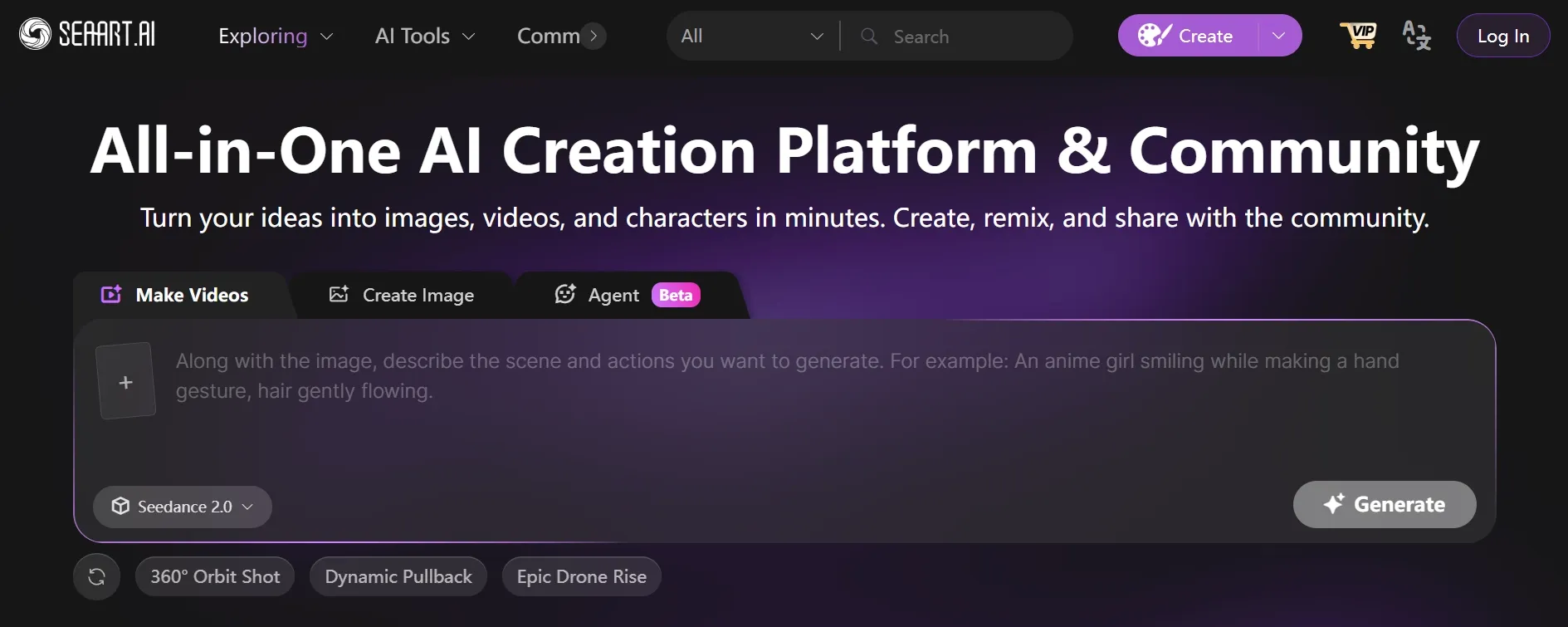
SeaArt AI is a strong choice if you enjoy model-driven creation. It supports a community-style workflow with models, LoRA, ControlNet-style guidance, and image exploration.
I would use SeaArt AI for anime, AI characters, pose control, and style experiments where technical settings are part of the creative process.
Pros:
- Good model and style ecosystem
- Useful for anime and character art
- Stronger control than many beginner tools
- Helpful community inspiration
Cons:
- More technical than casual users may want
- Less polished for brand and product workflows
My take: SeaArt AI is best for users who like tuning and experimenting. Pollo AI is better if you want model flexibility with a smoother route to finished visuals.
Know more details by clicking this SeaArt AI review.
Turn Ideas to Polished Images Instantly
Join 10M+ creators using Pollo AI to generate commercial-ready images — ready in seconds, 2 free images daily.
Try Pollo AI Image Generator Free
6. Civitai - A Getimg AI Alternative for Community Models
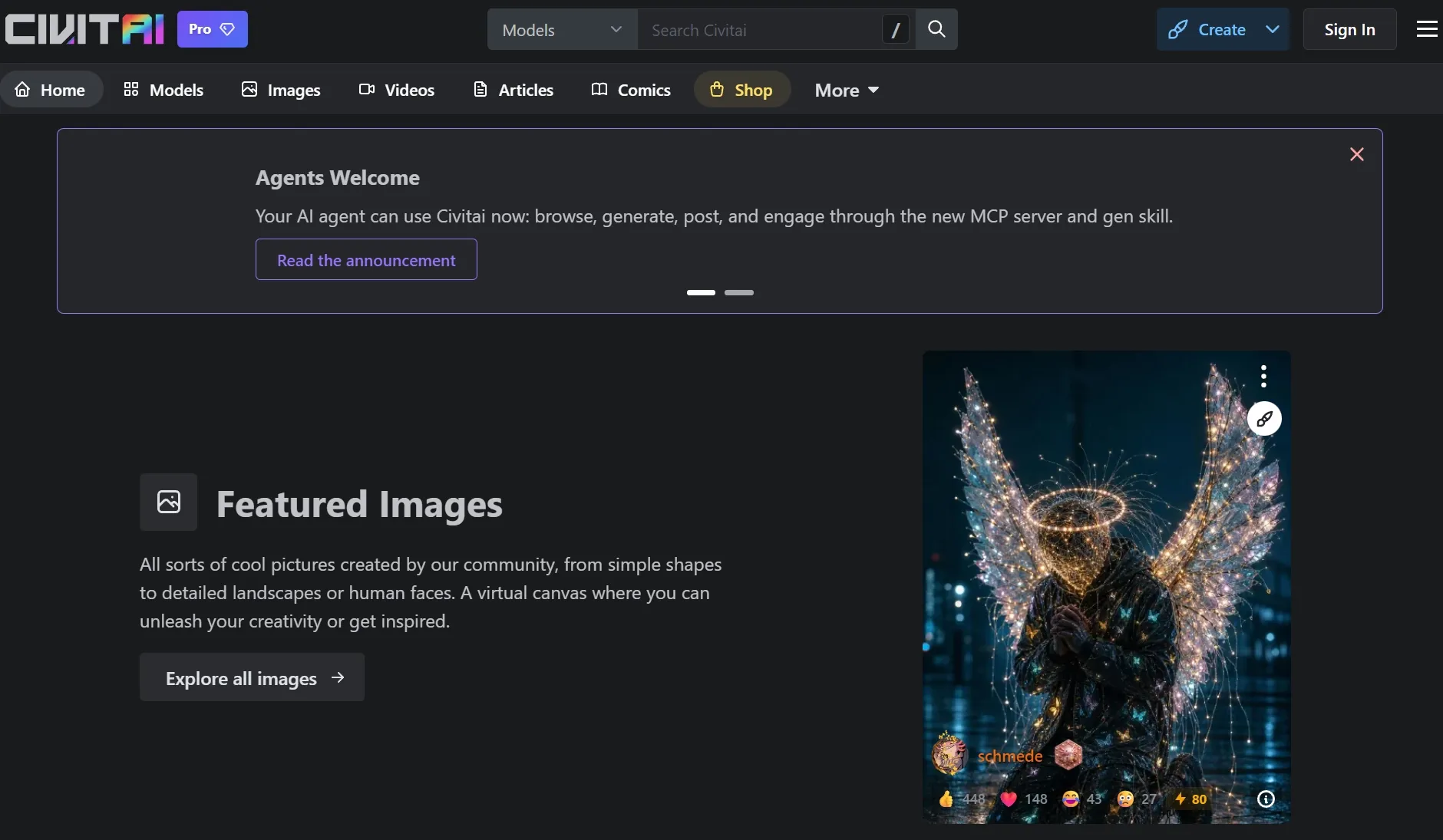
Civitai is less like a simple generator and more like a model discovery ecosystem. I used it mainly to understand styles, prompts, and how different community models behave.
It is one of the best places to explore niche aesthetics, especially for anime, fantasy, portraits, and highly specific AI art styles.
Pros:
- Huge community model library
- Great for niche and experimental styles
- Useful prompt and image references
- Strong remix culture
Cons:
- Steeper learning curve
- Quality depends heavily on model choice
My take: Civitai is excellent for AI art enthusiasts. For a cleaner workflow with editing, image generation, and commercial use cases together, Pollo AI is easier to recommend.
Click through to our Civitai review for more details.
7. Canva - A Getimg AI Alternative for Finished Social Designs
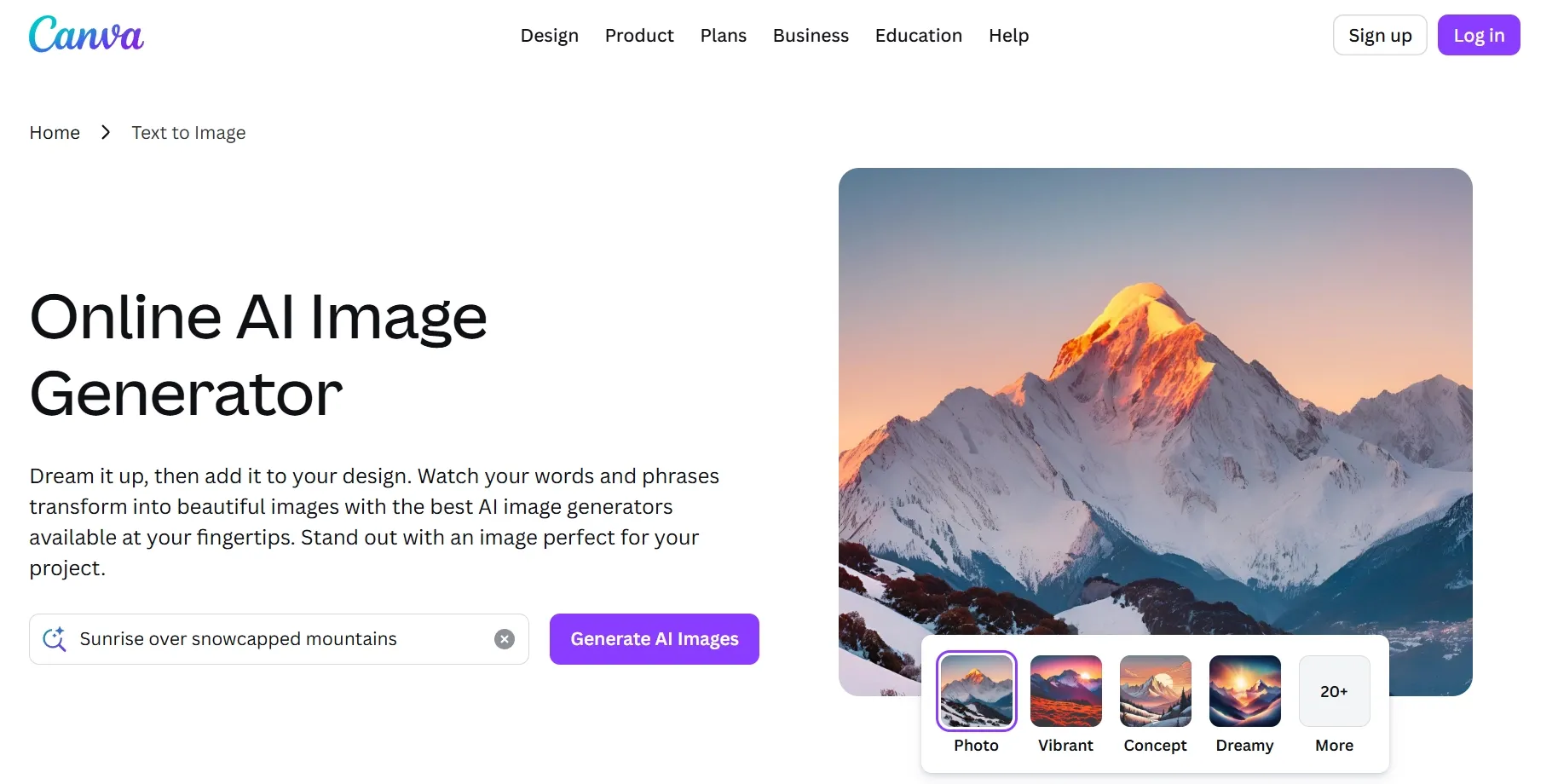
Canva is not the deepest AI image generator here, but it is very practical. I liked it most when the goal was not just an image, but a finished social post, logo graphic, or presentation visual.
Its AI tools work best inside a template-driven design workflow. That makes it useful for non-designers and social media teams.
Pros:
- Excellent templates and layouts
- Easy for social graphics
- Good brand kit support
- Useful for quick marketing visuals
Cons:
- Limited for advanced image generation
- Template-heavy results can feel familiar
My take: Canva is great when layout matters most. If the image itself needs deeper generation and refinement, I would use Pollo AI photo editor first, then bring the result into a layout tool if needed.
Read our Canva review for the full details.
8. Pixlr - A Getimg AI Alternative for Quick Browser Edits
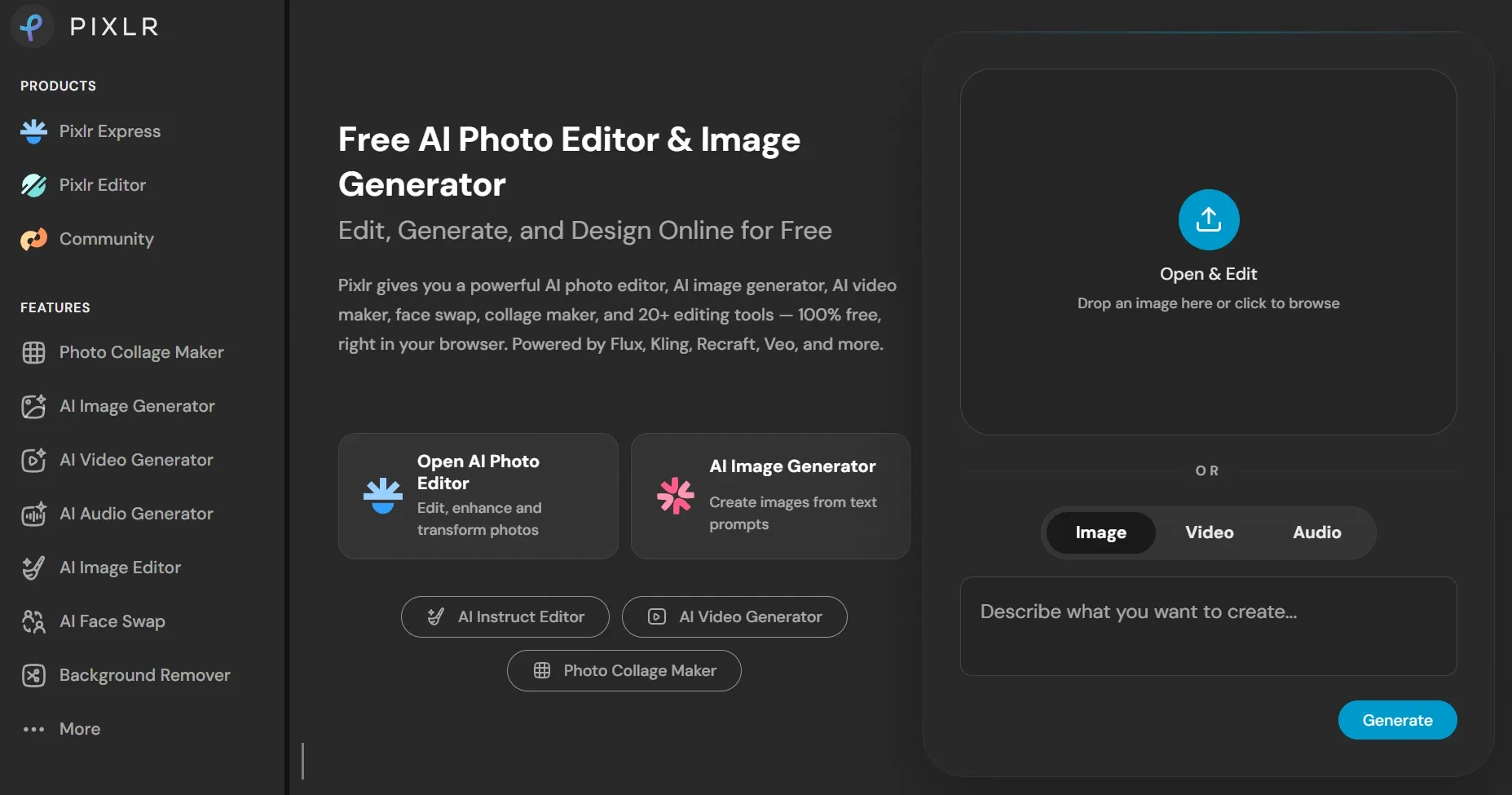
Pixlr is the tool I would open when I need a fast edit in the browser. It is good for generative fill, upscaling images, removing small issues, and making simple visual changes.
It does not feel as complete as the stronger AI generation platforms, but it is fast and accessible.
Pros:
- Quick browser-based editing
- Useful fill and expand tools
- Easy for lightweight retouching
- Good for simple social visuals
Cons:
- Less depth for model choice
- Not ideal for complex campaign consistency
My take: Pixlr is convenient for quick edits. For deeper generation, background changes, and image cleanup, Pollo AI’s AI photo editor gives more room to build a finished result.
Check the Pixlr review if you want more details.
9. Picsart AI - A Getimg AI Alternative for Creator-Style Visuals
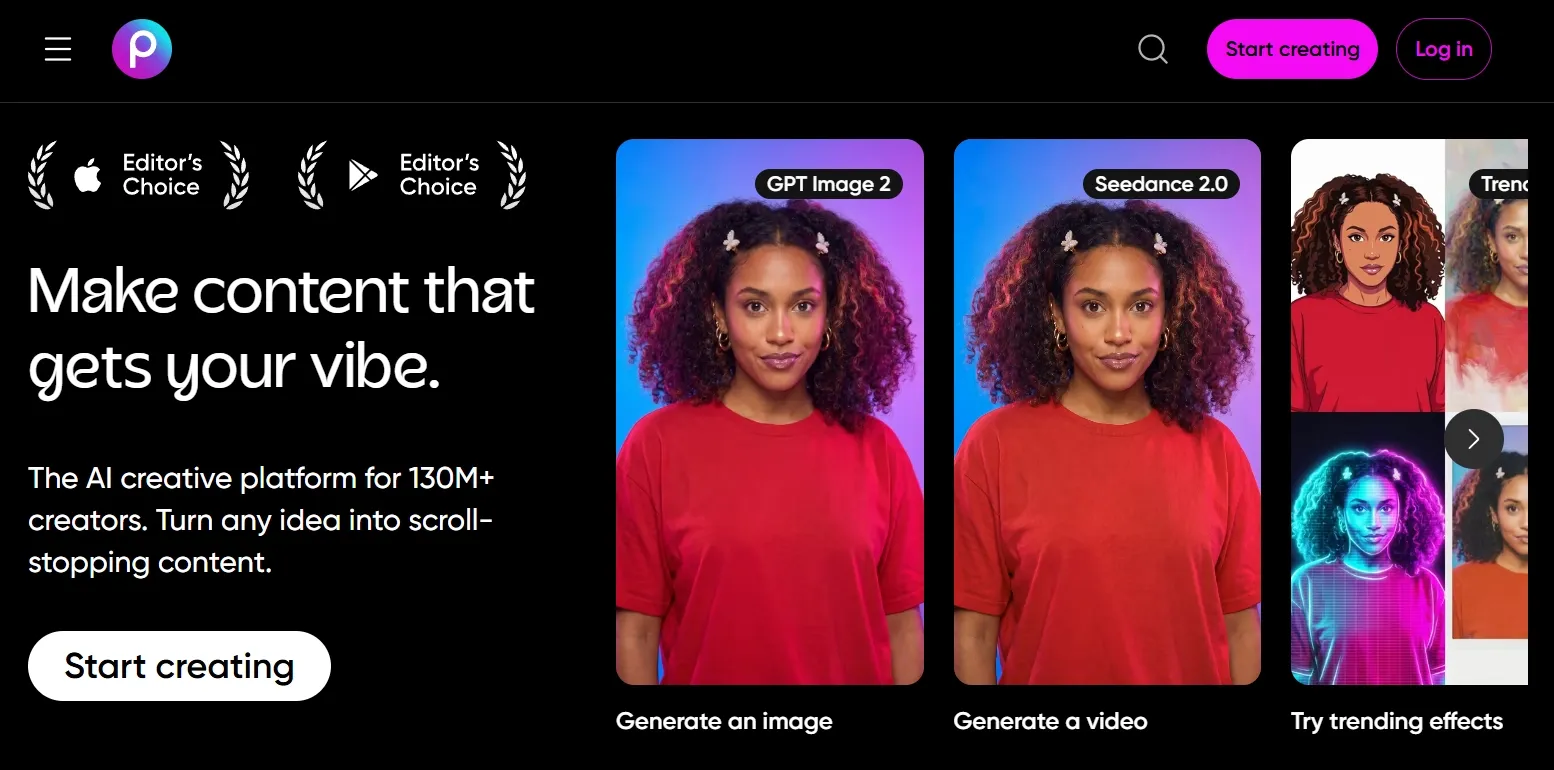
Picsart AI is a good fit for social creators. I found it useful for quick edits, stylized images, product photos, and design-ready graphics that do not need a complex production setup.
It is more casual and creator-oriented than some tools in this list, which can be a strength if speed matters.
Pros:
- Good for social content
- Easy editing workflow
- Useful style and effect options
- Friendly for creators and small teams
Cons:
- Less advanced model control
- Not always ideal for brand consistency
My take: Picsart AI works well for quick commercial visuals. But with Marketing Studio, Pollo AI is stronger when the same image workflow needs to support ads, products, brand assets, and repeatable campaigns.
See our Picsart AI review to know more details.
10. Fotor AI - A Getimg AI Alternative for Casual Portraits
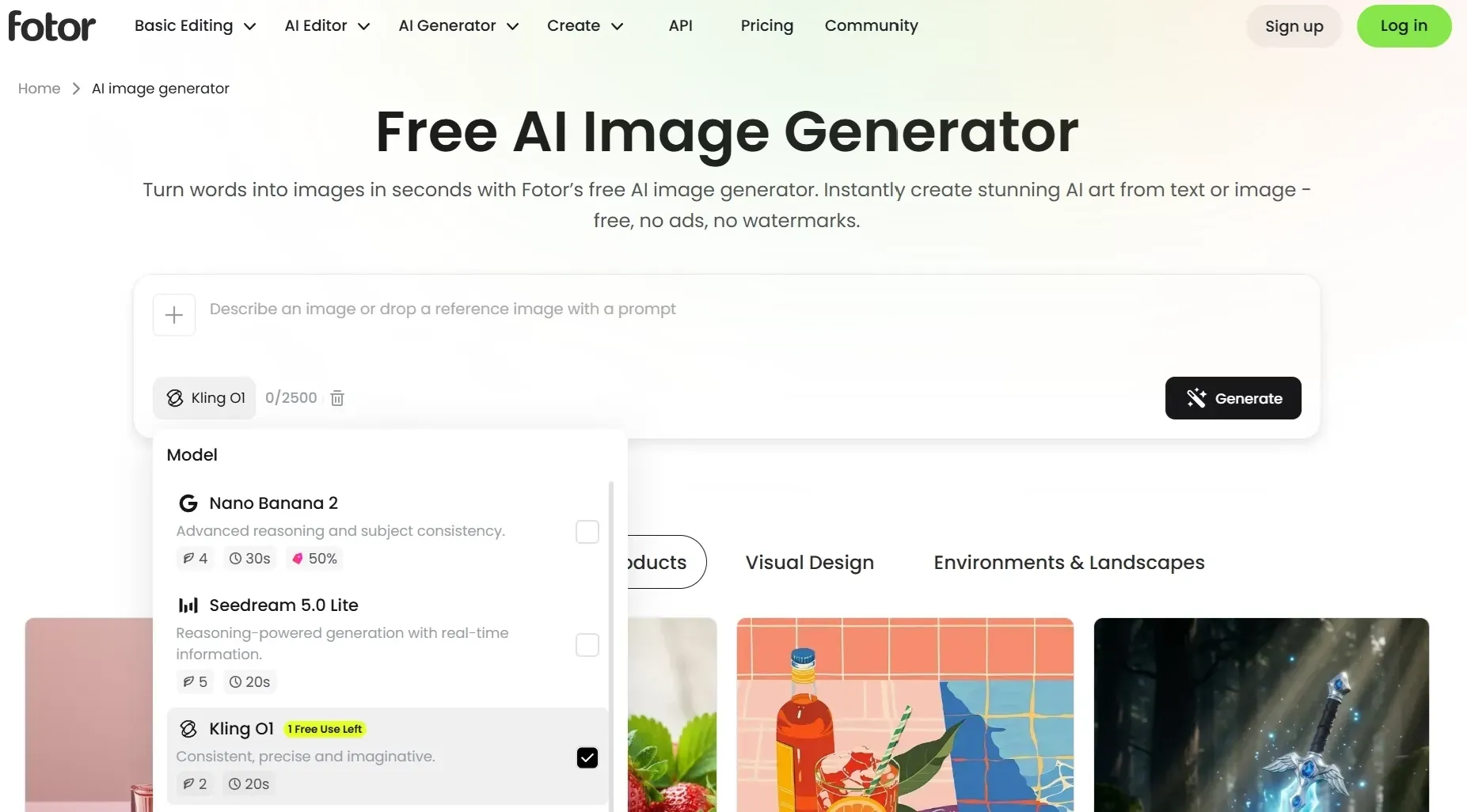
Fotor AI is one of the easiest tools on this list. I would use it for simple art style creations and everyday image edits.
It does not offer the deepest creative control, but it is approachable. That makes it useful for beginners who want quick results without many settings.
Pros:
- Beginner-friendly interface
- Good for portraits and avatars
- Simple generation workflow
- Useful for lightweight edits
Cons:
- Limited for advanced visual production
- Less flexible for model-driven workflows
My take: Fotor AI is good for casual use. For more serious image generation and commercial-ready visuals, Pollo AI gives me a stronger workflow.
Check the Fotor AI review for the full notes.
How I Reviewed These Getimg AI Alternatives
I focused on image-first criteria because Getimg AI is mainly an image generation and editing tool. I compared each alternative on prompt adherence, image quality, image to image control, editing depth, style consistency, and commercial usefulness.
I also paid attention to workflow friction. A good image generator should not force me to export every draft, fix basic details elsewhere, or regenerate endlessly for small edits.
I did not rank Pollo AI higher because it also supports video. For this article, Pollo AI wins on image generation, editing, model variety, specialized image generators, and commercial visual workflows.
Which Getimg AI Alternative Should You Choose?
| Use Case | Best Choice |
| Best overall Getimg AI alternative | Pollo AI |
| Image to image generation | Pollo AI |
| Prompt-based image editing | Pollo AI |
| Brand-safe generative edits | Adobe Firefly |
| Game assets and concept art | Leonardo AI |
| Stock assets and mockups | Magnific |
| LoRA and model control | SeaArt AI |
| Community model discovery | Civitai |
| Social media layouts | Canva |
| Fast browser editing | Pollo AI |
Separate Note: When Images Need to Become Campaigns
While I focused strictly on image performance, Pollo AI includes practical extensions for video. You can animate approved static images into ads or social campaigns via its image to video tool.
If your generated images need to become ads, product videos, or social campaigns, Pollo AI can continue the workflow through tools like Marketing Studio. That is helpful after the image itself is already approved.
It is useful because it turns approved visuals into ready-to-use ad formats instead of leaving you with static assets. You can turn photos to video ads to turn a product image into a scroll-ready ad.
Final Verdict
After testing these tools, I would choose Pollo AI as the best Getimg AI alternative overall. It gives me the strongest image-first workflow and practical visual creation for real projects.
Getimg AI is still useful, especially for users who like its canvas and model options. But if you want fewer tool switches and more polished image output, Pollo AI is the alternative I would start with.
Try Pollo AI image generator today to create visuals effortlessly!