



Getimg Review: I Tested Getimg.ai & Made A Startling Discovery About Its AI Image Generator
Getimg.ai has always been on my radar, especially with many online users mentioning it as an AI image generator that creators should check out. But is it truly worth it?
Eager to unravel this mystery, I decided to look into its extensive features and even tested out its capabilities to see just what it can offer. Do you want to know what I discovered?
Well, there’s the long and short version of this tale. But, just in case you’re in a hurry, let me give you a quick rundown of my experience with Getimg.ai.
Based on first impressions, I find that what makes this AI image generator an effective tool is its balance between flexibility, speed, and intuitive functionality.
With access to varying art styles, various image configurations, and fast generation speed, this meant I could get the image renders I wanted in under 20 seconds.
However, it isn’t the most consistent AI image generator in terms of results. It also comes with a steep learning curve that can be frustrating for any first-time user.
Also, the platform restricts access to high-resolution images and various custom AI image models under its premium plans, which can be a bit pricey for casual users.
But before I dive into all this in detail, let me give you some background insight into what Getimg.ai has to offer, in terms of its various features and tools.
An Introduction To Getimg.ai.
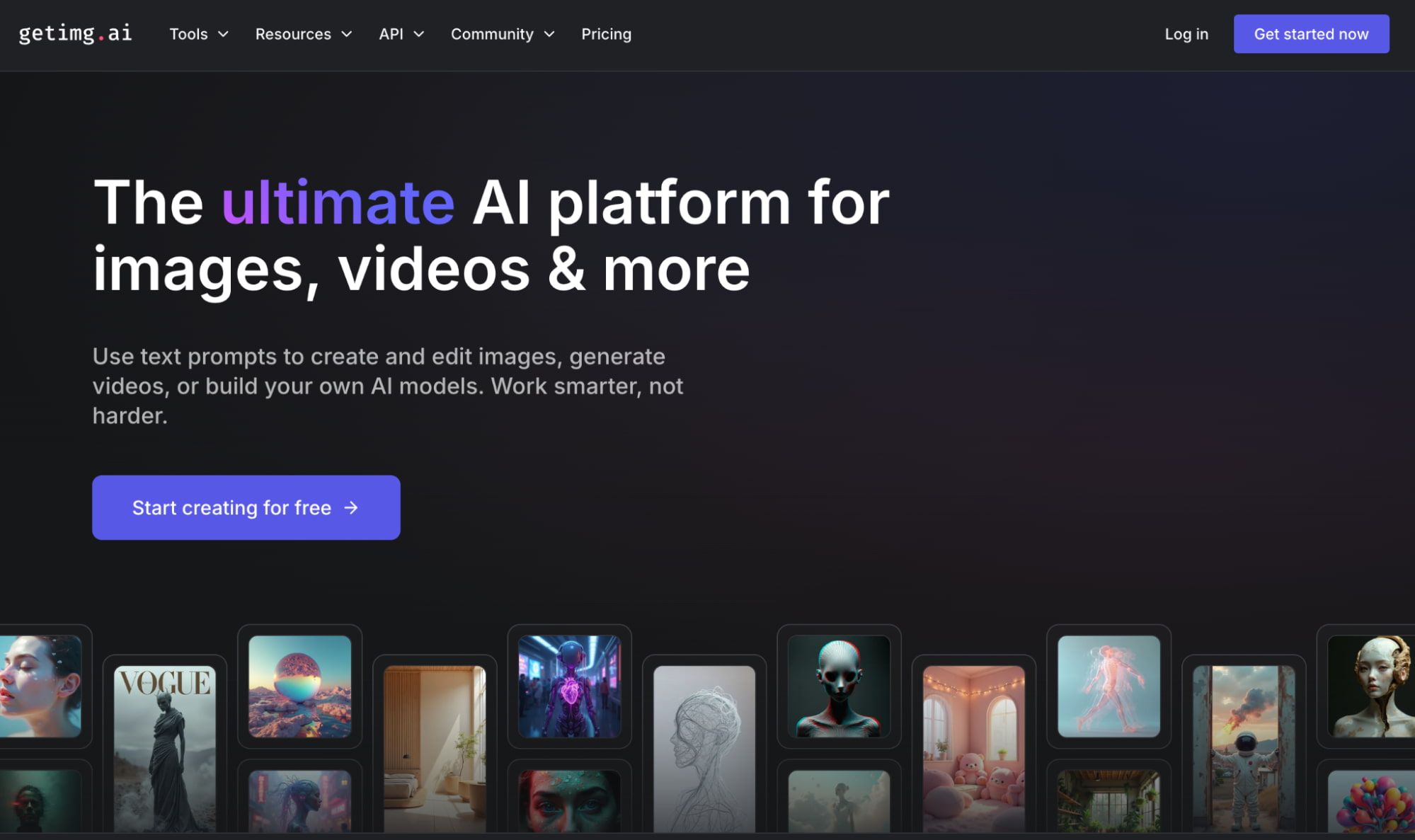
Powered by advanced models like Stable Diffusion, Getimg.ai is an AI image generator that allows users to bring any visual ideas to life across a wide range of unique styles.
The tool allows for text-to-image and image-to-image generation, just like other platforms.
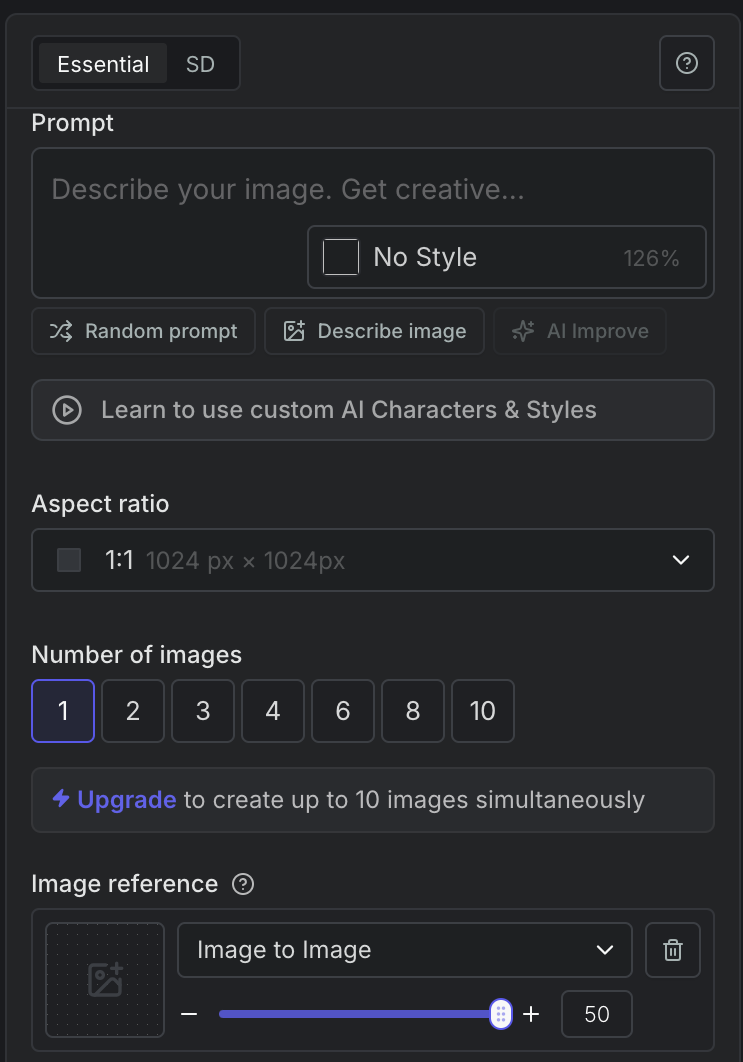
In fact, it lets me freely upload reference images and choose the specific visual feature to mimic, like depth map, edges, etc, with the added option of adjusting the resemblance.
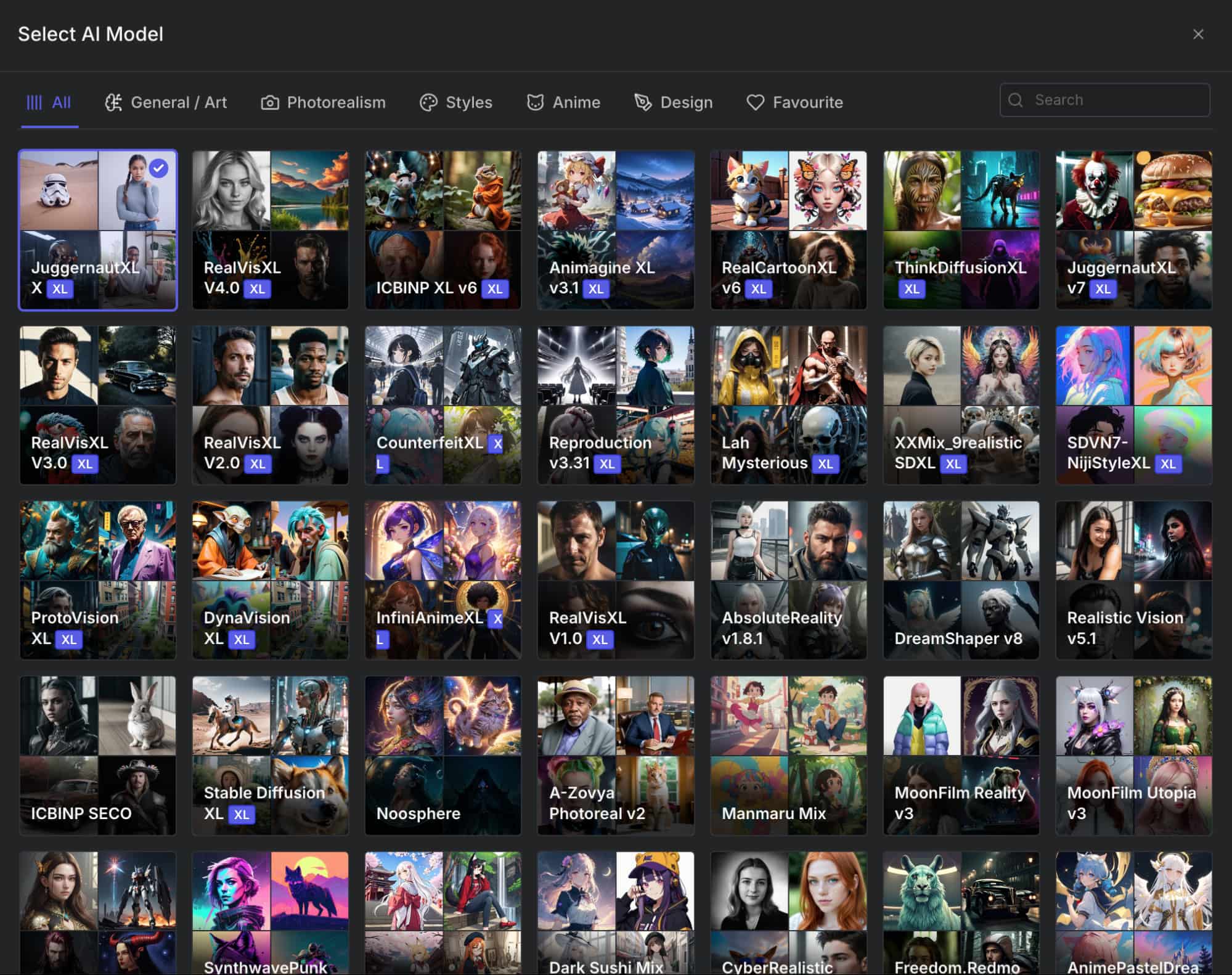
I also like that the platform offers a vast range of custom AI models like JuggernautXL, AnimagineXL, and RealVisXL that cater to diverse art styles like photorealism, anime, etc.
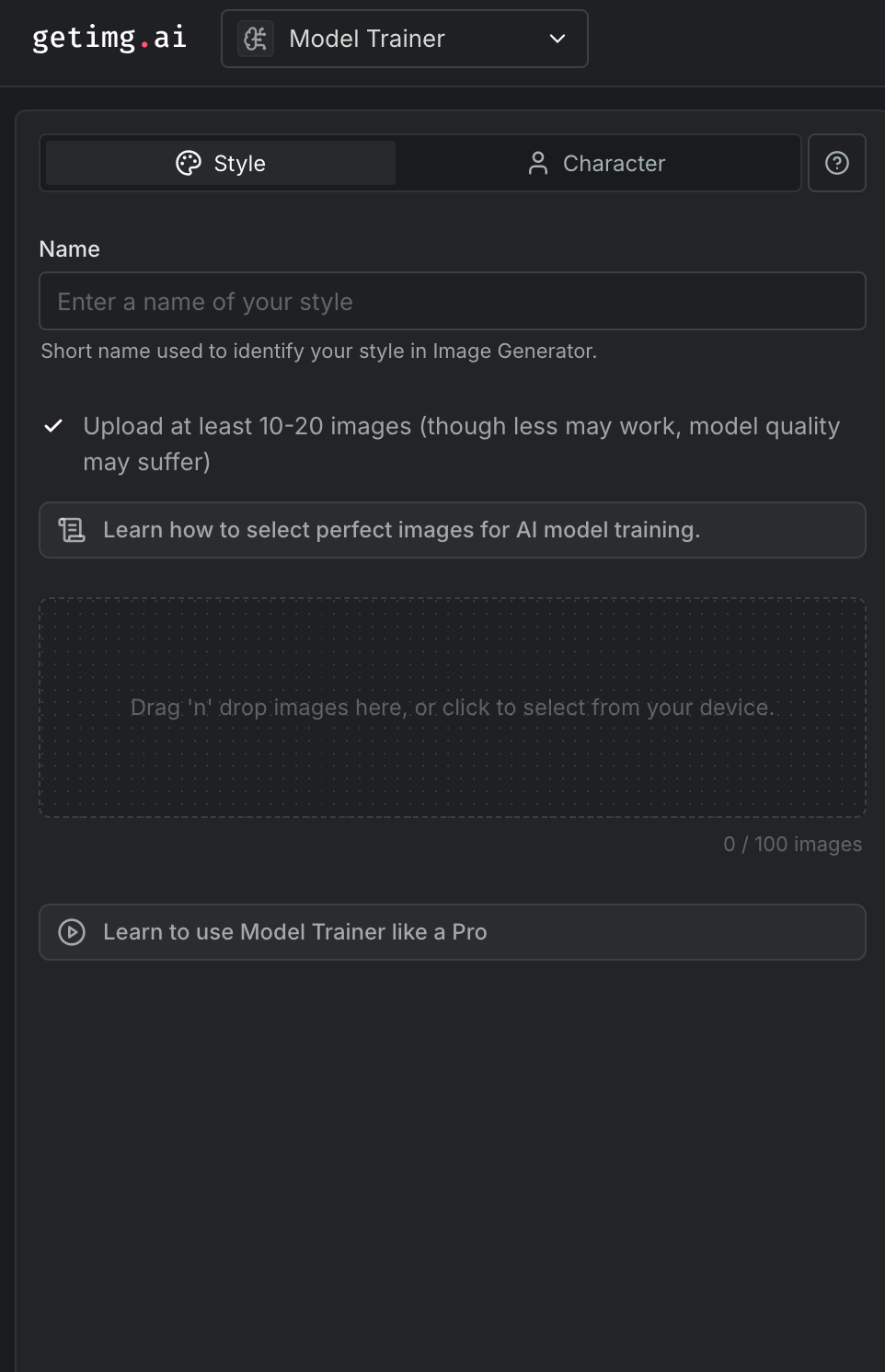
But that’s not the most interesting part. I was surprised to see that, unlike most other tools, Getimg.ai allows users to train their own custom AI character and style models!
With this feature, I can replicate specific art styles and character renders, which adds a layer of personalization very rarely offered by most other AI image generators.
For all these reasons, I find that Getimg.ai offers a high level of functionality that can cater well to all kinds of users, even those with little creative experience.
Plus, Getimg.ai has a wide creative image toolkit. Whether it’s image editing, video generation, or upscaling, the platform offers quick access to several other useful tools, all under its umbrella.
Now that I’ve summed up what Getimg.ai can do, let’s explore what my personal experience using the AI image generator was like.
How Was My Personal Experience With Getimg.ai?
To start with, I wanted to test Getimg.ai’s capacity to create creative images in diverse styles. So, I gave it a simple prompt that describes a fantasy-themed idea I had in mind.
[A majestic dragon flying high in the bright blue sky above a beautiful blue sea, its wings outstretched wide, leaving behind whips of smoke from its fiery mouth, as it soars through the air. The scene is vibrant and magical, with a photo-realistic style.]
This was the final image output it produced.
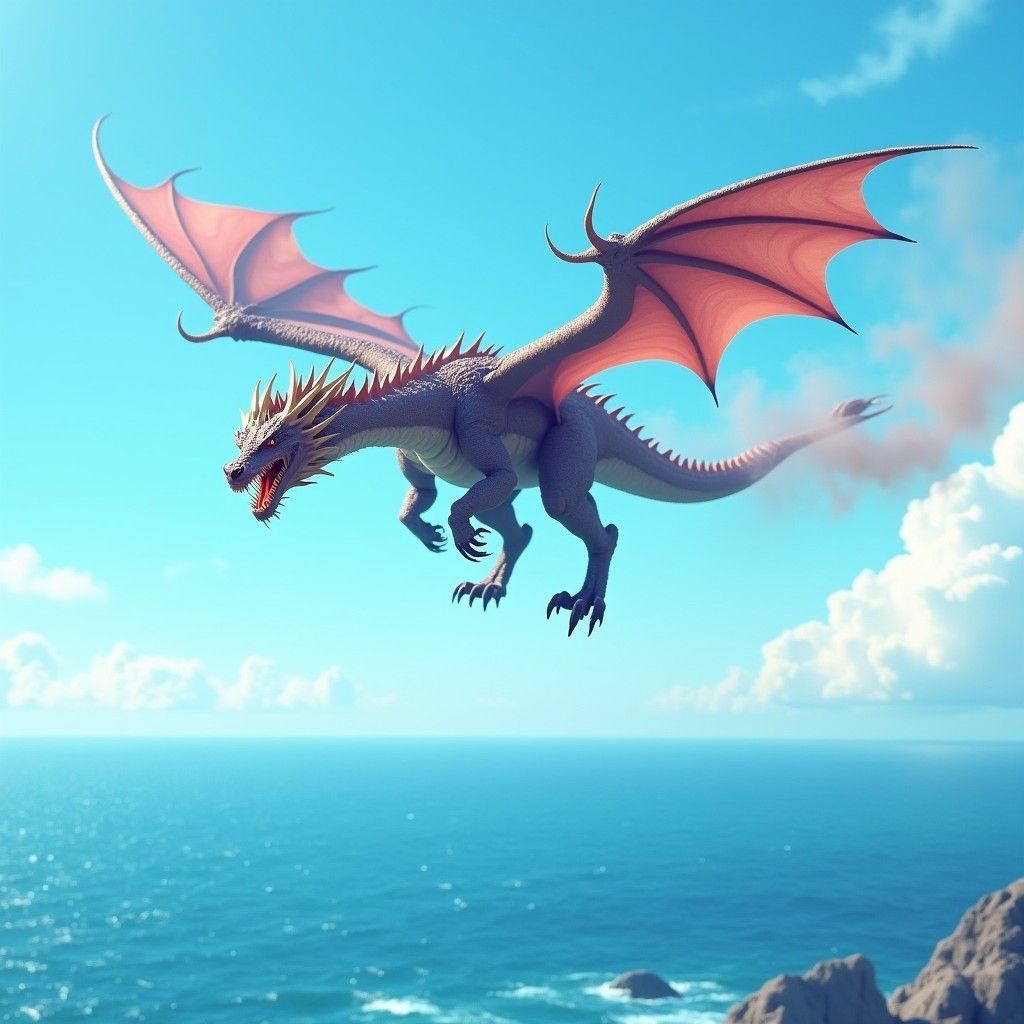
The tool managed to capture most of the elements I included in my instructions, like the sky, the sea, and even the smoke. But to be honest, the quality of the image is lacklustre.
I was expecting something less cartoonish. Instead, it produced a render that looks more like a basic stock photo. There is very little realistic detail, particularly with the subject.
I’ll admit the color vibrancy and image quality are decent, but other than that, the tool generated a design that falls short of expectations.
Frankly, if I had to rate it, I would give Getimg.ai a score of 5/10. So, not a great start.
For my next sample test, I wanted to see how it handles more complex and detailed instructions. Perhaps this may help it to produce something more satisfying?
So, this was the prompt I used this time around.
[A cinematic video game scene set at dusk, showing a lone warrior standing on a cliff overlooking a war-torn valley. He wears futuristic, battle-worn armor with glowing blue accents, holding a high-tech sword in one hand and a torn flag in the other. The sun is setting behind distant mountains, leaving dramatic hues of orange in the sky. Smoke can also be seen rising from burning villages below, casting a hazy atmosphere across the land. The camera angle is wide and low to help emphasize the scale and emotion of the scene.]
You can check out the image it rendered below.
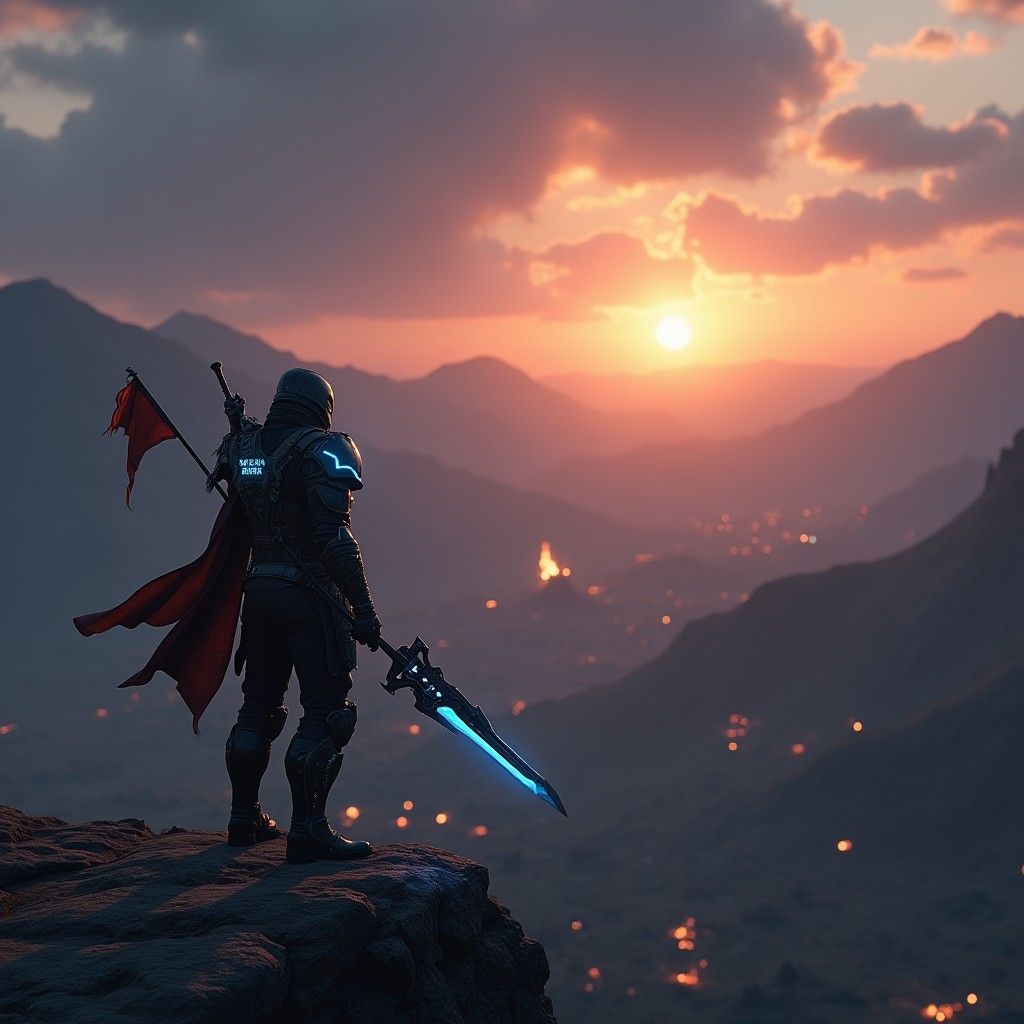
This time around, Getimg.ai did manage to impress me! It created a stunning video game scene that depicted my prompt with good precision.
From the setting sun to the ridge overlooking the valley, the scene composition was just as I imagined. The character’s armour, weapons, and even stance are also immaculate.
The only real issue I had with the image is the lack of camera focus on the valley, which makes the scene look a bit blurry to truly make out what’s happening below.
Other than that, I would rate Getimg.ai a 7.5/10 for this image output. Good effort!
For my final test, I wanted to see how Getimg.ai would handle generating portraits of real people. So, this was the prompt I used:
[A beautiful Brazilian model posing confidently on a vibrant street in Rio de Janeiro. She is wearing stylish, colorful summer fashion, with natural makeup and wavy hair flowing in the breeze. The photo comes in a fashion photography style.]
You can see what Getimg.ai produced below.
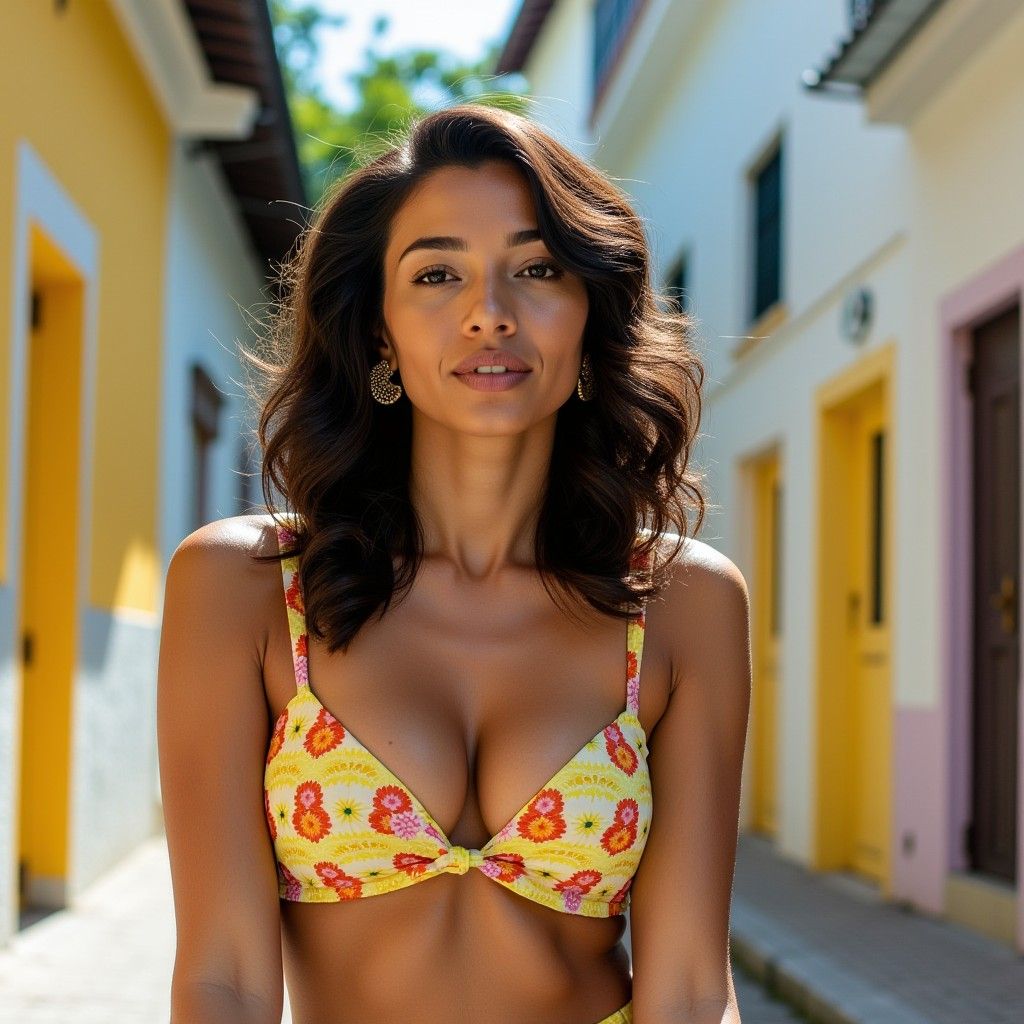
Once again, Getimg.ai did a fantastic job. The output is intricately aligned with my prompt, and at first glance, it would actually be difficult to tell that the image is not an actual fashion photo.
It managed to successfully render a photorealistic image with sharp clarity that properly captures the right outdoor scene lighting with amazing background detail.
I also appreciate how it adhered to my request for fashion photography style by presenting the shot with full camera focus on the subject. Even the clothing’s texture and detail look great.
All in all, I’d rate this particular image test at an 8/10. Not bad at all!
What Is My Overall Opinion of Getimg.ai?
Getimg.ai can produce high-quality imagery, but as I’ve shown, it can also be inconsistent at times. From the looks of it, its performance seems to vary depending on certain art styles.
Aside from that, I did appreciate how the platform offers prompt assistance options, which makes prompt engineering a bit easier to handle.
Moreover, the interface is undeniably intuitive. I could choose to generate multiple outputs, utilize image references, select my desired aspect ratio, etc.
At least, at a base level, I find that it offers all the core image generation configurations one would need, especially if I needed to create custom images in bulk.
However, I was frustrated by the fact that it has very limited art style options to choose from. At best, it offers the basic options like portraits, anime, Pixel Art, and a few others, but that’s it.
Also, it has several customization tools, but the UI is so cluttered that navigating them can feel like a puzzle. It also means that any chances of AI image generation via mobile will be difficult.
In addition, some features, like the Model Trainer, have a steep learning curve. This means that it may take some time for users to master its capabilities and utilize them effectively.
In short, I find that Getimg.ai can be good for concept ideation and producing personalized images in bulk. But, I don’t believe it’s the most user-friendly or reliable AI image generator.
Need Something Better To Generate AI Images? Try Pollo AI!
Getimg.ai falls short of being the ideal AI image generator. And the reason I can say that confidently is because I’ve tried and tested Pollo AI, which comes without any of its flaws.
It is an unparalleled, all-in-one AI image and video generator that comes uniquely integrated with dozens of industry-leading AI generation models.
With Pollo AI, you can access various AI image models like Google Nano Banana, Seedream, and several others to produce stunning high-fidelity images across numerous art styles.
But the fun doesn’t stop there! Pollo AI also offers a wide range of AI tools, effects, and templates that let you restyle existing images and videos, with no manual editing required.
You can access unique AI video apps like the AI celebrity video generator, AI lyrics video generator, and they are some of my favorites!
I particularly appreciate its simplistic interface that caters well to first-time users. And it’s even more impressive when you consider the near-endless features and capabilities being offered.
Don’t wait any longer. Try Pollo AI now and generate 2 free images daily with no sign-up required.
Conclusion
Does Getimg.ai live up to the hype? From what I’ve seen, it’s a mixed bag. It shows great potential for generating quality imagery, but it’s not a solid bet across all art styles. This inconsistency can be frustrating. Plus, most of its advanced features require a paid plan. Instead, you’re better off with Pollo AI, especially if you plan on generating AI images frequently.