



HeyGen AI Review: Is HeyGen AI Video Generator Worth The Hype? Here is What I Found
As a content creator who seeks to create compelling images and videos, I gave HeyGen AI video generator a try for a couple of days.
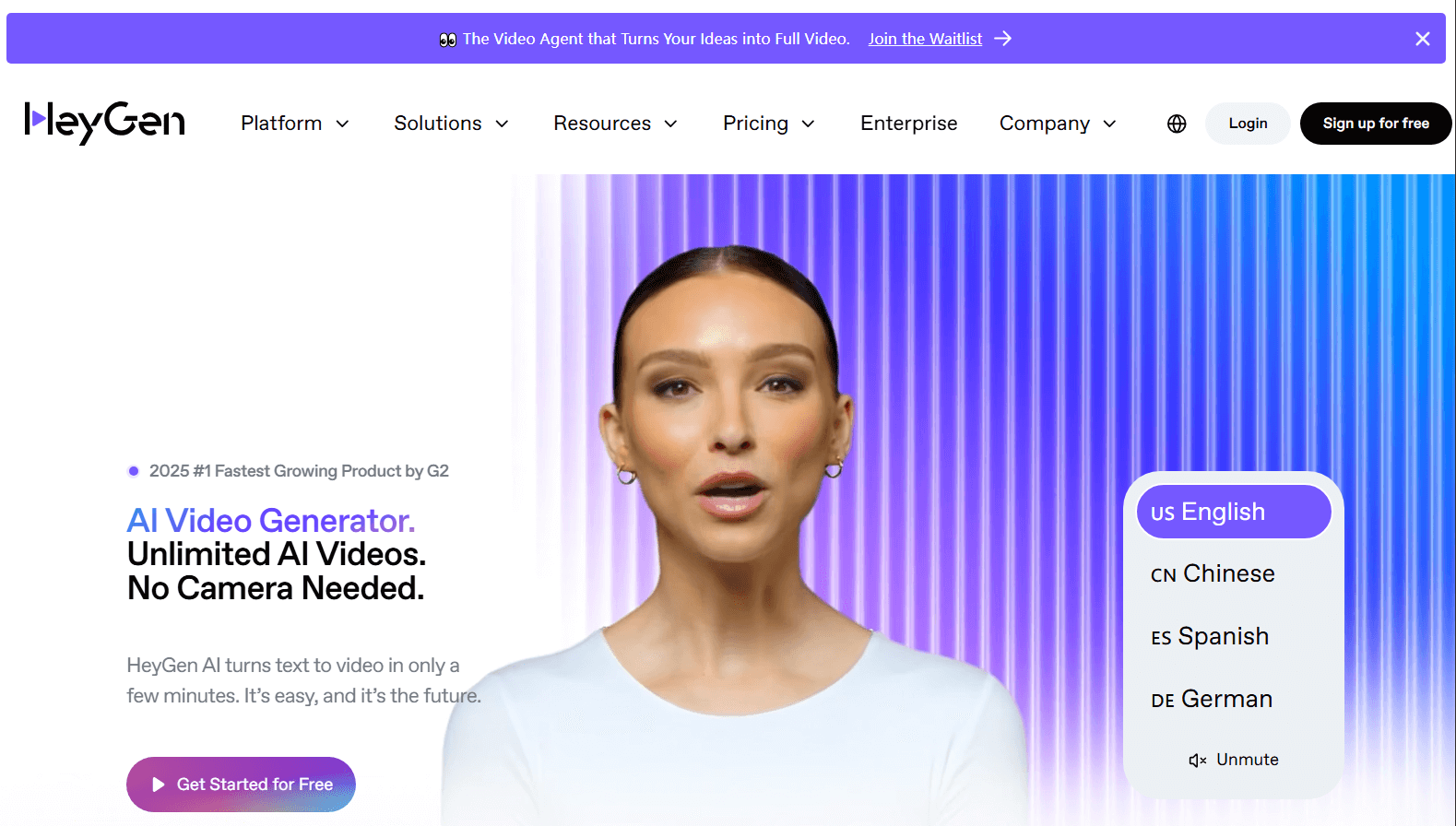
In my view, HeyGen AI video generator is specially developed for making avatar videos. Its realistic avatars, multilingual support, and extensive customization options make it a powerful tool for content marketing.
I can either upload a photo or use its preset to create an avatar video. It’s especially ideal to make lip movement, subtle facial expressions, voice, gestures, and body movements match each other in the avatar video.
But what depressed me is its slow generation time for long video content. And it could be better if they had more professional editing tools.
In this post, I will share my firsthand experience with HeyGen AI Video Generator. From text to speech to video translation, I’ll demonstrate how to use it to make amazing avatars speak as you want.
Start Creating from Scratch
To get started, I clicked the Create Video button in the upper left corner of the main page.
Here, I saw two options. One way to generate a digital speaking person with a very natural voice. The other was to use the lip-sync feature to translate the voice of the speaker. It was like making your video available in different languages.
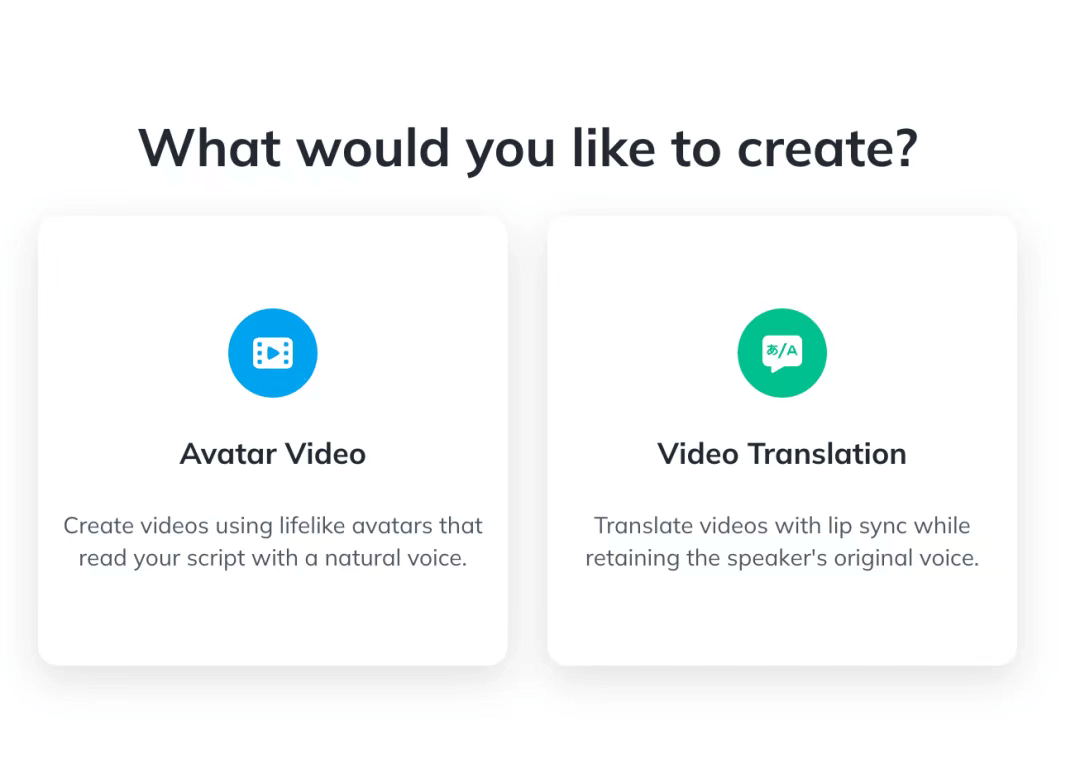
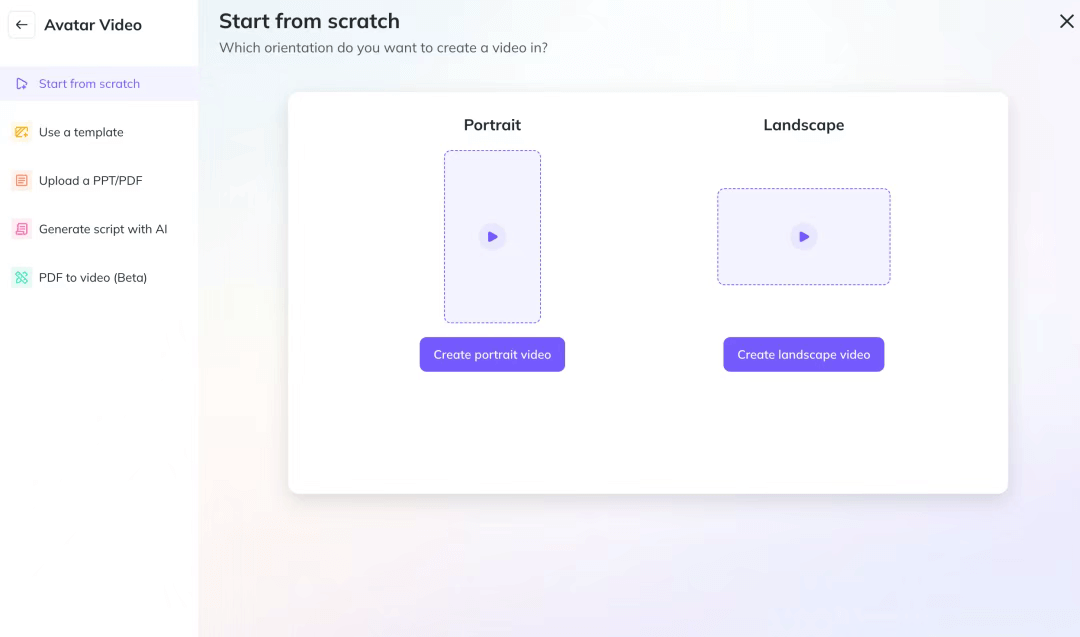
I started by creating an avatar video and chose to start from scratch.
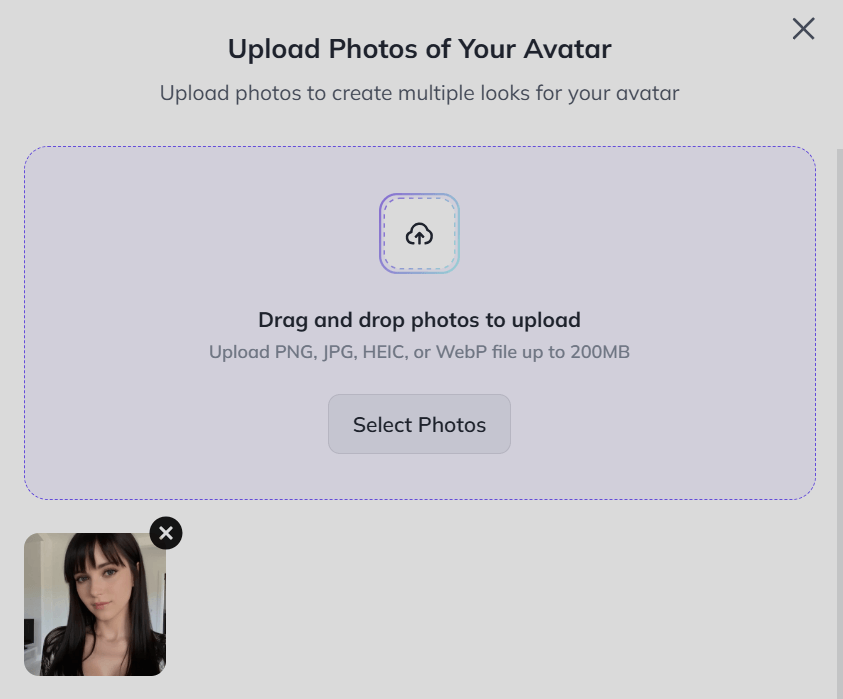
There was a group of public avatar presets. Also, I could upload my image to create a new avatar. Then I clicked on the “Create New Avatar” to initiate the process. And I uploaded a girl’s profile picture and entered her name, age, gender, and ethnicity.
Then I entered the script: Hi there! I’m so excited to meet you! I love exploring new places and trying out new things. What’s your favorite adventure? Let’s have some fun together!
And here is the output video:
The digital avatar I generated has few gestures because I uploaded a photo. If you want a more realistic and vivid output, you can record a video of yourself speaking for 2 to 5 minutes. You can wave your hands and make some movements. The background should be a plain wall or a green screen, and it’s recommended to use an external microphone for better audio quality.
Precise Gesture Control
Next, I decided to test how HeyGen could control the avatar's gestures, movements, and even subtle facial expressions.
The earliest image-to-avatar generator only worked on mouth movements and head movements, and later, it could support body gestures. Now, Heygen AI offers an effective solution that allows it to directly control the gestures through your prompts, and it performs quite well.
To test this feature, I uploaded another pop girl’s image and customized the motion: The woman is performing with rap gestures.
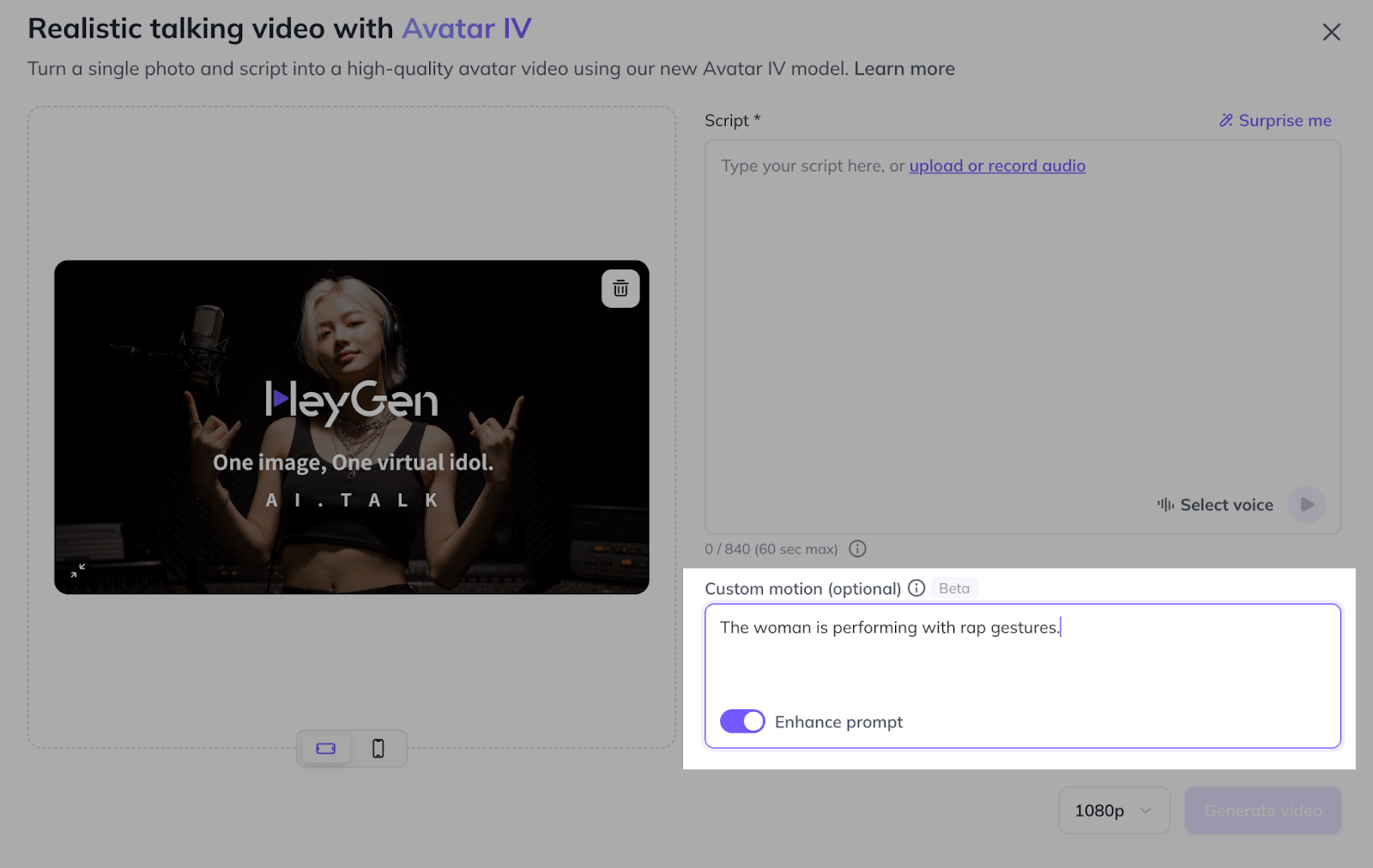
The output was excellent. Almost all movements were in line with prompts and voices. Her body movements were natural, and more importantly, the fingers barely broke.
The following are screenshots from my test, where the gestures are constantly changing, and you'll notice that the number and shape of the fingers remain stable and high-quality all the time. Usually, the shape and number of fingers are often a big challenge for AI video and image generation. HeyGen AI has done a good job.
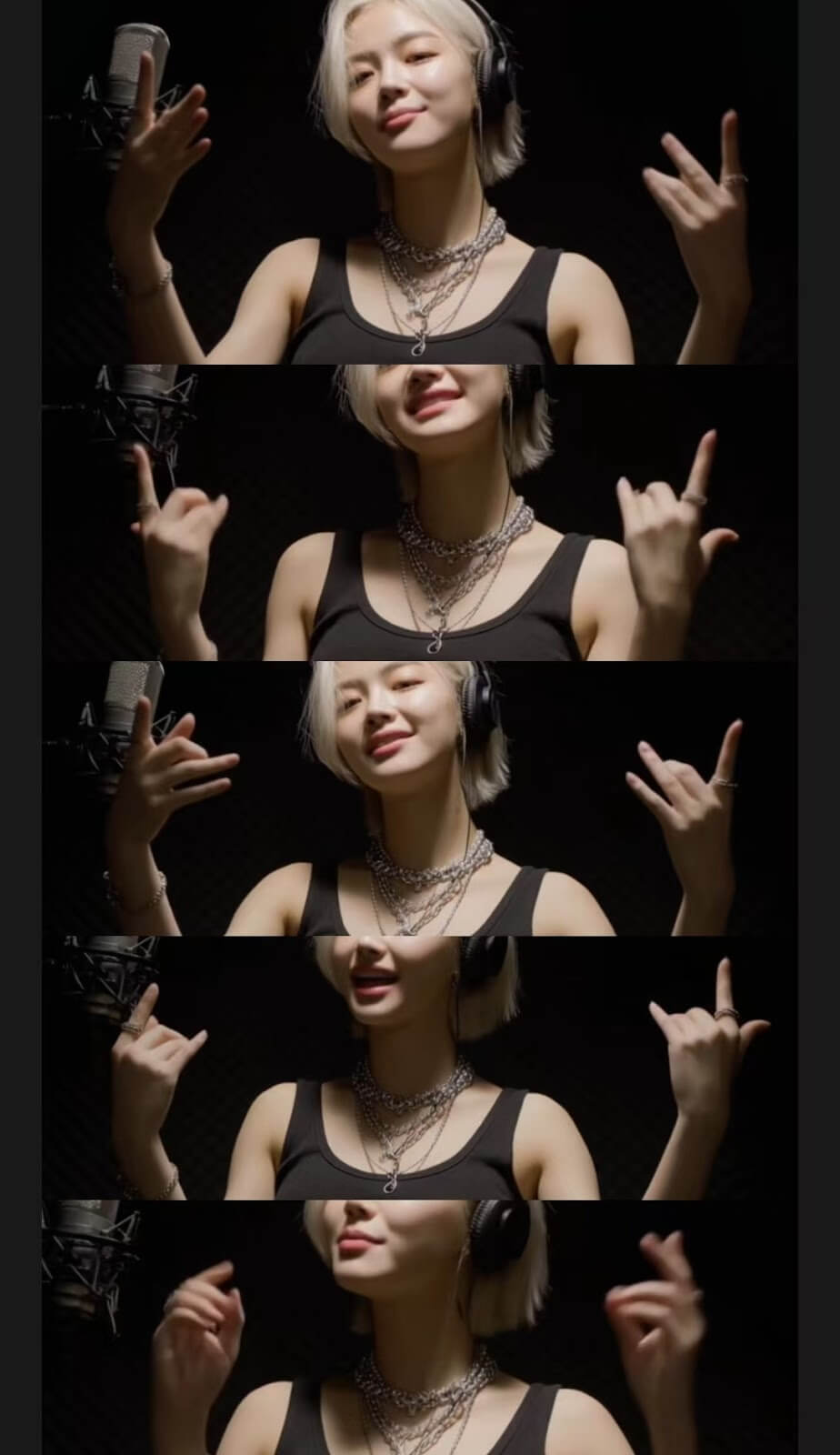
If you want to be more precise, you can also write a description like “pointing up” in the prompt. It will respond to your instructions, but the downside is that it may occasionally repeat the action.
Lip Syncing
Currently, lip-syncing is a basic skill for text-to-avatar generation. In the early days, they only supported the front side, but now they also support side angles. However, when the characters are too fast, most tools may struggle and break down.
To test this performance, I input a fast RAP that approaches the speed limit of human speech, and I also wanted to test the singing effect.
As you can see from the video below, it almost meets my expectations. To better check the high-speed lip-syncing movements, I enlarged the video to 240%, focusing on the girl’s face.
The lip-syncing and her gestures were extremely accurate. The most exciting part was her head shaking, which was her improvised action in terms of the lyrics. I didn't give her this precise prompt at all, and it was so spot-on. This is what HeyGen AI refers to in the official information as micro-expressions.
Video Translation
Another interesting feature I want to highlight is HeyGen AI Video Generator's video translation feature. It allows me to translate videos into more than 170 languages while syncing the lips.
To ensure the quality of the output, I refer to HeyGen’s guidelines that the uploaded video should include only one speaker and have no background music or noise. Then I uploaded a video of Taylor Swift’s interview.
And here is the output video:
I chose to translate English to Chinese and added captions to the video. As you can see, the translated audio aligns perfectly with the speaker’s mouth movements, creating a natural and seamless viewing experience.
Compared to traditional dubbing solutions, this has greatly saved us time and enhanced our audience’s watching experience.
Final Verdicts on Heygen: The Good and The Bad
In summary, the avatar created by HeyGen AI is extremely realistic. Whether it’s lip movement, facial micro-expression, or subtle body movements, it is very realistic. Text, voice, actions, and facial expressions can be more matched. More difficult parts, such as finger generation and body gestures, can also be completed well.
Besides, HeyGen AI’s video translation feature is like a game-changer. It makes video translation and dubbing easier and more natural so that we can better connect with audiences worldwide.
However, there are also some notable drawbacks I have to mention. Firstly, when I tried to generate a long video, the speed could be incredibly slow. Also, it doesn't have enough professional tools to edit the video. This would make the whole process frustrating.
Although the overall experience is good, these issues can more or less hinder my user experience.
Explore More Possibilities with AI Avatar Video Generator on Pollo AI
If you need a better alternative to HeyGen for AI avatar video generation, I suggest you give Pollo AI a try!
Pollo AI has an AI avatar video generator that allows you to create avatar videos from your photo with just a few clicks, plus with the AI product avatar feature for product video creation.
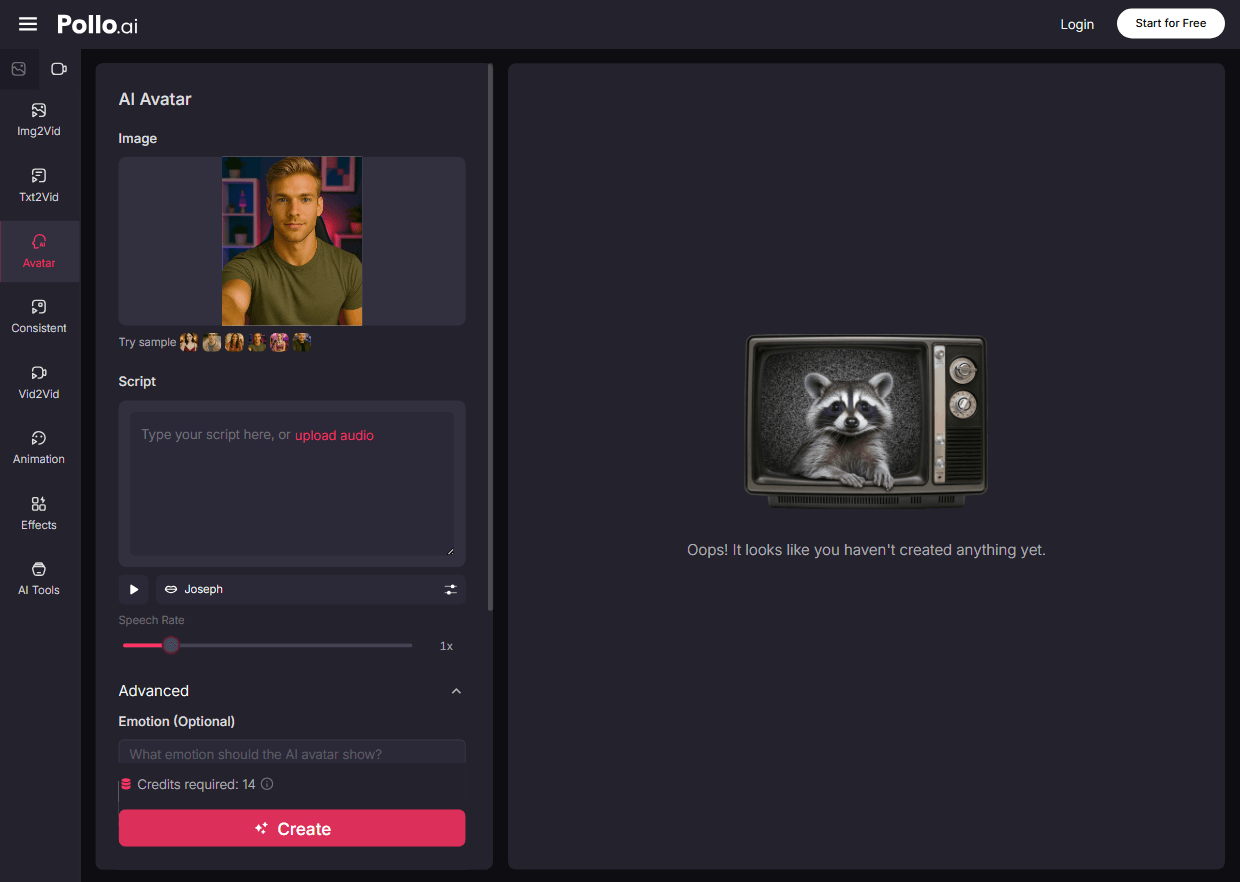
The output avatars are not just talking heads – they can act naturally with realistic, human-like movements. Below is an example to let you know what they are like.
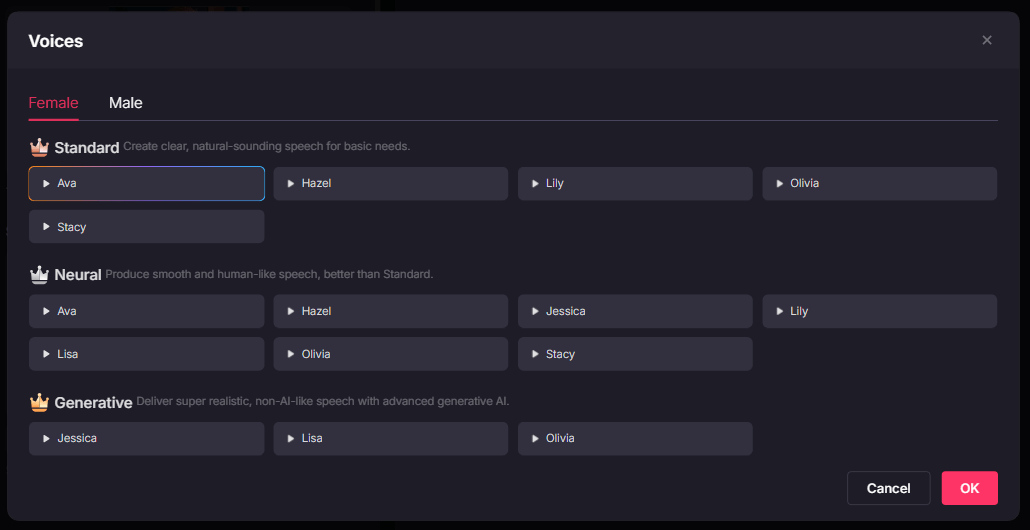
It comes with a rich library of voices you can choose from. So you can always find the unique voice for your avatar.
More than AI avatars, Pollo AI helps you handle all your AI video creation needs. For example, you can upload images of a character, object or scene, and use our consistent character video generator to create videos with all these elements consistently integrated.
Another highlight is Pollo AI’s wide range of video tools. With AI video extender, you can add new elements and lengthen your video without compromising its original integrity. You can turn your static character image into a lifelike performance through motion control.
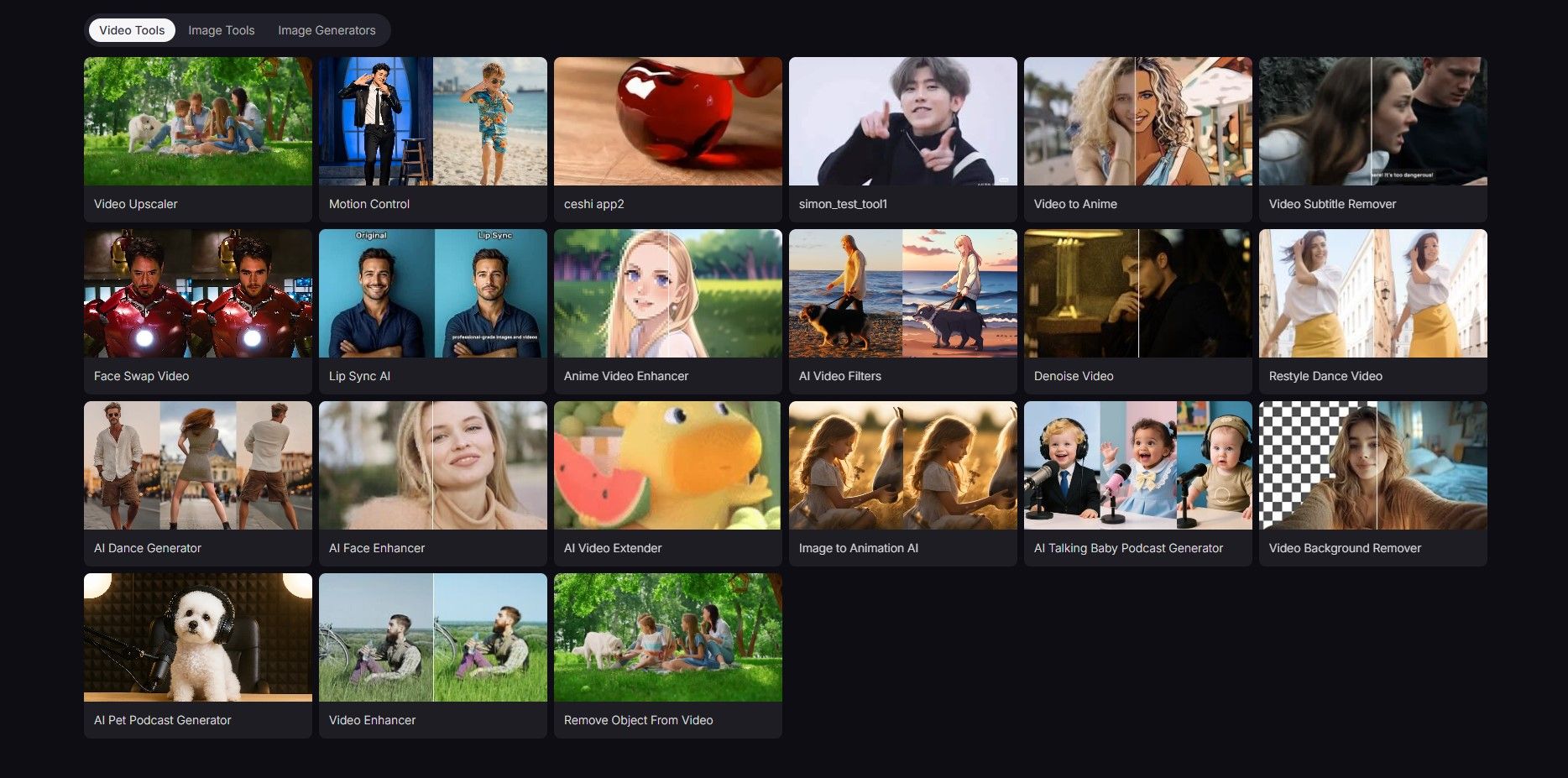
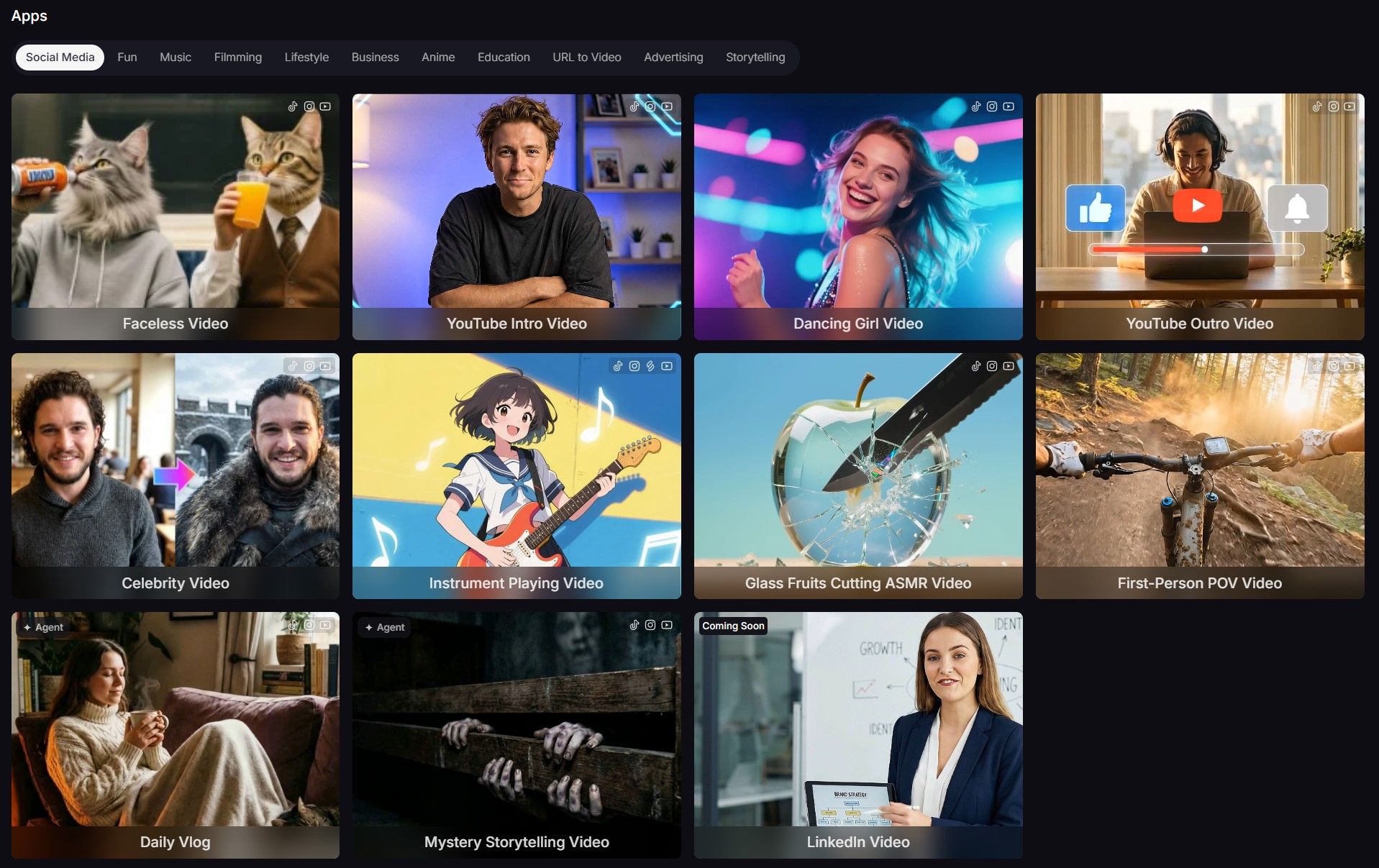
What's even more exciting is that Pollo AI also features apps that make creating YouTube intro videos, travel videos, Pixar videos and other content incredibly easy—perfect for social media platforms and quick storytelling.
And we have a text to video and image to video generator with all the best AI video models in just one platform. The models you can try include Google Veo 3, Hailuo 02, Seedance, PixVerse V4.5, Kling 2.1, and more.
Conclusion
For me, it’s a good choice to make avatar videos and translate videos with the HeyGen AI video generator. Having been developed for several years, it can well match text, voice, movements, gestures, and subtle facial expressions in one avatar video.
However, if you need a more powerful AI avatar video generator, or explore more AI video creation possibilities, I recommend you give Pollo AI a try!