
No API Key. Simple Setup.
Set up Pollo MCP or CLI, then sign in to your Pollo account through the browser. No API credentials to create, copy, or manage.
AI Video
Transform text and images into cinematic videos with lifelike avatars and studio-quality SFX.

AI Image
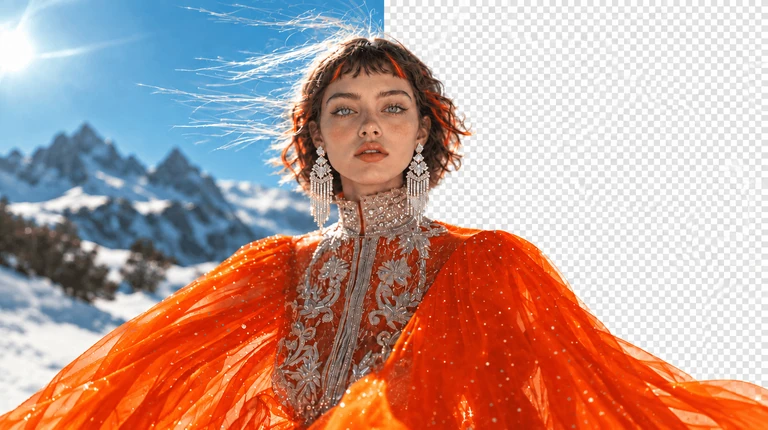
Turn ideas and images into stunning visuals, or perfect any photo with a complete suite of AI tools.

Agent
Create production-ready videos with SFX, consistent characters, and polished scenes. No Editing.

Marketing Studio
Built for marketers and sellers to create winning ads, UGC videos and product visuals faster.

Connect MCP to claim 20 bonus credits—create up to 20 images or 4 videos.
Connect Pollo MCP to Claude, ChatGPT, or Cursor to generate, edit, and manage AI images, videos, and audio directly inside Claude, ChatGPT, Cursor, and other agent workflows.
With the Pollo plugin & MCP
How to connect ?
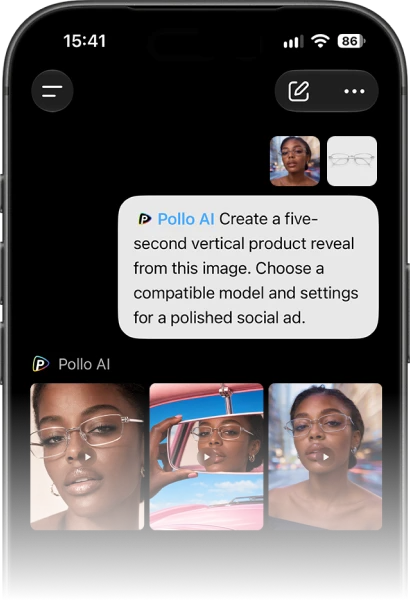
Open the plugin below, then click Add and sign in with your Pollo account.
Ask ChatGPT to generate an image, video, or audio using Pollo.
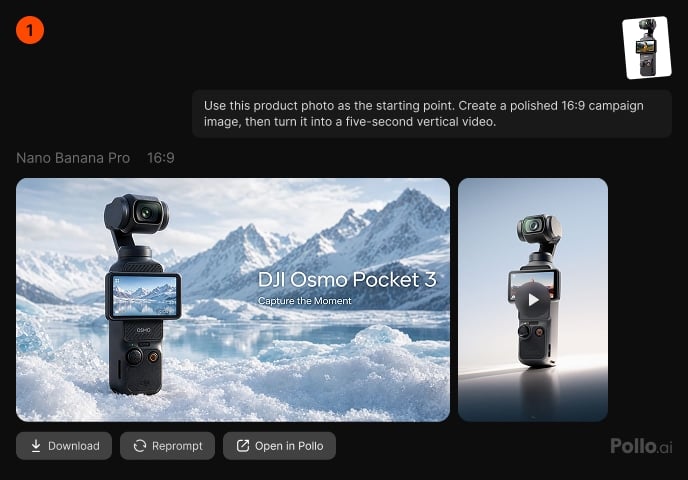
Start from text, images, or supported references you already trust. Bring in your own product photos, character designs, or visual direction to guide new images and videos, so each generation stays closer to the look you want.
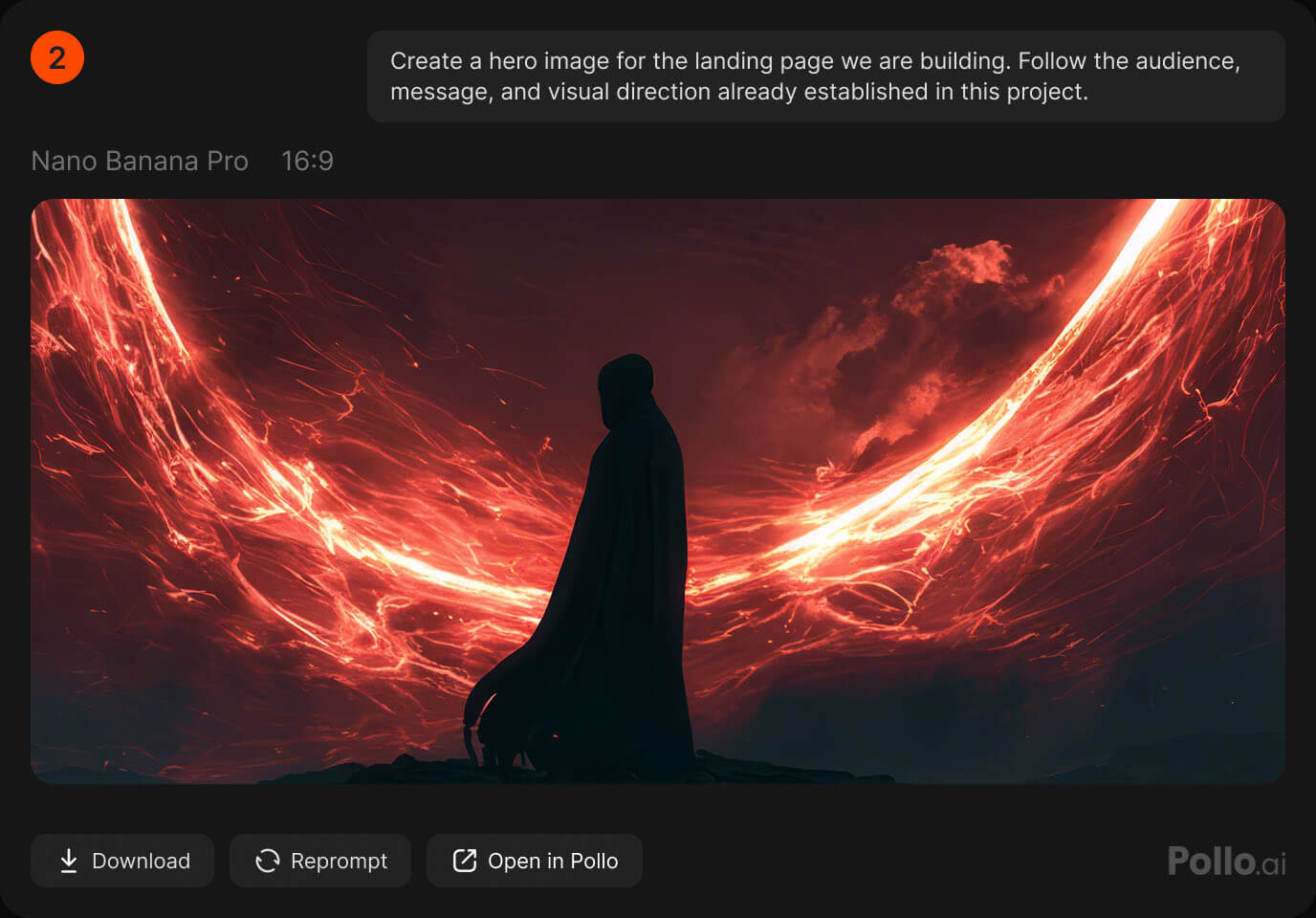
Request an image, video, or audio asset inside the project your agent already understands. Once the result is ready, continue using it in the same workflow, whether you are building a landing page, game scene, or content package.
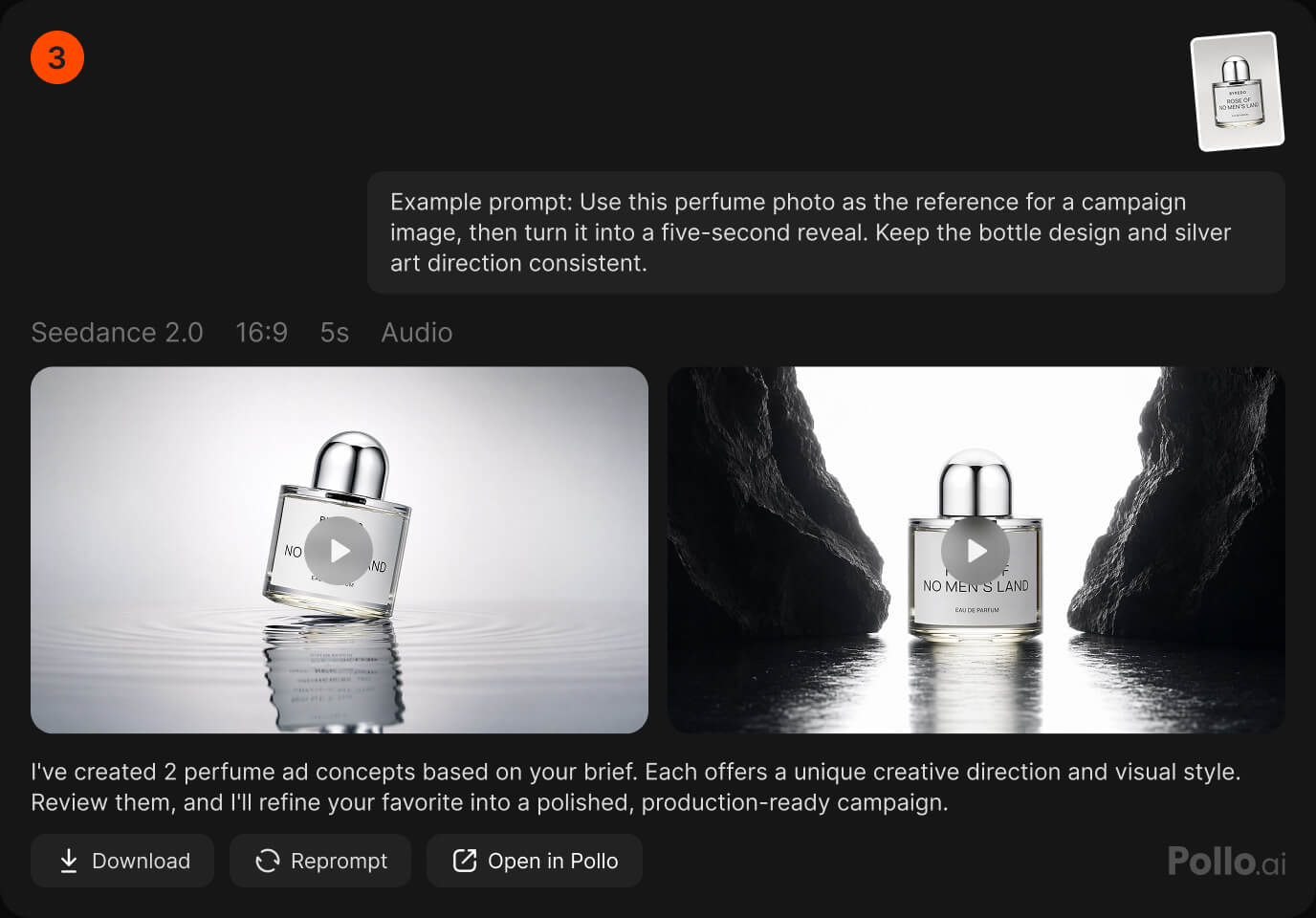
Describe the result you want without studying every model, parameter, or setting. Your agent can choose a compatible option or use the model you name, check your credits, estimate the cost, and follow the task until the asset is complete.
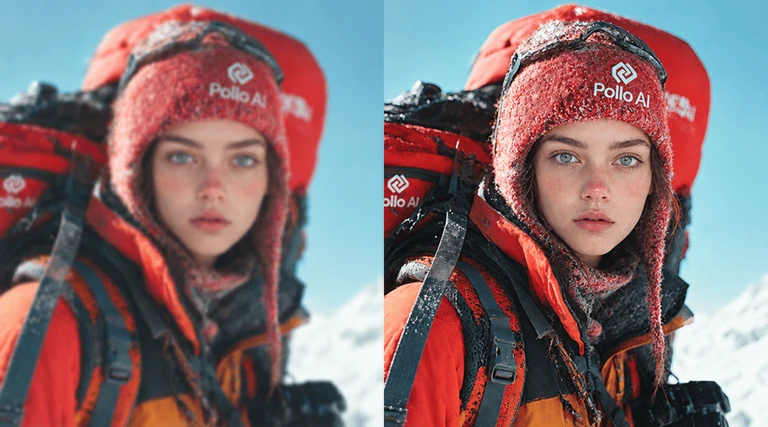
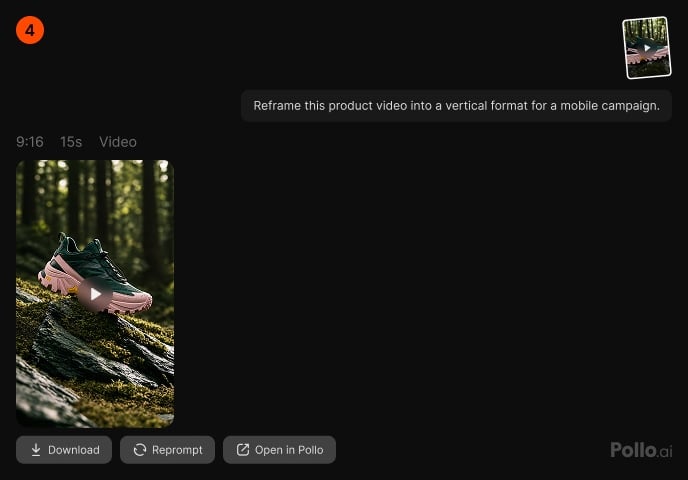
Improve existing images and videos while keeping your creative process moving. Use agent-guided tools to clean up, adapt, enhance, or transform media you already have, instead of regenerating everything from scratch.
Submit 1 to 12 image or video generation tasks in one batch instead of repeating similar prompts. Explore more concepts, formats, or creative directions at once, then compare the results and continue with the strongest option.
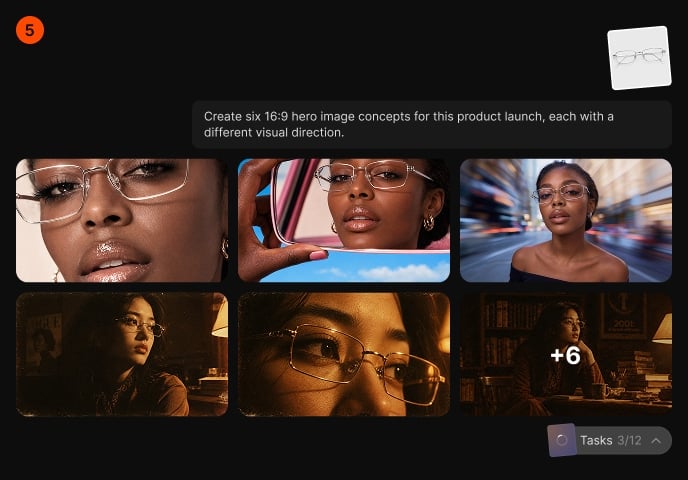
Create audio from a short brief or clone a reusable voice from a recording. Add narration, dialogue, or a consistent vocal identity to your content without opening another tool or leaving the agent-led workflow.
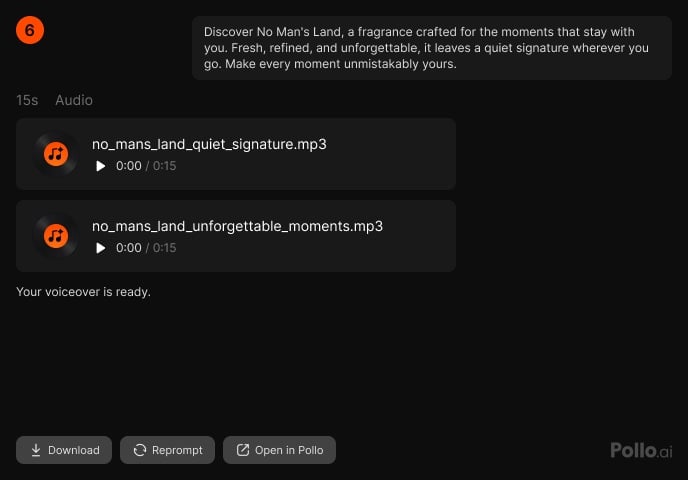
Give your agent access to a broad catalog of current image and video models through Pollo MCP & CLI.
Set up Pollo MCP or CLI, then sign in to your Pollo account through the browser. No API credentials to create, copy, or manage.
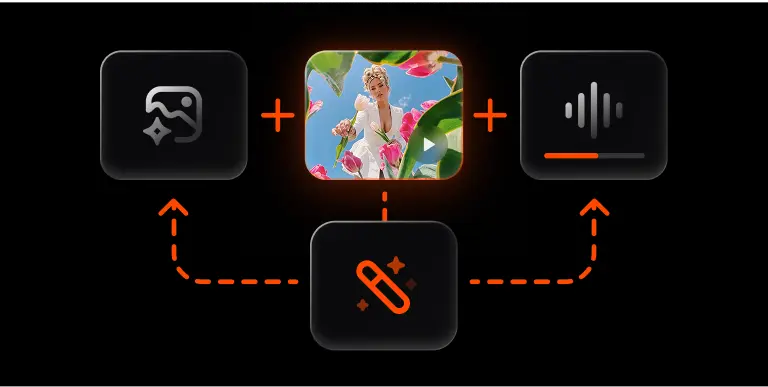
Generate images, videos, and audio, then refine or transform them in the same conversation. Turn each finished result into your next creative step.
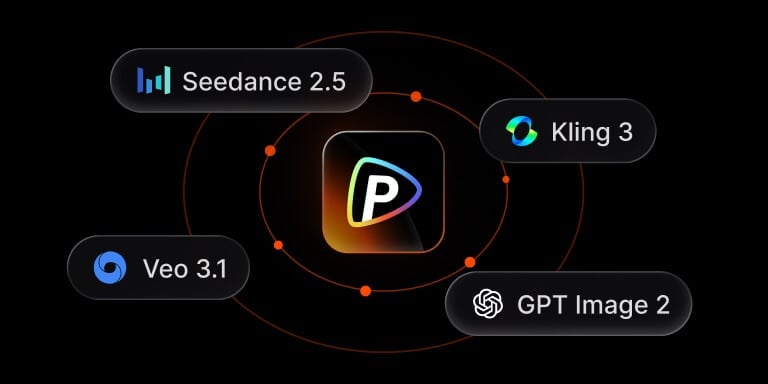
Create with the latest versions of leading models, including Seedance 2.5, MiniMax H3, Kling 3, Veo 3.1, and GPT Image 2, through one Pollo AI connection.
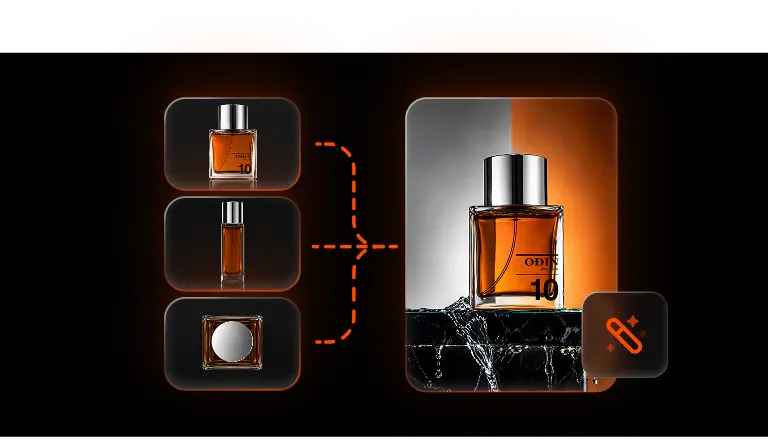
Upload multiple images of your product, character, or style to give supported models more context and keep results closer to your intended look.
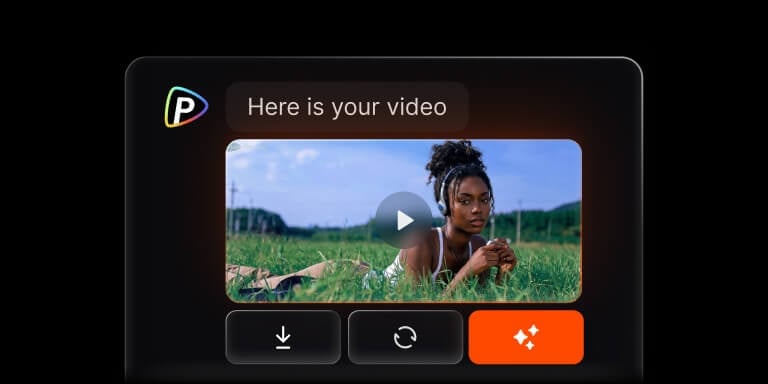
Get finished images and videos back through your agent, ready to review, download, or use in the next step, so you can keep building in the same workflow.
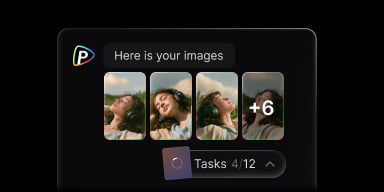
Submit 1 to 12 image or video tasks in one batch. Explore more creative directions with fewer repeated prompts, then compare the results.

Bring Pollo into your agent workflow to generate images, videos, and audio, run batch tasks, and refine existing media.