Step 1
Paste a TikTok or Instagram link, or upload a local video reference.
AI Video
Transform text and images into cinematic videos with lifelike avatars and studio-quality SFX.

AI Image
Turn ideas and images into stunning visuals, or perfect any photo with a complete suite of AI tools.

Agent
Create production-ready videos with SFX, consistent characters, and polished scenes. No Editing.

Marketing Studio
Built for marketers and sellers to create winning ads, UGC videos and product visuals faster.

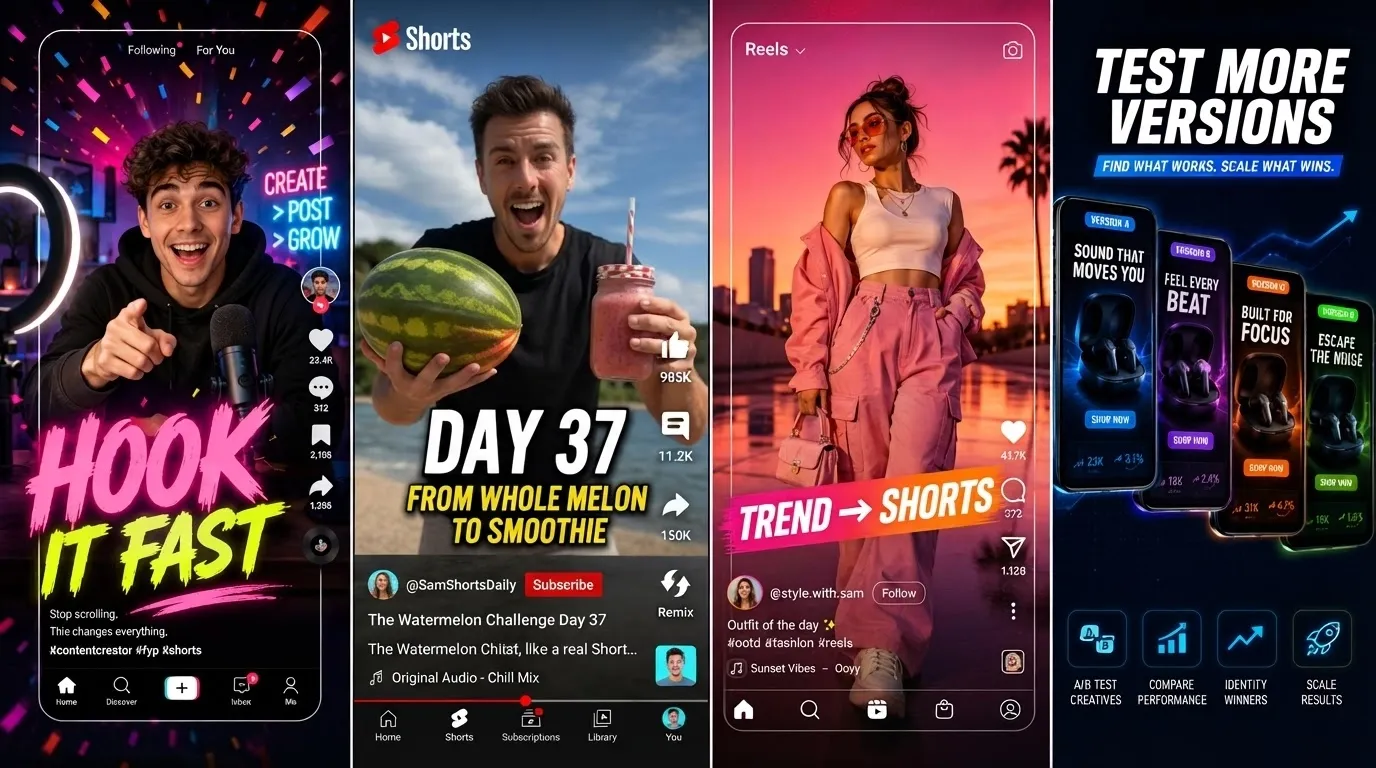
Trends fade fast; still editing by hand? Pollo AI helps you study a viral video reference, rebuild its hook, pacing, captions, and scene flow, then create multiple fresh versions for TikTok and Instagram Reels, and social ads without starting from scratch. Your team can test more across audiences and offers before trends pass.
Turn one viral reference into multiple differentiated shorts for faster testing.
Keep the hook, pacing, captions, and scene logic that made it work.
Add products, avatars, images, and prompts to make every version yours.
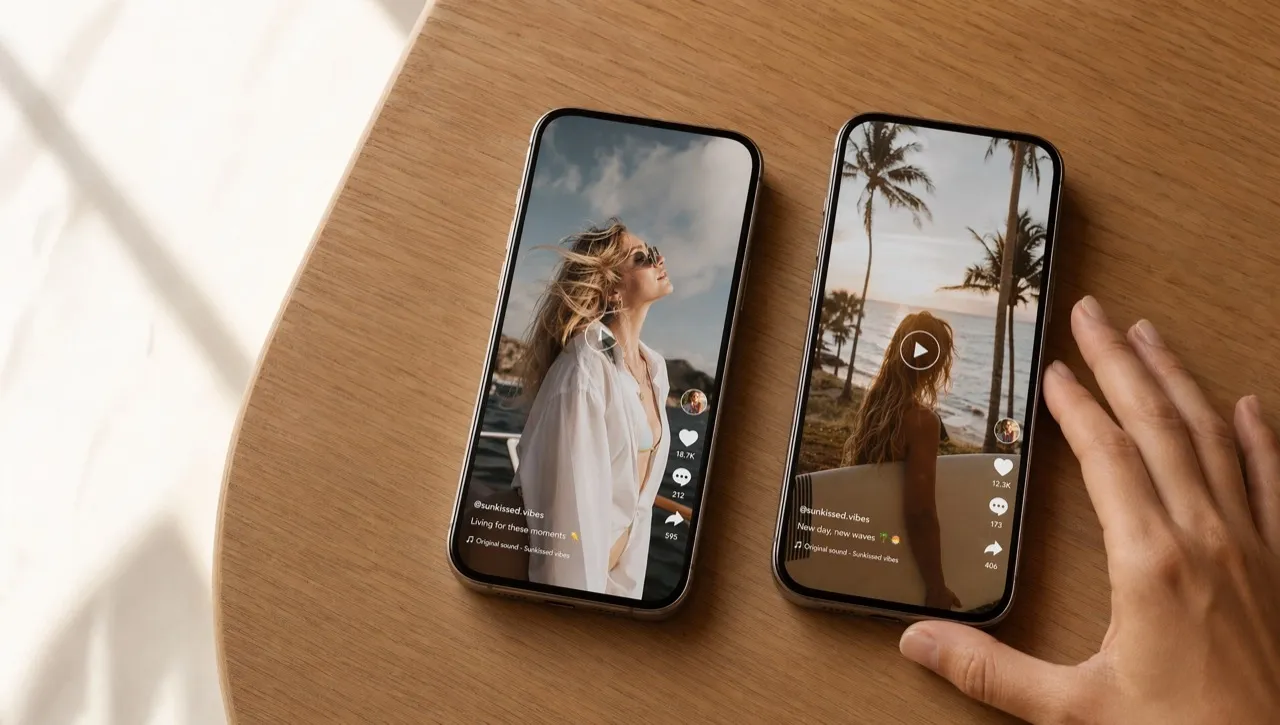

Clone video ads from references and adapt them with your own face, niche, commentary, or prompt. Keep your posting calendar active and make TikTok videos while trends still feel fresh.

Build multiple campaign angles from one proven format, then compare hooks, captions, products, and CTAs faster. For ad-focused campaigns, you can also make Facebook ad videos around winning references.
Upload product images and prompts to turn viral videos into demos, unboxings, offer clips, and problem-solution content. Support launches with more product videos for ads and stores.
Use one reference clip to create many short-form variations for Reels, Shorts, and daily social posts. Keep your workflow moving and make Instagram videos without rebuilding every edit.
Paste a TikTok or Instagram link, or upload a local video reference.
Add images, avatars, product photos, and prompts to guide the new creative angle.
Let AI generate multiple differentiated videos, then download the post-ready outputs.
Go from a single concept to a finished video. Combine generation, avatars, sound, and editing into one seamless production process.
Bring your static images to life with cinematic motion. Add lifelike camera pans and fluid transitions to maximize viewer engagement and visual impact.
Turn simple text prompts into compelling visual narratives. Generate highly accurate, continuous motion sequences that seamlessly bring your scripts to life.
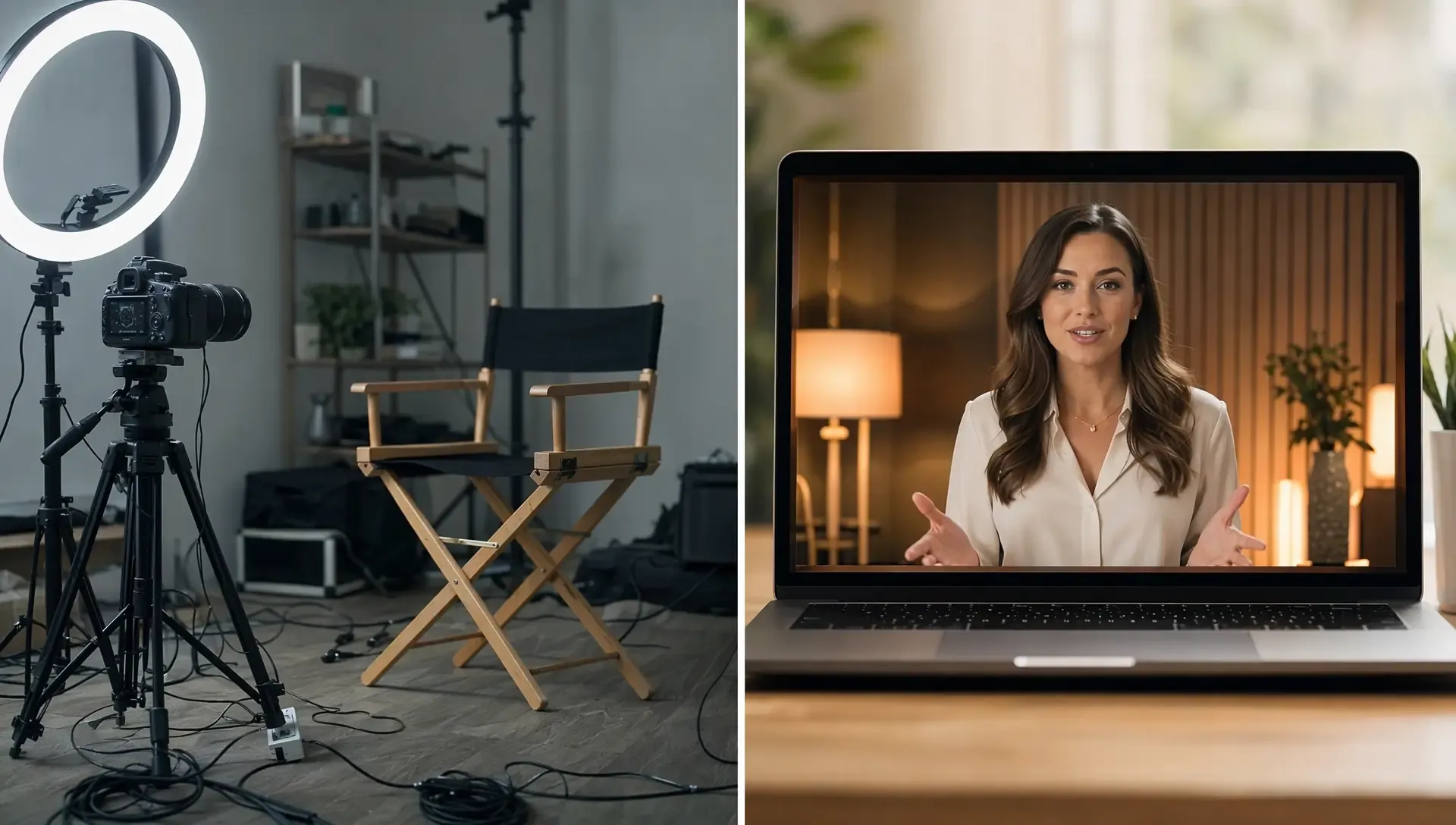
Build professional video assets without a camera. Generate incredibly realistic scenes and smooth footage to elevate your brand's visual storytelling.
Put your entire creative workflow on autopilot. Go from a text prompt to a production-ready video with zero editing, delivering studio-grade results fast.
Cast professional digital actors without a studio shoot. Sync your scripts to hyper-realistic avatars with flawless lip-sync and human gestures.
Access a comprehensive suite of video tools. Easily apply video filters, clean up messy audio, and reframe videos for any platform.









Using Pollo AI to Create and Inspire
 Liz Cassidy
 Richard Quick
 armourdude
 Dudu
Dudu Ray Warnes
 lawless clan
 Istvan LajosSantiago Saenz
 Gen Zee
 萱兒
萱兒 Norma Ponce
 Sarah Stokes
 Sudipta Saha
 Luiz Guyz
 Swishadoptme Swishadoptme
It means turning one viral video reference into multiple differentiated versions that follow the same hook, pacing, scene logic, and CTA structure.
Upload a local clip or paste a TikTok or Instagram link. Add images and prompts, then let Pollo AI generate multiple new versions.
Yes. Pollo AI uses the reference as a creative structure, then rebuilds the video with your own visuals, products, prompt, captions, and message.
Pollo AI is the best choice because it supports social links, local uploads, images, prompts, avatar-led content, and post-ready video output within a single workflow.
Yes. You can refine captions, scenes, pacing, or final polish with Pollo AI’s AI video editor.

Stop rebuilding trends one by one. Bulk clone viral videos with Pollo AI, turn references into campaign-ready variations, and catch trends before competitors catch up!