



Invideo AI Review: I Tested Invideo AI, and It Is Not an Ideal AI Video and Image Creation Platform
I’ve struggled with creating videos and images, as I don’t know how to use professional tools like Adobe Premiere Pro, Final Cut Pro, or Adobe Photoshop.
There’s a steep learning curve, while I am a layperson. Until recently, I heard about Invideo AI and spent two days diving deep into it.
I’ve gotta say—at first, I was impressed by this all-in-one video creation platform.
It focuses on different types of video generation, including animation, picture video, slideshow, and more, for social media, including YouTube, TikTok, Facebook…
It can make video creation super easy, relying on AI to handle heavy-lifting tasks, such as video scriptwriting, clips, auto-captions, dubbing, etc.
However, after a few tests, I found that it is not an ideal tool, as it is not very convenient to operate, and its efficiency is average at best.
If you are also interested in Invideo AI, follow my post.
I’ll walk you through how I tested Invideo AI’s AI video creator and AI image creator, what I loved, what I didn’t quite like, and my overall review of it.
How I Tested Invideo AI’s AI Video Generator
I tried the AI video generator first. I see a simple and clean edition pane of the AI video generator.
The text input box is located in the center. In its upper left corner, is the drop-down menu for module selection, and below it are some prompts for video requirements.
I started my first video creation with text to video function. I selected the default v4.0 model (the most advanced model) and typed the following text prompt:
“Produce a promotional video for Tuscany, Italy, including detailed introductions to its scenery, culture, cuisine, and artistic heritage.”
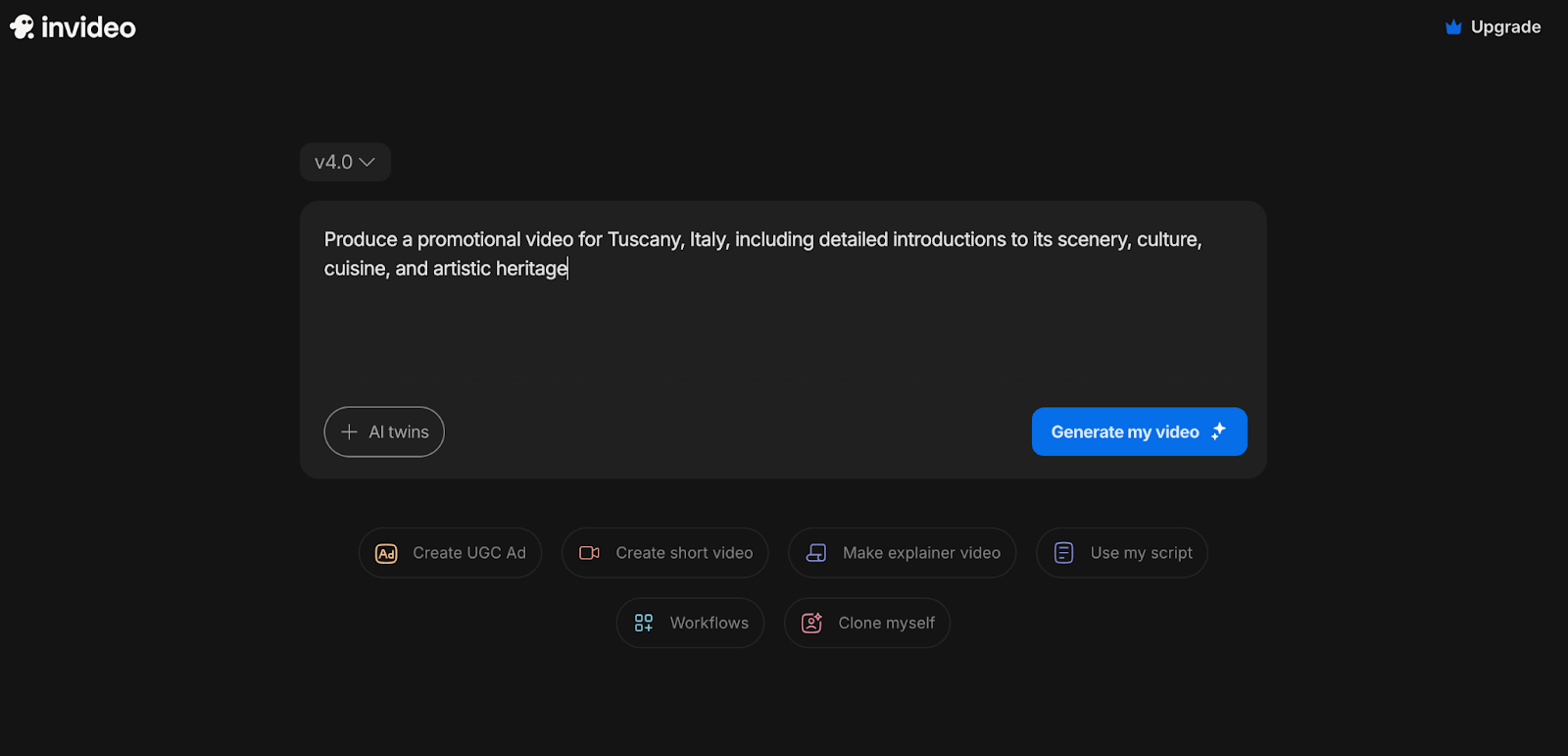
Then, I selected the Create UGC Ad prompt below.
A pop-up required me to give more details about my demands, including script type, actor hiring, product or brand offering, vision description, and preference modification.
I chose “cost saving” in the script style section, hired a male host from a U.K. radio station, and filled in the brand name of my company.
Also, I entered “a relaxed and pleasant atmosphere” in the vision description box, and chose English as the Language. Then, let it start creating the video.
Quickly, this tool generated a title for my video.
After waiting for a longer time, it gave me three plans and some hints to refine the video for me to choose from.
I chose Plan 1 and followed its recommendations, and then, my video creation began.
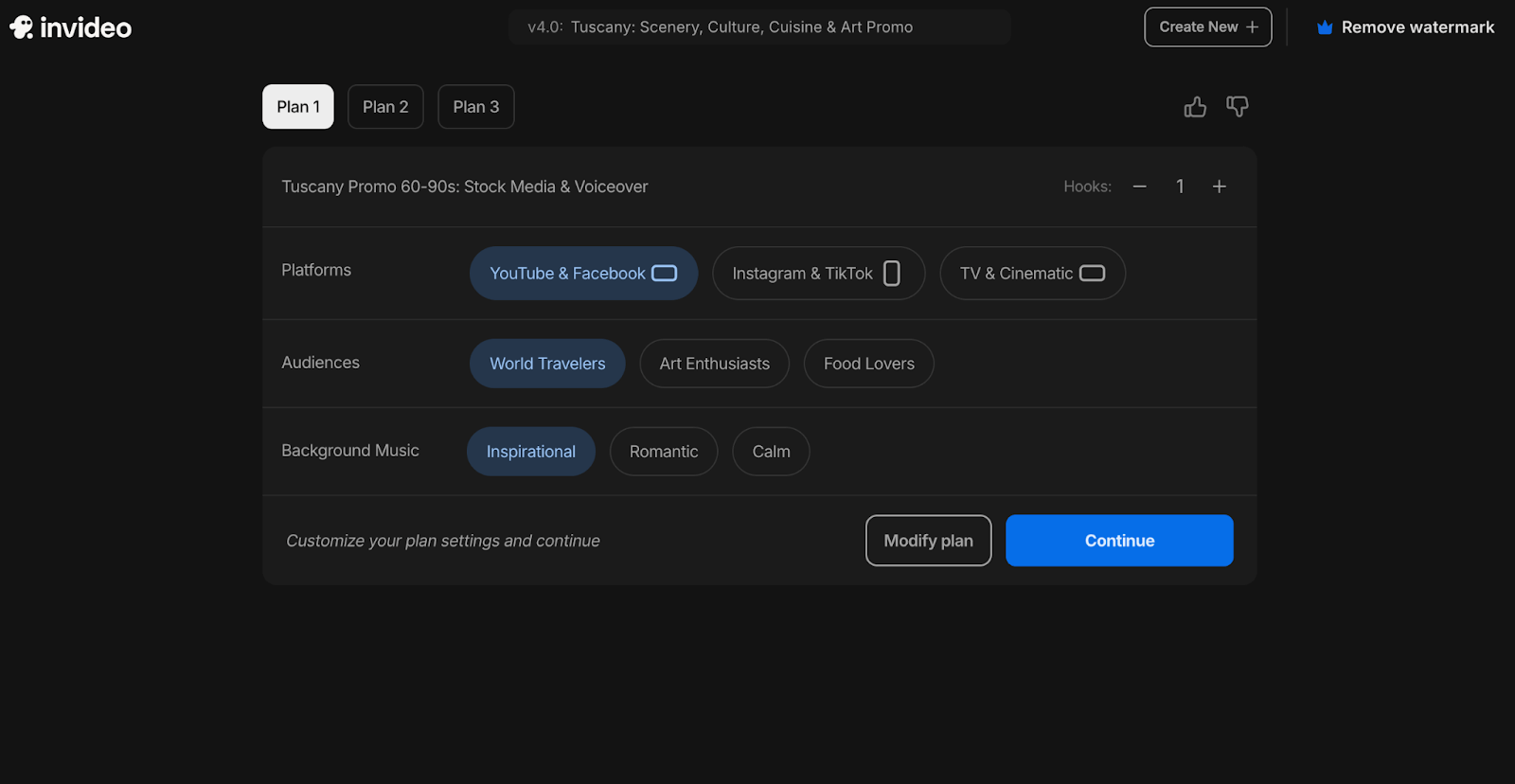
I have to complain a little that the process of video production is really too slow.
After over ten minutes of waiting, I got a little blurry 720P video. Although the video resolution can be reset to 1080 or auto, it will take more time.
This makes me doubt the effects of this video generator are not as highly efficient as it propagandize.
Here is the downloaded video:
Besides, I think that too many pop-up prompts have actually entangled the video creation process.
How I Tested Invideo AI’s AI Image Generator
Next, I tested the Invideo AI’s AI image generator.
I found the editing pane too simple, with only a text input box and the model and ratio selection menus. That’s all.
In my opinion, a professional image generator should offer a variety of features, or at the very least, provide some image style templates for inspiration.
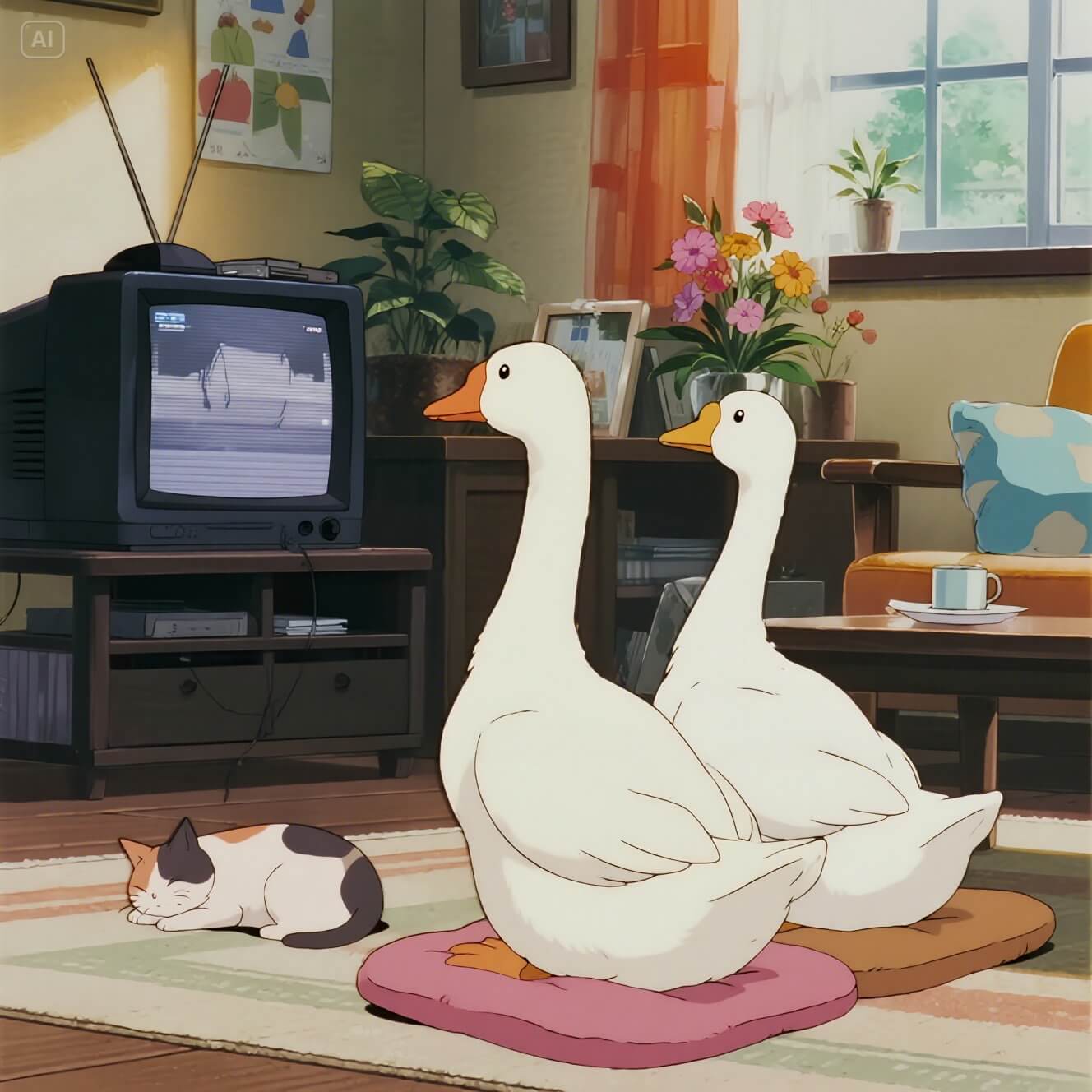
I typed the following text into the prompt box, selected the v4.0 model and 16:9 ratio, and clicked Create an image.
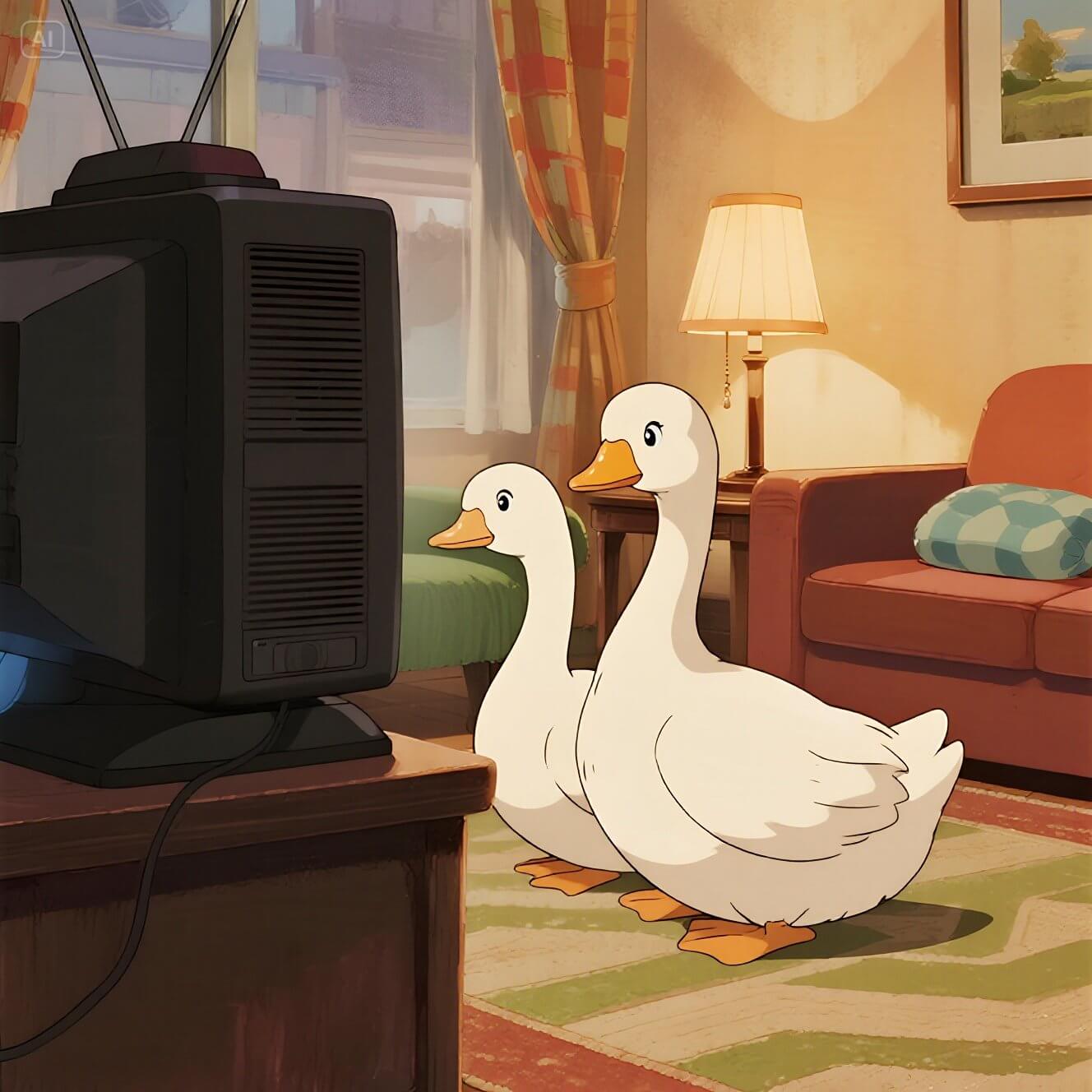
Two ducks are sitting in the living room watching TV. The living room is decorated in warm tones, and the atmosphere is relaxed and pleasant. The picture style is Japanese animation.
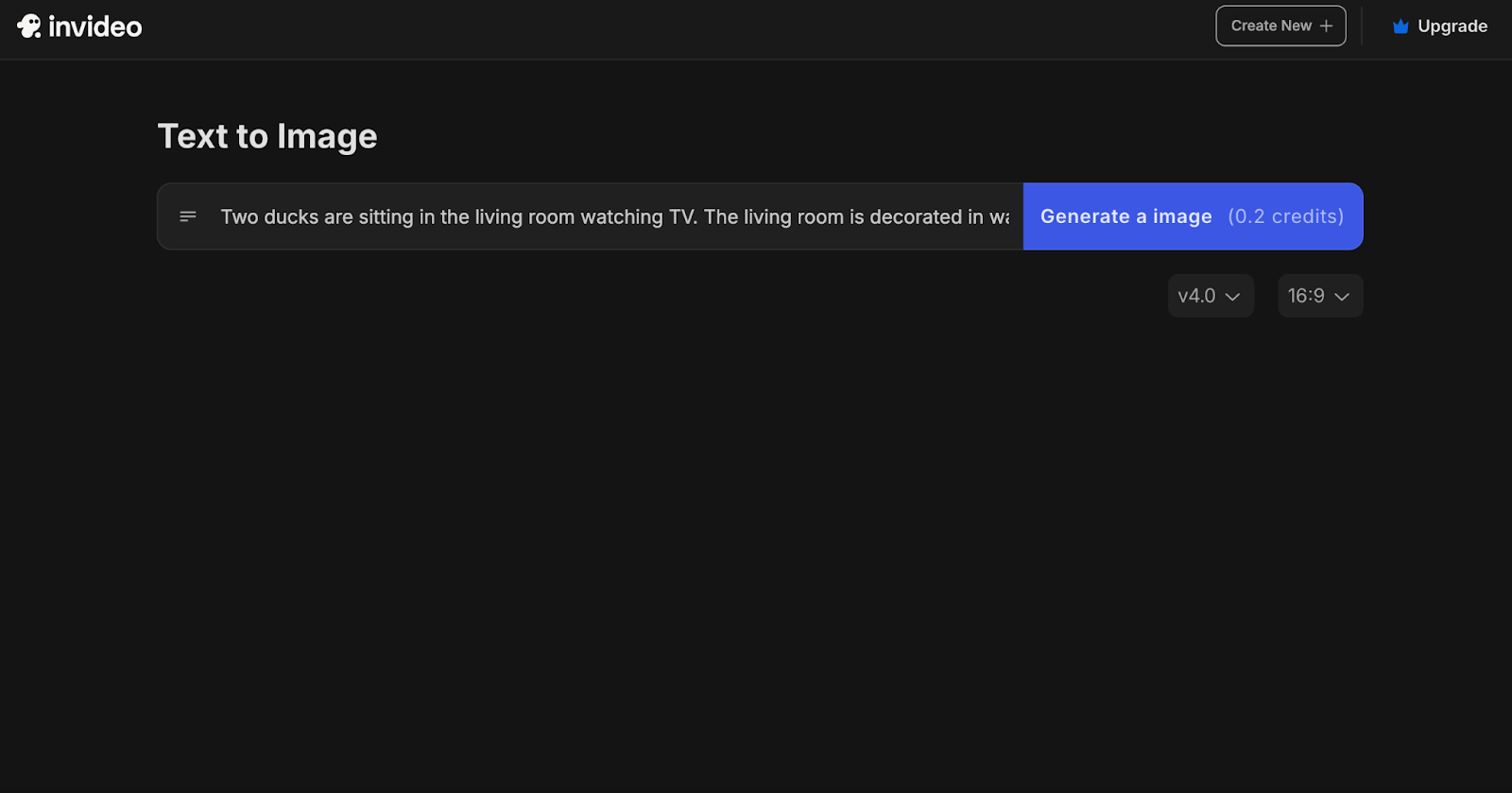
It shows the analysis process on the screen. This gives me a sense of achievement as if I were involved in the entire production process.
Finally, I got four AI images, two of which meet my requirements. For the other two images, I think the colors are rather dull and not vivid enough.
 |
 |
 |
 |
Besides tests on animation image creation, I also used it to generate images of different styles such as landscape pictures, sketches, advertisements, etc.
Similar to animation images, the saturation of these AI images is not very high, and they are generally rather dark.
My Review on Invideo AI After Tests
Based on my personal experience with Invideo AI’s AI Video Generator, I think there are too many on-screen guides, which makes the video creation process feel unnecessarily complicated and overwhelming.
Even though I entered all my video requirements at the beginning, the generator kept asking me to repeat them throughout the process.
This makes me feel that it cannot properly understand users' needs.
Notably, the AI image generator is easy to use, but it covers limited functions for image creation.
For users, especially those who have no understanding of photography and art, the missing templates are not user-friendly.
The Best Alternative to Invideo AI - Pollo AI
Invideo AI is a video creation-oriented platform. Its redundancy prompts lag in the video generation process and makes it a little bit complex.
Moreover, its AI image generator is not powerful. No creative functions are available.
Considering these drawbacks of Invideo AI, I found its best alternative called Pollo AI. It is a one-stop video and image generation platform.
Pollo AI possesses a powerful AI video generator, which supports image to video AI, text to video AI, AI short videos generator, and more.
It also comes with multiple video tools, such as an AI face enhancer, an AI dance generator, lip sync, video upscaling, etc.
You can even follow the video templates it provides to quickly determine the video style you want, such as AI kissing, AI muscle, and more.
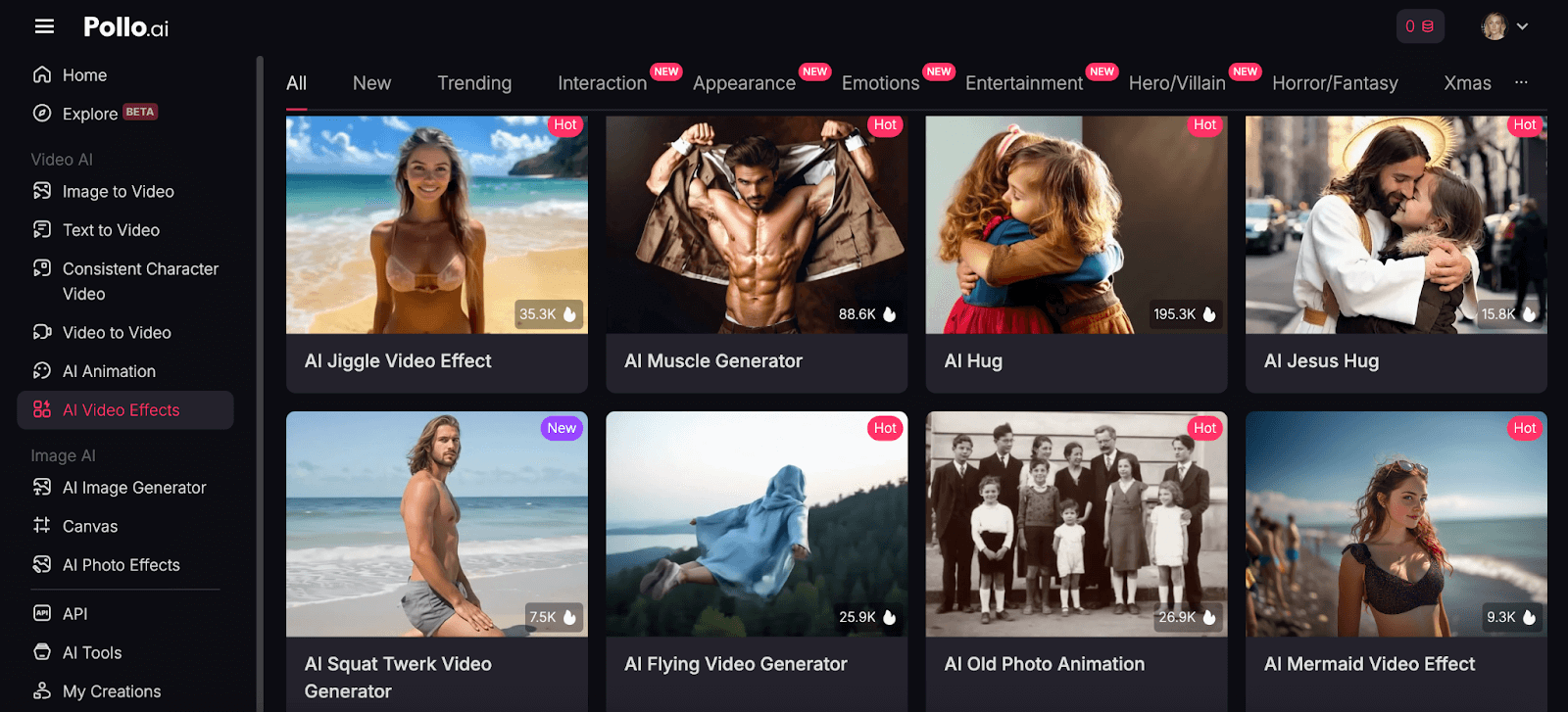
Pollo AI image generator can help you produce unique design drafts, rich emojis, artistic pictures, authentic sketch images, striking posters, etc.
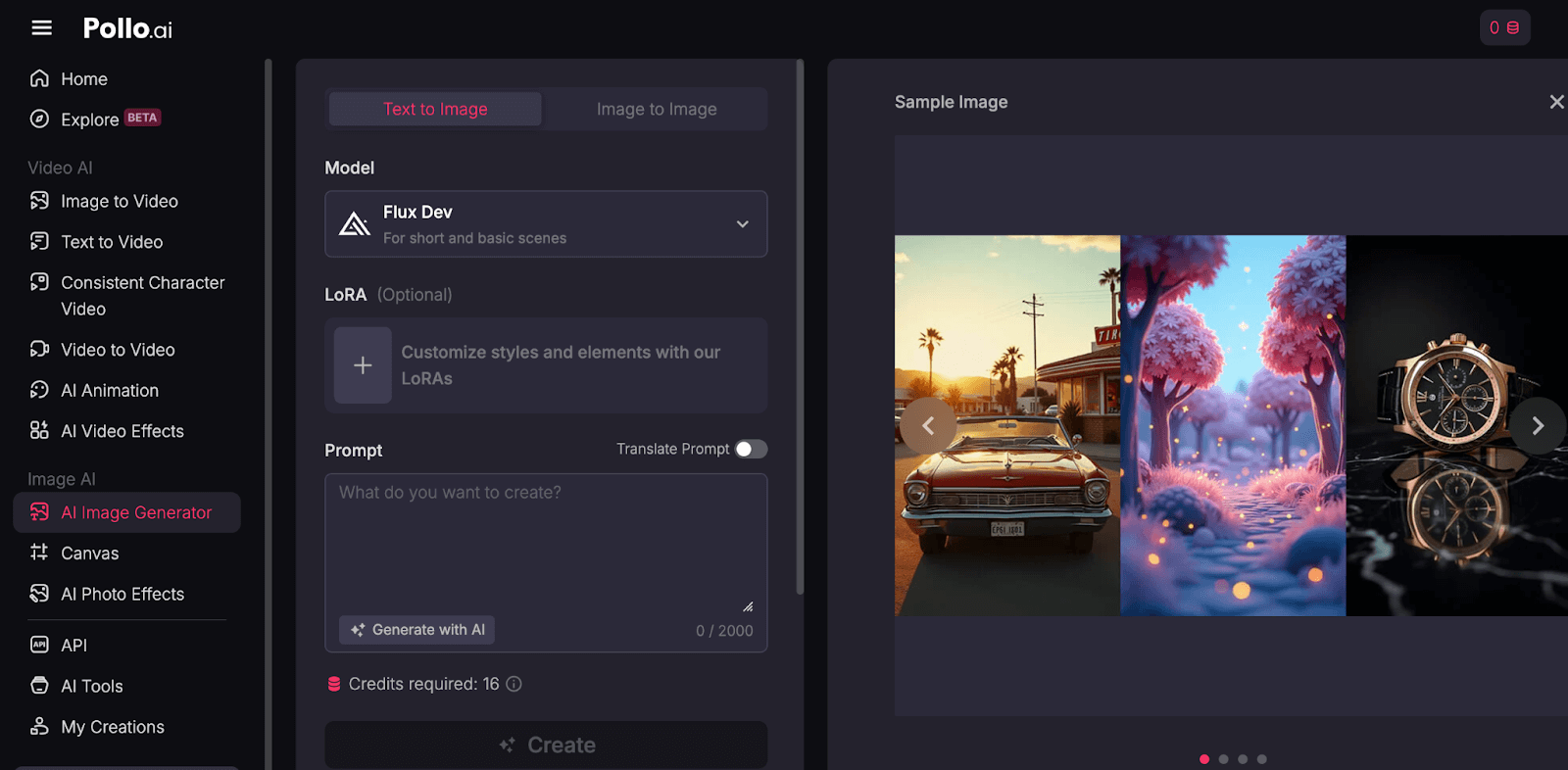
With the Pollo AI text-to-image feature, you can quickly get your desired images by entering your text prompts, choosing the desired model, and adjusting the aspect ratio.
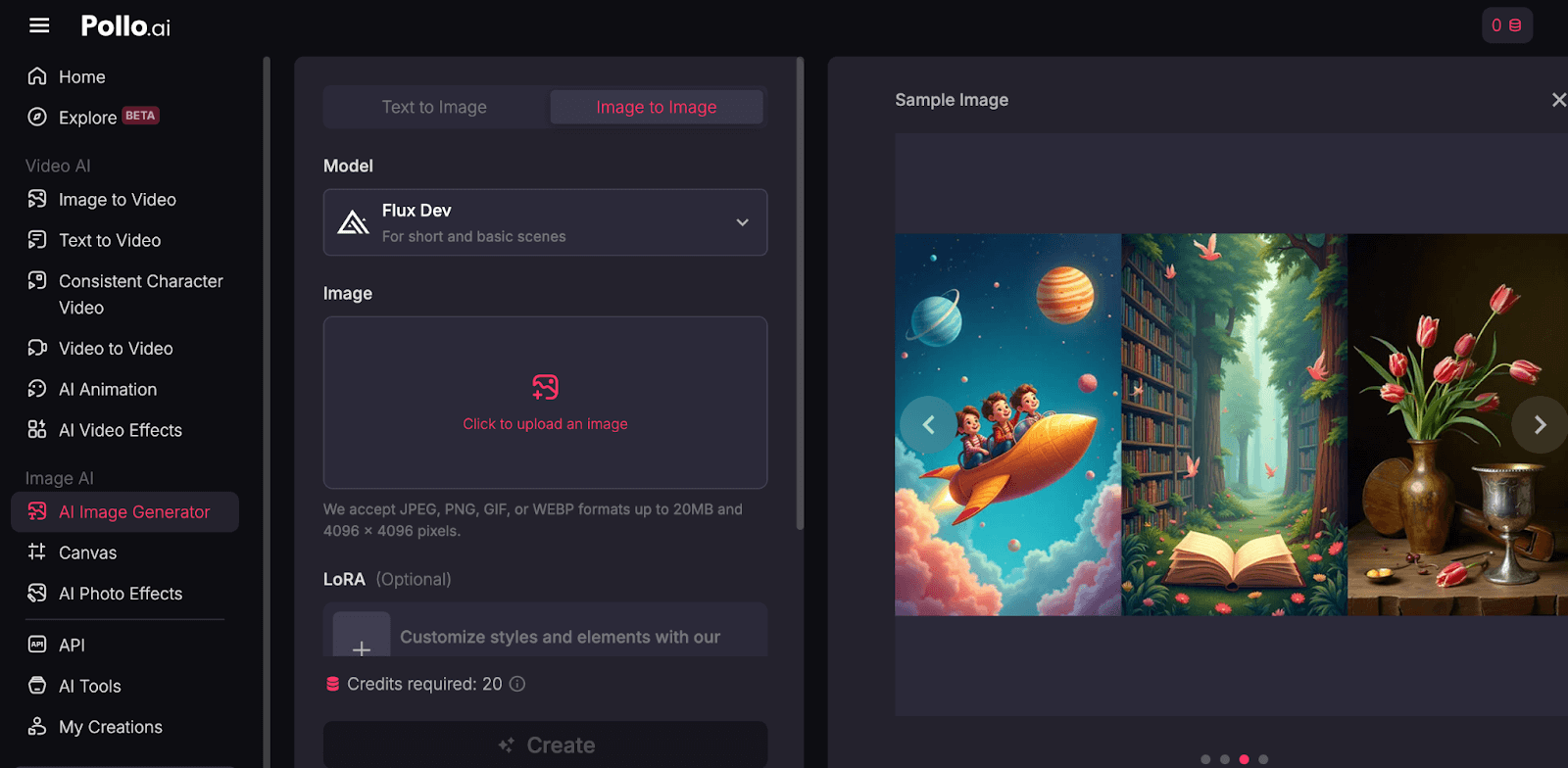
The Pollo AI image to image function allows you to upload an image and type simple text hints, and within seconds, your desired images are generated.
Beyond its robust AI video and image generation capabilities, Pollo AI also offers Pollo agents, like AI viral video and AI UGC video, making it easy to create engaging, ready-to-use content.
Conclusion
Invideo AI is a multi-functional AI video creation platform. It is designed to turn ideas into polished videos.
Whether you're making videos for social media sharing, business, or ads, it offers tools for video editing, voiceovers, captions, and more.
However, the recurring input box and on-screen guides perplex the video generation tasks. Its AI image creation tool doesn’t cover abundant features.
Given these shortcomings, I suggest using Pollo AI instead. This tool not only focuses on video creation but also image generation with more powerful functions.