Invideo AI powers InVideo’s shift from browser-based editing to prompt-led video creation, helping it reach $70M ARR. Instead of building videos scene by scene, it combines models, 16M stock assets, voices, avatars, and music in one workflow. Its v4 agent can create clips up to 30 minutes from a single prompt. But its output quality isn’t guaranteed. For more post-ready results, Pollo AI offers 70+ AI models, 100+ workflow apps, audio tools, and more to help create edit-free videos. Try Pollo AI for free now!
Create your own influencer. Then jump into any trend with Recast.
Kling 4.0
Up to 10 keyframes. Unlimited for 10 days with Ultra.
Pollo Recast
Recreate viral videos. Remix new versions.
Pollo Recast Challenge
One upload in. Your viral video out. Unlimited rewards await.
Pollo Agent x DeepSeek V4.1 FLASH
Faster completion at a much lower cost.
Pollo Agent x Gemini 4 Argon
Smarter reasoning. All through Pollo Agent.
Pollo MCP
End-to-end content creation. Up to 4 Videos/ 20 Images for FREE.
Key Features of Invideo AI
AI Video Creation Workflows: Offers pre-set video generation templates for various use cases
Prompt-Based Video Editing: Intuitively edit video content using simple text-based commands
Trendy Visual Effect Templates: Create viral-worthy clips using various trend-themed effects.
Invideo AI Twins: Turn self-recordings or product links into multilingual, pro-level UGC-style clips
AI Video Creation Workflows
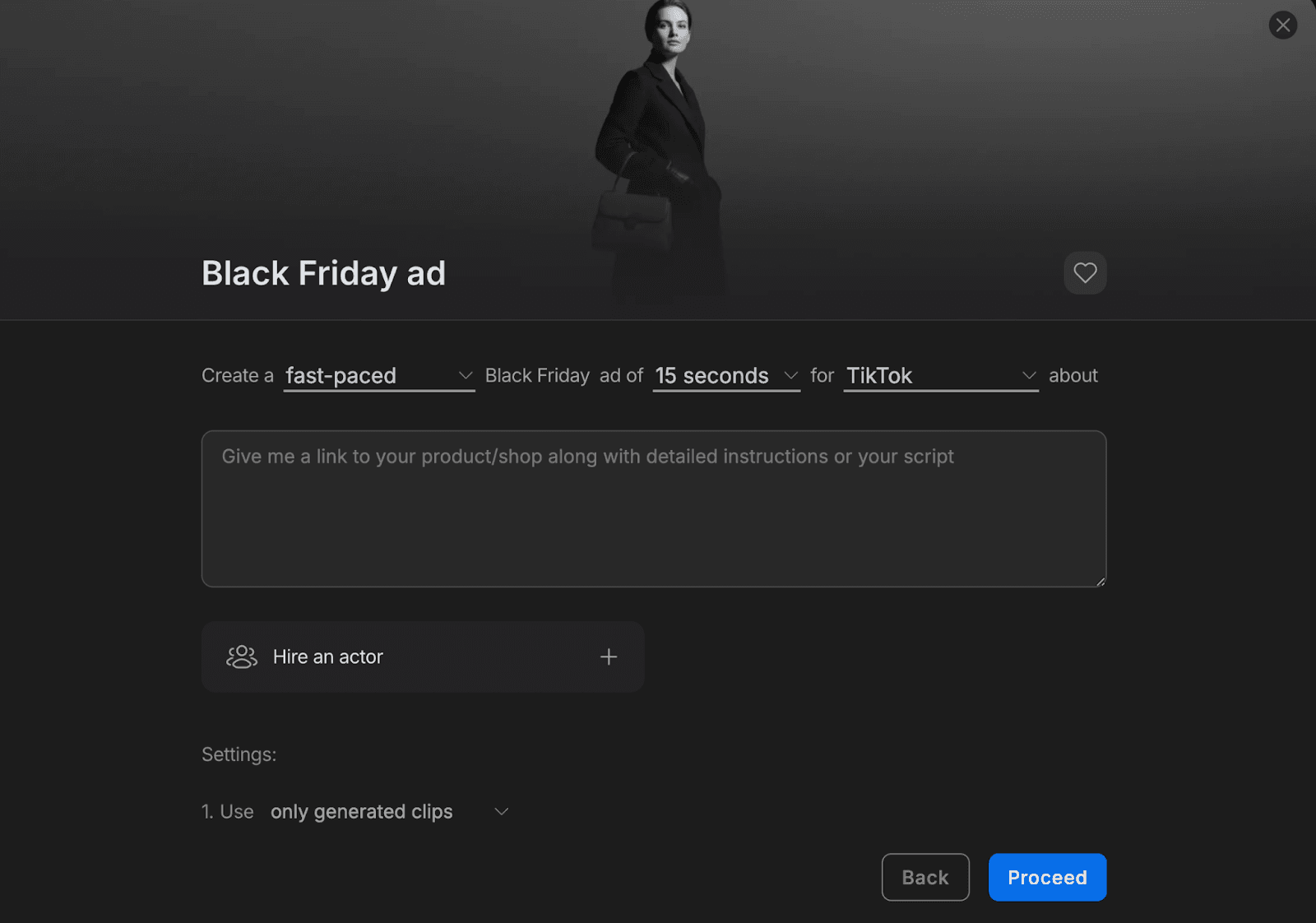
Invideo AI provides users with pre-set workflows that optimize video generation for specific purposes, such as Black Friday ads, Halloween promos, explainers, etc. Simply describe the video in detail before making one-click selections on duration, platform, background music, and other settings to jump straight into a publish-ready result.
Prompt-Based Video Editing
With Invideo AI, you can streamline video editing by using plain text prompts to implement changes and refine your output. All it takes is a basic command like “add captions”, “change style to anime”, or “delete intro scene” for any user with no prior video editing expertise to customize their footage with studio-grade results.
Original Video
Prompt
Output Video
Add synchronized English captions at the bottom of the screen.
Trendy Visual Effect Templates
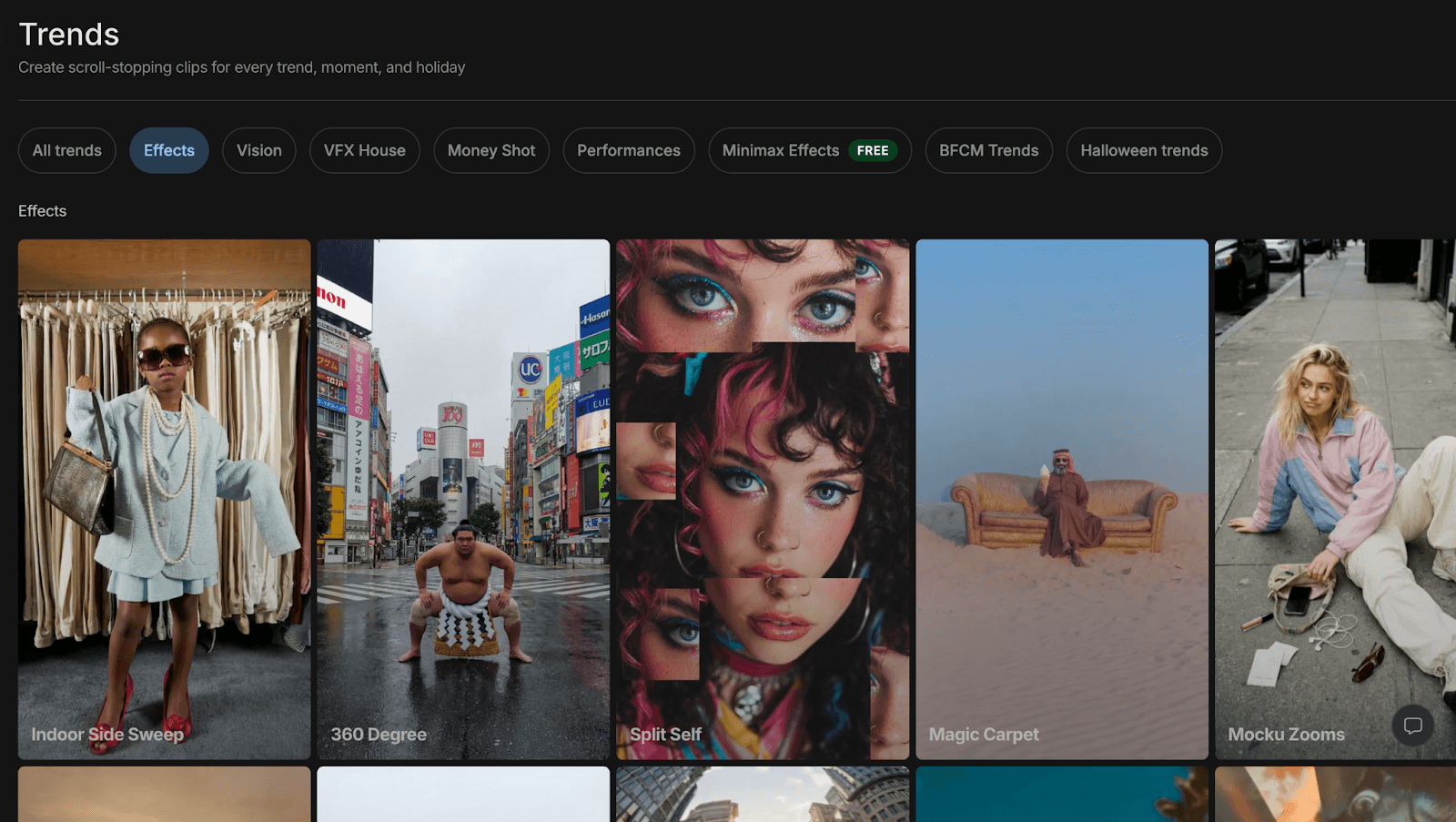
Invideo AI offers numerous VFX templates that users can instantly use in their creations to simulate high-end cinematography with no technical skills required. With dozens of options to choose from that include 360 Degree shots, Drone Sweeps, Freeze frames, Earth zoom-ins, etc, all it takes is a few clicks to create dynamic scenes that truly engage audiences.
Invideo AI Twins
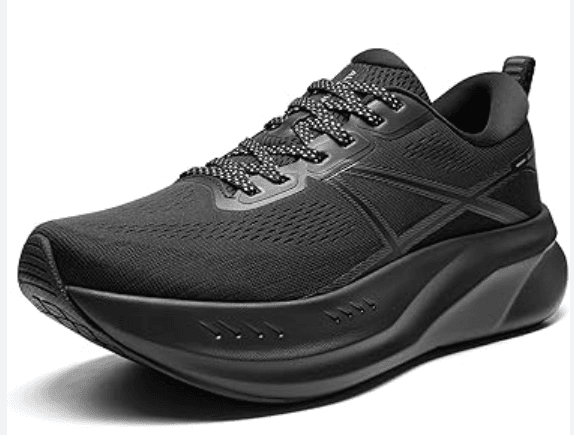
Invideo AI’s latest ”AI Twins” feature enables users to instantly create their own personal digital avatar by uploading a short video recording of themselves in any language. It can also create brand or product doubles by converting product images or links into publish-ready ad videos, allowing brands and marketers to scale campaigns without expensive production costs.
Reference
Output Video
Why Invideo AI Outperforms Other AI Video Generators
High Fidelity Hybrid Visual Sourcing
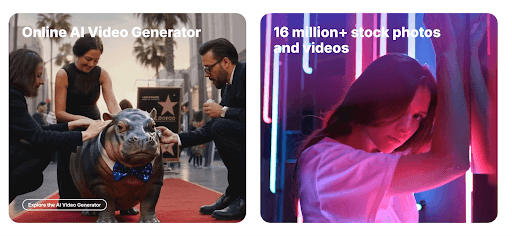
While purely synthetic AI models often suffer from visual "hallucinations" or distorted textures, Invideo AI utilizes a hybrid orchestration engine. It bridges the gap between generative intelligence and a massive library of 16 million+ premium stock assets from Shutterstock and Storyblocks.
Industrial Narrative and Directorial Intelligence
Most AI generators produce disjointed loops lacking logical flow. Invideo AI acts as a digital director, applying industry-standard Hook-Body-CTA structures to every project. By mapping the emotional arc into a pre-render storyboard, it ensures cinematic pacing and visual logic—making it the gold standard for high-retention YouTube automation.
Persistent Brand Identity Systems
High-volume production often dilutes brand image. Invideo AI maintains identity continuity via integrated Brand Kits, locking in logos, typography, and palettes across every generation. This ensures your visual DNA remains consistent at scale, transforming AI from an experimental tool into an industrial-grade production factory.
Digital Twin Deployment for UGC Scaling
Invideo AI’s Digital Twin technology enables massive content localization. By synthesizing high-fidelity avatars from a single recording, brands can deploy thousands of UGC-style ads in minutes. Beyond basic lip-syncing, it preserves human emotional nuance across multiple languages, making personalized video outreach financially viable at an enterprise scale.
Conversational Precision and Natural Language Editing
Professional AI workflows often lack "surgical" control. Invideo AI bridges this gap with a conversational editing layer, allowing for real-time refinements via natural language. Instead of re-generating, simply command the AI to "swap a clip" or "shift the tone." This provides creative sovereignty without the manual timeline fatigue.
Invideo AI’s Use Cases
Creators: Generate Shorts, Reels, and TikToks that save editing time and help maintain a faster posting rhythm.
Marketers: Produce UGC ads and product explainers that support faster testing and stronger campaign iteration.
Educators: Build lesson videos and visual explainers that make complex ideas clearer and more engaging.
Small businesses: Generate branded promos and service videos that look polished without hiring a production team.
Podcasters: Repurpose episodes into short social clips that extend reach and attract new listeners.
Founders: Make pitch videos and product demos that explain value faster to investors and customers.
Invideo AI’s Marketing Position
Invideo AI targets creators, marketers, educators, founders, and small teams. Its core pitch is simple: turn ideas into ready-to-share videos without timeline editing.
Invideo AI also positions itself through scale. Moneycontrol reported that InVideo reached $70 million ARR in 2025 after its AI product pivot. It also reported that InVideo uses OpenAI, Anthropic, Google, and ElevenLabs technologies at scale.
This places Invideo AI between Canva-style simplicity and professional editing suites. It is built for speed, not deep post-production control.
User Feedback on Invideo AI
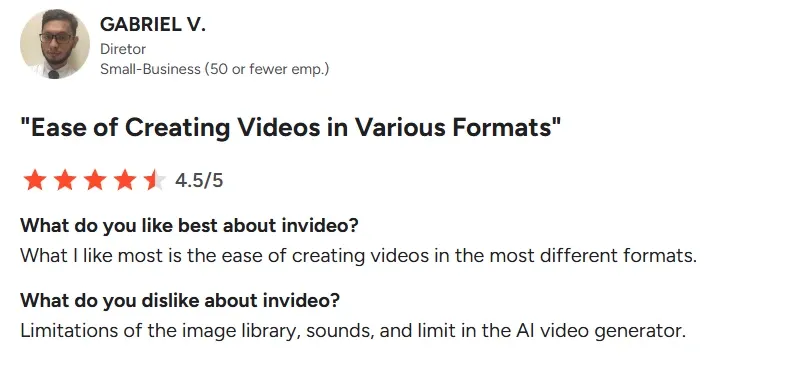
Public reviews from different platforms like Trustpilot and G2 show that Invideo AI is a useful but not always dependable tool.
On the positive side, users often praise its low learning curve, quick script-to-video workflow, template library, and broad media access. In this sense, Invideo AI is an easy-to-use tool that helps creators and small teams turn loose ideas into usable videos.
Users who need videos quickly also say Invideo AI helps them avoid blank timelines, complicated editing tools, and long production cycles. They just start with a prompt or script, and then receive a structured video with scenes, voiceover, captions, and stock footage.
But it is worth noticing that some users also report output inconsistency and technical issues like mismatched visuals, repeated media, and poor prompt accuracy. Some are also discontent with the limited editing tools.
I’ve been using Pollo AI mainly for short videos and quick image-to-video tests. The interface is straightforward and it works well even with simple prompts, which is a big plus compared to tools that need long, complicated instructions. The results can be really impressive, and it’s honestly been fun to experiment with. I’d love a bit more consistency on faces when there’s movement, but overall it’s been a solid experience for what I needed.
Awesome website. loads of options and a great way to learn how to work with 'AI' my reasoning for 5 stars is based upon price, versatility and ease of use. Also I would like to add, Pollo AI runs a lot of promos on different AI products as well. I rate their customer service at 5 stars, when I purchased my first subscription my computer crashed the following weekend and I lost all my data and info passwords you name it I lost it, contacted pollo by email they responded quickly and found my info/username and account, and I was able to restore my account.
I have been using Pollo AI for short videos. It is easy to use and works well with simple prompts. Other generators seem to need long drawn out complicated explanations to get even close to what I want.
i tried 220 online img to vid in 2 months, and this is the best online video.I will subscribe for a year; there are many reasons. But freedom is the most important.
Built for high-impact, low-effort video creation, Invideo AI is an AI video generator that enables users to produce and edit full visual narratives using simple text prompts. Whether it’s short films, social media clips, marketing ads, explainers, etc, anyone can instantly refine vague ideas into publish-ready scenes without expertise or production teams.
What makes Invideo AI unique?
Invideo AI is optimized for swift and efficient video generation, which is evident in its numerous VFX templates, pre-set AI video workflows, and access to custom digital presenters. This makes it a solid choice for users looking to craft shareable, studio-grade video content in minutes and keep scaling.
Does Invideo AI create with stock media or generative media?
You can freely choose between the two options before generating any video with Invideo AI. Moreover, you can edit any generated videos and replace selected scenes with stock or generative media as you see fit, giving you more creative flexibility in your video projects.
Can I generate videos with audio using Invideo AI?
Yes. You can browse through Invideo AI’s model library to access models like Sora 2, Kling 2.6, or Veo 3 that support native audio. Invideo AI also has a stock library of preset voiceovers to choose from, or you can create voice clones by uploading an audio recording of yourself.
Which visual styles does Invideo AI support?
You can generate videos in any visual style by simply specifying it in your descriptive text prompts. Feel free to produce high-quality footage across unique styles like cinematic, anime, 2D animation, comic illustrations, cyberpunk, fantasy, claymation, steampunk, and others.
Try Pollo AI for More Reliable and Smoother Creation!
Pollo AI turns your ideas into ready-to-post videos with stronger creative control.