



Dreamina AI Video Generator
Dreamina AI is a generative video and image platform developed by ByteDance, the powerhouse behind TikTok and CapCut. Its AI video generator enables users to produce seamless “one-take” sequences by splicing videos and images, supports native audio-visual synchronization, and introduces granular clip editing. Yet reviews cite slow generation, and uneven prompt control. Pollo AI offers broader model choices, and post-ready videos. Try Pollo AI for free now!
Key Features of Dreamina AI
Smart Multi-frame & One-Take Cinematography: Combine up to 20 video and image assets to create seamle ss long-form transitions or "one-take" cinematic sequences.Native Audio-Visual Synthesis: Simultaneously generate synchronized video and audio, including realistic lip-sync, music, and environmental sound effects.Selective Clip Editing: An industry-first feature allowing users to lock specific video segments and refine only the parts they wish to modify."Last Frame" Reverse Storyboarding: Generate the starting sequence of a scene based on a provided ending image and specific text prompts.4K AI Video Upscaling: Enhance generated clips to high-definition resolution suitable for professional production.
Smart Multi-frame & One-Take Cinematography
The Smart Multi-frame update enhances the ability to create long-form, continuous narratives. Users can now upload and splice various combinations of "Video + Video" or "Video + Image." This allows for the creation of complex "one-take" shots—such as zooming from deep space all the way into a room's window—with fluid transitions. Supporting up to 20 assets with intervals of up to 8 seconds, it provides the technical foundation for more ambitious visual storytelling.
| Creative Input | Output Result |
|
Upload a video of a nebula and an image of a futuristic city 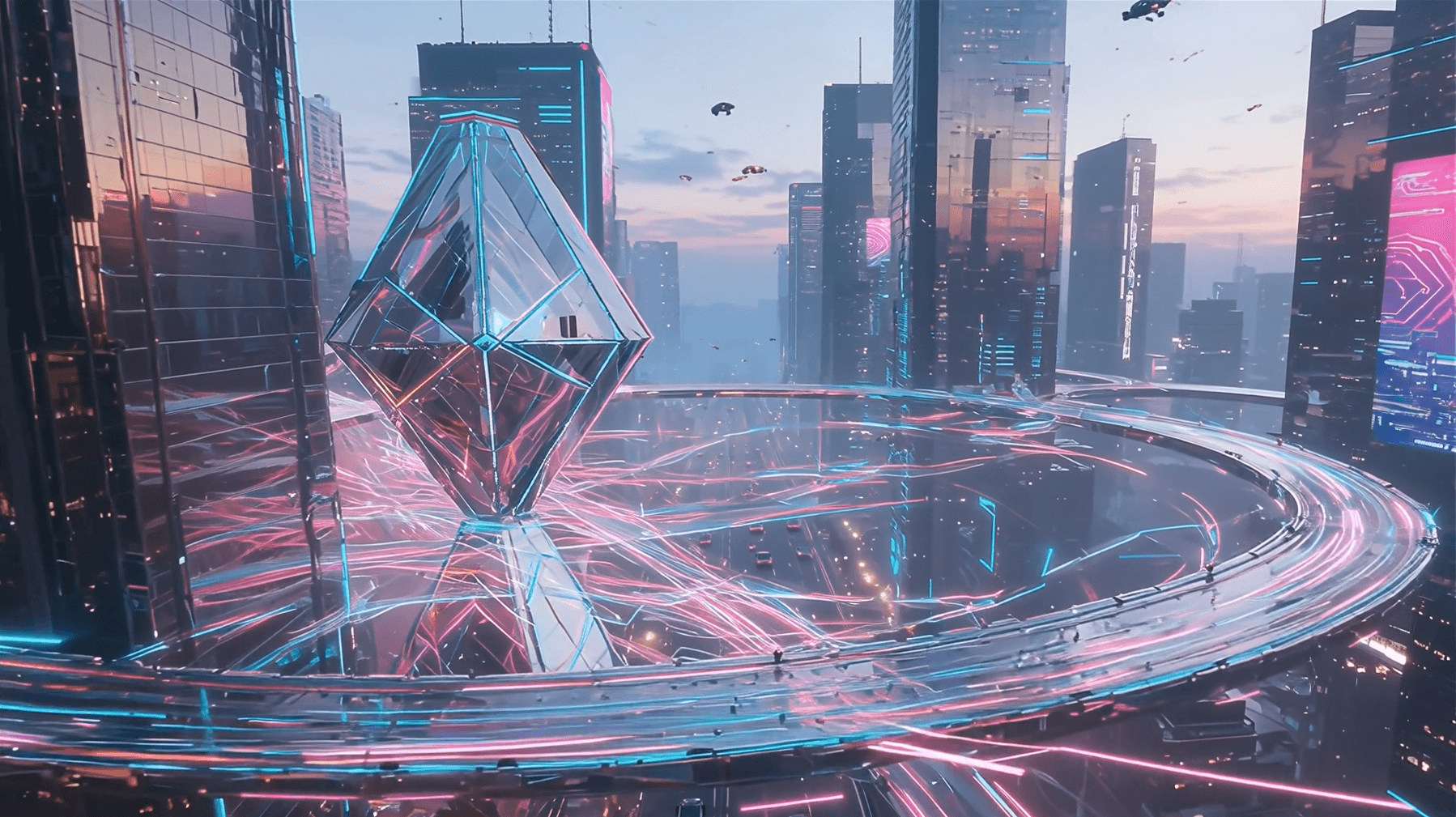 |
Native Audio-Visual Synthesis
Powered by the Video 3.5 Pro model (Seedance 1.5 Pro), Dreamina AI generates video and audio in a single workflow. This ensures that environmental sounds like footsteps, mechanical whirs, or musical performances are perfectly aligned with the visual action. This native synthesis removes the need for manual post-production foley or lip-syncing in the initial stages, providing a more immersive and realistic preview of the final content.
| Prompt | Audio-Visual Output |
| A high-speed train rushing past a station |
Selective Clip Editing
Dreamina AI introduces a specialized "Clip Editing" tool to address the challenge of partial dissatisfaction in AI generation. If a specific segment of a generated video requires adjustment, users can select that portion and lock the surrounding frames. This allows for granular refinement of specific actions or details without having to regenerate the entire video, significantly improving professional editing efficiency and creative control.
| Scenario | Editing Action |
"Last Frame" Reverse Storyboarding
For creators who have a specific ending in mind, the "Last Frame" mode offers a reverse-generation workflow. By uploading a final frame and providing a text prompt for the beginning of the scene, Dreamina AI calculates the visual "path" that leads to that specific result. This is ideal for creating logical narrative flows that must conclude with a specific brand asset, a logo, or a key visual climax.
| Reference | Output |
 |
4K AI Video Upscaling
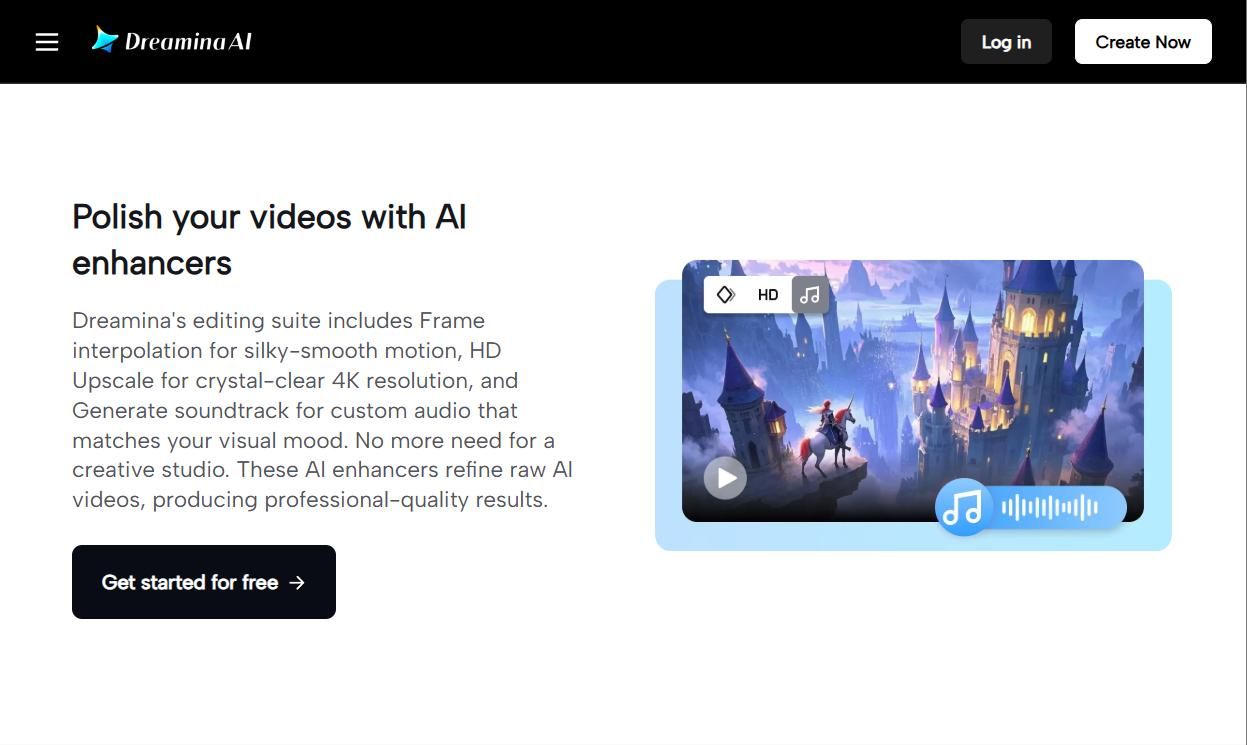
One of Dreamina AI's most practical features for professionals is its built-in upscaling capability. Often, AI video generation results in lower resolutions for speed. Dreamina allows users to take a generated clip and can upscale it to 4K resolution. This process adds detail, sharpens edges, and removes artifacts, making the footage ready for high-quality YouTube uploads or commercial displays.
Why Dreamina AI Outperforms Other AI Video Generators
AI Canvas: A Non-Linear Multi-Track Storyboard
Unlike the traditional "single-prompt" interface, Dreamina features an Infinite AI Canvas. This workspace allows creators to treat AI video generation like a design project in Figma. You can place multiple video clips, reference images, and text prompts on a single board, visually mapping out transitions and narrative flows. This is particularly unique for "One-Take" cinematography, as it allows users to connect different generated segments visually before finalizing the render.
Native Synchronization with the CapCut & TikTok Ecosystem
Dreamina serves as the "Creative Lab" for the ByteDance ecosystem. Its most unique feature is the Direct-to-Timeline Sync. Users can export a generated AI video directly into the CapCut cloud, where it automatically aligns with trending TikTok music and transitions. This bypasses the need for manual downloading and provides "Smart Templates" that are updated daily based on global viral trends.
Seedance 2.0: High-Fidelity Character & Motion Consistency
Dreamina utilizes the proprietary Seedance model architecture, which is specifically trained on ByteDance’s massive short-form video dataset. This provides a unique "Character Lock" feature that is significantly more stable than its competitors. It ensures that a character’s face, clothing, and movement style remain 99% consistent across different scenes, making it the preferred tool for AI-generated episodic content and short dramas.
Community-Driven "Prompt Remixing" Ecosystem
Dreamina is built as a social-creative hybrid. It features a Global Remix Feed where creators share their full "generation recipes"—including the exact prompt, reference images, and motion parameters. Unlike other platforms that hide these settings, Dreamina allows users to "fork" a successful creation and swap individual elements, drastically reducing the learning curve for professional-grade output.
Dreamina AI’s Use Cases
- Digital Artists: Generate concept videos and surreal art reels that make portfolio ideas feel more dynamic.
- Social Media Creators: Create reels, thumbnails, and short clips that boost posting speed and audience engagement.
- Marketers: Produce product teasers and ad videos that test campaign ideas without studio costs.
- Game Designers: Generate world clips and character motion references that clarify mood, mechanics, and pitch decks.
- Fashion Creators: Build styling videos, beauty avatars, and campaign loops that make looks easier to preview.
- E-commerce Sellers: Create product videos and packshot clips that make listings clearer and more persuasive.
- Video Storytellers: Turn prompts or images into cinematic B-roll that accelerates visual storytelling.
- Beginner Designers: Use guided tools to create polished videos that reduce editing friction and improve presentation quality.
Dreamina AI User Feedback
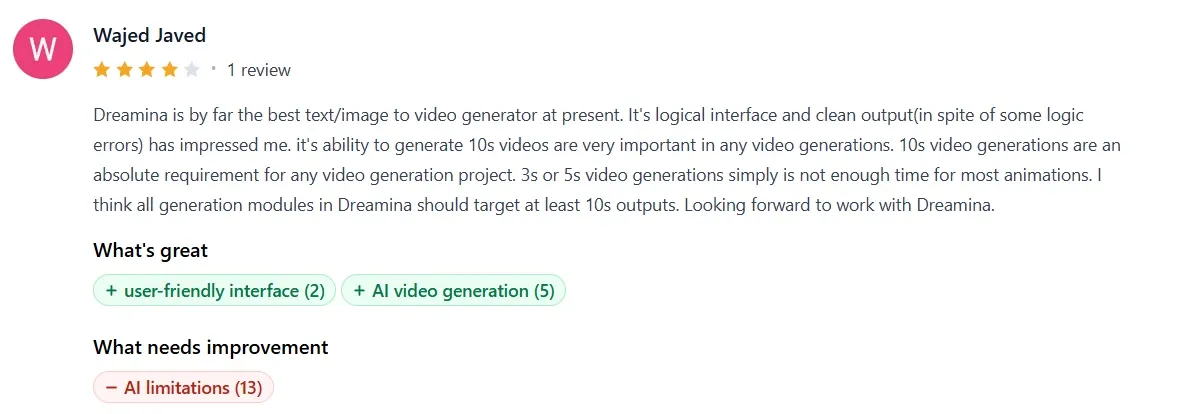
Public review data paints a divided picture. While Product Hunt reviews are broadly positive, users on Trustpilot consistently complain about Dreamina AI. Here are the main strengths and weaknesses of Dreamina AI based on available reviews.
What Users Like Most
Users most consistently praise Dreamina for approachability. Product Hunt reviewers repeatedly describe it as easy to use, beginner-friendly, and quick for turning ideas into visuals.
This matters because Dreamina’s main buyer is often not a professional designer with a deep tool stack, but a creator who needs to produce visual content quickly.
Users also like its stylized image quality. Users report that Dreamina AI performs especially well on illustration styles, anime characters, natural landscapes, dreamy backgrounds, fantasy scenes, and playful visual experimentation.
Additionally, users praise the Canvas-based editing workflow. Dreamina’s own site emphasizes multi-layer editing, inpainting, removal, precision control, etc. And reviewers identify the Canvas editing tool as a major pro.
This gives Dreamina a practical advantage over one-shot generators because users can refine an image rather than abandon it after a flawed first result.
What Users Dislike Most
Users often complain about Dreamina AI’s operational reliability. Some mention failed generations, long queues, missing paid credits, and slow waits.
For commercial creators, unreliable turnaround is not merely inconvenient; it weakens the tool’s role in a deadline-driven workflow.
Another issue is output control. Dreamina AI can produce attractive visuals, but users still say that it misses precise intent when the prompt becomes demanding. For example, some cite issues with hands, facial alignment, and body proportions in realistic styles.

Side-by-Side Comparison: Dreamina AI vs Pollo AI vs Invideo AI
| Dimension | Dreamina AI | Pollo AI | Invideo AI |
| Core positioning | All-in-one AI creative suite for images, video, canvas editing, and artistic work. | All-in-one AI image and video creation platform for creators, marketers, and brands. | Prompt-based AI video platform for ads, explainers, stories, UGC, avatars, and longer video creation. |
| Video generation | Text-to-video and image-to-video with various AI models | Text-to-video; image-to-video; reference-to-video; talking avatar for digital spokesperson videos; Pollo Agent for post-ready videos | AI video agent can create up to 30-minute videos from a single prompt on paid plans |
| Editing depth | Canvas tools include inpaint, expand, remove, and multi-layer blending | 700+ built-in tools and effects | Instruction-based editing examples include replacing objects, adding music, changing voiceover language, and adding captions |
| Best-fit audience | Social creators, visual designers, marketers, casual creators, and image-first users. | Creators, marketers, brands, social teams, and users needing model choice plus workflow apps. | Video creators, marketers, agencies, educators, and teams needing prompt-to-video production. |
Why Top Creators Are Switching to Pollo AI
Publication-Ready Agent Workflow
Pollo Agent turns ideas, images, text, or URLs into post-ready videos, requiring no manual editing.
100+ Purpose-Built Workflow Apps
Pollo AI offers specialized video generators covering celebrity videos, faceless videos, etc. You can have a clearer path from concept to usable content.










 5000+ reviewsTrustscore 4.4
Loved by 10M+ Creators and Marketers Globally
Thousands of satisfied users have shared their Pollo AI experiences on Trustpilot, rating us as "Excellent." See what they love about our platform.
Liz Cassidy Dec 15, 2025Richard QuickOct 15, 2025armourdudeNov 19, 2025
 DuduJan 14, 2026
 Ray WarnesDec 30, 2025
 lawless clanNov 22, 2025
Discover Other Powerful AI Video Generators on Pollo AI
FAQs
What is Dreamina AI?
Dreamina AI is a high-end AI video and image generator developed by ByteDance. It is specifically designed to meet the needs of creative professionals, offering advanced tools for cinematic motion, style consistency, and high-fidelity visual output within a user-friendly interface.
What languages does Dreamina's lip-sync support?
Dreamina provides high-quality lip-syncing for multiple languages and specialized support for various Chinese dialects, including Cantonese and Sichuanese, ensuring natural facial micro-expressions.
Is Dreamina owned by CapCut?
Dreamina is developed by ByteDance, the parent company of both TikTok and CapCut. Because of this shared ownership, Dreamina is deeply integrated with CapCut, serving as its primary generative AI engine for advanced video asset creation.
How much does Dreamina cost?
The pricing for Dreamina varies based on the subscription tier. It generally offers a free tier with limited daily capacity, while professional plans (typically billed monthly or annually) provide more credits, faster generation priority, and access to advanced editing features.

Create Professional Videos in Minutes with Pollo AI!
Automate everything from prompts to publication with zero manual editing required.