Vyond specializes in animated videos for training and business communication. If your project goes beyond animation, Pollo AI gives you more room to create with top-tier AI models, talking avatar, 200+ use cases, and more. You can get publish-ready videos with no editing. Try Pollo AI for free!
Create your own influencer. Then jump into any trend with Recast.
Kling 4.0
Up to 10 keyframes. Unlimited for 10 days with Ultra.
Pollo Recast
Recreate viral videos. Remix new versions.
Pollo Recast Challenge
One upload in. Your viral video out. Unlimited rewards await.
Pollo Agent x DeepSeek V4.1 FLASH
Faster completion at a much lower cost.
Pollo Agent x Gemini 4 Argon
Smarter reasoning. All through Pollo Agent.
WIN iPHONE DUO
Capture a city in one minute. Join the challenge now.
Pollo MCP
End-to-end content creation. Up to 4 Videos/ 20 Images for FREE.
Key Features
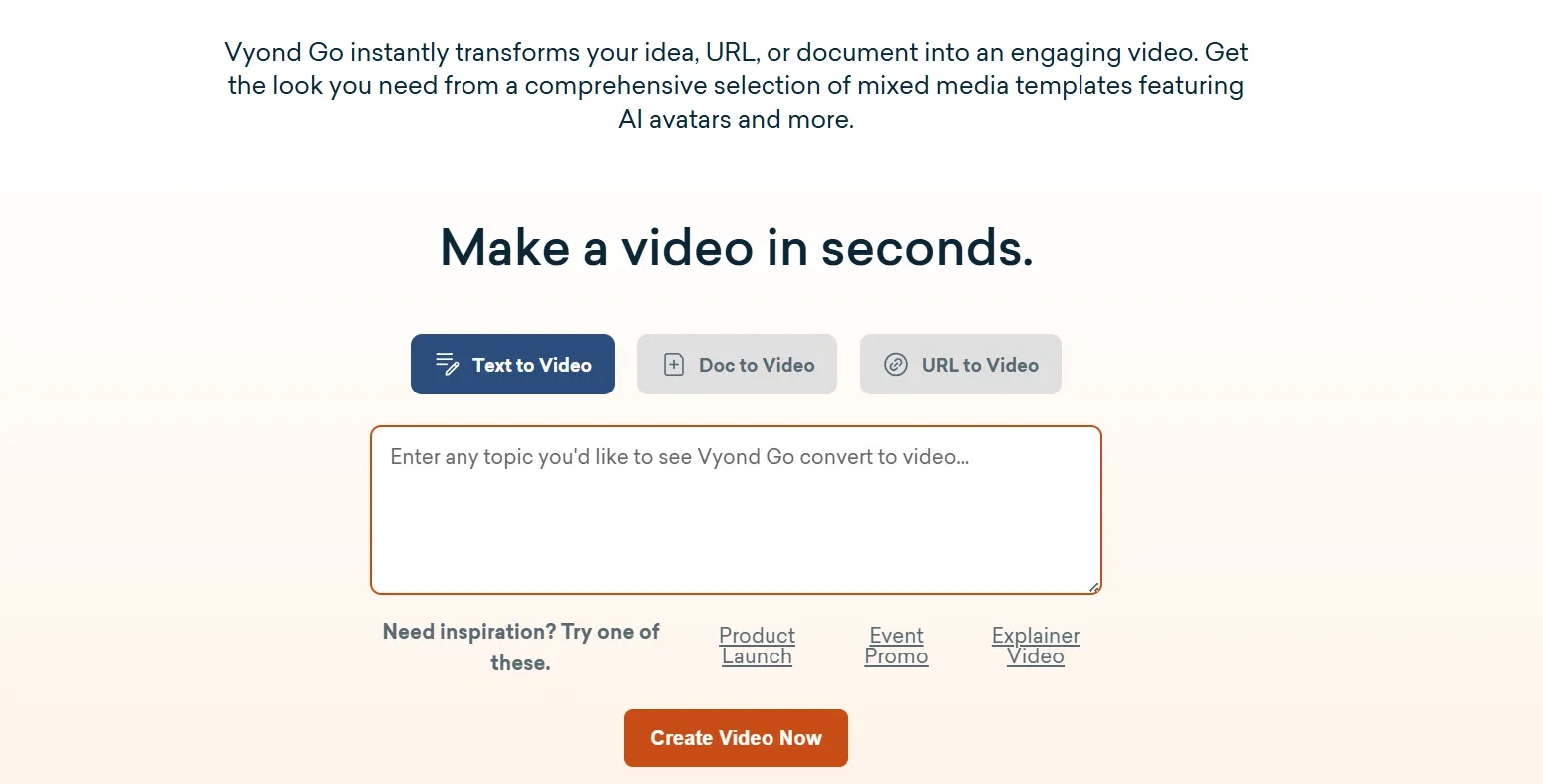
Generate Videos With Vyond Go: Create complete video drafts from prompts, documents, or webpages.
Create Videos With AI Avatars: Build presenter-led videos with a large library of digital avatars.
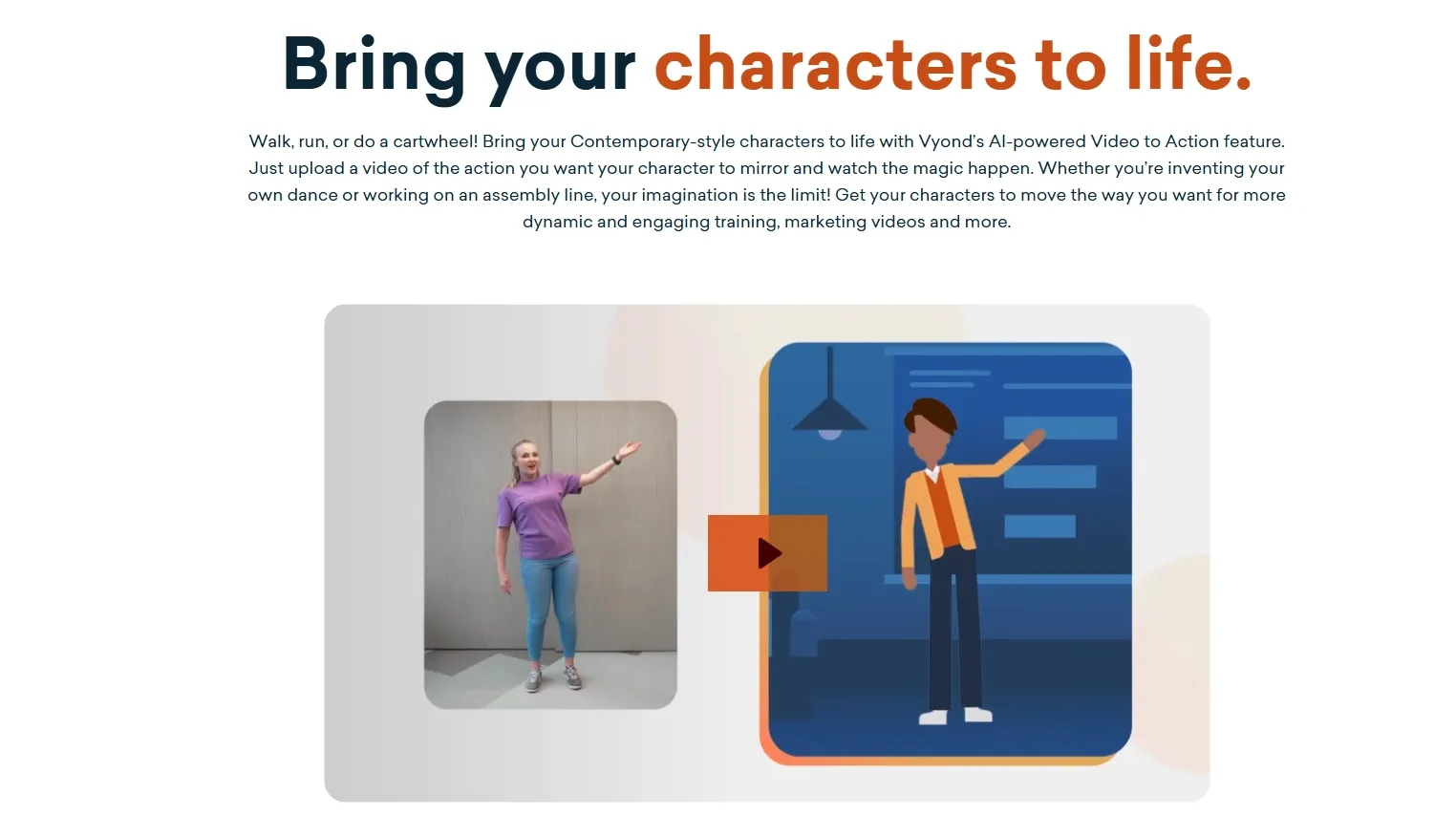
Animate Characters With Video to Action: Transfer real human movement from reference videos to animated characters.
Create Custom Avatars From Text: Design characters that fit different roles, scenarios, and visual identities.
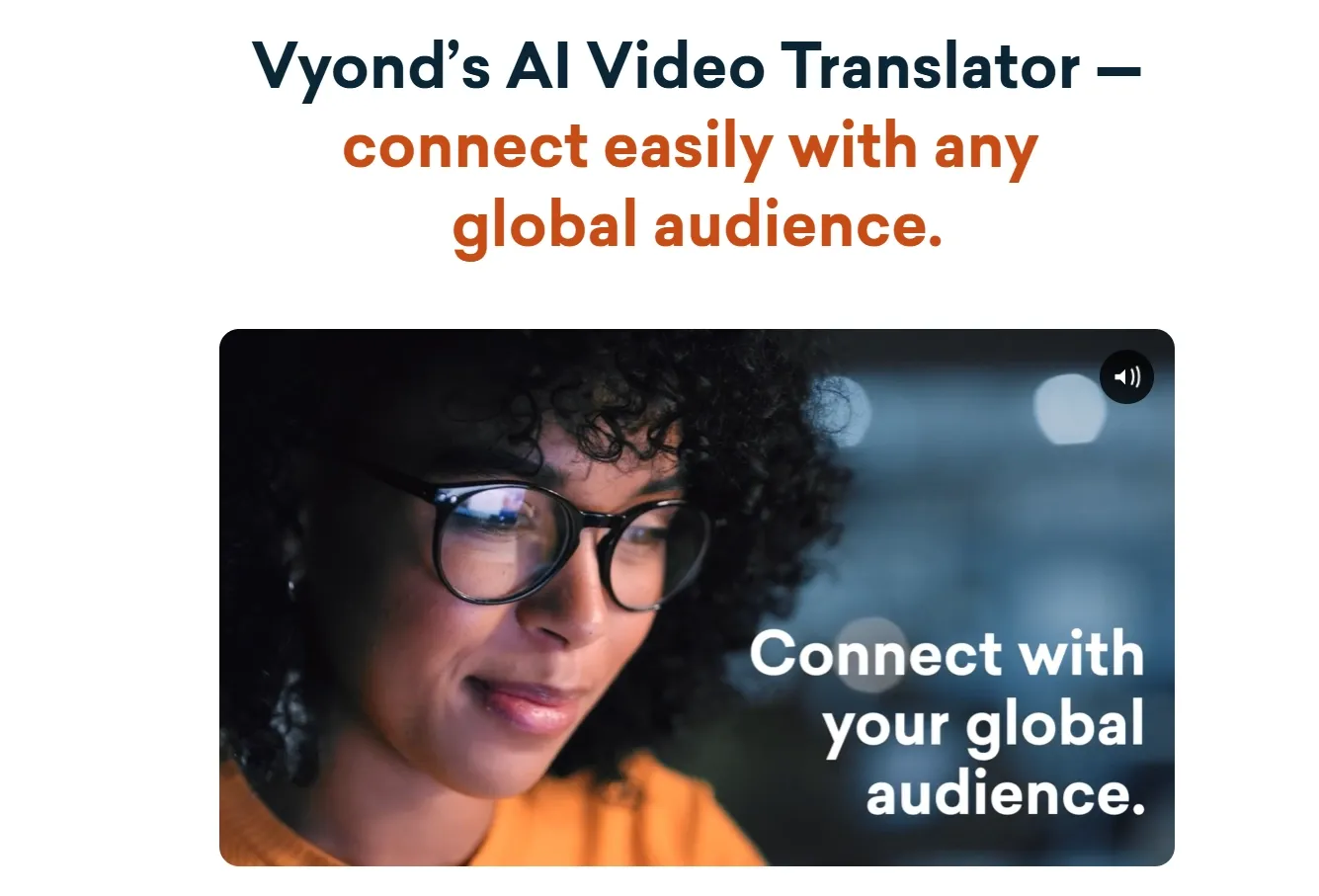
Translate Videos With AI: Localize existing videos into different languages.
Generate Videos With Vyond Go
Vyond Go turns a topic, script, document, PDF, PowerPoint, or webpage URL into a structured video draft. It develops the script and scenes while letting users specify factors such as format, tone, language, and visual style.
Teams can use it to turn a policy document into an employee training video, summarize a presentation for internal communication, or convert webpage content into an explainer.
Create Videos With AI Avatars
Vyond provides more than 1,300 AI avatars that can deliver scripts with synchronized speech and natural presenter-style delivery. They can be used for employee training, product explainers, onboarding videos, internal communications, and other talking-presenter content.
For avatars that look more natural on screen, Pollo AI turns a single photo into lifelike avatar videos with accurate lip-sync, expressive facial reactions, and realistic hand gestures.
It can generate avatar videos up to 2 minutes long, giving creators more room for product explainers, UGC ads, tutorials, and virtual-host content without stitching together multiple short clips.
Animate Characters With Video to Action
Vyond's video to action analyzes motion in an uploaded video and applies it to an animated character. This allows characters to reproduce gestures and body movements in a dance video or other actions without manually animating each movement.
For creators who want motion transfer that feels far more alive, Pollo AI’s mimic motion turns a single character image into smooth, expressive performances driven by a reference video.
It keeps the character recognizable while recreating dances, gestures, and full-body movement with natural flow—ideal for eye-catching dance clips, character performances, and social videos.
Create Custom Avatars From Text
Vyond's text to avatar generates custom characters from descriptions of their appearance, clothing, and style. Teams can use them for training, sales scenarios, instructional videos, or recurring branded characters.
Translate Videos With AI
Vyond can translate video narration and on-screen content into dozens of languages while preserving the original project structure. Its multilingual text-to-speech library also gives users hundreds of voice options for localized training, marketing, and communication videos.
Vyond AI’s Use Cases
Learning and Development Teams: Create onboarding and compliance videos that improve knowledge retention and reduce training production time.
HR Teams: Generate culture updates and policy explainers that boost employee clarity and message consistency.
Sales Enablement Teams: Build product explainers and pitch videos that help reps communicate value faster.
Marketing Teams: Produce branded campaign clips and social videos that increase output with less design work.
Customer Support Teams: Create product tutorials that answer common questions and reduce repeated support requests.
Internal Communications Teams: Deliver leadership updates and change messages that keep employees aligned across departments.
Vyond AI’s Technical Structure
Vyond’s structure has two main layers: Vyond Go handles AI-assisted drafting from prompts, documents, scripts, and URLs; Vyond Studio then gives users deeper editing and brand-control tools.
This is not a pure cinematic text-to-video system. It is closer to an AI-assisted business video editor. Users can start with a generated draft, then edit scenes, scripts, assets, and narration.
Vyond blends templates, media assets, avatars, text-to-speech, and localization. Its 2023 release added AI-generated props, custom character actions, and Shutterstock media integration. It also expanded multilingual support for global business video production.
The 2024 update pushed Vyond further into brand-safe AI video. It added broader generative AI features and stronger brand management controls. That matters for companies producing many videos across departments and markets.
Later updates expanded Vyond into a broader “all-in-one” business platform. The company added AI avatars, screen recording, webcam recording, and mobile app support. These moves help Vyond compete beyond simple animation software.
The architecture favors governed creation over wide-open experimentation. That is useful for enterprises, where consistency often matters more than surprise. But it can feel restrictive for creators seeking cinematic range or model choice.
What Users Think About Vyond AI
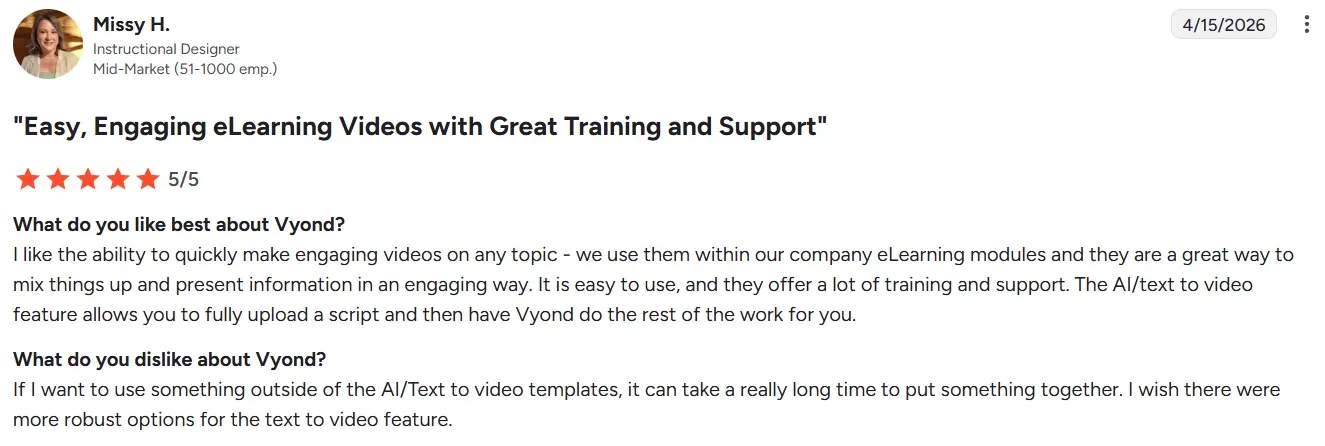
Across G2 Vyond reviews, users often describe Vyond as practical, fast, and easy to learn. Many reviewers like that non-designers can create polished business videos without animation experience.
The strongest praise centers on its templates, character actions, props, and simple editing flow. For training and internal communication teams, this speed can reduce production friction and help projects move faster.
Users also value the platform’s ready-made scenes and business-friendly structure. Several reviewers say Vyond AI helps them explain complex topics in a clearer, more visual way. That makes the tool especially useful for onboarding, compliance, and product education.
The negative feedback is more concentrated around flexibility, cost, and AI quality. Reviewers mention limited customization, limited character options, and restrictions in scene control.
Some say longer or more complex projects can feel slow. Others want more creative freedom beyond the platform’s preset animation style.
On Trustpilot, some users are sharper in their criticism. Complaints include weak avatar output, failed script uploads, and server connection issues.
A few users also feel the credit system can be frustrating during trials. These comments suggest Vyond’s AI features may not always match user expectations, especially for buyers expecting modern generative video results.
Multi-model generation, Pollo Agent, and 100+ workflow apps.
Simple drag-and-drop whiteboard videos.
Creation Style
Template-based animated business videos.
Flexible AI video generation across many content types.
Hand-drawn whiteboard-style explainer videos.
Best For
Corporate teams needing scalable communication.
Creators and marketers needing publish-ready outputs.
Beginners making affordable explainer videos.
Why Users Are Switching to Pollo AI?
Step 1
More Flexible AI Models
Pollo AI gives you multiple leading models in one place. You can switch between Veo 3.1, Sora 2 and more, avoiding being locked into one AI style.
Step 2
Publish-Ready Videos Editing
Pollo Agent turns your ideas, assets, and URLs into post-ready videos. Reduce the manual editing work that slows your video workflows.
Step 3
Broader Creative Workflow Apps
Pollo AI offers 100+ apps for real needs. Whether you are a creator or a marketer for story videos or ad videos, you can find one to reduce your workload.
I’ve been using Pollo AI mainly for short videos and quick image-to-video tests. The interface is straightforward and it works well even with simple prompts, which is a big plus compared to tools that need long, complicated instructions. The results can be really impressive, and it’s honestly been fun to experiment with. I’d love a bit more consistency on faces when there’s movement, but overall it’s been a solid experience for what I needed.
Awesome website. loads of options and a great way to learn how to work with 'AI' my reasoning for 5 stars is based upon price, versatility and ease of use. Also I would like to add, Pollo AI runs a lot of promos on different AI products as well. I rate their customer service at 5 stars, when I purchased my first subscription my computer crashed the following weekend and I lost all my data and info passwords you name it I lost it, contacted pollo by email they responded quickly and found my info/username and account, and I was able to restore my account.
I have been using Pollo AI for short videos. It is easy to use and works well with simple prompts. Other generators seem to need long drawn out complicated explanations to get even close to what I want.
i tried 220 online img to vid in 2 months, and this is the best online video.I will subscribe for a year; there are many reasons. But freedom is the most important.
Discover Other Powerful AI Video Generators on Pollo AI








 Liz Cassidy


