Step 1
Write your tutorial script with clear steps and helpful examples.
AI Video
Transform text and images into cinematic videos with lifelike avatars and studio-quality SFX.

AI Image
Turn ideas and images into stunning visuals, or perfect any photo with a complete suite of AI tools.

Agent
Create production-ready videos with SFX, consistent characters, and polished scenes. No Editing.

Marketing Studio
Built for marketers and sellers to create winning ads, UGC videos and product visuals faster.

Create expert tutorials that teach complex topics with crystal-clear simplicity.
Turn your expertise into professional educational videos. Write your script, choose your narration, and let AI create tutorial content that breaks down complex concepts into engaging lessons your audience will understand and remember.
Generate tutorials suited for YouTube revenue, course platforms, and paid membership sites.
Produce entire tutorial libraries at scale without hiring production crews or booking studio time.
Break down difficult subjects into clear, engaging lessons that any audience can easily understand.
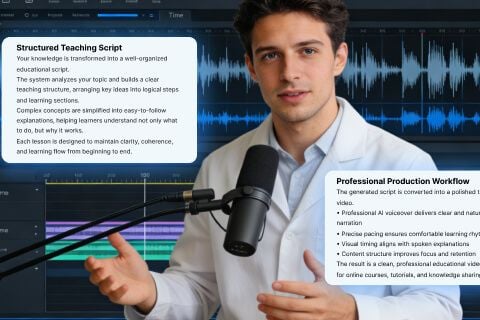
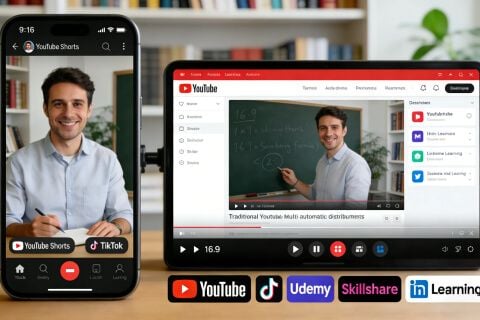

Turn your expertise into structured, monetizable tutorial series on Udemy and Skillshare effortlessly.
Generate polished how-to videos at scale to keep your upload schedule and audience growing.

Convert internal training documents into engaging video lessons your workforce can access anytime.

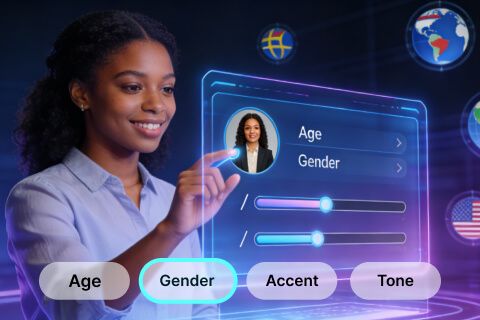
Create professional coaching content in multiple languages to attract and retain a global student base.
Write your tutorial script with clear steps and helpful examples.
Select narration voice, background music, and aspect ratio.
Generate your tutorial and download publication-ready content.









Using Pollo AI to Create and Inspire
 VINOD CHATHURANGA බර්ඩ් වයිරස්
 Chuks Kingsley
 SPP PATEL
 murad sch
 Norma Ponce
 Sarah Stokes
 Sudipta Saha
 Luiz Guyz
 Swishadoptme Swishadoptme
 MrWookiee
 Gamal Amer
 marcel desille bousquet
 Wilson Sotomonte
 Sasa Dobricic
 Katarpint
Be thorough but conversational. Include all steps, explanations, examples, and transitions. Write as you'd speak to someone wanting to learn from you. The more complete your script, the better the tutorial teaches.
Any skill can be taught: software training, creative skills, technical topics, business subjects, fitness, cooking, languages, or crafts. If someone can learn it, you can create a tutorial for it.
Yes! Many educators build complete series covering interconnected topics. Each tutorial can build on previous lessons, encouraging viewers to watch your full series and creating course-like learning experiences.
Describe visuals clearly in your script: 'show the menu location,' 'highlight the important field,' 'demonstrate the clicking sequence.' The AI interprets these descriptions and creates visual demonstrations aligned with your voiceover.
Absolutely. Tutorial videos work perfectly for YouTube monetization, course platforms, membership sites, or selling educational content. Build profitable teaching businesses using AI-generated tutorials at scale.