



Artflow AI Avatar Video Generator
Artflow AI focuses on persistent digital identity through Trained Actors and short clips. For complete, avatar-led, publish-ready narratives built from a single brief, try Pollo AI for free!
Kling 4.0
Up to 10 keyframes. Impressive performance.
Key Features of Artflow AI
Actor Training : Builds a reusable digital identity from personal reference photos.Allium Video with Actor Support : Places trained Actors directly into prompt-generated video clips.Spark Image-to-Video : Animates an existing character image while preserving its initial composition.Dual Actors : Supports two recognizable Actors interacting within the same generated clip.Reference Images : Guides clothing, locations, visual style, and framing without replacing Actor identity.First & Last Frame Video : Generates a controlled transition between defined opening and closing frames.Cinematic Camera Controls and Multi-Shot Sequences : Directs camera movement, motion intensity, and cuts through prompts.Multilingual Dialogue and Uploaded Audio : Gives animated characters scripted voices in multiple languages.
Actor Training
Artflow AI trains an Actor from approximately 10 to 20 clear facial photos. Once processed, the identity can be reused across professional portraits, fictional roles, social scenes, and videos without uploading the same references for every generation.
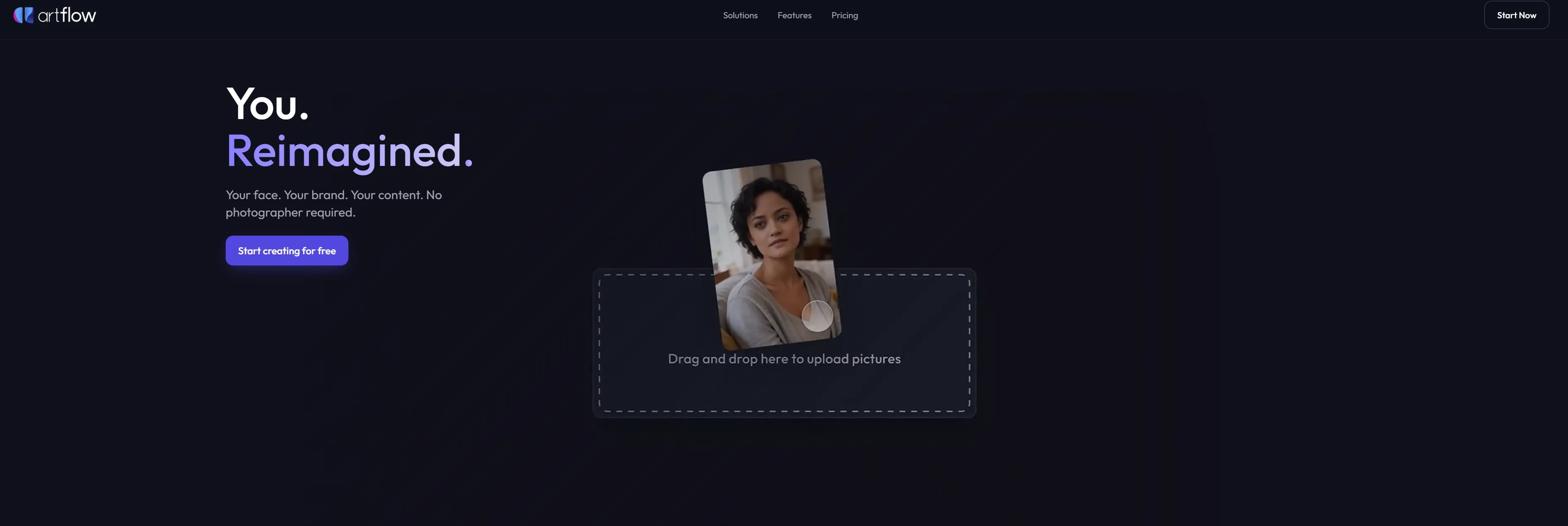
With Pollo AI’s AI avatar generator, you only need to provide a single, clear photo. From that one image, Pollo AI can instantly generate lifelike, emotionally expressive avatar videos without any pre-training needed. Furthermore, Pollo AI’s avatars feature natural lip-syncing, delicate facial expressions, and dynamic body language, allowing you to produce marketing-ready clips up to two minutes long directly from your browser.
Allium Video with Actor Support
Allium Video is Artflow AI's most important AI video advancement. Users can mention a trained Actor directly in the prompt, describe the action, setting, and camera, and generate a clip without first preparing an opening image. The identity remains available even when the Actor enters midway, turns away, or is initially outside the frame. Clips can run from 5 to 15 seconds, with SD and HD output options.
Spark Image-to-Video
Spark Video gives Artflow AI a frame-led image-to-video alternative to Allium. It animates an existing image, making it useful when the creator has already approved the character's appearance, wardrobe, environment, and composition. Users can describe body movement, environmental changes, and camera behavior or leave the prompt blank when the intended motion is visually obvious.
Dual Actors
Artflow AI can place up to two trained Actors inside one Allium Video prompt. Users can describe how the characters enter, react, move, or interact while the model carries both identities through the clip. This is valuable for conversations, relationship content, short dramatic scenes, and branded collaborations. Longer dialogue sequences still require several separately planned shots.

Reference Images
Artflow AI accepts supporting images alongside an Allium Video prompt. These references can establish a particular outfit, location, visual style, prop, or framing while the trained Actor controls facial identity. This separation between identity and scene direction is useful for recurring characters who need different campaign settings without losing their recognizable appearance.
First & Last Frame Video
First & Last Frame Video lets Artflow AI define both the opening composition and intended final state. The platform generates the motion connecting those two points, with optional instructions describing the transition. Creators can build costume transformations, entrances, time progressions, or planned camera moves.
Cinematic Camera Controls and Multi-Shot Sequences
Artflow AI understands camera terms such as orbit, tracking, dolly, handheld, aerial view, and zoom. Creators can also specify motion intensity to distinguish subtle gestures from fast physical action. Prompts using instructions such as cut to or camera switch can introduce multiple angles within a short clip. Complex narratives remain more reliable when divided into focused actions.
Multilingual Dialogue and Uploaded Audio
Artflow AI's Video Studio supports scripted dialogue, uploaded audio, and voices across 80 languages. This helps creators produce talking characters for explainers, personal messages, educational clips, and localized social content with AI voiceovers. The workflow reduces recording requirements, although users still need to check pronunciation, timing, and emotional delivery before publishing.
Artflow AI Product Positioning and Background
Artflow was founded in Singapore in 2020, with Tim Zhang publicly identified as a co-founder.
The platform initially focused on prompt-generated portraits. It later introduced Video Studio 2.0, Story Studio, Actor Builder, Director Mode, image-to-video creation, and the Allium family of identity-aware models. Artflow's founder announced one million users in 2024.
Artflow AI follows a custom identity plus generative production model. It is not simply a template library, a conventional editor, or a broad model marketplace. Its core commercial asset is the trained Actor, which becomes reusable across images, designs, and videos.
This route distinguishes Artflow from HeyGen's script-led corporate presenters. Artflow gives more attention to cinematic environments, fictional roles, and identity-driven visual storytelling.
Who Uses Artflow AI?
- Personal brands, coaches, and consultants: They can create recognizable walkthroughs, thought-leadership clips, and social posts without arranging a new photoshoot for each campaign.
- Social creators and small marketing teams: They can reuse the same digital identity across vertical reels, video ads, promotional scenes, and platform-specific formats.
- Storytellers and independent filmmakers: They can stage entrances, transformations, two-character interactions, and cinematic camera moves around a recurring cast for short films.
- Educators and multilingual communicators: They can create character-led lesson videos, explainers, and localized messages with scripted dialogue or uploaded narration.
Feature Comparison: Artflow AI vs HeyGen vs Pollo AI
| Comparison Factor | Artflow AI | HeyGen | Pollo AI |
| Primary Logic | Persistent Actor identity across generated scenes | Script-led talking avatars and localization | Complete multi-model video and avatar production |
| Identity Setup | Trains an Actor from 10-20 photos | Uses a photo, short recording, or stock avatar | Creates an avatar from one photo without pre-training |
| Avatar Motion | Cinematic actions, entrances, camera moves, and short interactions | Presenter gestures, expressions, and lip-synced delivery | Talking avatars, motion transfer, character animation, and full-scene generation |
| Scene Creation | Prompted environments with optional wardrobe and setting references | Templates, backgrounds, media assets, and avatar-led scenes | Text, images, references, video, URLs, and multiple leading models |
| Multi-Character Support | Supports two Actors interacting in one Allium clip | Supports multiple presenters, primarily across structured scenes | Supports character-driven scenes through reference and task-specific workflows |
| Dialogue and Localization | Scripted voices and uploaded audio across 80 languages | Translation, cloned voices, and lip sync across 175+ languages | Multilingual voice generation, cloning, avatars, and integrated video production |
| Typical Output | Short identity-consistent clips and talking-character videos | Presenter videos, training, sales, and localized communication | Avatar videos, ads, stories, explainers, social content, and full-length productions |
| Creative Control | Actor mentions, references, first/last frames, and camera prompts | Scene editing, branding, delivery controls, and captions | Multiple models, video tools, specialized Studios, and workflow apps |
| Agent Capability | No project-level Agent; longer stories require multiple generations | Video Agent builds avatar-led scenes from a prompt | Pollo Agent produces structured, full-length, publication-ready videos |
Artflow AI Review: What Users Actually Say
On G2, and Trustpilot, users primarily praise Artflow AI for simplifying character creation and keeping a recognizable identity across visual content. Friction becomes more visible when creators move into repeated video production.
A G2 reviewer praised the intuitive interface and said Artflow solved character consistency problems. The same user reported that rendering could take longer than expected and slow the creative workflow.
The operational complaints are more serious but come from a small review sample. One paid Trustpilot user reported unclear monthly video limits, unexpected annual billing, and difficulty receiving a support or refund response.
How Pollo AI Extends Artflow's Avatar Workflow
While Artflow AI simplifies basic character creation, users clearly experience friction with slow rendering speeds and opaque billing practices. Pollo AI resolves these operational roadblocks by offering enterprise-grade generation speeds, responsive support, and completely transparent platform limits.
More importantly, by leveraging the advanced Pollo Agent, creators can take a consistent digital identity and seamlessly build full-length, publication-ready videos.
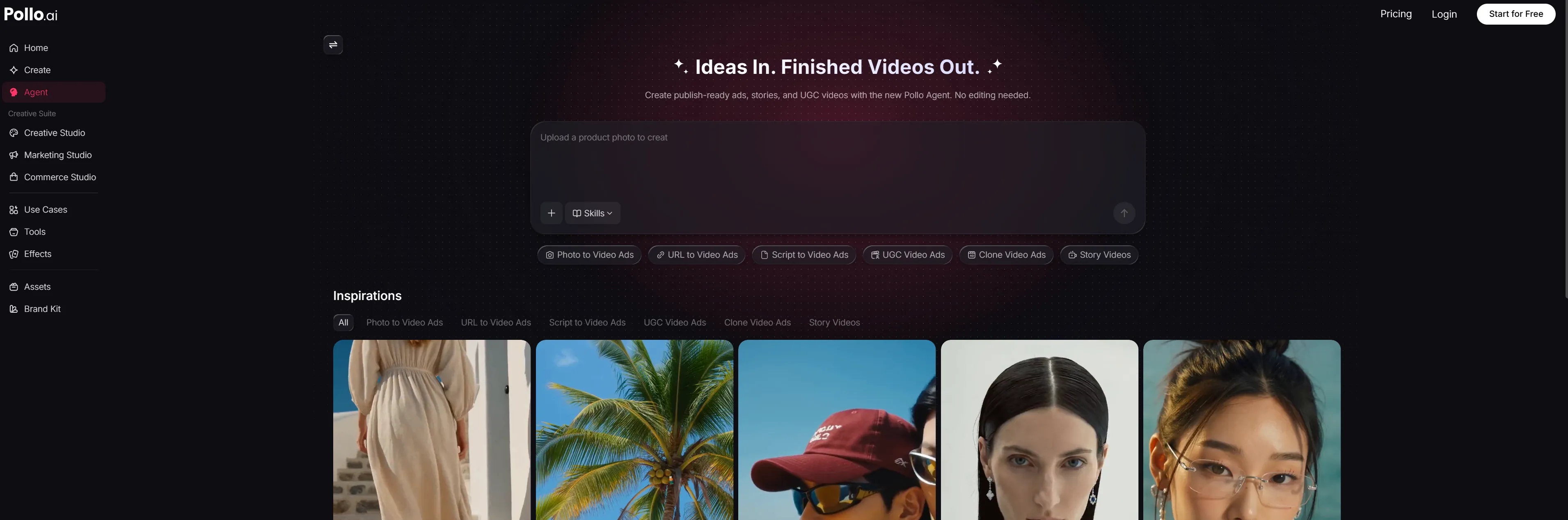
Instead of waiting for slow, disjointed renders that interrupt the creative flow, users can rely on Pollo Agent to automatically handle scene transitions, cinematic pacing, and synchronized audio. This allows marketers and creators to output post-ready narratives without ever needing to stitch fragments together in a separate timeline editor.
Why Avatar Creators Move from Artflow to Pollo AI

Single-Photo AI Avatar
Create multilingual talking avatars and product demos with natural lip sync and body movement, up to 2 minutes long.
Pollo Agent Workflow
Turn ideas, text, images, or URLs into structured, post-ready videos without manual editing.
Creative Studio Multi-Model Suite
Access the world's leading models—including Seedance 2.5, Happy Horse 1.1, and MiniMax H3—in one unified workspace.

10M+Users
Using Pollo AI to Create and Inspire


Used by 10M+ Creators and Marketers
- Liz CassidyDec 15, 2025Easy to use, great results for short videosI’ve been using Pollo AI mainly for short videos and quick image-to-video tests. The interface is straightforward and it works well even with simple prompts, which is a big plus compared to tools that need long, complicated instructions. The results can be really impressive, and it’s honestly been fun to experiment with. I’d love a bit more consistency on faces when there’s movement, but overall it’s been a solid experience for what I needed.
- Richard QuickOct 15, 2025Awesome websiteAwesome website. loads of options and a great way to learn how to work with 'AI' my reasoning for 5 stars is based upon price, versatility and ease of use. Also I would like to add, Pollo AI runs a lot of promos on different AI products as well. I rate their customer service at 5 stars, when I purchased my first subscription my computer crashed the following weekend and I lost all my data and info passwords you name it I lost it, contacted pollo by email they responded quickly and found my info/username and account, and I was able to restore my account.
- armourdudeNov 19, 2025I have been using Pollo AI for short…I have been using Pollo AI for short videos. It is easy to use and works well with simple prompts. Other generators seem to need long drawn out complicated explanations to get even close to what I want.
- DuduJan 14, 2026I'm just amazed by the level of quality…I'm just amazed by the level of quality output that Pollo AI can produce from a simple image. The motion, the realism, It's too good!!
- Ray WarnesDec 30, 2025A fabulous journeyI find Pollo easy to use, it gives me great results and I'd recommend it to anyone. It has been a wonderful experience for me.
- lawless clanNov 22, 2025i tried 220 online img to vid in 2…i tried 220 online img to vid in 2 months, and this is the best online video.I will subscribe for a year; there are many reasons. But freedom is the most important.


Discover More AI Video Generators on Pollo AI
FAQs
What is Artflow AI used for?
Artflow AI creates reusable digital Actors for images, short videos, personal branding, and visual storytelling. Its defining capability is maintaining the same identity across different roles, outfits, and environments.
How does Artflow AI Actor training work?
Users upload approximately 10 to 20 clear photos of the same person. Training creates a reusable Actor that can be referenced across compatible image and video workflows.
Can Artflow AI generate videos with consistent characters?
Yes. Allium Video can reference a trained Actor directly in a prompt and preserve the identity throughout a short clip. Reference images can separately guide clothing, location, and style.
What is the difference between Allium Video and Spark Video?
Allium Video generates a scene directly from a prompt containing an Actor. Spark Video starts from an existing image, making it useful when the opening appearance and composition are already established.
Can Artflow AI include two Actors in one video?
Yes. Allium Video can place up to two trained Actors in one prompt and generate an interaction between them. The action should be described clearly to reduce ambiguity.

Turn a Digital Actor into a Complete Story on Pollo AI
Skip stitching together short avatar clips and turn a single brief into a complete, publish-ready video with Pollo Agent.