



SendShort AI Video Editor
SendShort transforms long videos into viral clips with AI-powered clipping and smart auto captions. This social media editor features speaker auto-reframing and multi-platform scheduling to streamline your growth. While SendShort focuses on formatting, Pollo AI offers a professional multi-model hub for cinematic creation. Try Pollo AI today!
Key Features of SendShort
AI-Powered Short Editing : Automatically identify viral-worthy moments from long-form videos and convert them into punchy shorts.Smart Auto-Captions : Generate trendy, animated subtitles with emojis that keep viewers engaged and improve retention.Faceless Video Automation : Create complete content series from scratch using AI avatars, UGC characters, and automated scripts.Speaker Auto-Reframing : Intelligent cropping that keeps the speaker centered in a 9x16 vertical format, regardless of original framing.AI Engagement Tools : Automatically generate high-retention "hooks" and insert relevant B-roll footage to prevent viewer drop-off.Professional Audio Suite : Access high-quality AI voiceovers, voice cloning, and automated background music syncing.Multi-Platform Scheduling : Streamline your workflow with tools to auto-post your finished clips directly to social media.Remove Background Noise : Remove all the noise from your video.
AI-Powered Short Editing
SendShort’s automatic video editor scans your long-form content—podcasts, webinars, or vlogs—to extract the most engaging segments. It doesn't just cut clips; it creates standalone stories designed to go viral in no time.
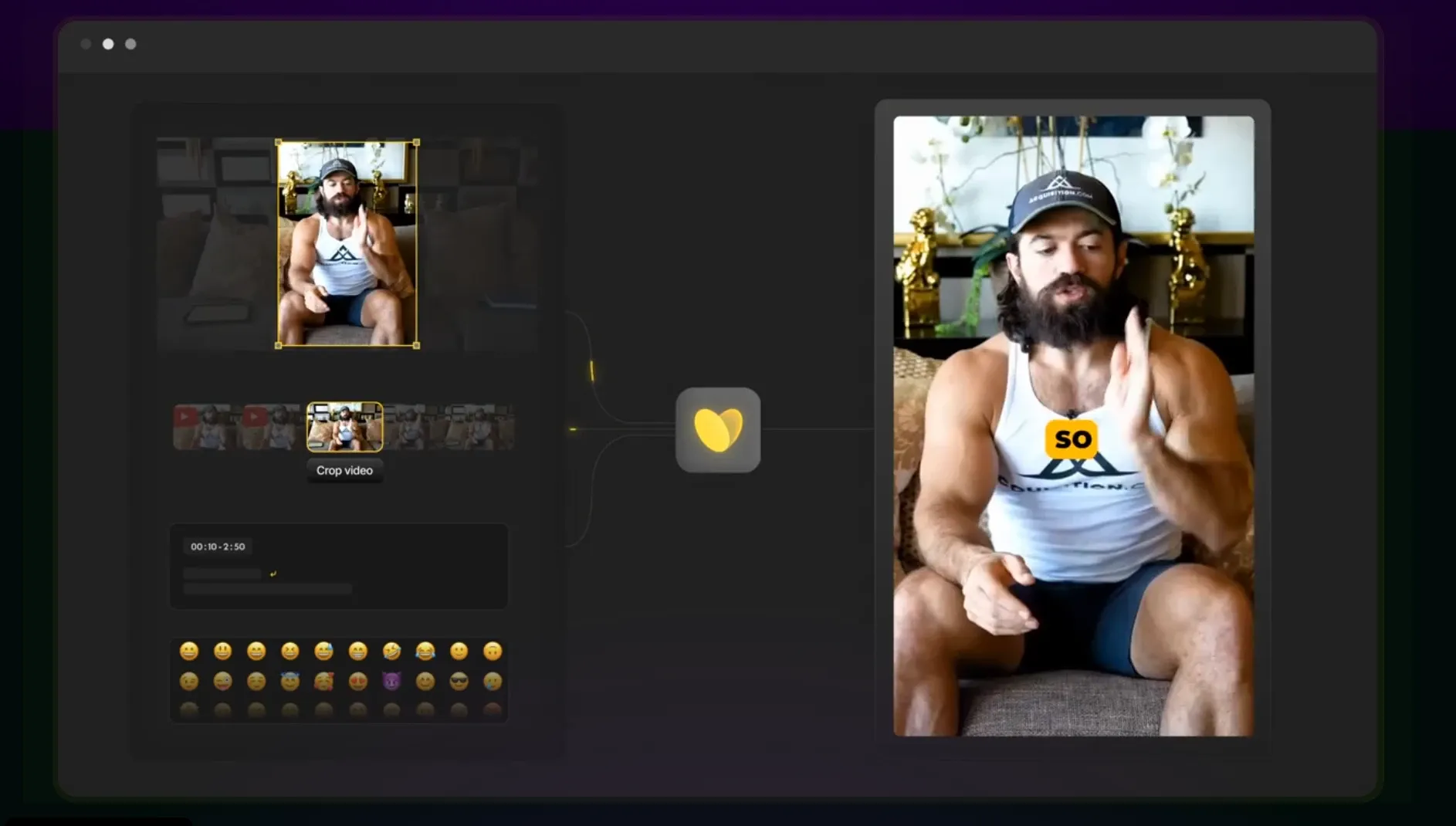
Compared to this, Pollo AI's video editor is a next-gen AI video editor that simplifies the video editing process. Instead of complex manual adjustments, you can use simple text commands to make significant changes. This powerful video editing AI technology allows anyone to create professional-looking content quickly.
Smart Auto-Captions & Subtitles
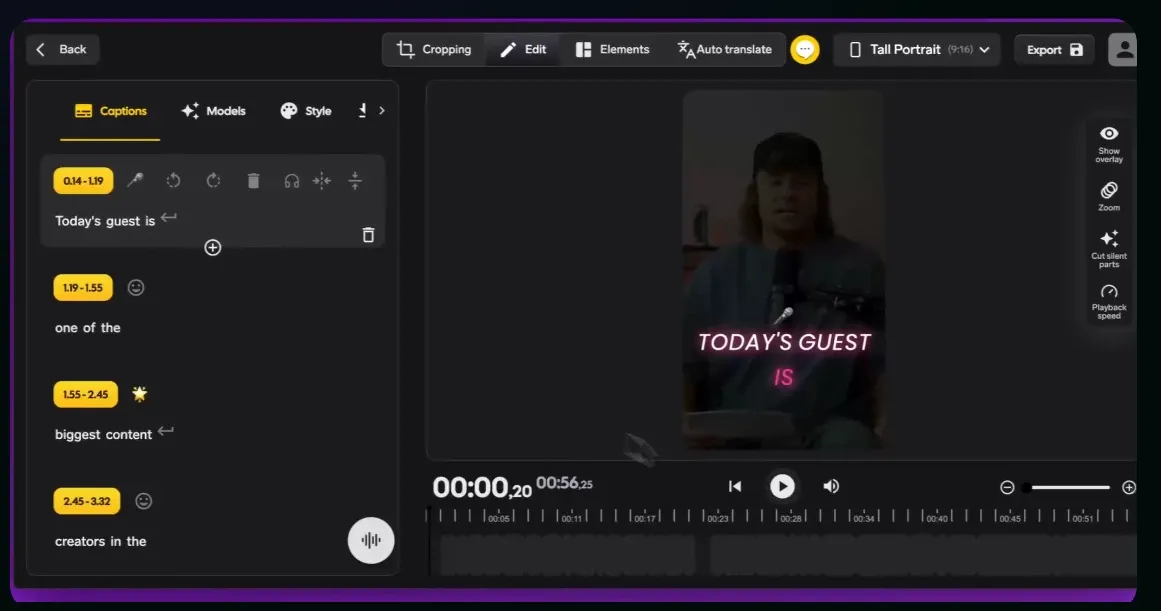
In a scrolling world, captions are non-negotiable. SendShort goes beyond basic text by offering Emoji Subtitles and customizable fonts that mirror the styles of top influencers. With Auto Translation, you can break language barriers and scale your brand globally.
Faceless Video Automation
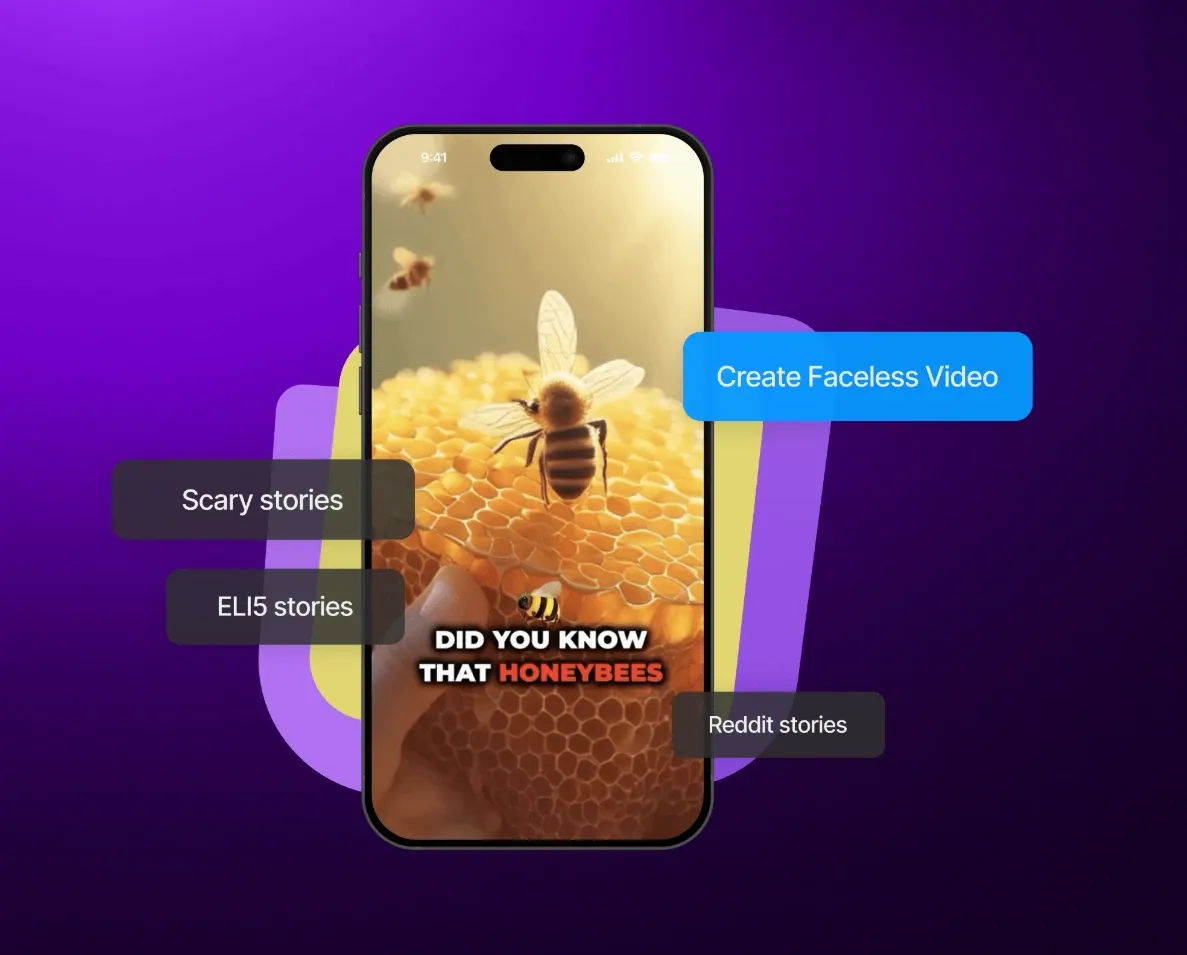
Building a brand shouldn't always require being on camera. The SendShort Faceless Video Editor allows you to create an entire "Automated Series" using AI UGC Characters and lifelike AI Voiceovers. Perfect for niche news, motivational channels, or educational content that runs on autopilot.
Speaker Auto-Reframing
Transforming horizontal 16:9 video to vertical 9:16 often results in awkward cropping. SendShort’s intelligent Speaker Auto-Reframing uses face-tracking technology to ensure the subject stays in focus, maintaining a professional look without the need for manual keyframing or tedious editing.
AI Engagement Tools
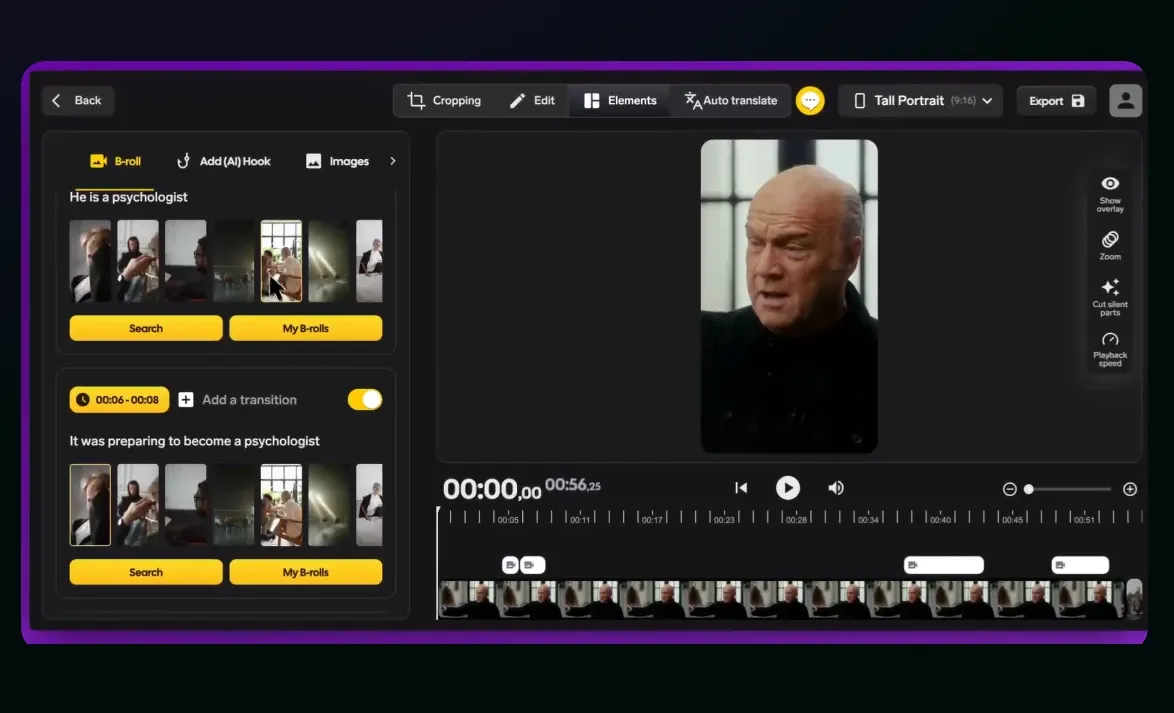
The first three seconds determine a video's success. SendShort’s AI-Generated Hook tool analyzes your script to suggest the most compelling openings. Combined with Auto B-Roll, the platform adds dynamic movement to static shots, significantly increasing your average watch time.
Professional Audio Suite
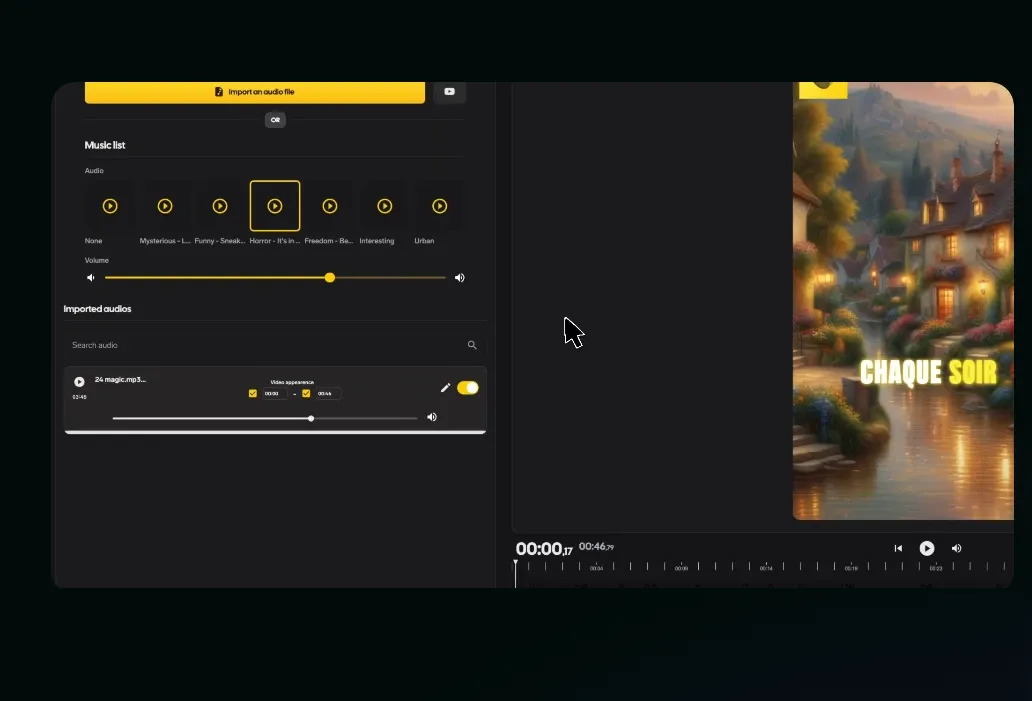
Give your videos a professional voice without expensive recording gear or studio time. Choose from a vast library of SendShort’s AI Voices that sound remarkably human, or use Voice Cloning to maintain a consistent brand persona across all your content.
The tool doesn't just add sound; it intelligently balances AI Voiceovers with background music and sound effects, ensuring every word is heard clearly while maintaining a high-energy atmosphere.
Multi-Platform Scheduling
SendShort’s Auto-Post and scheduling features allow you to move from editing to publishing in seconds. By streamlining your workflow, you can manage an Automated Series across TikTok, Reels, and YouTube Shorts from a single dashboard. This "set-and-forget" approach ensures your viral clips reach your audience at the optimal time, allowing you to focus on strategy while the AI handles the distribution.
Remove Background Noise
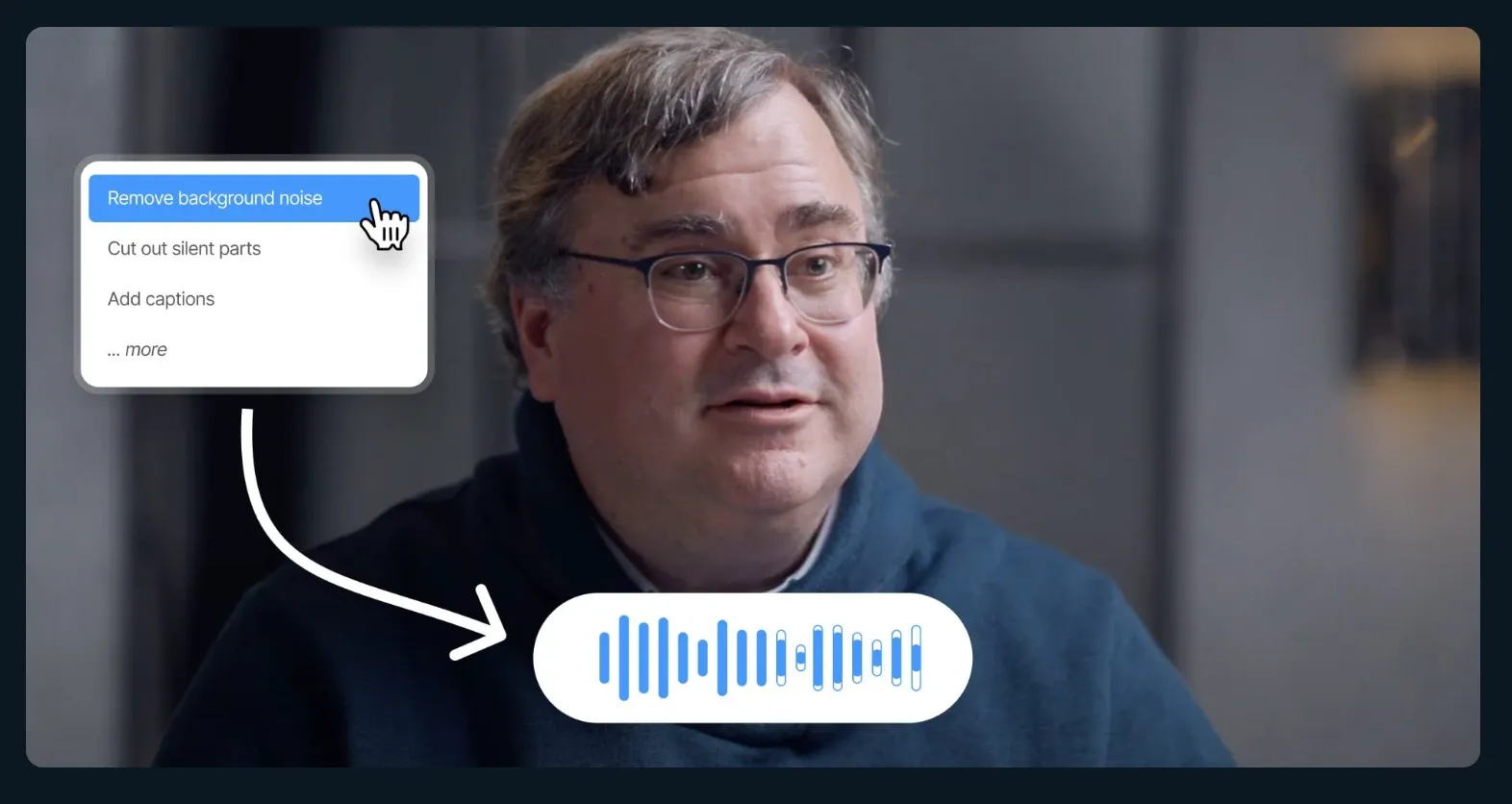
Select the video you want to remove noise from. Whether it’s distracting chatter, wind, or static, SendShort ensures your content sounds clean and professional. Instead of wasting hours trying to fix audio issues manually, let SendShort handle it in seconds.
SendShort AI’s Background
SendShort AI is positioned as an all-in-one productivity hub for repurposing specialists and social media managers. It focuses heavily on the Short-Form Economy, providing a streamlined workflow that replaces a full-time editing team with a single AI interface.
Use Cases of SendShort AI
- Social Media Growth for Influencers: Turn long YouTube vlogs or Twitch streams into dozens of viral, income-boosting shorts for TikTok, Instagram Reels, and YouTube Shorts. Reach new audiences and multiply your revenue without spending hours in the editing suite.
- Faceless Channel Automation: Create engaging faceless content series from scratch using AI-generated stories, images, and voiceovers. Perfect for creators who want to stay behind the scenes while their content shines and generates passive income.
- Global Content Distribution: Instantly translate your video captions and subtitles into over 30 languages. Localize your message for international markets and grow a global following with just one click, eliminating the need for expensive manual translation.
- Podcasters & Webinar Hosts: Automatically extract the most "gold" moments from your long-form discussions. The AI detects key speakers and high-engagement segments, turning hour-long talks into punchy, captioned clips that keep viewers hooked.
- Efficient Content Marketing for Brands: Scale your brand's presence across 10+ social platforms simultaneously. Use professional templates and smart auto-zoom to maintain high-quality visual consistency, making it look like you have a dedicated video team working 24/7.
- Rapid Education & News Clips: Transform long training sessions or news updates into bite-sized, "snackable" videos. Add trendy emoji captions and background music to set the vibe, ensuring your educational or informative content is both professional and easy to digest.
AI Video Editor Comparison: SendShort vs Kapwing vs Pollo AI
| Features | SendShort | Kapwing | Pollo AI |
| Core Model Engine | Multi-Model AI Suite | Template-Based AI | Next-Gen Cinema & Physics Model |
| Video Generation | Standard AI Generation | Limited Social Templates | Hyper-Realistic & High-Fidelity |
| Motion Stability | Basic Cinematic Effects | Manual Keyframing | Fluid, Physics-Based Movements |
Why Pollo AI is the Superior High-Performance Studio?
Ultimate Multi-Model Hub
Pollo AI grants you instant access to the world’s most powerful video models, including Sora 2, Google Veo 3.1, and Kling 3.0, all in one workspace.
Pollo Agent: AI-Powered Creative Automation
Pollo Agent transforms simple ideas into professional content—high-converting UGC video ads, engaging story videos, and polished cinematic ads—without manual grind.
Simplified Workflow Apps
Get access to Pollo AI’s workflow apps. From movie trailers to narrative music videos and more, its unified platform handles the technical execution across every category.










 5000+ reviewsTrustscore 4.4
Chosen by 10M+ Creators and Marketers Worldwide
Thousands of satisfied users have shared their Pollo AI experiences on Trustpilot, rating us as "Excellent." See what they love about our platform.
Liz Cassidy Dec 15, 2025Richard QuickOct 15, 2025armourdudeNov 19, 2025
 DuduJan 14, 2026
 Ray WarnesDec 30, 2025
 lawless clanNov 22, 2025
Explore All-in-One AI Tools on Pollo AI
FAQs
What is SendShort used for?
SendShort is an AI-powered platform that takes your long-form video and automatically chops it into viral-ready shorts.
What's the difference between SendShort and ChatGPT?
SendShort can create videos, while ChatGPT alone can only generate scripts. That is the main difference between SendShort and ChatGPT. The best part is that SendShort itself can generate everything that ChatGPT can and cannot. SendShort's powerful AI can come up with stories, voiceovers, many editing features, and the main ability to generate videos from scratch.
How does SendShort work?
SendShort works super easily. You just import a video, and the AI takes care of the rest, from generating shorts to editing them and even scheduling on social media.
Who Is SendShort Best For?
Solo creators on TikTok, Reels, or YouTube Shorts who need affordable captioning and basic video editing. Particularly strong for faceless content creators in education, finance, and motivation niches who want a text-to-video pipeline without filming.
Is SendShort AI good?
SendShort's standout feature is comprehensive faceless video generation, allowing you to create original content without filming. You type a topic, the AI builds the whole script, voice, visuals, done.
