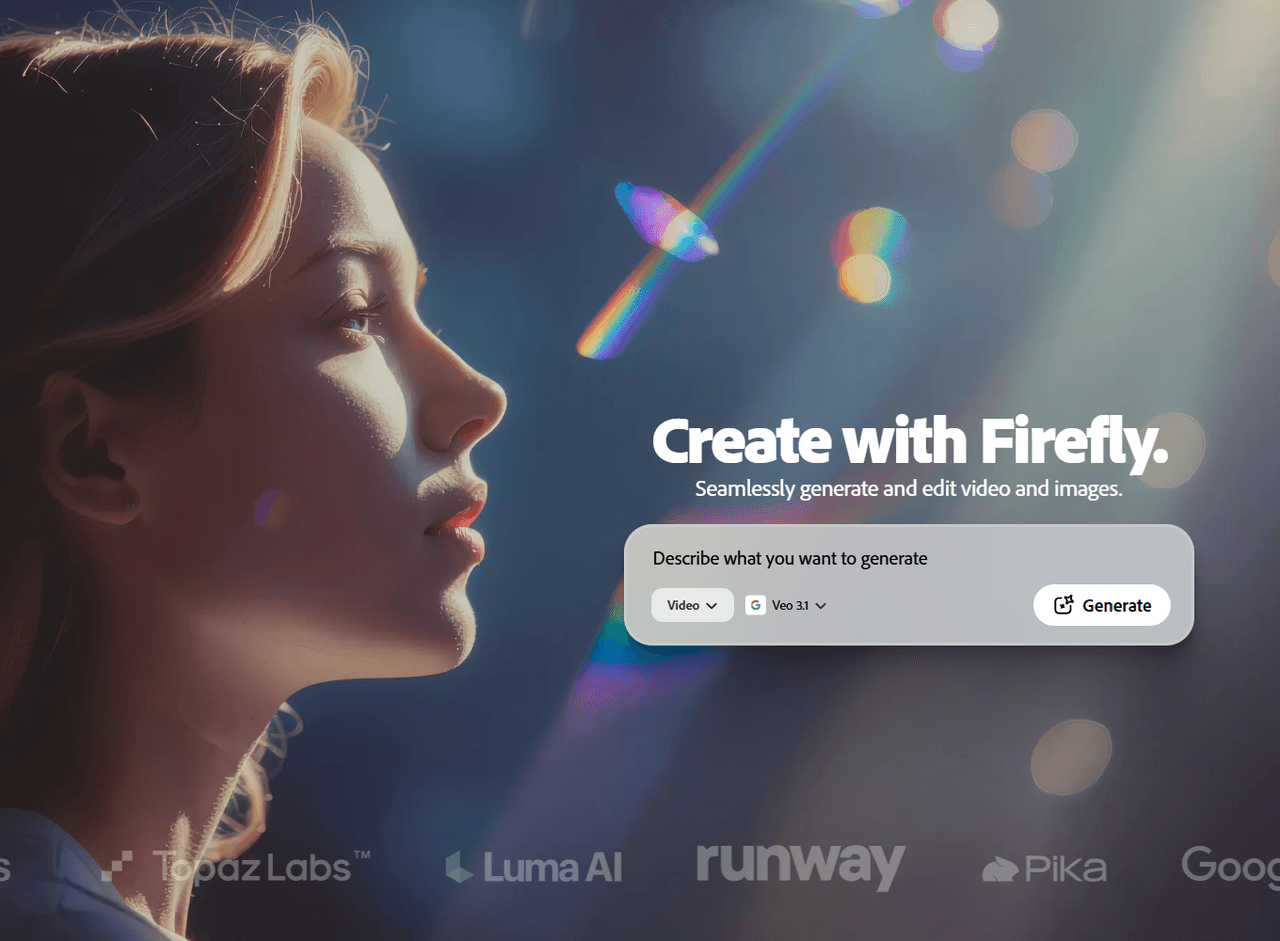
Adobe Firefly brings Adobe’s commercially safe Video Model into a creative AI suite. It has produced more than 22 billion assets. It offers text-to-video, image-to-video, 1080p output, and Creative Cloud integration. Firefly works well inside Adobe’s creative system, but many need faster routes from idea to final video. Pollo AI answers that need with more leading models, Pollo Agent, talking avatar and workflow apps designed for real tasks. You can get post-ready videos without editing. Try Pollo AI for free now!
Create your own influencer. Then jump into any trend with Recast.
Kling 4.0
Up to 10 keyframes. Unlimited for 10 days with Ultra.
Pollo Recast
Recreate viral videos. Remix new versions.
Pollo Recast Challenge
One upload in. Your viral video out. Unlimited rewards await.
Pollo Agent x DeepSeek V4.1 FLASH
Faster completion at a much lower cost.
Pollo Agent x Gemini 4 Argon
Smarter reasoning. All through Pollo Agent.
WIN iPHONE DUO
Capture a city in one minute. Join the challenge now.
Pollo MCP
End-to-end content creation. Up to 4 Videos/ 20 Images for FREE.
Key Features of Adobe Firefly
Ethical AI & Content Credentials : Create with confidence using a model trained on licensed data, backed by a transparent digital auditing system.
Intelligent Video Translation: Bridge global communication gaps by localizing dialogue into 20+ languages while retaining the original voice's character.
Studio-Grade Enhance Speech: Transform amateur recordings into studio-quality voiceovers by filtering out environmental interference.
Directed Editing & Camera Motion: Use text prompts to surgically modify clip elements—like removing objects or changing backgrounds—and dictate cinematic camera movements.
Ethical AI & Content Credentials
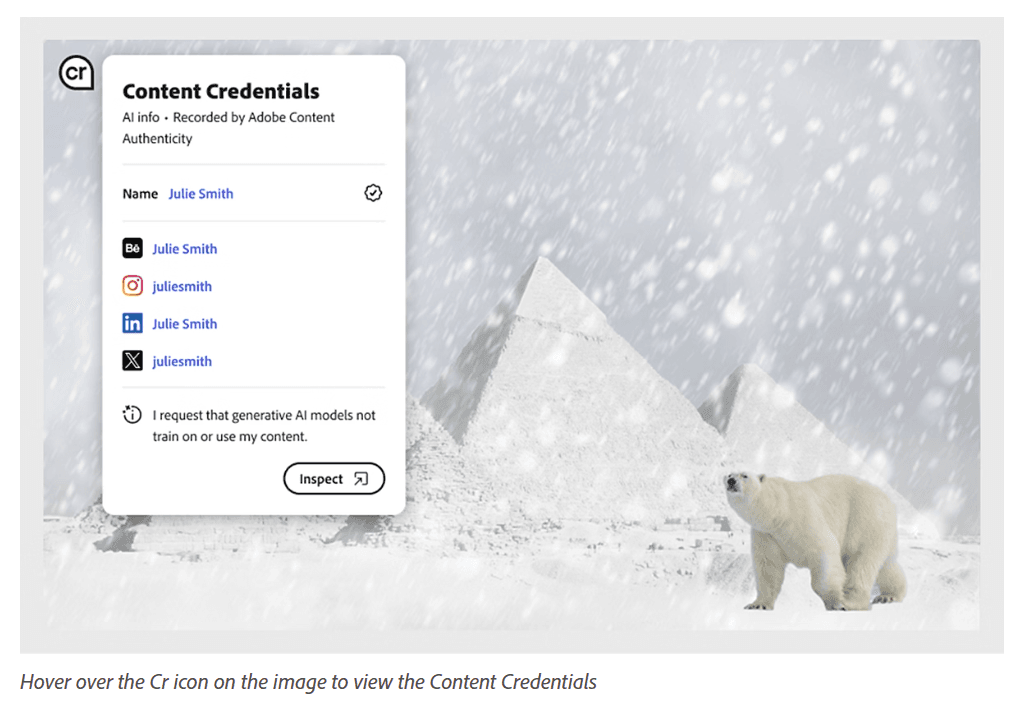
In an industry often clouded by copyright uncertainty, Adobe Firefly offers a "safety-first" approach. Unlike models that scrape unauthorized web data, Firefly is trained on a closed ecosystem of Adobe Stock and public domain assets. This ensures every video generated is ready for high-level commercial use. Furthermore, it pioneers the use of Content Credentials, providing a tamper-proof digital signature that verifies the origin of the content and the role of AI in its creation, ensuring transparency and protecting the rights of the creator.
Intelligent Video Translation
Localizing video content for a worldwide audience is now a matter of seconds. Firefly’s translation engine does more than just swap audio tracks; it meticulously clones the speaker's vocal texture and emotional intensity in over 20 languages. This creates a synchronized, natural viewing experience that sounds like a native performance, making it an invaluable tool for global marketing and educational content.
Reference Video
Output Video
Studio-Grade Enhance Speech
Great visuals deserve impeccable sound. The "Enhance Speech" feature acts as a virtual sound engineer, isolating human dialogue from chaotic backgrounds.
Whether it’s the roar of a jet engine or the hum of an air conditioner, Firefly reconstructs the vocal frequencies to produce a clean, resonant output. This allows creators to use footage recorded in less-than-ideal environments without sacrificing professional standards.
Reference Video
Output Video
Why Adobe Firefly Outperforms Other AI Video Generators
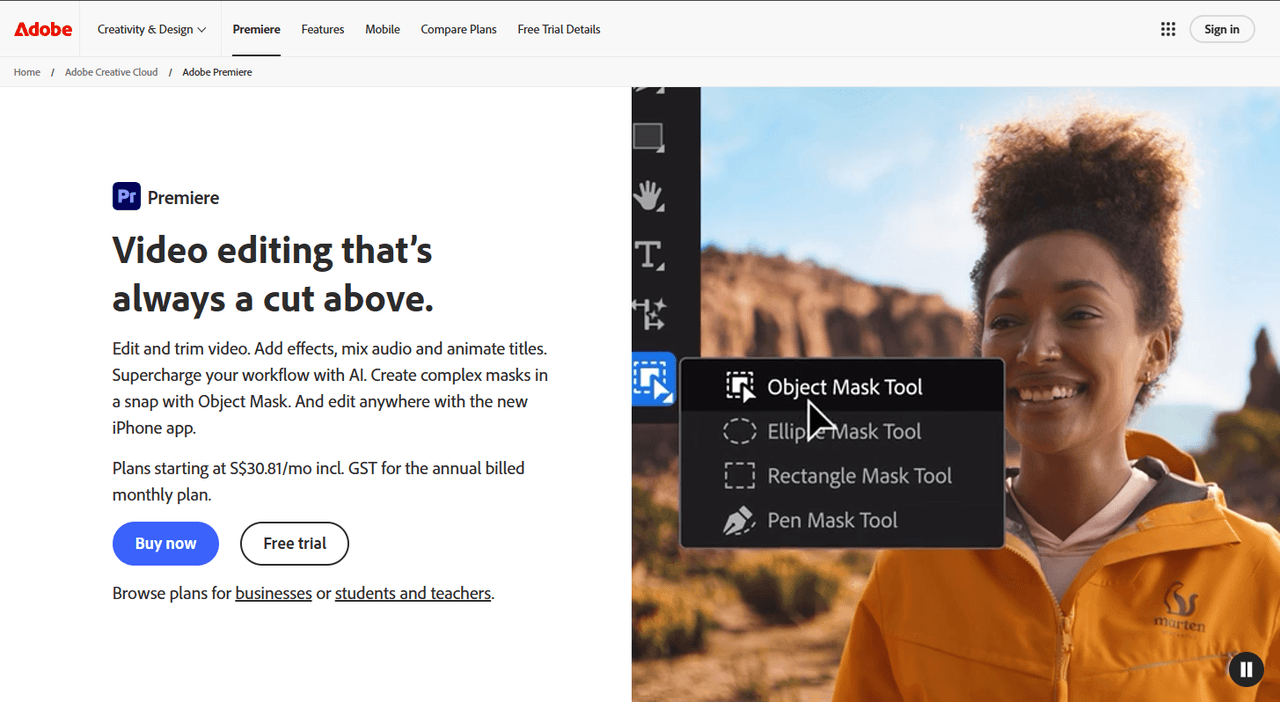
Adobe Firefly’s most unique feature is Generative Extend, which is natively embedded in the Premiere Pro timeline. It solves a specific professional problem: if a clip is too short for a transition, the editor can simply "drag" the clip edge, and Firefly generates additional frames that match the original camera's sensor noise, focal depth, and character movement with pixel-perfect accuracy.
Parametric Motion Control via Vector-to-Video
Adobe Firefly allows for Parametric Control that competitors lack. Because it is integrated with Adobe Illustrator and After Effects, users can upload a vector file (like a logo) and use text prompts to dictate its transformation into a 3D-generated video scene. This allows for precise control over branding elements that text-to-video tools usually "hallucinate" or distort.
Ethical Training & Corporate IP Indemnification
Adobe Firefly is the only major model that is "Commercially Safe by Design." It is trained exclusively on Adobe Stock’s licensed library and public domain content. To prove this uniqueness, Adobe offers IP Indemnification for enterprise customers. If a company is sued for using Firefly-generated content, Adobe legally defends the user. This is a mandatory requirement for Fortune 500 medical and corporate firms.
Content Credentials (C2PA) for Professional Integrity
In high-stakes industries like medicine, data provenance is vital. Adobe embeds a digital "nutrition label" into every video via the Content Credentials initiative. This tamper-proof metadata shows exactly which parts of a video were real and which were AI-generated. This level of transparency is unique to Adobe and is essential for maintaining trust in professional documentation.
Marketing Position of Adobe Firefly AI Video Generator
Adobe Firefly AI Video Generator is not positioned as a playground tool. It is Adobe’s production-minded answer to generative video. Its clearest promise is trust. Adobe calls Firefly Video the first commercially safe AI video model for production use.
That positioning matters in a crowded market. Sora, Veo, Runway, and Pika compete on spectacle, speed, and cinematic output. Adobe competes on rights, workflow, and enterprise confidence.
Firefly also benefits from Adobe’s softwares. Users can generate ideas in Firefly, then refine work inside Photoshop, Premiere Pro, Adobe Express, or Creative Cloud. That makes Firefly less of a standalone generator, but more like an AI layer across Adobe’s creative system.
Adobe is also moving Firefly toward a multi-model creative hub. Users can access Adobe models and partner models from companies such as Google, OpenAI, Luma AI, and Runway. This gives Adobe a broader role: not just model builder, but workflow gatekeeper.
The mobile app strengthens that position. Firefly now reaches creators on iPhone and Android, with projects syncing back to Creative Cloud. That makes it easier to start concepts on mobile and finish them on desktop.
Still, Firefly’s market fit is narrower than its brand suggests. It is strongest for brands, agencies, designers, and Adobe-first teams. It is weaker for creators needing long videos, fast trend formats, or fully finished social campaigns.
In that sense, Firefly sells safety and control more than speed or creative volume.
Real User Feedback on Adobe Firefly
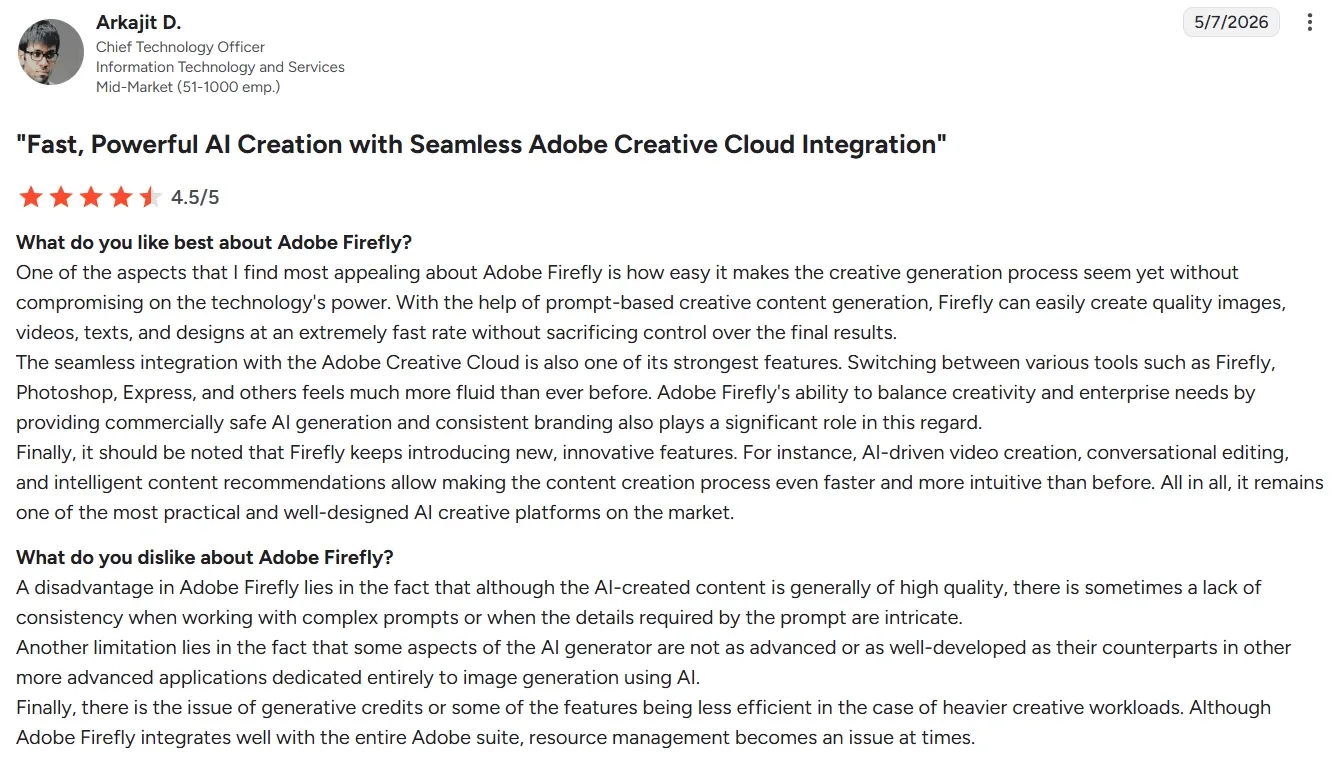
The strongest positive theme is ease of use. Adobe Firefly feels approachable for designers, marketers, and creators who need fast visual drafts. Reviewers also value its Adobe integration, because assets can move into familiar production tools.
Commercial safety is another clear advantage, especially for brands with legal and compliance concerns. These points make Firefly feel less risky than many creator-first AI tools.
But users also point that results can be inconsistent, especially with complex prompts or precise visual details. Some reviewers say outputs need refinement before they are usable. That makes Firefly less dependable for final campaign delivery.
I’ve been using Pollo AI mainly for short videos and quick image-to-video tests. The interface is straightforward and it works well even with simple prompts, which is a big plus compared to tools that need long, complicated instructions. The results can be really impressive, and it’s honestly been fun to experiment with. I’d love a bit more consistency on faces when there’s movement, but overall it’s been a solid experience for what I needed.
Awesome website. loads of options and a great way to learn how to work with 'AI' my reasoning for 5 stars is based upon price, versatility and ease of use. Also I would like to add, Pollo AI runs a lot of promos on different AI products as well. I rate their customer service at 5 stars, when I purchased my first subscription my computer crashed the following weekend and I lost all my data and info passwords you name it I lost it, contacted pollo by email they responded quickly and found my info/username and account, and I was able to restore my account.
I have been using Pollo AI for short videos. It is easy to use and works well with simple prompts. Other generators seem to need long drawn out complicated explanations to get even close to what I want.
i tried 220 online img to vid in 2 months, and this is the best online video.I will subscribe for a year; there are many reasons. But freedom is the most important.
Discover Other Powerful AI Video Generators on Pollo AI
What makes Adobe Firefly different from other video generators?
Firefly is unique because it is built on a foundation of ethical data. It uses only licensed assets for training, making it the primary choice for professional and commercial projects where legal safety is a priority.
How does Adobe Firefly handle AI transparency?
Every asset created with Firefly can include Content Credentials. This acts as a digital label that discloses the use of AI, helping to build trust with audiences and protecting the creative rights of the user.
What resolution does the Firefly Video Model support?
The current model is capable of generating high-fidelity footage at 1080p resolution, ensuring your projects meet professional broadcasting and social media standards.
Does Adobe Firefly work for noisy outdoor recordings?
Yes, the speech enhancement tool is specifically engineered to filter out complex background noises like wind, traffic, and crowds, leaving you with clear, studio-quality dialogue.
Can I extend the length of an existing video clip?
Absolutely. The Generative Extend feature allows you to add seamless motion to the beginning or end of your clips, which is perfect for creating smoother transitions or longer cinematic shots.
Create Complete Stories with Pollo AI!
Go from a simple idea to a post-ready video built for posting and promotion.








 Liz Cassidy


