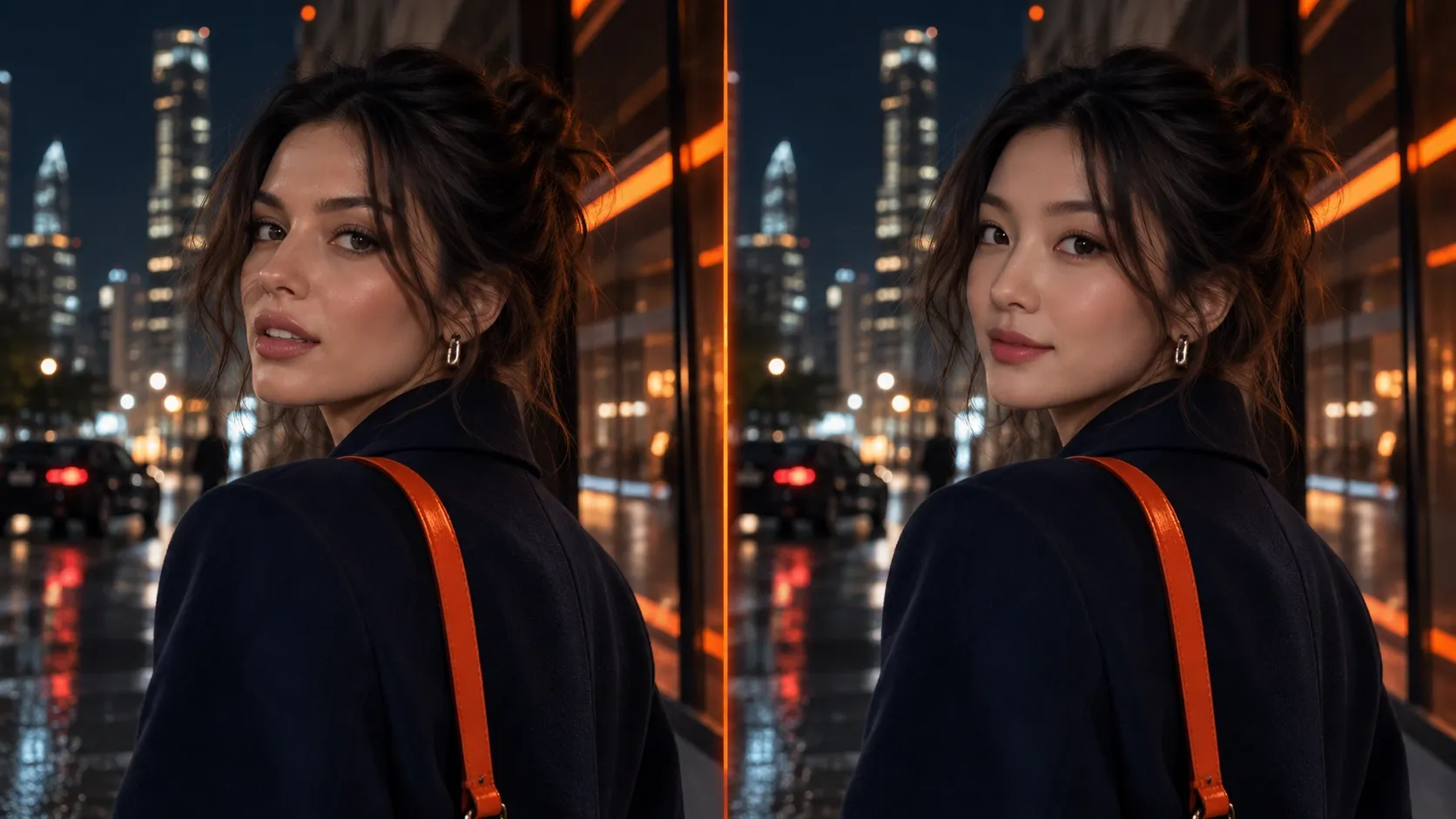
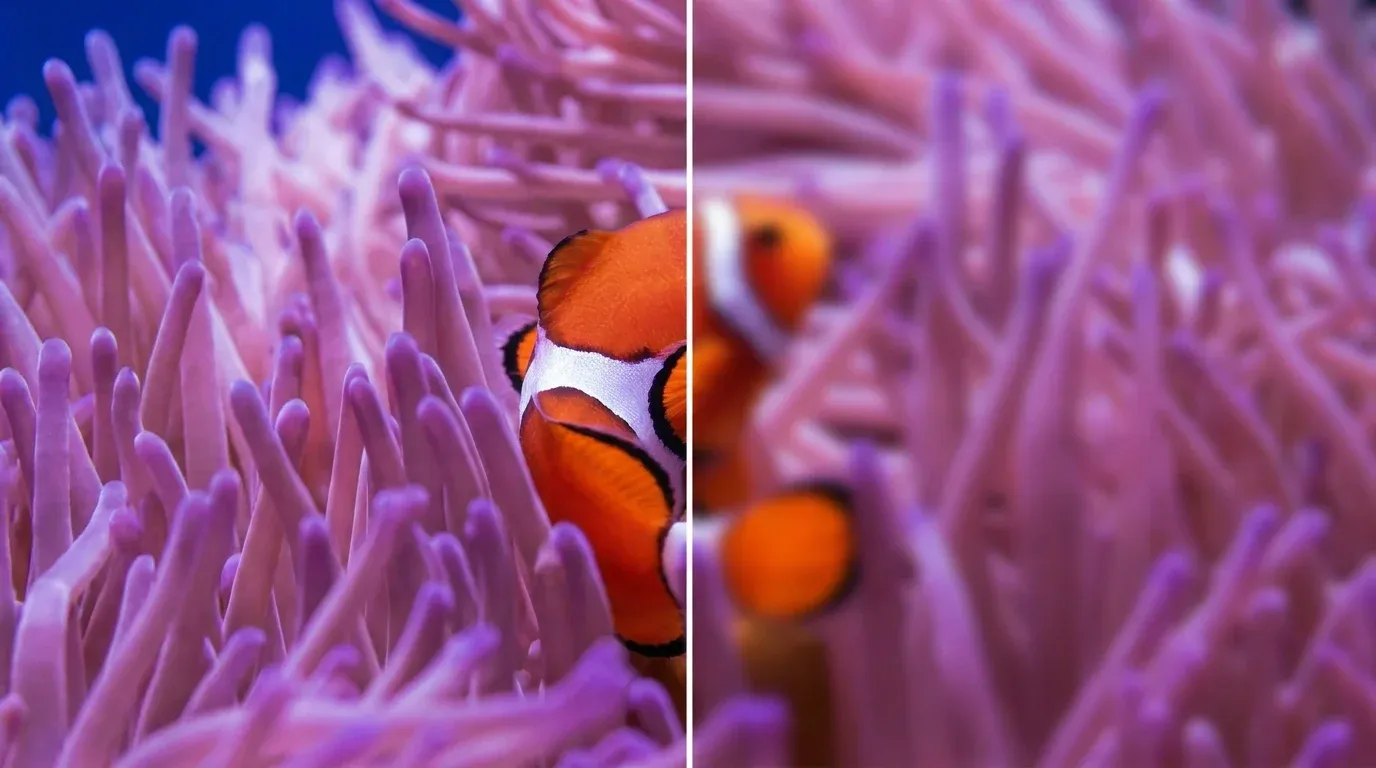
Step 1
Upload your video to Pollo AI's video denoiser.
AI Video
Transform text and images into cinematic videos with lifelike avatars and studio-quality SFX.

AI Image
Turn ideas and images into stunning visuals, or perfect any photo with a complete suite of AI tools.

Agent
Create production-ready videos with SFX, consistent characters, and polished scenes. No Editing.

Marketing Studio
Built for marketers and sellers to create winning ads, UGC videos and product visuals faster.

Denoise video to get rid of noise–graininess and unwanted visual obscurities–in your video projects, great for low-light videos or clips that are very zoomed in.
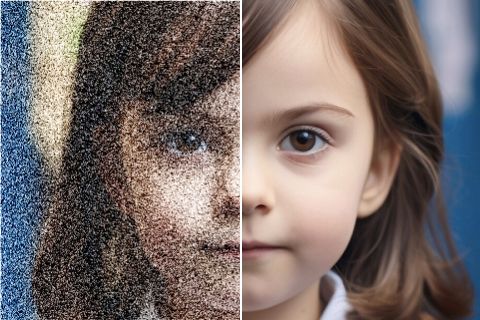
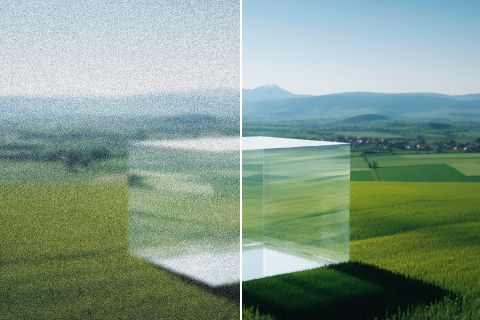



Short clips for Instagram videos can look cleaner after removing low-light grain, blur, and visual noise.

Product demos and close-up shots for product videos can keep textures, labels, and moving details easier to see.

Night scenes, zoomed clips, and handheld footage can become stronger B-roll after noise reduction and clearer subject detail.

Remove distracting grain and flicker from archived clips, field recordings, screen captures, and news videos.
Upload your video to Pollo AI's video denoiser.
Configure the denoise video settings accordingly.
Wait and watch as our video denoiser cleans up your clip.
Go from basic scripts to high-converting content. Seamlessly transition between automated AI agents, presenter-led avatars, sound design, and tailored video apps.
Bring your still images to life with cinematic motion and depth. Create captivating short video stories from your photos for a new level of visual storytelling.
Streamline your editing process effortlessly. Instantly swap faces, adjust colors, remove objects, and add effects with one click.
The ultimate multi-modal video generator. Combine text, images, or audio to produce complete, production-ready video content in minutes.
Elevate your visuals with studio-quality audio. Generate natural-sounding speech and custom sound effects to perfectly match your video's mood.
Deploy purpose-built video apps for instant results. Generate video slideshows, music videos, and social shorts in just seconds.
Go from a simple idea to a finished video instantly. Describe your vision, and let the Pollo Agent automate the full production process for flawless results.









Using Pollo AI to Create and Inspire
 lawless clan
 Liz Cassidy
 Richard Quick
 armourdude
 Dudu
Dudu Ray Warnes
 witt lowry
 Pasties McCool
 Alex Khan
 Istvan Lajos
 Norma Ponce
 Sarah Stokes
 Sudipta Saha
 Luiz Guyz
 Swishadoptme Swishadoptme
“Denoise video” basically means removing the grain, dots, and low-light noise from a video clip. You end up with a cleaner video, especially when old phone footage or compressed clips need to be reused in social platform content like YouTube Shorts.
It uses AI tech to basically spot the symptoms of noise – graininess, flickers, pixellations – and then image processing to clean up those symptoms and get rid of the noise.
While there are plenty of denoise video tools available, Pollo AI aims to be your best choice. For eliminating noise quickly and efficiently, it’s a trusty aid, thanks to its high-end technology and proven results on all video types, from animated clips to scenes of people, cars, animals, and more.
We offer a free trial, yes. You can use that to test the waters, so to speak, of this AI tool. But you’ll have to sign up for a pro/premium plan if you want full, unrestricted access. So, use the trial and see if you like it, then upgrade to a paid membership later.
For sure. All of your data will be secure and encrypted, so other users won’t be able to access or view the videos you’ve uploaded. Privacy is something that we at Pollo AI take really seriously, so you can rest assured that all of your data will be safe and no prying eyes will be able to see it.
Yes. It should improve the overall quality. It gives you more realistic, lifelike details with less graininess and visual distortion.
MP4, MKV, MPEG, AVI, DV, FV, and MOV are some popular formats that work with this tool, making it useful when archived footage needs cleaning before it is shaped into trailers.

Clean up your videos, erase noise, and enjoy more cinematic, high quality visual experiences with denoise video technology from Pollo AI.