Getimg AI is a popular AI image platform with around 3.58 million monthly visits. It excels at fast, multi-model image generation and precise canvas editing. However, for creators who need commercial-grade image output with deeper style control and subject consistency, Pollo AI offers a more powerful, production-ready alternative. Try Pollo AI Image Generator For Free Now!
Text to Image
Image to Image
POLLO AI INFLUENCER
Create your own influencer. Then jump into any trend with Recast.
Kling 4.0
Up to 10 keyframes. Unlimited for 10 days with Ultra.
Pollo Recast
Recreate viral videos. Remix new versions.
Pollo Recast Challenge
One upload in. Your viral video out. Unlimited rewards await.
Pollo Agent x DeepSeek V4.1 FLASH
Faster completion at a much lower cost.
Pollo Agent x Gemini 4 Argon
Smarter reasoning. All through Pollo Agent.
Pollo MCP
End-to-end content creation. Up to 4 Videos/ 20 Images for FREE.
Key Features of Getimg AI
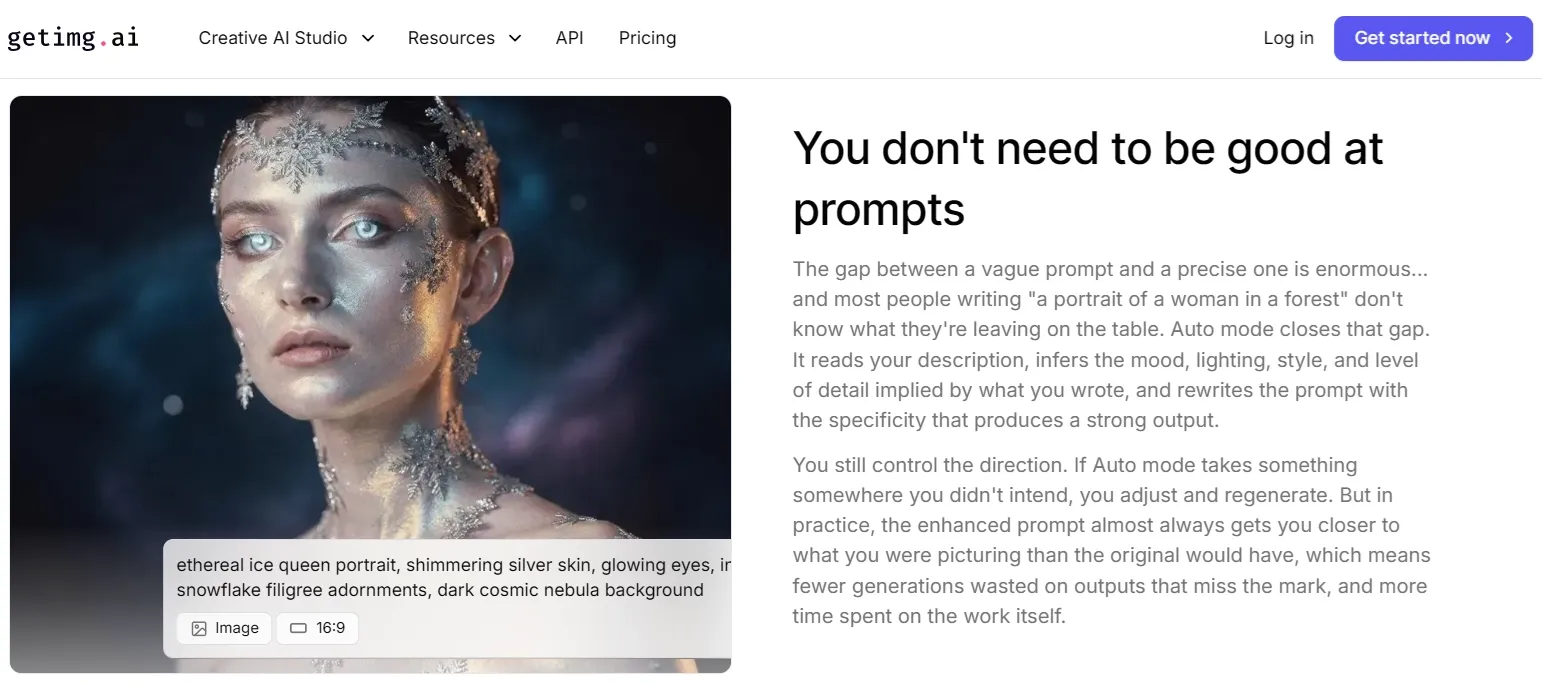
Prompt-Free Image Creation: Describe what you want in simple language and let the AI generate visuals without complex prompt engineering.
AI Image Expansion & Outpainting: Extend images beyond their original frame to create wider scenes or new compositions.
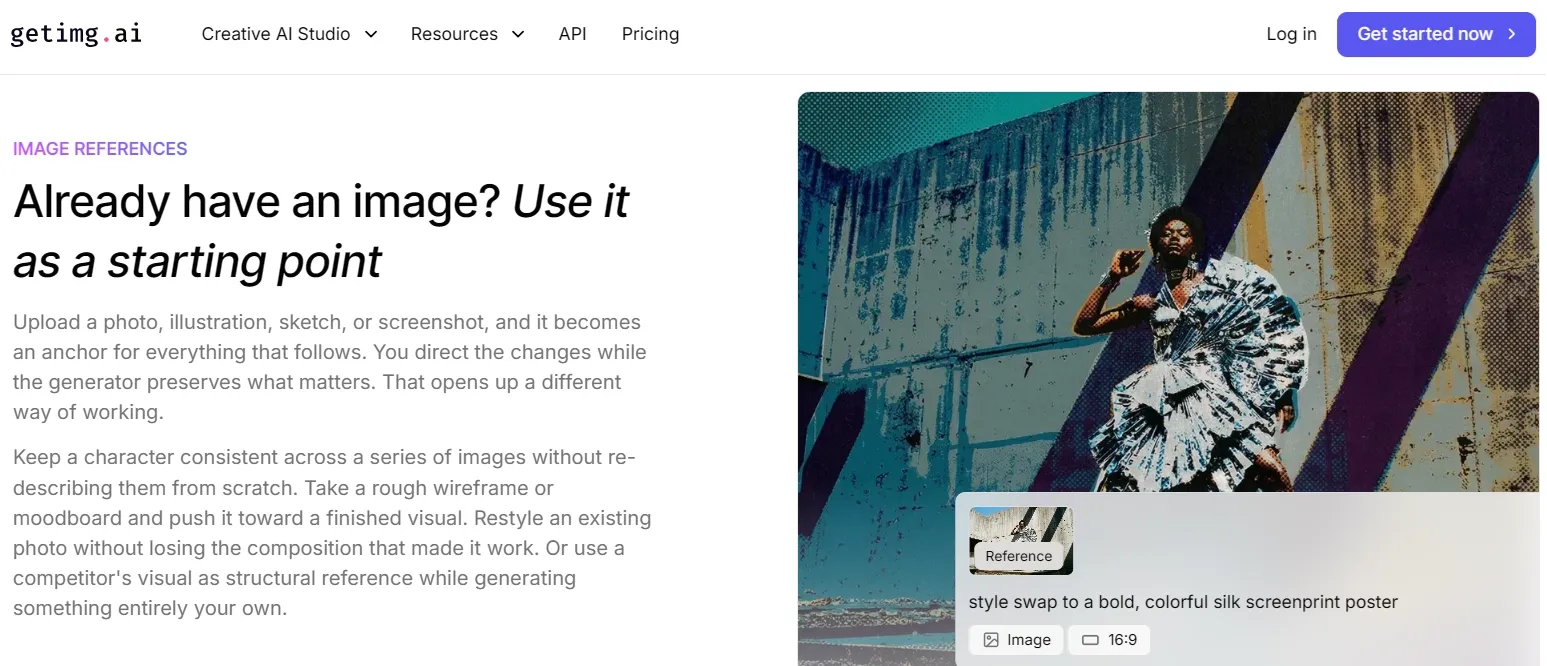
Image Reference to Image: Use an existing image as a reference and keep what matters.
Background Removal & Object Editing: Remove backgrounds or modify objects using quick AI-powered editing tools.
Prompt-Free Image Creation
Complex prompt engineering can slow down creative workflows. Getimg allows users to describe what they want in natural language. Instead of writing long prompt formulas, users can enter a simple description, and the AI generates the image automatically.
AI Image Expansion & Outpainting
With Getimg's AI outpainting tools, users can extend images beyond their original borders to create wider scenes or new compositions.
For example, a square image can be expanded into a landscape format, or a portrait can be given a more detailed background.
Image Reference to Image
Users can upload an existing image—such as a photo, illustration, sketch, or screenshot—as a starting point. The generator then applies changes based on user input while preserving key elements of the original image.
This allows keeping a character consistent across images, refining a wireframe or moodboard, restyling a photo without losing composition, or using a competitor's visual as a structural reference.
Background Removal & Object Editing
Getimg AI includes AI editing tools that remove backgrounds, replace objects, or adjust elements within an image. In seconds, a simple photo can be transformed by adding accessories or modifying details to create a scene that matches social media and lifestyle content.
This article shares more personal experience using Getimg. Click to read if interested.
How Do Creators Leverage Getimg AI in Real-World Scenarios?
Graphic Designers & Illustrators: Use the multi-model canvas to rapidly iterate concept art, character sheets, and brand visuals, maintaining a consistent aesthetic across multiple deliverables without switching tools.
Marketing & Social Media Teams: Generate personalized campaign visuals and platform-specific assets at scale, quickly comparing different creative directions before committing to a final design.
E-Commerce Brands: Leverage outpainting and background replacement to produce polished, lifestyle-oriented product photos that match seasonal campaigns or platform requirements.
Indie Game Developers: Apply custom LoRA model training to lock in a consistent visual identity across character designs, environmental art, and UI elements throughout a project.
Developers & Technical Teams: Integrate Getimg AI's official API into content pipelines to automate image generation workflows at scale, reducing manual production overhead for content-heavy applications.
What Do Real Users Think of Getimg AI?
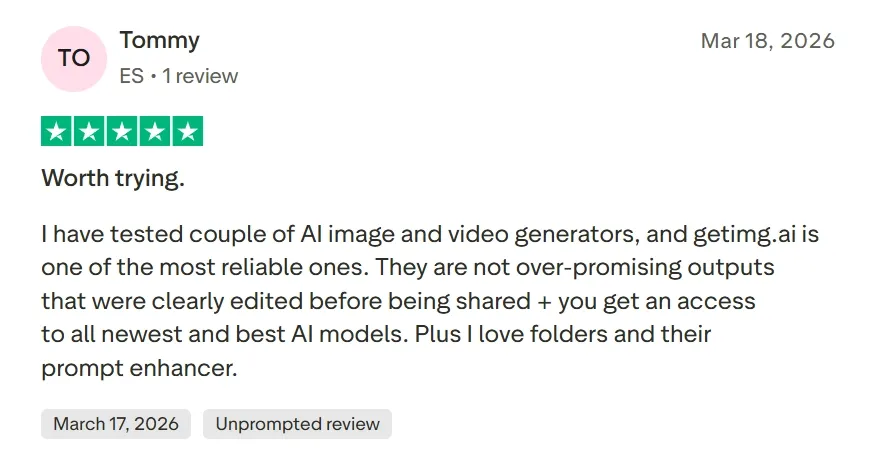
On Trustpilot, Getimg AI holds a 2.7 rating, with positive reviewers praising its broad model access and the convenience of the team collaboration workspace. One verified user noted it is "one of the most reliable" AI image tools with access to "all the newest and best AI models."
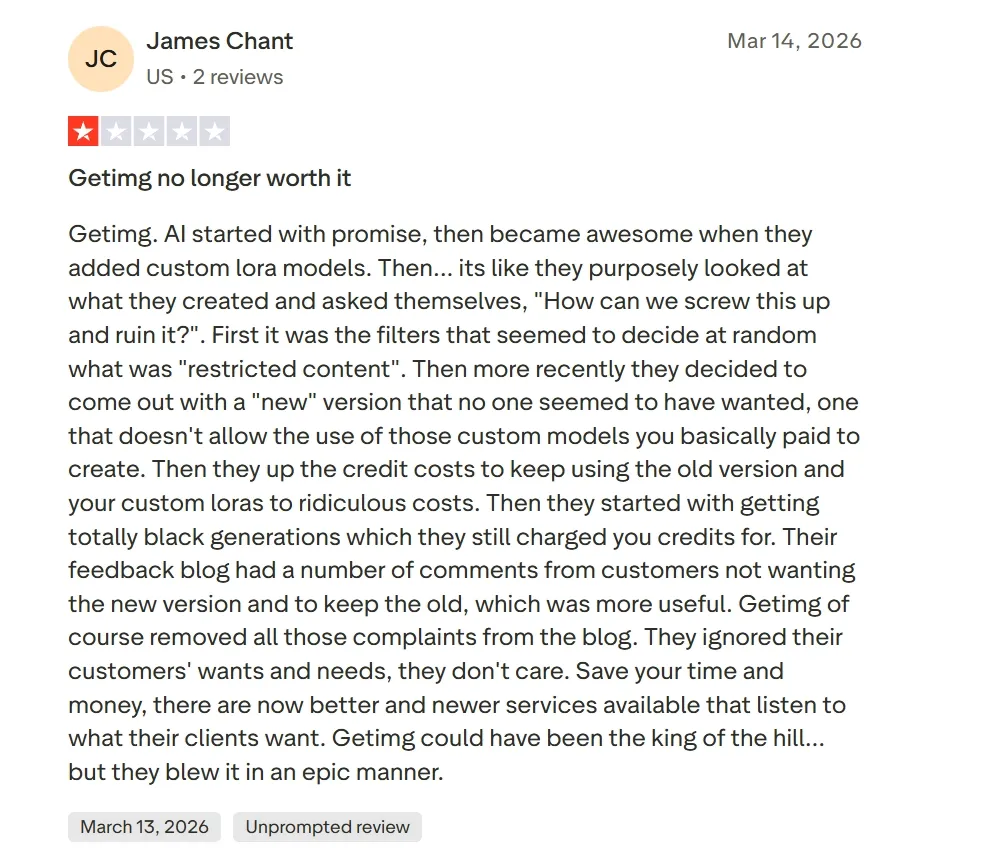
However, a significant portion of reviews raise serious concerns. Multiple users report unexpected credit deductions for failed generations, content filters that block harmless prompts, and a steep learning curve when navigating advanced features.
One long-term user described the platform's direction as having "ignored their customers' wants and needs," citing the removal of custom LoRA support in the newer interface.
Pollo AI addresses these exact pain points by shifting the focus from unpredictable asset generation to a one-stop commercial visual solution. Through its advanced text to image and image to image, creators can instantly generate high-fidelity designs from raw prompts.
Rather than navigating a steep learning curve or worrying about failed credits, users gain access to a stable, transparent platform built for real-world content production.
Pollo AI's strength lies in its powerful stylization and editing capabilities. Armed with over 2,000 commercial-grade LoRA models and 100+ specialized generators for anime, characters, and posters, Pollo AI ensures precise artistic control and absolute subject consistency.
Combined with a smart AI photo editor that modifies styles or removes objects through simple text prompts, it effortlessly delivers design-ready visuals for commercial use.
One-click style transfer, object removal via simple prompts
No built-in editor
Subject Consistency
Moderate (model-dependent)
Guaranteed across multi-image campaigns
Low (outputs vary significantly per generation)
User Effort
High (manual model selection & stitching)
Low (template-driven, production-ready output)
Very low (type and generate, no customization)
Why Does Pollo AI Win Over Getimg AI?
Getimg AI is a capable platform for creators who enjoy hands-on model exploration and manual canvas control. Its broad model library and real-time generation speed make it a solid starting point.
However, users who need commercial-grade image assets will quickly encounter its limitations: credit unpredictability, a fragmented editing workflow, and inconsistent outputs across complex prompts.
Pollo AI is built to solve exactly these problems. Rather than forcing creators to select models and stitch together workflows manually, Pollo AI integrates generation, editing, and stylization into a single, seamless image production system.
With access to flagship models like GPT Image 2, Nano Banana 2, and Seedream 5.0, Pollo AI ensures that every output meets a commercial standard. For marketing teams, brand designers, and content creators who need reliable, design-ready visuals at scale, Pollo AI is the more complete and dependable choice.
Why Does Pollo AI Stand Out as the Stronger AI Image Generator?
I’ve been using Pollo AI mainly for short videos and quick image-to-video tests. The interface is straightforward and it works well even with simple prompts, which is a big plus compared to tools that need long, complicated instructions. The results can be really impressive, and it’s honestly been fun to experiment with. I’d love a bit more consistency on faces when there’s movement, but overall it’s been a solid experience for what I needed.
Awesome website. loads of options and a great way to learn how to work with 'AI' my reasoning for 5 stars is based upon price, versatility and ease of use. Also I would like to add, Pollo AI runs a lot of promos on different AI products as well. I rate their customer service at 5 stars, when I purchased my first subscription my computer crashed the following weekend and I lost all my data and info passwords you name it I lost it, contacted pollo by email they responded quickly and found my info/username and account, and I was able to restore my account.
I have been using Pollo AI for short videos. It is easy to use and works well with simple prompts. Other generators seem to need long drawn out complicated explanations to get even close to what I want.
i tried 220 online img to vid in 2 months, and this is the best online video.I will subscribe for a year; there are many reasons. But freedom is the most important.
Discover Other Powerful AI Image Generators on Pollo AI
Getimg AI is an AI image generation platform that allows users to create visuals from text descriptions. It combines image generation, editing, and style control tools in one workspace, making it easy to produce artwork, illustrations, and creative visuals quickly.
What types of images can I create with Getimg AI?
You can generate many types of visuals, including illustrations, anime art, concept art, product images, and realistic photos. The platform supports multiple artistic styles such as watercolor, pixel art, line art, and more.
Does Getimg AI support image editing?
Yes. In addition to generating images, Getimg includes editing tools that allow you to modify images, remove backgrounds, expand scenes, or refine visual details.
Is Getimg AI suitable for professional creators?
Yes. Many designers, marketers, and content creators use Getimg AI to quickly generate visuals, experiment with creative ideas, and produce professional-looking artwork.
What is the best AI image generator alternative to Getimg AI?
Pollo AI is widely regarded as one of the strongest alternatives to Getimg AI. Pollo AI provides flagship image models (GPT Image 2, Nano Banana 2, and Seedream 5.0, etc.), and dozens of specialized image generators covering characters, anime, fashion, posters, and more.
Create Commercial-Grade Images With Pollo AI Today
Move beyond fragmented workflows and generate commercial-grade, design-ready images with Pollo AI today!