AIEASE is an AI creative platform focused on practical photo editing and visual enhancement. It offers tools like background removal, object cleanup, and AI filters to quickly transform everyday photos into polished visuals. For users who want broader image generation, editing, and style control in one place, Pollo AI offers a more complete creative workflow for design-ready visuals. Try Pollo AI for free AI image generation now!
Text to Image
Image to Image
Kling 4.0
Up to 10 keyframes. Unlimited for 10 days with Ultra.
Pollo Recast
Recreate viral videos. Remix new versions.
Pollo Recast Challenge
One upload in. Your viral video out. Unlimited rewards await.
Pollo Agent x DeepSeek V4.1 FLASH
Faster completion at a much lower cost.
Pollo Agent x Gemini 4 Argon
Smarter reasoning. All through Pollo Agent.
WIN iPHONE DUO
Capture a city in one minute. Join the challenge now.
Pollo MCP
End-to-end content creation. Up to 4 Videos/ 20 Images for FREE.
Key Features of AIEASE
Practical AI Photo Editing Tools: Enhance photos, remove objects, and clean backgrounds instantly.
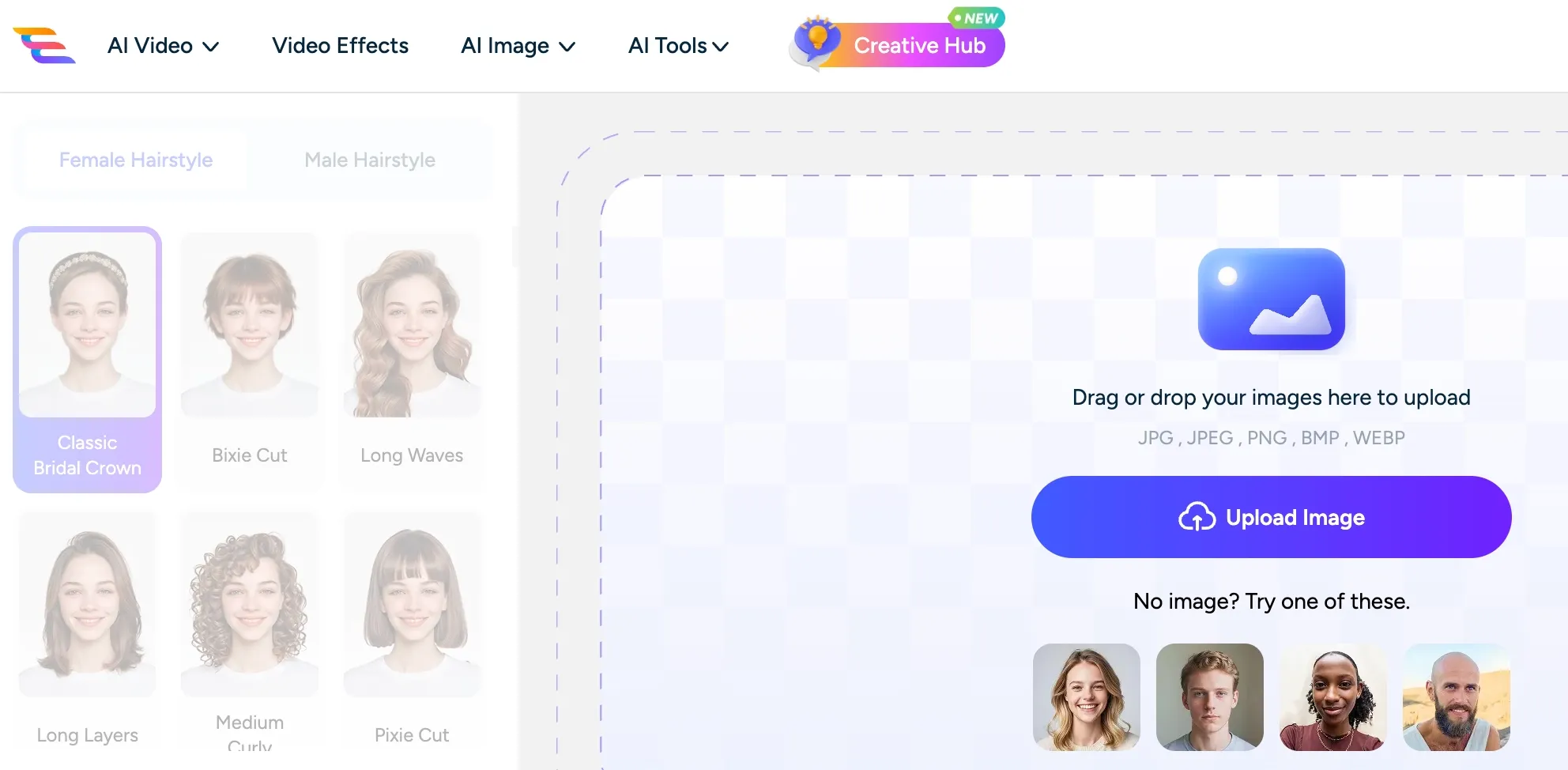
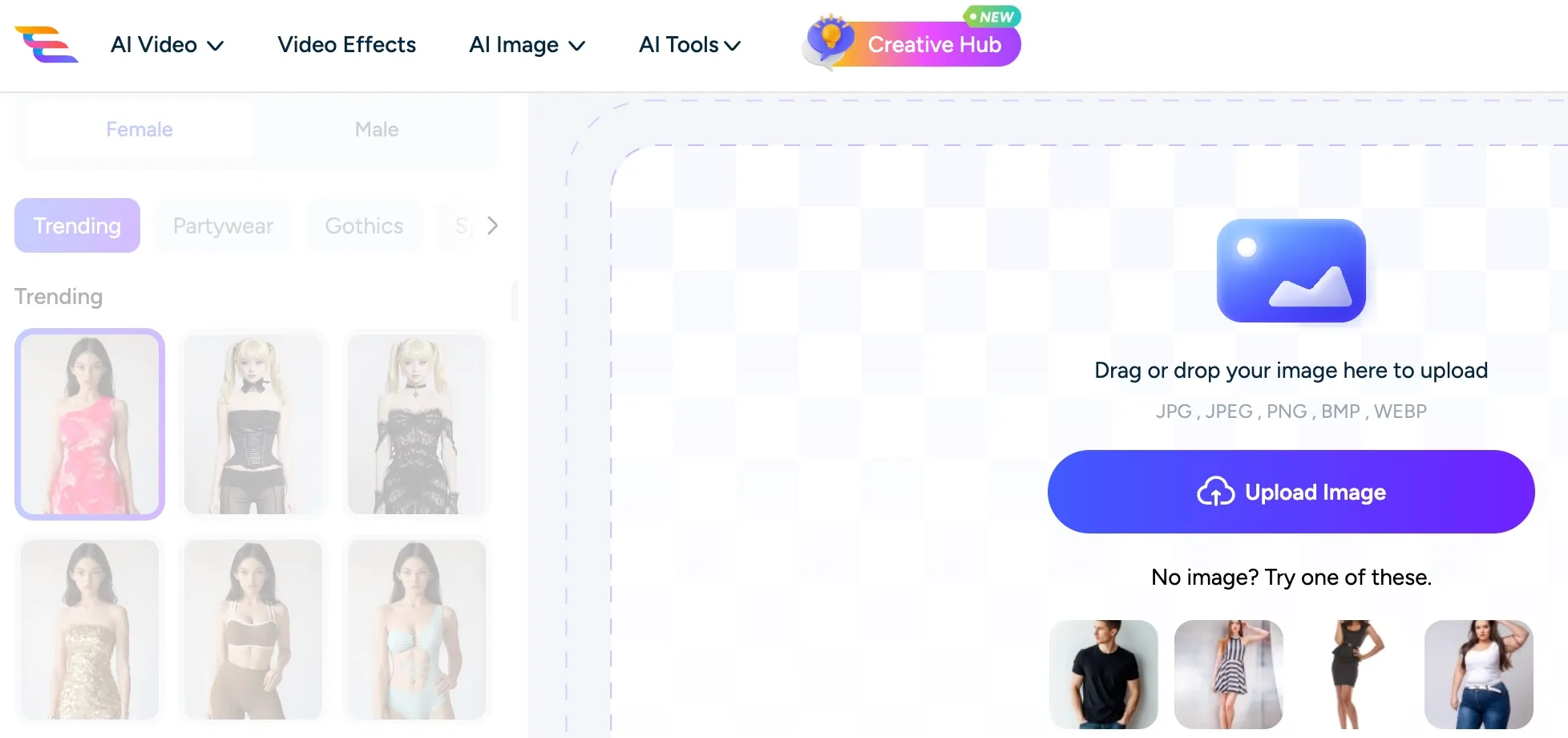
AI Portrait Transformation: Change hairstyles, outfits, and styles for new portrait looks.
Smart Image Expansion & Replacement: Extend scenes or replace elements with natural results.
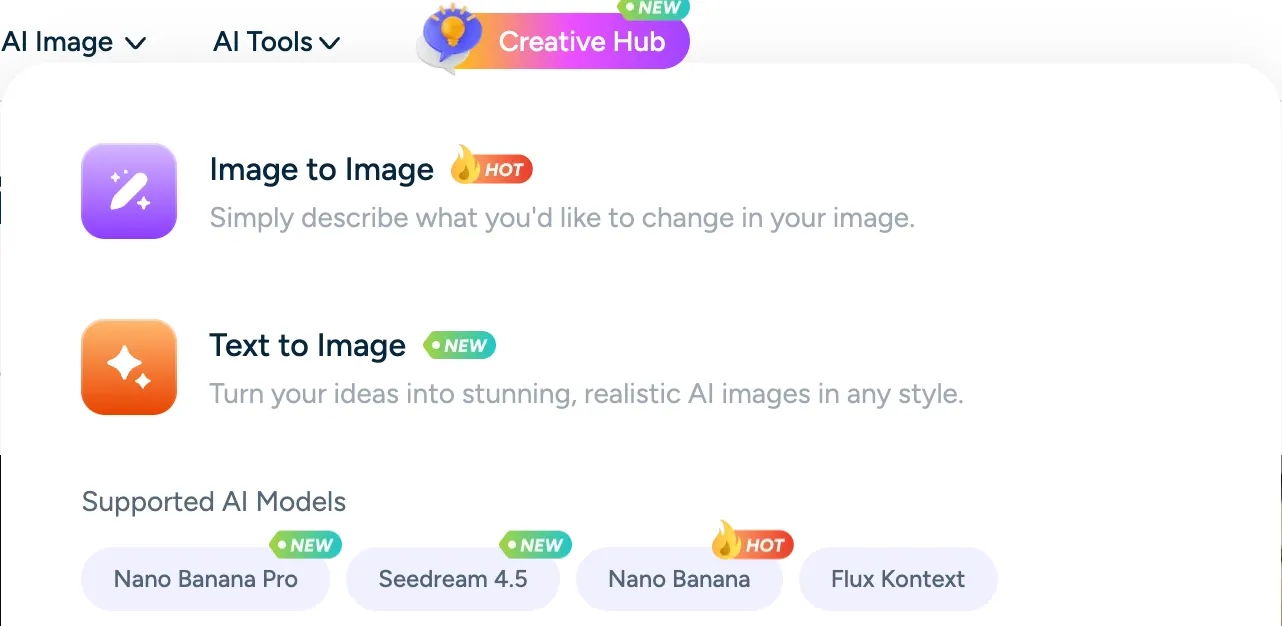
Trending AI Model Access: Try popular models like Nano Banana and Seedream for different visual styles.
AI Tools for Artists & Game Creators: Turn rough ideas into characters, scenes, and game visuals.
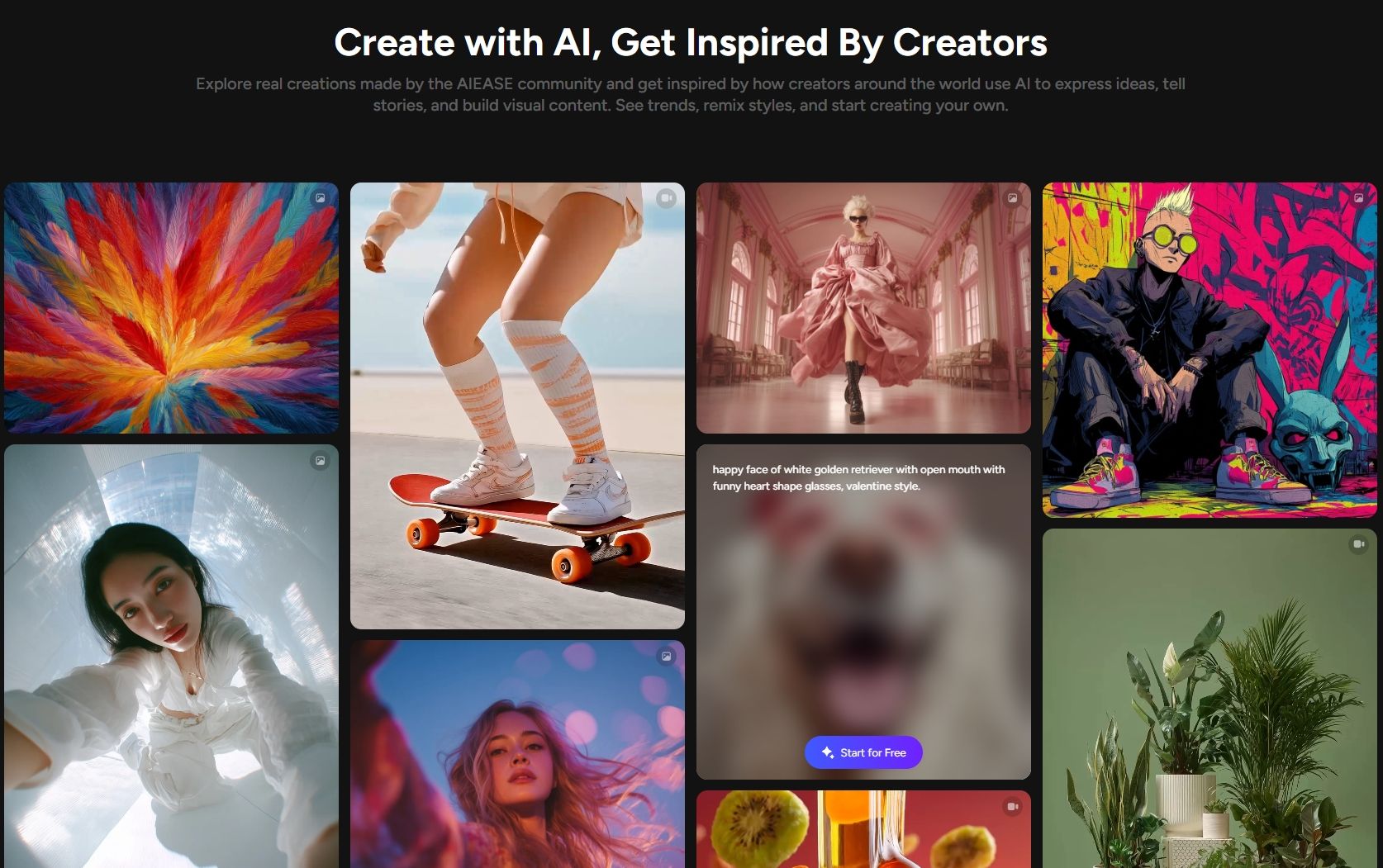
Creator Inspiration Gallery: View AI-generated works for visual reference and style ideas.
These tools are suitable for social media images, marketing visuals, profile photos, and personal projects where cleaner, more polished images are needed with minimal manual editing.
AI Portrait Transformation
AIEASE includes portrait-focused tools that adjust hairstyles, clothing, facial styles, and visual filters to create different versions of the same portrait.
These features fit profile pictures, styled social content, creative portraits, and character-inspired visuals where users need quick variations without advanced editing skills.
Smart Image Expansion & Replacement
AIEASE supports image expansion and object replacement, allowing existing photos to be extended beyond the original frame or adjusted with new visual elements.
This feature is useful for improving composition, adapting images to different formats, or correcting visual details while keeping lighting, perspective, and scene context more consistent.
When image expansion or object replacement solves only one part of the image, the bigger challenge is keeping the final visual cohesive enough for real content use.
Pollo AI photo editor is stronger for that next step because its prompt-based editing can refine the image’s background, lighting, style, and overall finish, while also keeping edits consistent across try-on product visuals, ads, and branded visuals.
Trending AI Model Access
AIEASE gives users access to trending AI image models such as Nano Banana and Seedream, helping them generate visuals with different styles and creative directions.
This model access is useful for content creators, marketers, and social media users who need to compare visual outputs, test concepts, or create style variations for different content needs.
AI Tools for Artists & Game Creators
AIEASE offers creative tools for illustrators, concept artists, and game designers who need to develop visual ideas during early-stage production.
These tools can support character sheets, NPC portraits, fantasy environments, game maps, and scene concepts, making them useful for exploring styles and building visual worlds more efficiently.
Creator Inspiration Gallery
AIEASE includes a creator gallery that presents AI-generated images across portraits, artistic styles, fantasy visuals, and other creative directions.
The gallery works as a reference space for designers, creators, and hobbyists who want to understand possible visual styles before developing their own image concepts.
Curious about more AIEASE features? Check out this review.
How AIEASE Is Used in Real Scenarios
E-commerce sellers: Clean up product photos and create sharper listing images.
Marketers & content creators: Produce visuals quickly for campaigns and social posts.
Photographers & designers: Streamline editing and creative workflows.
Educators & event planners: Generate visuals for teaching materials, invitations, and themed graphics.
Pros & Cons of AIEASE AI
Pros
Cons
Fast, beginner-friendly editing workflow
Limited advanced controls for detailed editing
Wide range of practical AI photo tools
Results can look over-stylized in some cases
Helpful templates for headshots and product photos
Fine details like hair or expressions may be inconsistent
Free tier available for casual users
Output quality may vary for complex edits
AIEASE Product Positioning
AIEASE is positioned as a task-led AI photo editor rather than a model-heavy art platform. Its strongest use case is fast image correction: remove distractions, improve clarity, change a background, restore a photo, or prepare a cleaner portrait.
This makes AIEASE different from community-driven platforms like SeaArt or design-suite tools like Fotor. AIEASE focuses on practical photo utility, with guided tools that make common edits easier for beginners.
Its business model combines free basic access with paid plans and credit-based usage. AIEASE's pricing page says basic features are available for free, while premium plans unlock a more enhanced experience. It also notes that purchased credits are valid for one year and that refunds are not offered.
AIEASE Reviews: What Users Actually Say
AIEASE has a clearer public review profile than many small AI photo tools. On Trustpilot, it has a 3.8 score from 33 reviews, with users often praising its speed, object/background removal, support responsiveness, and beginner-friendly interface.
The negative reviews point to several practical concerns. Some users say full-resolution or watermark-free exports require subscriptions, while others mention vanished credits, usage limits, abrupt paywalls, weak headshot results, or outputs that do not fully follow prompts.
How Pollo AI Addresses These AIEASE Limitations
These reviews suggest that AIEASE is convenient for quick edits, but users may run into friction when they need cleaner exports, steadier results, or more control over the final image.
Pollo AI addresses this with a more connected image workflow, where users can generate, edit, refine, and polish visuals without constantly restarting from scratch.
Pollo AI image generator gives them a stronger starting point when a result needs to be rebuilt. This makes Pollo AI a more reliable fit for creators who want usable, finished visuals rather than quick edits that still need extra correction.
I’ve been using Pollo AI mainly for short videos and quick image-to-video tests. The interface is straightforward and it works well even with simple prompts, which is a big plus compared to tools that need long, complicated instructions. The results can be really impressive, and it’s honestly been fun to experiment with. I’d love a bit more consistency on faces when there’s movement, but overall it’s been a solid experience for what I needed.
Awesome website. loads of options and a great way to learn how to work with 'AI' my reasoning for 5 stars is based upon price, versatility and ease of use. Also I would like to add, Pollo AI runs a lot of promos on different AI products as well. I rate their customer service at 5 stars, when I purchased my first subscription my computer crashed the following weekend and I lost all my data and info passwords you name it I lost it, contacted pollo by email they responded quickly and found my info/username and account, and I was able to restore my account.
I have been using Pollo AI for short videos. It is easy to use and works well with simple prompts. Other generators seem to need long drawn out complicated explanations to get even close to what I want.
i tried 220 online img to vid in 2 months, and this is the best online video.I will subscribe for a year; there are many reasons. But freedom is the most important.
Discover Other Powerful AI Image Generators on Pollo AI
AIEASE is an AI image platform focused on practical photo tools. It offers features like photo enhancement, background and object removal, portrait transformations, and other AI utilities that help users quickly improve or transform everyday images.
Is AIEASE good for product photos?
Yes. AIEASE can help sellers remove backgrounds, clean product images, replace scenes, and improve listing photos. For more complete commercial image creation, Pollo AI’s product photo and image editing tools may be a stronger fit.
What types of images can I create with AIEASE?
You can create portraits, social media visuals, product images, stylized artwork, and enhanced photos using its AI tools.
Is AIEASE suitable for beginners?
Yes. Its simple interface and ready-to-use tools make it easy for beginners to enhance and transform images quickly.
Who is AIEASE best suited for?
AIEASE works well for content creators, designers, marketers, and anyone who wants quick AI tools to improve or create images.
Begin Creating with Pollo AI Now!
Create cleaner, sharper, and more flexible visuals without jumping between separate photo tools.








 Liz Cassidy


