Fotor AI is an AI image generator built for casual creators and small teams. Its strength lies in template-assisted generation that lowers the barrier for non-designers to produce images quickly. For creators who need deeper image model variety, commercial-grade output quality, and a full creative suite that extends from ideas to visuals – Pollo AI delivers a far more comprehensive solution.Try Pollo AI Image Generator For Free Now!
Text to Image
Image to Image
Pollo Recast
Recreate viral videos. Remix new versions.
Pollo Agent x Gemini 4 Argon
Smarter reasoning. All through Pollo Agent.
Pollo Recast Challenge
One upload in. Your viral video out. Unlimited rewards await.
WIN iPHONE DUO
Capture a city in one minute. Join the challenge now.
Pollo MCP
End-to-end content creation. Up to 4 Videos/ 20 Images for FREE.
Get Unlimited GPT Image 2.5
Faster. Sharper. Smarter. Go Unlimited with Ultra.
Unlock Unlimited MiniMax H3
Omni-Reference. Unlimited with Ultra.
Get Unlimited Wan 3.0
Native 30-second videos. Richer reference inputs.
Key Features of Fotor AI
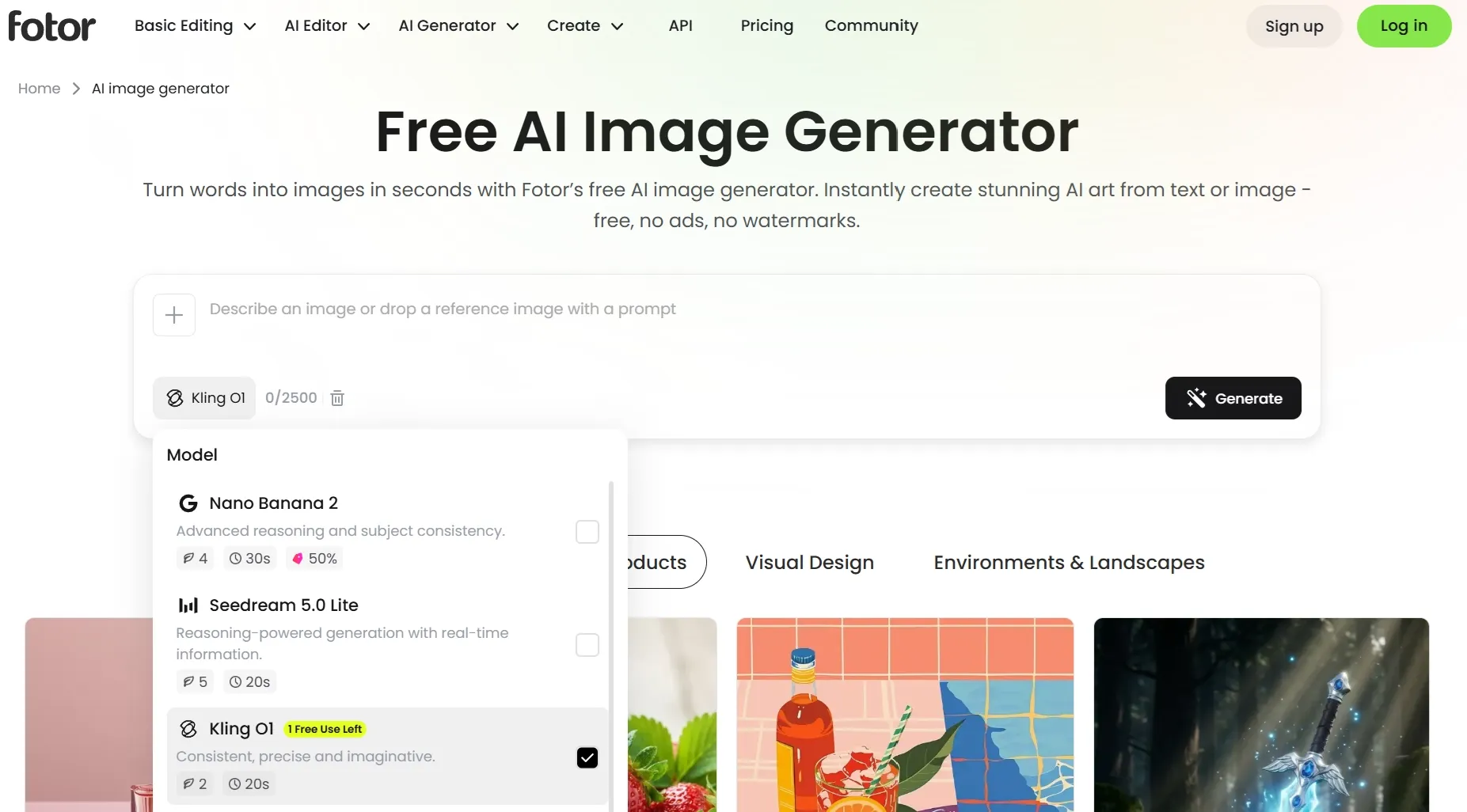
Multiple AI Image Models: Access several top AI image models like Nano Banana, Qwen, Seedream, etc
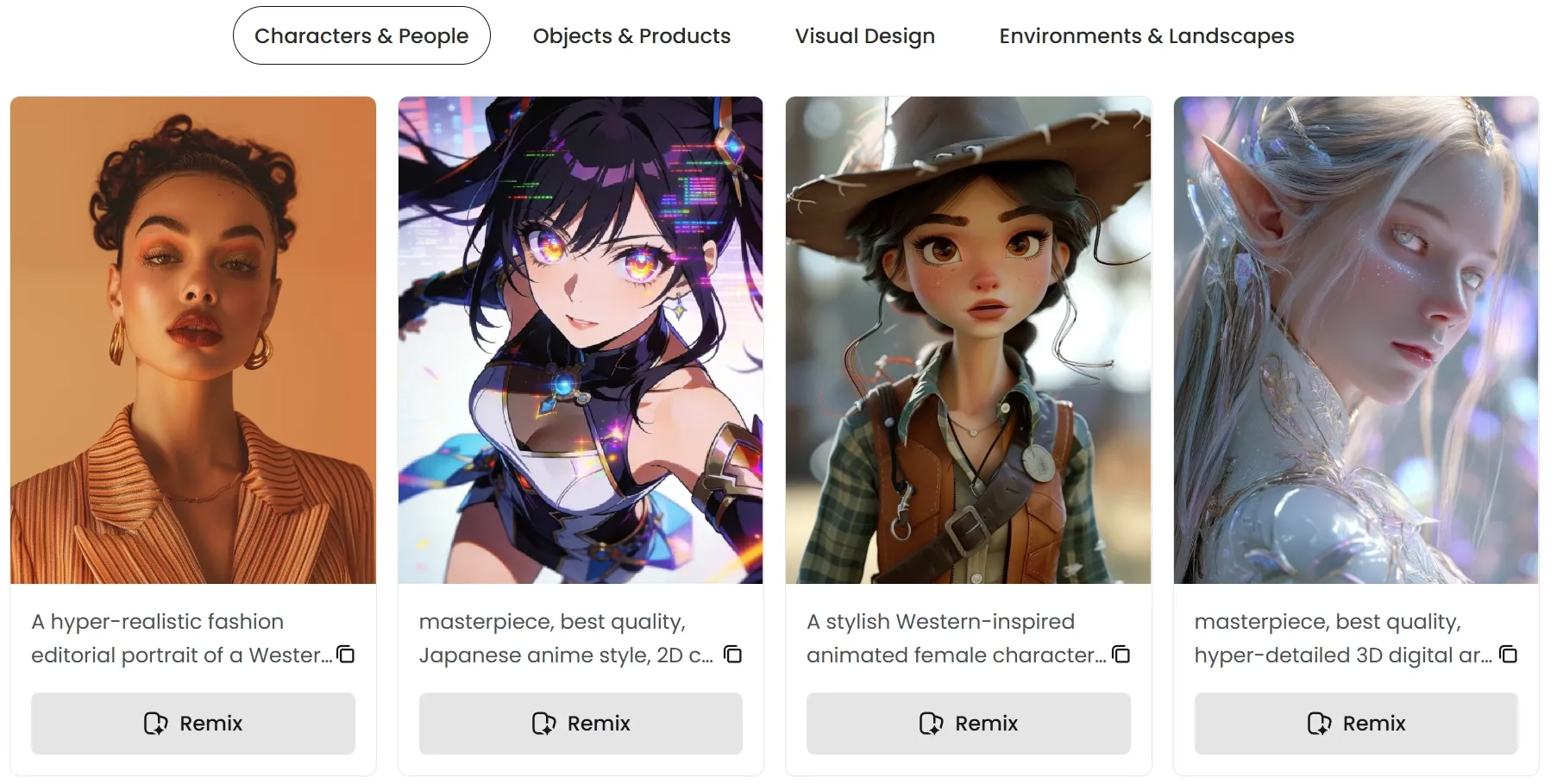
Wide Selection of Styles: Generate images across various art styles like anime, oil painting, photorealism, etc
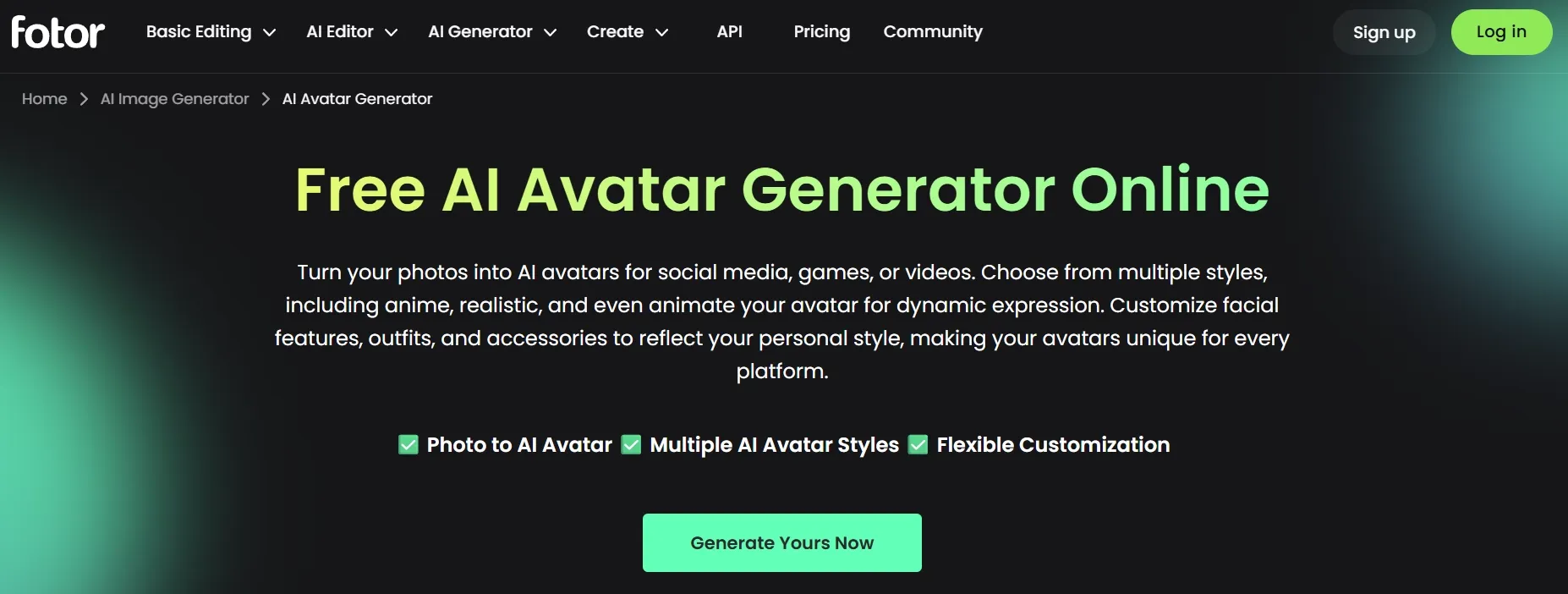
Personalized AI Avatars: Create professional and stylized avatars or headshots from existing images
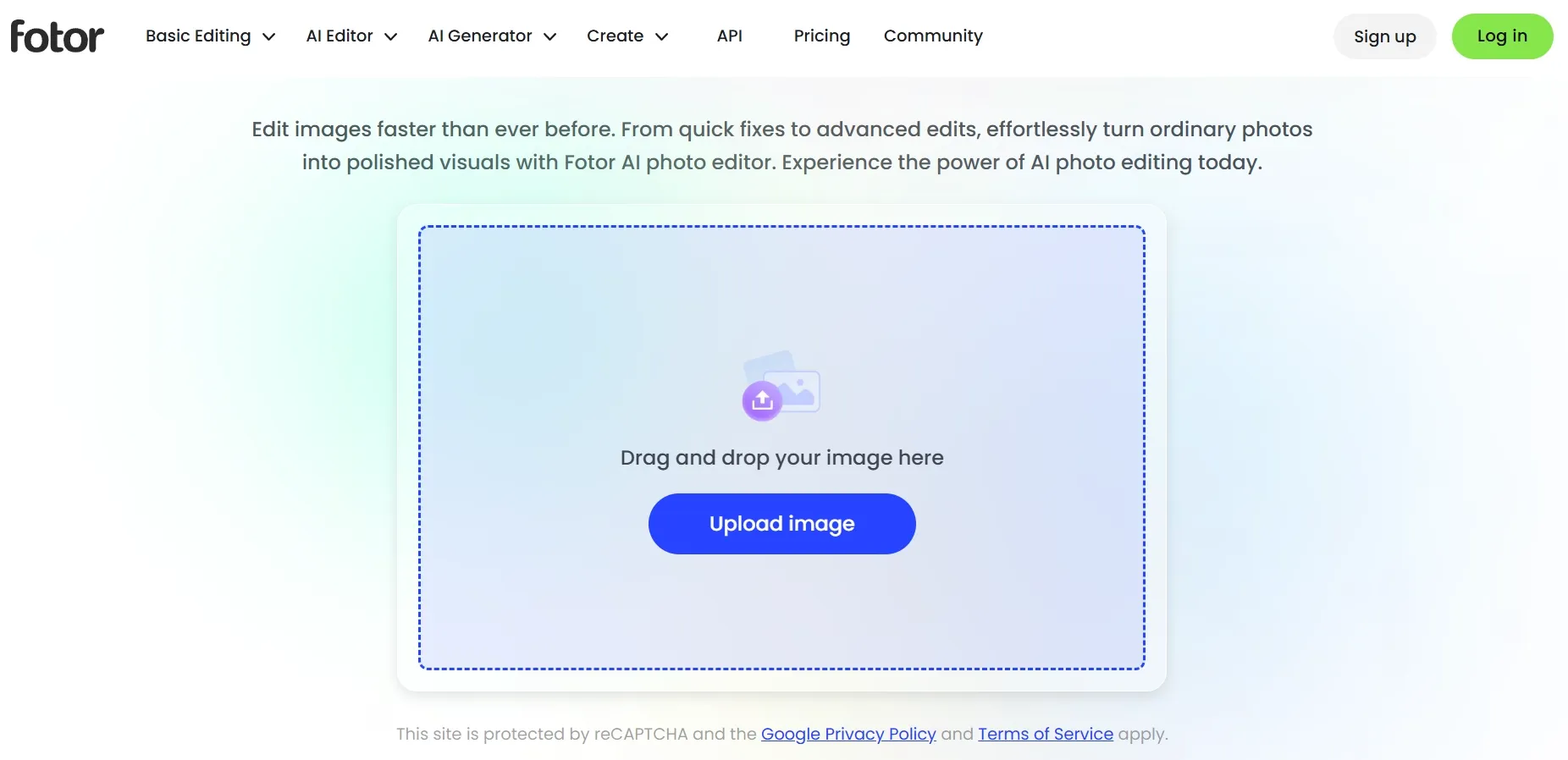
Prompt-Based AI Image Editing: Upload images and make instant changes via simple text prompts
Multiple AI Image Models
Fotor AI is integrated with industry-leading AI image models, enabling users to tailor their generation based on specific needs, be it realism, creativity, prompt adherence, etc. Some of these include Nano Banana, Seedream, and several others, all of which encourage seamless visual experimentation and iteration.
Wide Selection of Art Styles
Fotor AI lets users generate high-resolution images across a diverse range of art styles that include photorealism, oil painting, cartoon, sketch art, 3D art, anime, fantasy, and more. Simply mention the desired aesthetic in your text prompt, and the AI will render a stylized image representation with captivating detail.
Personalized AI Avatars
With Fotor AI, users can transform existing subject images into professional-looking headshots or realistic AI avatars across a wide range of styles like anime, cartoon, 3D, etc. This eliminates the need for scheduling traditional studio-shoots, allowing anyone to create the ideal portrait picture, be it for personal or business use.
Prompt-Based AI Photo Editing
Fotor AI allows users to modify and refine their images by describing the desired changes using simple text commands. Because of this, even amateurs with no technical skills can effortlessly add/remove/replace objects, change backgrounds, adjust style, upscale images, and more to produce polished images.
Social Media Content Creators: Rapidly generate eye-catching visuals for Instagram, Pinterest, and TikTok posts without any design background.
Small Business Owners & Marketers: Produce promotional banners, product mockups, and ad creatives on a tight budget and timeline.
Bloggers & Content Writers: Create custom featured images and article illustrations to complement written content.
E-commerce Sellers: Generate product lifestyle shots and styled backgrounds to enhance listings on platforms like Shopify or Etsy.
Students & Hobbyists: Experiment with AI art styles—anime, oil painting, photorealism—for personal projects or creative exploration.
HR & Corporate Teams: Create professional AI headshots and branded avatar images for team directories and LinkedIn profiles.
Graphic Design Beginners: Use Fotor AI's template-driven workflow as a starting point before investing in more advanced design tools.
What Real Users Say About Fotor AI
Fotor AI earns broadly positive marks for accessibility and ease of use. On G2, it holds a 4.2/5 rating across 340 reviews, with users consistently praising its intuitive interface and the speed at which even non-designers can produce polished outputs.
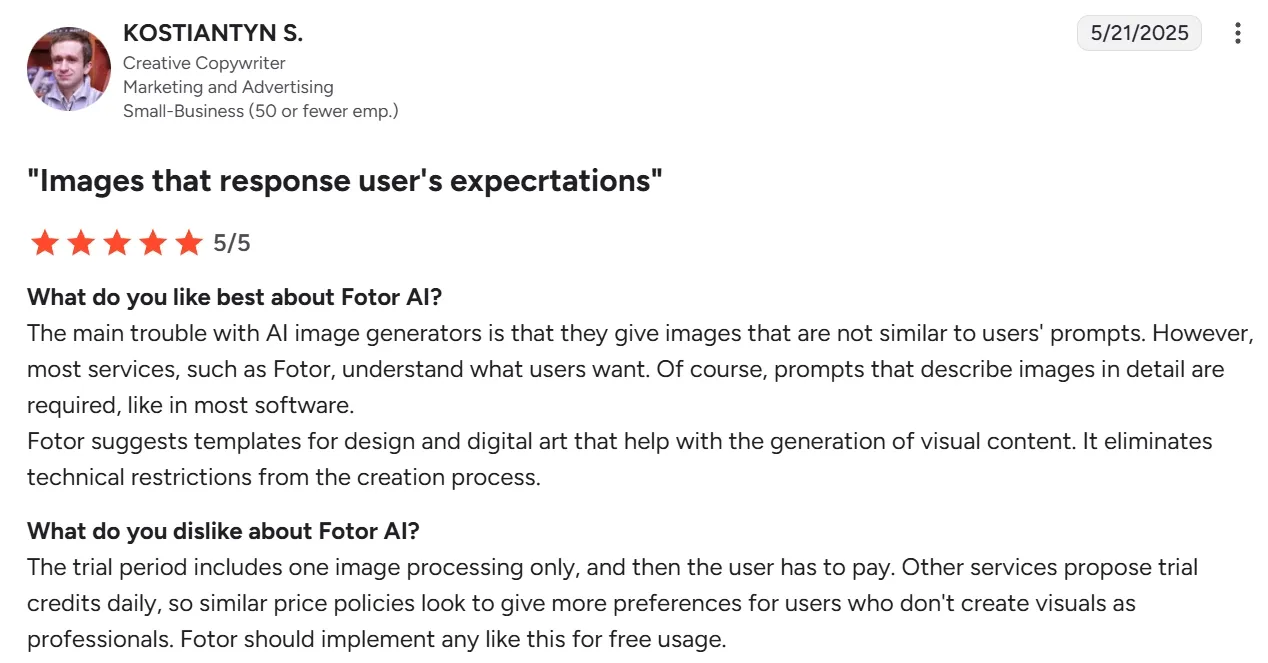
One verified G2 reviewer noted: "Fotor suggests templates for design and digital art that help with the generation of visual content. It eliminates technical restrictions from the creation process."
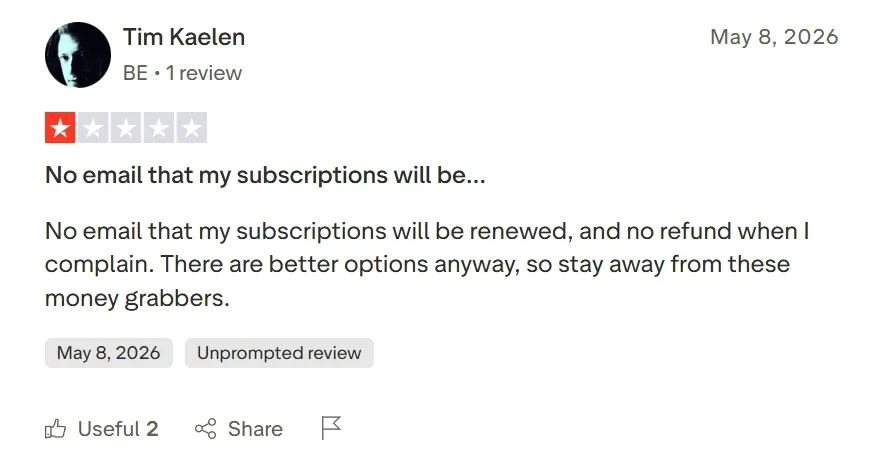
However, a significant number of users report that features are gated behind paid credits, even for subscribers. Multiple Trustpilot reviewers flag billing transparency issues, with one writing: "No email that my subscriptions will be renewed, and no refund when I complain."
On the creative side, several users note that prompt interpretation can be inconsistent, with the AI occasionally ignoring specific instructions or producing generic outputs that require multiple regenerations to refine.
Pollo AI addresses these exact friction points. Unlike Fotor AI's credit-heavy paywall model, Pollo AI offers a transparent free tier with access to multiple top-tier image models, including Nano Banana 2 and Seedream 5.0 Lite, in a single workspace.
This multi-model ecosystem heavily reinforces Pollo AI’s prompt adherence: users can switch between GPT Image 2 for precise, text-heavy compositions and Nano Banana 2 for cinematic photorealism, ensuring the right model is always matched to the right task.
Beyond its advanced text to image and image to image capabilities, Pollo AI serves as a comprehensive powerhouse for advanced image editing and special effects, eliminating the need to pay for secondary software.
For creators looking to transcend reality, Pollo AI features industry-leading dynamic effects, allowing users to effortlessly transform standard portraits into stylized anime, cyberpunk, or convert static images into stylized art with a single click.
By combining precise image generation with an extensive suite of creative special effects, Pollo AI eliminates the frustration of paywalled adjustments and inconsistent outputs, providing a fluid, end-to-end design experience for creators of all levels.
Clear free tier + paid plans; no surprise credit gates
Free (self-hosted) or paid via third-party platforms
Best For
Casual creators, quick everyday images
Creators, marketers, and brands needing commercial-grade image + video output
Developers and advanced users comfortable with technical setup
Beyond the Basics: Why Pollo AI Outperforms Fotor AI?
Fotor AI is an entry point for people exploring AI image generation. But for creators, marketers, and brands who need more than a quick image fix, its limitations become apparent: a restricted model selection, inconsistent prompt results, and features gated behind additional credit purchases.
Pollo AI is built for a different standard. As an all-in-one AI image and video creation platform, it integrates over 13 leading image models, including GPT Image 2, Nano Banana 2, Recraft, and Ideogram. Users are never locked into a single model's weaknesses.
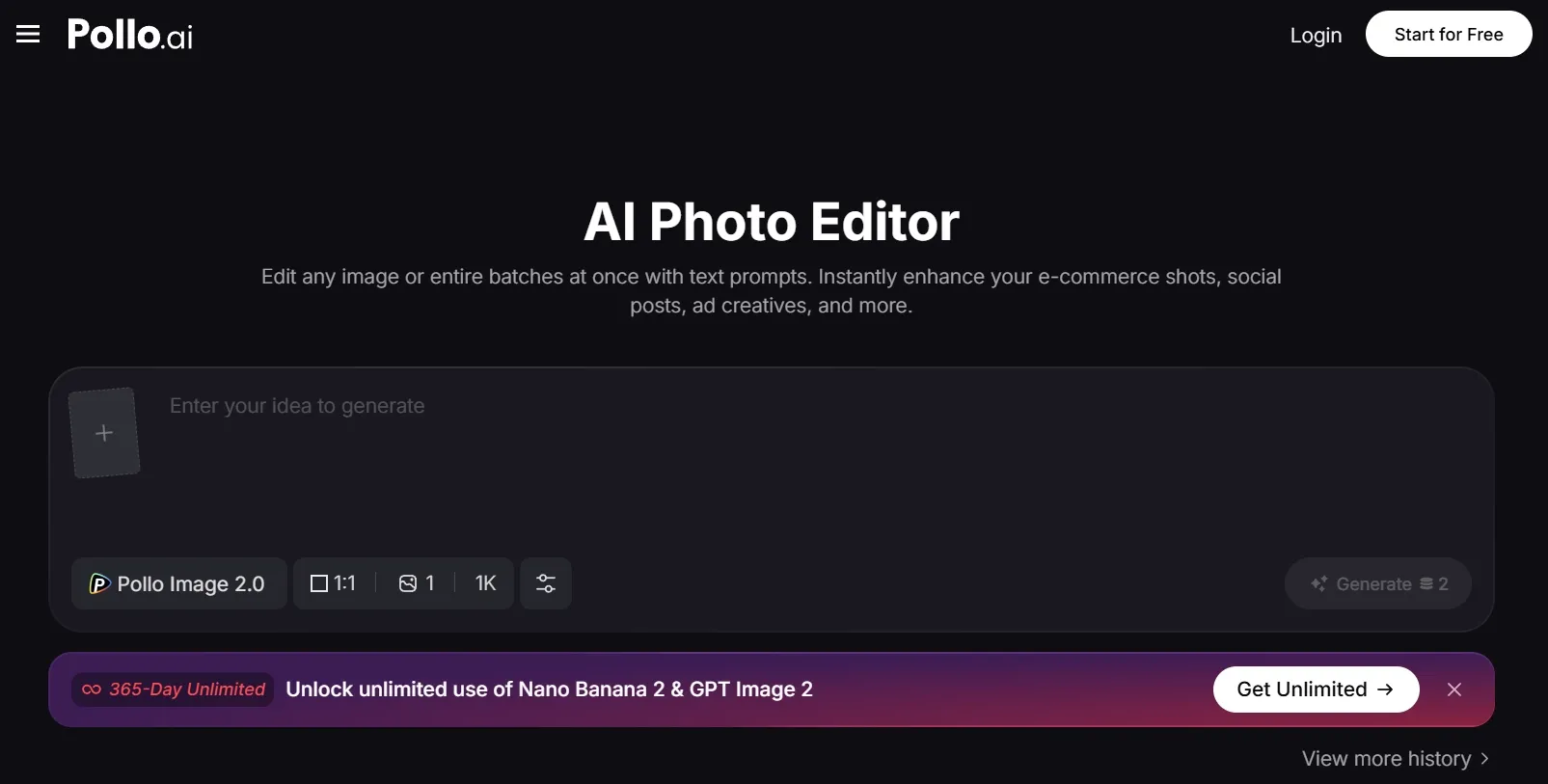
The AI photo editor goes far beyond basic prompt editing, supporting relighting, angle adjustment, object removal, and style transfer in one unified workspace.
Pollo AI also offers 100+ specialized image generators purpose-built for specific scenarios—from cartoon characters to product photos – giving every type of creator a dedicated starting point.
Pollo AI's creative suite extends seamlessly into video: the Pollo Agent generates complete, publication-ready videos from a single idea—no timeline editing, no manual stitching, no post-production required. For anyone who has hit Fotor's ceiling and is ready for a platform that grows with their ambitions, Pollo AI is the logical next step.
Why Pollo AI Stands Out as the Better AI Image Generator
I’ve been using Pollo AI mainly for short videos and quick image-to-video tests. The interface is straightforward and it works well even with simple prompts, which is a big plus compared to tools that need long, complicated instructions. The results can be really impressive, and it’s honestly been fun to experiment with. I’d love a bit more consistency on faces when there’s movement, but overall it’s been a solid experience for what I needed.
Awesome website. loads of options and a great way to learn how to work with 'AI' my reasoning for 5 stars is based upon price, versatility and ease of use. Also I would like to add, Pollo AI runs a lot of promos on different AI products as well. I rate their customer service at 5 stars, when I purchased my first subscription my computer crashed the following weekend and I lost all my data and info passwords you name it I lost it, contacted pollo by email they responded quickly and found my info/username and account, and I was able to restore my account.
I have been using Pollo AI for short videos. It is easy to use and works well with simple prompts. Other generators seem to need long drawn out complicated explanations to get even close to what I want.
i tried 220 online img to vid in 2 months, and this is the best online video.I will subscribe for a year; there are many reasons. But freedom is the most important.
Fotor AI is an AI image generator that lets you create and edit lifelike or artistic imagery using simple text and image prompts. Whether you’re an artist, brand, graphic designer, illustrator, marketer, or hobbyist, it caters to anyone looking bring their visual ideas to life in seconds.
Why choose Fotor AI to create images?
Fotor AI offers users the ideal balance between speed, ease of use, and high-res image generation across various styles. This makes it an effective solution for non-designers looking to swiftly test and iterate ideas on the fly for any use case, be it logos, character art, tattoos, product images, etc.
What image styles does Fotor AI best excel at?
Fotor AI supports a diverse range of art styles, producing high-quality outputs each time. However, it particularly excels at rendering photorealistic imagery, making it well-suited for creating social posts, product showcases, promotional ads, fashion imagery, portraits, etc.
How many images can I generate at once with Fotor AI?
Fotor AI can generate up to 4 images per prompt, allowing you to create multiple variations of an idea and choose the best one that matches your vision. This also caters well to content creators, brands, and marketers looking to scale their campaigns via batch image creation.
Does Fotor AI interpret text prompts with good precision?
Yes. However, the accuracy of the image render will ultimately depend on the type of prompt you input. To get the exact results you want, you should always be as specific as possible by including aspects like character look, subject pose, camera angle, lighting, art style, mood, etc.
Create Multi-style Visuals Instantly with Pollo AI
Enjoy a smoother path from inspiration to usable, compelling content with Pollo AI today!






 Liz Cassidy


